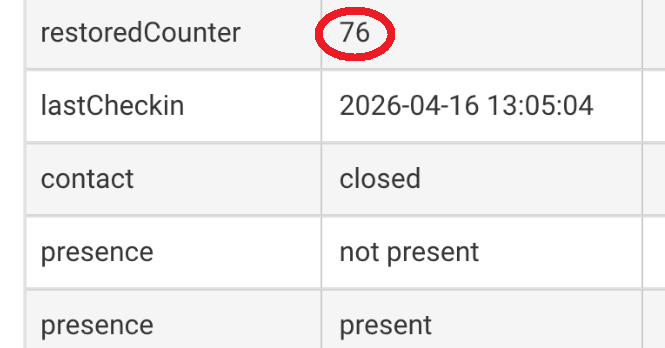
Hello! I am using Zigbee - Sonoff Contact sensor driver for a contact sensor.
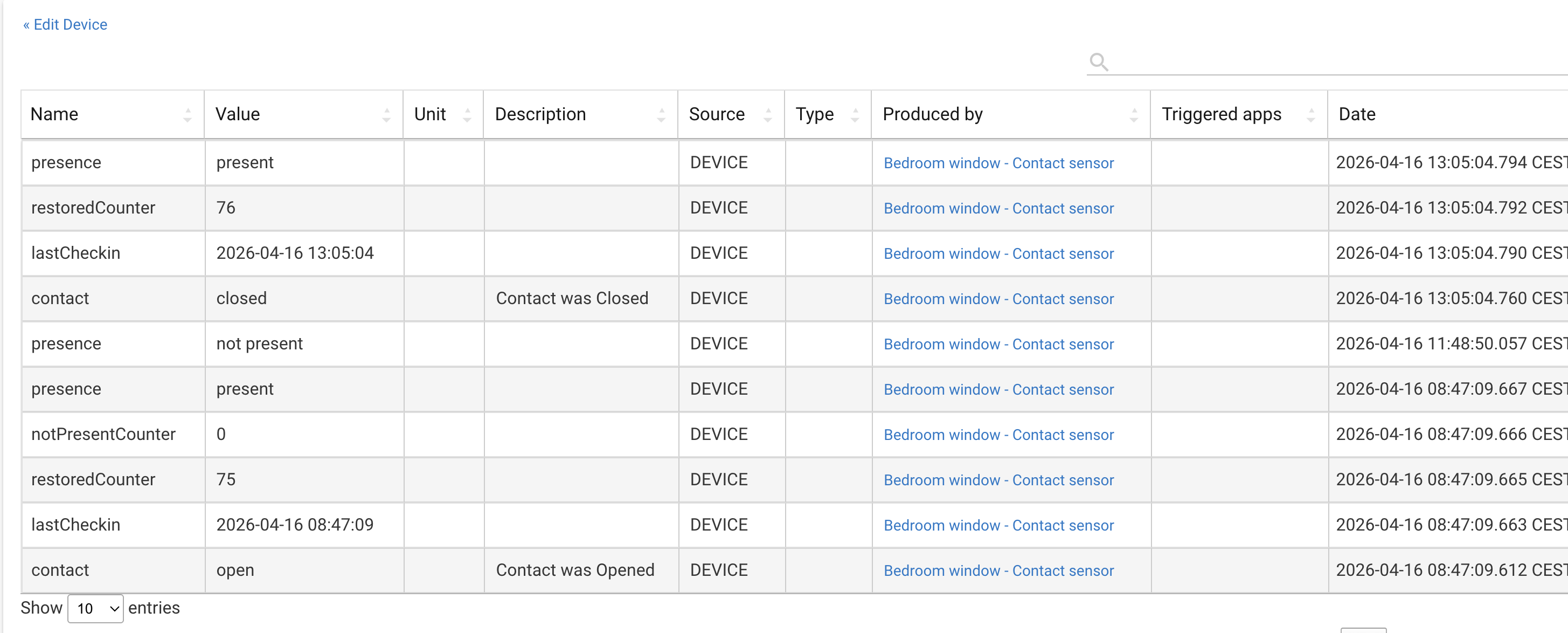
My question is: what does the present /not present event means in a contact sensor? I noticed that is not always related to the window in question being open or closed.
Can you provide the exact name of the driver your using (from the device's "Type" field)?
I don't ever recall seeing those options with the native/stock zigbee contact-sensor drivers.
Were you using a different (community-developed) driver for this device at some point before using the native driver?
If so, then I suspect that's an artifact left over that other driver, since present/not was used a long time ago as a form of a device-level health-check by some community developers.
That is what I was thinking too. The remedy is to change to the generic "Device" driver and delete all attribute states, then switch back to the contact sensor driver and configure.
Sorry guys, I had informed the wrong driver's name. It is corrected now. (Sonoff Zigbee contact sensor driver.
It seems to me that the driver changes the presence state after some time the device hasn't responded. Which can be useful, but since it is battery powered, I am not sure how useful it is. Even when it was marking my device as not present, its contact state changed when I closed the window (and then its presence also got updated).
I think the staff and most developers would say that this isn’t the intended use of the presence capability, but it’s something that some developers chose to do as a means of displaying a “heartbeat” from a device.
Is there something you desire missing in the native/stock driver? I just use that for my zigbee contact sensors.
Any time you switch drivers, it's a good idea to first switch to (plain) "Device" and then use its various options to clear out all current states, scheduled jobs, etc. Then when you switch to the desired final driver, it'll be working from a totally clean slate.
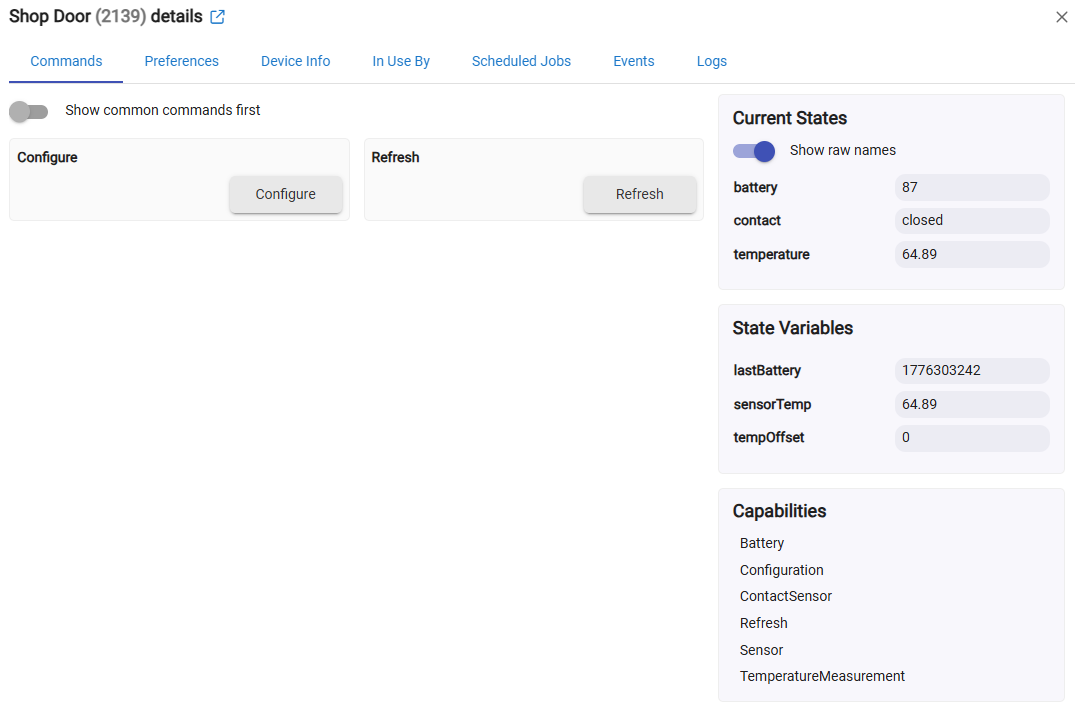
 ) of the old not-presence drivers have been updated to Health Status and can be found here: