### What happened?
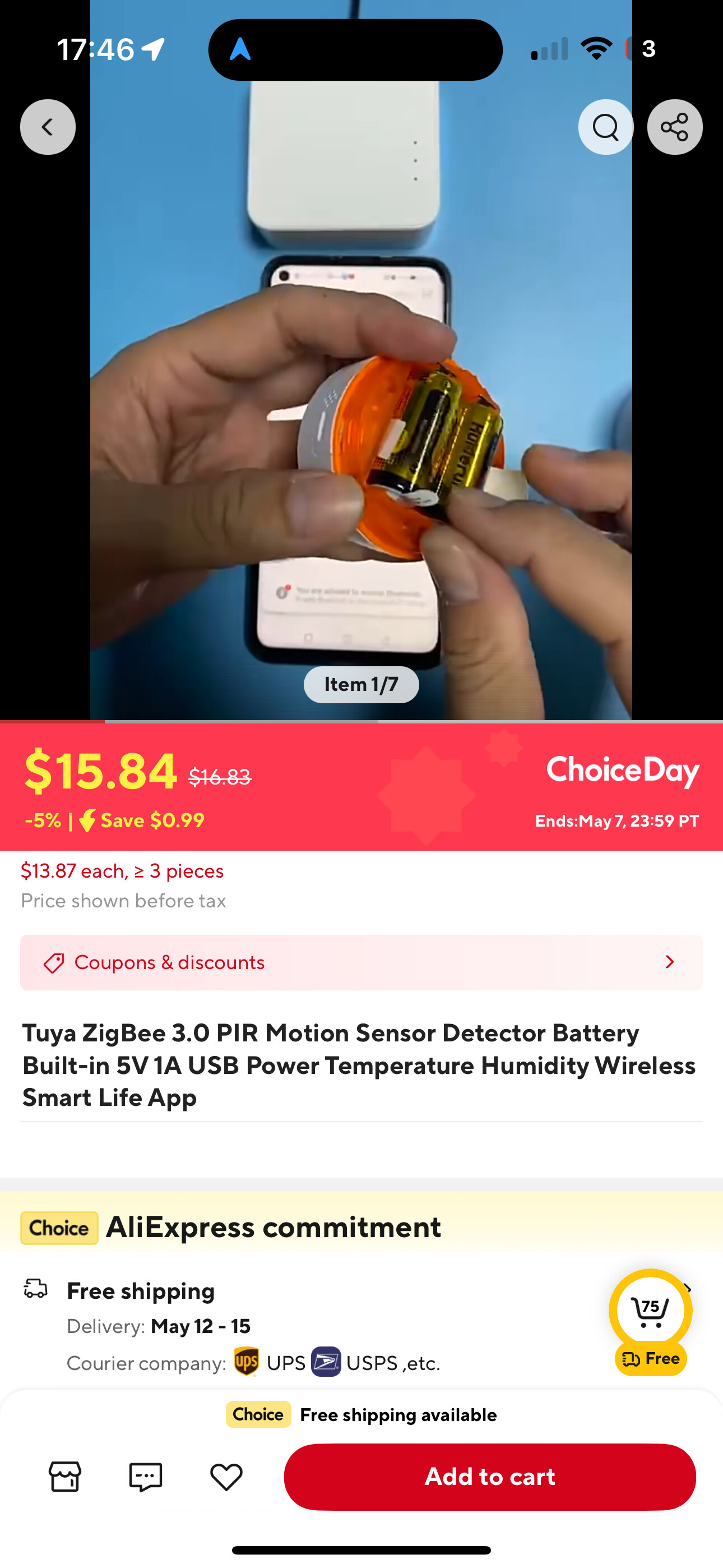
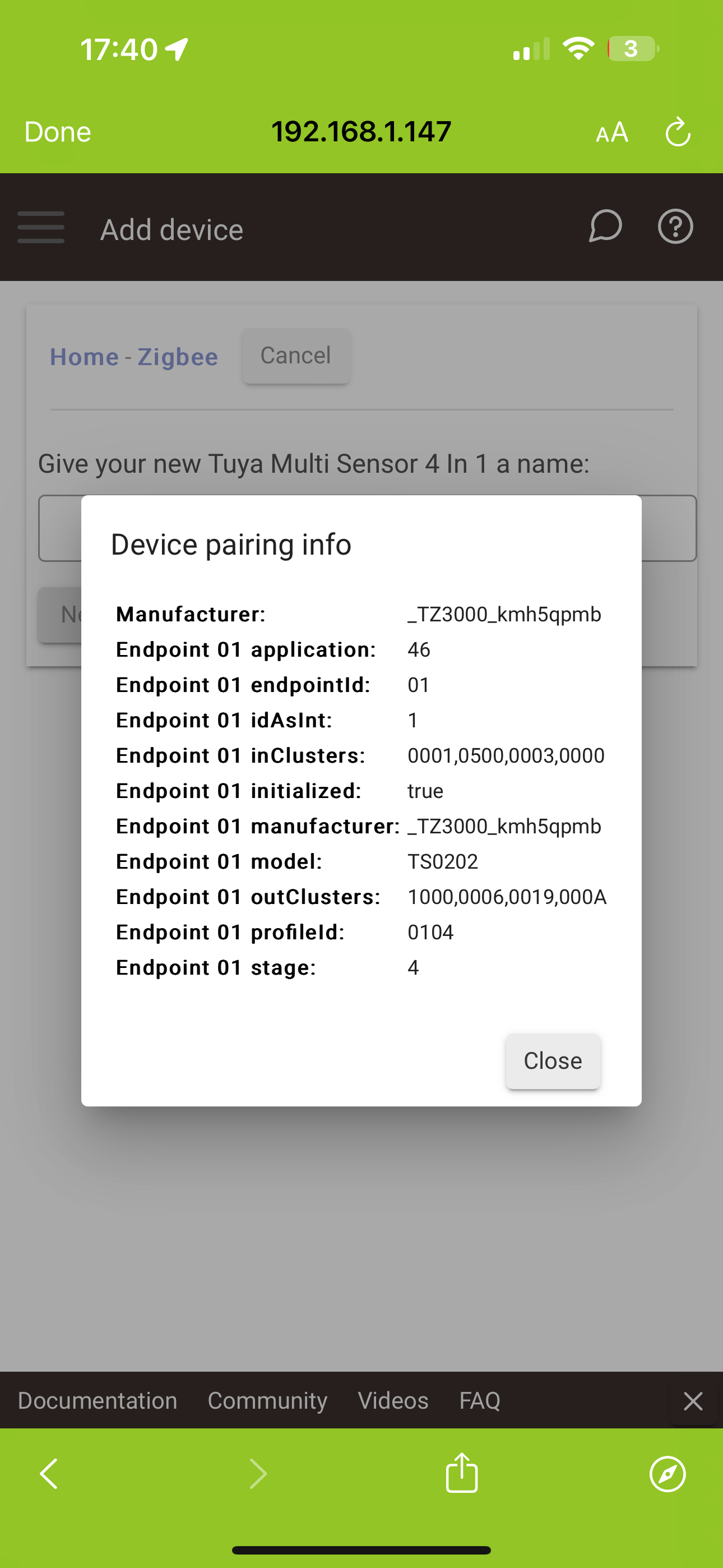
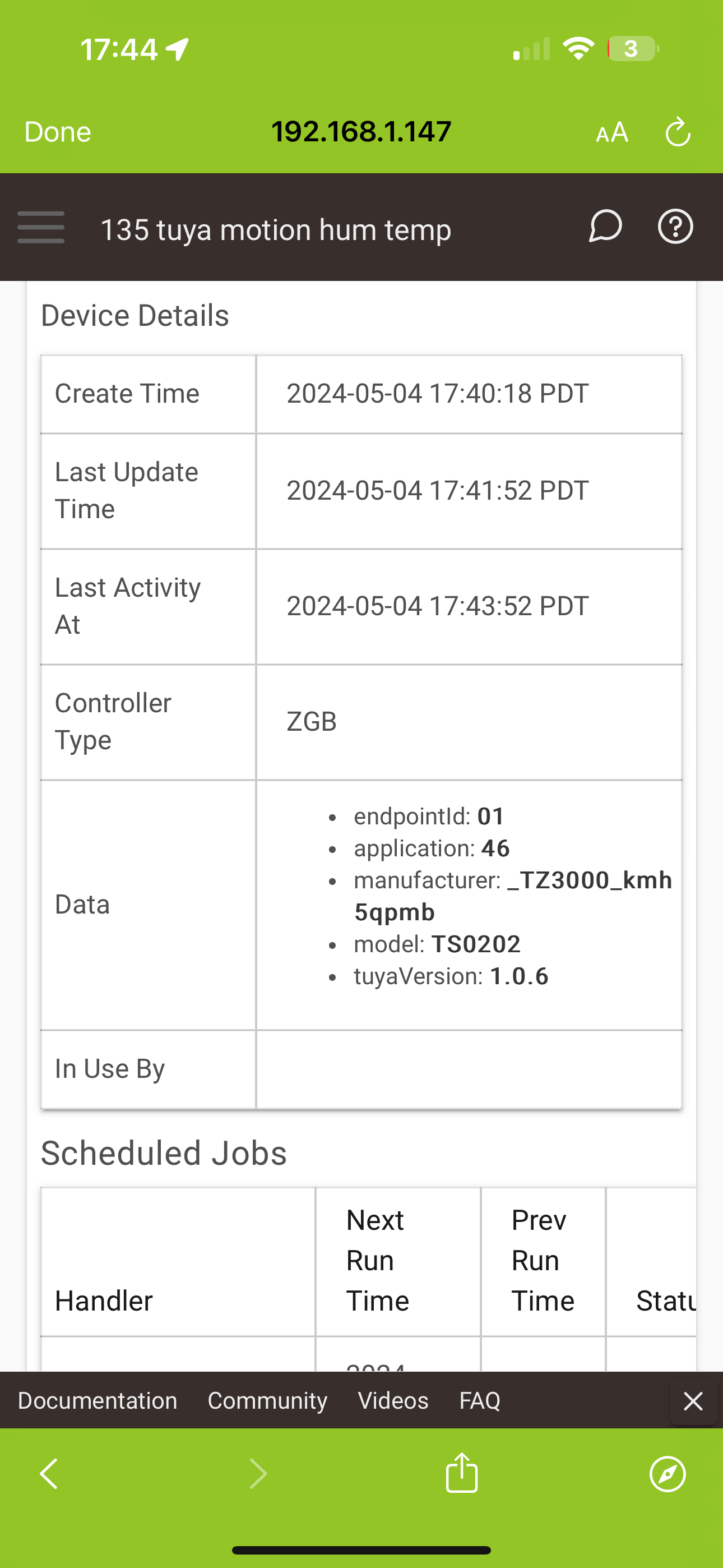
I just received 5pcs of [Neo NAS-PD07](https://www.zigbee2mq…tt.io/devices/NAS-PD07.html) motion,humidity and temperature sensors, but for some reason Z2M recognizes them as [TuYa TS2020](https://www.zigbee2mqtt.io/devices/TS0202.html) motion sensors (and thus I get no temp and humidity, and seems that the tampering might not work correctly when recognized as TS0202).
```
"manufName":"_TZ3000_kmh5qpmb"
"modelId":"TS0202"
```
I have never had any other device incorrectly recognized.
There is Neo NAS-PD07 recognized in the converters, (the last one in [neo.js](https://github.com/Koenkk/zigbee-herdsman-converters/blob/master/devices/neo.js), but the information to recognize the device is in the [tuya.js](https://github.com/Koenkk/zigbee-herdsman-converters/blob/master/devices/tuya.js) TS0202 section.
I updated Z2M today with the master branch 1.22.2 (before that it was not recognized at all).
The database.db shows these items as:
`{"id":10,"type":"EndDevice","ieeeAddr":"0xa4c138171e4fc6a2","nwkAddr":53374,"manufId":4417,"manufName":"_TZ3000_kmh5qpmb","powerSource":"Battery","modelId":"TS0202","epList":[1],"endpoints":{"1":{"profId":260,"epId":1,"devId":1026,"inClusterList":[1,1280,3,0],"outClusterList":[4096,6,25,10],"clusters":{"genBasic":{"dir":{"value":1},"attributes":{"stackVersion":0,"dateCode":""}},"genPowerCfg":{"dir":{"value":1},"attributes":{}},"genIdentify":{"dir":{"value":1},"attributes":{}},"genOnOff":{"dir":{"value":2},"attributes":{}},"genTime":{"dir":{"value":2},"attributes":{}},"genOta":{"dir":{"value":2},"attributes":{}},"ssIasZone":{"dir":{"value":1},"attributes":{"61441":1,"iasCieAddr":"0x00124b00193685b6","zoneState":1,"currentZoneSensitivityLevel":1}},"lightLink":{"dir":{"value":2},"attributes":{}}},"binds":[],"configuredReportings":[],"meta":{}}},"appVersion":67,"stackVersion":0,"hwVersion":1,"dateCode":"","zclVersion":3,"interviewCompleted":true,"meta":{},"lastSeen":1642272145699}`
`{"id":11,"type":"EndDevice","ieeeAddr":"0xa4c138c80243f2d4","nwkAddr":31192,"manufId":4417,"manufName":"_TZ3000_kmh5qpmb","powerSource":"Battery","modelId":"TS0202","epList":[1],"endpoints":{"1":{"profId":260,"epId":1,"devId":1026,"inClusterList":[1,1280,3,0],"outClusterList":[4096,6,25,10],"clusters":{"genBasic":{"attributes":{"stackVersion":0,"dateCode":""}},"ssIasZone":{"attributes":{"61441":1,"iasCieAddr":"0x00124b00193685b6","zoneState":1,"currentZoneSensitivityLevel":1}}},"binds":[],"configuredReportings":[],"meta":{}}},"appVersion":67,"stackVersion":0,"hwVersion":1,"dateCode":"","zclVersion":3,"interviewCompleted":true,"meta":{},"lastSeen":1642281335212,"useImplicitCheckin":true}`
`{"id":12,"type":"EndDevice","ieeeAddr":"0xa4c1387ecc1522e9","nwkAddr":17418,"manufId":4417,"manufName":"_TZ3000_kmh5qpmb","powerSource":"Battery","modelId":"TS0202","epList":[1],"endpoints":{"1":{"profId":260,"epId":1,"devId":1026,"inClusterList":[1,1280,3,0],"outClusterList":[4096,6,25,10],"clusters":{"genBasic":{"attributes":{"modelId":"TS0202","manufacturerName":"_TZ3000_kmh5qpmb","powerSource":3,"zclVersion":3,"appVersion":67,"stackVersion":0,"hwVersion":1,"dateCode":""}},"ssIasZone":{"attributes":{"61441":1,"iasCieAddr":"0x00124b00193685b6","zoneState":1,"currentZoneSensitivityLevel":1}}},"binds":[],"configuredReportings":[],"meta":{}}},"appVersion":67,"stackVersion":0,"hwVersion":1,"dateCode":"","zclVersion":3,"interviewCompleted":true,"meta":{},"lastSeen":1642281492887,"useImplicitCheckin":true}`
`{"id":13,"type":"EndDevice","ieeeAddr":"0xa4c1389ab6f05762","nwkAddr":35207,"manufId":4417,"manufName":"_TZ3000_kmh5qpmb","powerSource":"Battery","modelId":"TS0202","epList":[1],"endpoints":{"1":{"profId":260,"epId":1,"devId":1026,"inClusterList":[1,1280,3,0],"outClusterList":[4096,6,25,10],"clusters":{"genBasic":{"attributes":{"modelId":"TS0202","manufacturerName":"_TZ3000_kmh5qpmb","powerSource":3,"zclVersion":3,"appVersion":67,"stackVersion":0,"hwVersion":1,"dateCode":""}},"ssIasZone":{"attributes":{"61441":1,"iasCieAddr":"0x00124b00193685b6","zoneState":1,"currentZoneSensitivityLevel":1}}},"binds":[],"configuredReportings":[],"meta":{}}},"appVersion":67,"stackVersion":0,"hwVersion":1,"dateCode":"","zclVersion":3,"interviewCompleted":true,"meta":{},"lastSeen":1642281584023,"useImplicitCheckin":true}`
`{"id":14,"type":"EndDevice","ieeeAddr":"0xa4c138073451c367","nwkAddr":20215,"manufId":4417,"manufName":"_TZ3000_kmh5qpmb","powerSource":"Battery","modelId":"TS0202","epList":[1],"endpoints":{"1":{"profId":260,"epId":1,"devId":1026,"inClusterList":[1,1280,3,0],"outClusterList":[4096,6,25,10],"clusters":{"genBasic":{"attributes":{"modelId":"TS0202","manufacturerName":"_TZ3000_kmh5qpmb","powerSource":3,"zclVersion":3,"appVersion":67,"stackVersion":0,"hwVersion":1,"dateCode":""}},"ssIasZone":{"attributes":{"iasCieAddr":"0x00124b00193685b6","zoneState":1}}},"binds":[],"configuredReportings":[],"meta":{}}},"appVersion":67,"stackVersion":0,"hwVersion":1,"dateCode":"","zclVersion":3,"interviewCompleted":true,"meta":{},"lastSeen":1642281650708,"useImplicitCheckin":true}`
### What did you expect to happen?
Them to be recognized as NAS-PD07 and have motion, temperature and humidity sensor data.
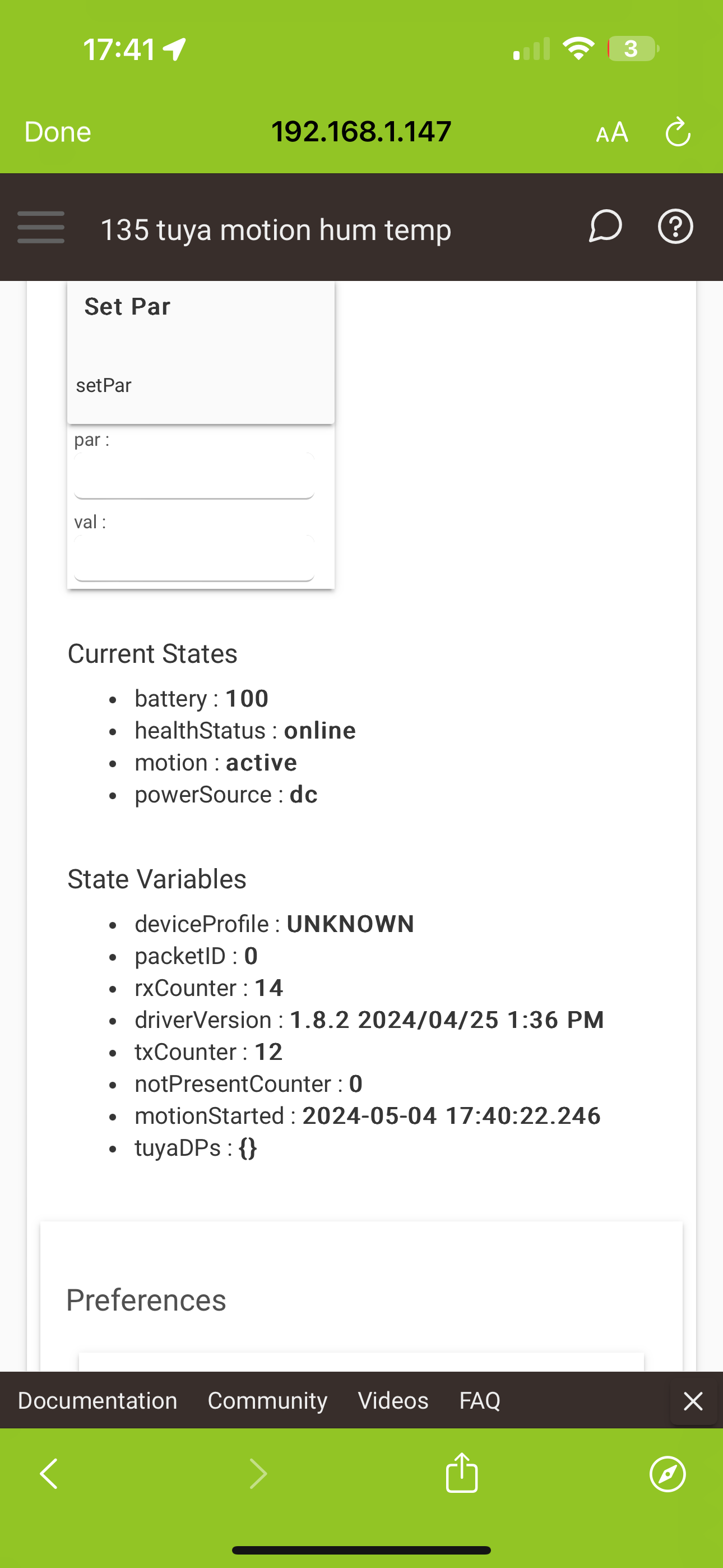
Now i apparently only get the motion data, and possibly tampering and battery level.
### How to reproduce it (minimal and precise)
After unboxing I set the zigbee2mqtt to allow join, plugged the sensors to usb power source and pressed reset button for 10s for each of the Neo NAS-PD07 sensors until they appeared in Homeassistant.
I have zigbee2mqtt running with Mosquitto on Raspberry PI 3.
HA is running in docker
(unfortunately I'm not able to flash the adapter FW version to the latest at the moment.)

.
### Zigbee2MQTT version
1.22.2
### Adapter firmware version
20181024
### Adapter
CC2351 stick
### Debug log
[log.txt](https://github.com/Koenkk/zigbee2mqtt/files/7875931/log.txt)