You can get the info on what is currently running from the attribute thermostatOperatingState. You will just need to write an app/piston/rule that subscribe to changes, then starts/stops a timer/counter to record the time that the attribute is NOT idle.
That is how I used to do it with my StarGate. Even though it was neat to get the running hours of the furnace it never lead to anything useful in my home. I tried and tried to find statistics on run hours vs. heat exchanger failure but never panned out because heat exchanger failures are contributed from many factors outside of run hours.
Ahhh! Stargate! Reminds me of my X10 days. I still think back on how much time and effort I spent programming that system. I still have my phase coupler connected to my electrical system (too lazy to remove it as it is in a nice enclosure next to my breaker box) and the Stargate cabinet still in my AV/Security room (with just the main CPU board disconnected but still in the cabinet). Have already gone through too many stages/redos/replacements of home automation systems. Sometimes, I wish that once I get everything working how I want it (with the functionality of an everyday regular appliance), I can just stop. Then, the next new bright shiny object/system catches my eye and I figure out an excuse for why I “need” this new system or capability. I wonder what is next on the evolutionary scale, LOL.
I looked through all of the Current States in Hubitat for my ecobee Thermostats and don't see any filter information. These would include: Date the Filter was last changed, Lifespan (i.e. # of hours you set until filter should be changed), Runtime of furnace (since last filter change), and how many hours (or date) until it the filter should be replaced (i.e. set number of hours - runtime).
I believe these all exist, as beestat displays them all, under Filter Info. Is there any chance these could be added to the Current States for the thermostats?
Yes, most of what you are asking for does exist in the API.
Unfortunately:
Getting at this data is very cumbersome, and it requires the collection of a large amount of data that changes very infrequently - there is no "this has been updated since XXXX" function for this data;
Users continually complain about the CPU, network and memory/state overhead of Ecobee Suite. Adding the collection and parsing of this data could significantly impact things for the worse - even if it were only collected on a selectable per-thermostat basis and on an infrequent schedule;
I have pretty much retired from working on new features for ES. I'm travelling more these days, and so I'm pretty much in the fix-it-if-broken/no-new-features mode with this code. In other words, Bug Fixes Only.
Unlike BeeStat (which is Patron-$upported), Ecobee Suite has been essentially an unfunded hobby for me - the occasional donations have never been enough to incent me to invest more time and effort into it.
Thanks for the explanation and I completely understand.
I wouldn't even be asking for this if ecobee would actually make their application function correctly. I have been asking them to fix filter alerts for 2 years (all the other email alerts work) and they have known about the bug for nearly 3! I thought I might be able to get around it if the data was exposed in ES.
Enjoy your travels and thanks again for all your hard work on this application!
I have been using the App for quite some time, appreciate all the time and effort involved. Understand no more customization coming, so trying to augment with RM for specific use cases (seasons).
I see the Global disable of helpers via a switch, but I don't want all shut off, just individual ones. I have yet to find how to use RM to pause one of the Helpers and enable another, not in std thermo commands or Custom Actions.
I can see it hit the logs when disabling, but it only states the Helper Child Smart Mode in this case, not the individual name of my specific instance.
Any assistance would be appreciated if this capability exists to manage individual helpers outside the app.
It is not possible to pause individual Helper Apps - only the parent application (Ecobee Suite Manager) has the ability to call entry points within an Application. This is a restriction imposed by the underlying Groovy platform...
@storageanarchy does this driver support the new features in the latest release of the Ecobee thermostats to include air quality sensor built in and other features? Thank you.
I have a separate hub for cloud devices and have not had any issues. But understand your position. Thanks for everything you’ve done with this driver, it’s awesome!
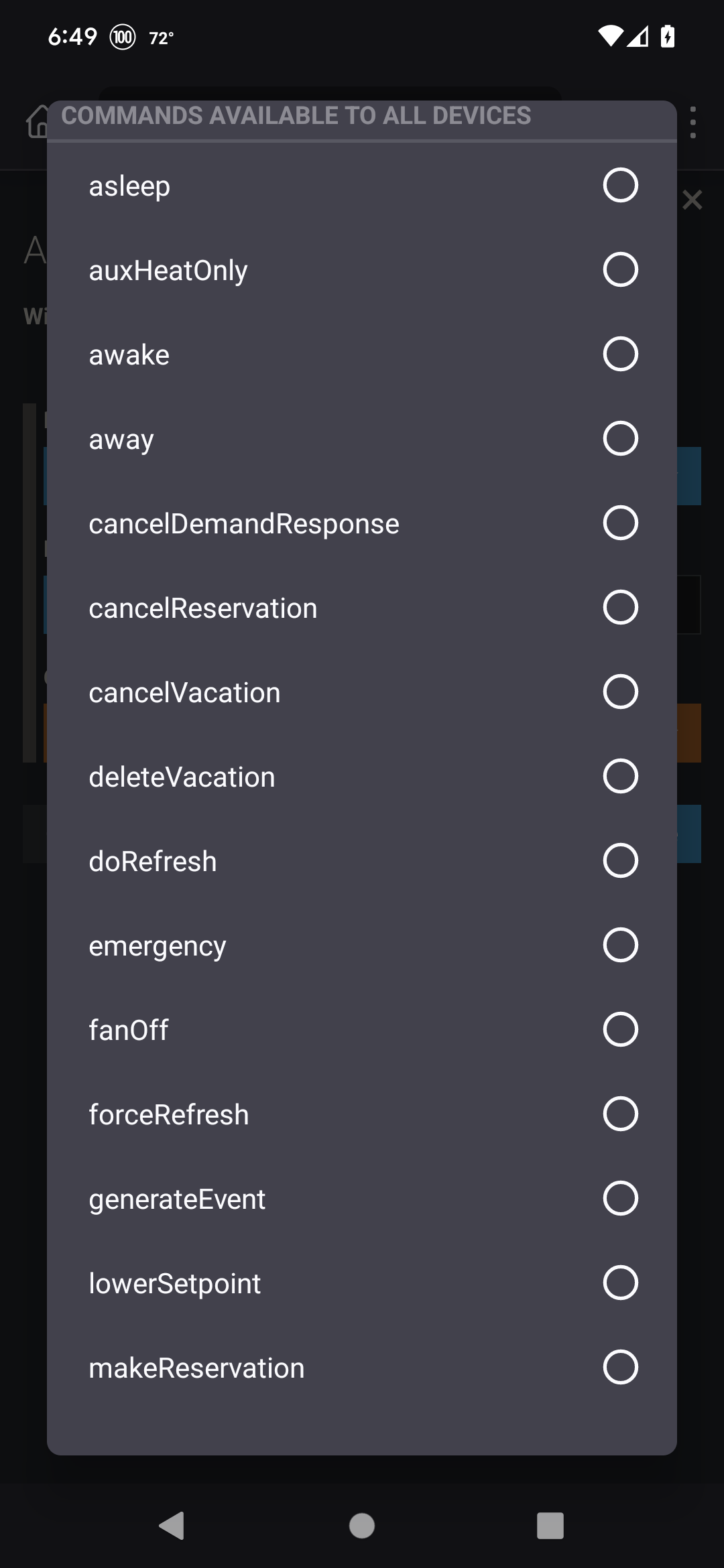
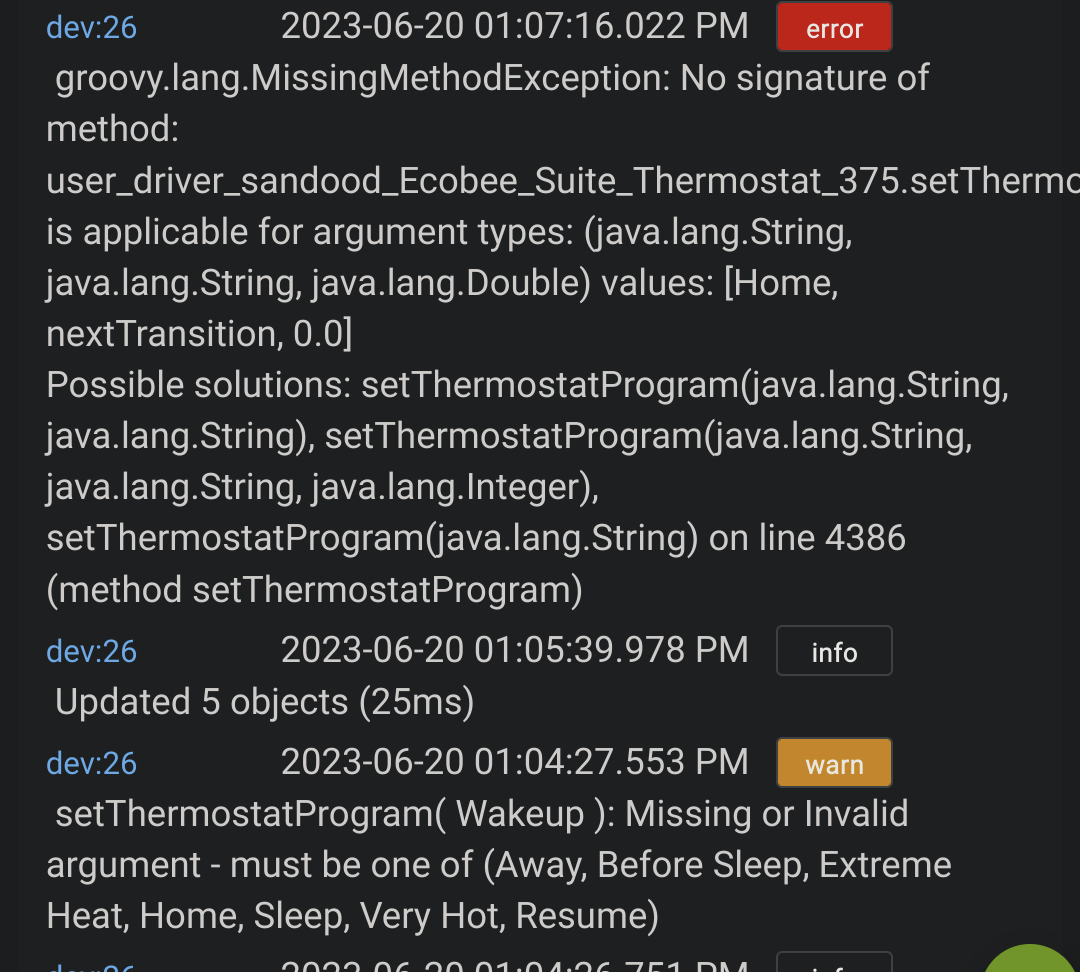
Home isn't there but awake is, but awake doesn't seem to do anything. This driver has all the sudden become nearly impossible to use. Can't do much of anything. Can't change programs, can't resume programs, what can I do with the new driver (in WebCoRE)?
I have 2 HVAC systems. With my C7 hub complaining about severe hub load I thought it might improve if I split them across 2 C7s each dedicated to only running Ecobee suite. (I use a third hub for the main zigbee and zwave network.). However both Ecobee Suite hubs still complain about severe hub load.
I’m wondering if spiltting Ecobee Suite across 2 hubs actually improves or degrades its performance. Is one hub causing delays for the other hub in reaching the Ecobee servers for example? Or do both hubs have to update duplicate variables that wouldn’t be done if they were running on the same hub? Anyone with theoretical or real world data?
All thermostats on a single ES Manager instance is more efficient polling the Ecobee servers, but separate instances of ESM on different hubs distributes the workload overhead of actually parsing the data and updating attributes.
Just because Ecobee Suite uses the most CPU, memory, interrupts isn't necessarily bad - even if Hubitat complains about "severe hub load". This is an arbitrary alert; the only thing that really matters is whether your hub is dropping events or responding slowly. Unless your hub is running at 100% CPU across all its cores, the CPU that Ecobee Suite uses would otherwise be idle. The underlying Linux OS timesharing process manager ensures that no single process consumes all the CPU at the expense of other processes...
@storageanarchy This is great! The hubitat team hasn't made their ecobee integration reliable in years and I've just been dealing with the fact that I cannot automate my ecobee at all for at least 2 years. Thank you!
I have one question. I have an extra Comfort Mode setting on my Ecobee. I see there are buttons to activate "Home" "Away" but the custom modes I have setup don't get buttons. Is there a way to trigger those?

 ).
).