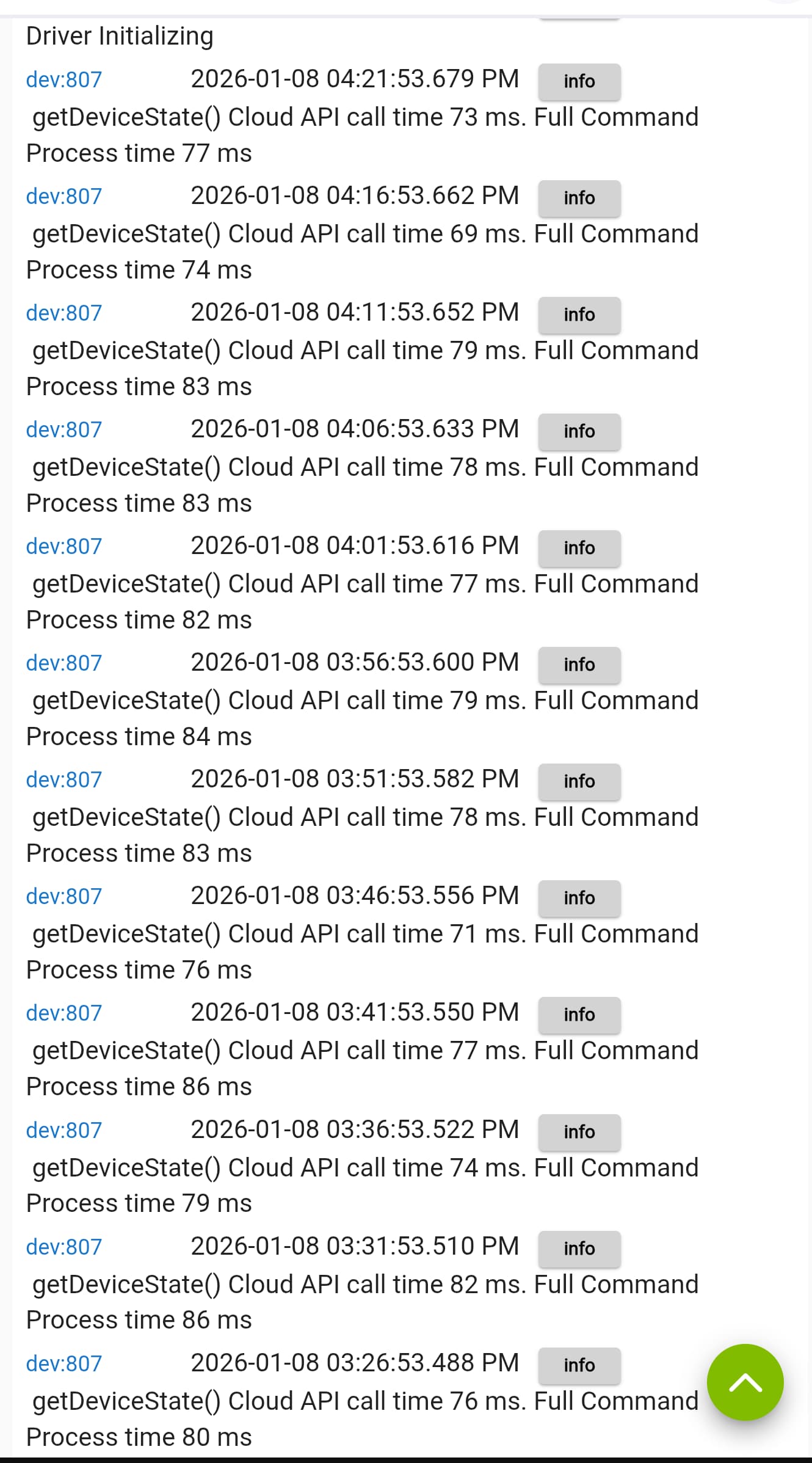
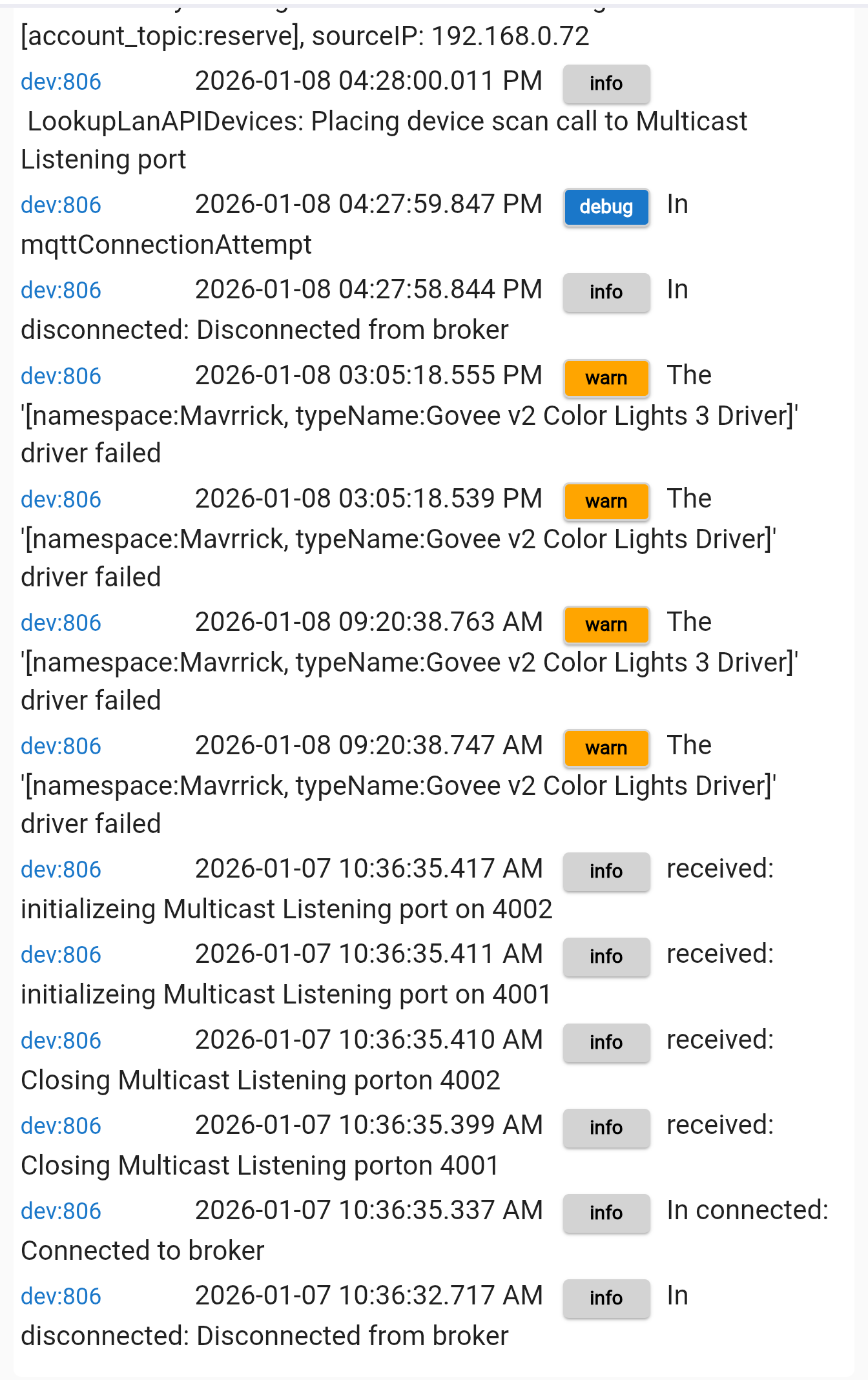
I don't think it's the integration myself. I set up the logs for "info", if that's wrong, let me know.
I uninstalled the Govee app and reinstalled it. There's no schedules set. There is absolutely no Alexa or Home integrations. I didn't even push the devices over to them. Strictly Hubitat and Govee App.
If it happens again, I should be able to see if it's the API calling or hubitat.
Would be weird because I used a new API key and it's still did it.
From the screen shot above It looks like you are using the Cloud API. So that means the devices are getting commands from the Govee Cloud. Even when you submit commands through hubitat, they get sent to the cloud and then come back to your device. Do you have any setup for Local Lan Control?
Pick one of the devices on hubitat and open up it's preferences page. Turn on Debug Logging and click on "Save and Close". If you have devices that have "Local LAN Control" turned on you may want to do the same for the "Govee Device Manager" device. If you set something to Info that was probably for the Govee Integragtion app. That probably won't give you anything. That logging would help for issues with Scene extraction or installing devices.
What you are looking for is basically a command submitted to change to that given state, or was a poll done to get the device status that had the new state without it being submitted from the Hub itself.
What i suspect is you will see a poll executed that recieves the new state and updates the device with a event to change it. At that point check for Auto-Runs in the Govee Home app and probably change your password.
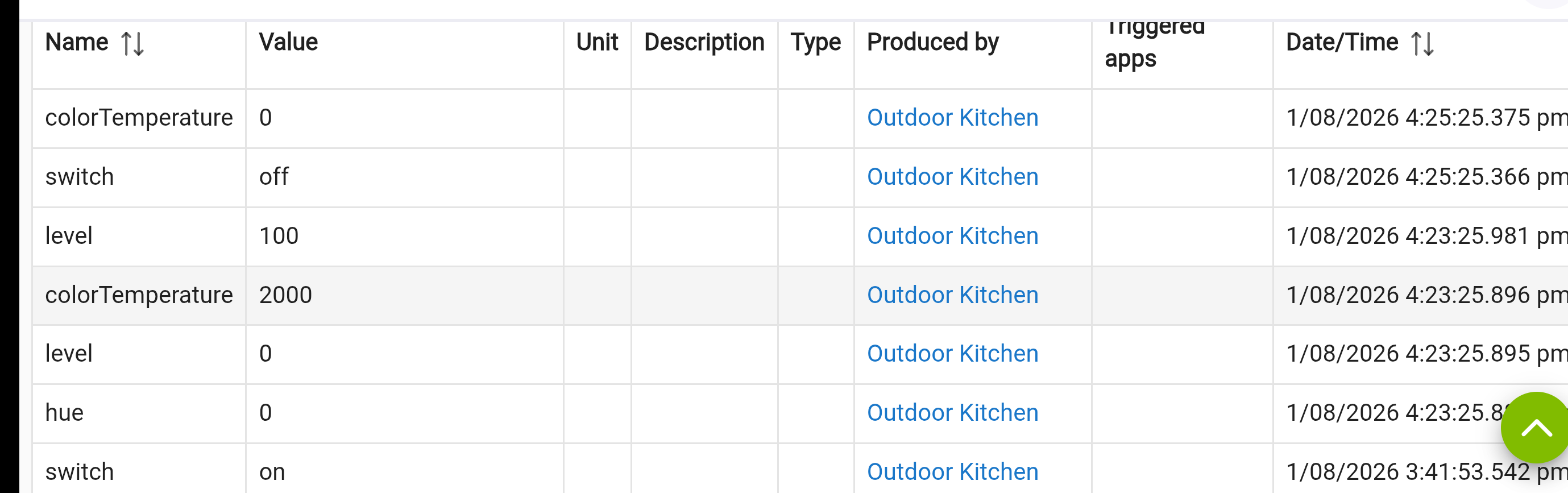
Any chance the info logs might be in your past logs? Filtering them by the Govee device might provide you with what you’re looking for. Alternatively, you can check the devices’ events to get a clue to what triggered the « on » event.
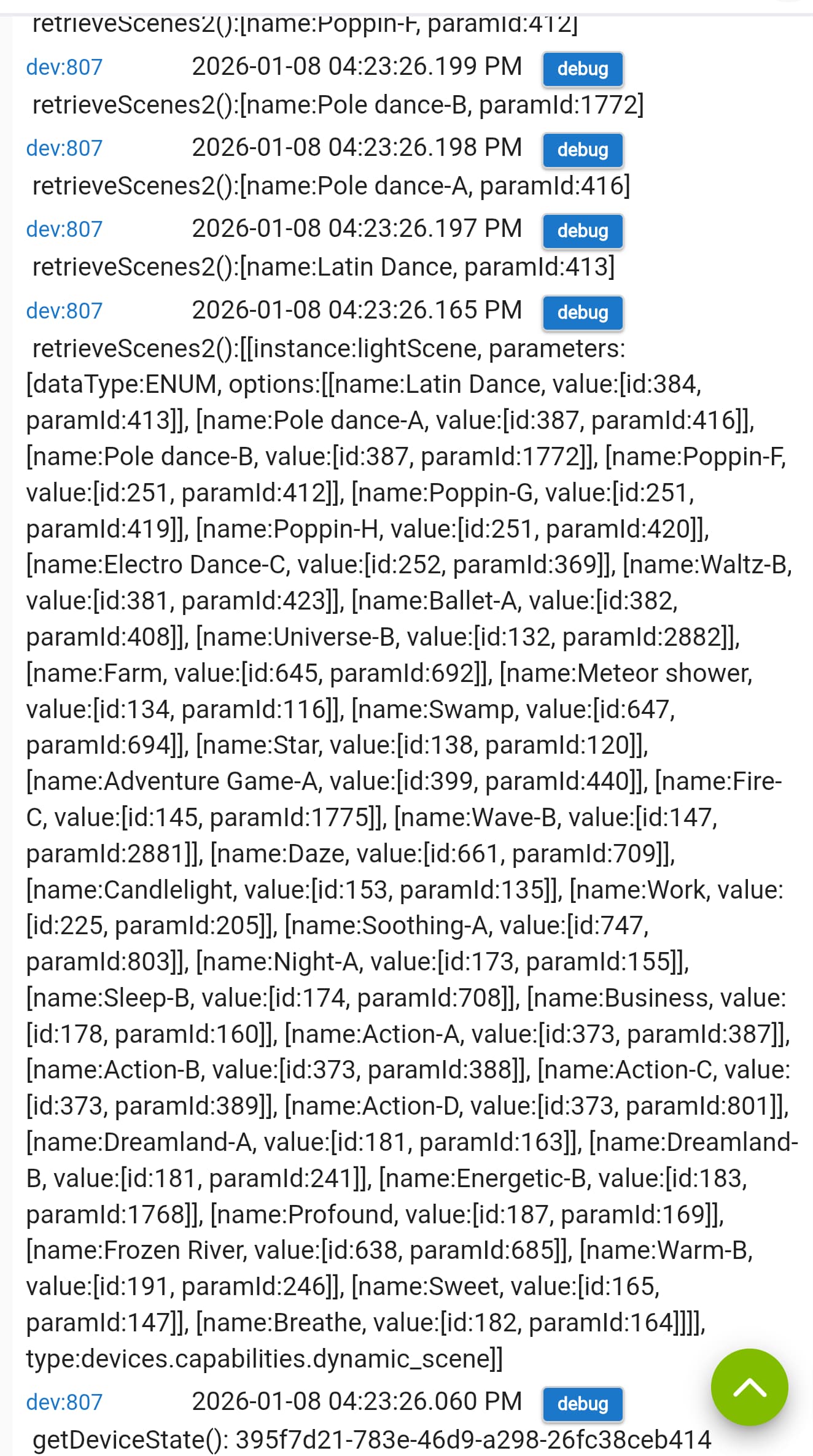
I need to be able to see the event that put in the on status which isn't there. I do see that after you updated the preference to enable debug logging the driver performed a getDeviceState() which gets the device current state and it did show it was on at that time. It didn't submit an event though because it was already in that state.
Now that debug logging is on we can get that information the next time it occurs
That looks like you are trying to load the device as a LAN API device using the manual method. Put in your API Key and click on the "Done" button. Once that is done the option to setup devices with the standard method will be enabled. Go back into the app and use that method. You may want to click on the icon in the upper right with the ? In a circle to view the documentation for the Govee Integration v2
What are the values for retry intervals and number of retries.
How is it getting 50% as i dont see that anywhere in your rule?
If i am understanding your rule it look like you are turning it on, then 1 second later setting dim level to 10, then 1.5 seconds later submitting it to a scene. Each of those commands also involves device status calls so it adds up. I would take the On command out. By nature of setting a level or Scene you will be turning the device on. So the first thing I would do is remove the "on" command. That may help a lot. Then change your time between commands to 2 seconds. In my general testing, 2 seconds is the best amount of time between commands if possible. Seems to do the best at preventing failures or the device api getting backed up.
I did find one thing in the retry logic i am going to tweak to see if it may help.
Hey I made a small change to one of the routines for the retry logic validation.
If you update HPM to 1.9.8 and then enable beta for the Govee Integration you can download this patch and see how it works for you. Simply put the guardrail put in place for the deviceStatusWait wasn't following the values for the Number of retries and timout interval. It should do a better job of that now. This should allow more time for the commands to complete or be retried before everything is reset.
I was already on the beta but updated and currently every time I set the levels it's working! Thanks.
I had the same question as there was nowhere I was setting 50 from but it's in the events as coming from the driver in the morning which is odd.
What I did notice before the update was I set a level with a transition of 2 seconds but it seemed like it was doing it over a long period, it would randomly change as if they were all queued up but stuck.
I did get a load of errors in the logs saying to many commands so hopefully your fix worked.
The fade function should be used sparingly and probably over min instead of seconds. It isn't a built in function in the api so it has to be done programmatically. That means allot of commands and done very quickly.
It will work fine to do something like simulate a sunrise or sunset over several min. But will likely cause issues if the transition is less then a min or two.