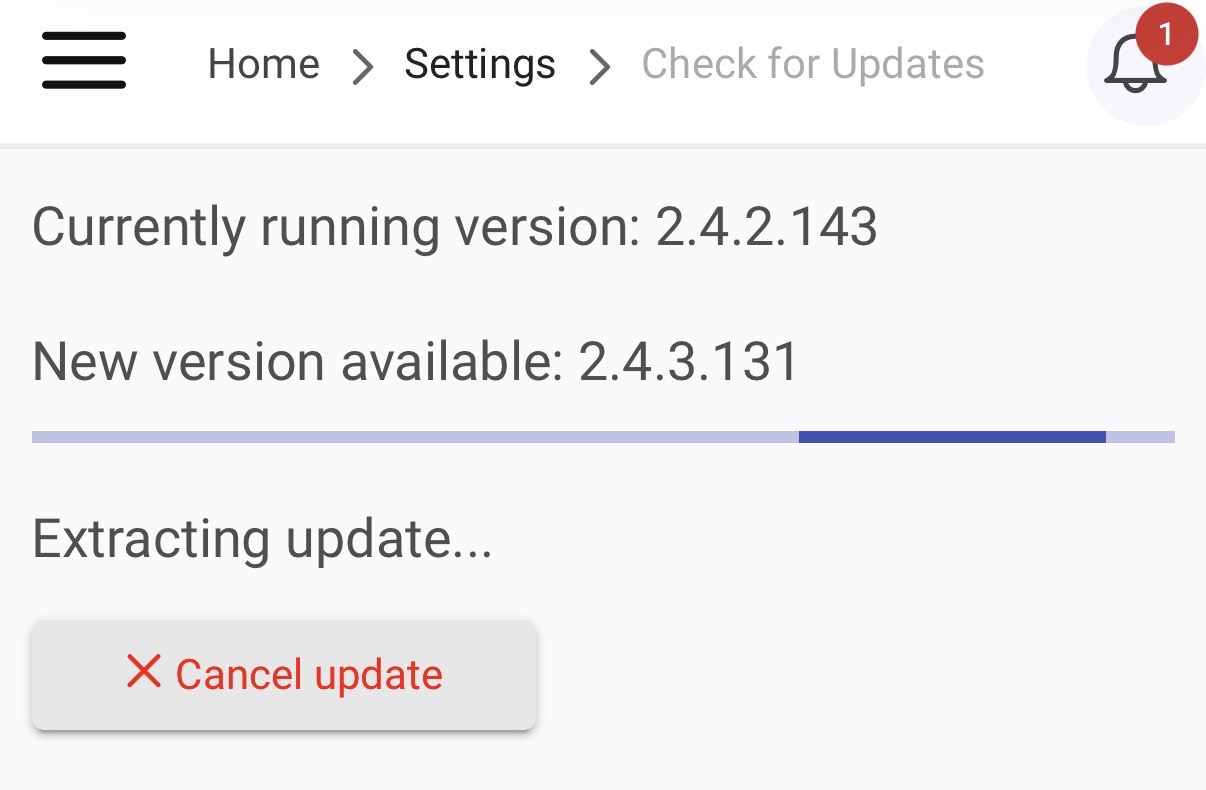
Is a fix expected soon, or would it be wiser to roll back to version 2.4.2.143?
Currently on 2.4.2.160
Is a fix expected soon, or would it be wiser to roll back to version 2.4.2.143?
Currently on 2.4.2.160
After each new release after 143 I do rollback 
2.4.2.160 fixed the slow dashboard loading issue. Just wanted to say thanks!
Came here to report the issue and see it's already being discussed!
On my fully kiosk tablets (FireOS) changing to -2 does work (but a pain to change on about 12 dashboards).
However at least the dashboard links are working now.
As for security, I don't like the Hubitat logo click to the dashboards page so I have it turned off, I have different dashboards depending on what I want to allow access to. But would it be possible to have an option for the Hubitat logo click functionality to be "return to start URL" at least for Fully users?
Thanks,
Steve
I just updated my C5 from 2.4.2.129 to 2.4.2.160 and as far as I could tell, every tile in my dashboards stopped working in the app, and in Firefox. I had to roll back to 129 for things to start working again.
Is there any plan to fix this? I am having the same problem with Fully Kiosk on fire tablet. Has worked for years....
And javascript:history.go(-1) continues failing on 2.4.3.143 with Fully Browser
I'm going to add a built-in "previous dashboard" dashboard link which will rely on the history of dashboards visited. It'll work for legacy dashboard navigation only.
Hello,
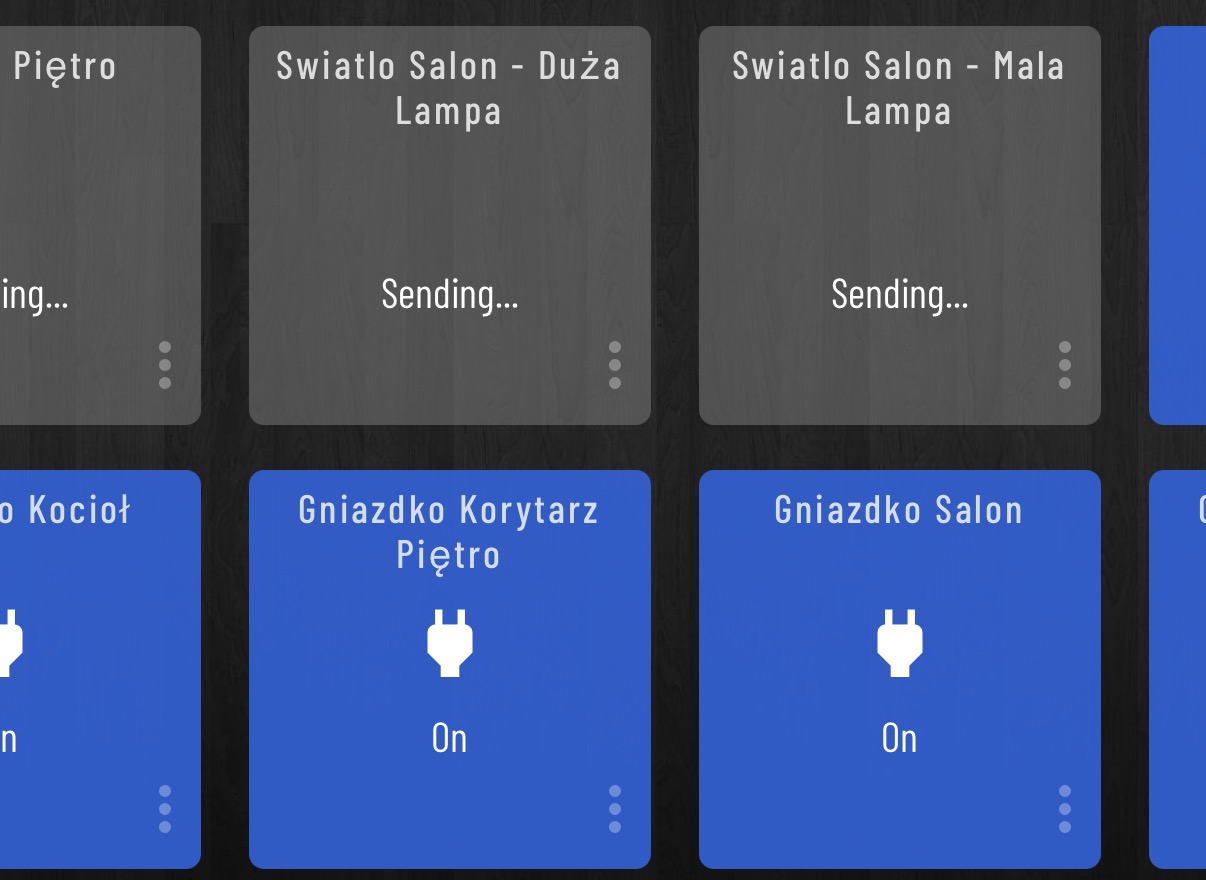
So additional try with new release - issue with dashboard and not working tails for each switch / outlet not fixed. Where to report that?
Sending … sending … sending and nothing happening.
Again rollback to previous working version 2.4.2.143 ;(
@gopher.ny Any idea?
After 5 years on Hubitat, this issue has crushed my confidence, each update breaks my dashboards and I have to roll back. I don't plan on applying any further patches, which is sad, this product has been so solid for so long and now it's just, well, unreliable when it comes to updates.
Any update on when this will be available?
Was this ever added to the system?
I just updated my C5 to 2.4.3.164 from 2.4.2.129 and this problem STILL exists after the upgrade. When I try to control things from the dashboard after the upgrade, I simply get "sending" and nothing ever happens. Is there a fix that I just don't see? I'll need to roll back again to regain control of my stuff.
I have 4 other Hubitats, but only the C5 runs the dashboards (controlling the hubmesh), so I have no idea if this is pervasive or platform specific ... but honestly, it's pretty ridiculous that the most basic function of automation - turning things on/off - seems not only unaddressed after months, but simply ignored by a bunch of subsequent updates. Hopefully, someone chimes in that I'm wrong here ....
@gopher.ny ... Is this problem on the radar? Is it supposed to be solved?
I'm also still experiencing functionality issues with the dashboards, but as this topic was specifically created regarding the issue with the Dashboard link tiles (tiles that link to additional dashboards to allow navigation between screens, not device operation tiles), which was fixed with the firmware update 2.4.2.158, I've just posted a new topic detailing the frustrations I'm personally experiencing with the Dashboard functionality on my iPhone app. Please feel free to post your own issues here
Tagging @support_team to see if there have been any updates on this.
It might be worth pinging again next week after CES is over.
Does the issue still persist on 2.4.3.177? There was a bug that would cause dashboard state to grow and prevent it from opening, fixed in 2.4.3.177.
I updated to 2.4.3.177 last night. Just checked the dashboard opening behaviour on my iPhone, initially opened without issue, but killed the app and now every time I open it I get the spinning wheel of death again until I hit the Home button in the top left, and select a dashboard from the list. If I kill the app again, and reopen, it works maybe once or twice before reverting to the spinning wheel and black screen.