Just updated my C8 pro to firmware version 2.4.2.157 and now none of my dashboard link tiles work. Any ideas on a fix? Or should I just roll back to 2.4.2.143?
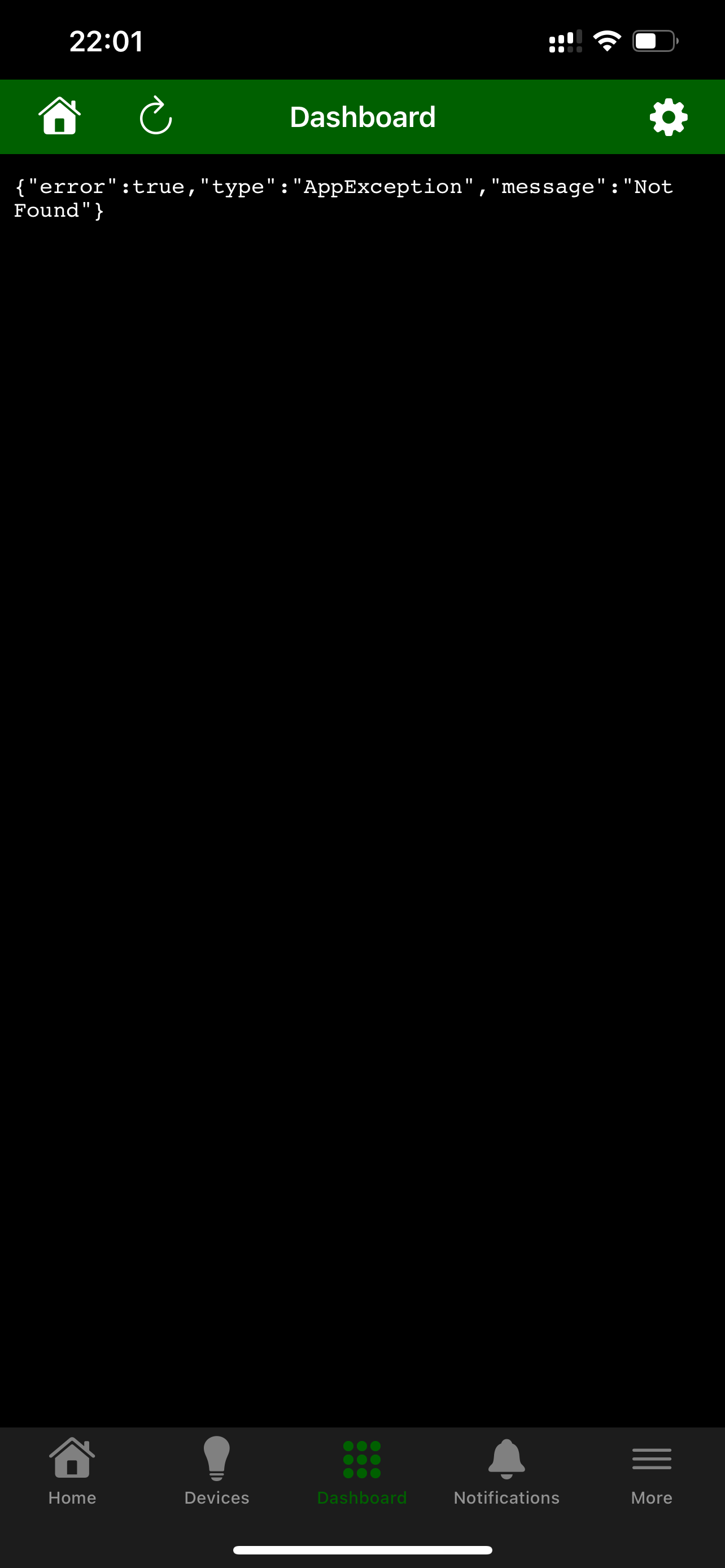
Any dashboard log errors similar to what I recently reported?
Not that I can see. I’ve reverted back to 143 as this bug makes it impossible to navigate my dashboards.
Edit: found the warnings in the log;
2025-08-28 22:10:28.081 Received local request for App 0 that does not exist, path: /dashboard/76 from unknown
2025-08-28 22:10:00.338 Received local request for App 15 that does not exist, path: /dashboard/76/devices2 from local
2025-08-28 22:00:57.053 Received cloud request for App 0 that does not exist, path: /dashboard/76 from xx.xx.xx.xx
2025-08-28 22:00:33.711 Received cloud request for App 0 that does not exist, path: /dashboard/76 from xx.xx.xx.xx
2025-08-28 22:00:23.771 Received cloud request for App 15 that does not exist, path: /dashboard/2021/variables from cloud
2025-08-28 22:00:23.634 Received cloud request for App 15 that does not exist, path: /dashboard/2021/devices2 from cloud
2025-08-28 21:59:00.350 Received local request for App 15 that does not exist, path: /dashboard/76/devices2 from local
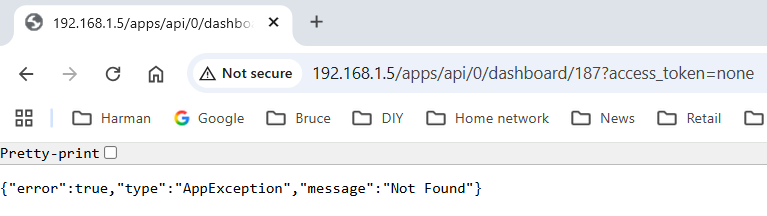
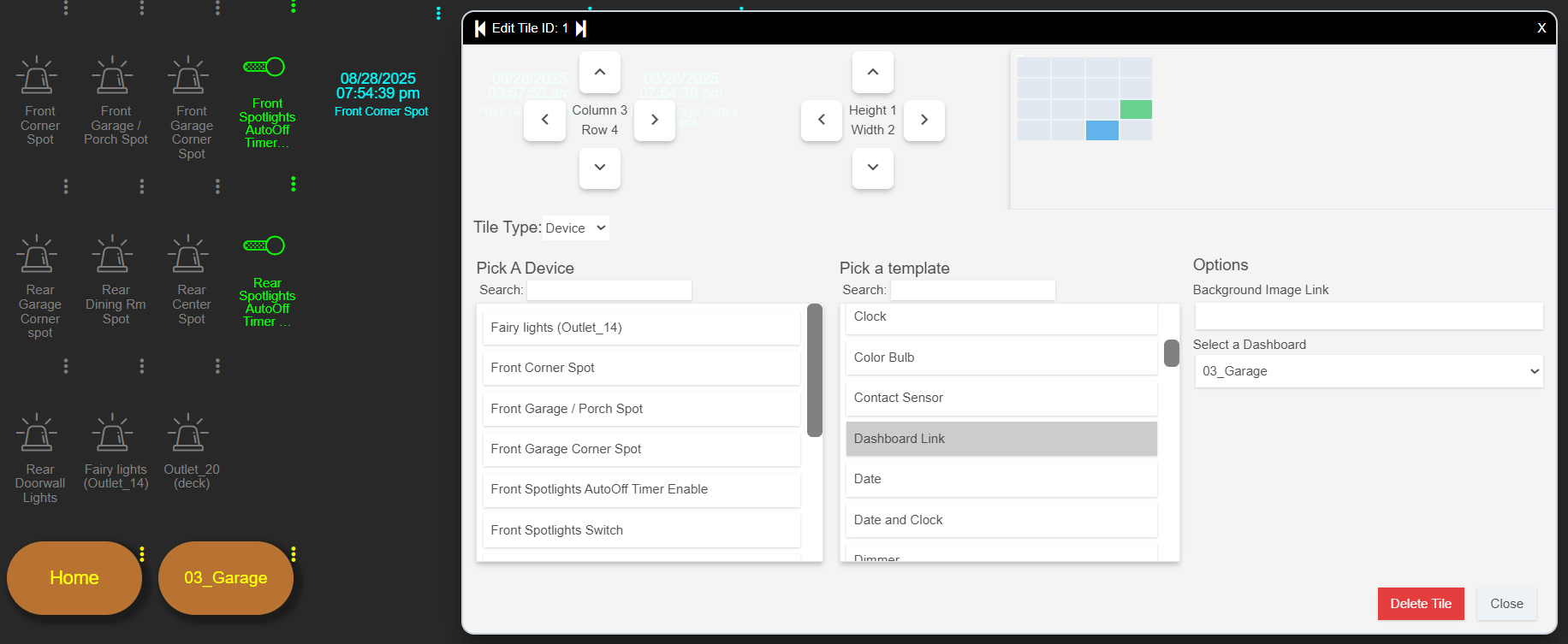
I've just seen this post, so something has clearly changed with the dashboards. Can someone advise on how to fix the dashboard issues caused by the update please?
It seems that the current options are; (a) have a secure dashboard that is inoperative, or (b) have an insecure dashboard that operates 
I cannot reproduce it, but it obviously is happening.
Can you try force refreshing the page to clear the browser's cache?
Yeah, the first number is 0 and access token is none, so target dashboard's data is lost somewhere along.
Does this happen when dashboard hopping, e.g. dashboard 1 linked to dashboard 3 linked to dashboard 2?

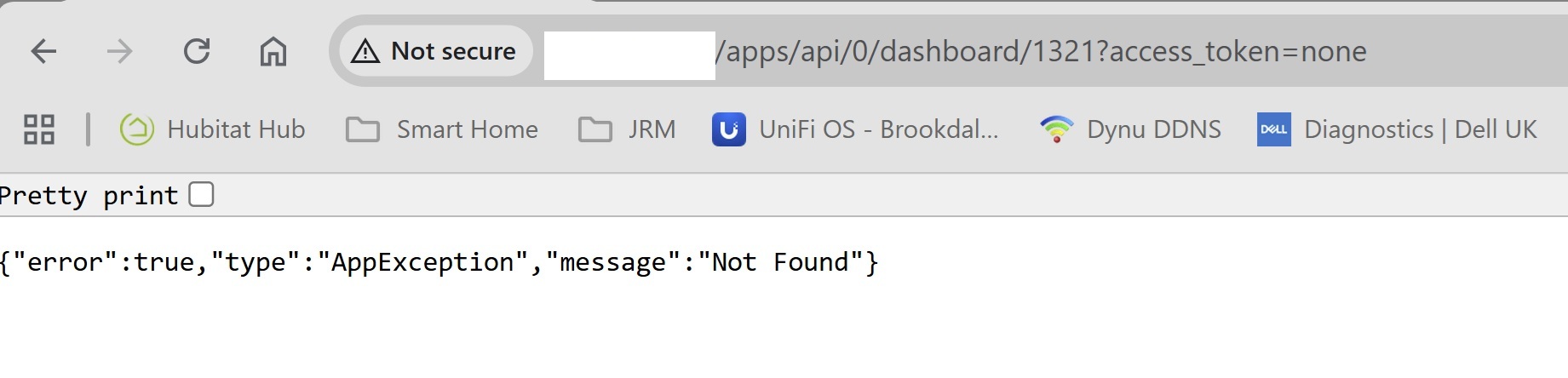

Refreshing the page DOES NOT clear the cache, does not fix it.
Yes. It happens to all my dashboards (I have 12 linked to the previous)
The dashboard #1 link to dashboard #2 works.
dashboard #2 link to dashboard #3 does not, and all the following links do not work.
The "Home" link on all the dash board work.
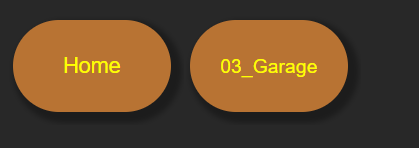
and takes you back to the dashboard list panels.
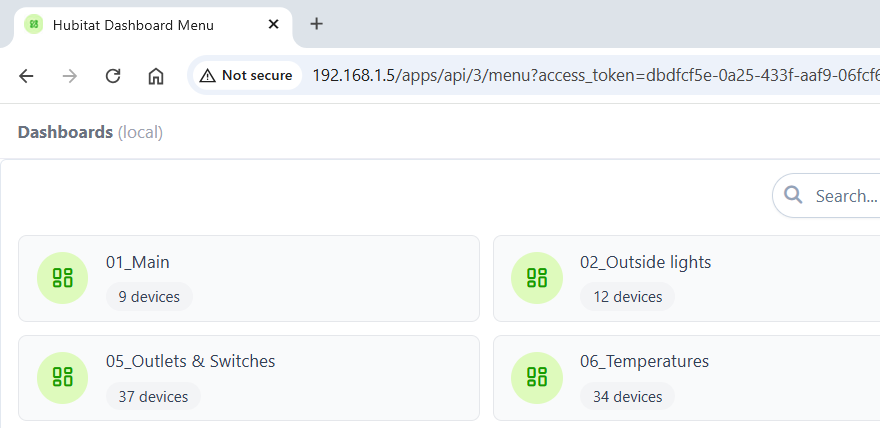
The non working dashboard links errors for several screens:
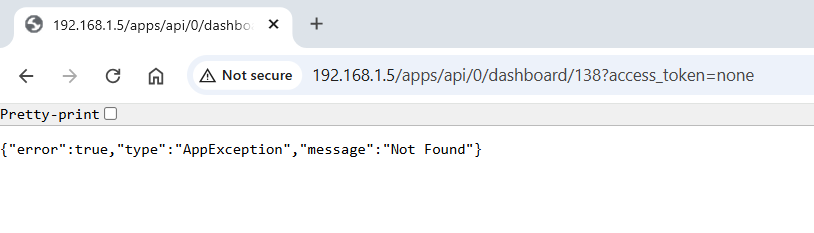
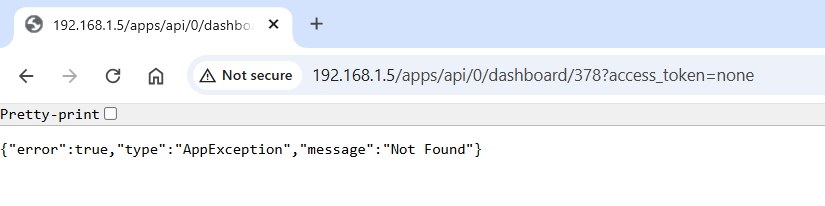
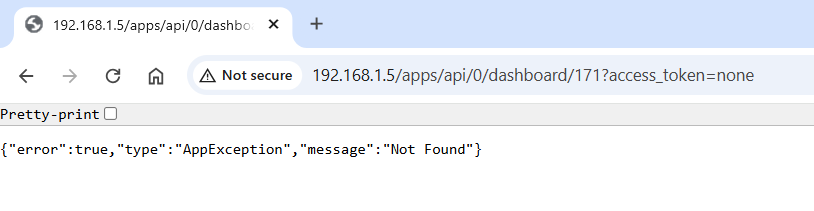
Thank you for your support!

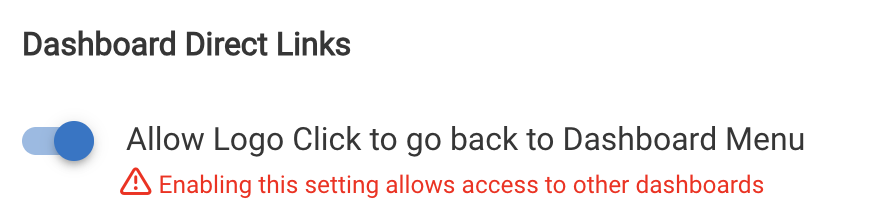
Personally I think access to other dashboards should have its own setting, I’ve set up a series of dashboards that link to each other but I don’t want someone to be able to see all the dashboards.
I'm on a C5, updated to 2.4.2.157 yesterday, and like others....none of my dashboard tiles work anymore. I do not have any dashboards linked to each other - I got to each one on my own from the Dashboards link.
If I click on a dashboard tile (to turn something on or off), I just get the hour glass icon and nothing happens.
Doesn’t that mean that dashboard link tiles are now effectively redundant as a result of this update?
I'll have to think about the security implications for this.
If there's a functional dashboard link tile, it effectively opens other dashboards for access. Not in the browser, but there are enough breadcrumbs in the HTML code to follow and gain access to any other dashboard. There's PIN security, but it's a 4 digit code, so the security is thin.
So I can modify the dashboard to make links work even if the "allow logo click" setting is disabled, but there will be a warning about security downgrade.
Thoughts?
@gopher.ny Are you able to provide some guidance on where to find this setting? I can't seem to locate it.
I only have a 1 dashboard setup on my Hubitat. I cannot control any devices on the dashboard on my PC browser or the new Hubitat App on my phone.
Thanks
I’m having the same issue and had to roll back to get my dashboards working again.
I've got a handful of dashboards for people like my neighbors and I want them to be able to navigate via links between the dashboards I've created for them--but I do NOT want them to have access to all of my "internal/personal" dashboards.
IOW, if I have a link between dashboards on a "neighbor" dashboard, it's intentional and necessary--but I don't want them able to go back to the Dashboard menu by any means.
It sounds like the current iteration of the security fix doesn't allow this to work??
Thanks for your work on this.
Apps -> click on the dashboard name to open dashboard details -> it will be halfway down the page.
I'm not sure I'm clear on what the real world security risks are with the dashboards. Wouldn't someone require access to your dashboard via a cloud link prior to attempting to follow these HTML breadcrumbs to dashboards/devices that you don't want them messing with? Couldn't we just issue restricted users with local dashboard links when we setup the app for them? Surely that would mean that they would need to be on your network and therefore behind your firewall (ie, trusted not to hack your home) before they have access to the dashboard to look for these breadcrumbs?
For me, this upgrade has severely reduced the basic functionality of being able to navigate through my various dashboards, and there is no way I'll be able to get my wife/kids to remember how to navigate via the main page, far too clunky and not intuitive for normal users imho.
I think a pop up every time would be aggravating, if there was a checkbox to only show it once that might work.