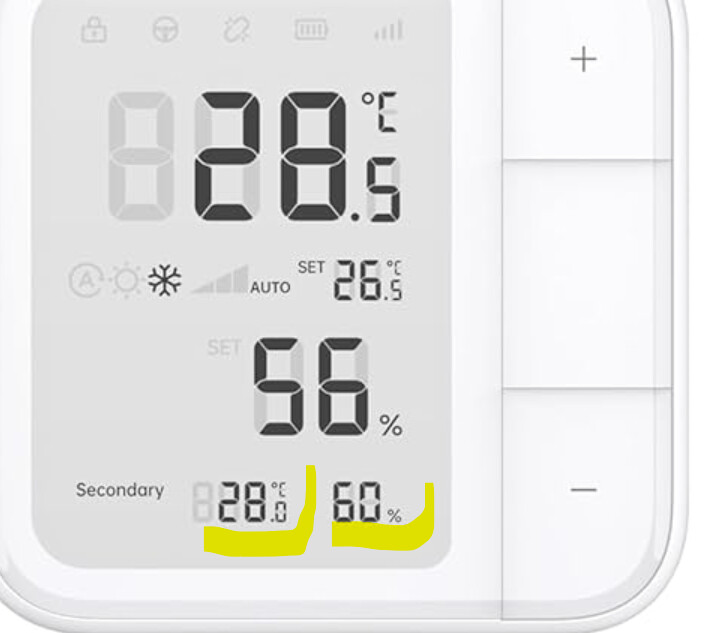
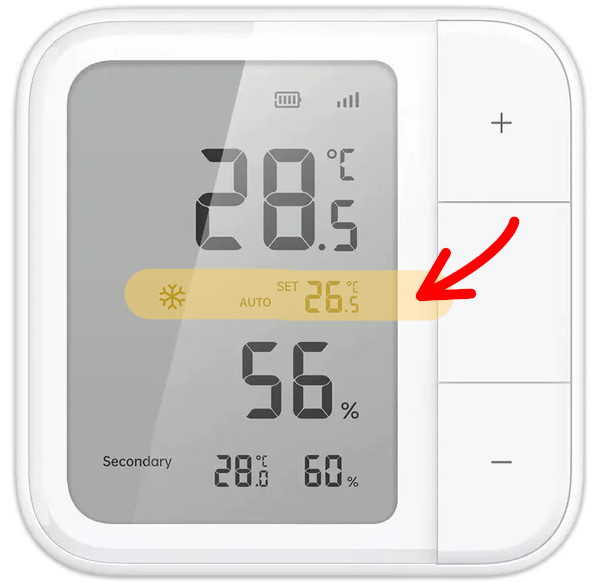
Looks interesting.
Matter, Thread and ZigBee. 
Anyone had a go with it yet?
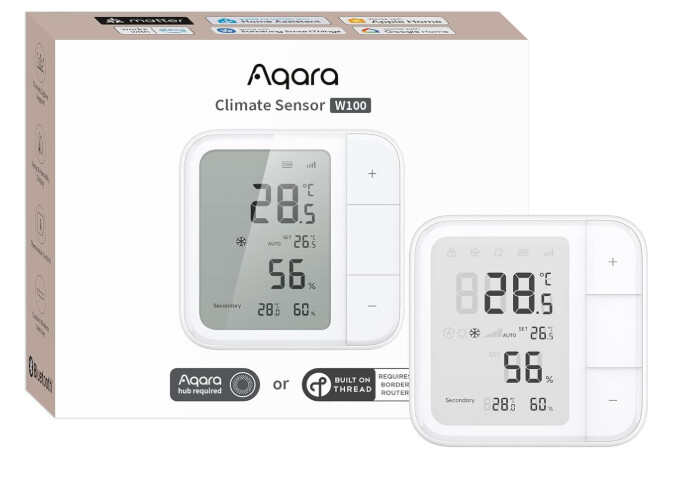
About this item
- [Matter Compatibility with Zigbee & Thread] The W100 supports both Zigbee and Thread protocols, ensuring seamless integration with major smart home ecosystems like Apple Home, Amazon Alexa, Google Home, Samsung SmartThings, Home Assistant and Homey. Future-proof your home automation setup with broad compatibility and enhanced flexibility.
- [Customizable Smart Buttons for Automation] The W100 features 3 programmable buttons that support single, double, and long presses for a total of 9 customizable actions. Control multiple devices such as smart lights and curtains, trigger scenes, and create personalized smart home routines with ease.
- [External Sensor Integration & Secondary Area Display] The W100 can connect to an Aqara temperature and humidity sensor* to display additional data in the Secondary screen area**. If no external sensor is connected, the Secondary screen defaults to the local weather report for temperature and humidity info. (*Please note: Linking with an Aqara temperature and humidity sensor and enabling the Secondary screen display are only available through the Aqara Home app on Zigbee mode when connected to an Aqara hub.)
- [Remote HVAC Control Integration] The W100 supports pairing with a third-party IR air-conditioner via Aqara Hub M3, allowing wireless remote control of the HVAC system. You can adjust temperature, mode, and other settings directly on the device, optimizing comfort and energy efficiency without needing to access the HVAC device physically. This feature adds convenience and ensures a comfortable living environment.
- [Precision Sensor with LCD Display] Equipped with a highly accurate temperature sensor (±0.2℃) and humidity sensor (±2%RH), the W100 provides real-time environmental data on its 3.4-inch LCD display. Ideal for maintaining comfort, monitoring storage conditions, or supporting indoor gardening and greenhouse environments.
- [Long Battery Life & Configurable Performance] Powered by 2 CR2450 batteries, the W100 delivers up to 2.4 years of battery life on Zigbee mode and 2.3 years on Thread mode. Customize reporting frequency to optimize the device’s performance and power consumption, ensuring long-lasting and hassle-free operation.
Not really a thermostat but maybe it can be combined with something to replace my old Nest tstat.
Or maybe not.
External Sensor Integration & Secondary Area Display
The W100 can connect to an Aqara temperature and humidity sensor* to display additional data in the Secondary screen area**. If no external sensor is connected, the Secondary screen defaults to the local weather report for temperature and humidity info. (*Please note: Linking with an Aqara temperature and humidity sensor and enabling the Secondary screen display are only available through the Aqara Home app on Zigbee mode when connected to an Aqara hub.)
Edit to add driver link:
Edit2: Installation Video
Edit3: Protocol Selection Instructions
Manual Pt3
3.3 Connecting to the App
The W100 supports both Thread and Zigbee protocols. You can choose the preferred protocol based on your smart home setup and desired features.
3.3.1 Protocol Switching Method
To switch between Thread and Zigbee protocols, press and hold the Reset button on the back of the device for 5 seconds until the signal icon on the screen starts flashing. By observing the flashing signal icon, you can determine the current protocol status. Use the Aqara Home app to scan the corresponding Matter code or MagicPair code. If needed, tap "Switch Protocol" and select your desired protocol. Ensure your phone's Bluetooth is on and connected to your home Wi-Fi network during this process.
3.3.2 Adding to Aqara Home App
After successfully switching to your desired protocol, follow the prompts in the Aqara Home app to complete the process of adding the device. This typically involves scanning a QR code or entering a pairing code.
3.3.3 Adding to Matter-Enabled Apps
To add the device to Matter-enabled apps like Apple Home, Amazon Alexa, Google Home, Samsung SmartThings, or Home Assistant, ensure the device is under Thread protocol. A device with Matter Controller and Thread Border Router functionality is required for this integration.