Mine showed up today! I can't wait to add them in.
Yet another solution of mine looking for a problem!! 
Mine showed up today! I can't wait to add them in.
Yet another solution of mine looking for a problem!!
Received mine from The Smartest House. I fugured for ~$29, what was the risk. I have the Aeotec siren and despise it's lack of features for the price, but it works for a door chime.
I will say this is my first attempt at pairing as LR and either I cannot follow instructions or the instructions are flawed. I have the SmartStart app and the instructions are vague in how to add it to smart start. I failed and creating ghosts. I'm sure I'll figure it out. Regardless, the ZSE50 is not ready for primetime.
First, I added it as a mesh device and let Hubitat pair it. It paired okay and I was playing around with it. I was trying to set the volume via the commands tab and after a few adjustments, the thing went into a exclusion mode. It excluded itself after failing and then tried to include itself again. Apparently doing too many zwave commands to adjust volume caused this. After a lot of attempts to readd/remove and failed attempts, I finally factory reset it, got out by stick and removed ghosts. I then tried to use smart start and failed to unplug it. Another bunch of failed includes/excludes and another reset and another ghost. I then unplugged it to go through the smart start instructions, but now the battery is activated and I cannot turn the thing off. Apparently the only way to do so is to open it up with the screws and remove the battery. Geeze! I tried various button combos to power it down with no success. Zooz needs a method to turn it completely off. I guess I'll just include it as a mesh device next.
Second, the USB port doesn't work with windows. I was going to see what files I could add for giggles, but plugged into AC or not, widows will not recognize it as a USB drive as Zooz states. They do claim it most likely needs a firmware update, but how's that done without adding it first? Can it be done via USB? The Zooz site is fairly useless on this point.
My advice, is tread lightly. Wait for the firmware and custom driver.
EDIT: Apparently the USB port does work with the included cable with and without AC power, but does not with the USB cables I was using.
What instructions were you following? The ones from Hubitat on how to add a device as LR are current, complete, and accurate:
If you can reproduce this behavior, I'd suggest contacting Zooz with the steps to do so. They do consider it a beta device at the moment.
Where? They say "You may need to update the firmware for this device" on the product page, but that is due to the above. It is not an implication that one is currently available. And indeed, none appear to be: ZSE50 Siren & Chime Change Log - Zooz Support Center
I'm going to guess this is because you had a charging-only cable rather than a "full" USB cable with charging and data.
By "SmartStart app", are you referring to Jeff P's hub app? If so, he provides excellent instructions (and troubleshooting steps) in this second post of that app thread.
Yes, I was using the Hubitat instructions you referenced. The problem, I think, was 1, I mesh paired it first and then removed it and then tried to smart start it. Once plugged into the wall which I did, there is no way to power it back off since it has a battery and there's no way to turn it off without removing the battery.
I'd rather not duplicate the issue with excluding itself as it took me quite a bit of time to get everything stable again.
Possibly I am conflating the customer driver and the need for a firmware update. After adding it as a mesh device, it works fine. I just refrained from adjusting the volume too many times in a row. I think it is seeing the zwave volume adjustment as a physical button press on the volume up/down buttons and triggering the exclusion.
Finally, maybe you're right about the cable. I have a couple that I just grabbed out of a drawer and I only use them for charging since I don't have any smart devices with a micro USB.
I'd very much recommend excluding it and pairing it LR.
Read the instructions for entering manual pairing mode, click exclude on the device tab, every manual pairing mode--it sound drop right of.
Follow the instructions to do a factory reset (hold both volume buttons down for a long time, until it resets).
Unplug the device.
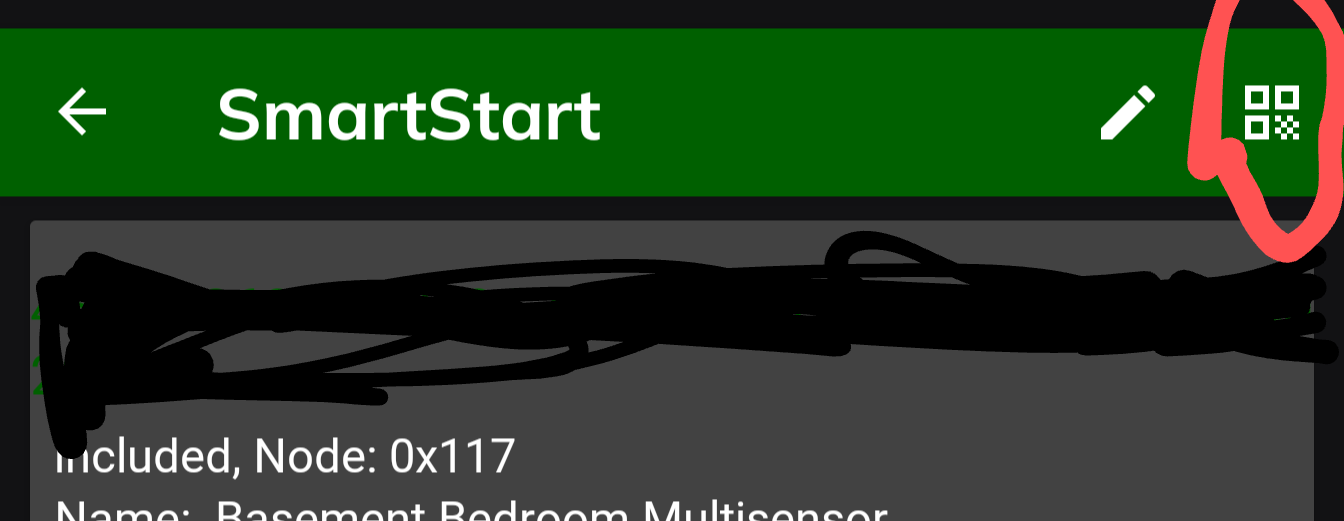
Using the Hubitat App, find the device page, then at the device using SmartStart by taking a picture of the QR code. After you've filled in the name and saved the prompt info, plug in the device. It should pair quickly and easily.
I asked because it didn't sound like you did. There is no "SmartStart app" mentioned in these instructions, yet you said:
That makes me think you were looking at something else. Knowing what they was would be good so it can be clarified if needed, such as suggested to Zooz if it's something from their website.
I do know what app you are probably talking about, and it's great for viewing or managing these devices, but unless you enjoy typing full DSKs and checking a few other (appropriate) boxes, it won't help you get the device added to the list in the first place.
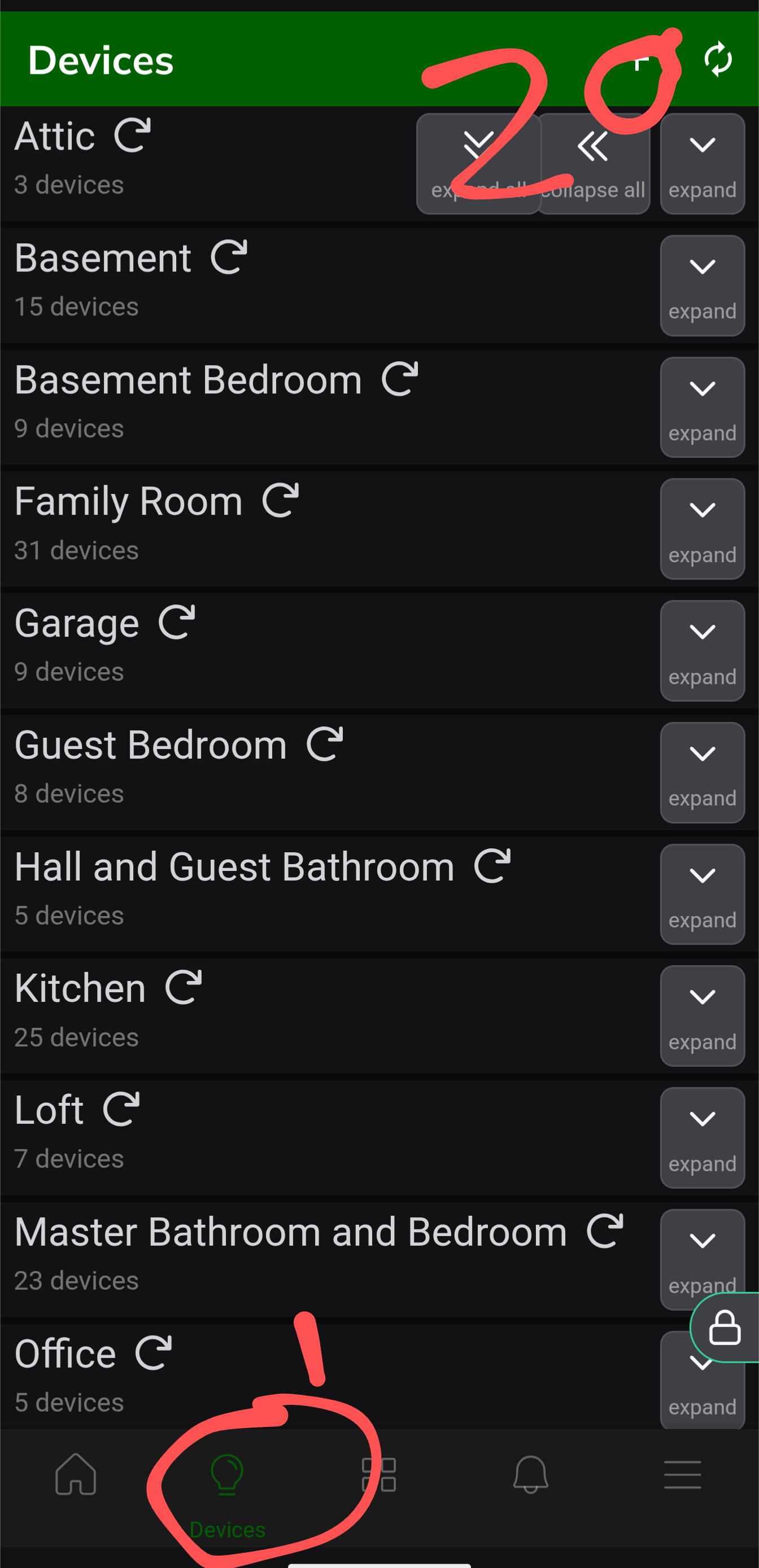
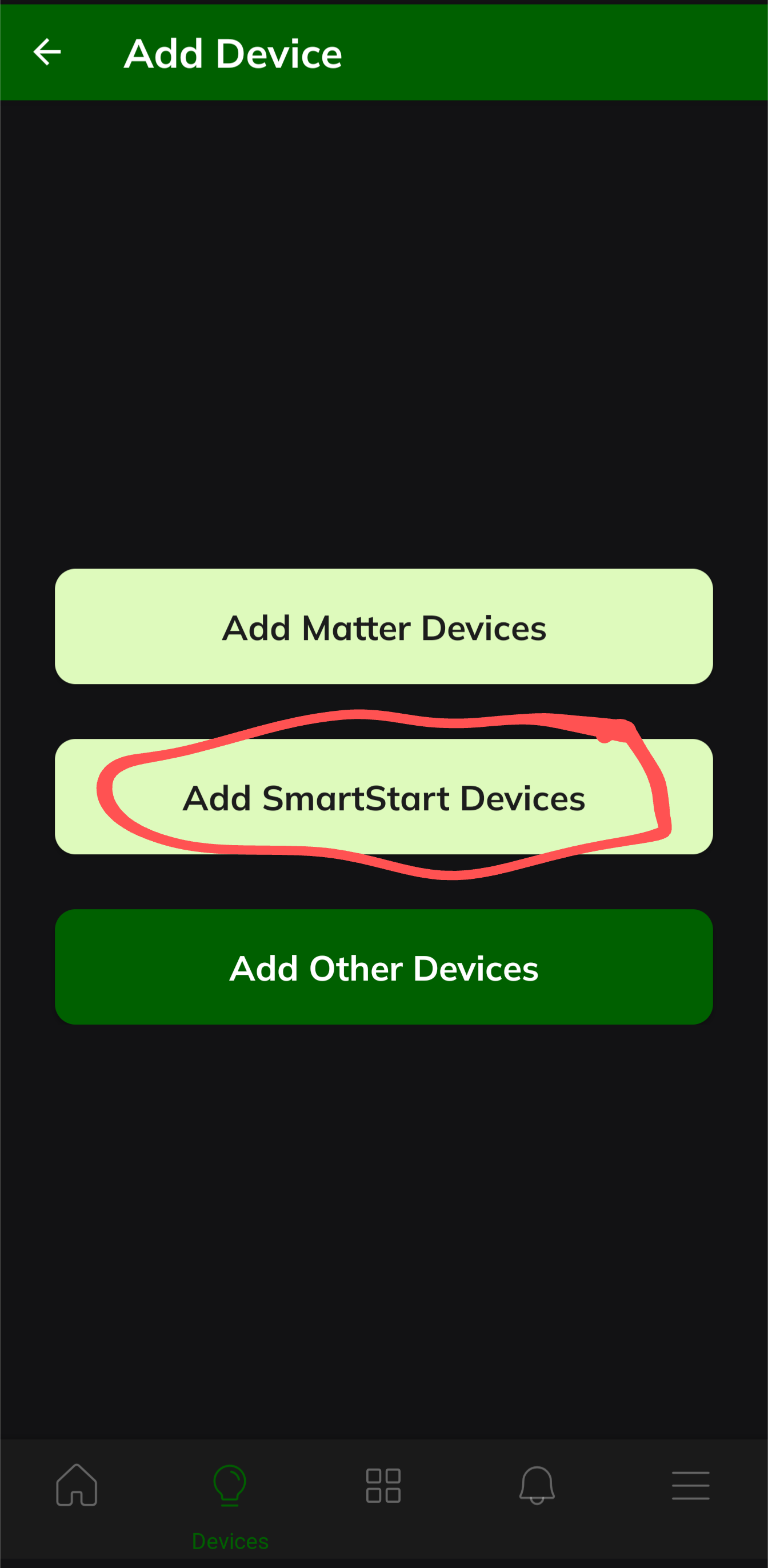
I think the smart start app had me all confused. I was initially trying yo use it to add the debice as LR but couldn’t figure out how to scan the QR code with it. I kept reading the instructions for the app and then the Hubitat app instructions. It kept saying hit the ‘+’ to add the debive, but I didn’t realize it’s at the bottom of the home page in the Hubitat app. I’ve always used the “Add Device” button under devices. Too much thinking going on on my part.
Rob, you say unplug and plug back in. The problem is, it’s battery backed and unplugging it does not power it off. Account to Zooz, the only way to remove power is to remove the two screws on the back, twist to remove the cover (whatever that means) and remove the battery. A lot of trouble when the could have added a button press combo to power it down completely. This is just one reason I think it’s not ready. If you unplug it and store or whatever, it will completely drain the battery.
Maybe I’ll suggest that to Zooz.
The instructions talk about not plugging it in until you get it added.
The device knows it's plugged in or not.
Just do what it says: unplug it, add it to SmartStart, then plug it in.
Don't worry about the battery.
I didn't say remove all power. Just to unplug it and plug it in.
The Zooz Zac38 and Ring v2 repeaters are in that same not-really-accesible-battery boat too.
I'm pretty sure that power is power (mains or battery) for these hybrid devices with respect to SmartStart, but I'd be curious to hear Robert's and Jeff P's thoughts on this subject.
Jeff P's SmartStart Manager hub app (linked above) includes the capability to disable the device's SS entry such that it won't keep attempting to re-include the device once excluded. I always set that Disabled option for all the entries in my app.
ETA - nuts, I intended to reply to the topic in general here, not OP specifically.
Okay. I’ll give it a try. Thanks
Okay. I excluded the device using the normal exclusion process. It removed quickly. I unplugged it and followed the instructions (Add Device | Hubitat Documentation). Before I could plug it back up, the device announced "Device added". I go check the devices in Hubitat, and there it is. The device ID is 873, so it appears that it is now a LR device. It appears to work as before.
Much easier than getting involved in the smartstart app that I was getting all confused about.
Thanks to @rob9 and @bertabcd1234
What ID are you looking at? The hub-assigned device ID doesn't tell you, only the Z-Wave DNI. (Unless you've tried LR a lot of times by now, this sounds a bit like the former, hence me wondering.) You don't really need to memorize the DNI ranges, though -- just look in the Z-Wave Details table and see if it has the "LR" tag next to the node ID there.
Not that I'd really worry about this unless you have a specific reason for preferring one over the other. 
Sorry, yes. Zwave details show 0x101 and ‘LR’ in yellow which indicates LR
Quick (maybe) couple questions. I’ve added a couple of Zooz LR scene controllers as well as updated a few OG Jasco switches/dimmers with Zooz LR devices. Much more capable devices. I added them as regular mesh devices.
Is there an advantage to move them over to LR and why?
Is there a way to exclude them and replace them as LR without having to go update every rule that currently references them as their current device?
You create a virtual device and temporarily substitute it for the real device with the Swap App Devices option. Then switch back when you're done.
Just a PSA,
The ZSE50 doesn't allow you to change the order of the files on the flash memory as stated by Zooz. It apparantely just goes by order of the files are loaded on to it.
I was having an issue with some custom files I loaded being in tagged with different "sound positions" on two different ZSE50s, even though the file names were the same. Turns out I needed to copy each file individually in the order I wanted them to show up (26,27,28, etc..), rather than bulk copy and paste.
Just an FYI as I spent more time than I'd like to admit trying to figure out what I was doing wrong. 
Does the ZSE50 have the standard alarm sounds for smoke, CO, other (whatever they may be) ???