I'll be honest here... I have been looking around and it seems with a bit of work I could get this working in home assistant.. however I prefer to use hubitat and don't have the ZigBee radio in home assistant (I only use it for wifi cloud based things where hubitat doesn't have the drivers).
Here is my chatgpt response when I asked can you turn this conversation into a forum post. I have edited out the less relevant stuff. Also gave concerns (as you need to be with chatgpt) that bit everything is correct.
I’m looking for help integrating a Zemismart DIY Name Display Smart Switch (4-gang, Zigbee, Tuya-based) into Hubitat.
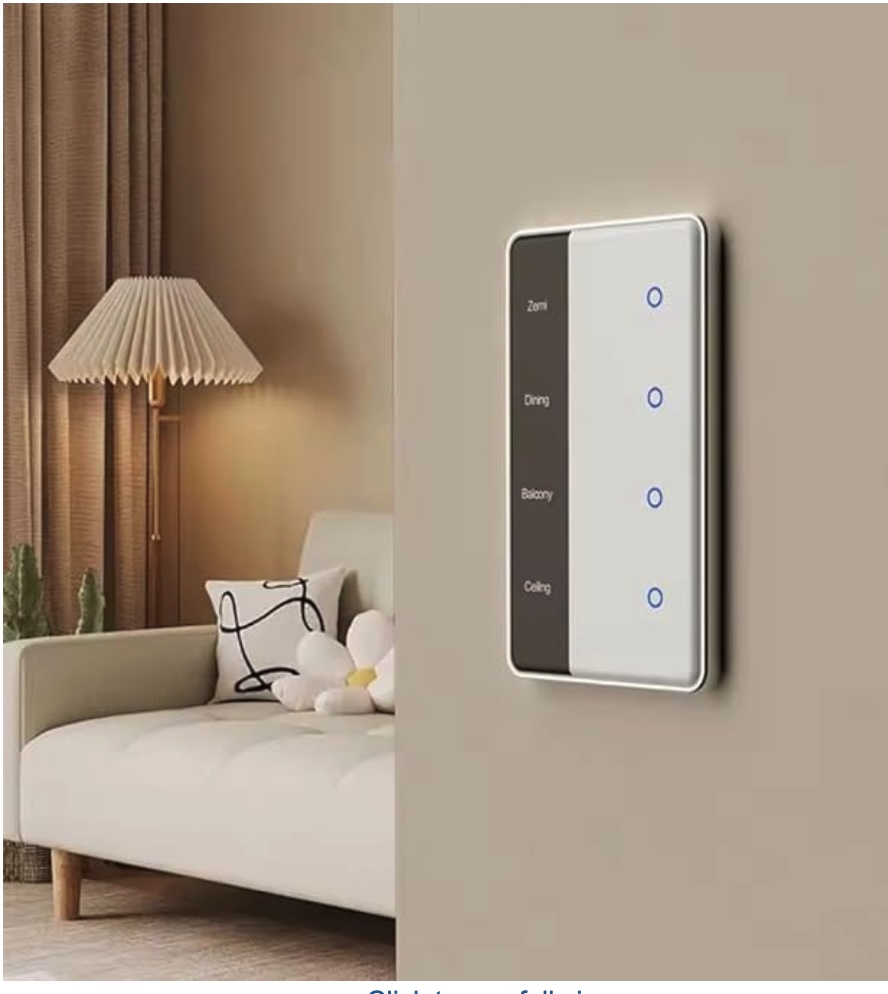
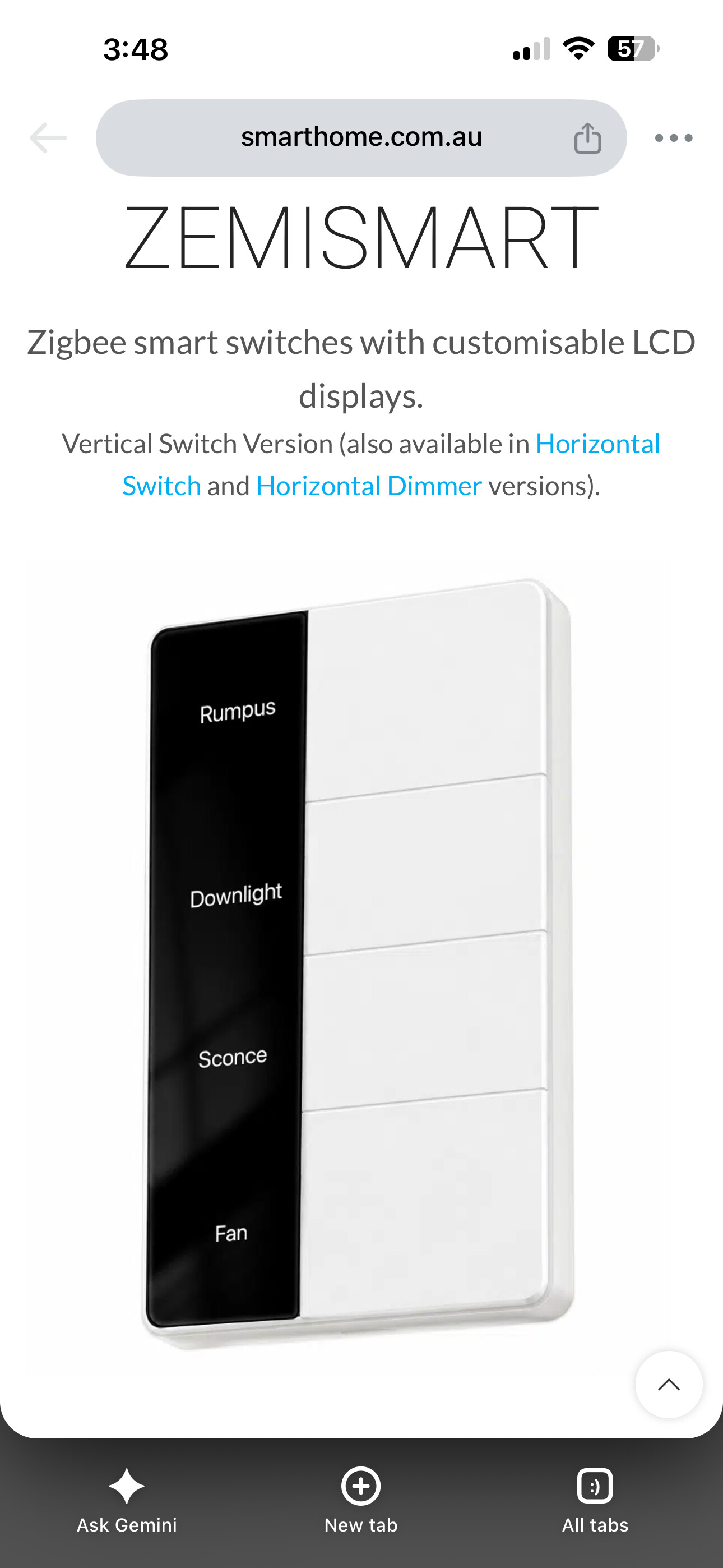
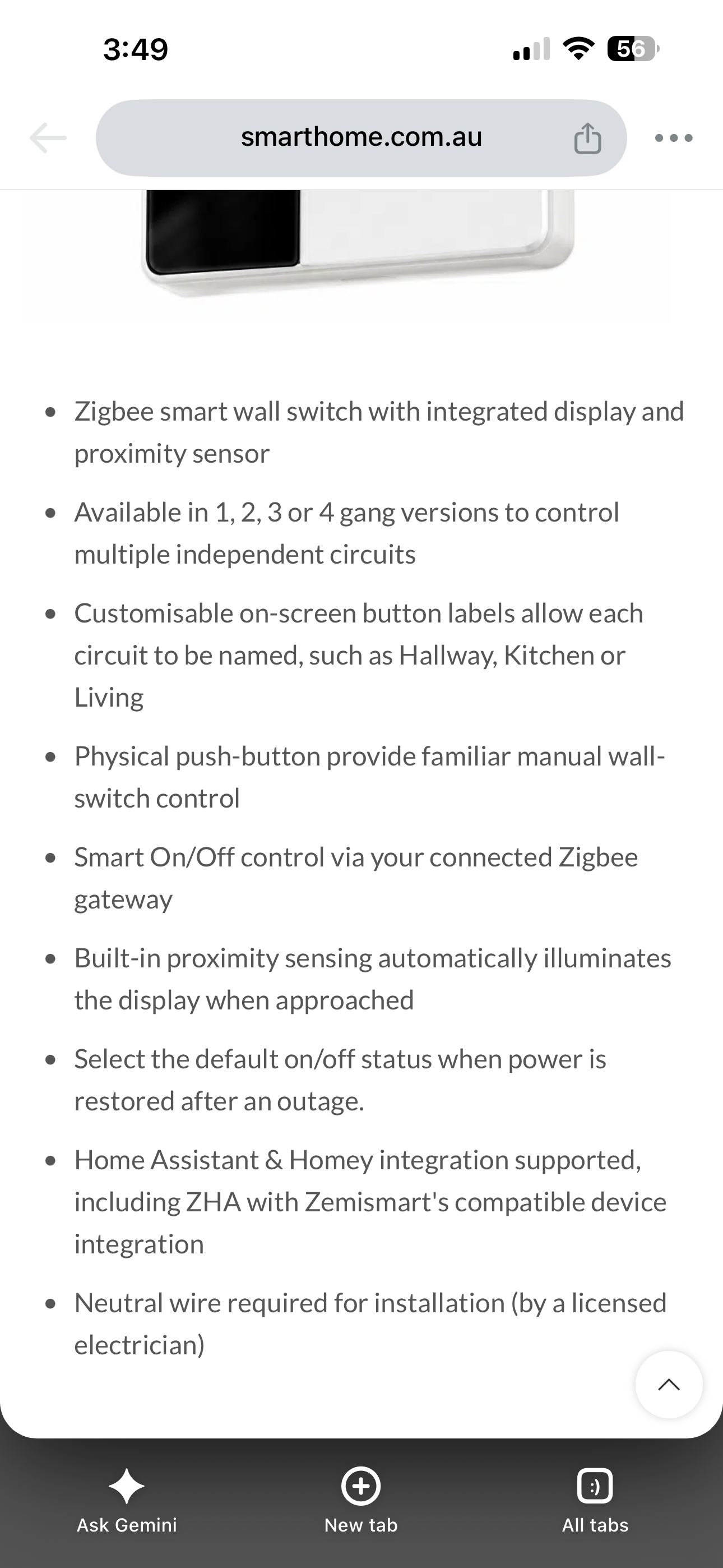
It’s a touch light switch with a small display that can show custom names per gang (set via Tuya Smart / Smart Life app).
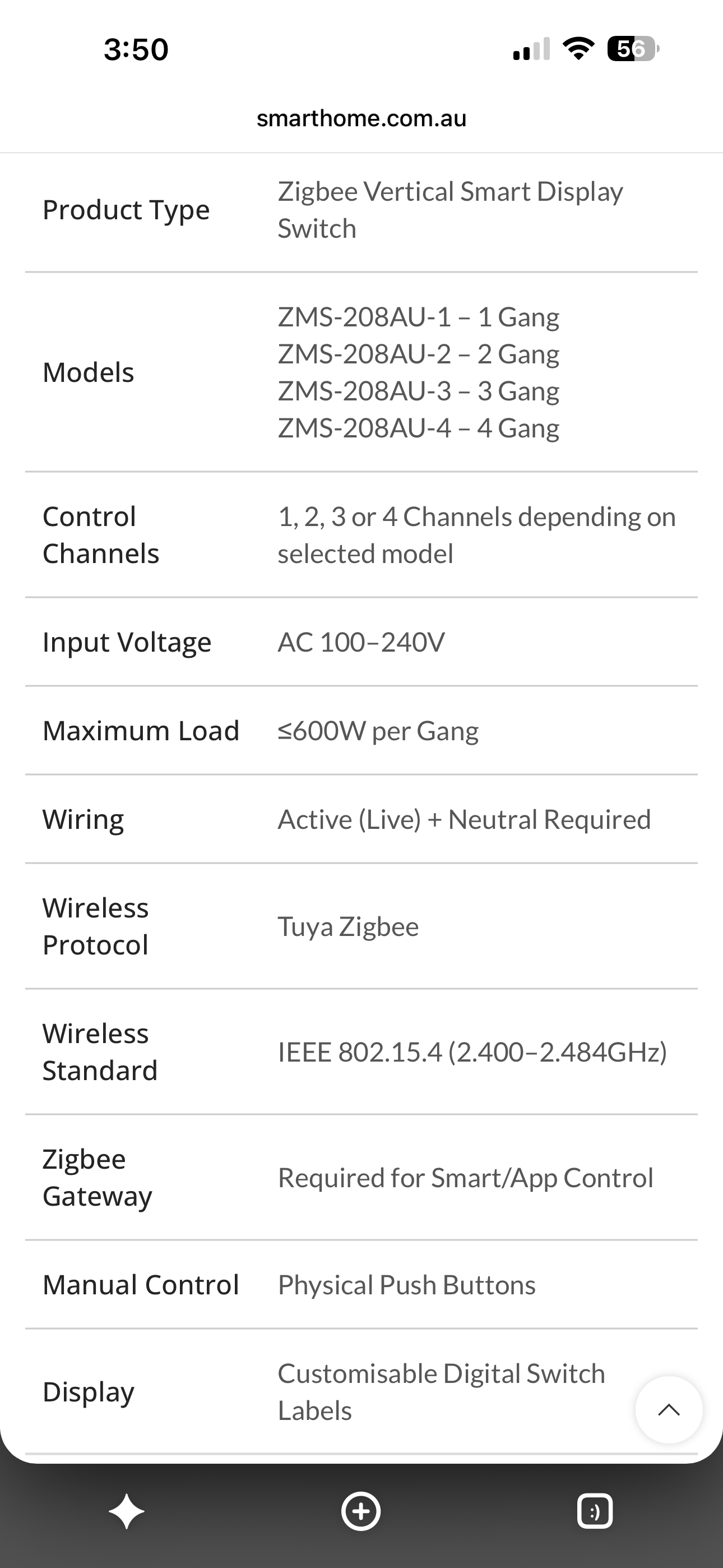
The spec sheet says it requires a Tuya Zigbee hub, but I’d like to pair it directly with Hubitat.
From what I’ve read (chatgpt told me actually so this could be wrong), other Tuya multi-gang switches work fine with community drivers in hubitat that create child devices for each endpoint.
Questions:
Has anyone already created a driver for this specific Zemismart DIY Name Display switch?
If not, would it be possible to adapt one of the existing Tuya multi-gang switch drivers?
Bonus: Has anyone figured out if the on-device screen labels (the custom gang names) can be updated locally from Hubitat, instead of only through Tuya Smart?
I am not aware of a publicly available driver for your device, but there is something that may be very close - this is the TratoZemismartKeypad device group in this driver :
The device manufacturer is Zemismart, and the model number is ZMS-206US.
This device seems to mark a new step in switch automation. The ability to manipulate a label display for each switch via an app appears to be one of those improvements that seem obvious in hindsight. Perhaps this has been done before, but it's the first iteration I've seen. I'm attaching a photo for a quick view.
No I was just looking at them. At first I thought it was a battery based remote style, then realised it was an in wall hard wired switch. I was looking for a remote with labels (to trigger blinds and a few other devices) so I couldn't see an application for this type of switch in my home (for lights only). I'd like to though as it looks nice... Thus why I posted here anyway in case I find an application.
These look like a very neat switch with the customisable label with proximity illumination which look to be recently available / approved for Australia.
Has anyone taken the plunge to get these working in Hubitat?