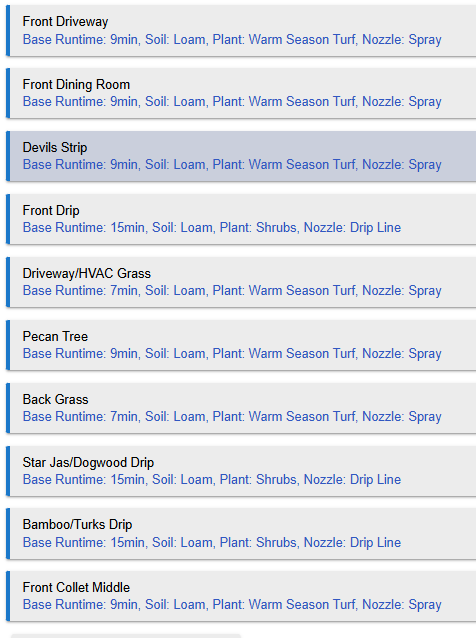
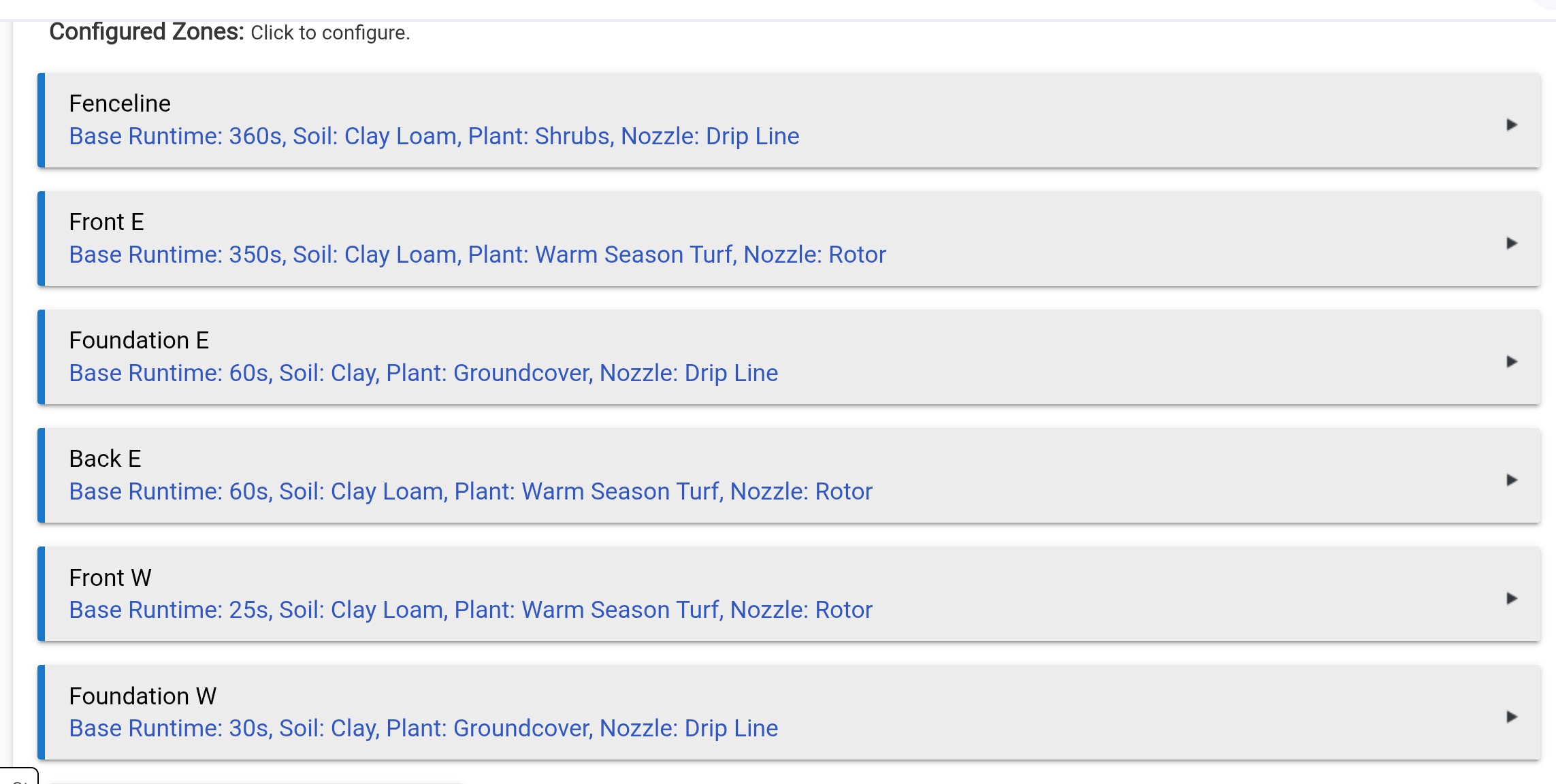
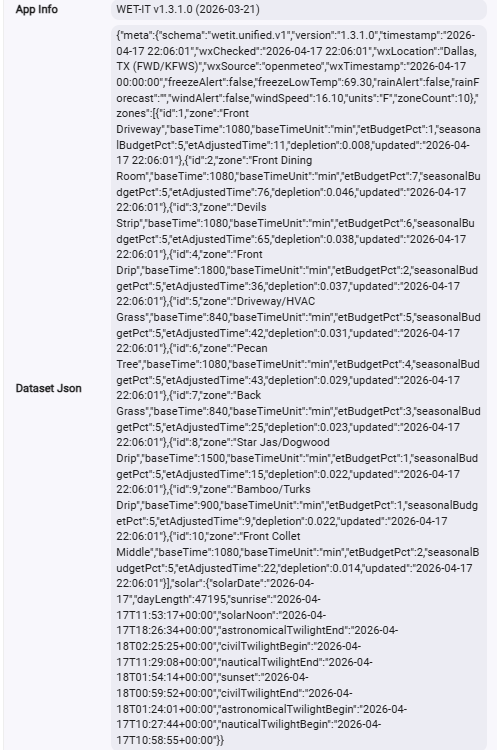
For the calculation, are you doing bast time in seconds I assume, so in my case, my front driveway base time is 9min.
so my adjusted = 540sec * (79/100) = 426.6 seconds. Is this correct? This would hint that zone 1 is actually calculating it correctly.
And just so happens, that if you treat the 9 mins as 9 sec, you get 9*(79/100)=7.11sec.
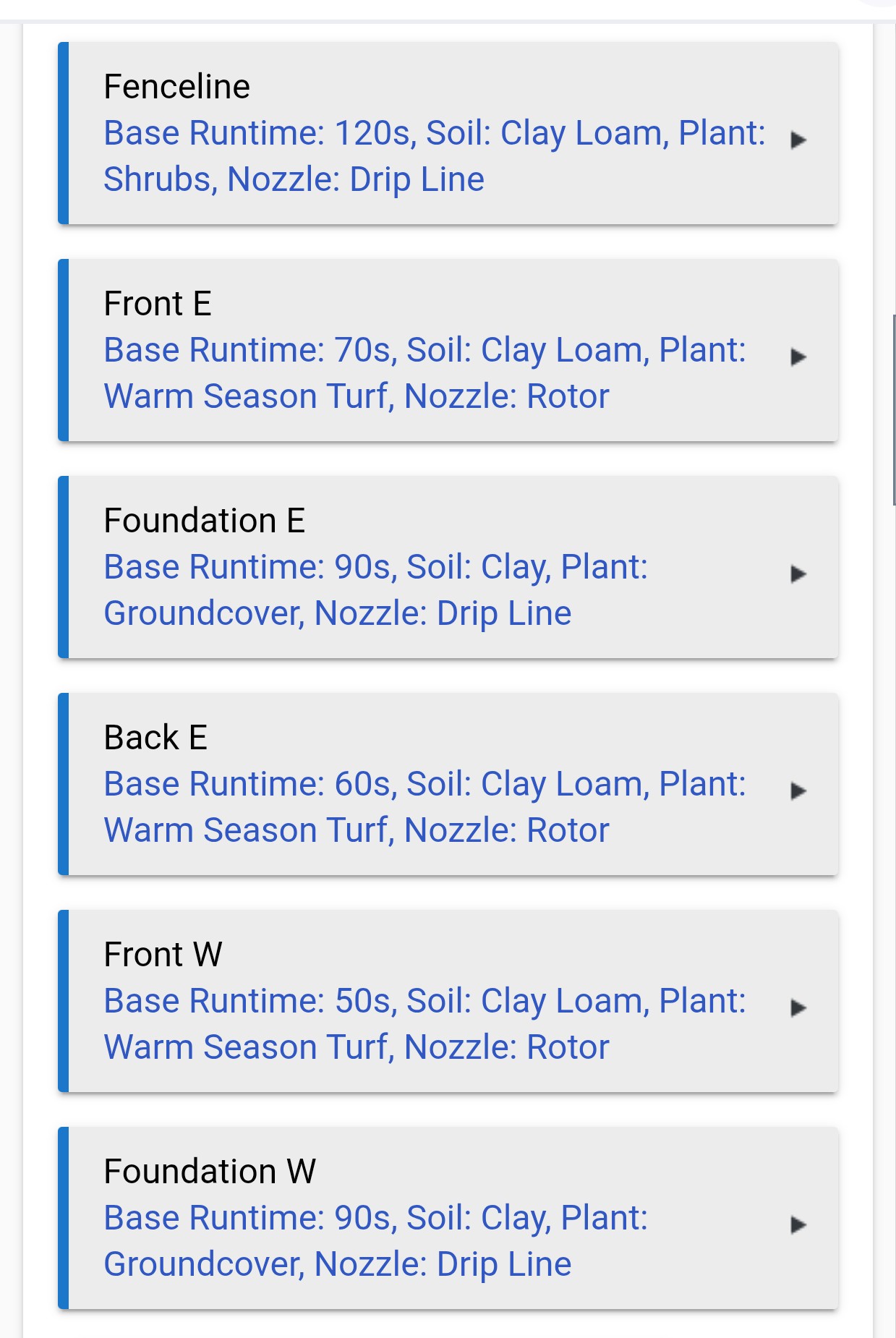
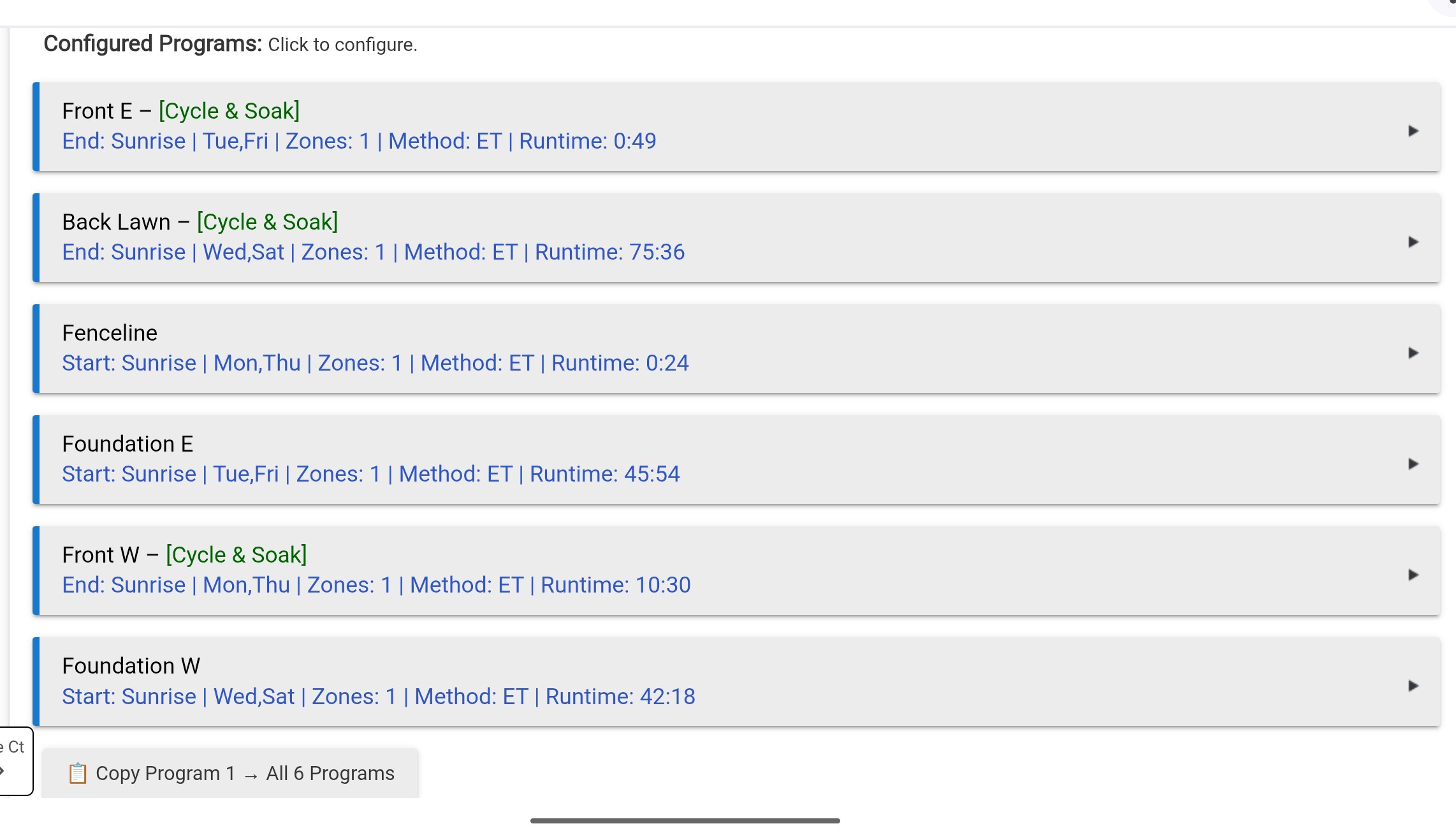
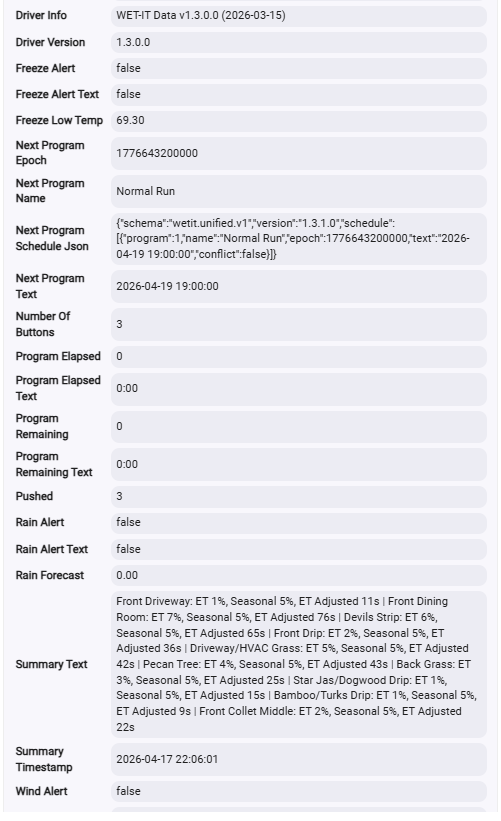
So it appears that some of those calculations are saying the baseline run time is in sec while others are saying the baseline is in mins. Even though they all showed Minutes, I went in each zone, changed it to seconds, and then changed it back to minutes. I did this for every zone. Waited a few minutes an re-ran it, an now I get this:
So now everything seems happy......is my ET such a high % simply because I just started using wet-it, and it hasn't gone through a real watering cycle yet? Will this eventually tame down to a more normal looking number?
The internal calculations and storage of the values are always done in seconds. The UI can be flipped to seconds or minutes. Nothing is stored in minutes. The unit setting is stored separately in the map and used for displaying the value:
I'm doing some tricks with the Hubitat UI to make it work. I'll bet you inadvertently changed it and didn't notice:
That would account for the time variance.
Those ET numbers aren't really that high. Those are “normal” numbers for spring. Running 79% of the baseline is about what I'd expect.
How can a user change between minutes and seconds on the display?
The label really should really read HH:MM:SS and not let the user change the label. These two different views can lead to confusion.
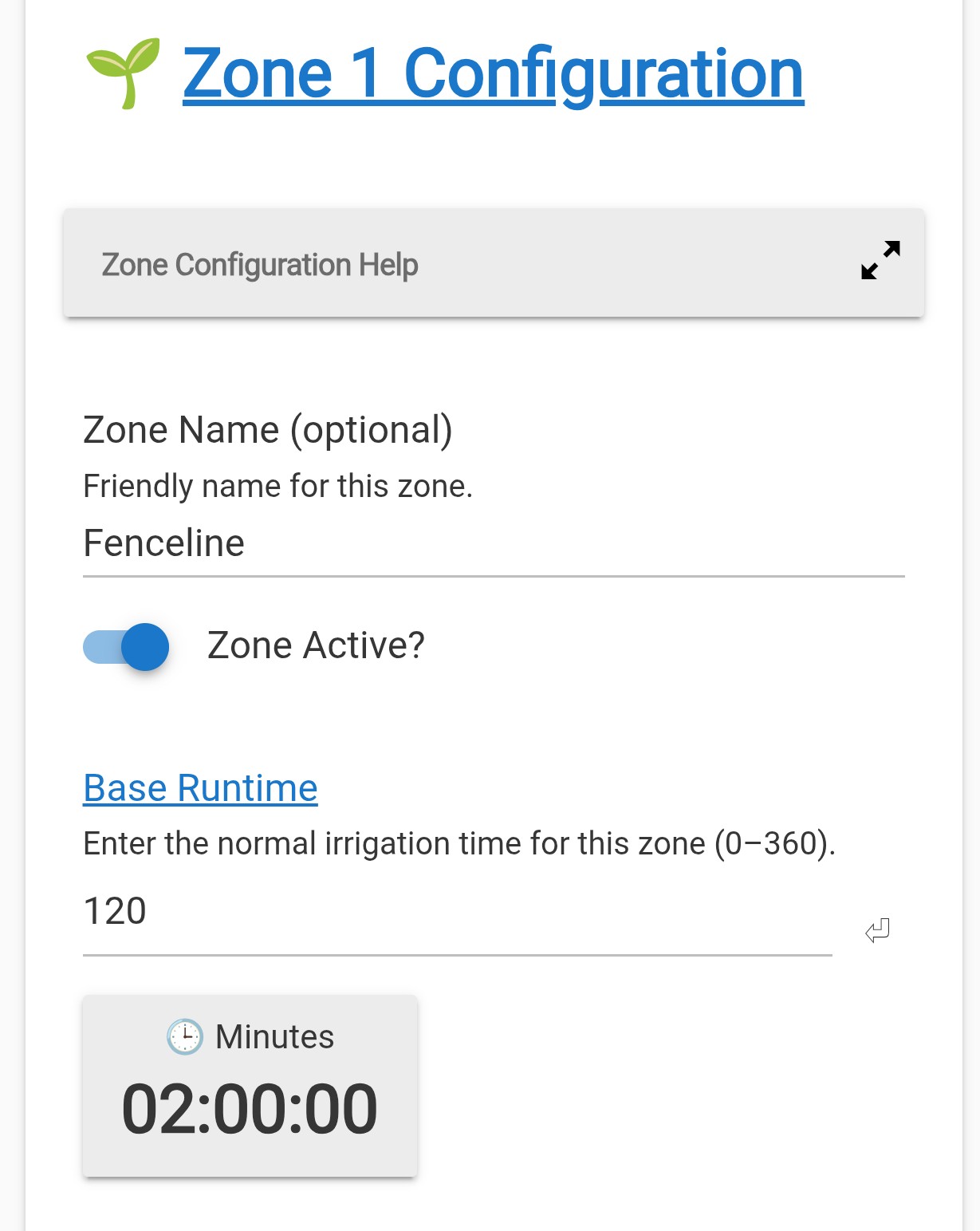
The toggle is what the value you typed in represents. The button toggles whether the 120 you entered represents 120 seconds or 120 minutes. When you toggle the button, the display adjusts so it always reads HH:MM:SS.
Thanks to @sabre170 for the tip on changing the time unit between minutes and seconds. Unfortunately, some of mine are in minutes and some are in seconds. The ones in seconds can't be set to a desired value because of the 360 limitation. And I can't change the units anymore.
An issue is that the zone list shows the time in seconds, no matter which unit is selected.
Edit: I would rather see one time unit for all zones. The high limit should change with the units, 0-360 for minutes and 0-21,600 for seconds. That way both can have a 6 hour irrigation, which is good for some drip hoses.
I think this may be related to an issue I ran into the other day. What worked for me.....Go into each zone and click the button to change form min to seconds, and then back to mins, close that zone, and open the next. Go through all of them. Then go through all of them again and double check that they are correct. Close wet it completely via the done button at the bottom. Wait a few minutes and reopen it. Then the times all showed correctly for me.
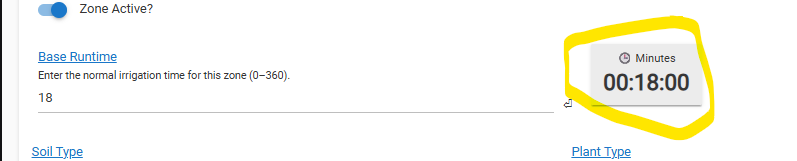
There is nothing in the code that would or could prevent that. It's a UI issue. Even though it looks like one complete button and you get a mouse-over indication, only the top portion is actually clickable.
Based on your screenshot, change the value (360) to 6, and then click on the top of the button. The actual button part is the top line that says seconds or minutes. You need to click that, not the hh:mm:ss display.
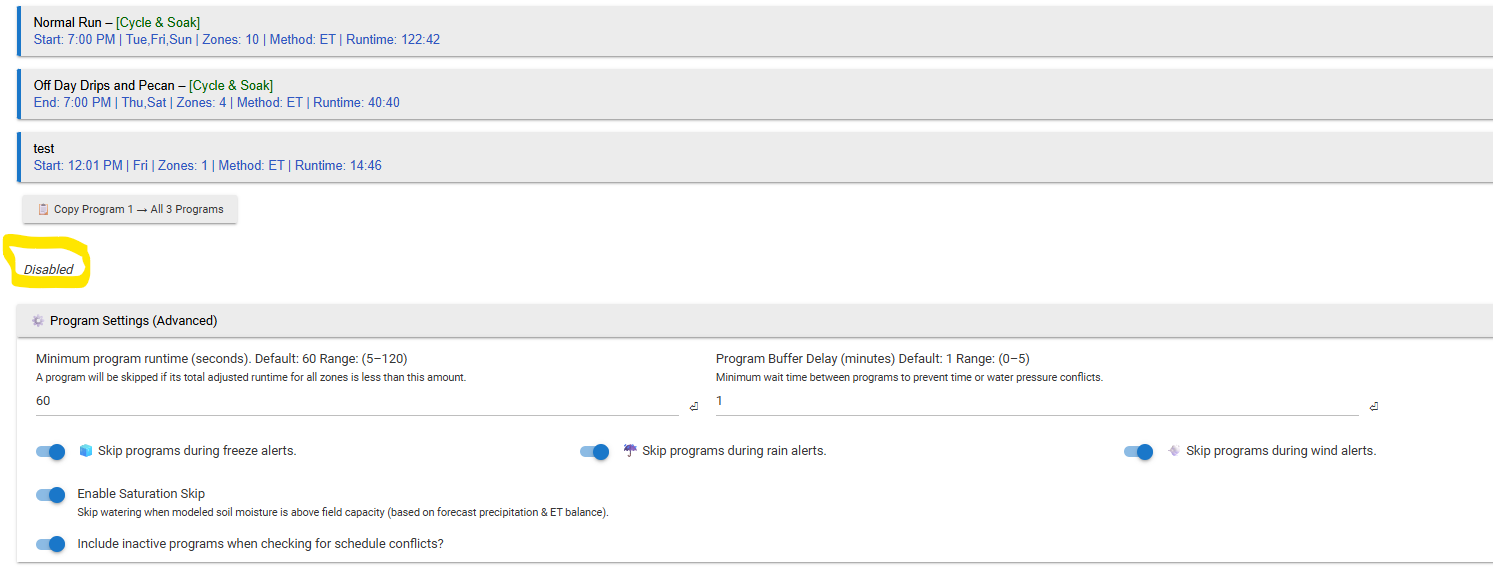
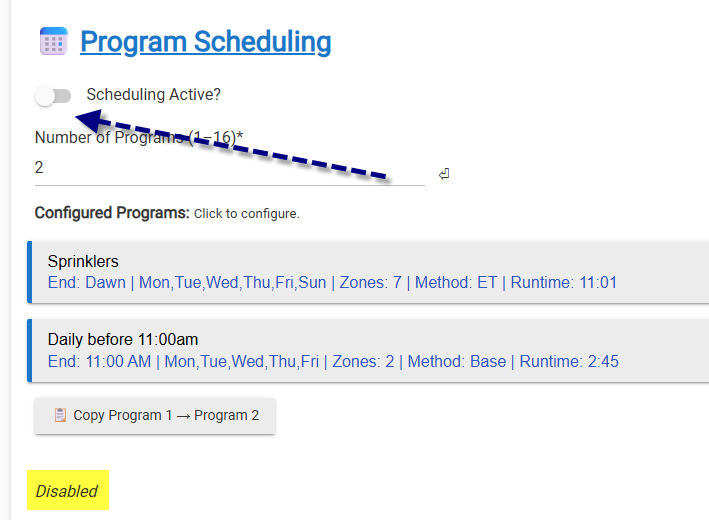
Why does mine say disabled here? And does this have any connection why none of my programs run? I can go in a program and manually run it, but it does not run on the times/date programmed.
Logs are empty...so it isn't even trying to run a program from what I can tell.
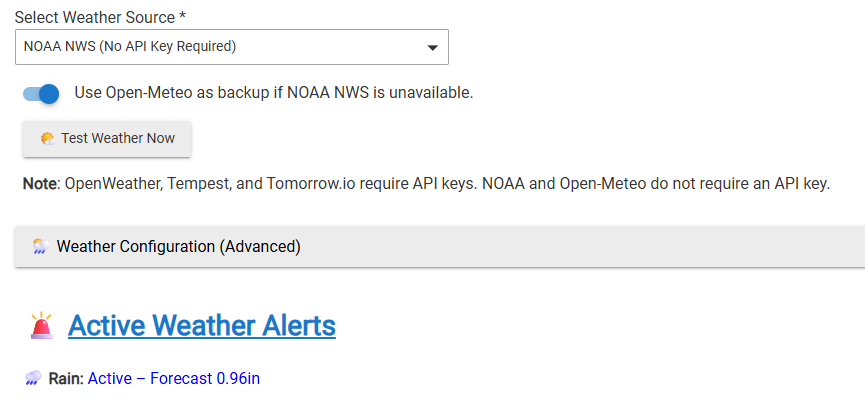
Does Open Meteo actually pull precip data? We are getting a nice spring storm here.....In the wet-it app, no weather alerts. IN the wet-it device, no rain mentioned. In the Dataset Json, there isn't mention of rain either but not sure it would.
I do, however, have "saturation skip" showing up on my program scheduled for tonight.....however, the sprinkler system did do a crazy long run last night. It seemed excessive to me but I was letting it do its thing to try to re-basline everything. It had my ET at 150%.
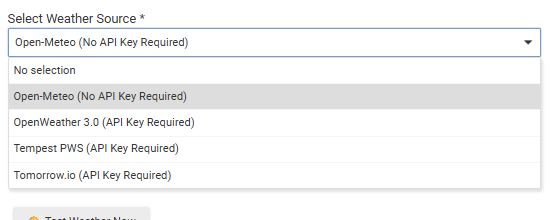
Update......NONE of the weather sources are reporting this rain we are getting. NOAA, Open-Meteo, OpenWeather (yes I have an API Key), and Tomorrow.io (yes with key). None of them are saying anything in the Active Weather Alerts and no where in the device data is it showing precip.
I am aware I probably did break the first rule of wet-it.....don't change weather sources. Pick one and leave it.
Where can I look to see the data being pulled from the weather source? As of now, I'm looking in the Wet-it device details.
I discovered something was wonky on my end. I ended up having to delete both the probe AND the data child devices. Then by going back in to the app it recreated the proper child device. Things are now seemingly working better...I'm no longer getting any Warn or Errors suggesting issues. The weather IS checking my primary weather source every 2 hours as it should be and it IS posting the data as it should be.
I'm using tomorrow.io as my primary source. I landed on this one as they have a really nice web based UI that I can use in parallel with the Data device to see and double check the data that the Wet-It app getting and processing.
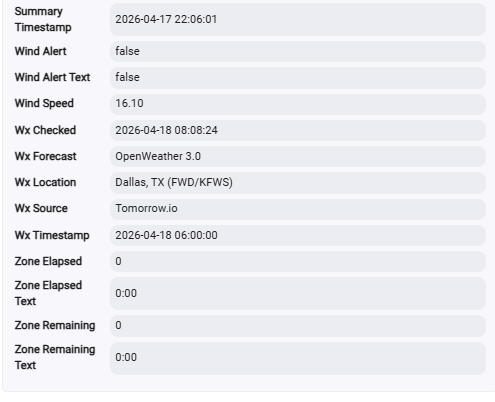
From what I can tell.....the Wet-It app is only looking at the rain forcast for TODAY. It doesn't appear to look beyond today. I get the following string from my Data logs:
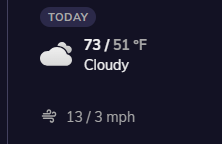
This directly lines up with Tomorrow.io's forecast for TODAY
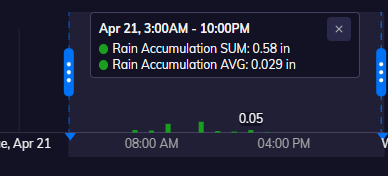
Now what I'm curious about......TOMORROW's forecast is 90% chance of rain with an accumulation of 0.58" (according to tomorrow.io)
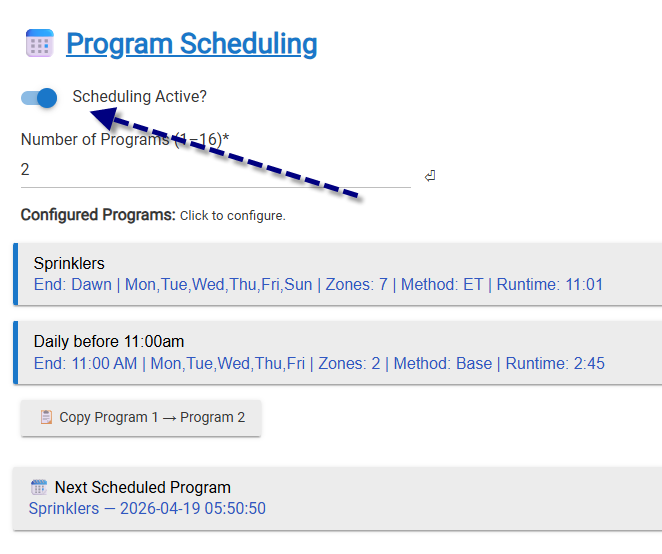
At what point does Wet-It take into consideration that we are going to get over half an inch of rain tomorrow morning with regards to if it should run my sprinklers tonight? As of right now, my system all appears that it will run tonight as per the schedule says.