Is there something special I need to do for multiple hubs? I set two Additional hubs up with the same settings I used on the initial hub, and they don’t seem to be found.
Nope.
I just wouldn't send the same device from multiple hubs. Is your Hub Info driver device named the same?
You can check the logs to make sure InfluxDB Logger is having successful post to the database on each hub.
Is this just for the HubInfo dashboard?
The hub devices all have different names, as do the hubs. But for some reason, the other two are not showing up.
Here are the logs off one of then
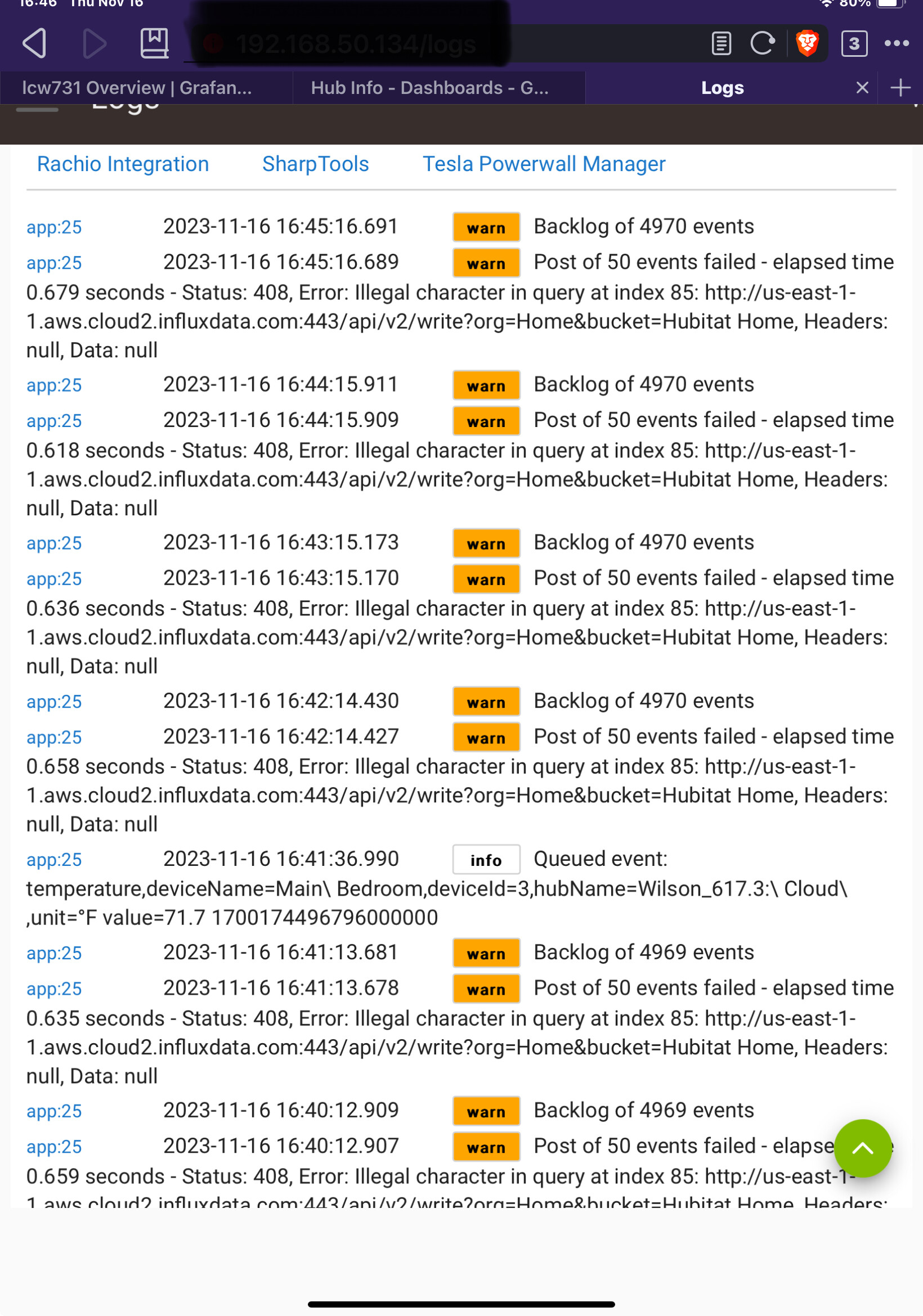
And the other
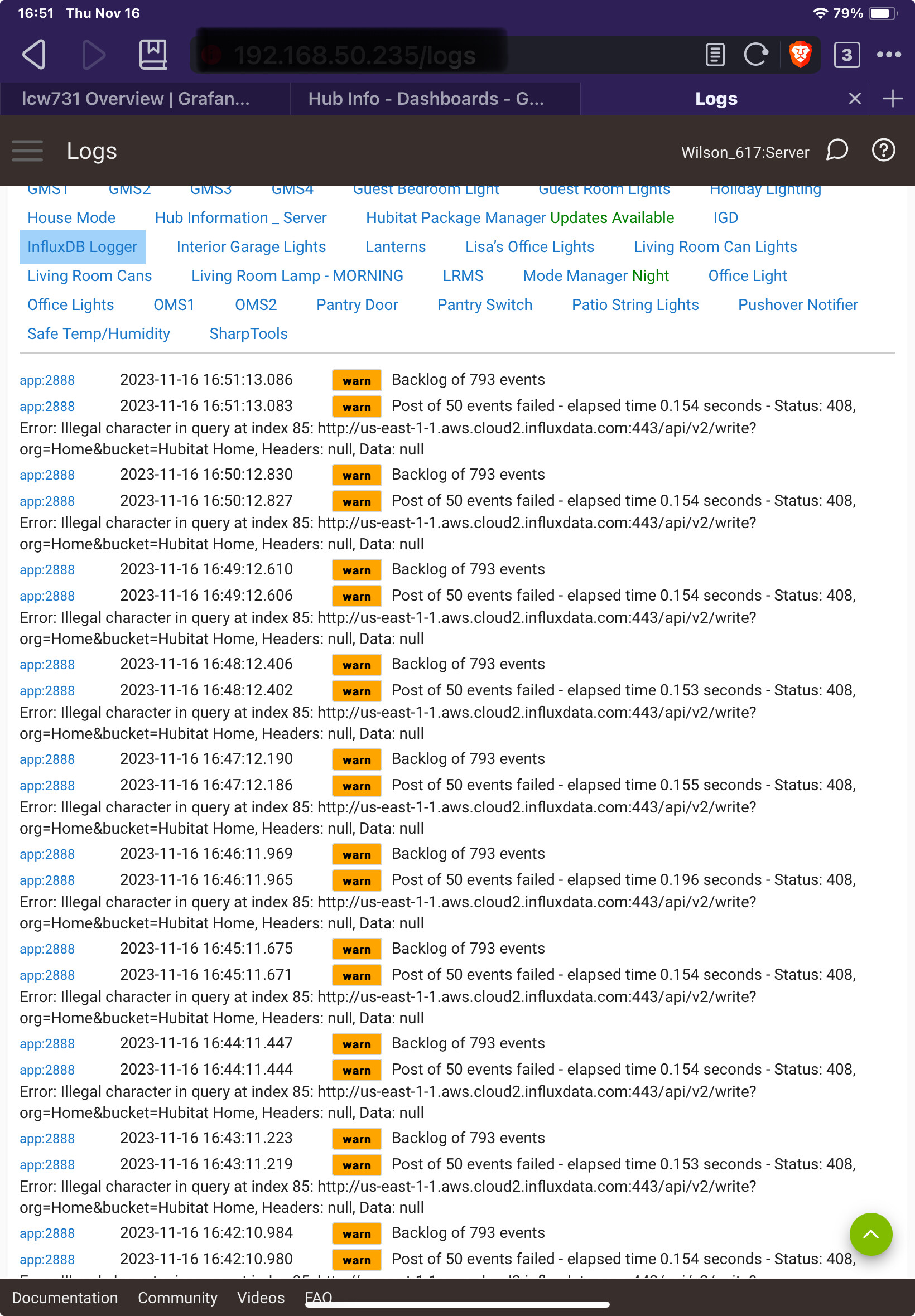
(
That looks like you have something sending bad data to influxDB Logger.
Go into the InfluxDB Logger app and set it to use a batch size limit of 1.
That will make it process one at a time. I believe it also drops the records if it is bad data. that will get you going. Once past that data I would set it to 250 so you can churn through your backlog.
That didn't seem to drop the back log, but it but does seem to be going down. I even changed the backlog to one and it steadily reduced the backlog events. However, SO FAR those two hubs have not appeared. For poops ad giggles, I went in an made sure each was configured EXACTLY as the one that is reporting is configured. Aall three are now identical (well, except for the device names)
Once you get past the bad data you should be able to set the value back up. Something in the data is causing InfluxDB to refuse the post.
What is the naming convention for your hubs?
Regarding the backlog / bad data issue, you want to set both the "Batch size limit" and the "Backlog size limit" to 1 in order to clear the bad data. Once the queue is cleared, you can ramp the values back up.
You should be able to identify the bad record(s) by looking at the errors in the log (look for "Failed record was: XXXXX"). When you identify the bad record(s), please post the data so that we can figure out what went wrong.
1 Like
Hub 1 (the one that is working) Wilson_617:Devices ; (Hub info Device name Hub Information V3_Devices)
Hub 2 (additional hub) Wilson_617:Server ;(Hub Info device name Hub Information V3 _ Server
Hub3 (additional hub) Wilson_617.3: Cloud ;(hub info Device name Hub Information V3_Cloud)

Yep, that's what I did.. Still not showing the two additional hubs.
Just looked at my hvac dashboard, and I am getting thermostat data from that third hub to the HVAC dash, but not the hub info dash.
The purpose of this wasn't getting your data to show up. The purpose was to identify the bad data that was the cause of your post failures.
@lcw731 where you able to look at the logs and identify what records contain bad data?
1 Like
I guess I’m not sure what to even look for to know if it is bad.
To clarify, once I did that and it worked through the back logs I still
I was not seeing either hub in the hub information dashboard. By that neither hub even available to be selected.
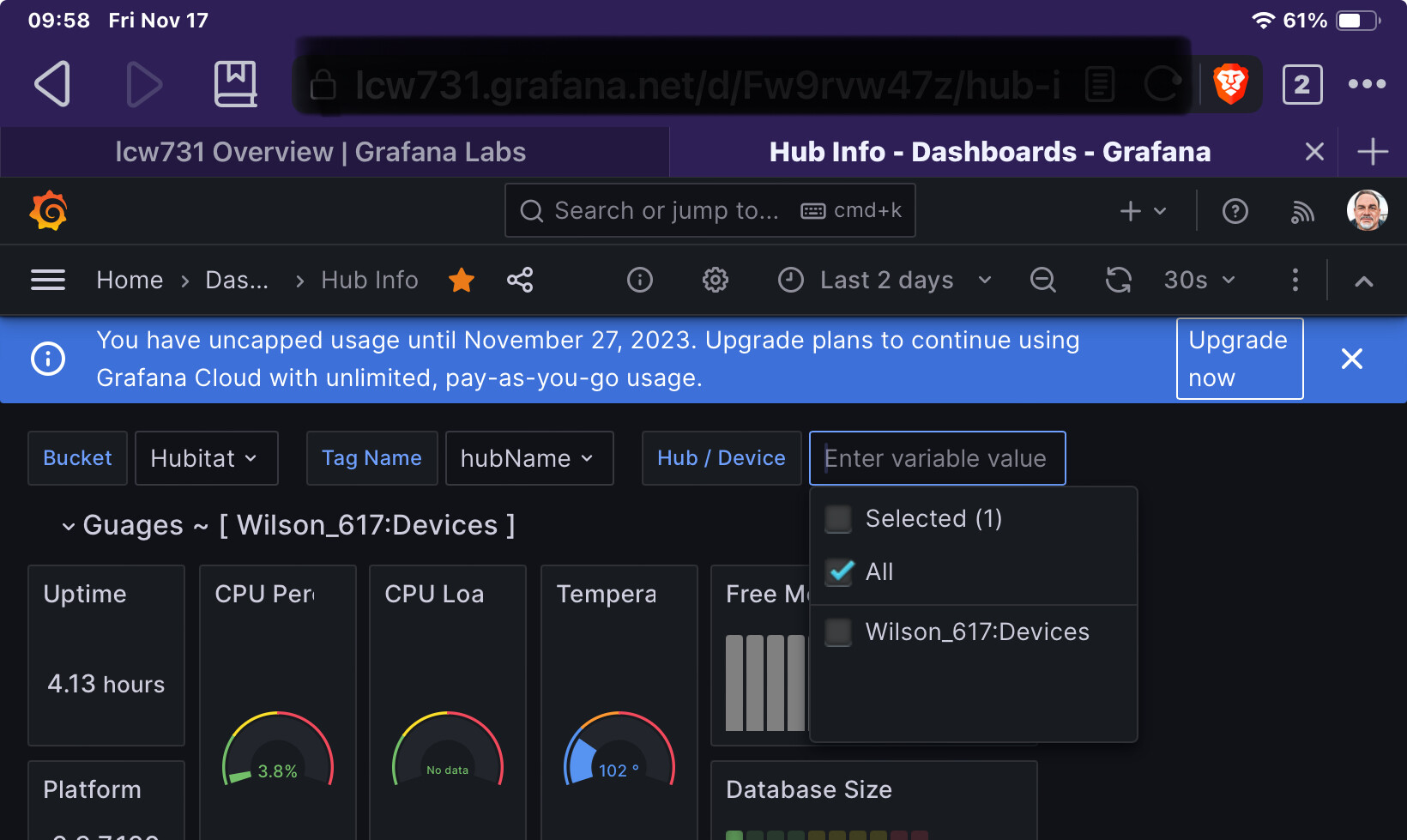
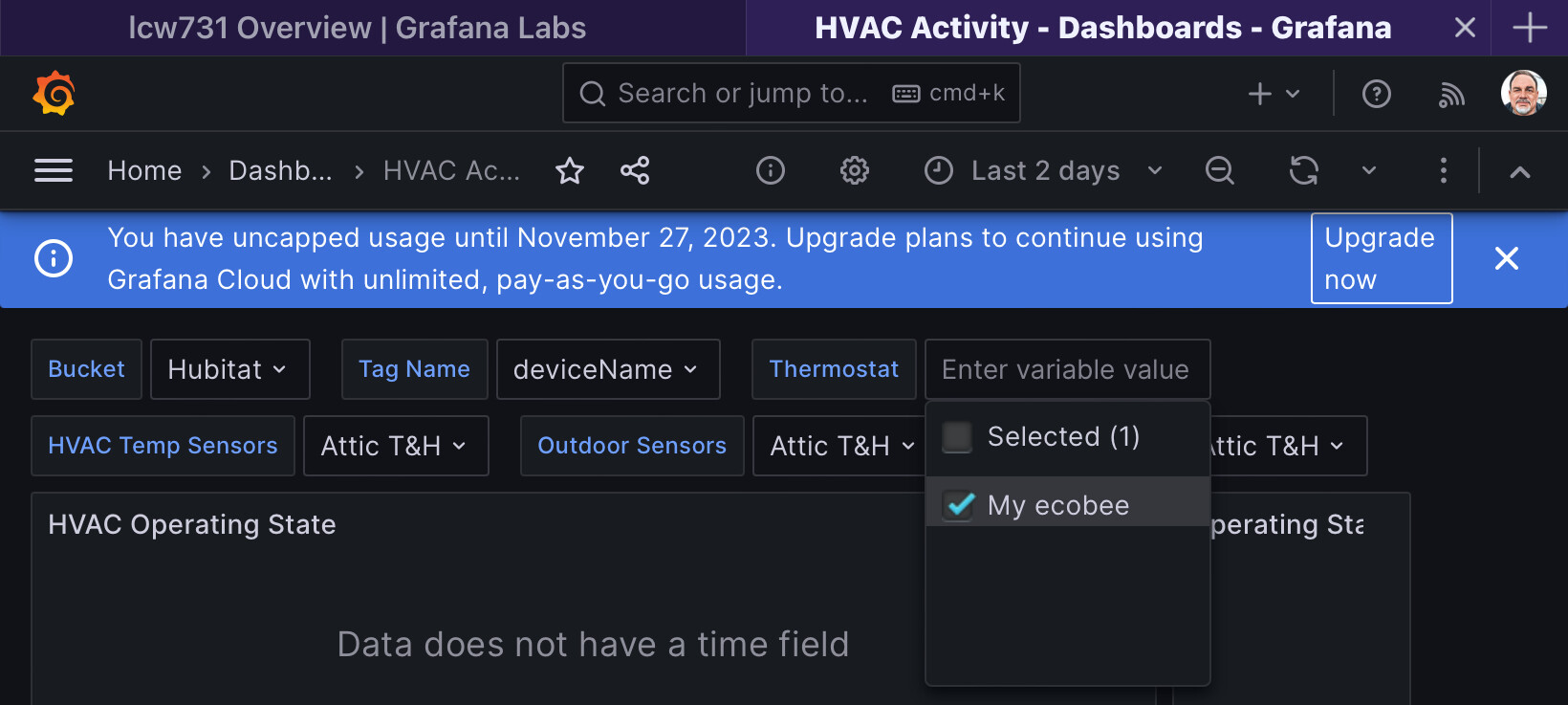
I was able to see my thermostats information on the hvac dashboard. That device is on the third hub I was trying to add. “My ecobee” is on the second hub I was trying to add, so clearly something is getting through
On the HE open up logging and then look at Past logs for InfluxDB Logger as you scroll down you should see information @dennypage mentioned in his post
Another suggestion I would make is to have two instances of InfluxDB Logger. One with the Advanced Attributes flag flipped and another without it. Anything that doesn't need the advanced attribute flag to get the data you want will be likely be more reliable.
And the bad records? I.E. the records that produced the "Illegal character" errors? I care about those because I am trying to understand if there is an issue with the InfluxDB Logger application itself.
I am not attempting to address the issue of the data not showing up in your dashboard. There are people far more qualified than I already helping with that.
1 Like
Can you help me to figure that out.. I’m not really sure what that means or what to look for.
I accidentally reset the logs on one of the hubs. the third hub. here are the most recent logs it is generating.

The other isn't generating any logs.
These are the logs from the first hub which as far as I can tell is working

In short, I am no longer seeing the invalid character error messages.
All three hubs are configured identically except for the Hub info Device Name.
And now the other hub finally generated some logs, no invalid character errors there either.

Based on those logs InfluxDB Logger is posting to the data fine to influxDB right now. The issue is what was causing it to fail before. So you may need to go back further in the logs to find the error that caused the failure initially.
2 Likes
I can find those if I go way back to yesterday afternoon. Looks like the illegal charagter stuff dropped off and stopped reporting once I dropped Batch size and Backlog to 1. that was at about 5:10 yesterday afternoon.

On other Hub there were a bunch of errors around 2;00 a.m
The other hub logs don't go back far enough to see the invalid character error. It's just a bunch of backlog and quesed events. But I don't see any errors necessarily associated with them
Can you copy and past just illegal character stuff and not all of that. It is so small when i zoom it isn't legible
Or maybe just some examples of it.
1 Like
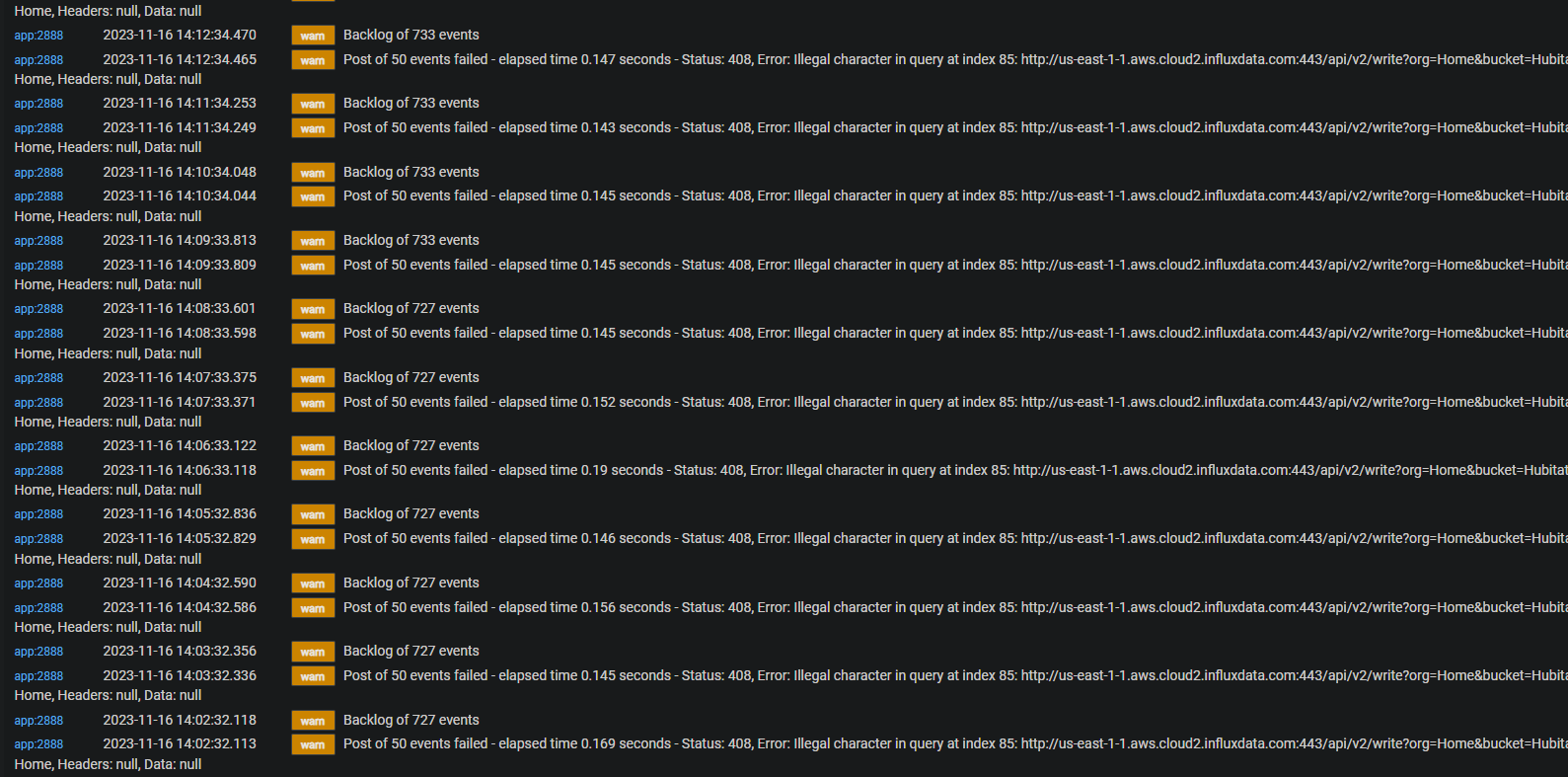
It was after this I went in and made sure the other hubs were configured exactly the same as the working hub. the biggest difference I found was on the original (working) hub, the Bucket was listed as Just "habitat", whereas these two were listed as "Hubitat Home". I deleted the home on both of them. All three are now just "Hubitat". Other than that, everything else was (and now is) Identical.