Sorry @nathaniel.knautz , was about to respond to your earlier question re fixing panes and noticed I somehow missed your question above about Fan Speeds. I wouldn't have expected the list is likely to be editable via CSS, though the post you linked may be worth a look..... I certainly don't have anything pre-developed for you to easily achieve this, but if someone can get it to work by writing the CSS code I'd consider adding it to the editor I have developed.
totally noob question here… is there a way in CSS to change the shape of a specific dashboard button from the default square/rectange to, say, an oval?
Yes, it's possible. I did this so long ago I forgot how I did it. I assumed I used CSS but when I checked it there is only 1 thing in there and it's for the title alignment. If your on android, I have been using @jpage4500 app for quite some time. But I think I did this with a combo of grid size and rounded corners. My rounded is set at 77 and I built this specifically for my phone.
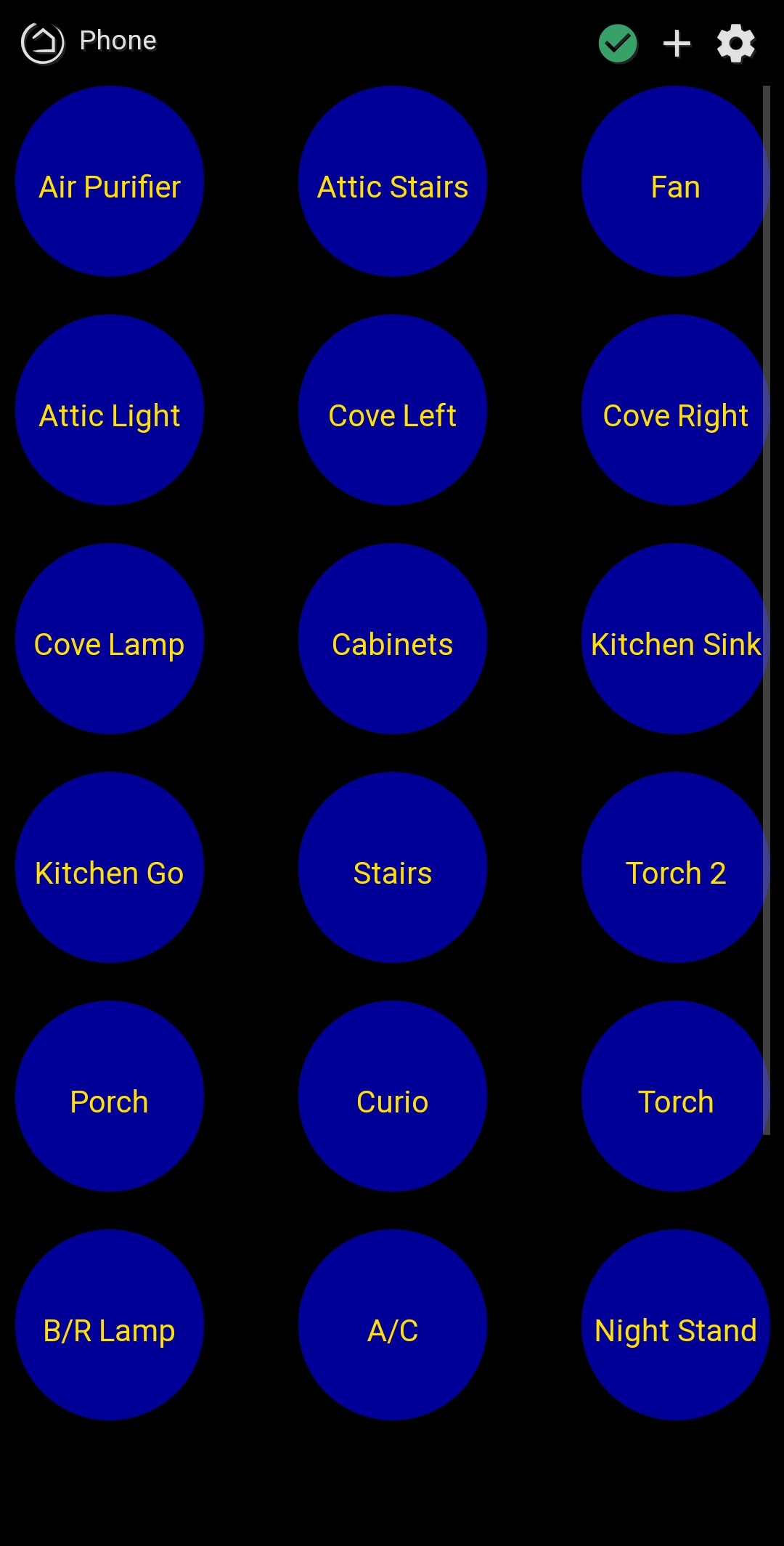
Border-radius is what you are after. I'll get an example later after work if you can't find one. It won't do oval though...
1 Like
Even if it’s some other non-square shape, it should work for my purposes.
I’m not using Android and just to clarify, I want to change the size of only some buttons in a given dashboard and not all.
By the way, I’m just “typing out loud” here, but it would be my ultimate dream to make my dashboards look like one of those computer screens from Star Trek The Next Generation complete with beeps whenever a button is pressed.
Just saying….
1 Like
Yeah, sorry, I glazed right over specific tile. Sadly, this will provide no help, but it does seem possible. I created scene tiles with the top corners rounded but the bottom were not. I scanned over my CSS and I have no idea how I did that. It was definitely from community help but it looks like this.
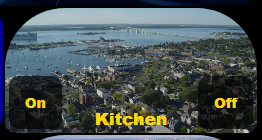
So, it would seem it's possible. If you round the bottom corners as well, that would look somewhat like an oval to me. No doubt sburke781 will come back with a solution.
Someone has created a Star Trek themed board. I cannot remember where I've seen it but I believe it's in this thread Show Off Your Dashboards!
1 Like
Well, through sheer dumb luck, I figured it out...
Before:
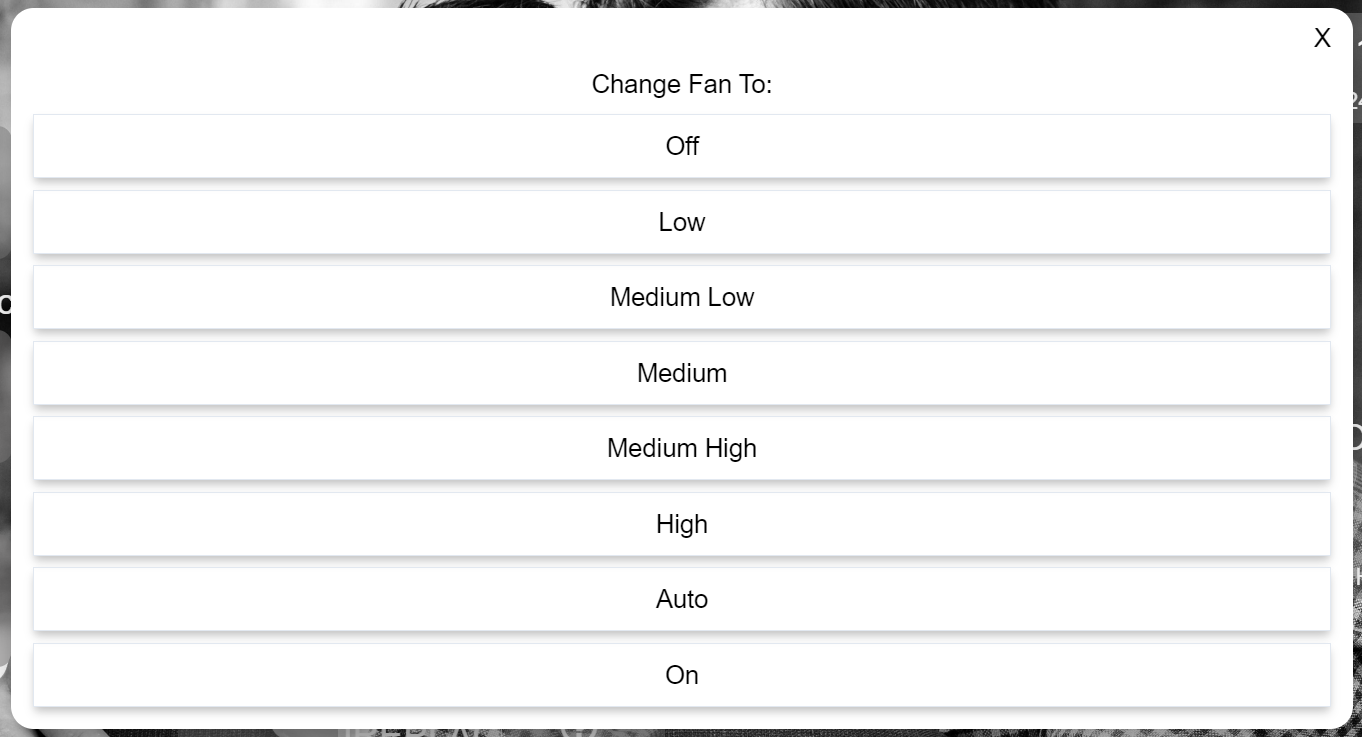
Added the following to CSS (3, 4, 5, and 7 corresponding to the rows I wanted to hide):
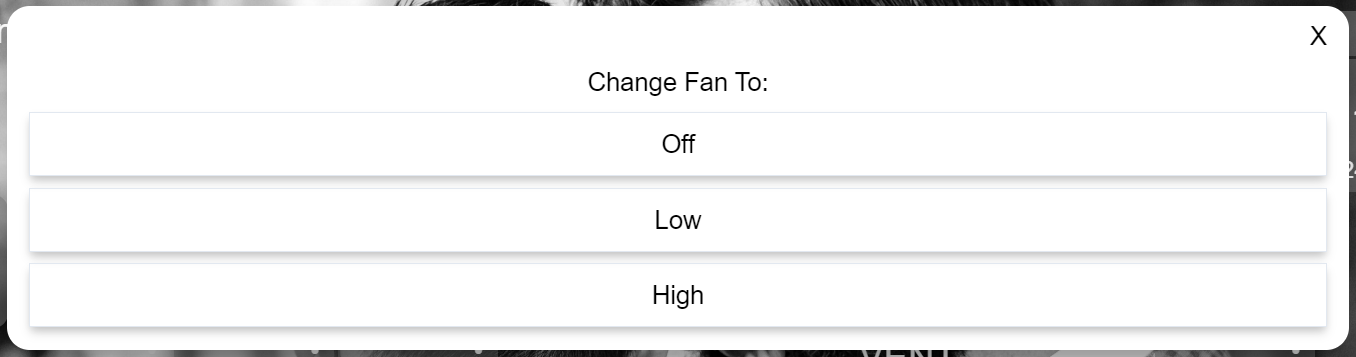
#tile-163 .flex div:nth-of-type(3), #tile-163 .flex div:nth-of-type(4), #tile-163 .flex div:nth-of-type(5), #tile-163 .flex div:nth-of-type(7), #tile-163 .flex div:nth-of-type(8) {display: none ; !important;)
Result:
3 Likes
Try this
#tile-5 {
   border-radius: 25% !important;
}
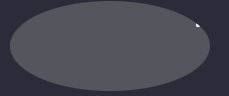
Change the tile number to the one you want to modify and change the border-radius percentage to define the way you want the button to change, 50% will get you a circle, from there you can taper back whatever percentage you like.
by the way if you want oval you will need to change the height and width like so
#tile-5 {
   border-radius: 50% !important;
   height:90px;
   width:200px;
}
2 Likes
Thanks, this might be what I want, but I'm not sure exactly where to insert it. In my first try it created some weird results. Here is a sample CSS code for just one of my buttons. Where exactly would I put the lines above?
#tile-135 .tile-title::after {
visibility: visible;
position: absolute;
text-align: center;
left: inherit;
right: 0;
bottom: 0;
white-space: pre-wrap;
}
#tile-135 .tile-title {
visibility: hidden;
white-space: nowrap !important;
overflow: unset;
}
#tile-135 .tile-title:after {
content: 'Formula Scandinavian';
}
Click the settings cog on the dashboard, select the advanced tab, then CSS. You can add the custom css there.
What I mean was, where in the tile code (given above) in the CSS screen do I put the new lines?
Oh never mind, it looks like I can just put it wherever I want. Thanks!
1 Like
Ok this is working, but I have a question: if the standard button sizes are being auto-determined rather than specified, is there a way to have ovals whose size is also auto-determined and proportional to that of the standard square buttons?
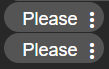
If I'm understanding your request one approach is to change "rowHeight": 30, in the layout template (settings--> Advance --> Layout), at the lower half of the screen you will see this.
"goBack": true,
  "modePin": "",
  "bgColor": "#282828",
  "lanRefresh": 2,
  "iconSize": 42,
  "cols": 6,
  "rowHeight": 30,  <------
  "hideEvents": false,
  "tempScale": "F",
  "noColors": false,
  "readOnly": null,
  "rows": 5,
  "hideIconText": true,
  "hideTextShadow": true,
  "name": "test",
  "fontSize": 12
then each time you place a button you would get that oval shape, like this
Another option is CSS by grouping tile numbers like this
#tile-0, #tile-1, #tile-2, #tile-3 {
   background-color: rgb(57,57,76) !important;
   height:90px;
   width:90px;
   box-shadow: 1px 1px 5px 0px rgb(12, 12, 14);
}
All 4 of those buttons are exactly the same on the dashboard.
Does this help?
By the way if you choose to go the layout path make sure to click the Save Layout button or else it won't work.
3 Likes
For your exact question re using a variable, or possibly even a device attribute, I am going to say (without too much authority or confidence) no. My understanding is that CSS cannot use the value of a node (could be the wrong terminology...) to drive the formatting.
That said, one way, which requires some extra config, is to include a switch or something similar, and overlay tiles, where the switch tile provides the colour change. These get a different class assigned when they change state, which you can respond to using CSS. By the sounds of it, you could potentially use a switch instead of a variable you describe in question 1.
I have also seen people adjust settings for tiles using temperature and humidity readings, so there may be something there you could use.
1 Like
Should clarify my last statement, not respond with CSS, background colour settings in the templates
1 Like
If you look at how HE generates some of the tiles, often times you’ll see a class attached to the tile with the value embedded (I know temperature does this, and believe I’ve seen others). Those classes can be defined in the CSS tab to have background-color, etc.
2 Likes
Nice work 

