See, I went away and didn't say or do anything, and everyone else got smarter. Works all the time... 
Hola he hecho todo lo que decís, borre todo, eliminé dispositivo, volvi a instalar smartly inject, edite el driver, agregué dispositivo virtual, lo agregué a mí mosaico.... Y oh! Sigue igual, al guardar vuelve a su sitio, alguna idea?
Este proyecto no se ha actualizado durante bastante tiempo. Puede que ya no funcione según lo previsto.
Pero ha habido muchas actualizaciones en los paneles nativos de Hubitat, por lo que algunas características que solo estaban disponibles con Smartly ahora se pueden usar sin instalar código personalizado.
I'm starting work on dashboards (not EZ) and loaded Smartly Inject - it is working (with no "paw") with my C7 and version: 2.4.2.157. I see now that it is no longer being supported.
Should I continue to use or just get used to not having drag and drop?
Still works for me and has the paw. iPad with iPadOS 18.6.2 and Hubitat 2.4.2.143 on C-5, C-8, and C-8 Pro.
Oddly - the drag and drop works fine with no paw. On my 2nd test dashboard I did not even update the JSON code, just added the smartly inject tile with the javascript attribute...
Drag/Drop should be standard for everyone now.
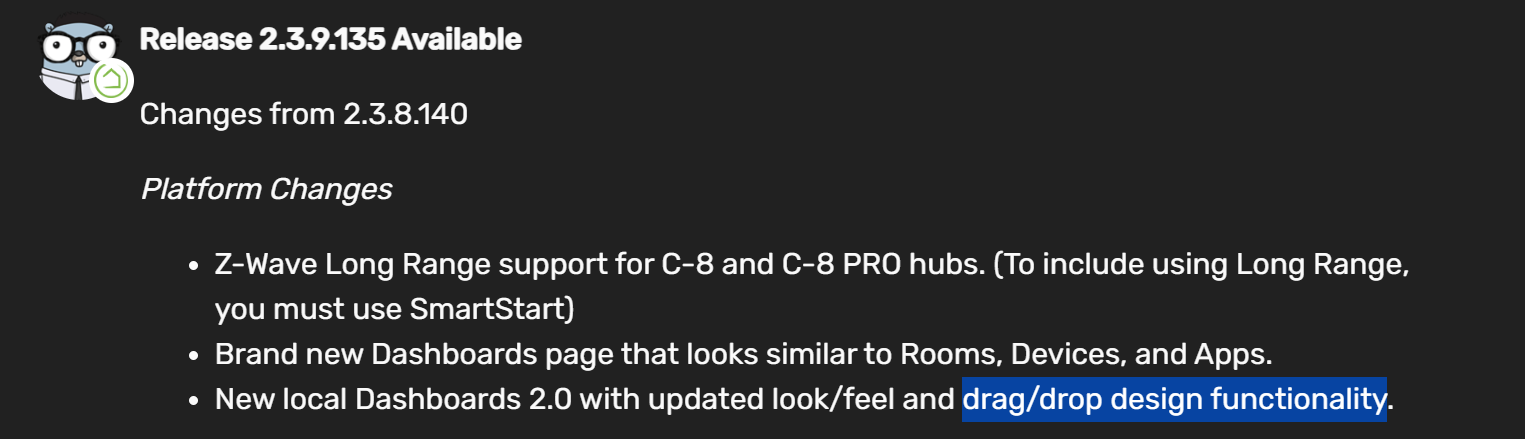
Ooooh ! Thanks for letting me know that Smartly Inject is really no longer needed for drag and drop. I feel kind of silly now...
I noticed that after a recent Hubitat update, the smartly javascript tile is visible rather than hidden. Any suggestions to fix that? I still like the look of the smartly dashboards . . .
I just shifted it offscreen to the right so it wouldn’t be seen.
So, seeing that it is broken now, I removed it from all of my dashboards and was trying to remove the Smartly Inject device and driver. Buuuut, when I go into the device, I get a perpetual "loading layout...." screen and I also cannot delete the driver.
Any ideas on how to get rid of the device and driver now that something is broken?
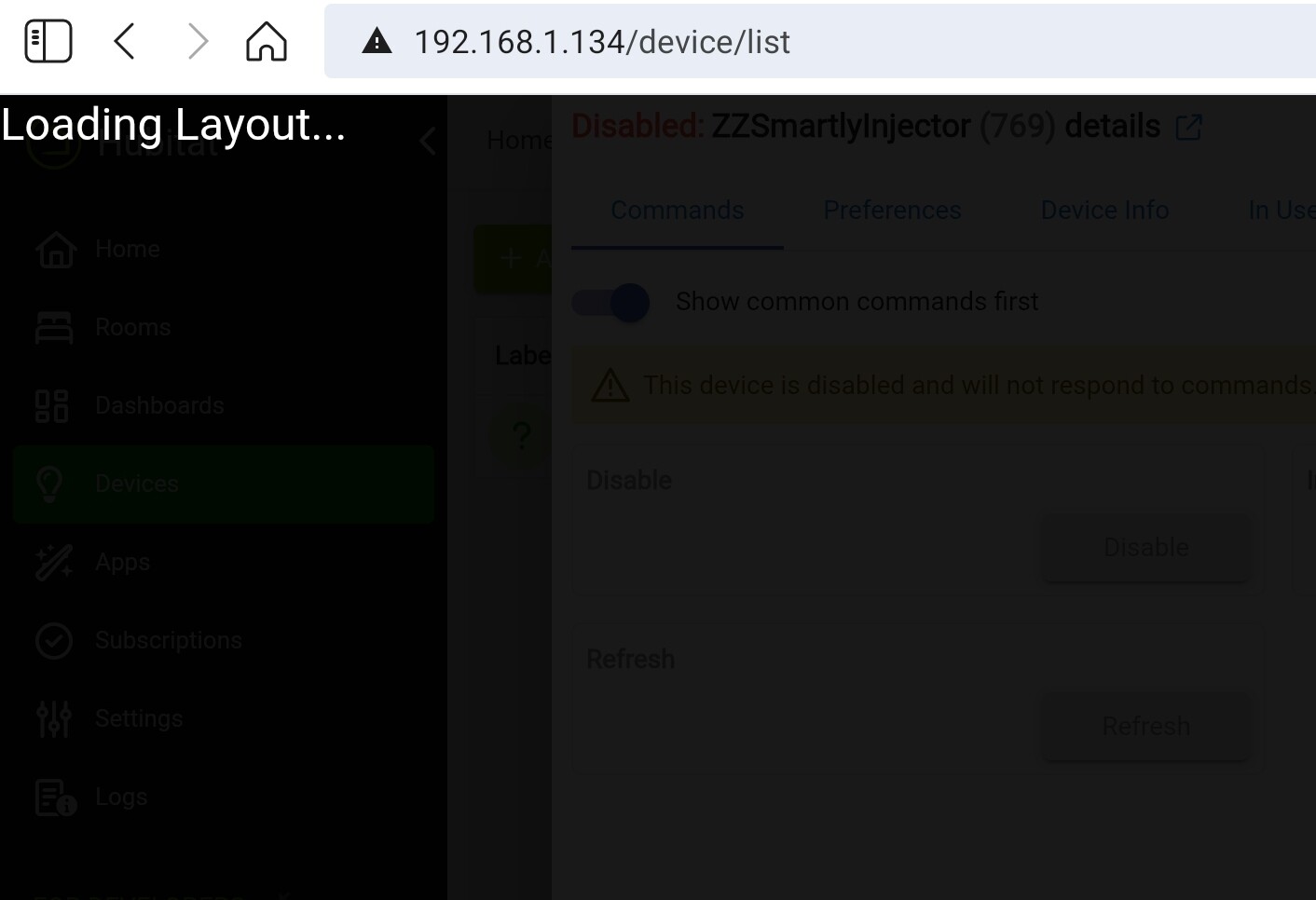
I have verified that I removed the injector device from all of the dashboards I was using it on (Had to go into each one separately because I cannot check where it is in use since the device will not load to check the "in use by")
Same results on Android App, Firefox, Chrome, and Vivaldi
C7, Firmware 2.4.3.158
Edited to add that I solved this.
It would not let me delete from the drivers code section and no way to delete from the device itself since the device would not load.
Removed my sketchy workaround as there is a better one here:
Same...tried disabling the device but I still can't load the device page. Also did not help to use an incognito browser window.
Can't remove the driver code from the Drivers Code section as the code is being used by the device.
See my fix. Not for the squeamish though.
Edited to add a few more specifics:
Removed my detailed (risky) steps and suggest a better workaround stated here:
Good solution! I was not thinking "smartly" this AM and for some (unknown now) reason my brain discarded the idea of replacing the Smartly driver code. Poor little brain...
I removed it slightly easier and with less danger.
I opened the device page for the injector device and got the loading overlay, which covers the device page.
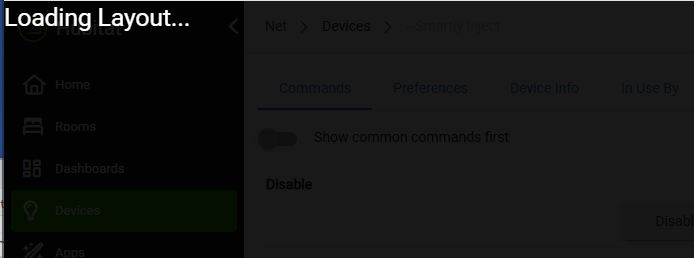
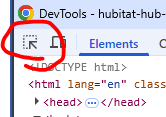
I then hit F12 (in Chrome) and got the DevTools window. I used the element selector (circled) to select over the word "Loading".
I moused up to the "idb" div which selected the whole overlay window:
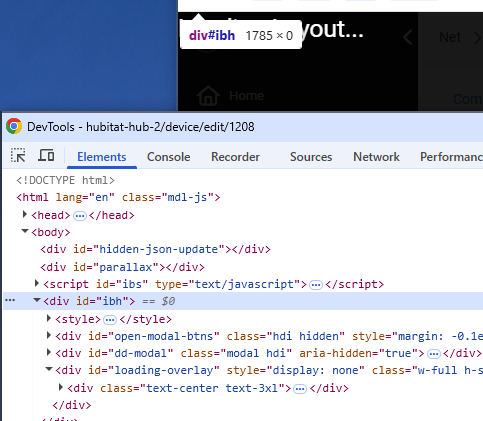
I hit Delete to remove the "idb" overlay div. The overlay disappeared, uncovering the device page.
I was then able to normally click Remove on the device page and get the injector device to go away.
After that I was able to remove Smartly Inject via HPM.
Additional genius...
Yep, your way is much better. Also, reminded me that I needed to unmatch the package in HPM.
Deleted my risky steps and pointed to your much better solution.