I removed it slightly easier and with less danger.
I opened the device page for the injector device and got the loading overlay, which covers the device page.
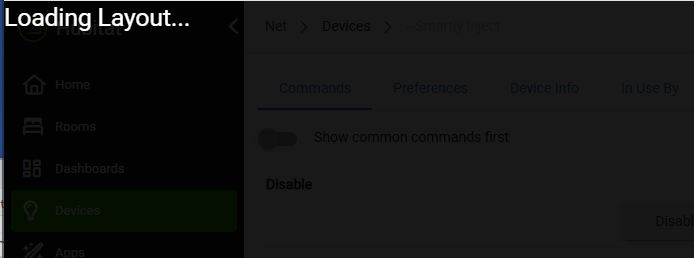
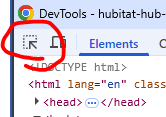
I then hit F12 (in Chrome) and got the DevTools window. I used the element selector (circled) to select over the word "Loading".
I moused up to the "idb" div which selected the whole overlay window:
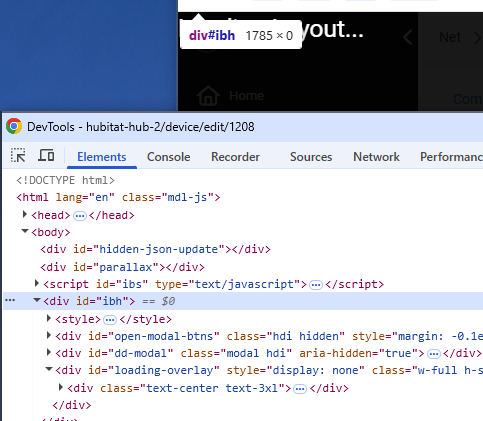
I hit Delete to remove the "idb" overlay div. The overlay disappeared, uncovering the device page.
I was then able to normally click Remove on the device page and get the injector device to go away.
After that I was able to remove Smartly Inject via HPM.