Quite possibly.. But not your fault.. Their instructions are incredibly hard to follow...
Did you forget steps 5,6, and 7?
I think I did them ok, followed your steps right down the line
Can I add this manually with the DSK numbers?
You never mentioned the blue led “blinking” nor if you got an “excluded” message.
My boiled down LR pairing instructions for when devices wont cooperate might help.
I also just had one this week I was working with someone on, and they had an old ghost node from the same device on that hub and it was attaching to the SS entry (as seen in my custom app). Once we got rid of that node then SS worked.
If it needs to be excluded and hasn’t been, you won’t be able to include.
Sorry this is very confusing, my shelly 2PM switch added very easy the first try.
OK
I am starting this all over. I have a plug, i followed the directions as it says in the shelly directions.
I scanned them using smart start twice, then I plugged it in to power. The directions state it will show up within 10 minutes.
I will now wait for 20 minutes and see if it shows up.
Thank you
Why scanned twice? You should only need to scan it once, using the Hubitat mobile app. Then verify it gets added to the SmartStart list, it should say Pending.
You can also use this app I made to view the SS list from the hub UI, so you can verify it is on the list and setup correctly: [APP] SmartStart Manager for Z-Wave (Long Range support)
I have some broad SmartStart instructions on my second post in that thread as well, you can check those and maybe it will help.
OK
I scanned the QR code and now it says included. But I do not see it under devices? Is there another step I need to take?
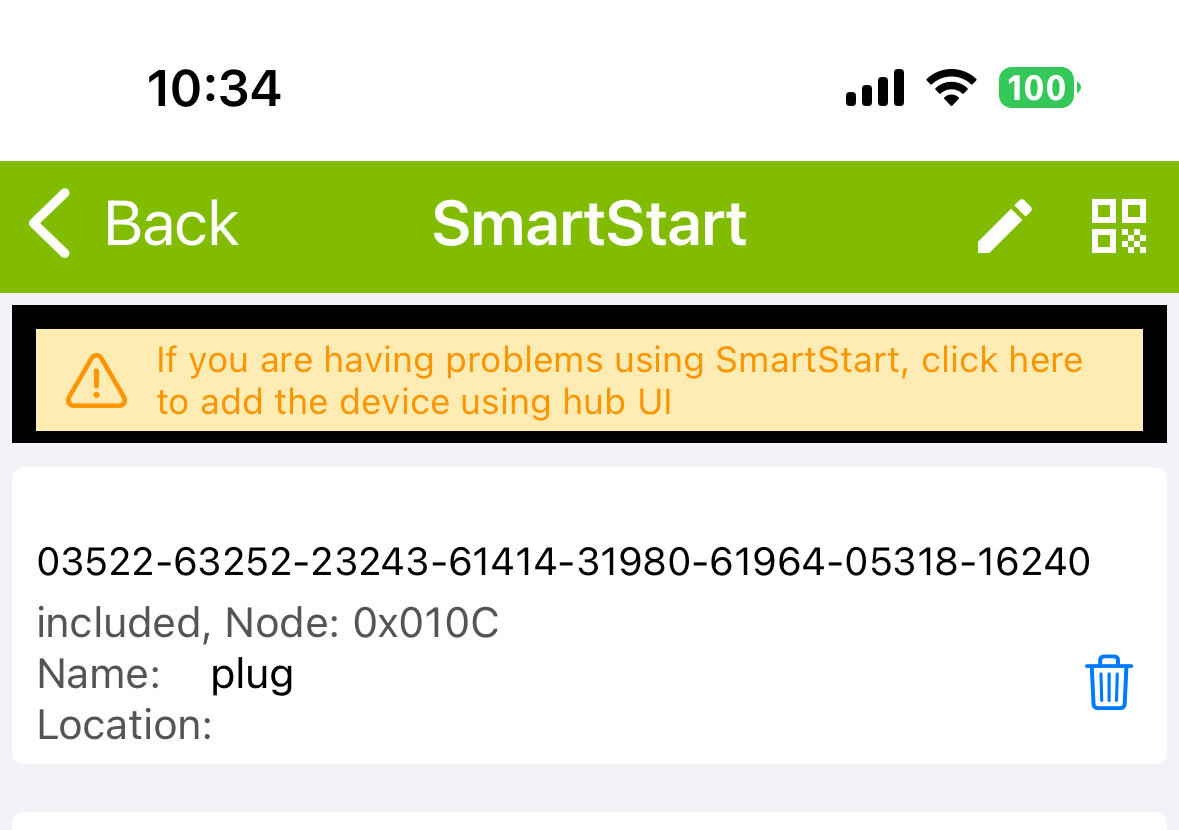
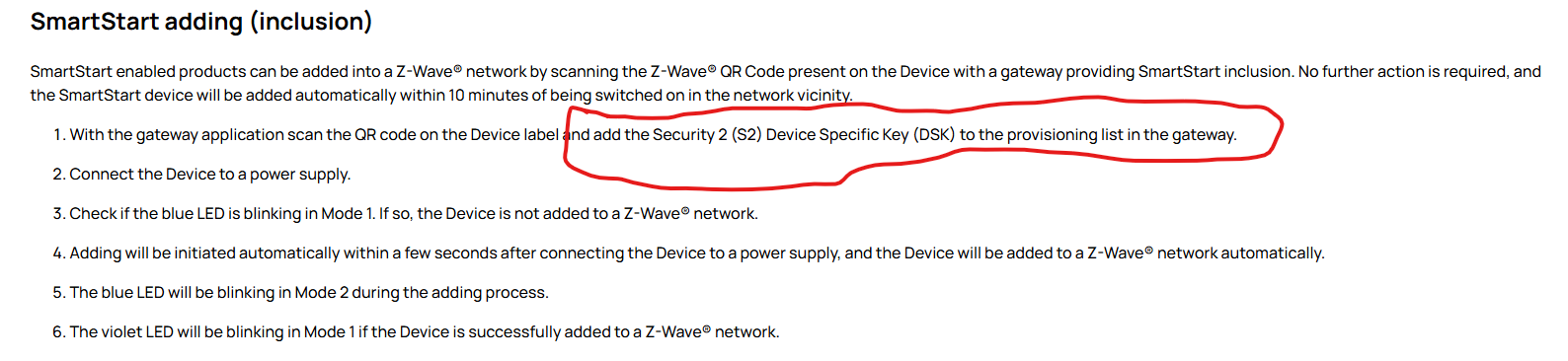

Not sure where those instructions are from but they are poorly written. I think it is trying to tell you the DSK is automatically added when you scan the QR code. Which they could have just omitted since most users wont even know what a DSK is.
1 Like
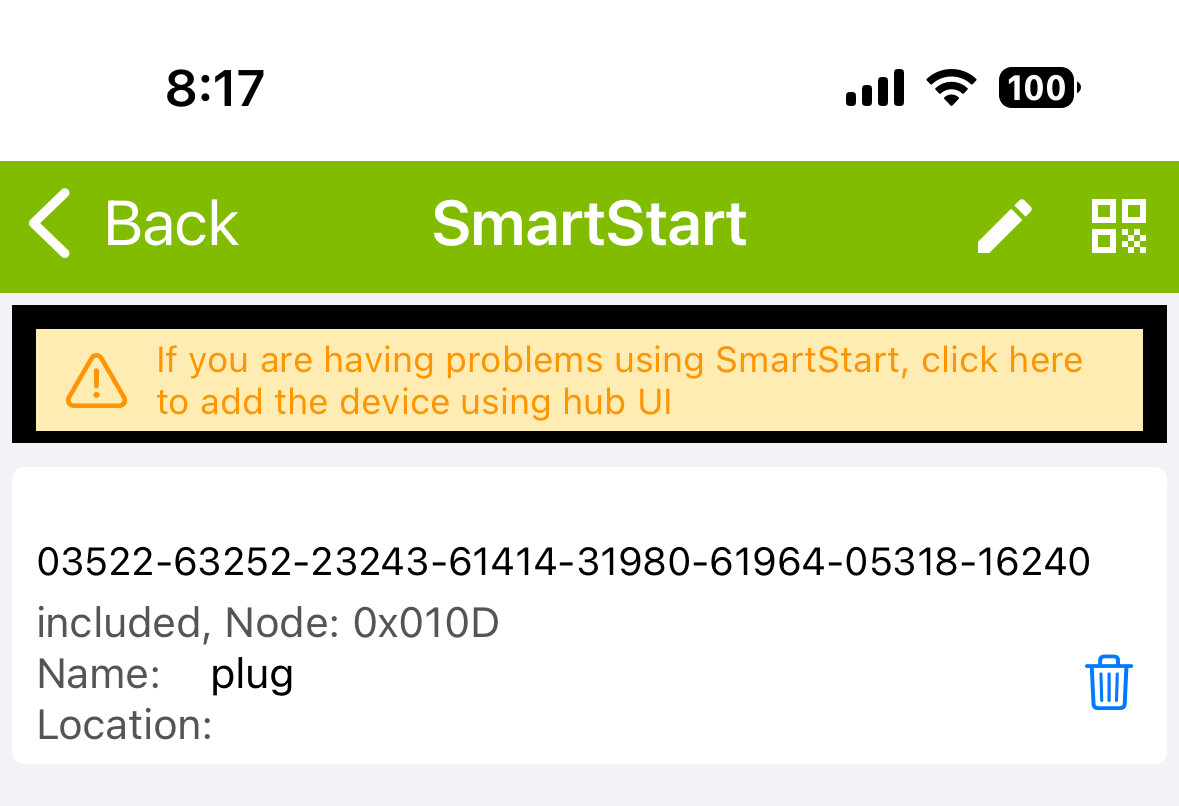
Then what makes you think it is included? Does it show up in Zwave details?
Post a screenshot of the zwave details.
1 Like
Did you figure it out? i am in the exact same place with the same Shelly Wave LR device.
This Post:
And:
1 Like

Check the hub logs from when it was being paired, see if any errors or other messages got generated about pairing.
You can try clicking discover to see if it will create the device in Hubitat. Make sure device is powered up. Have logs open in another tab to watch for messages.
If you cannot get it to discover, you could try excluding the device to see if it will kill that node. If that works it should go into pairing again right away. If that does not remove it then factory reset the device, power it off, and refresh/remove that node. Then power the device back on, it should start pairing with SS again within a few minutes. See my full instructions in the above posts for pairing / troubleshooting SmartStart pairing.

