time restrictions are a bit different from what happens only on state change that @murray.sean.d and i were debugging earlier.
when you do this also turn off the flag in general settings to turn off all switches when rules dont match and this will work fine.
the only reason rules deletes are not supported is because ST does not support a way to remove input settings. HE does allow that now. i will see if i can support this with HE.
but as mentioned before dont think the disabled rules were causing this. because the turn off all switches when rules dont match flag is on by default … it was turning off the switches outside of the rules time restrictions.
another way to do this is to use the locked state. the locked state is there for specifically controlling switches etc in the room manually without rules being processed.
right. that is the purpose of that flag so normally dont have to create a rule to turn off lights for vacant state.
if you do turn off the flag you can just create another rule for the vacant state which turns off light with vacant state when within that time restriction.
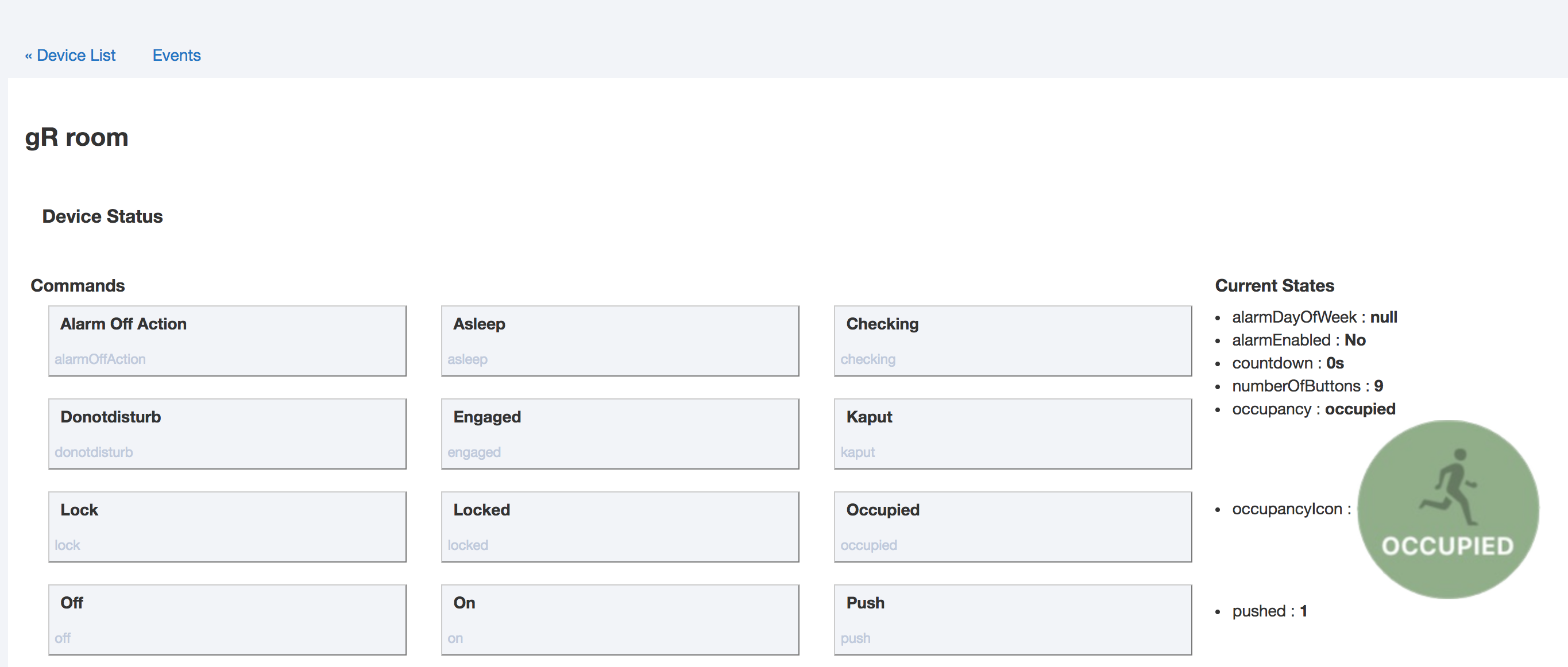
or use the locked state for when you want to control the lights manually. you can use switch || power value || contact to set room to locked. if you want to use a button push, hold or double tap to set and unset locked state i can add that as well to locked settings.
@bangali Please let me know if you find a solution tho the dashboard crashing issue. I was unable to find a way to avoid crashing with my custom driver as well. Thought I fixed it a few times but eventually the dashboard would crash.
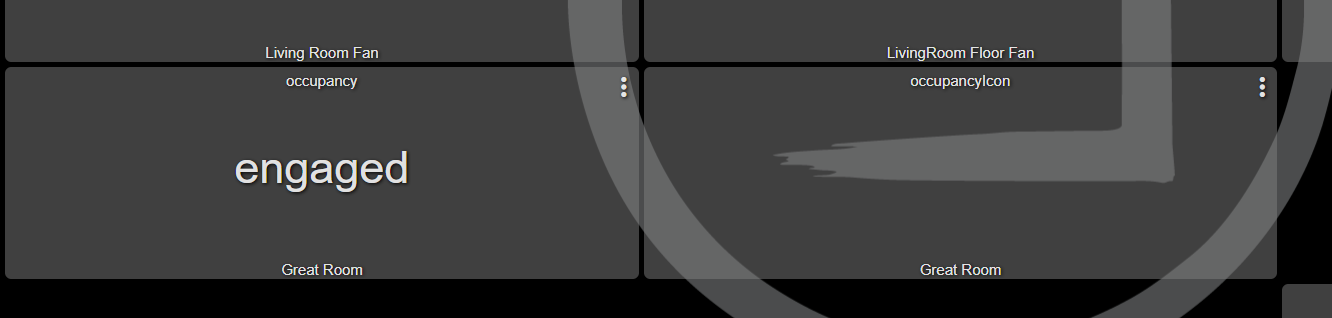
i actually havent spent any time on the issue. whenever i am going to use the occupancy icon i just make sure the tiles are big enough on that dashboard.
the simplest solution would be for HE to allow specifying a state variable as image URL.
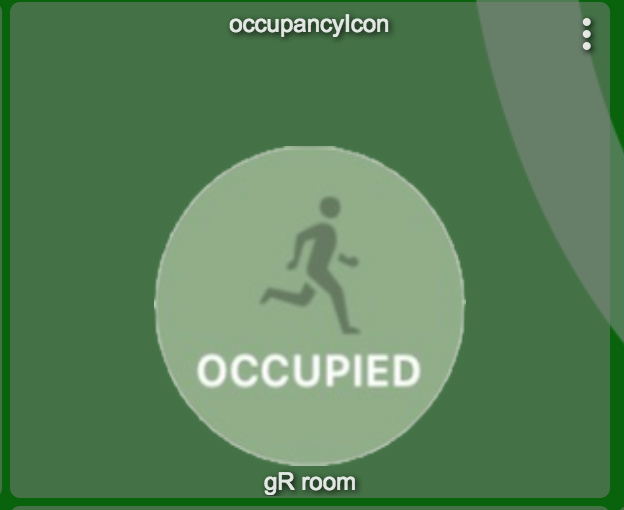
as an example … the image size of the occupancy icon is 156x156. the dashboard tile icon display area needs to be larger than this otherwise the dashboard is likely to crash.
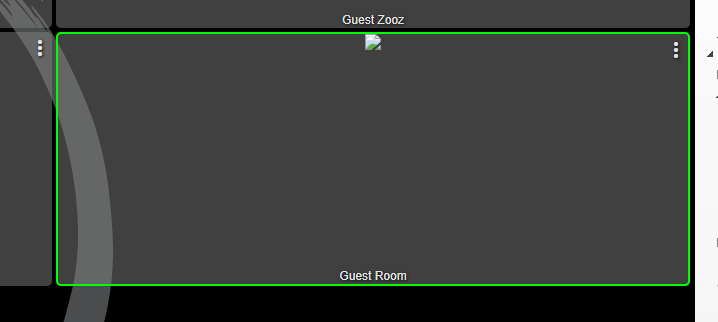
is the dashboard tile big enough for 156x156 image? if not please try changing the tile to be large enough excluding the header and footer then trigger a occupancy change to see if it shows up.
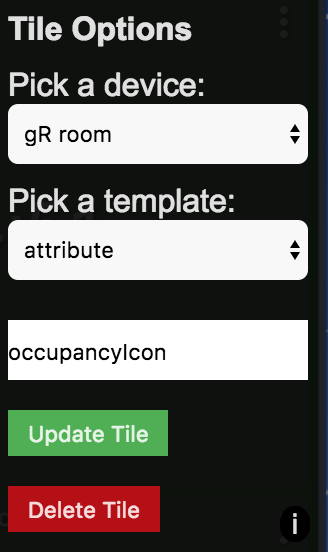
I figured I'd try the occupancyIcon attribute. My dashboard also crashed. Any attempt to reload results in just the loading spinner. Chrome will report unresponsiveness, Edge does nothing. No errors go into the console.