TP-LINK (TAPO and KASA) Enforcement of developer mode
As new models and new firmware versions roll-out, TP-LINK is now implementing Third-Party compatibility in the devices. It locks the device out of LAN discovery (and maybe operations) unless this mode is set in the TAPO or KASA phone app.
Open the phone app (kasa or tapo), go to ME > Third Party Services > Third-Party-Compatibility and turn on.
If you have not done so, I would highly recommend enabling third party services.
One of my p110 plugs failed today, I replaced it with a spare, giving it the same name and deleting the old one from the tapo app.
When I scanned in the HE app for the new plug, it showed up along with the same named deleted one, even after deleting the old one on the HE app. I guessed the correct one to add in (the last in the list)
Several hours later I checked again, and the deleted plug had gone from the list. Is there a way to refresh the list after changing a plug?
Now (but not in the past), the app deletes non-installed devices when you properly exit the app. This precludes your original issue where an no-longer installed plug is offered for installation.
So, the way to refresh the list is to open then close the app. Then reopen to add the new item.
Which app needs restarting, the tplink app or the HE app?
Also wondering if the failure I had is common? I’ve had a few fail now in the same way.
Plug looses wifi connection, and constantly switches on and off. It’s a bit alarming when you come home to your device powering on and off! Probably not great for the connected devices, yesterday my tv & av amp were going on and off for about 4 hours.
I’m wondering about using two plugs plugged into each other, and powering both off if the comms to either fails. The second would be setup to power up in off mode, so if the one it plugged into failed it would keep the power to the device off. Need to do some testing with my broken plug.
As far as ping pong on and off, that is not within the code. It could be caused by
a. Some rule within Hubitat, the Tapo Phone app, or Amazon rules. Could also be an the device itself.
The on/off is a hardware failure of the p110 - no code issues. I’m concerned as this is the third such failure I’ve had and dont like the idea of devices been turned on/off non stop1
Why not 2 plugs? This feels potentially a way to protect against the constant on/off. I’m talking about p110 in to socket, a second p110 plugged into the first and the device then plugged in to that. (not connecting two power leads to the same device!)
First, the Tapo plugs may be turning on and off because of power protection - a user setting in the Tapo Phone app. Not sure how, but it is possible. Check this setting and match it to > the rated capacity of your appliance. (do not ask me how, but just something to consider). Also, your appliance should be checked to see if this is causing the issue.
It is possible if activated through a rule; First turn on plug A, wait 10 seconds, then turn on plug B. You can then just shut down plug A.
Issues
wifi reconnect may be a timing issue and problematic on your LAN. dependent on your equipment and configuration.
In Hubitat, Plug B can have excessive warning messages, retries, and queries to the App. Make sure the poll interval is properly set.
It is a danger if the two plugs are not matched in wattage and the using device (toaster, etc) has a high power usage.
(so I would not do this. But I also would not jump out of a perfectly good aircraft.)
Directly answer your question - Haven't touched it manually in months. Back in June/July I did rip it out and put it back. But it has been solid since.
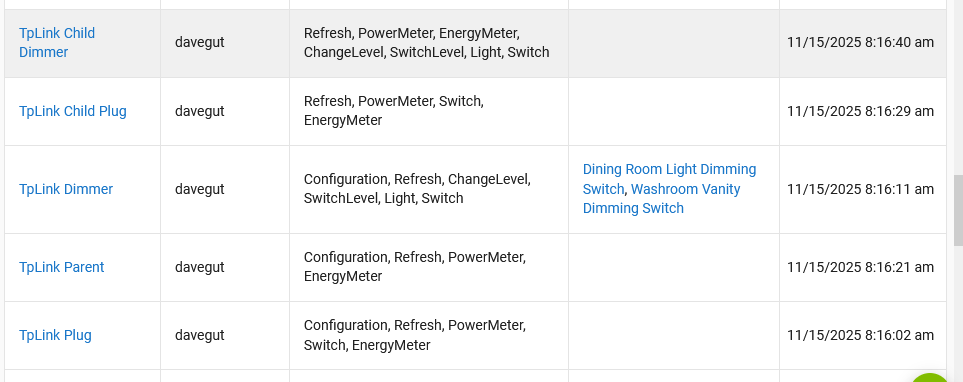
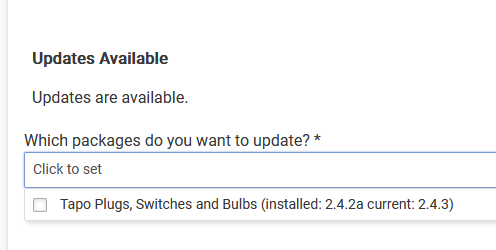
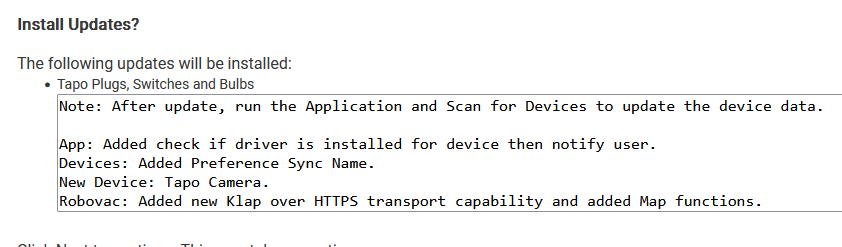
Heres the driver list showing 'last modified' for what thats worth. I think it shows 11/15 since I attempted the HPM update this AM at that time.
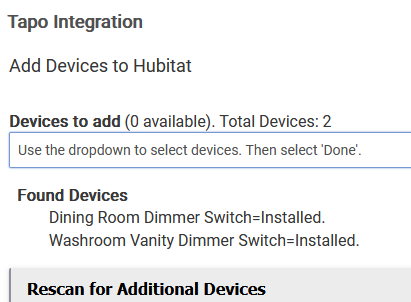
I just installed an hs200 and then the tapo app via HPM. I have a few other hs200's joined via kasa. But new switch, new way as spoken about above.
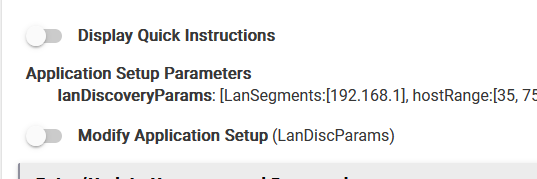
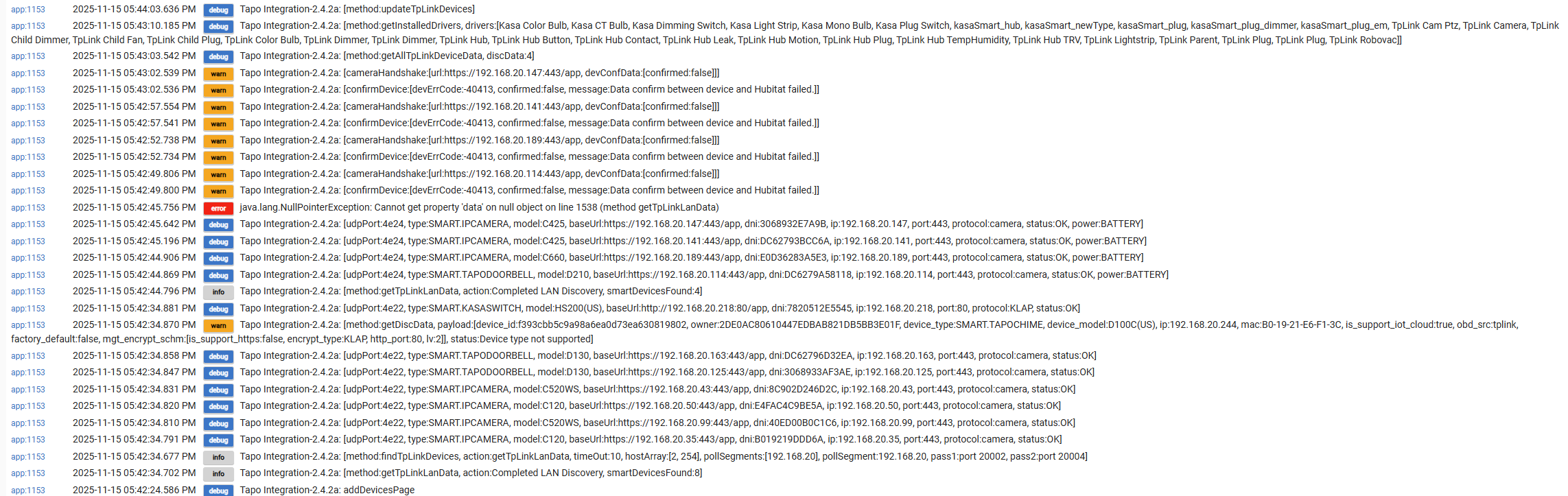
I installed the app, set the lan subnet to 192.168.20 (the ip of my hs220 is 192.168.20.218). I enabled 3rd party support in the app, and turned the switch on/off a few times from both the app and the switch itself, but it still will not discover the switch. In the logs, I see it finding all my cameras and doorbells, and the chime and the switch but it still won't show in the list of devices I can select to add. I've tripple checked my pw, although per TAPO requirements, it has an ! in it. Does that matter? (I read above that no special char's helped someone else but they require special chars now). I"ve pasted the logs below.
Thanks, I can see the pw plaintext in tapo and the app, its the same. The cameras have RTSP feeds with different (local) user/pw's so it makes sense that those are choking out. I noticed that there isn't a similar log for the HS200 that im trying to add though. Any ideas how I can troubleshoot from there?
When did you buy the device? What is the HW version and Firmware Version of the HS200?
Issue: Kasa has two versions of the HS200. One works using the IOT protocol (built-in Kasa integration) and the other uses the secure, Smart protocol (this integration). Indications are that this device will use this integration - however TP-Link is doing things to drive me crazier than normal.
Did you try installing using the Kasa built-in integration?
Also, assure that in your Tapo Phone app you have set Third Part Compatibility to ON. If already on, set to off, wait 5 minutes, and set back to on. (some, but not all, devices will not work w/o this set).
I will check the error tomorrow. It typically means that the return response is null - i.e., the device did not like the message. I need capture the error and create a better message.
I did turn 3rd party on but will toggle it per your instructions.
I combed through my devices page, it's not there. After doing the scan for devices, the only thing that populates in the menu with a check box to add is the d100 and it says its not compatible. I'm only after that hs200. The cameras and doorbells and chime are cool and all but not something im integrating at the moment.
I appreciate all your help with this man, truly. I'll report back as soon as I can get that updated and tested with new logs and results from the 3rd party on/off.
I just installed a Tapo D130 doorbell camera. The doorbell firmware is up to date as of yesterday.
The built-in Hubitat driver doesn't recognize the device, but this driver does correctly detect the doorbell camera. Third-party integration is enabled through the Tapo app.
The driver exposes "motion" as a device attribute and seems to correctly change status based on motion within the camera's view.
However, the driver doesn't seem to expose the doorbell button as a device attribute. I would like to use a doorbell press as a rule machine trigger.
I'd be glad to provide any debugging info, modify my instance of the driver, etc to help add the doorbell function for the D130 as part of this driver.