Works for me on iOS and Android, so it does work. Maybe try another image - just by chance you may have picked one that the system is barfing on. If you can get it to fail w/more than one image, then it must be something in your setup that isn't exactly right.
Happy to send you my image, maybe a good test as I know it works.
The mobile app only sends to a single endpoint. So that first site would need to be operational in order to function. You can lose the second one, just not the "first stop" if you would.
@lpakula - one thing that I wanted to check in on.
I don't get updates when I do a manual location from the Android app (your custom APK). I always have to restart the app and then I immediately get an update. For instance, just chagned the setting in the driver for the Battery field and did a couple location updates from the mobile app and refreshed the page. Nothing happened.
Did a restart in the mobile app and the Battery field and other attiributes updated immediately.
Not a big deal, I now how to make things work, but wondered if there is something w/the manual location refresh not behaving how you wanted it to that could affect other things...
Next time that happens, check the Status-Logs to see if it shows anything. I have noticed that if I click the button too close together, it seems to cache locations and then send them all out in a few seconds (I want to say ~10 seconds). Maybe it's that?
After installing Docker on your compatible Synology DiskStation, click on Image and Add the Recorder image from the URL https://hub.docker.com/r/owntracks/recorder; you do not have to specify a username/password. Select latest when prompted to choose a tag.
I was able to change the URL to the working server on both phones, and it is now working. Sure wish you could either have two endpoints to connect to, or a way to easily switch between them. Thanks for the reality check.
Any load balancer (HW or a service) will give you that. Point the app to the load balancer and let it select the endpoint based on availability or any other logic.
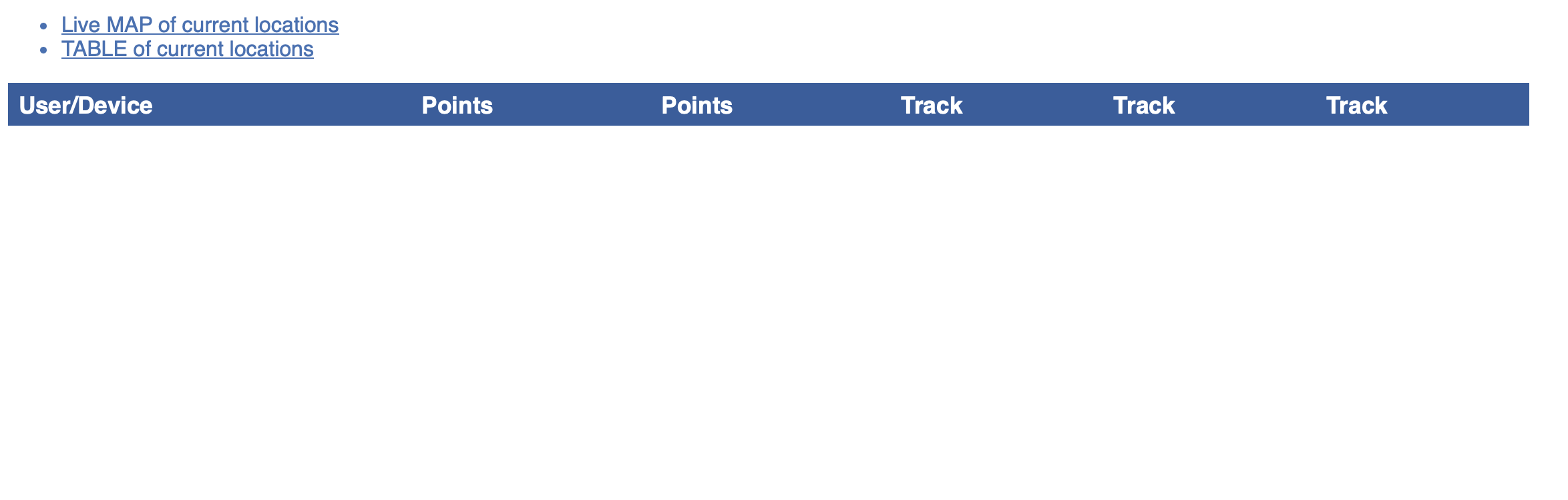
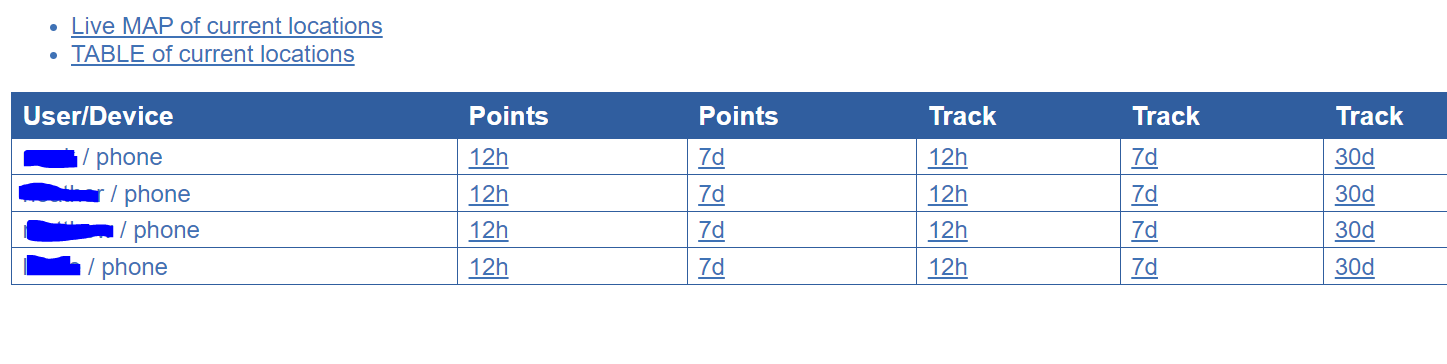
And mine now looks like that. It took about 20 minutes to populate. Thanks for your assistance. I wish I could help with the cards volume, but I don't need that functionality (or do I?) It just lets you see an avatar of each person on the map, right?
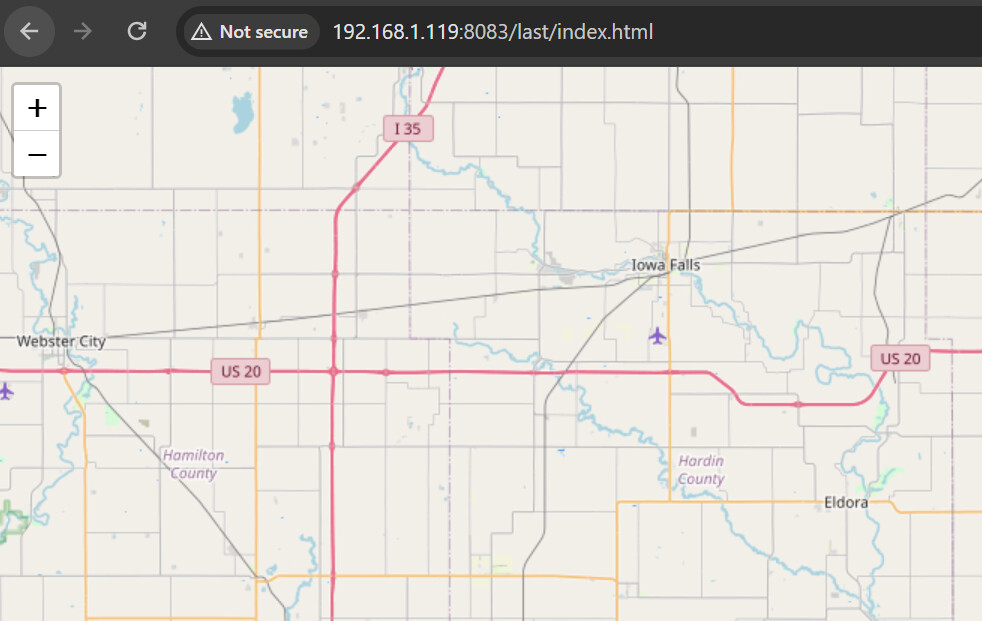
Not sure about the avatar on the map, would like to see it though, I think it would be on the TABLE of current locations page too. On the live map page, when a persons location is updated and you see a new box with info, is all the info metric? I have everything changed to imperial, but see metric on the map page info for each person.
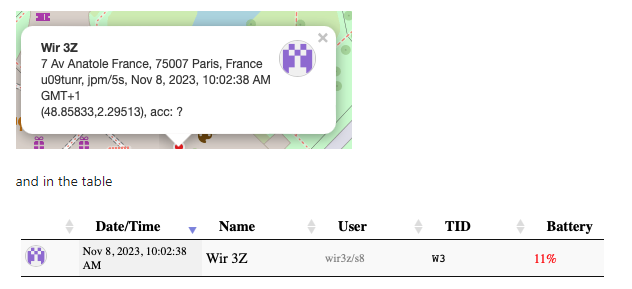
@Slate If you have an card images in the recorder, then you see their thumbnail in the 'TABLE of current locations' as well as on the status card in 'Live MAP of current locations' when you click one of the dots.
If you push a location from your phone, you can go to the live map and click the red dot on the map to see if there is an image in the card. Here is an example: