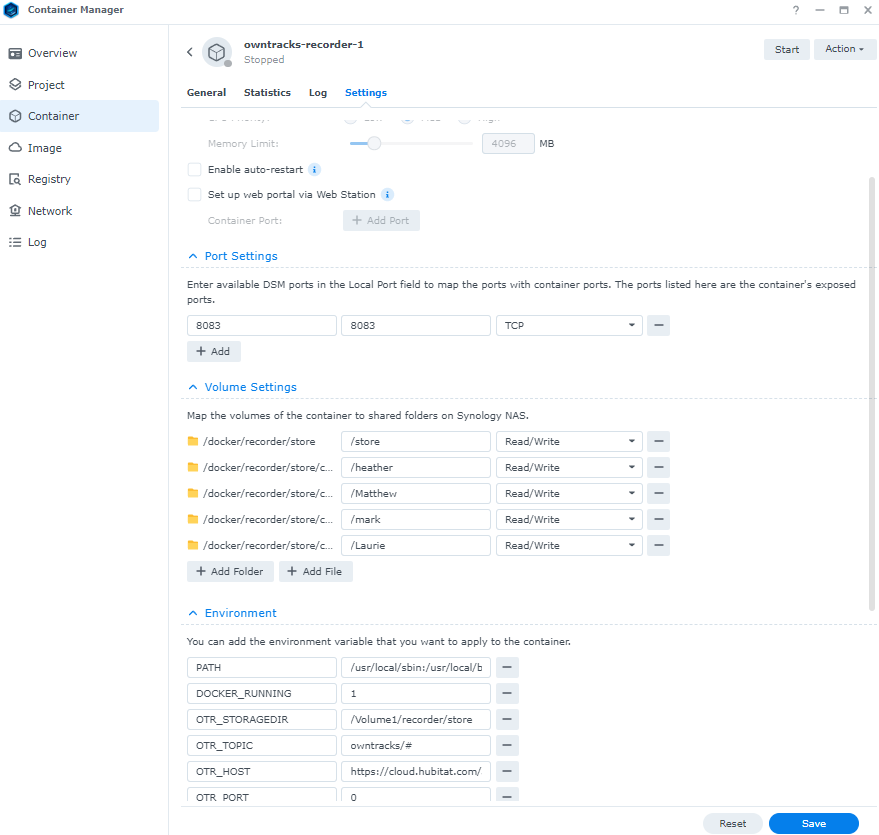
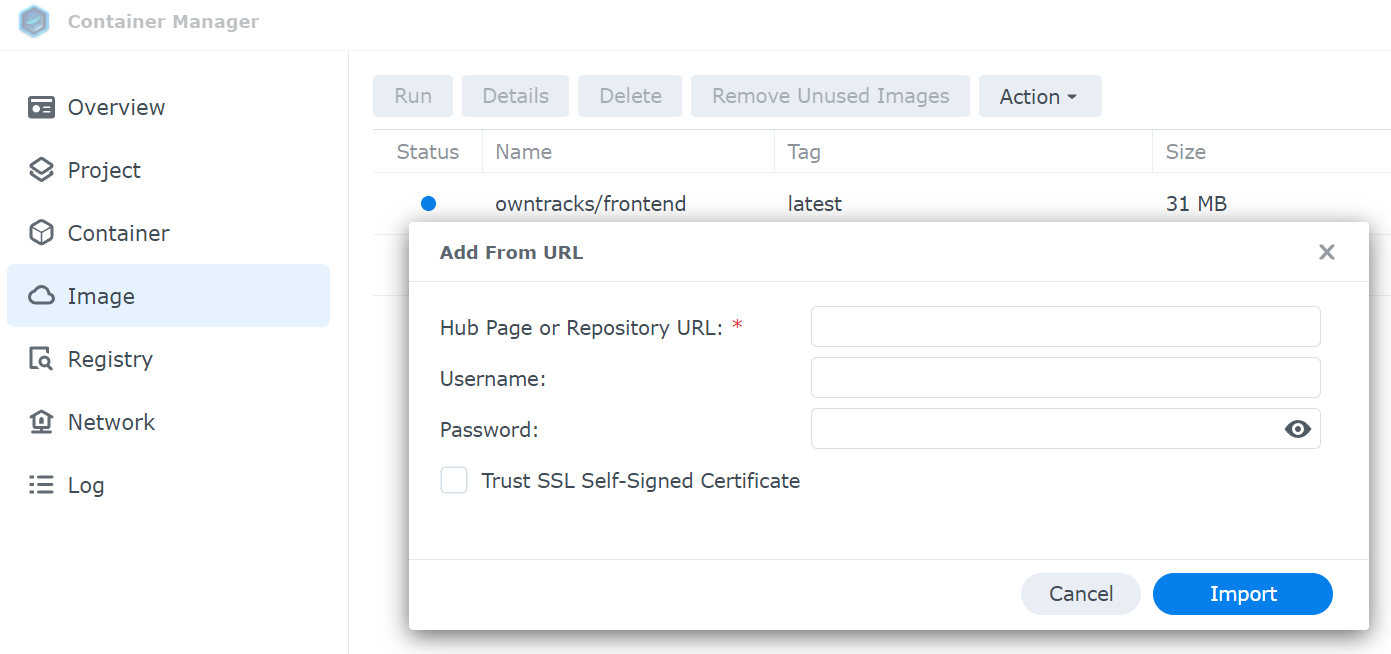
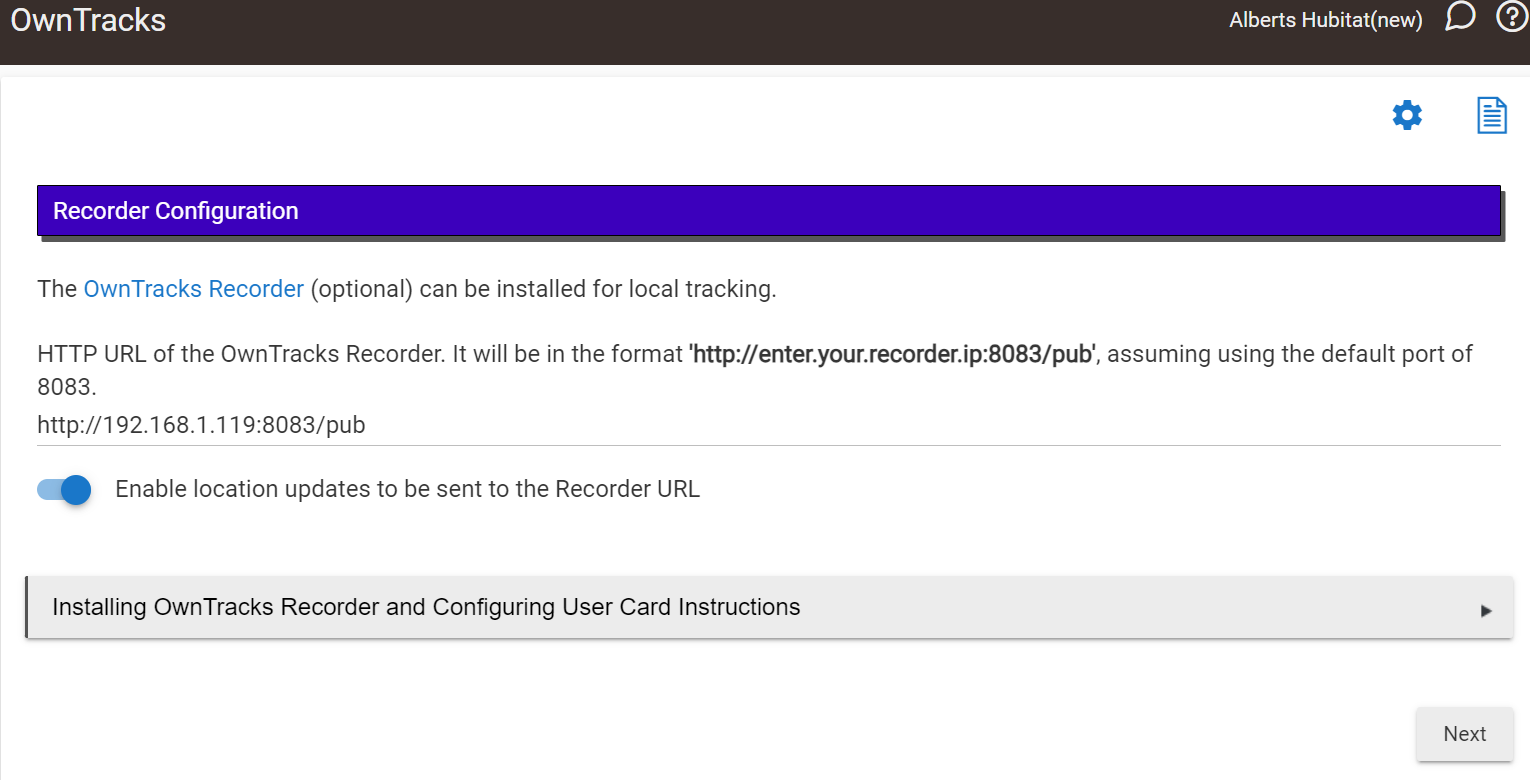
I'm brand new to Qnap and not sure how to set this up. I have Container Station setup and have downloaded/installed the 'OwnTracks frontend' but can't for the life of me figure out what to do next!? I see people posting their config file but where/how do I do this?
Does anyone know if battery drain scales with the number of regions defined? Or are we free to add as many regions as desired, without fear of any downside?
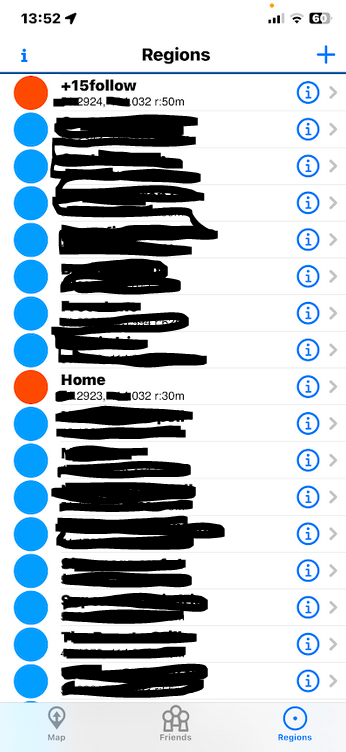
I found she had a duplicate Home and the +follow which were not there earlier.
I deleted one Home and the +follow. Checked the co-ords and they match.
She just left again and I get the same message.
Maybe it's the duplicate Home that keeps getting pushed to the phones?
app:16332024-01-22 13:52:47.677warnOwnTracks: Pixel 5 OT's mobile app 'Home' region lat/lon/radius does not match 'Home' in the Hubitat OwnTracks app. Select this member to have their regions updated or confirm the mobile app region matches.
Ok found it. I was checking the phone transitions to see if a user was home, but not checking if they 'arrived'. When they depart, they report the home region, but departed. Fixed in the next version.
Ha, yes, 2 again.
I delete one all the time trying to figure this out and one comes back later.
I Deleted one Home from the app using Hubitat only.
I still only have one on my phone but the wife it getting duplicates.
I'll check here phone when she gets home to see if she still has one or gained 2 again.
I have the Owntracks/Recorder container set up in Container Station, but I have not setup Owntracks/Frontend, yet. I have tried and failed to get Owntracks/Frontend up and running. I too am looking for step-by-step instructions on how to add Owntracks/Frontend to a working Owntrack/Recorder setup on a QNAP NAS with container station.
Try deleting both off your wife's phone, and then in the 'Maintenance' section of the HE app, select her in the 'Select family member(s) to update location, display and region settings on the next location update.' box and do a location trigger from her phone.
I am in the same boat you are @Matthew except I have Owntracks/Recorder working on a Synology NAS but am trying to get Owntracks/Frontend working on the Synology and can't figure it out either.
Just pushed a new version with a couple fixes and improvements:
The false positive warning in the logs about a mobile/hub home mismatch is fixed when a member leaves home. @dnickel@jonathan.lorber
There is now a red warning message that is displayed when changing the locater interval in the advanced settings indicating the +follow region that needs to be deleted from iOS devices. @danabw great idea!
The driver now exposes the ENUM values for monitoringMode, batteryStatus, dataConnection, and triggerSource. @nh.schottfam@DGBQ
I think I need a little reality check here. I am setting OT up at two locations. I first set it up at the local site, and got tracking working. I could see my wife and my Apple phones coming and going. Then set it up on the remote site, and told the local OT where the remote site OT is. There is a VPN between them. The remote site showed the tracking properly. Next step was to travel to remote site the see if everything worked from that end would show us arriving at that location. That was going to be in a month or so.
Then, the ice storm came at the local site. Power off for 3 days before we decided to go to the remote site. (Power still out after 9 days, no estimate indicated. Guestimate is 2-3 weeks more.) Anyway, since local site was down, the tracking didn't work. Is there a way to have a failover situation where if either site is down, at least the one that is operational will work?
 Fantastic! Thanks for the update!