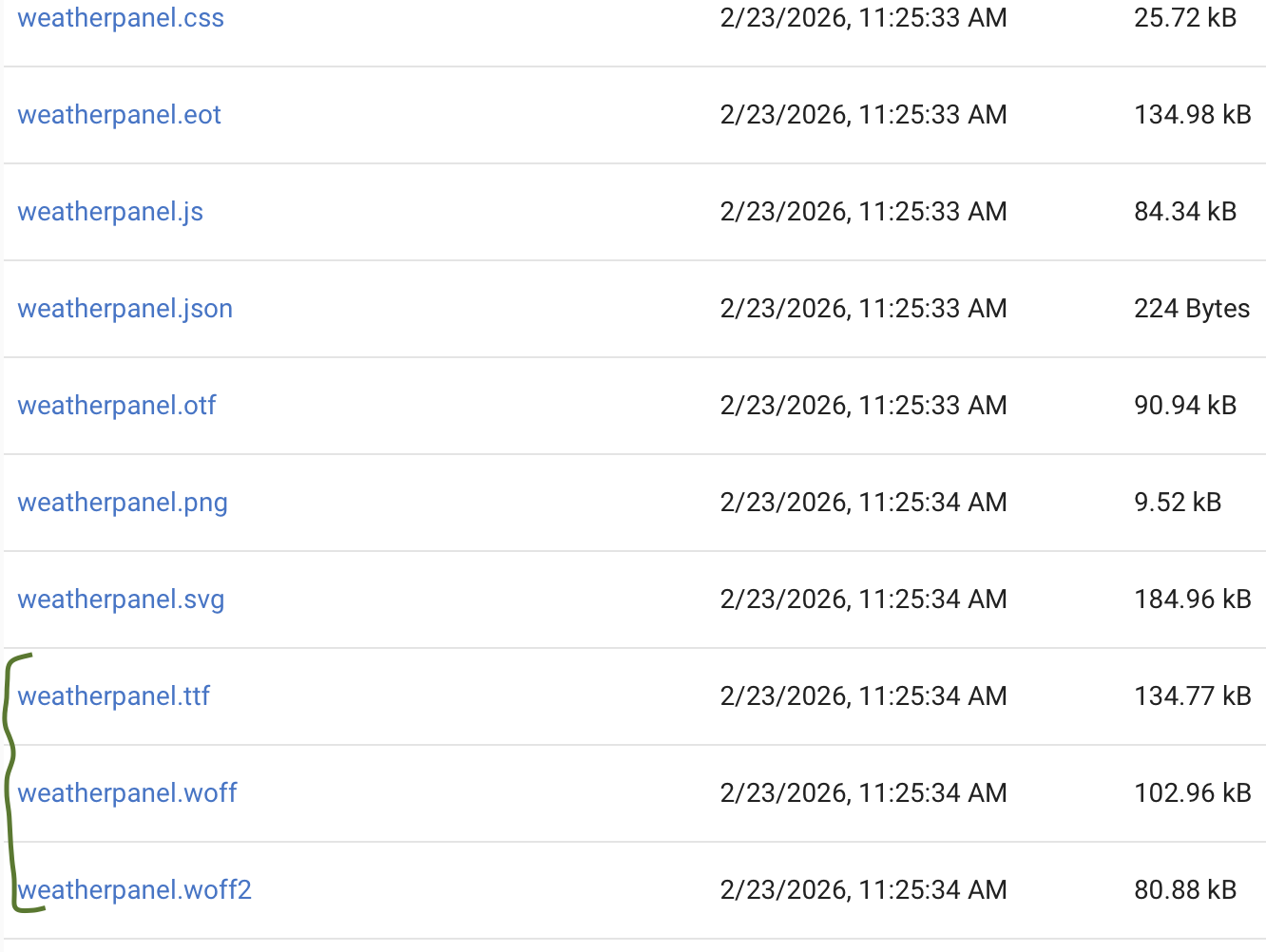
Mostly, yes I have an odd use case in which HPM corrupts font files that I discussed with csteele a while back I saw some updates were made in 1.94 and 1.95 that looked like it could have resolved this issue, but it didn't. I may have considered the zip bundle back then but I've slept since I initially reported the issue and may have forgotten it wasn't a good fit.
I haven't pushed this issue cause think it just effects my app due to local use of font files and I want to be considerate of other peoples time. If y'all have the time I'd be happy to retest and repost my findings.
Was that corruption happening when the file was downloaded using the method i mentioned above?
Edit I went back and found your previous posts so it looks like you have everything already as i was suggesting. My guess is that as you stated you are in a unique situation since it is a font file instead of text/json file.
My guess would be the header values used to download the file are incompabile. It has worked before though right?
I have a feeling messing with that could break allot of other things thogh
you could posslby try adjusting the Header values in lines 3079 -3081 to see if that makes a difference.
This is after doing a repair of the the app using HPM 1.99, IDK why the files size have changed, but I do know they don't load properly in some browsers when they are the larger size. I am assuming this is file corruption, but I don't know fonts well enough to understand what has been added. Just that the file size is different, and it stops working in some browsers.
Some or all? some would be strange if the files were corrupted.
I think it is all about binary vs asci vs formated text in like UTF-8 code.
What i think is happening is the raw binary of the font file is being read as UTF-8 json/text and that is why when it is saved it is different and failing to work. If that is the case though it wouldn't work in any browser, not just some.
I may have added this as you were replying and I have not tested all browsers, I have tested some. I double checked and it works in Safari, but not in Edge... on a Mac.
Without digging into that code, hard to say. Basically we are talking about those header values being assigned at run time to the right type for what you are trying to download. Right now they are hard coded, and allot of processes us it. Caution would need to be taking to not break other stuff.
Need to test if that can actually fix it first before we get to much into how hard it would be to implement. My gut tells me it wouldn't be insignificant.
Can you send me a DM I figure it will be better to pull this into a private conversation then to keep it going here. I have something for you to try that may help get a resolution to this.
I went back to the Apps list then back into HPM and did a "repair" on HPM. That finished.
Should that fix everything--or do I need to rip it out completely and start all over again (I just did that the other day on one of my systems when HPM failed to upgrade to 1.9.8).
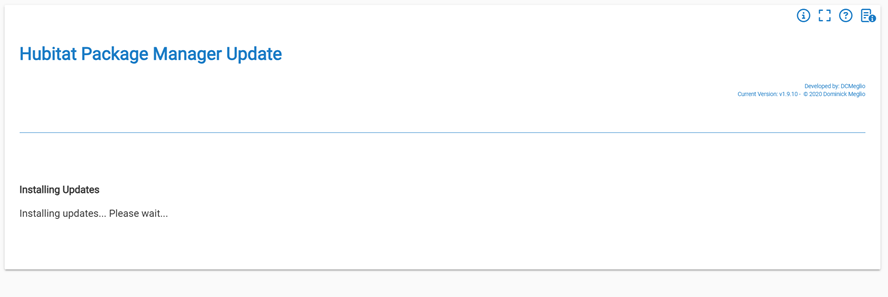
Updated from 1.9.9 to 1.9.10. During the update, the version number changed in the upper right, but the screen continued staying on the updating message. Of course, giving it some time and then going back to Apps and opening HPM worked fine.
On my hub, looks like the recent move of the update function to the top had mixed results.
Mine hung on the "Updating..." screen, but simply closing that out after a minute or so and going back in worked fine... The update did actually happen, and a Repair check confirmed no additional repairs were necessary.
My versions were all at 1.9.7 on C5, C7, C8, and C8-Pro. No updates available via the updates button, but using HPM Repair, I completed the upgrade on all hubs to 1.9.10.
I had to interrupt the HPM repair after 30 seconds, and no new success screen message. With a simple browser refresh, it's all good.