Thanks for being persistent in telling me something was amiss.
All good here as well, thank you, much appreciated.
@thebearmay, Is it expected behavior that setting Free Memory Unit preference only effects Free Memory and not Free Mem15 as well?
From a UX perspective it think it would make sense for the handful of users who track both memory variables that the unit of measurement would match for both.
Probably a valid point, I'll take a look at it.
Edit: v3.1.25 is up with the changes
Can anyone explain what is going on in the attached screenshot? How is the update version older than the current version? I have two hubs and the other one is not doing this. This issue has persisted through a shutdown / reboot. The only thing I haven't done yet is remove and reinstall the device... because it's tied to too many other things.
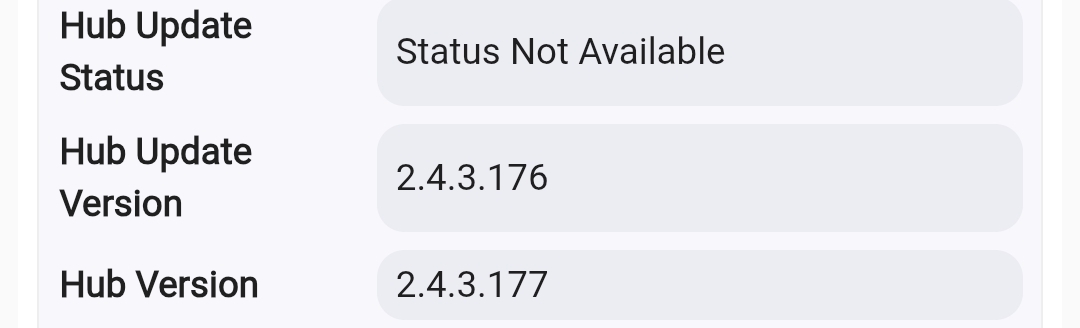
Nothing to be concerned about, that only gets updated if the hub detects an update available before you update. I need to add some logic to blank that out if status is not available.
Figured I'd ask here since this is the official thread of this driver.
I installed the drive from HPM. I then added a new device as a virtual device and picked Hub Information as the device type. However, when I look at the information I am not seeing a Z-wav firmware version.
This is what I am seeing and all my devices are Z-wave.
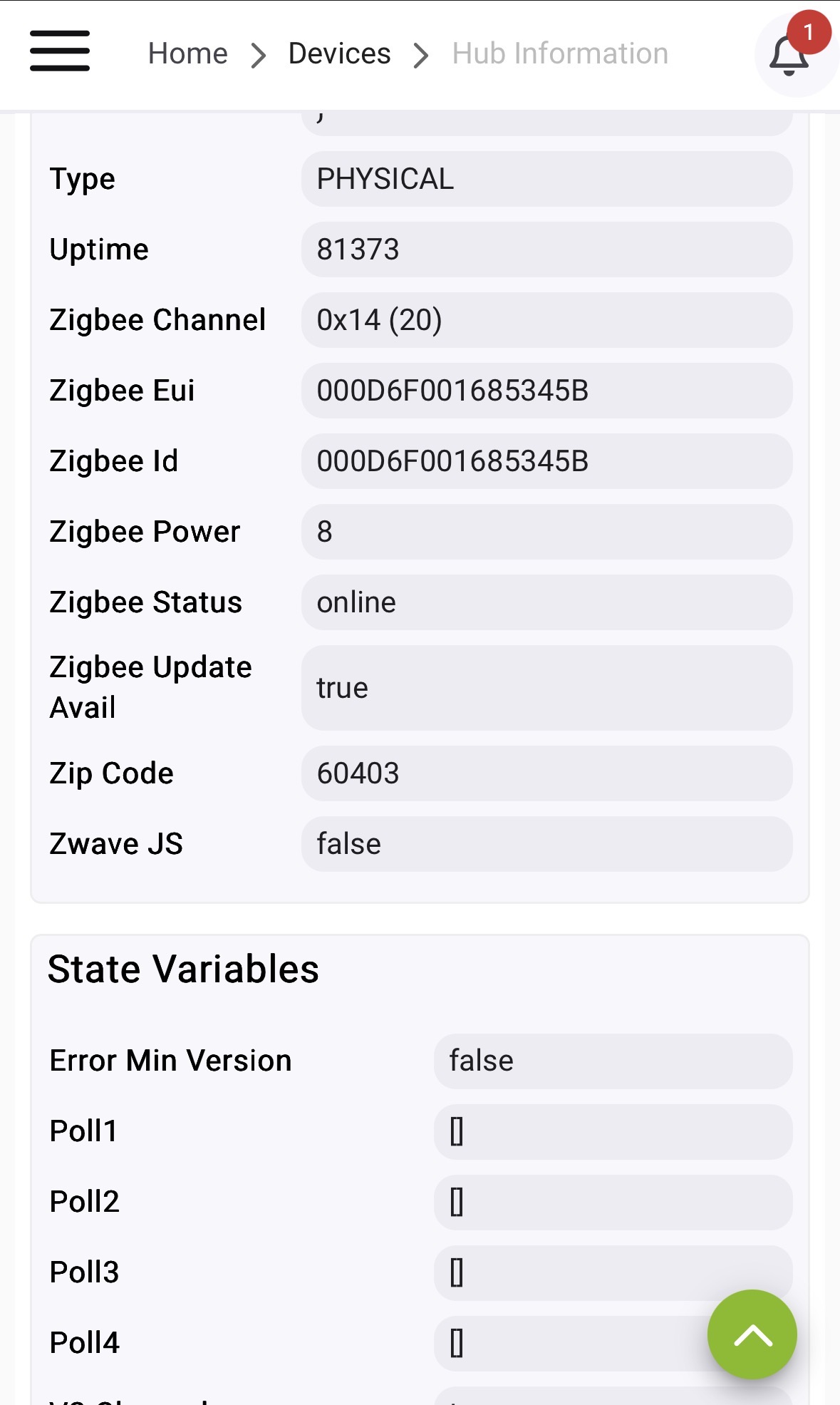
I'm assuming mine should look similar to this?
Addressed in other thread...
I guess I still don't understand. I have two hubs that are on the same version and one of them does this while the other does not. This has also persisted through several updates. Is there some way to manually update the version and status?
Make sure you have Check for Firmware Update assigned to a polling queue
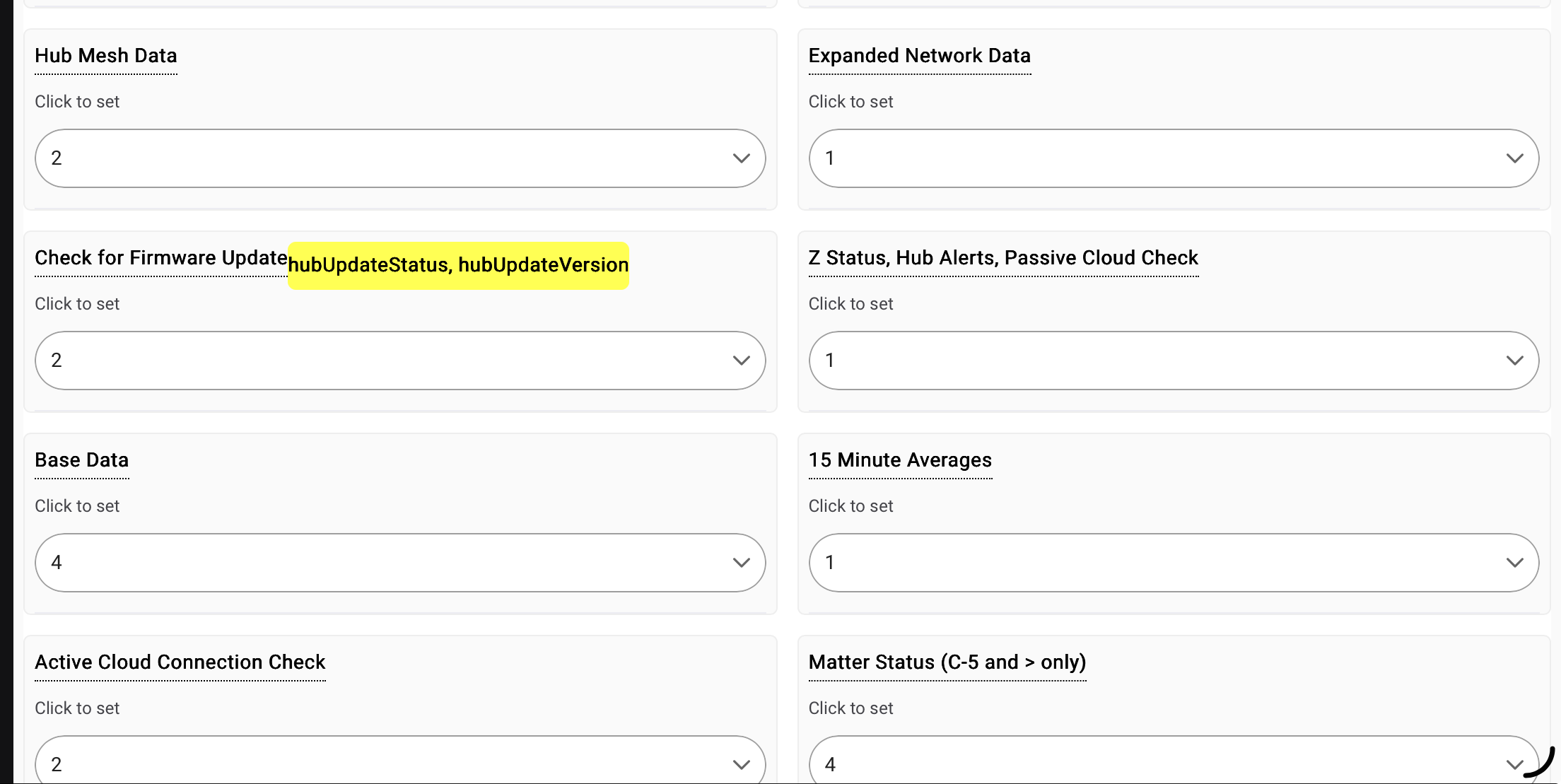
and that the queue has a frequency assigned
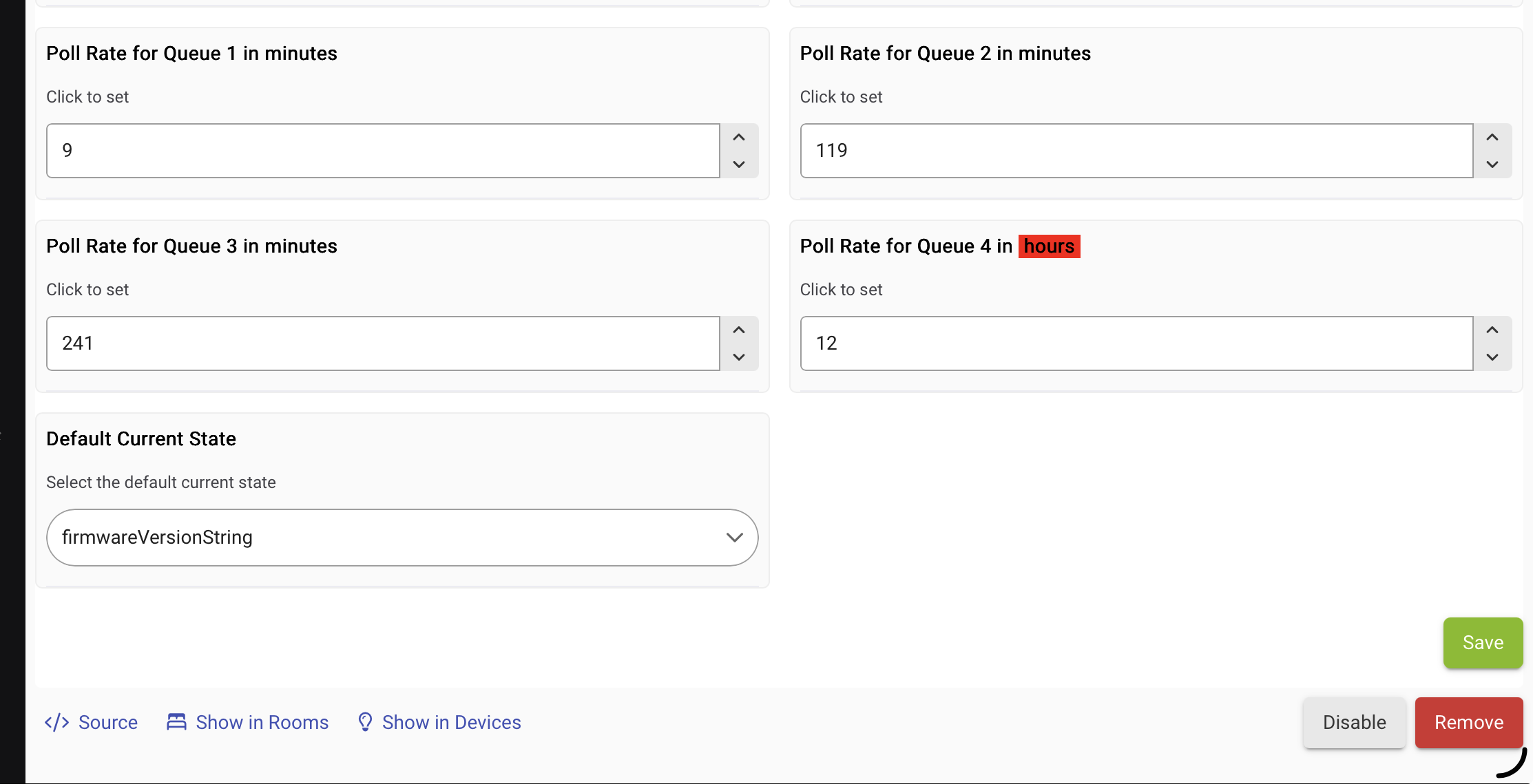
If both are filled out correctly the next poll should correct. Can hit Refresh on the command page if you don't want to wait (will also restart the polling if it was aborted somehow).
It turns out I was using the old v2 version on the hub with the issue in question. I added the new driver and everything is working. Thanks!
Could you explain the "MakerApi or Dashboard URL string" field? I don't use Hubitat dashboards that much, but I do use MakerAPI extensively.
It's used to check connectivity to the cloud. Driver basically does a ping to the URL to see if it responds correctly.
| App State Compression | disabled |
|---|---|
| Cloud | invalid endpoint |
| Connect Capable | Ethernet |
What's the trick to getting the Cloud endpoint to show?
And I can't view the log event times (even if I set PC zoom down to 30%) because there's this long Event value... "3600000","dstSavings":"3600000","useDaylight":"true","startYear":"0","startMode":"2","startMonth":"2","startDay":"-1","startDayOfWeek":"1","startTime":"3600000","startTimeMode":"2","endMode":"2","endMonth":"9","endDay":"-1","endDayOfWeek":"1","endTime":"3600000","endTimeMode":"2"}"
Thirdly, What is app state compression? Is it possible to enable so app is smaller on resources?
Is this post about some other app? This doesn't sound applicable to Hub Info Driver...
yes, sorry
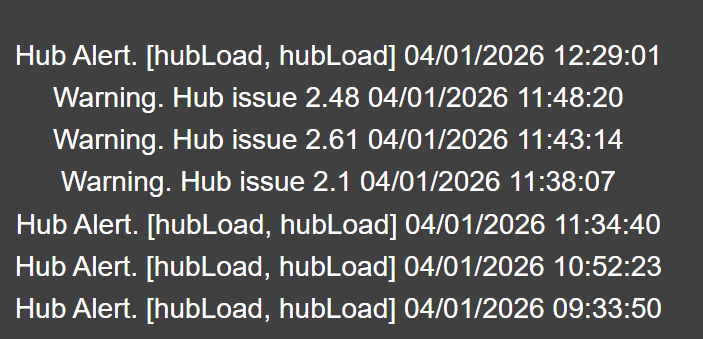
Not sure where the "Hub issue" message comes from - don't recall seeing it before.
i'm trying to couple this with InfluxDB Logger. I can see the virtual device, and am able to go into advanced attribute selection to choose the items i want logged, but i never see the data flow to my influxdb. i believe this is a limitation with how InfluxDB Logger works, but i wanted to ask if there is any way to get this data into influxdb?
thanks!
I don't use the logger but I'm pretty sure there quite a few people who do use it with this. First thing to make sure of is that you have this driver setup and working though; with that in mind are the driver's attributes populating, i.e. does the right side of the first tab look similar to:
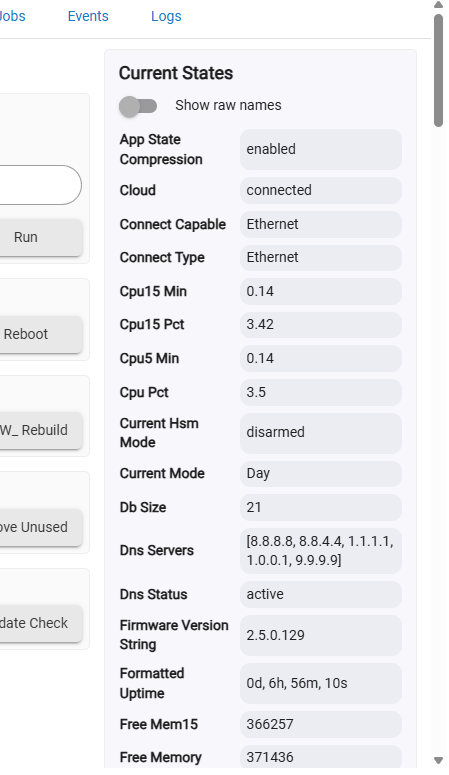
If not then we'll need to look at how you have the driver configured.
There are two ways you can use InfluxDB Logger to get data into a external Influxdb database. By default Influxdb logger supports all the standard capabilities and attributes that Hubitat supports. Then there are non standard/custom attributes. To get these Hubinfo driver custom attributes into Influxdb you will want to use that method.
This is how mine is setup using the All Attributes option.

Influxdb Logger definitely supports this. Just needs to be setup properly.