thanks! i missed the show advanced options. one thing that did come up is that it seems like you can either use advanced attributes or standard, is that correct? thanks again!!
That is correct. You can have a instance of influxdb logger do one or the other. Influx DB logger allows you to run multiple instances of it though. I have one that does all the traditional stuff and then another instance that is just for advanced attributes. The main reason i do it is so that if i use a driver has bad data in a custom attribute i can keep that from breaking all the traditional stuff.
2 Likes
you just blew my mind. i didn't even think about having multiple instances of logger running... i've been fighting errors on and off all day because of bad data from some sensors. thank you so much!
1 Like
Getting a funny error on a C8...
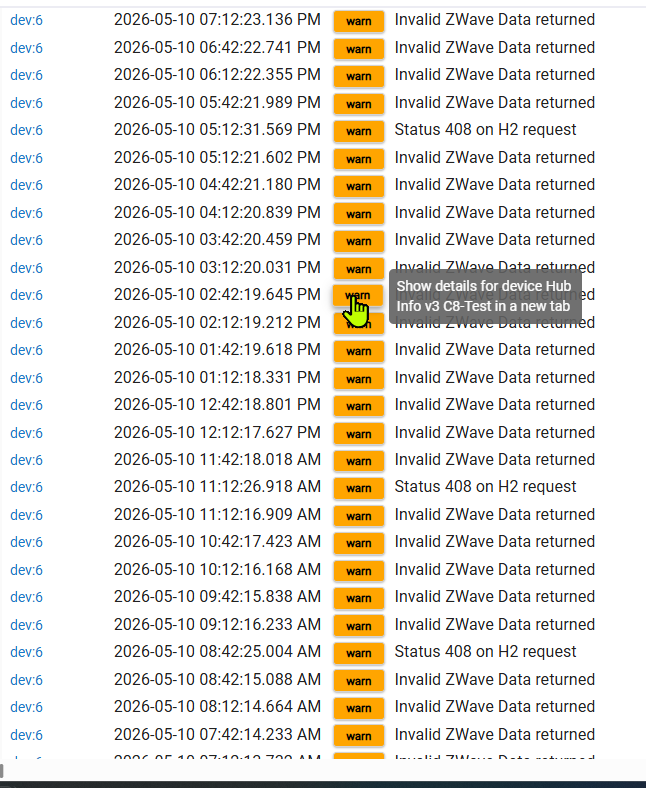

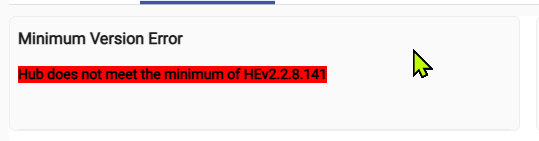

Anything you want to know about, @thebearmay? (Aside from my high school detention record?) 
Should we assume long and lengthy 
Minimum version error is interesting... What firmware version is it on?
2 Likes
Record breaking. Shattering. 
2.5.0.136.
Hmm, what does http:\\<hubIpAddr>/hub/zwaveVersion return for you?
7.23
Is your zwaveJS attribute showing true ?
It's a C8 so I'm running ZipGateway on it.
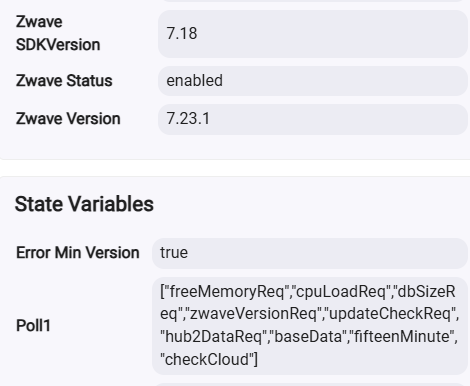
Should be returning something like this then:
VersionReport(zWaveLibraryType:7, zWaveProtocolVersion:7, zWaveProtocolSubVersion:23, firmware0Version:7, firmware0SubVersion:23, hardwareVersion:1, firmwareTargets:1, targetVersions:[[target:1, version:7, subVersion:18]])
Which would agree with what your Zwave Version attribute is showing (so the last time it successfully queried the value you were on gateway), but the response you're getting now is the typical ZwaveJS response.
On the Invalid Zwave Data message, what is the length reported?
Oh weird...I am on Z-WaveJS on the C8! I swear I switched that back to ZipGateway a couple weeks back, as I had only had it on Z-WaveJS. My bad, sorry about the inaccurate Z-Wave version report.
I don't get any length info w/the WARN message, just what you see above in my first post on this...

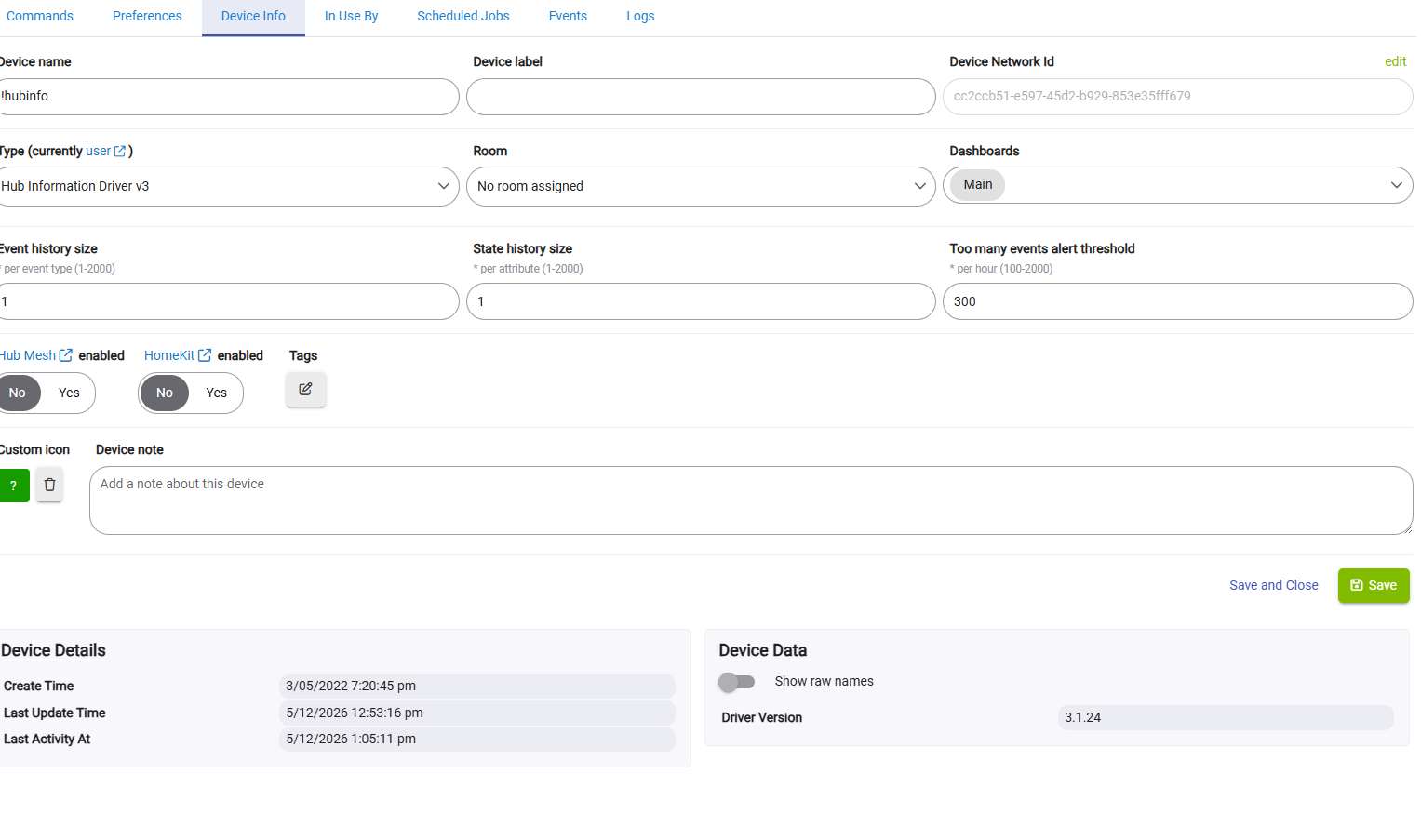
Interesting...version "I'm not telling!" Didn't notice that.
Odd. I'm thinking maybe I installed from your GitHub and didn't ever tell HPM (which runs auto nightly) so the app never got updated after initial install.
Woah! I've discovered a dinosaur.

I did a match-up to get HPM to see your driver, then it offered an udpate (from 0.0). 
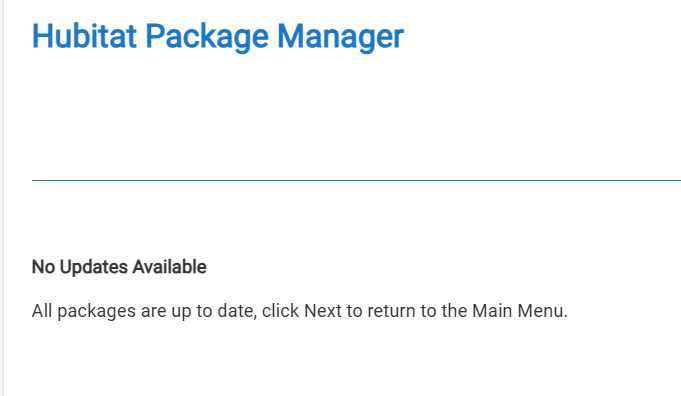
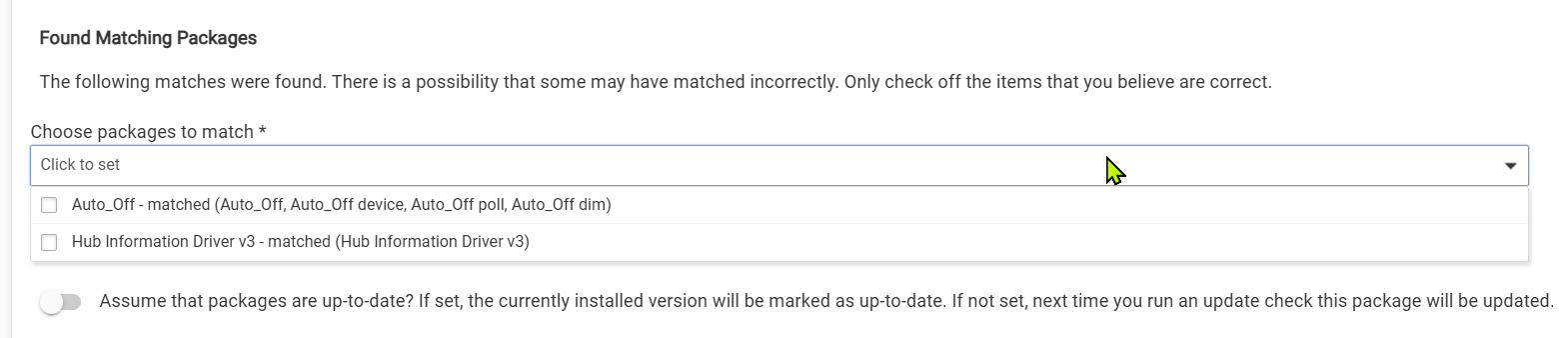
I think we can point (many) fingers at me. (Where is that hole I like to hide in... )
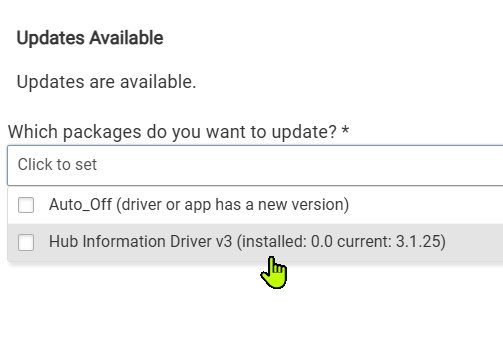
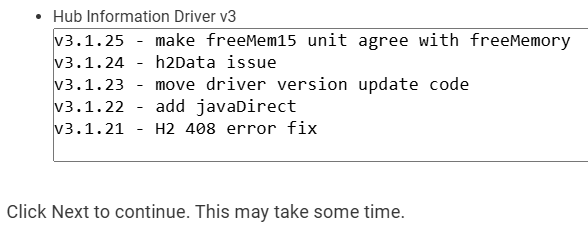
After the update:
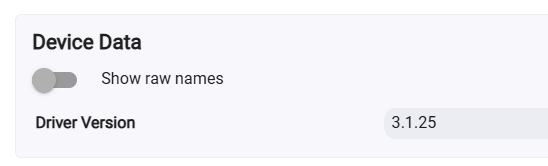
3 Likes
[Suggestion] Set up each Queue to have a different offset from a 5 minute base cycle.
Problem:
Longer poll times for the queues when using prime numbers and using longer poll times to reduce the interference between queues, leads to aliasing of the data when the polling time is longer than the noise of the data. This is necessary due to the queues all starting their polling at the exact same time.
Solution:
By starting the queue polling with an offset of 1 minute between the queues, if the queues all use a multiple of the fastest polling rate, the queues will never run concurrently at the same minute.
Example:
4 queues run at 5, 15, 60 and 180 minute intervals
Each longer poll time queue starts 1 minute after the previous queue
The starting time is at minute 0 to make it easier to see how it works
'#1 0, 5, 10, 15, 20, 25, 30, 35, 40, 45, 50, 55, 60
'#2 1, 16, 31, 46, 61, 76, 91, 106, 121, 136, 151, 181
'#3 2, 62, 122, 182, 242, 302, 362, 422, 482, 542
'#4 3, 183, 363, 543
Recommendation:
Queue timing should always start at the same time of day, no matter when the values are updated in the driver. For example, if my longest poll rate is 12 hours (720 minutes) I may want to start the polling at midnight so the 12 hour update runs at Midnight and Noon. Or I may want to run the polling at 6 AM and 6 PM. There should be a setting for the polling start time in the driver.
This is the start of a discussion. Please comment freely.
@thebearmay I would be very happy to be a beta user this idea.