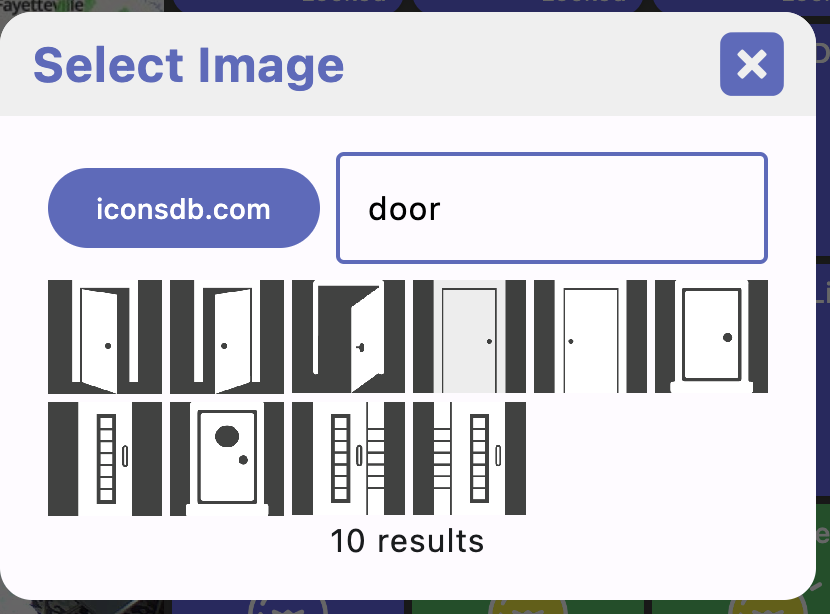
95% of the icons I get are from iconsdb.com; you can search for them in the app too
I'll see if there's any missing from the built-in list and add them
why I wanted 'spaces' that were colored and rounded.
That looks good - very organized! It should be possible to make spaces look like the other tiles when a background color is set
Easy fix - not yet pushed though. I'm waiting to get a few more things in. You should be able to get into edit mode using the menu bar or CMD+E in the meantime
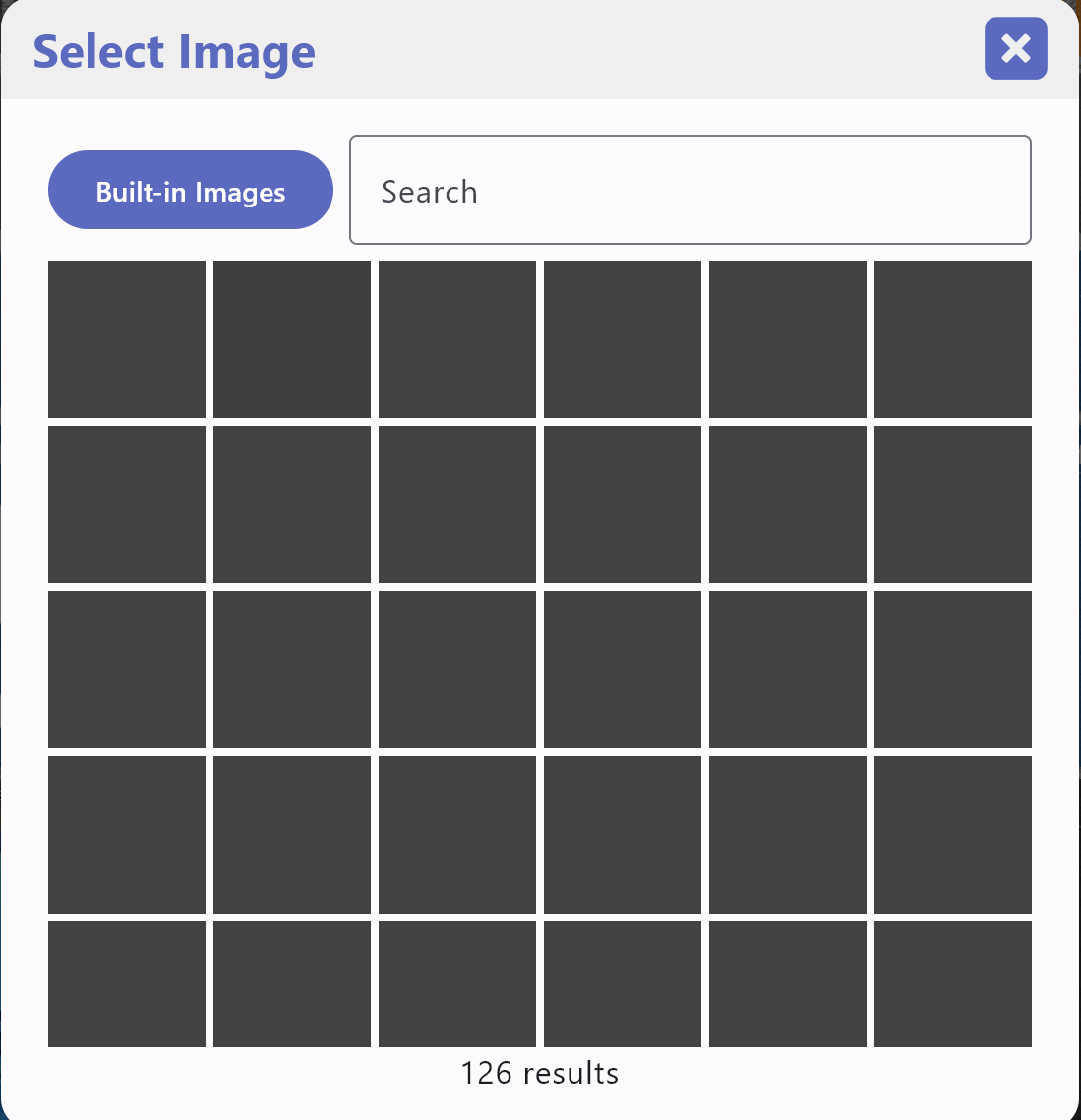
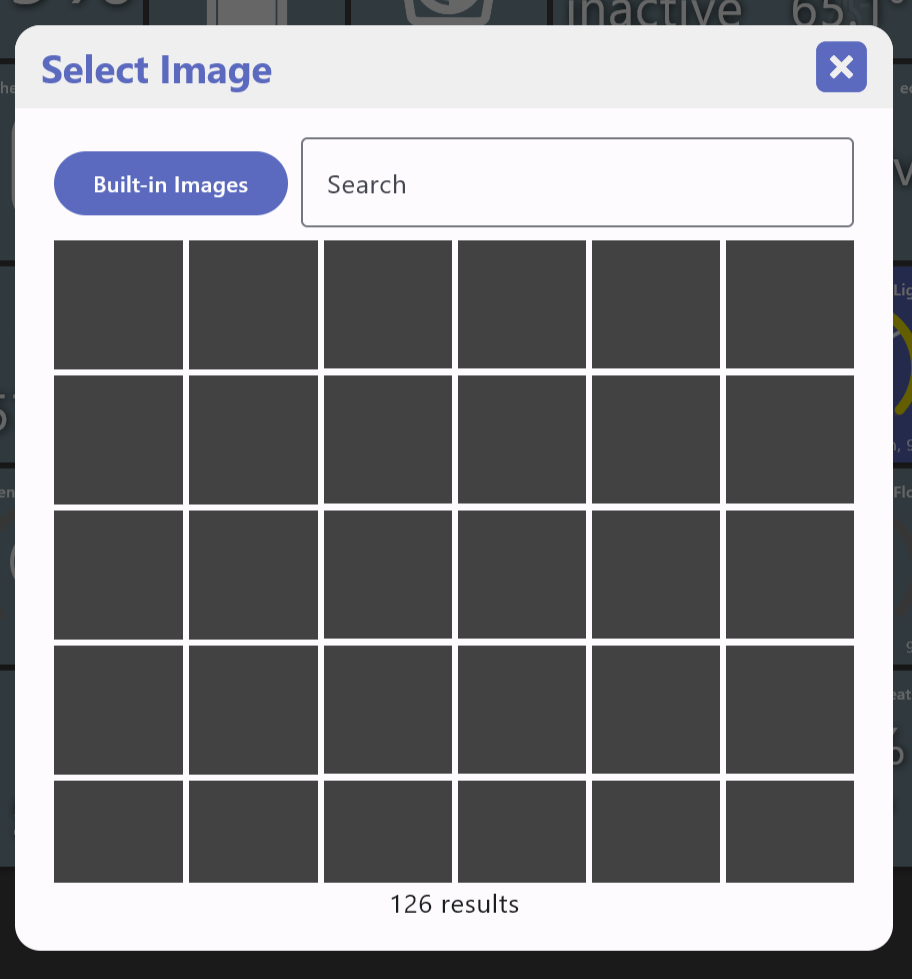
FYI: when I chose the 'Built in Images', I get get nothing but gray boxes with '126 results' available. I can do a search on say 'Door' and I suspect that all the tiles related to the door pop up, buy I can't see them. Only square, grey boxes where the icons should be.
Looks really nice! Are these multiple HTML/web tiles or 1 large one? Right now the desktop version of HD+ doesn't have HTML tile support but it's planned. iOS and Android have their own 'webview' components which are great. Desktop is the hardest one to support but there's a few libraries that I'll try out.
One thing I can use though is some HTML examples to test with once I do implement it
Ah I did read regarding CMD+E in your other post but forgot about it. Thanks
@jpage4500 Thank you so much for that!
I've been running an Android VM on my Macbook for years now, just to run HD+ 
I started testing the native app, but I couldn't replicate a dashboard because editing the tile order inside a folder is not working.
I can rearrange them, but when I hit "save", they go back to their initial positions.
thanks! fixed in the next version
I'm also having this issue running the latest version on Windows 11.
The next version allows spaces to look like any other tile (custom background color, rounded corners).
2 Likes
I just pushed a new version with a few things still in progress...
version 1.0.489
- fix edit mode toggle
- WIP on theme editor
- WIP on import android config
- space uses rounded corners and background colors
- fix Mode/HSM not updating
- when editing devices and the grid needs refreshing, keep the current order
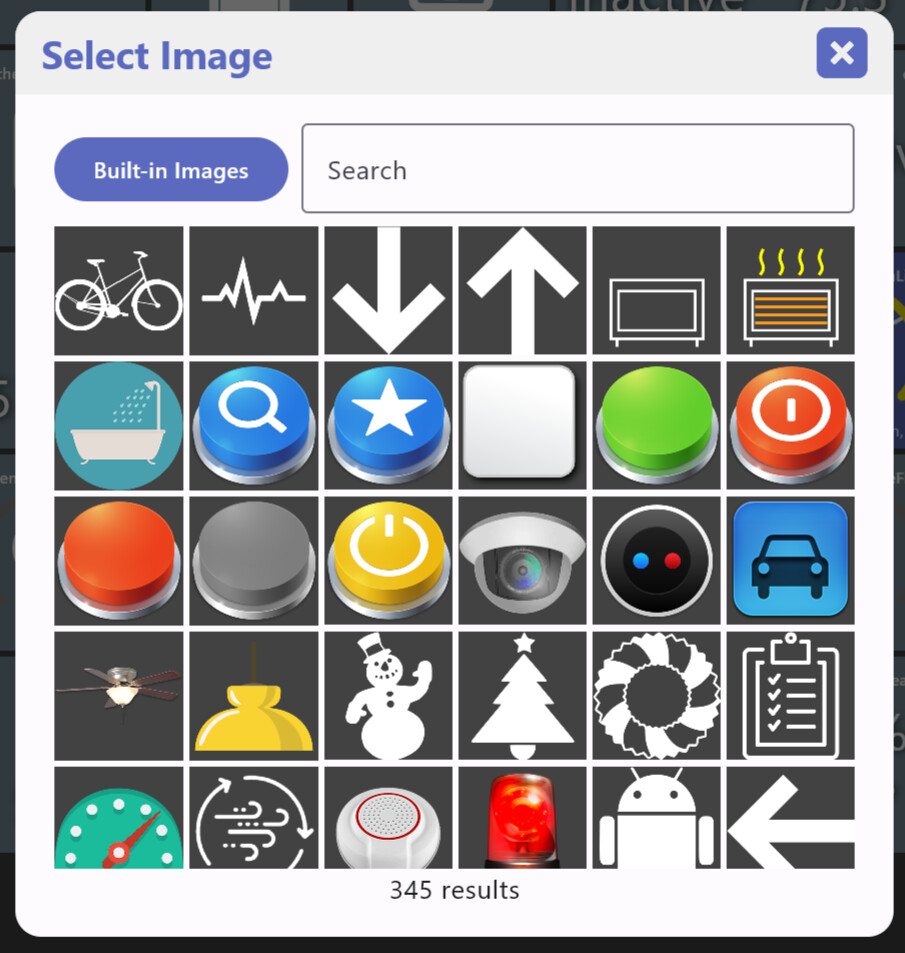
- added all available icons to built-in list
Still see gray boxes on the 'built in images', but did see the total image count go up to 346
Not sure what this is.. can you check if there's a bunch of "ERROR:" messages in the device log (menu -> about -> view logs)? If so, can you let me know what they say? Or, just send logs and I'll look for them
Here is an example of the errors:
03-17-19:38:56 [E] UI HD+AppImage: ERROR: url=jar:file:/C:/Users/xxx/.jdeploy/gh-packages-x64/e86b7e97f3e62f9d42dcf8832951be13.hd-dashboard/1.0.489/jdeploy-bundle/hd-all.jar!/composeResources/hubitatdashboardkmp.composeapp.generated.resources/files/icons/ceiling-light1.png, error: Unable to create a fetcher that supports: jar:file:/C:/Users/xxx/.jdeploy/gh-packages-x64/e86b7e97f3e62f9d42dcf8832951be13.hd-dashboard/1.0.489/jdeploy-bundle/hd-all.jar!/composeResources/hubitatdashboardkmp.composeapp.generated.resources/files/icons/ceiling-light1.png
1 Like
Just messaged you with the log entries from today. thanks!
I think I've got it fixed but would need some help to verify. It seems like it's just Windows
Happy to help verify - let me know what I should change... Thanks.
version 1.0.501
- working on HTML tiles for iOS and desktop
- allow custom icons for folders
- cloud mode changes
- desktop: F5 to refresh devices
- desktop: BACK/DEL key to back out of folders
- mobile: pull to refresh
- fix Windows not displaying built-in images
HTML tiles are going to be tricky for desktop users but I'm starting to make progress on these. iOS should work MUCH better as both iOS and Android have built-in 'webview' components. I'll explain in more detail when things are further along. Anyway, I'm going to need to generate some much better HTML test tiles as I'm only using a couple of GameTime devices at the moment. If anyone has some tips for generating some let me know.
1 Like
Thank you - icons are all there!
1 Like
Windows: I click on the 'add html' tile and it doesn't do anything --
03-19-18:27:07 [W] UI HD+AddDeviceDialog: handleTileSelected: unhandled device type: TYPE_HTML
-duh...I downloaded first then saw the description that it's still a work in progress..
My HTML tiles come back from the Hub via MakerAPI so I hadn't thought to test that -- I'll connect it up