Background
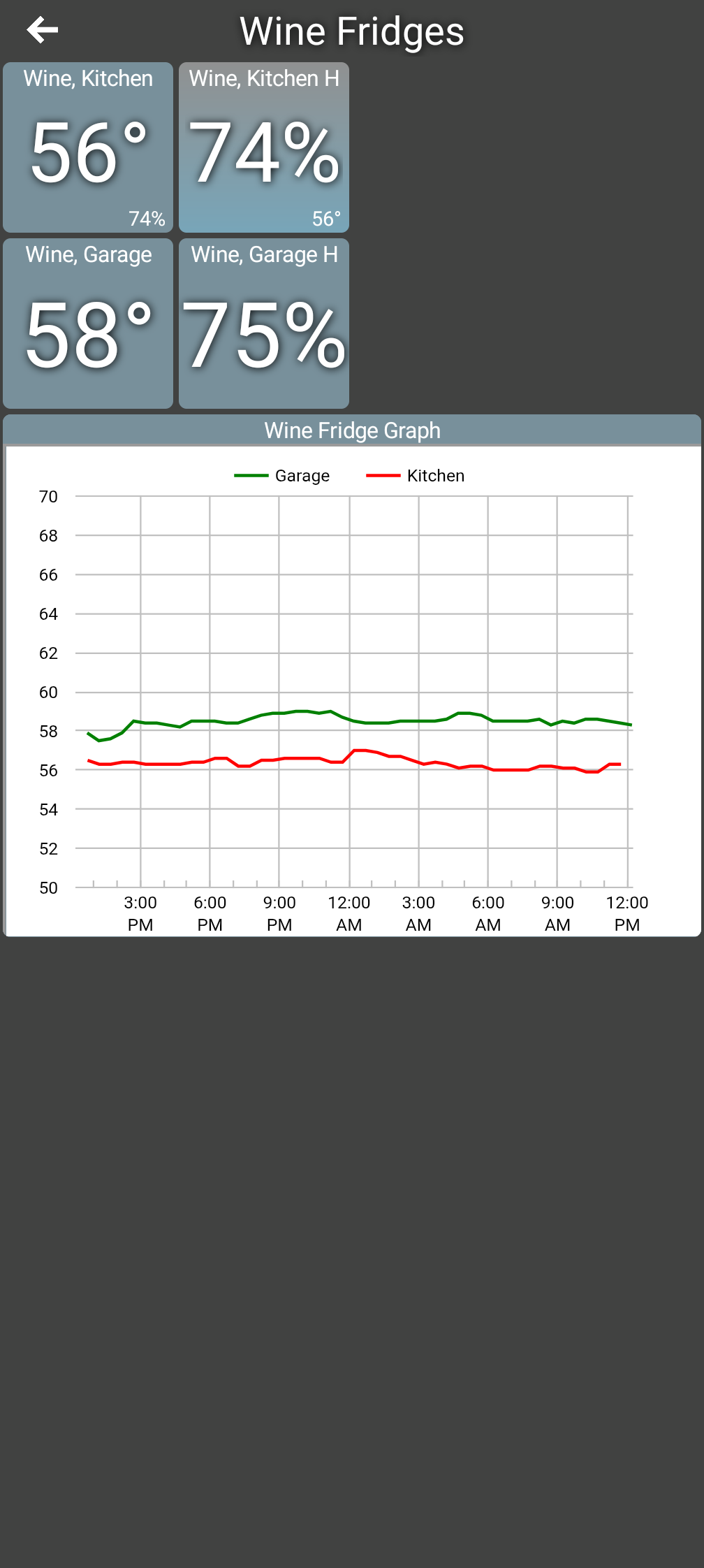
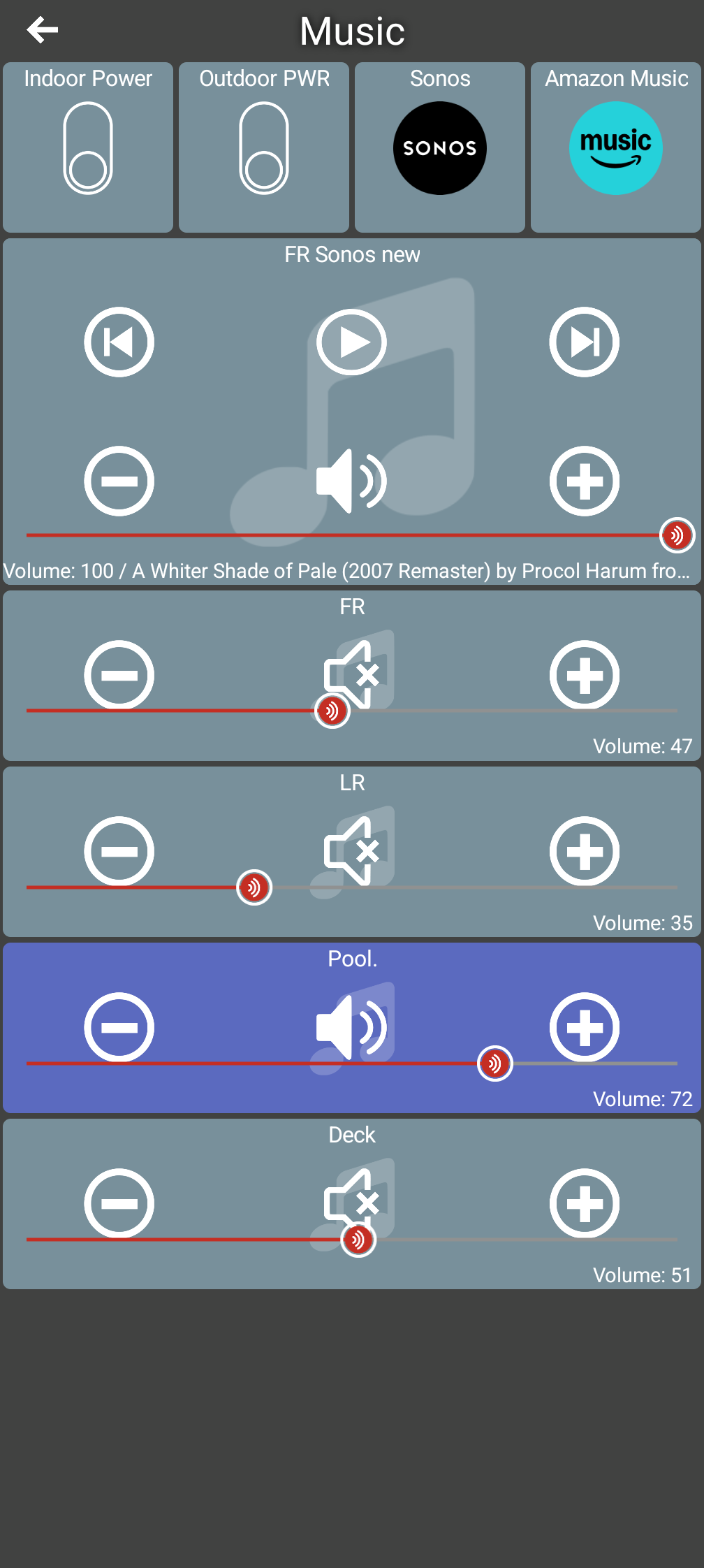
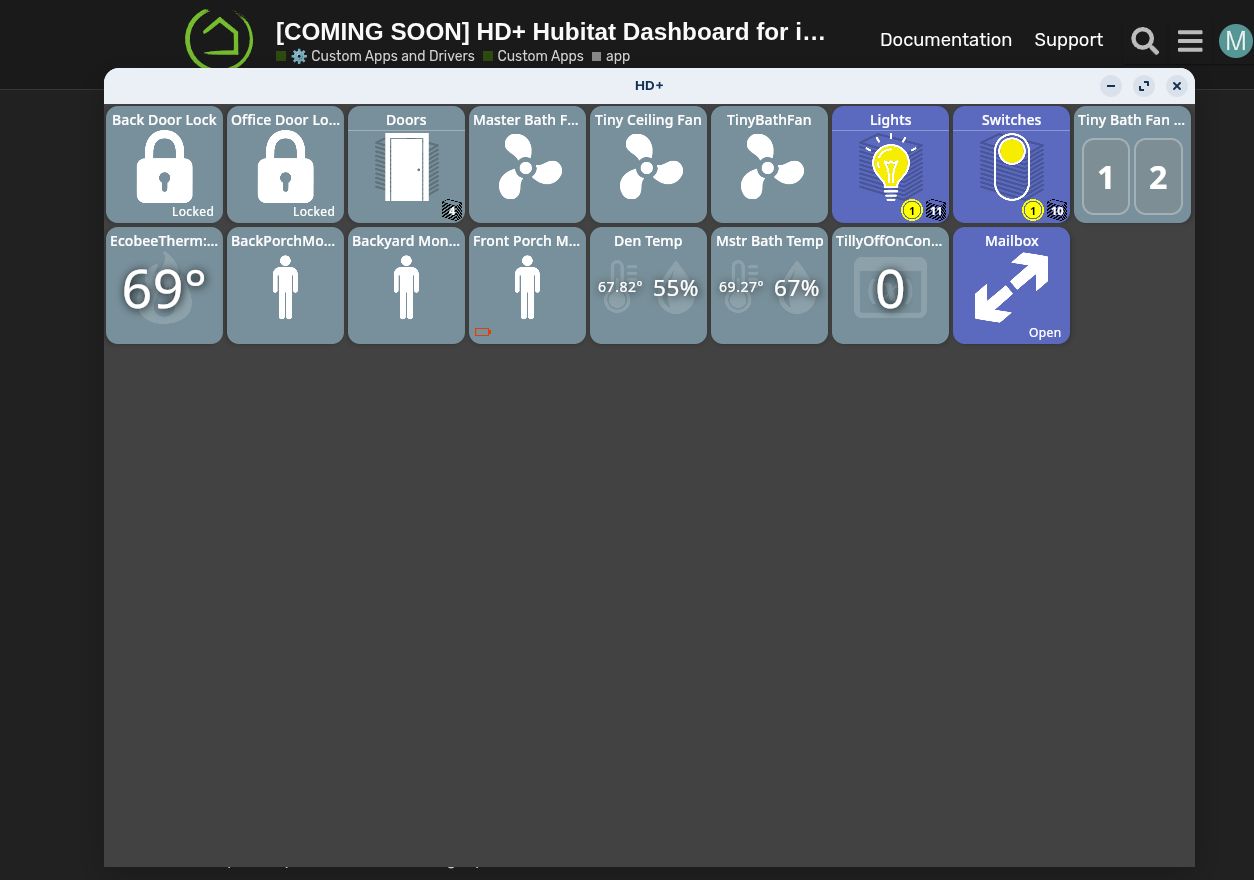
This is a multi-platform version of my Android only HD+. I'm using a fairly new language, Kotlin Multiplatform (KMP) which supports iOS, Android and desktop platforms (Mac/Windows/Linux). It’s quickly equaled and even surpassed HD+ in several cases.
I’d still recommend the original HD+ however if you have an older device or Fire Tablet which runs an older version of Android.
Screenshots
iOS
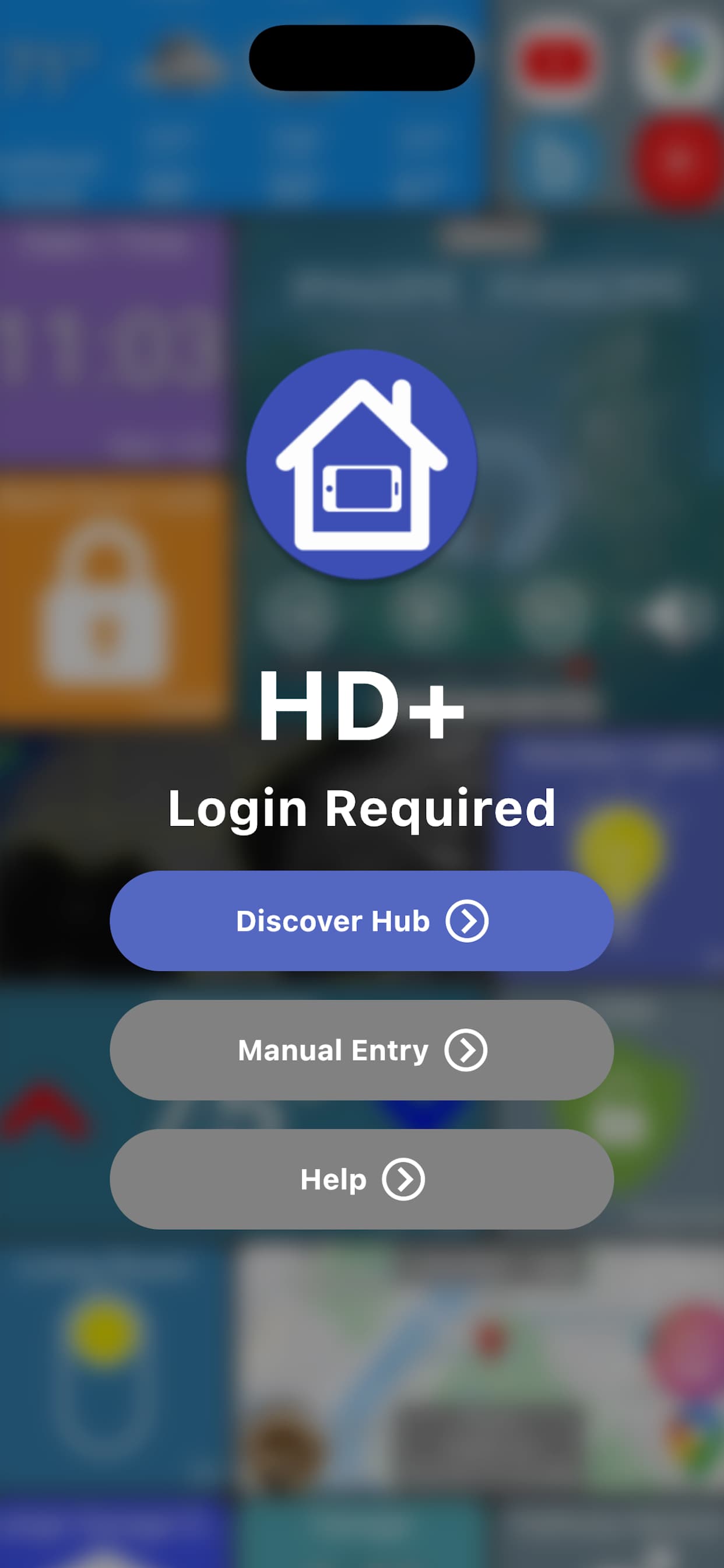
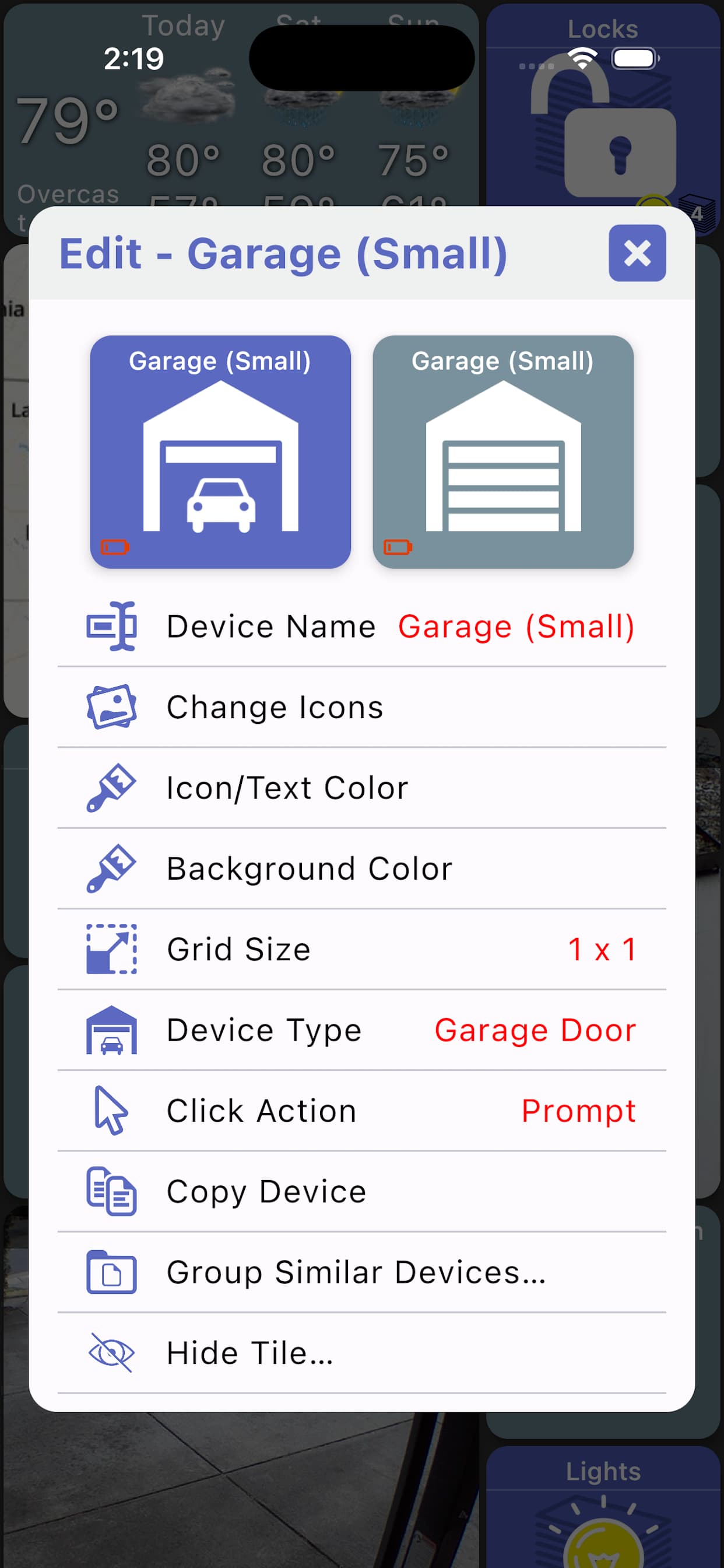
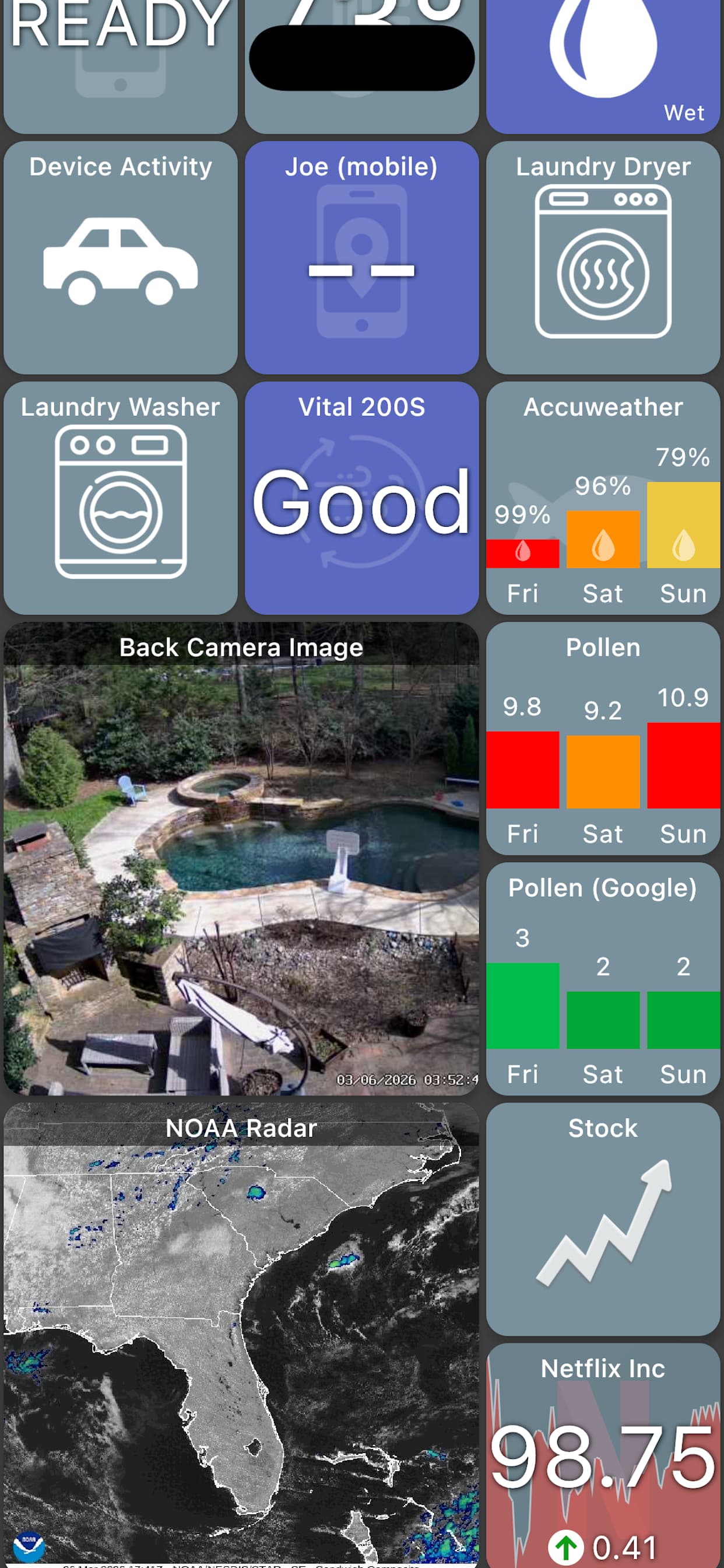
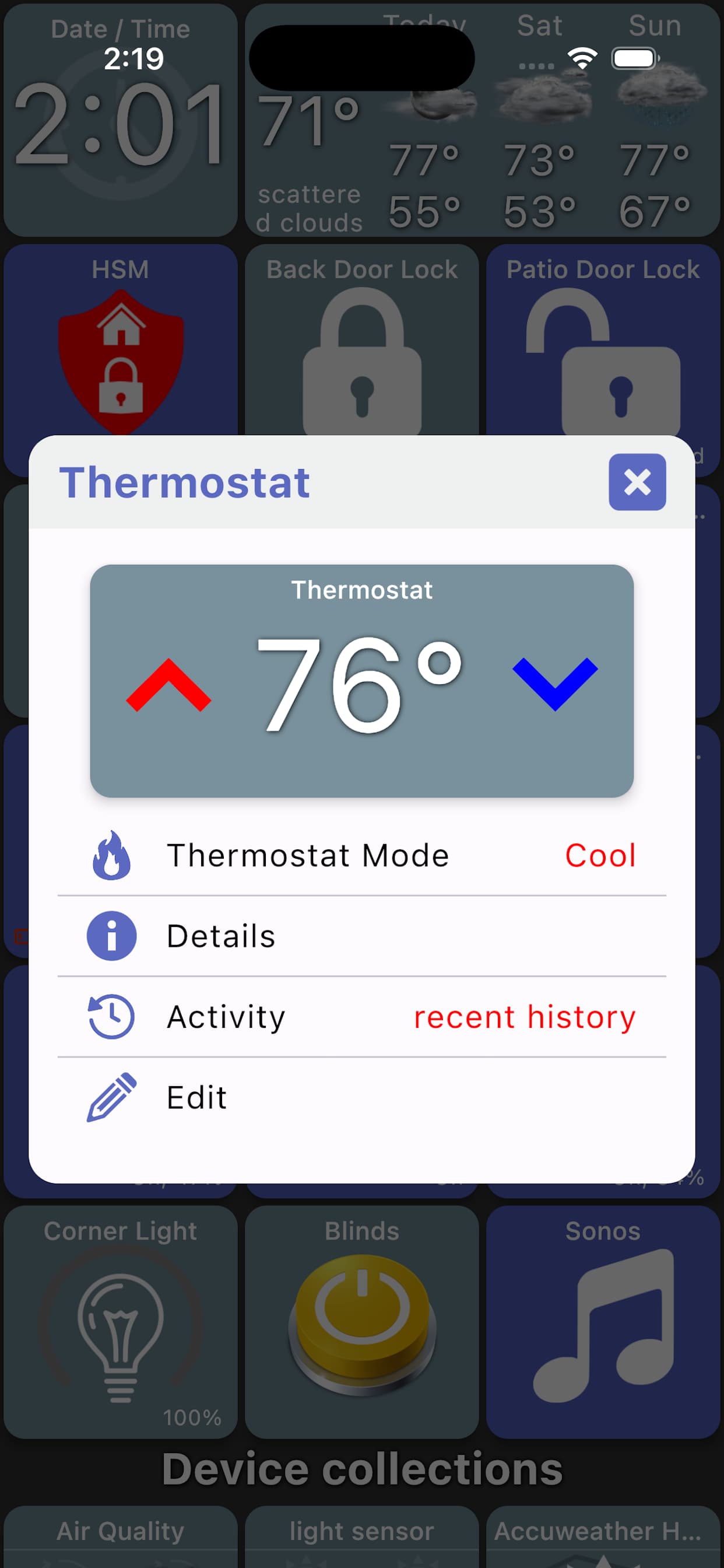
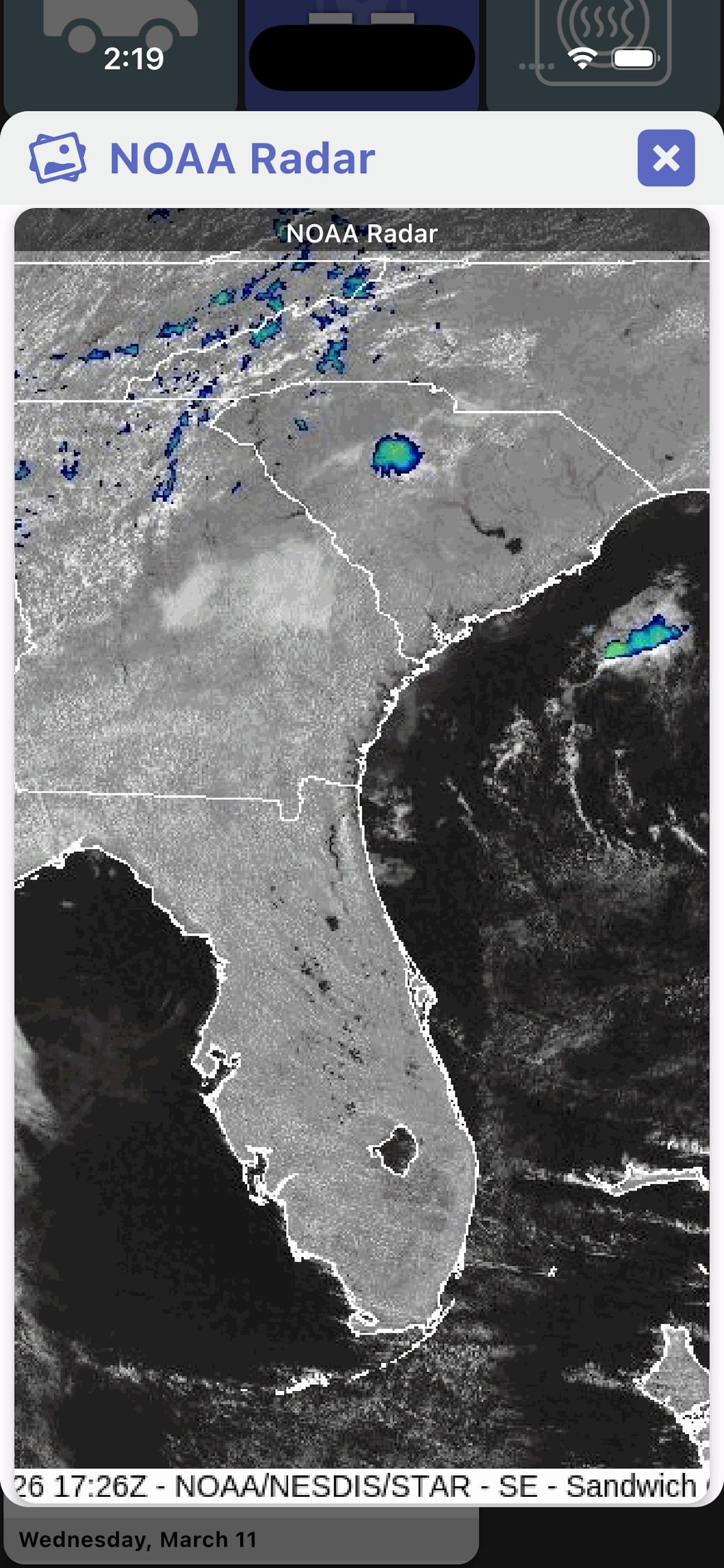
iPhone
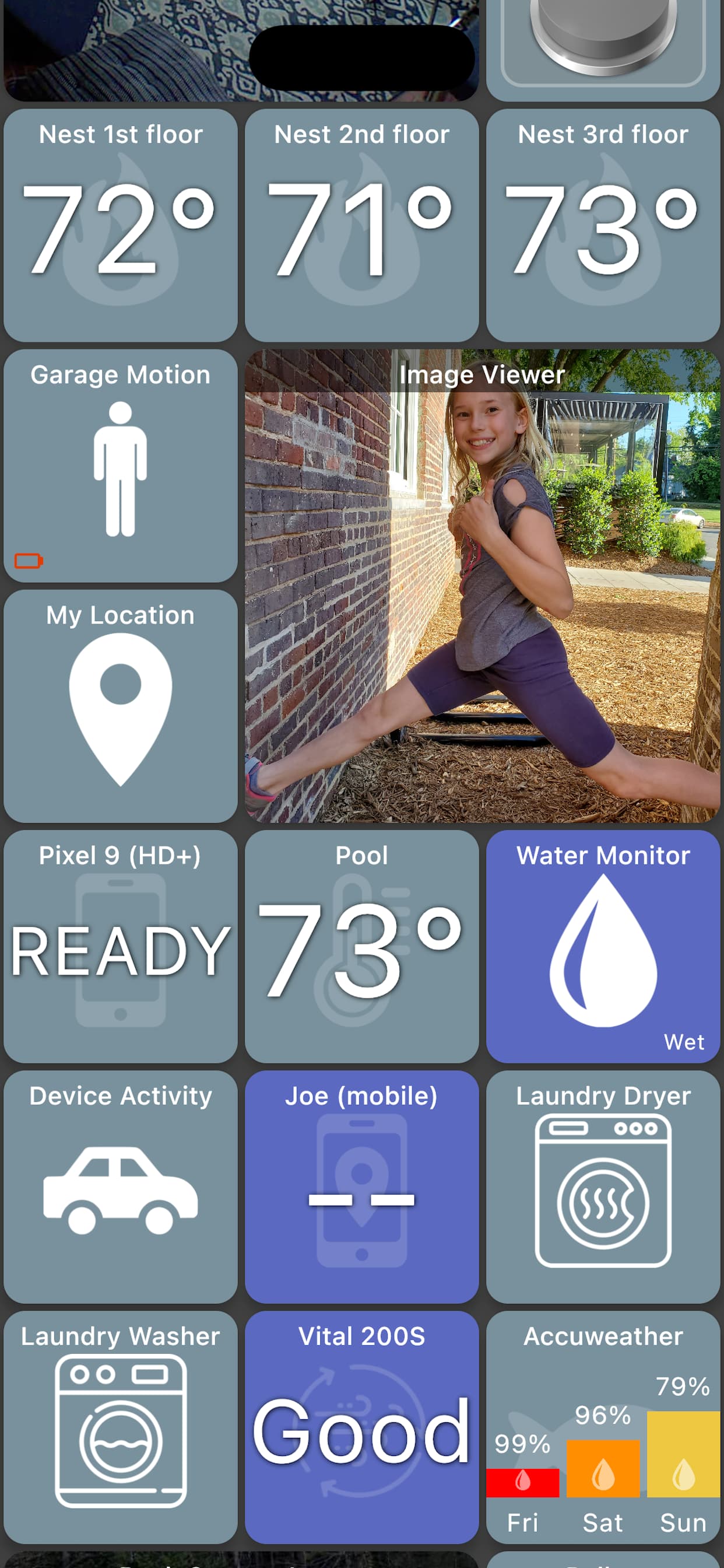
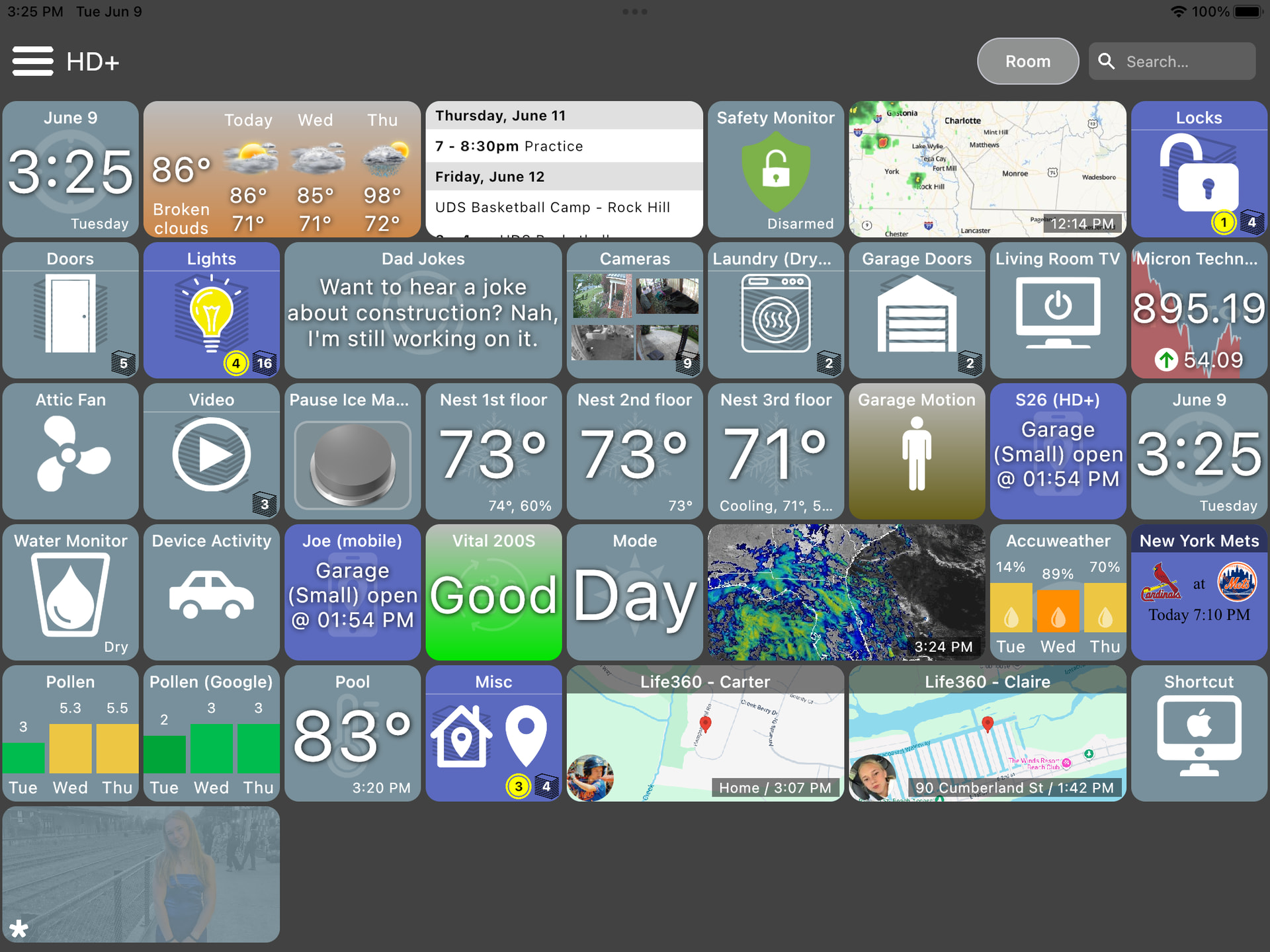
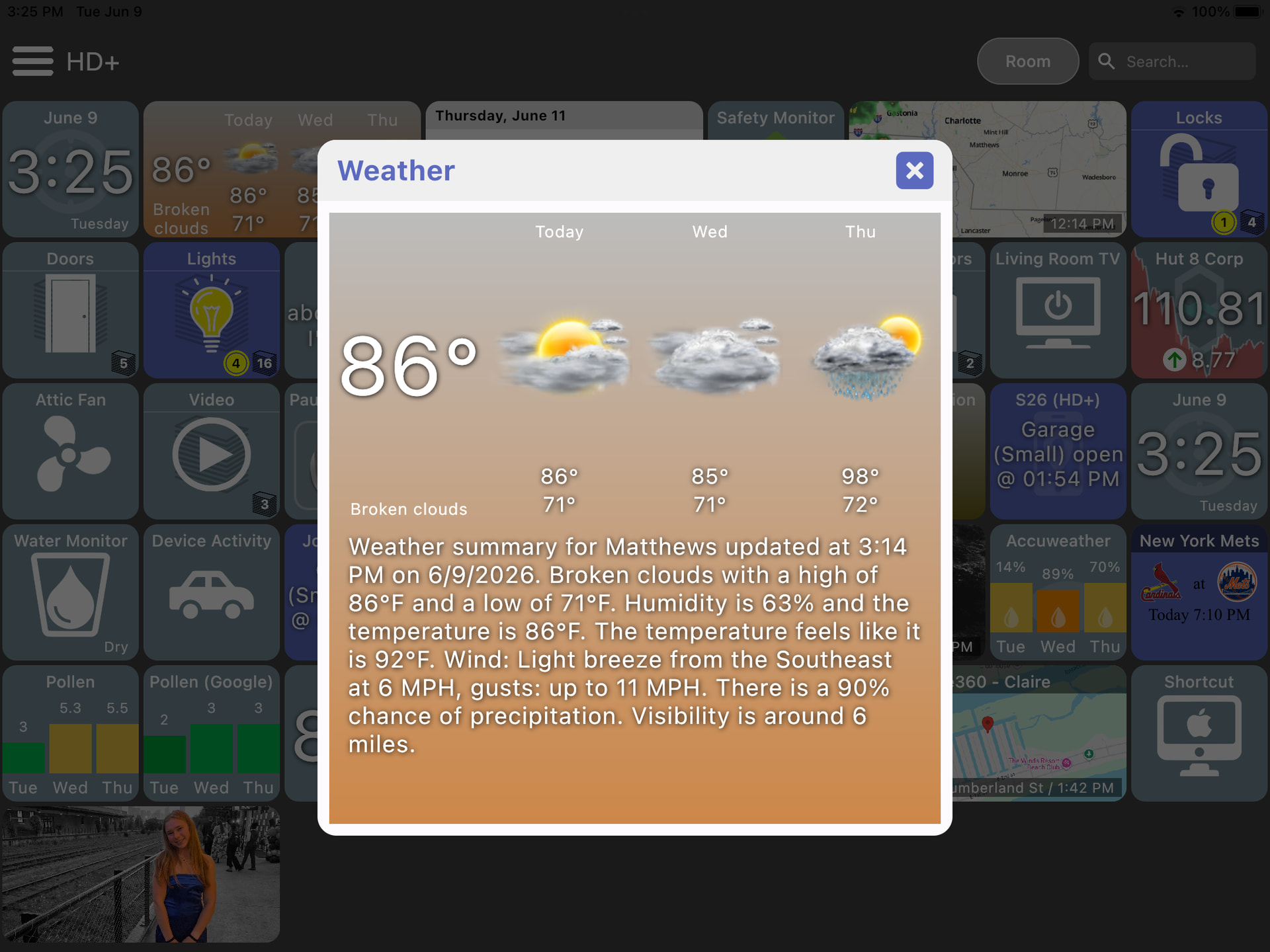
iPad



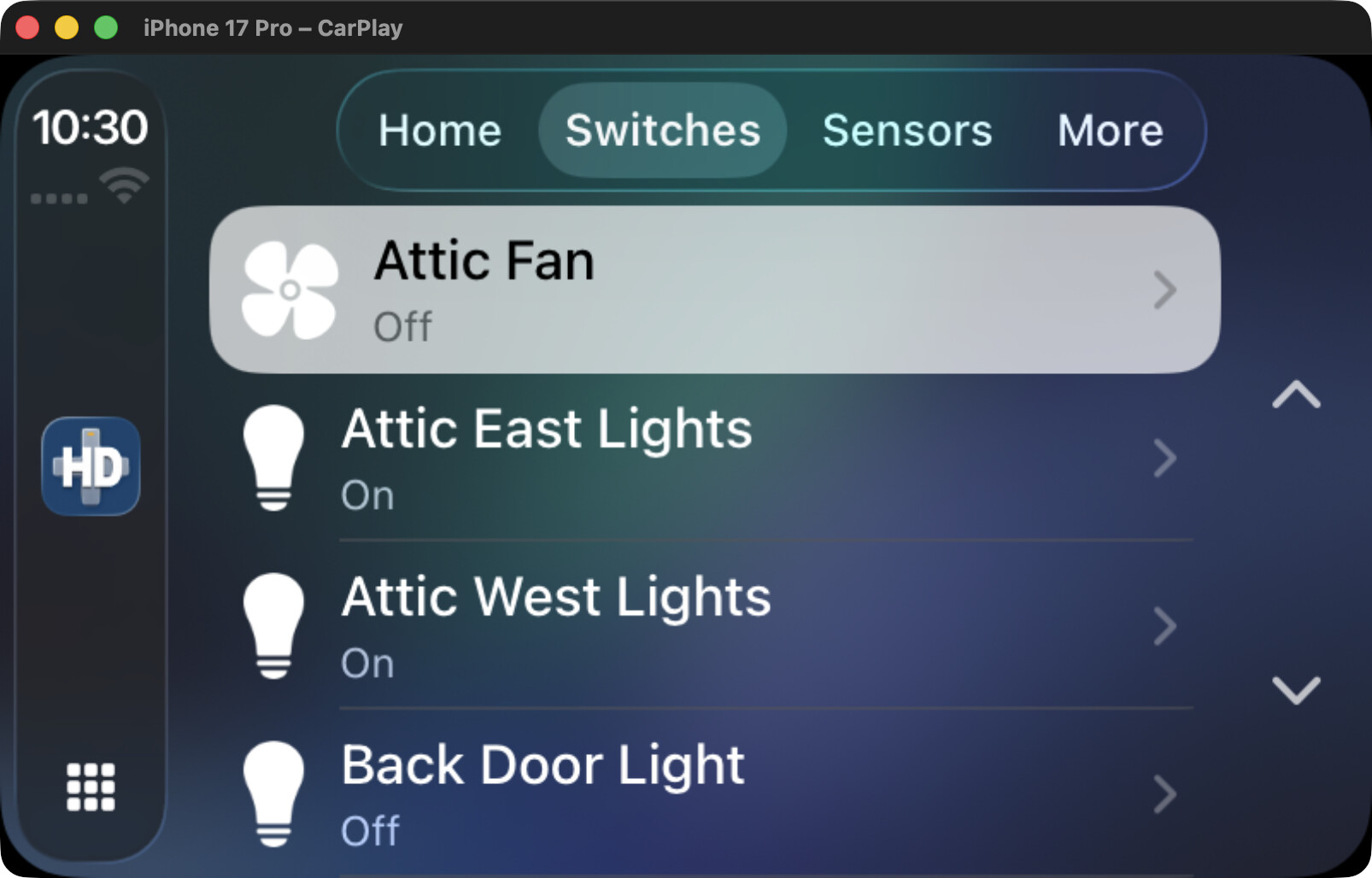
CarPlay


Android
Android Auto


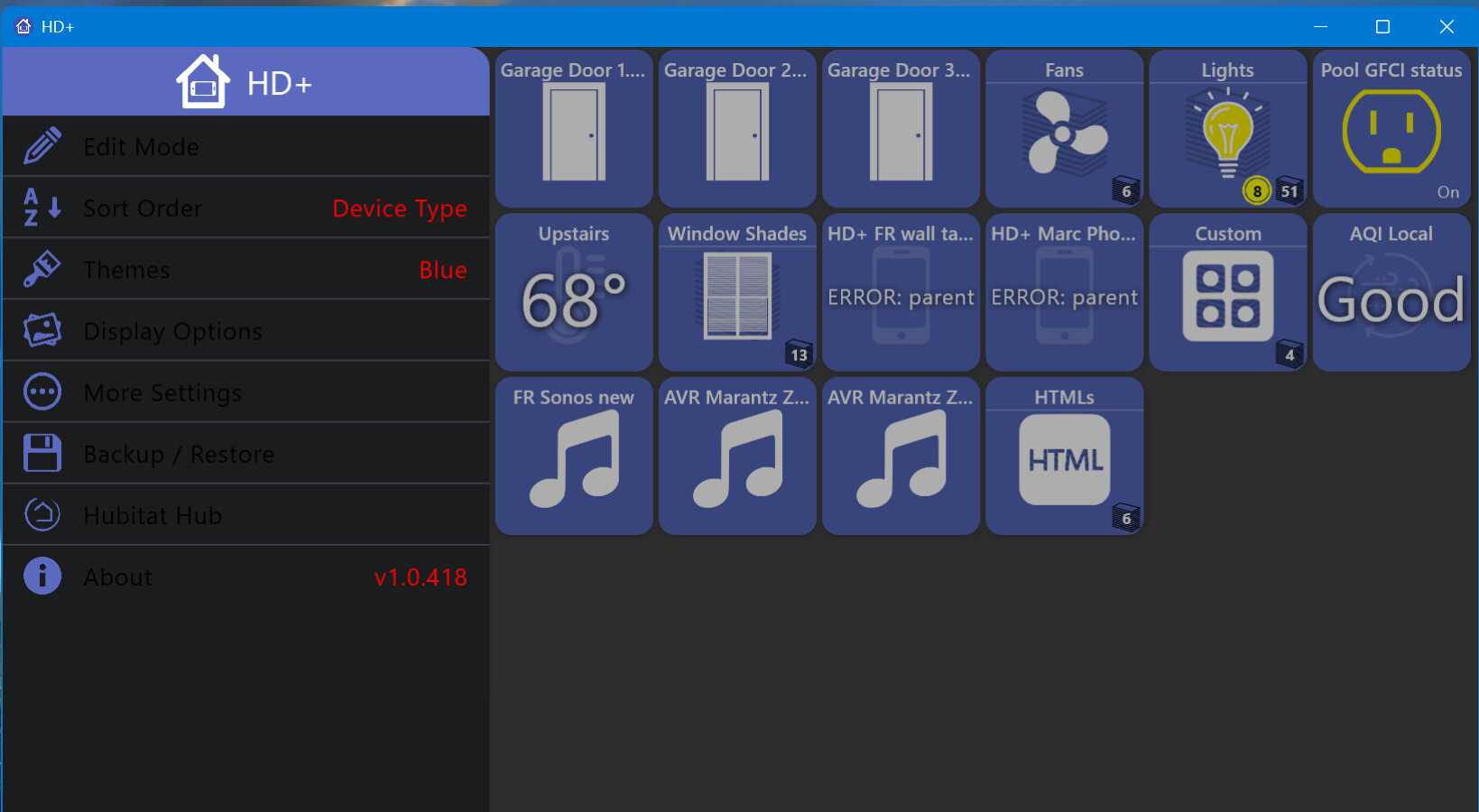
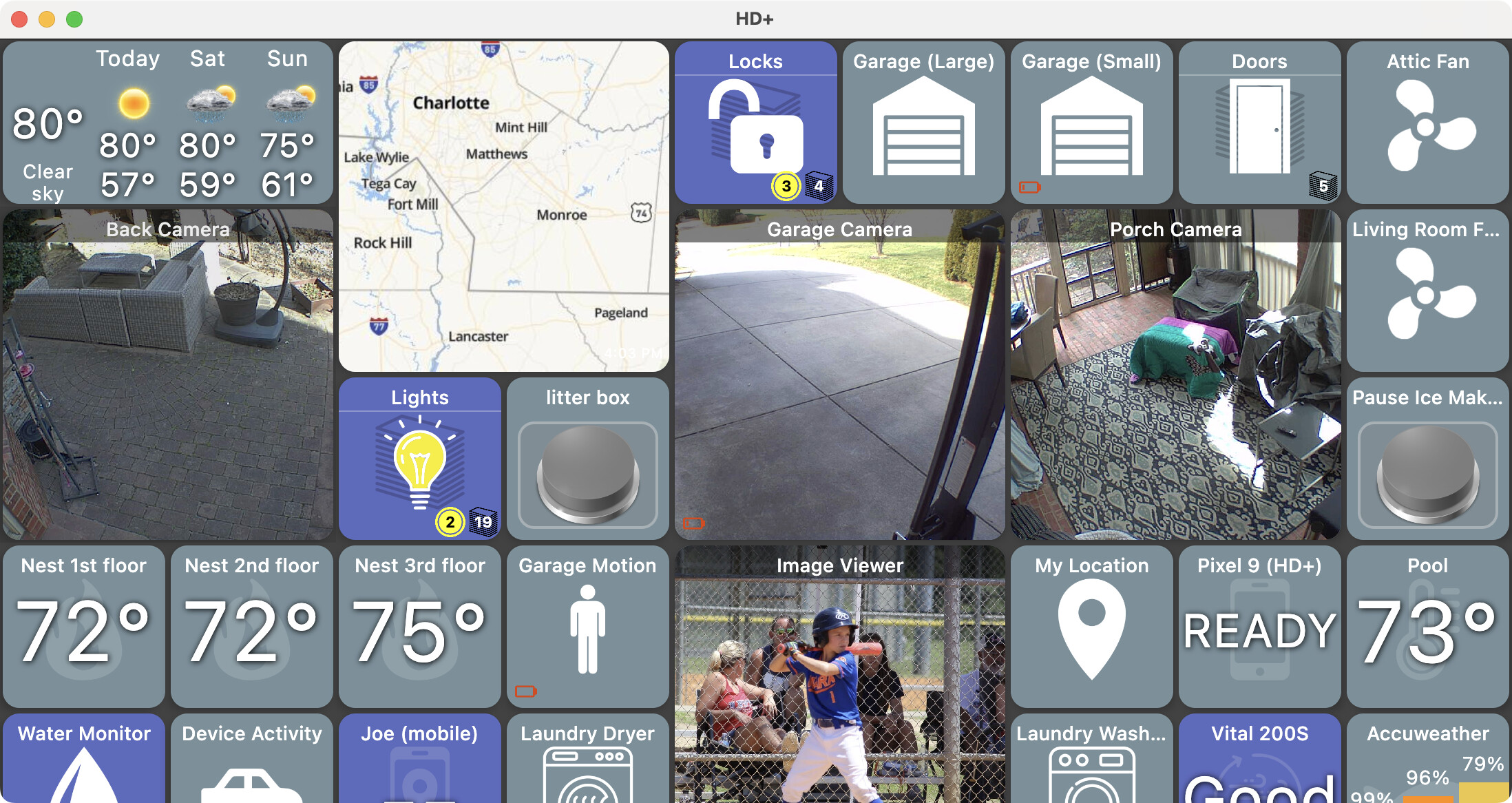
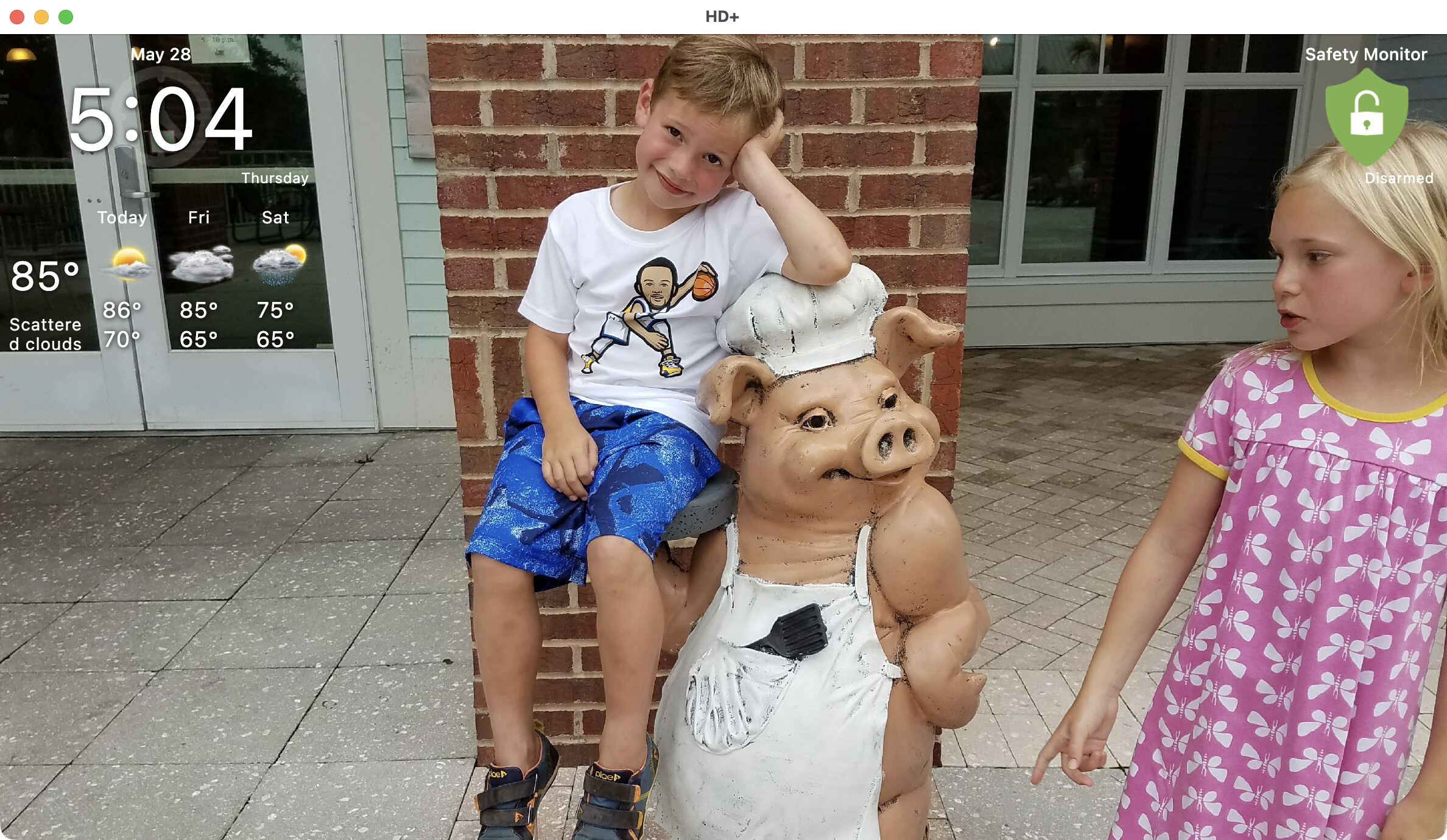
Desktop


Features
- auto discover Hubitat Hub on local network
- auto organize devices when first logging in - including ability to organize 4 or more devices of the same type (ie: lights, locks, etc) into a folder
- display full screen - Android/iOS
- keep the screen on - Android/iOS
- Flexible - fully customize the interface (icons, tile size, text size, colors)
- All traffic is LOCAL to your network. No 3rd party server is used. There is also a remote access option (uses cloud.hubitat.com ) that can be setup for use outside the house.
- Drag and Drop sorting
- Group by Device Type - automatically group device into folders (ie: group by 'Indoor Lights')
- Supports MANY device types and continually adding support for new devices
- Custom Device Support - many custom Hubitat apps and device drivers are supported here without any additional work: Blink, Life360+, Google Photos, GameTime, OpenWeatherMap, Hub Information Driver
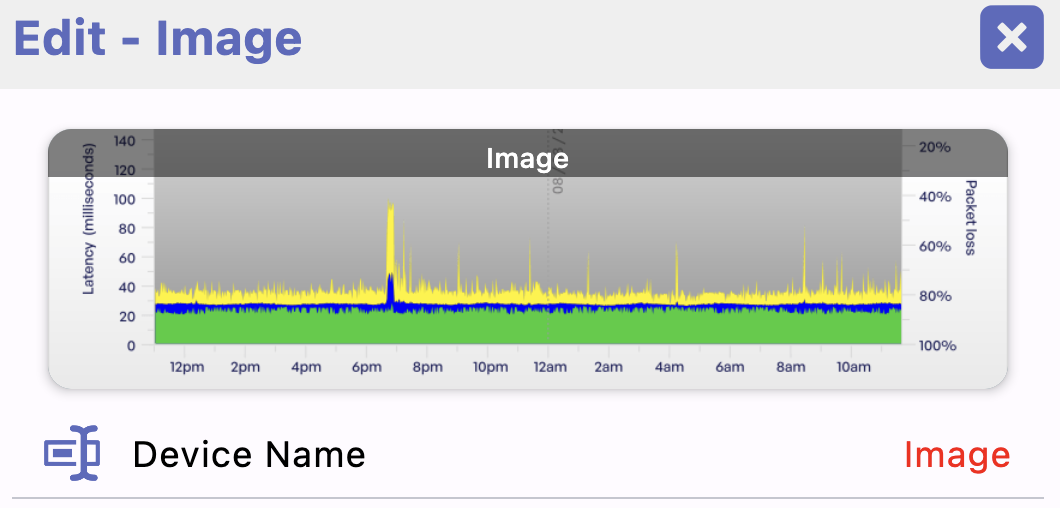
- Auto-refreshing images
- Hubitat Safety Monitor (HSM) support
- Mode support
- MANY more tiles such as a Battery Monitor, Pollen Count, Dad Jokes, etc! See the full list here
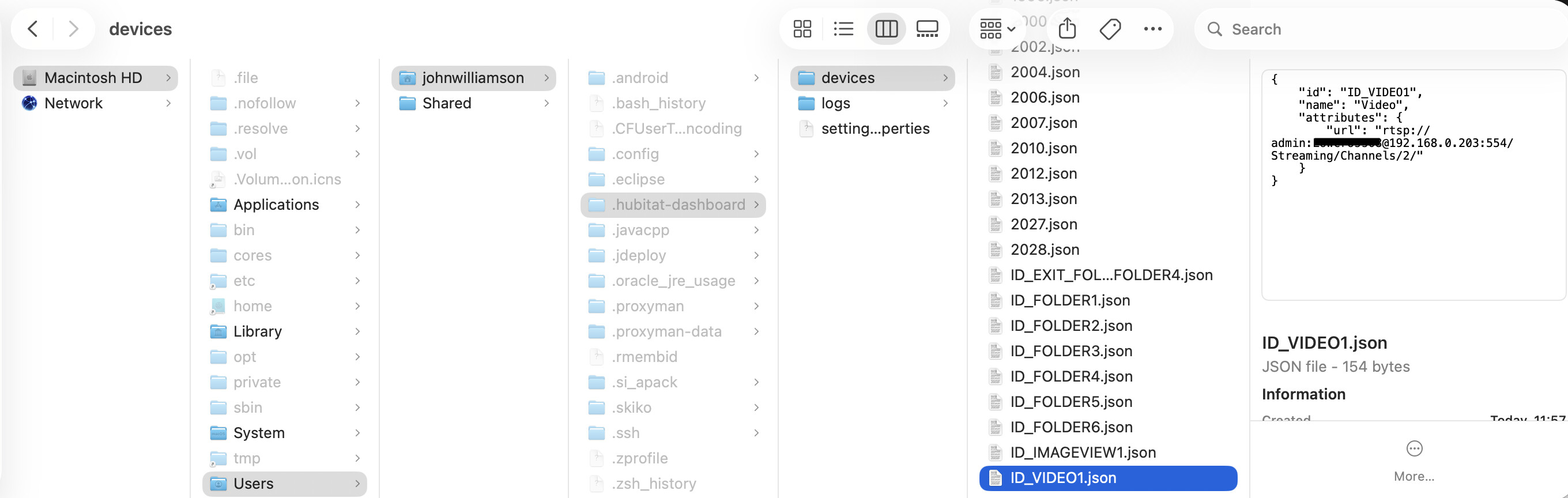
- Live Video (RTSP) support
- Geofencing - Android/iOS
- HTML Tiles
- Screensaver that supports wake on motion and auto updating images - turn your wall mounted tablet into a picture frame at night
- Android Widgets and Apple Shortcuts
- Android Auto and Apple CarPlay support
- Free and no ads - I won't charge anyone to use this app.
Side-note - I debated that last one (Free) with my family who think I should charge for the app this time around.. it's a tough one primarily because Apple requires a yearly developer fee plus I'm going to need an iPhone to test with. But, I don't know how many Hubitat iOS users are even out there and it'd take quite a few just to make up the cost to Apple.. so ultimately I'm going to make it free but if there's anyone who likes the app and wants to support it -- a donation would be much appreciated - PayPal or Venmo
Installation
iPhone / iPad
There's also a TestFlight version which will get updates first.
Join the HD+ Hubitat Dashboard beta
Android
There’s also a BETA version which will get updates earlier:
There’s also a sideload version of the app which has a few additional features that aren’t in the Google Play version:
- download the latest .apk from here: Releases · jpage4500/HubitatDashboard · GitHub
- once installed, you can update from within the app (About → Check for updates)
Desktop (Mac, Windows, Linux)
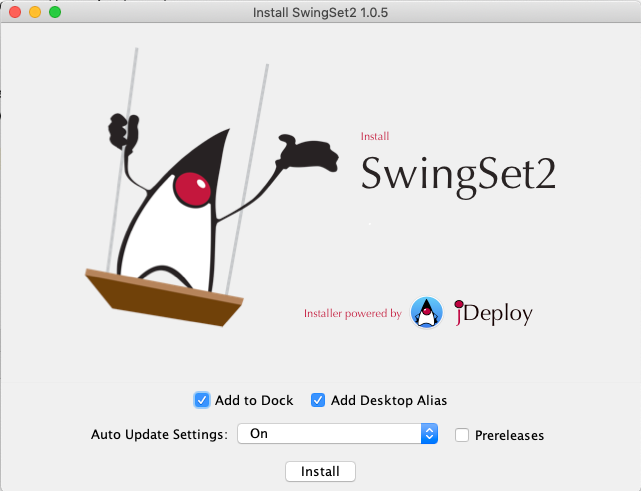
I'm using an app called JDeploy which handles building an installer for Mac/Windows/Linux and also auto-updates the app with no extra work!
Use this page to download the desktop installer: Releases · jpage4500/HubitatDashboard · GitHub
When installing, keep the box labeled 'update automatically' checked and each time you run the app it'll check for the latest and update.
Setup and Login
Once the app is installed, you still need to do 2 more things to login and use it. The instructions are the same as the Android version of HD+
- Configure MakerAPI on the Hubitat
Configure Hubitat Hub | HD+ (Hubitat Dashboard) - Login from the app
Login | HD+ (Hubitat Dashboard)
NOTE: iOS doesn't support UPnP so the 'discover' button just tries to connect to the Hub using hubitat.local. It works for me but I imagine it won't work on every network. If not, just enter your Hub's IP address and that should be able to auto discover the Hub / Maker API app ID and Tokens.
Support
Bugs are expected but feel free to report anything here. If you can include a screenshot and device logs that'll help me see and reproduce the issue so that's the #1 way to get support. You can send device logs by opening the Menu -> About -> Support
This support page is Android specific today but it'll slowly get updated to cover all platforms: Overview | HD+ (Hubitat Dashboard)
Keep in mind at this stage things may and likely will break as I iterate versions, figure out how to get builds posted, etc. Please be patient! I have a day job and 2 very active kids so this is primarily what I work on during my free time.