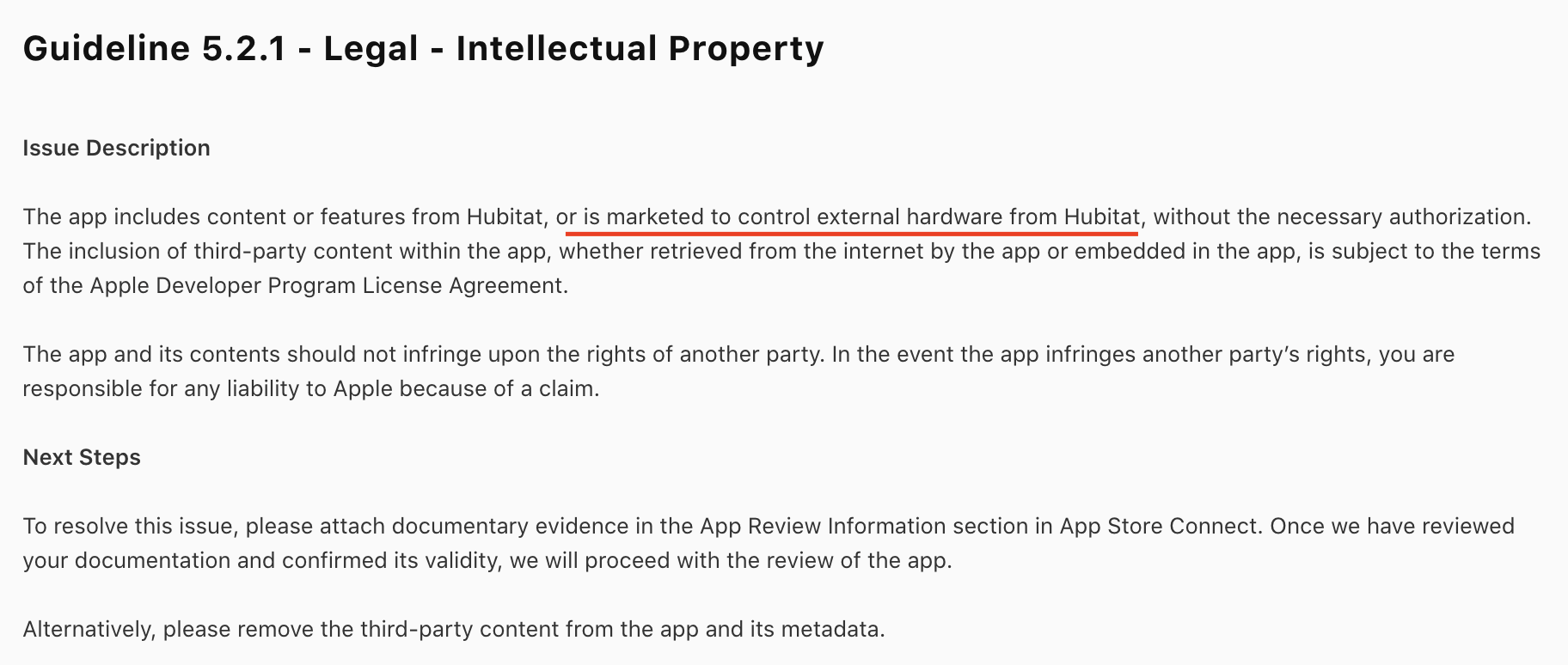
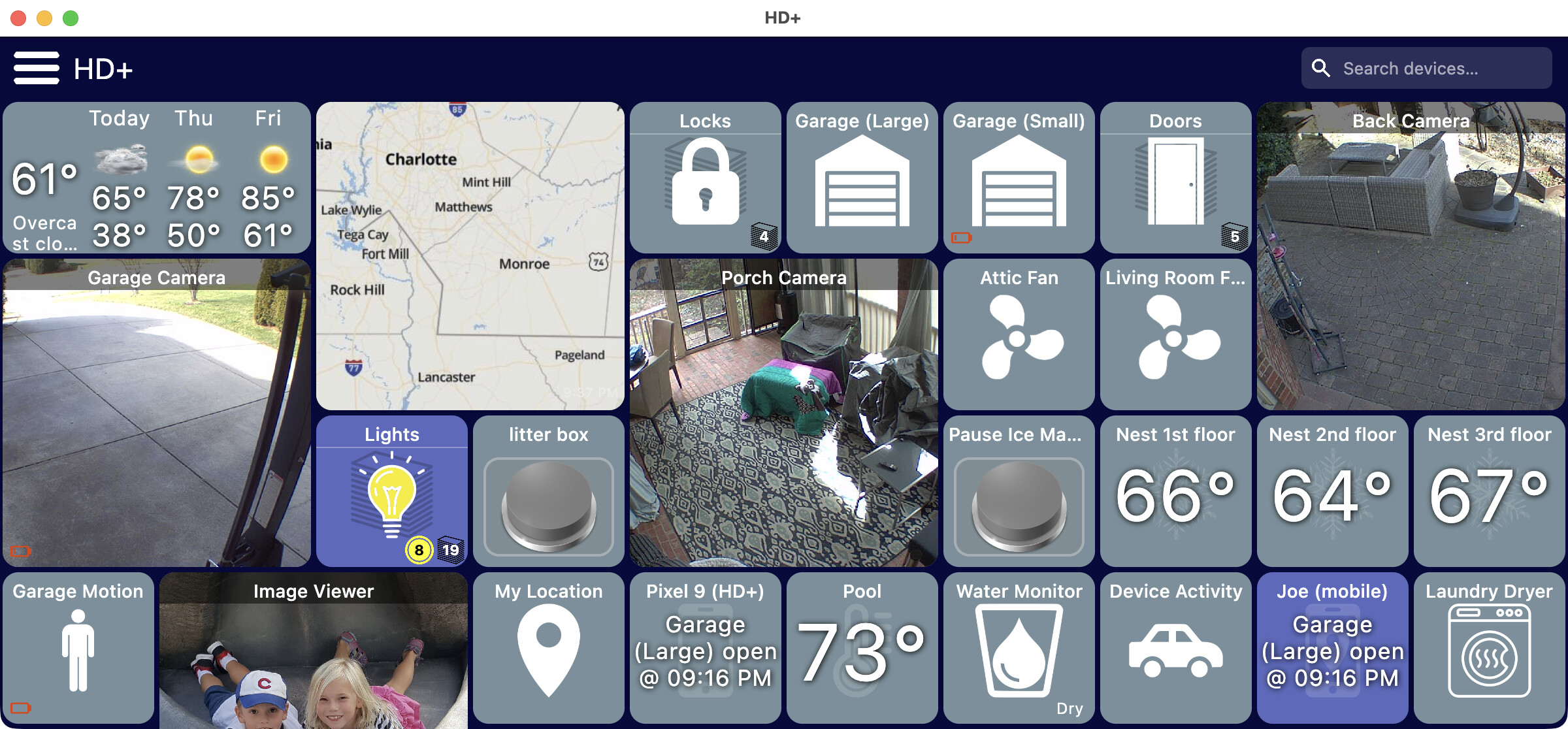
I underlined something which seems a little funny to me.. the whole purpose of this app is to control external hardware on a Hubitat Hub.
So, if anyone has any thoughts or knows anyone from Hubitat that can provide some kind of 'approval' I'd appreciate it.
Anyone can test the app via TestFlight today (see above). I also included a short video using the app which I also provided Apple (since they wouldn't have a Hub while testing).
I've been pushing out a few updates to both the desktop and iOS version.. here's some of the highlights
version 1.0.547
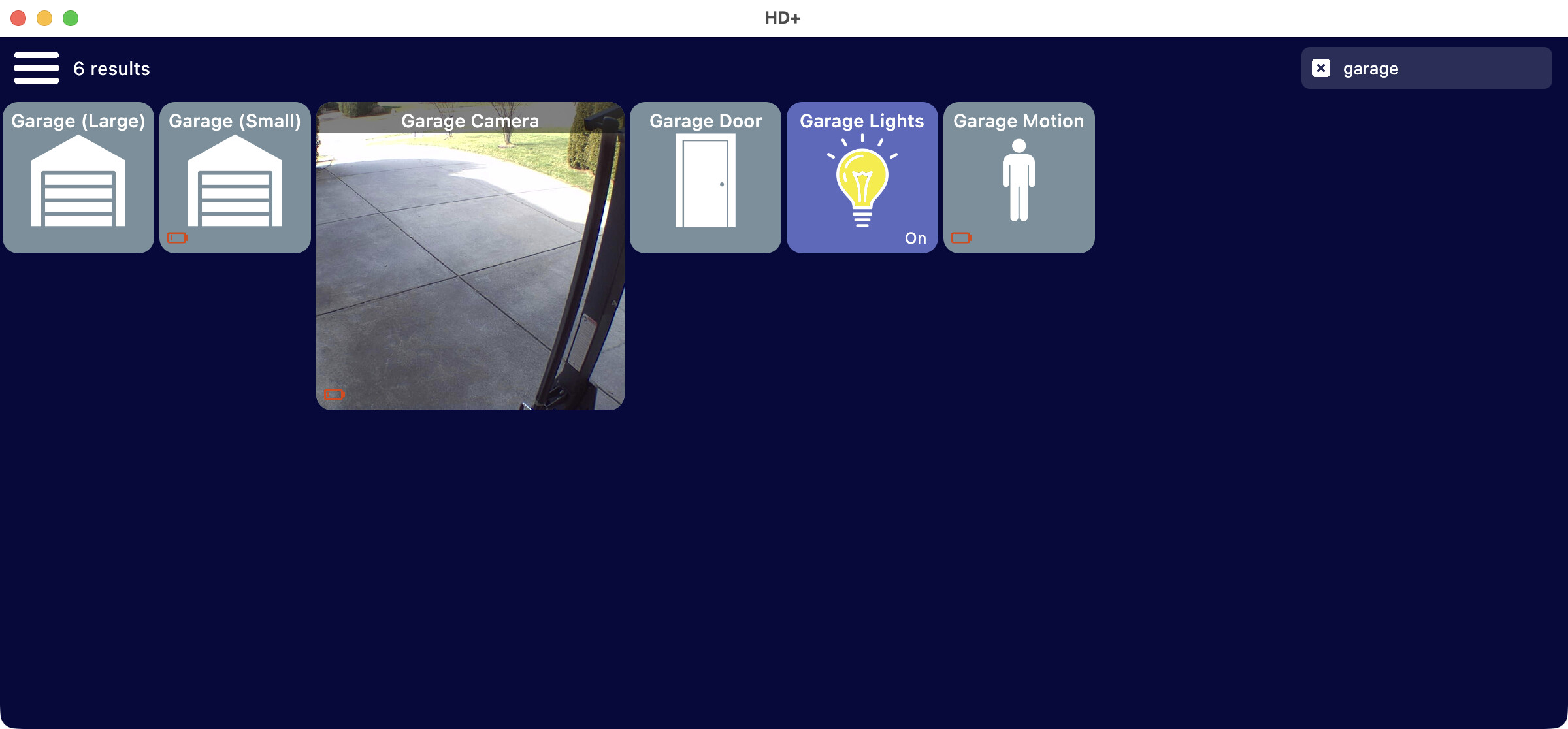
add new toolbar with built-in search/filter
reduced the app size by over half
CMD+F focuses search box
option to use back button instead of section
add brightness slider to color picker
copy device should work now
HTML tiles should work better on desktop
lots of things behind the scenes but there's a toolbar now (it can be toggled off) with a search bar in it. There's plenty of room in the desktop version so I plan to add some other ways to quickly search/filter too like by room or device type
I’ve been away this week so haven’t had chance to have a look at what’s changed. Just updated now and can see that 'copy tile' is now working which is great
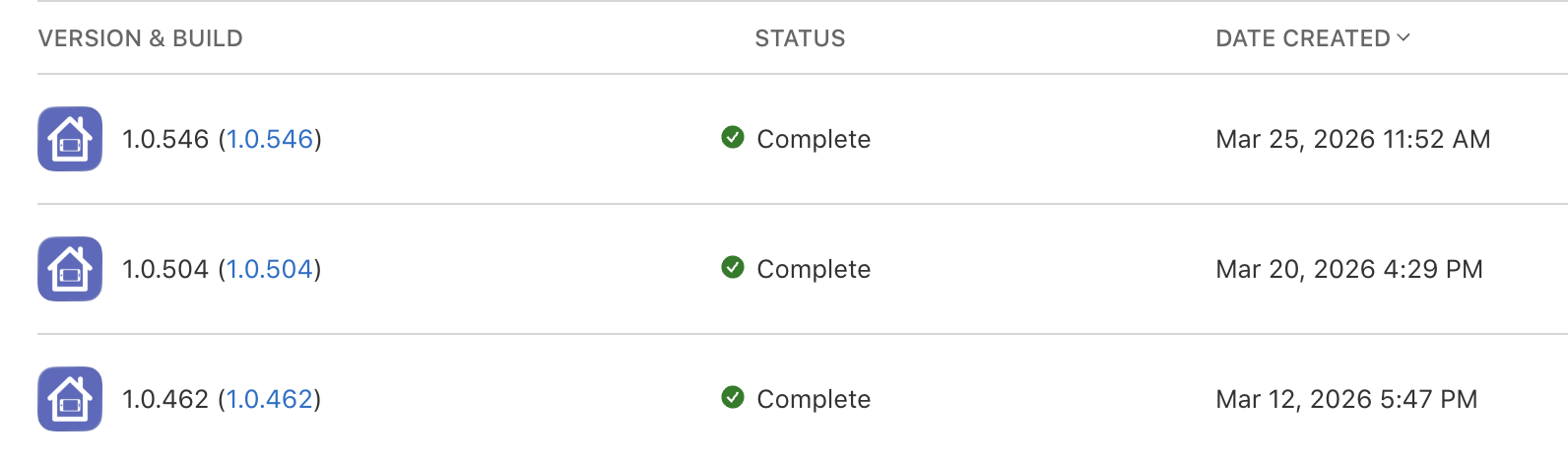
@jpage4500 Did you get anywhere with the iOS updates being blocked? I’m still showing 1.0.462 on my iPhone?
TestFlight should still be fine.. they just haven't approved the app yet for general release on the App Store (at least that's how I understand it)
There's newer versions there -- I'm not exactly sure how updates get pushed out though. With Google they'd update in the background. Maybe Apple you have to check?
Anyway, TestFlight should work for now since I'm pushing updates fairly regularly
EDIT: I used the TestFlight URL to install the app on my mac and yeah it's only showing 1.0.462 So maybe when they rejected the app they also stopped any updates? I did re-submit with some minor changes just in case one of them was the reason for the rejection.. other than that I don't know what they're complaining about!
I have this on my TODO list but it was a lower priority because I didn't think it's something I can do in iOS. But, I went back to find your earlier posts about shortcuts and saw this:
I asked before if the the 'Shortcut' item in the add-ons was going to be added. I have a few sub desktops that I click off my main one and I access them via shortcuts. (Camera, Weather etc..)
I think of shortcuts as opening another app on the device but I kind of forgot it was also used for things like opening another dashboard config file or a web page. That can be done in iOS too so I'll try to get it added.
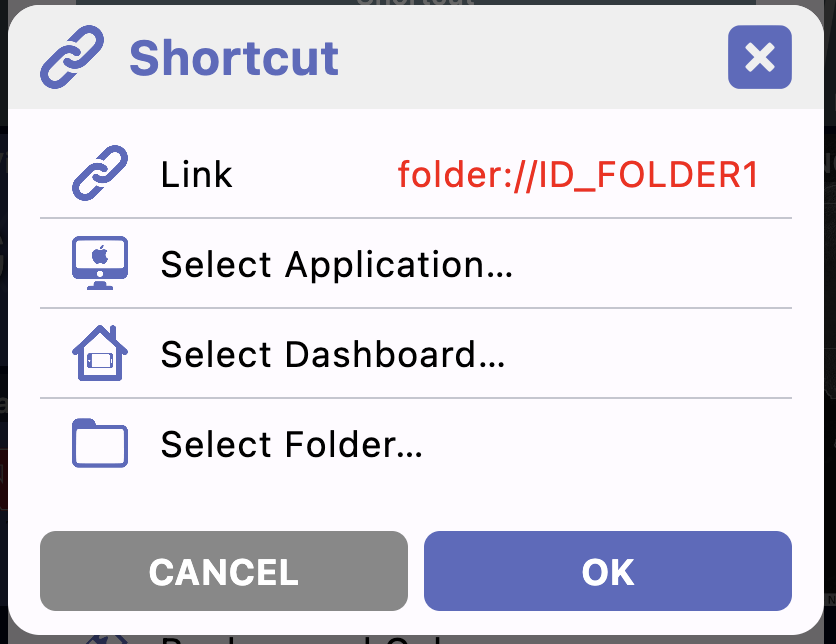
I think the Android version only lets you select other dashboard files that are saved on the device. I'm guessing it'd be a lot more valuable if it could link directly to a file on the Hub so I'll look into including that too..
Yeah. I've checked for updates in TestFlight but nothing there. I've got automatic updates turned on and it did automatically update between 1.0.416 and the current 1.0.462 but those are the only two versions if I click on the 'Previous Builds' at the bottom of the TestFlight app screen.
I just pushed an update to the desktop version for shortcuts. In addition to opening apps, URL's and local config files from the Android version I also added folders and config files on the hub.
I didn't test it extensively (just wrapped up coding it) but if you want to give it a shot let me know.
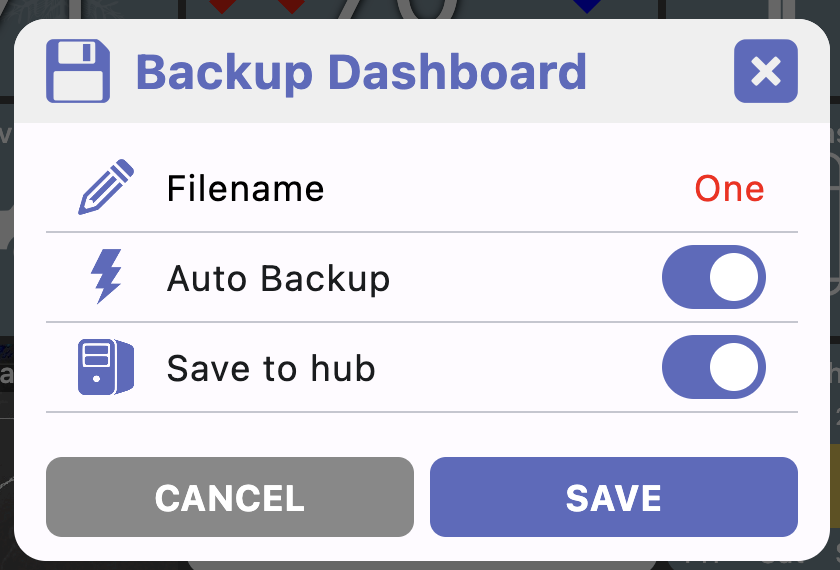
There's still a little more to do.. for example if you add a shortcut that points to dashboard B - make sure to do a backup of the current dashboard.. otherwise, clicking the shortcut will load dashboard B and you'll lose any changes to dashboard A... so, stuff like auto backing up will help here but not implemented yet.
Om my short cuts I have run into a snag. I have a test short cut to a dash that has a few icons on it. I can make edits to this "second" page and I backup the file. On this page I created a "back to main page' and it works.
However, if I try to go back to the second edited page, the edits I made are gone and there are some tiles that are unable to be hidden..almost like the dashboard is locked. I have to keep adding a shotrtcut back to my main page to get back there. Otherwise I am stuck on the page I jumped to. I tried both local and hub files as I save to both locations.
Another comment: After I create another tile to return me to my home port (Im you captain..yeah yah..oh never mind) I noticed that my background picture changes to one that i had a while back and not the current one. If I close the program and restart , the correct backgound is used.
The ony thing I saw in the log that loooks suspicous is this line when I exit out:
I spent a lot of time on the whole backup/restore flow and it's working pretty good now. I also am now supporting the auto backup options (both local and to the hub) - previously the settings were there but not implemented.
Ok, with a little bit of elbow grease, I was able to create (3) dash panels, although I don't think the 'Restore' function is working. Of course, it could be operator error, but I am still plugging along.
I do know that I have some mem allocation issues when I add the same amount of cameras to my camera dash boards. I reduced a few and was able to avoid the error message, On my android tablet, I dont have this issue
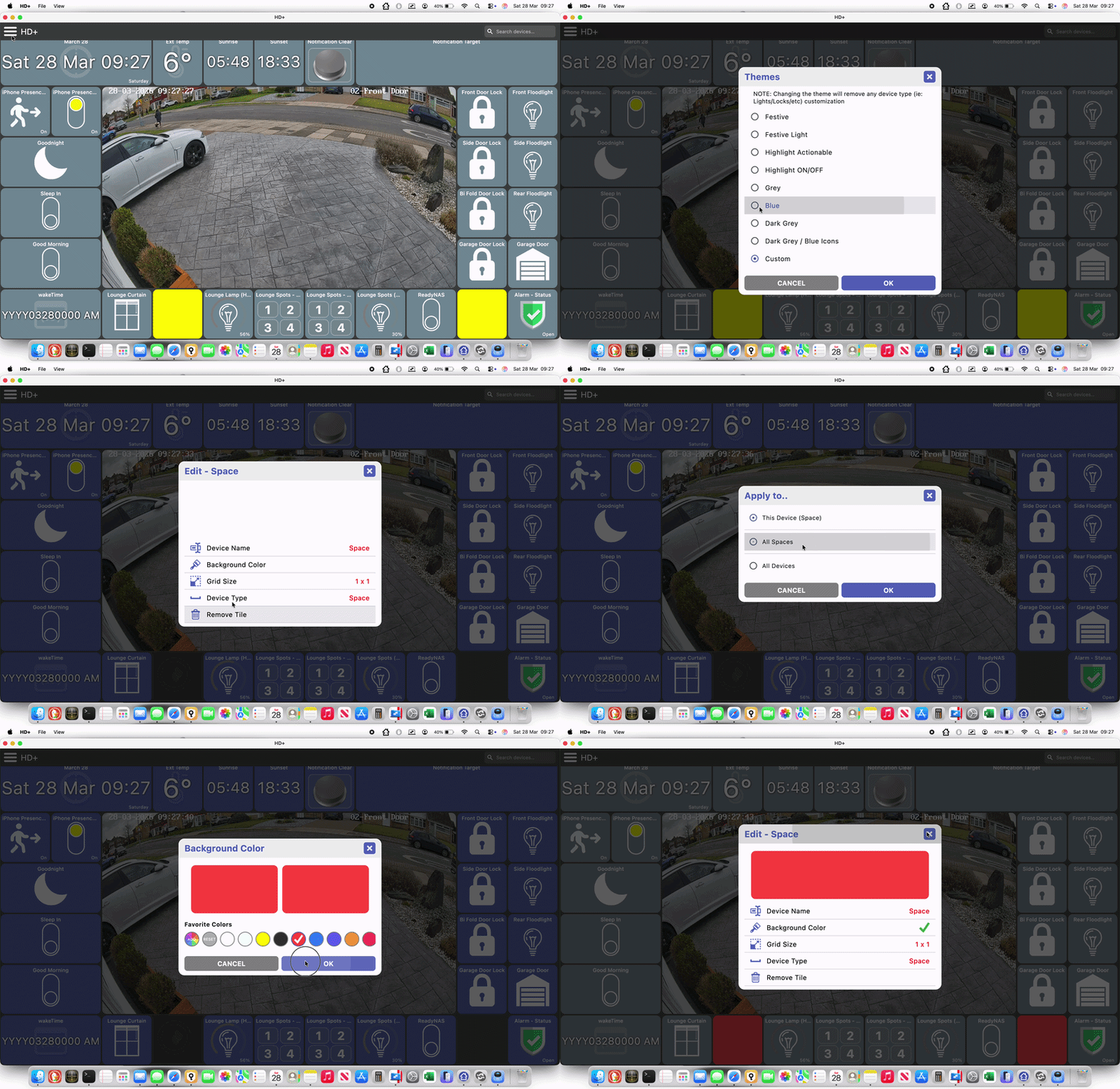
Possible display or theme bug. Setting the colour of a single space tile works as intended. However if you select 'all space tiles' when changing the colour it correctly alters all space tiles to the new colour, but resets the theme colour of the rest of the dashboard. Steps to recreate:
Set theme to Blue
Long press single space tile to edit
Background Colour > 'All Spaces' > OK > Pick a colour > OK
All space tiles change to the selected colour, all other tiles reset to Grey.
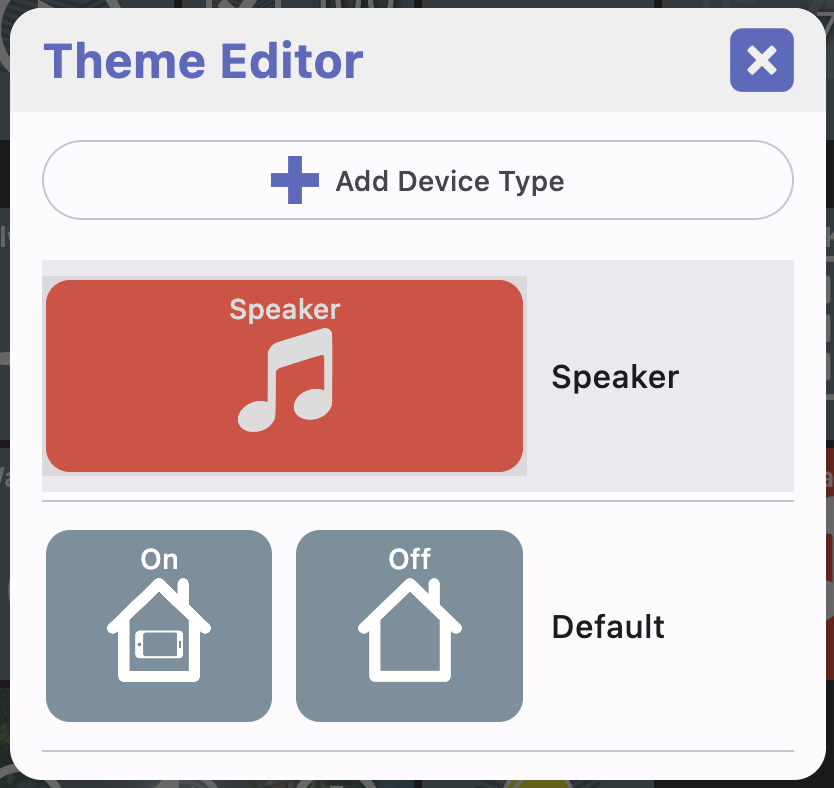
I know what's happening.. when a theme is selected there's basically a map of each device type (ie: speakers) and a color for the 'on' state and a color for the 'off' state. There's also a fallback 'on' and 'off' color.
Anyway, when you set a color for all devices of a given type I change the Theme to "Custom.." since at that point I'm treating it like a new custom theme. But, I still need a fallback color for any device type that isn't defined - which is that grey color.
You can see it or change it in the Theme Editor. I think that's actually what makes it complicated because I wanted to give a way to change that fallback case.
Maybe a better option would be to make a copy of the selected theme when you edit it. In this case it'd just have the blue color as the fallback but in the case of other Themes it'd just let you edit or delete what they setup
Pin Entry Dialog. I'm not sure whether this is intended. If I have a switch tile set with the click action 'Toggle On/Off' and change it to 'Require PIN', when the tile is clicked, it brings up the PIN entry (as expected). On completion of the PIN entry, rather than instantly toggling the switch, the prompt is presented, requiring selection of on or off. For comparison, in HD+ for Android it immediately completes the toggle action.

 So maybe when they rejected the app they also stopped any updates? I did re-submit with some minor changes just in case one of them was the reason for the rejection.. other than that I don't know what they're complaining about!