I realize its been a long time! I think 2 years… but you and Gary communicated a little and I was the recipient of your efforts.
Heres a google drive link I believe works:
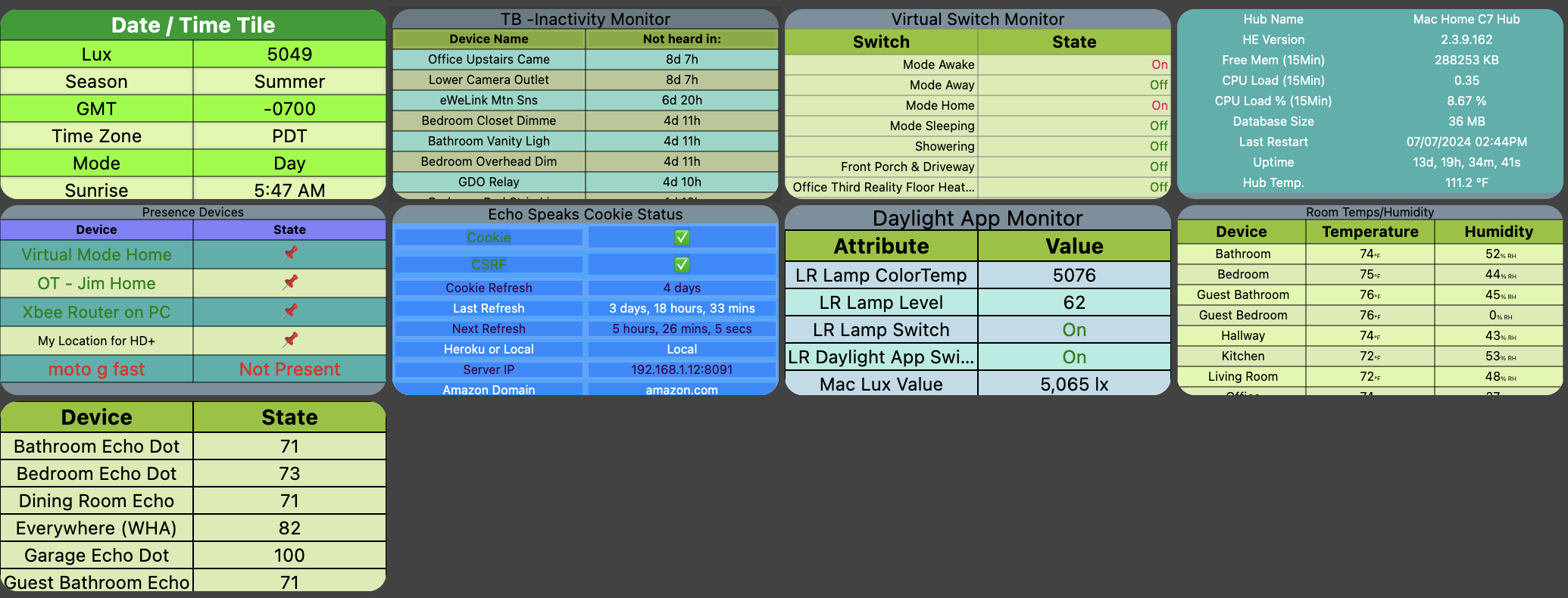
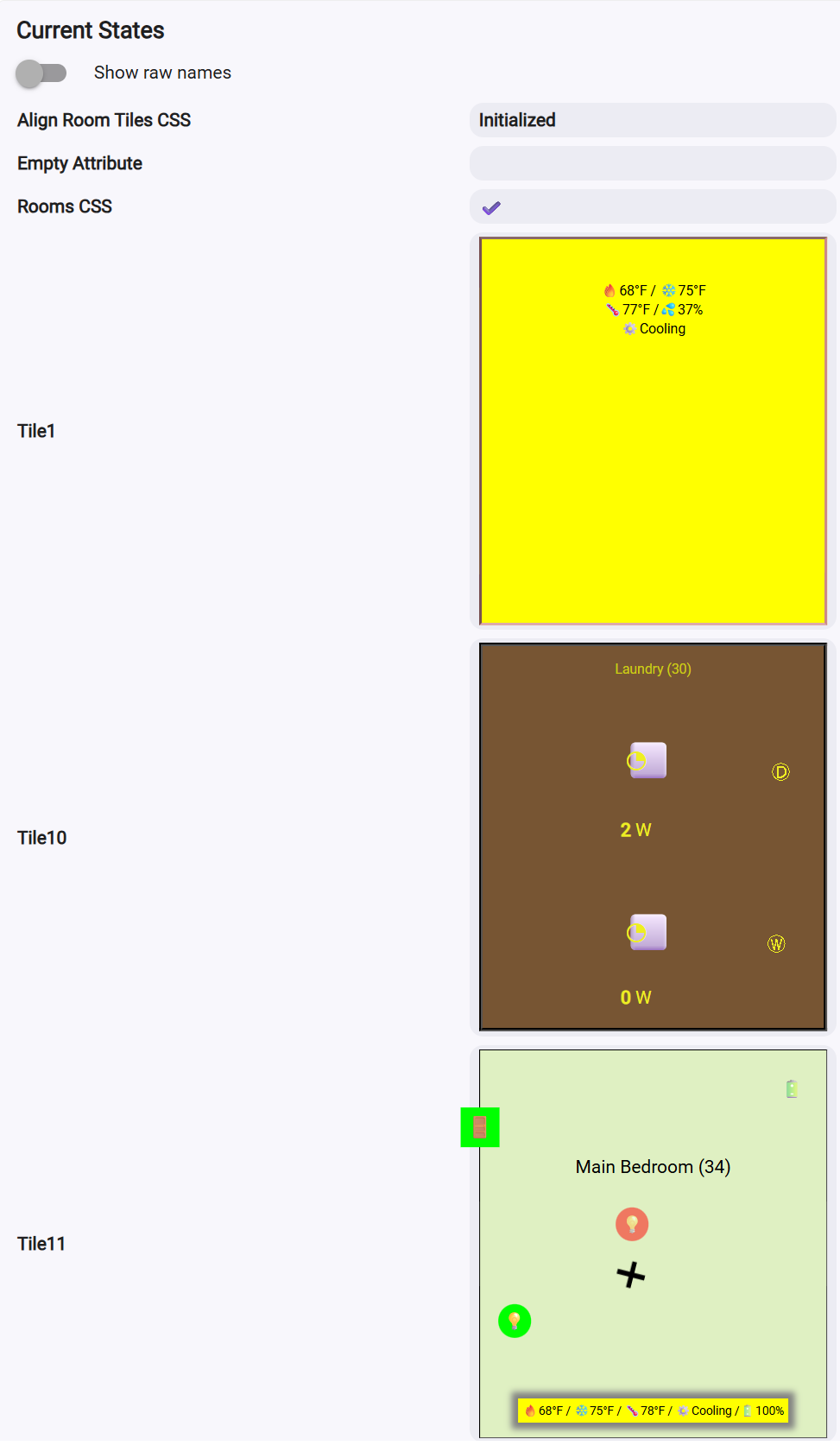
it’s got 15 or so examples - mostly all simple tables. Tile_8 has the red pins. As I understand it, and @garyjmilne is the true master, his code relies on classes to come up with the shortest possible css class wrappers to brutally shrink his code. Its super elegant. You can override stuff which I don’t do much of, but his generic tiles are super small because of his efforts. He once sent me a css file to put on my hub, I did, and after he talked with you, all my tiles basically began working! Thats that tb.css file I previously provided. Thats really all there is.
You create a storage ‘device’. choose a tile type - Attribute, multi-attribute, etc. and build it. It gets stored into a tile within the Storage device and thats about all there is! because of tile font sizes on screen, Gary’s tiles are the only ones that I can use and have readability. (not your native ones of course, but maybe you also recall you dropped your font minimum size just for me way back then from 10 to 6 as I recall).
If I’m a one off, then I would not hold it against you if you aren’t ready to take this on. I honestly thought it was going to be easy for you - honestly, when you and Gary talked amongst yourselfs it was about a day and it came to fruition. I had just thought it would also be that easy to reproduce your implementation of that css file in the HD+ Windows! I didn’t know I’d be causing you this much pain!
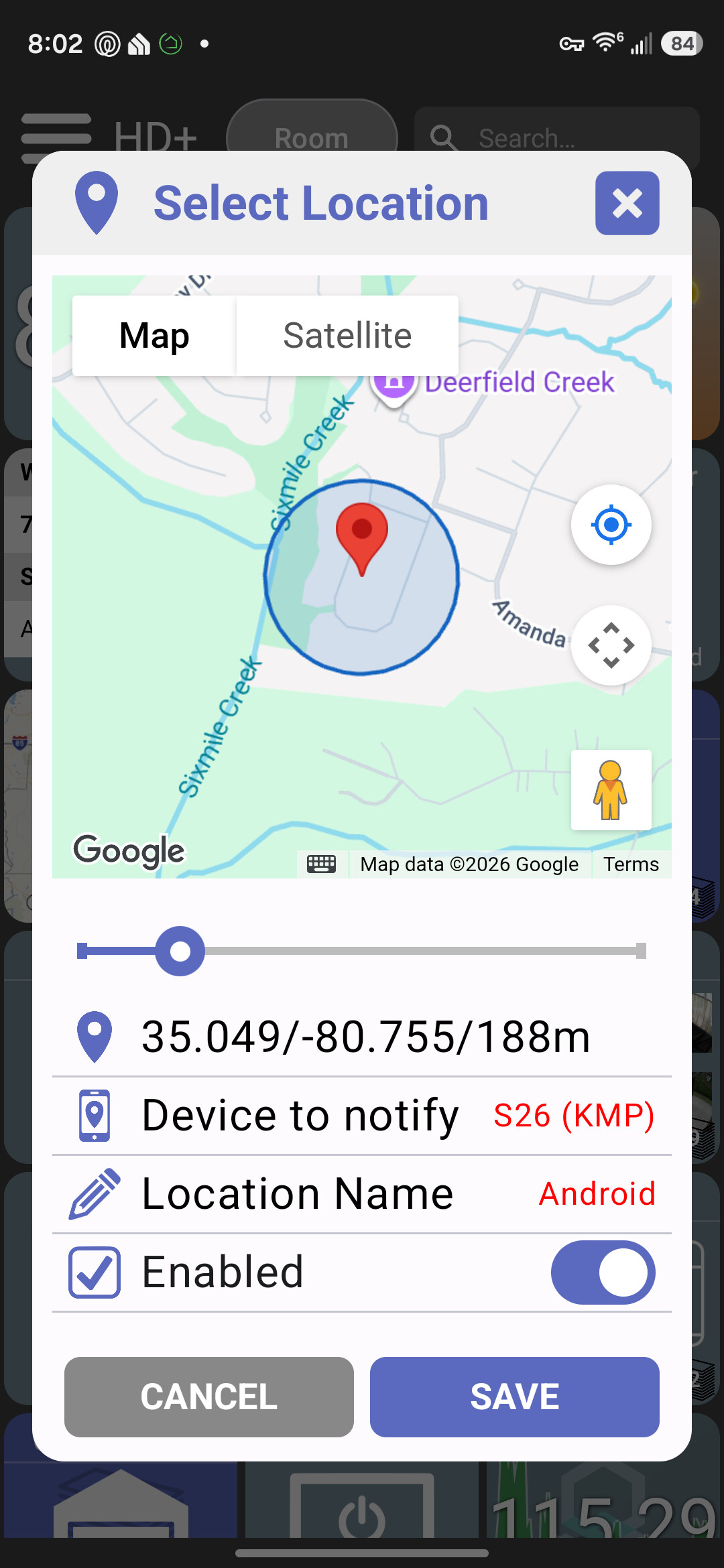
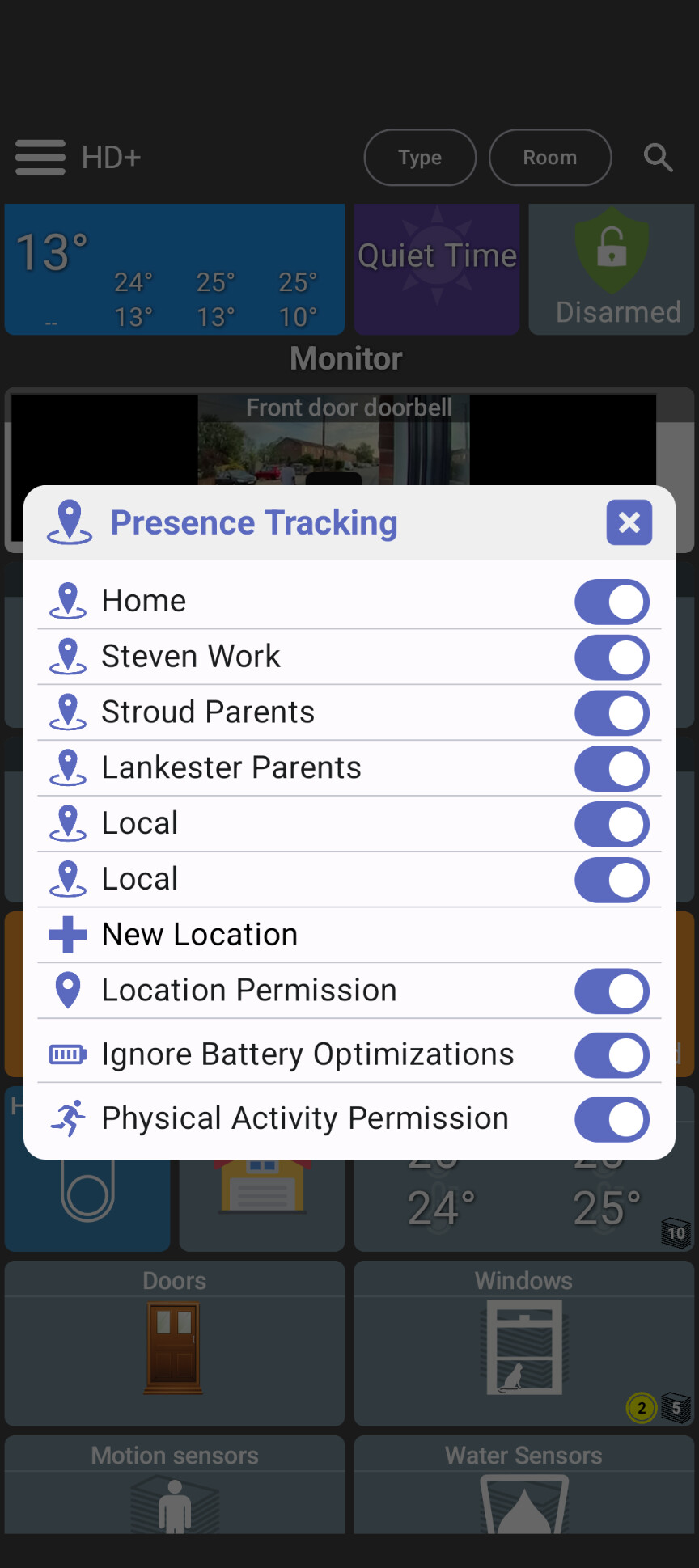
It’s basically the same - I’m using this version exclusively now and it’s working great. I linked to the setup page. The UI is a little different but same idea – you create a geofence (lat, long, radius), select a Hubitat presence device to notify (home/away) and ensure app has the right permissions.
There’s 2 semi-related features in the old app that this one doesn’t have but they’re much more of a niche use case.
I haven’t tried supporting the notification device (this app/driver) as the default Hubitat Android/iOS app works well for this already..
I haven’t tried implementing full location tracking yet.. instead of just detecting when you enter/leave an area it sends your device’s location to the Hub whenever you move. I’m sure there’s good use cases for it - but I do think geofence covers most of the needs and is a lot more efficient
I think it’s important to note the distinction between running a Tile < 1,024 and one greater than 1,024 as this results in a file or endpoint which is likely received differently.
Dumb question.I feel like I know the answer, but I want to verify: Do I need a separate Make API instance for each user? Or just one for the app and set it up on multiple devices?
Thanks @garyjmilne! I’m trying to support Tile Builder tiles directly – instead of just using a memory heavy WebView component (mini browser) in the app I’m trying to natively draw these tiles.. because they’re fairly straightforward tables and because I have AI now to help it seemed feasible to at least attempt.. but worst case the user can always still use the WebView/HTML renderer.
Here’s what I’ve got so far using the examples @jshimota sent earlier
It’s won’t work for everything but I’m shooting to cover most of the Tile Builder tables
>> the CSS for Rooms which is required for it to function
Ahh, ok, so the custom CSS we’re talking about are only for Room tiles.
Question – can that custom CSS file be saved on the hub file manager and referenced like the iframe files are referenced? I assume there’s some reason that doesn’t work or you’d have added it already.. just wanted to ask.
I also see a roomsCSS attribute - it’s not set in my version but what will it be set to? Could it or a new attribute point to the custom CSS (either in full or a link to the file)?
"roomsCSS": null,
What I’m just trying to figure out is some way to handle this without the user doing any extra work (and requiring extra UI in the app).. I added it to my old Android app but too complex for most to use IMO
EDIT: I might have missed something.. question for @garyjmilne – do any of the normal Tile Builder tiles require those CSS classes? I found this comment in the app. Is there some styles or classes that the normal tile builder tiles use which are built-into the default web dashboard? Just trying to figure out how the css would fix this a long time ago
>> Useful Classes: These are examples of classes that are commonly used in the Hubitat Dashboard CSS
Have you considered creating the Presence Tracking or the Location Tracking capability, that is in HD+ for Android, for both ioS and Android in this app?
Presence tracking is in there today - Android and iOS; I’ve tested both and they’re been extremely reliable for me at least. I spent a few weeks bringing a couple of test phones with me anytime I left the house and then would have AI analyze the logs to make sure everything worked well.
hide HTML title by default & add show title option to HTML
I’ve gone back and forth on this one but ultimately (at least today) I’m not showing titles on HTML tiles by default. It looks good on some tiles and bad on others… Either way it’s an option though in the edit menu so it can be toggled on/off.
add a new HTML device type which uses native UI components to draw HTML (much faster than a web view)
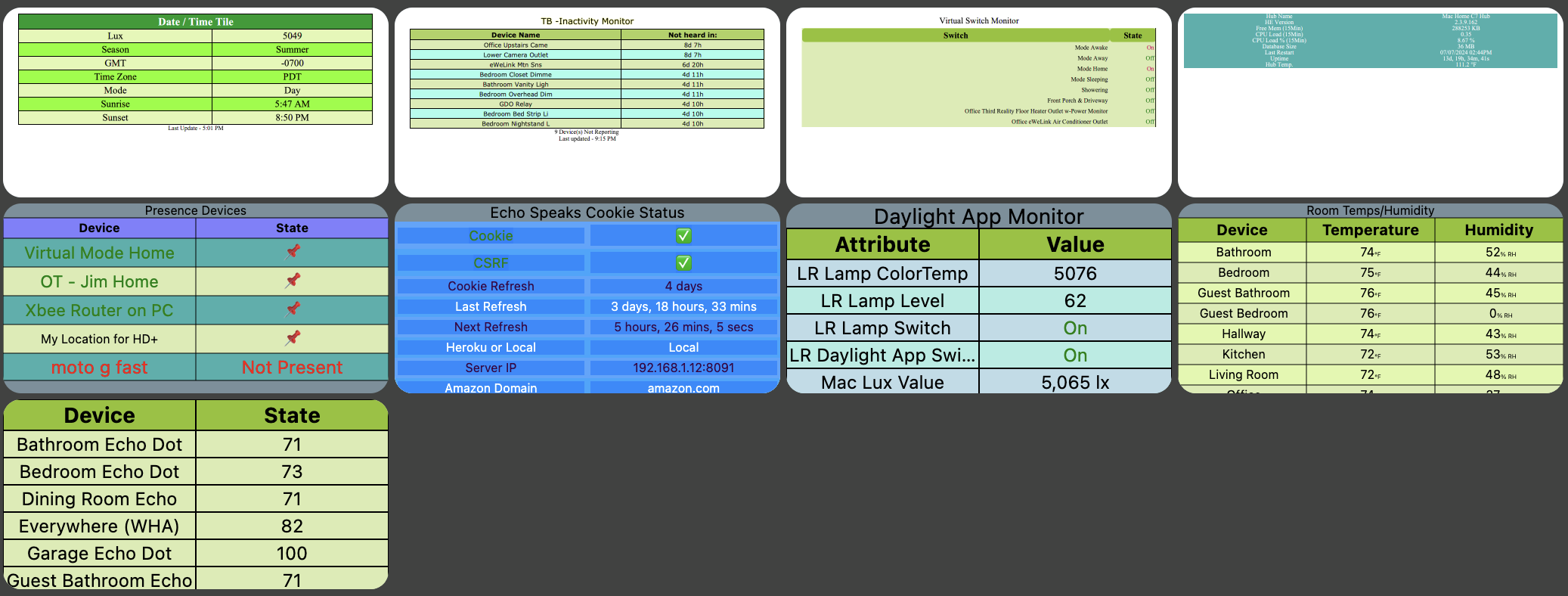
This is the biggest change in this version. There’s a new device type called “HTML (Fast)”. It’s only used by default for Tile Builder devices today but you can switch to it for any other HTML tile.
The idea is simple… normal HTML tiles require a mini-browser (WebView) embedded on the screen. These have to handle every type of HTML out there, Javascript, animations, etc and as a result are very heavy on memory. I’ve attempted to handle some simple HTML and display it using native UI components. If it works - the benefits are: very fast, low memory, looks and feels like native UI instead of a mini browser embedded in the app. It will also render the same in any platform which is a big win for a multi-platform app
That said - it’s not going to work with everything.. but if you’re trying to display a simple HTML tile and want to give it a shot - let me know. I’m happy to make tweaks to better support HTML that doesn’t display well - just send me the example HTML
Here’s some examples.. the top 4 tiles are rendered with the old HTML device type (WebView) and the bottom tiles are using this new HTML renderer
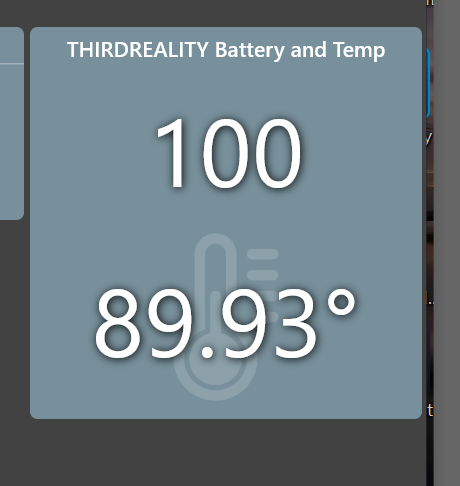
Thanks for changing the volume controls back to +/-. How do I hide the background icon of the variable string tile? Also, I cannot seem to change the tile name. I clear out the current one and use a space. But it reverts back to the original. Also, did you forget the battery percentage (%) and the option to remove the decimal places for the temperature?
That's the bit I'm stuck on, I can't find the option. It's obvious in the other app, just can't find it here. To note, I restored from the backup if the order app. Maybe it's hidden because of that?
Yes I use this device already, you use it with the HE app?
Yes that's what I use. I use it mostly for the phones state, so it knows when the phone is charging and how. It's what triggers our night and morning routines. It's been extremely reliable and made it much easier to implement.
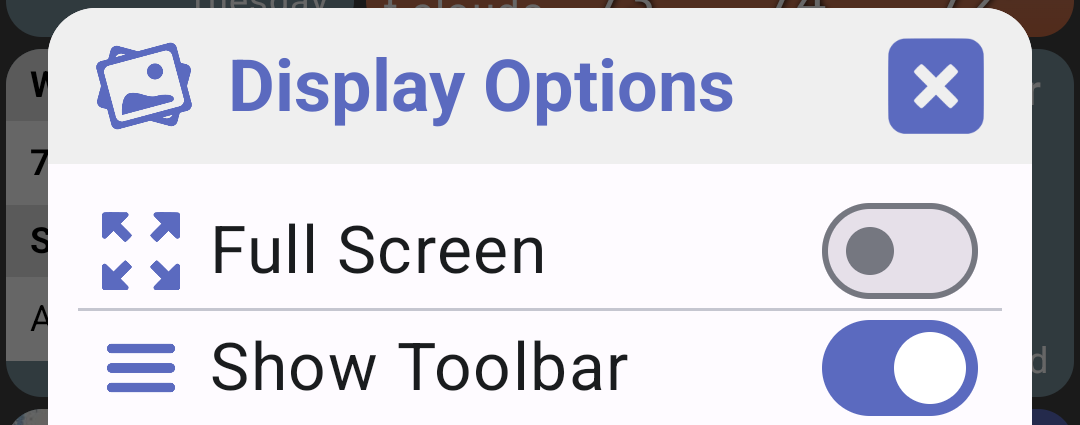
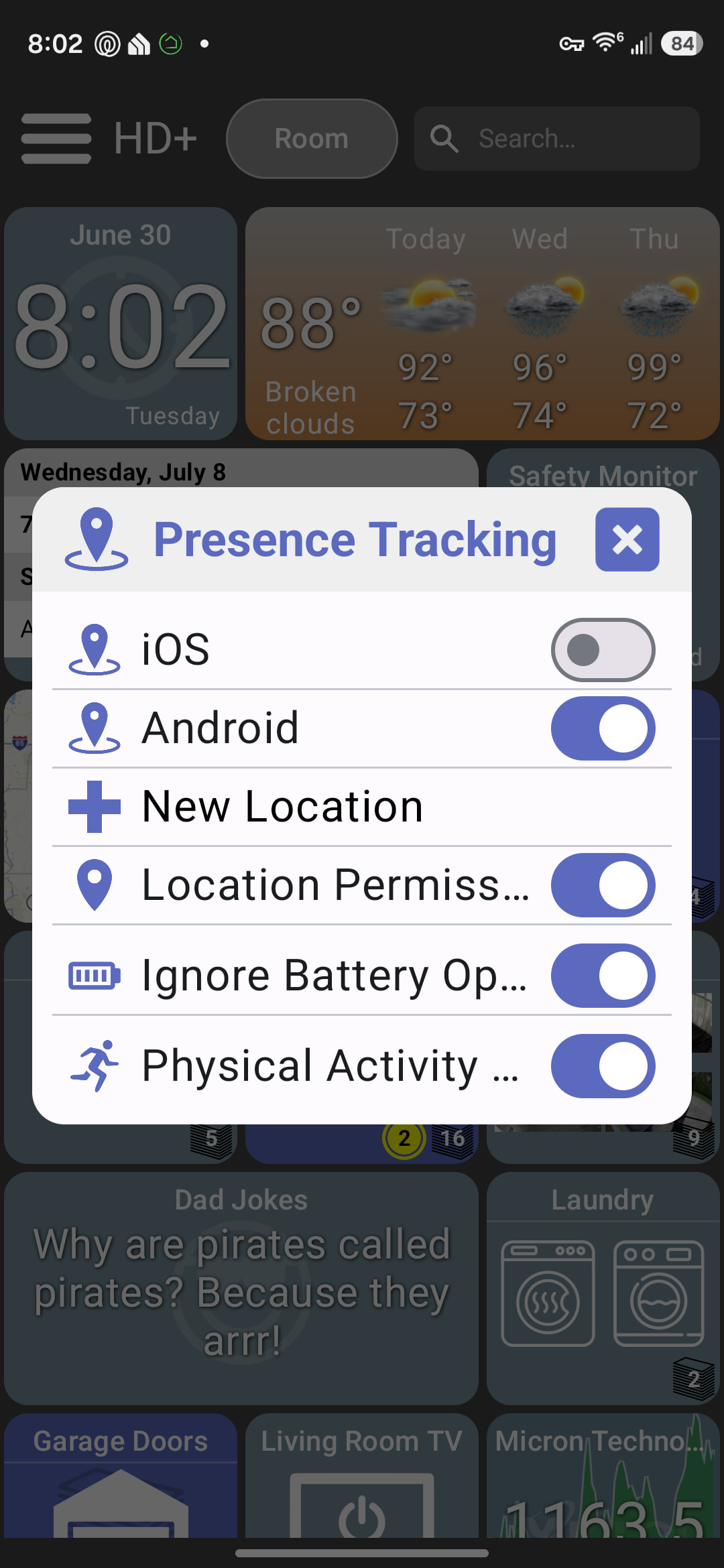
Presence tracking is under nav menu → more options → presence
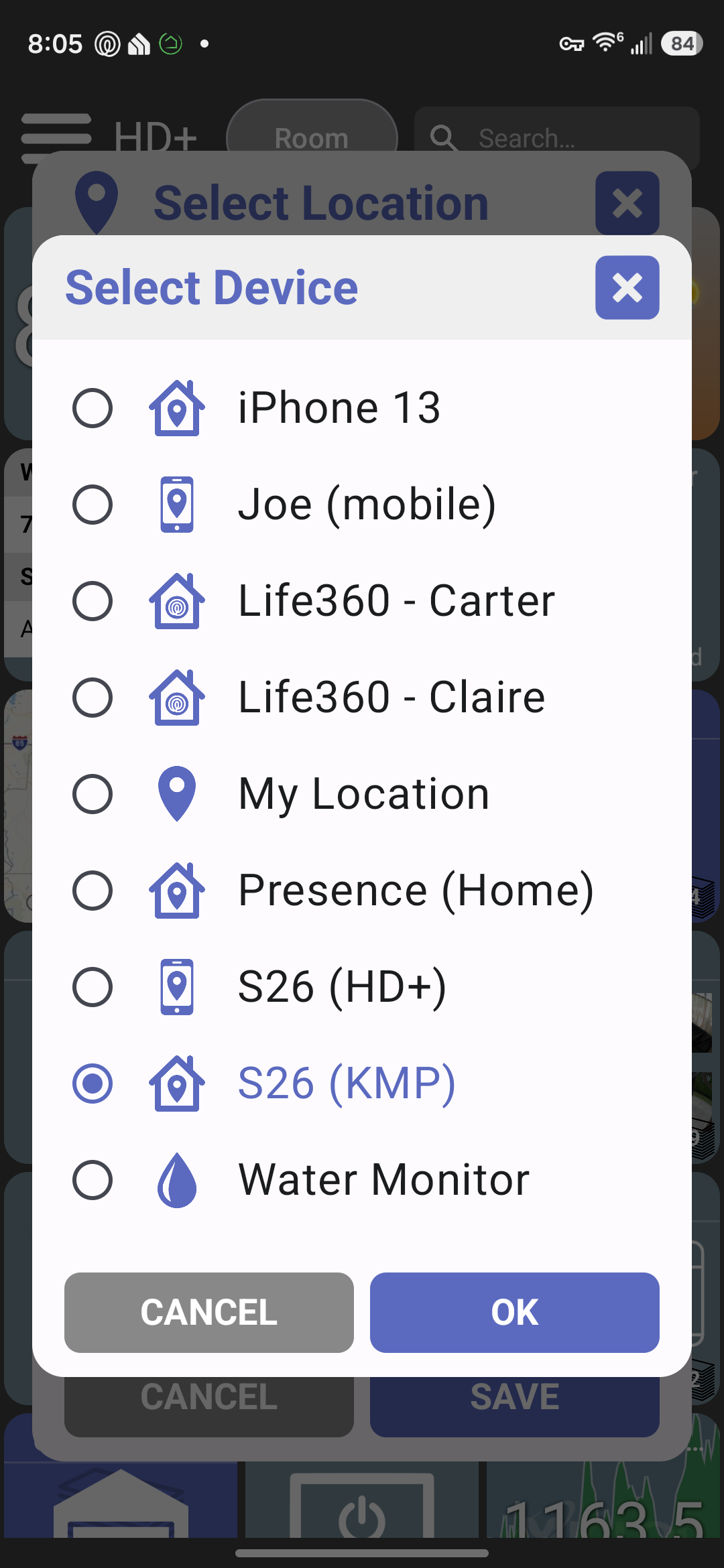
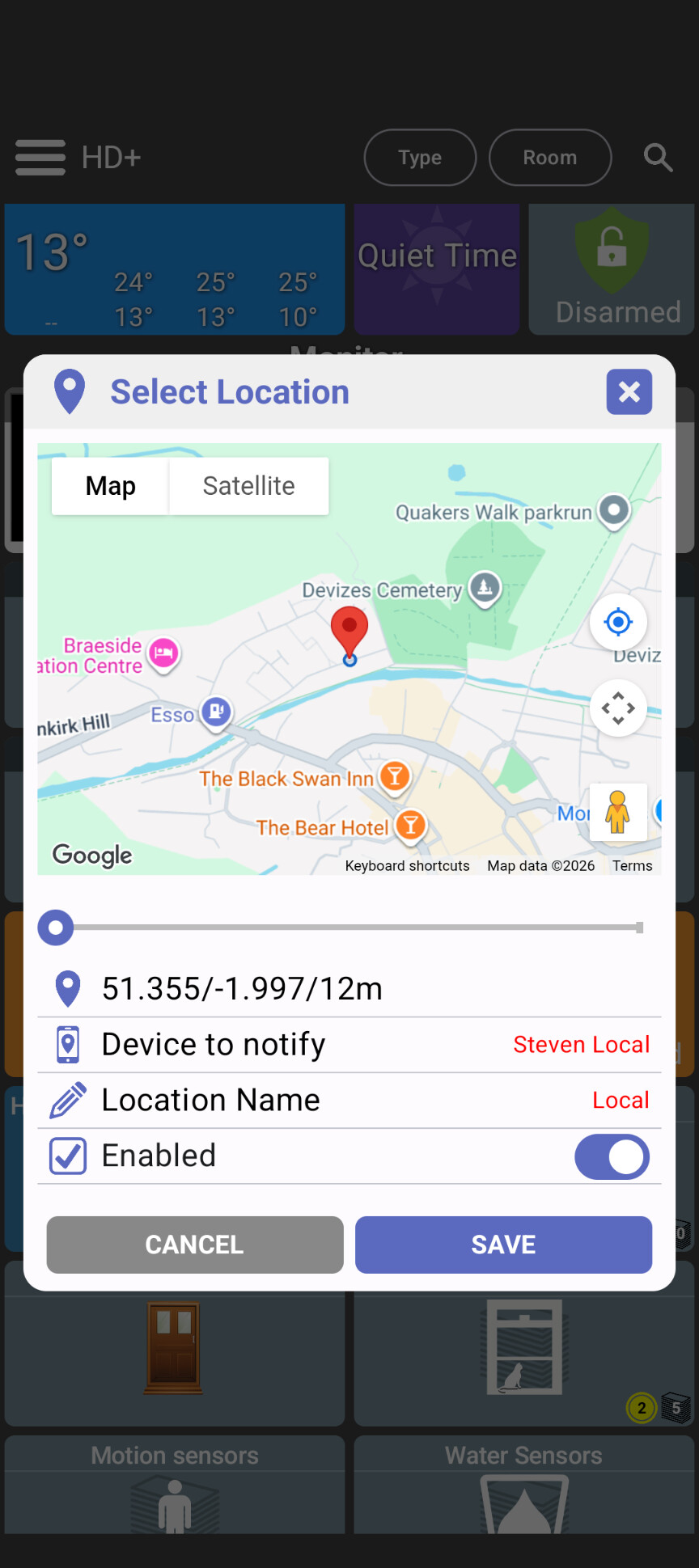
The device to notify is in the map screen - let me know if it doesn’t show up. I do know the map itself won’t show up unless you’ve entered a Google Maps API key but that’s optional for this.. you should still be able to get the device’s current location (lat/lng) without it.
It’s the only one that requires it. But they are standard classes that you could call from Tile Builder if you chose but this is definitely an advanced\uncommon implementation.
No, unfortunately not. The Dashboard CSS does not allow imports of other CSS files.
I also see a roomsCSS attribute - it’s not set in my version but what will it be set to? Could it or a new attribute point to the custom CSS (either in full or a link to the file)?
It looks like this when implemented. It basically is used to load the Rooms CSS into the driver so that the tiles display more or less properly.
However there seems to be a bug. If you select the location, select the device then edit the radius to 10000 and save. Some times it creates a duplicate but always the radius becomes like 11m.
Also, this was discussed elsewhere, but how do I remove the faint background icon? I don’t want an icon at all. This was discuss previously but I could not find an answer. Thanks.
EDIT : Nope, the ORIGINAL variable string device name cannot be deleted. But it can be changed. But, I can delete the device name of COPIES of the original tile. Strange.