I thought it used to work, but I don't use it enough to know for sure if it ever did. I'll do some more tests tomorrow to make sure what the precise scenario is. Thanks.
Hi @jpage4500, yea... it's consistent. If I change the HSM from a dashboard or by app HD+ doesn't update. This also the same for my wife's phone (that's what started my investigation in the first place). I did notice this in the logs...
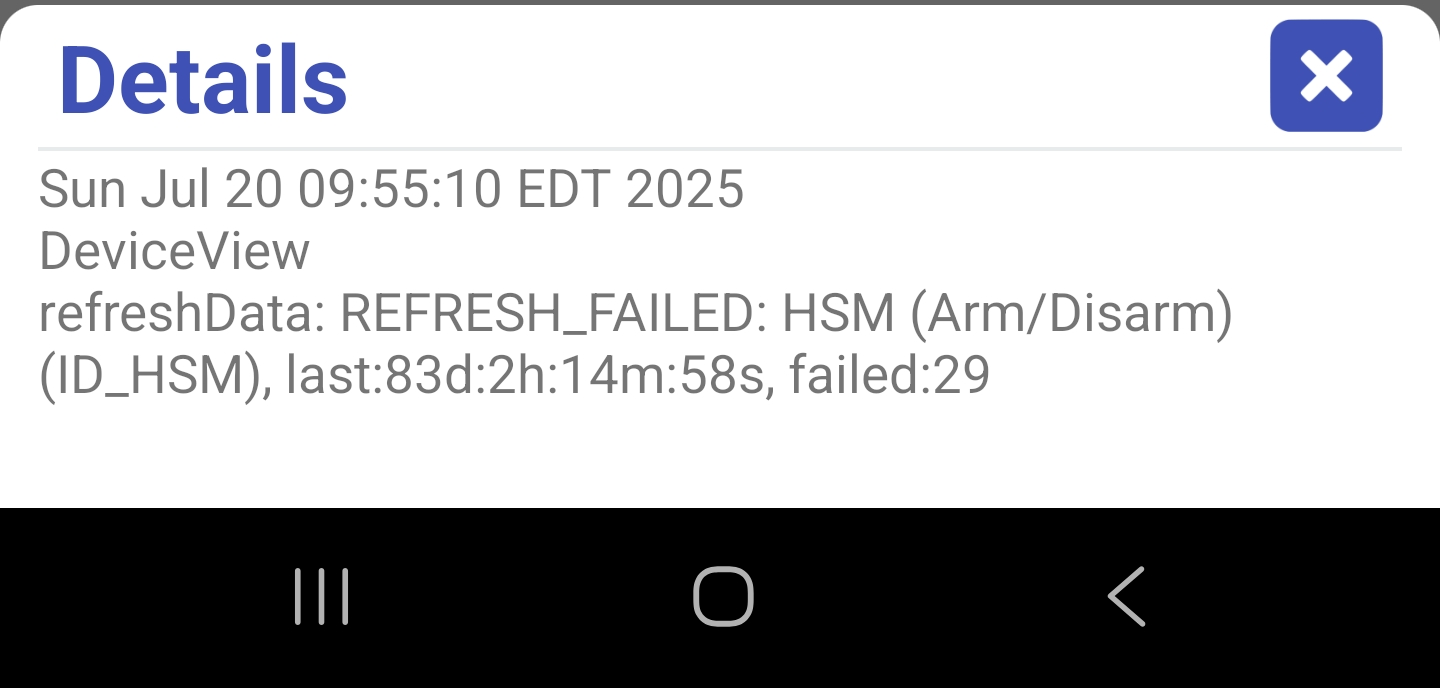
What should I look at/for? Thanks.
That's the problem though I'm not sure why it's failing though. Can you see if that API call above works for you?
Hi @jpage4500, it came back correctly with 'disarmed'.
I've monitored the HD+ logs and I got that refresh failed error about a dozen more times. Is there any way to look at the actual call behind the scenes?
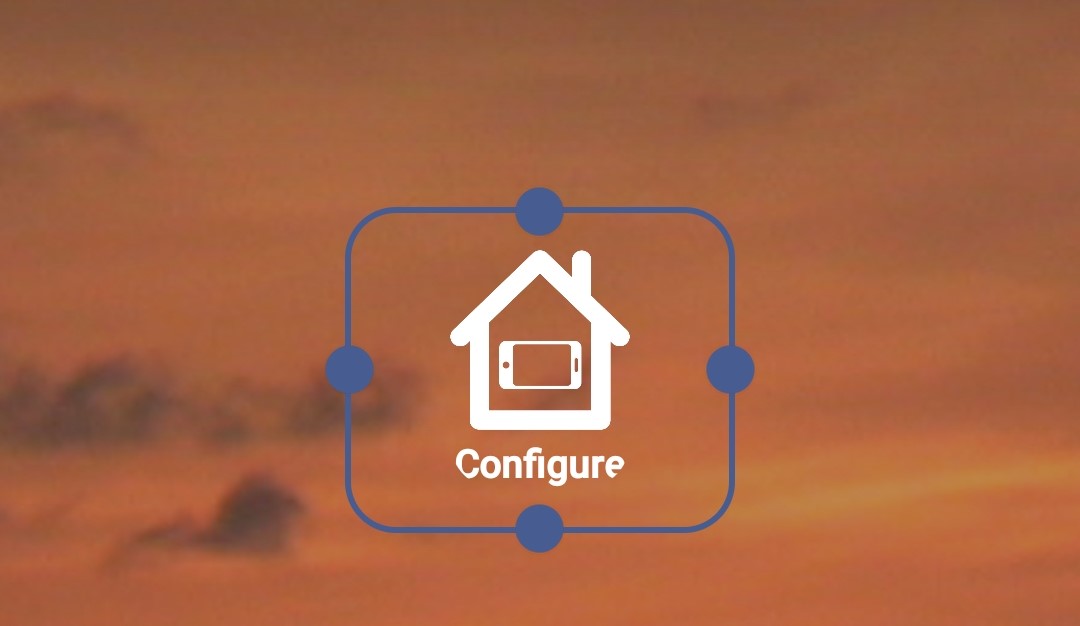
I know you have much more important issues on your plate but, I'm having an issue with a button widget. Another minor issue I'll mention since I'm here is the button shows up as a plain gray button as a widget, but it's configured as a nice looking button on the app. That is really nothing but since I was typing thought I'd mention it. My issue with the widget is it shows up everyday as "Configure" with the HD logo(screenshot below). Tapping it "Configures" it and puts it to the button icon with the proper name, but it also activates the button. This actually started a while ago but I cannot say exactly when.
version 1.0.2726 (beta)
- new device type - accuweather health tile (pollen, allergy, dust, etc)
- scrolling improvements: fix not always scrolling to last row
- fix android auto crash
- fix widget: click on configure doesn't do anything
I added support for several AccuWeather Health tiles
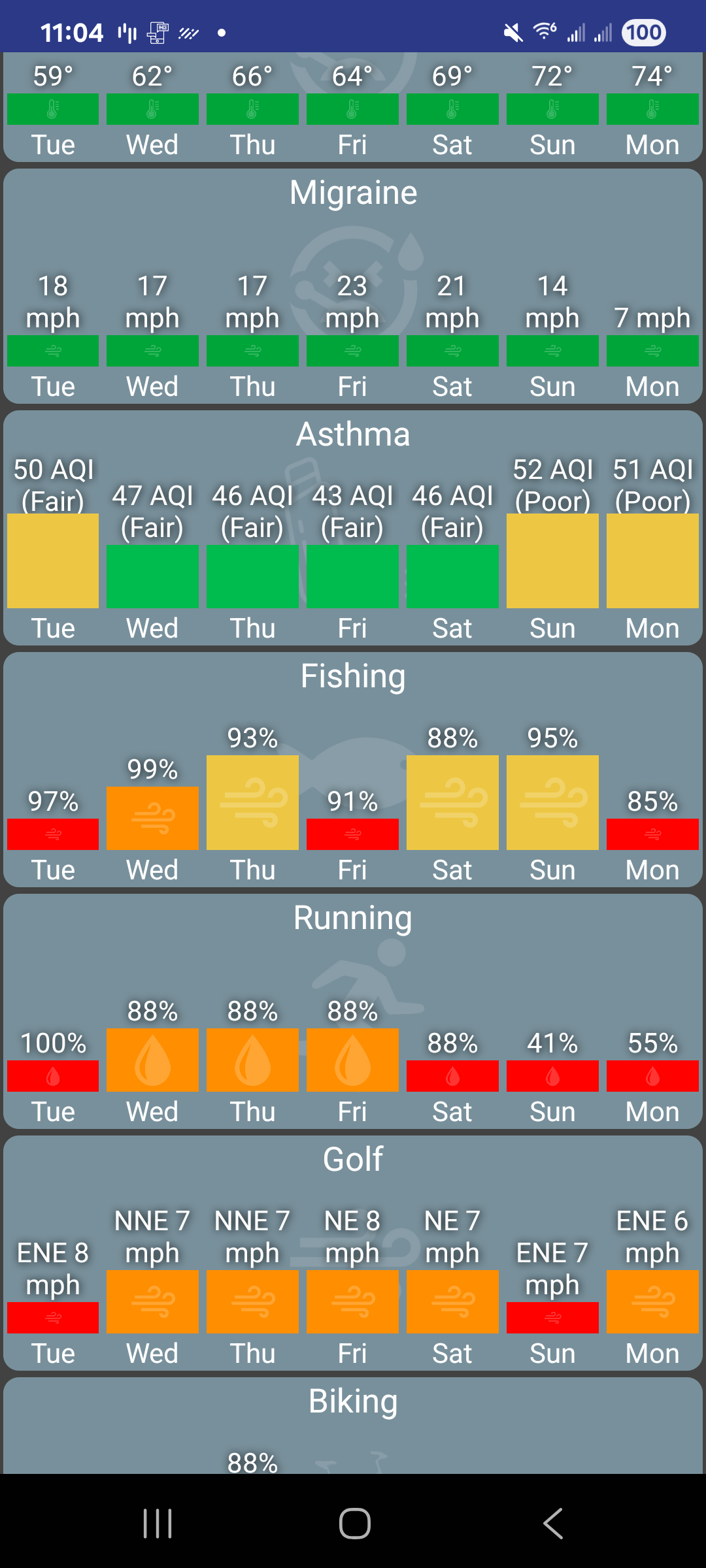
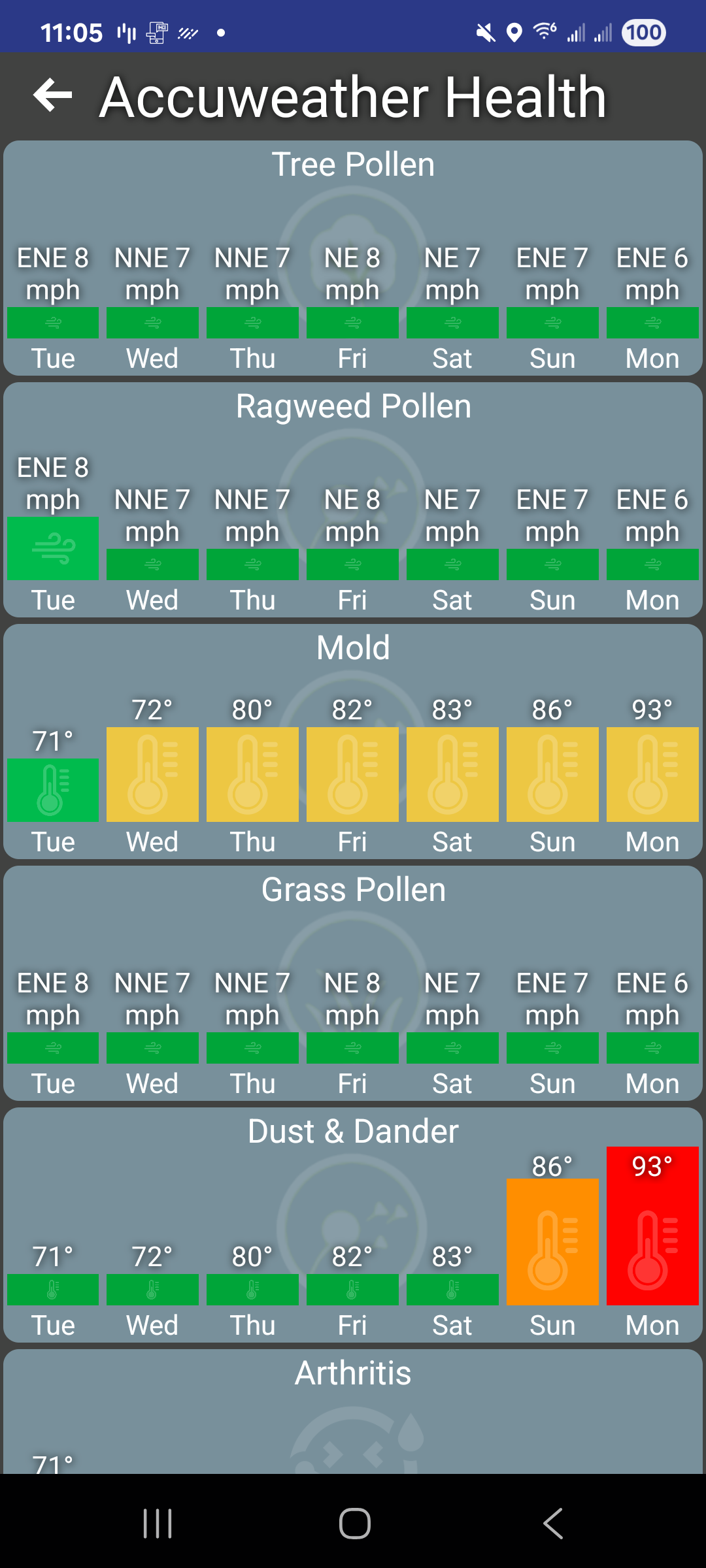
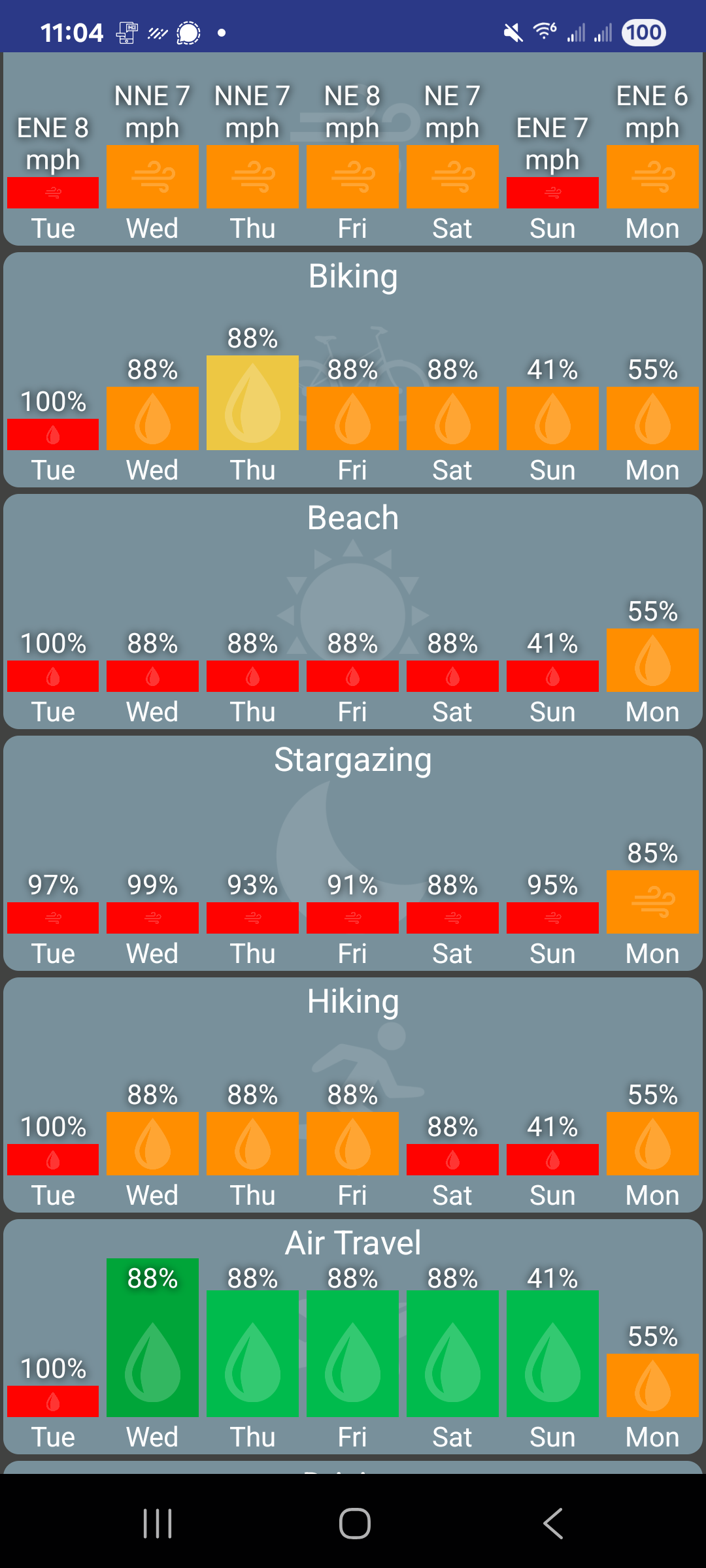
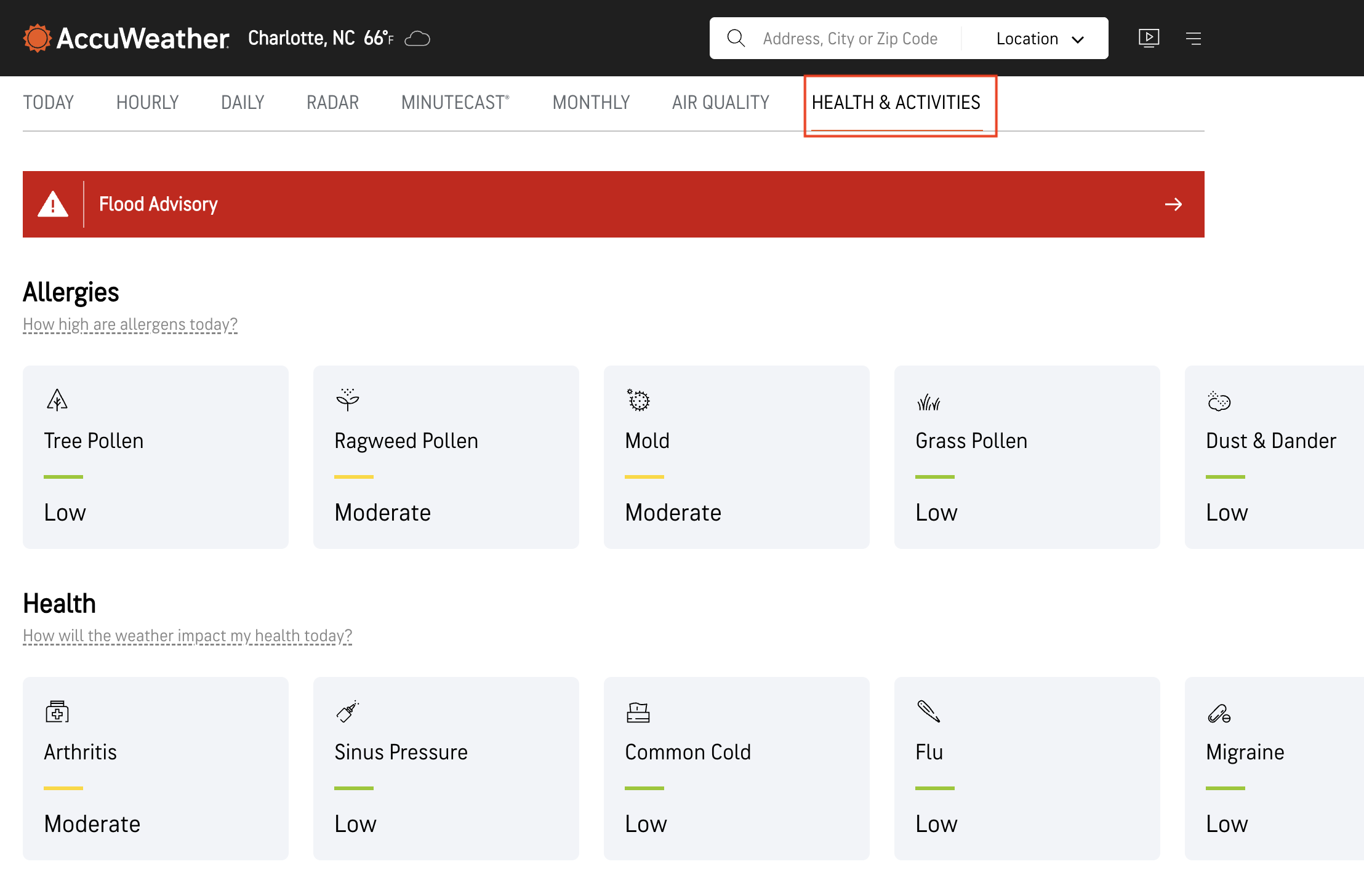
There's 2 ways to get one or more of these tiles added to HD+. The easiest way is to visit https://www.accuweather.com/ in the phone's browser, click on Health & Activities and click on one of the activities. Copy the URL. Then, in HD+ click on Edit Mode -> Add Device -> Accuweather -> URL and paste the URL.
The other way to add it is to add a new HD+ Tile virtual driver to the Hub. It can be found on Hubitat Package Manager and has an option for the accuweather health tile. If you have several devices/tablets this might be preferred since you only need to add it once and it'll show up everywhere.
6 Likes
Thank you, thank you, thank you! So happy the scrolling issue has been fixed!
What is strange is that I'm getting the webpage, and you are not showing your screenshots.
Hi, sorry I wasn't able to reproduce this one exactly. But, I did see an issue where clicking on Configure wouldn't do anything. That one should be fixed in the last version.
I will say my widgets are lights today so I'll add a button and keep an eye on it to see if this particular issue pops-up
1 Like
I appreciate you taking the time for this. It would appear that may have been the issue, my widget was fine this morning. Thanks.
Just an FYI, it's still happening. It really is only aesthetic as it still functions.
Would you be willing to send me a device log? First need to put the app into debug mode, reproduce the issue and then send logs
Of course. Just enabled, I'll send it if/when it happens. Appreciate ya.
I tried using the accurate weather activity tile and I cannot seem to get it to work properly. I'm sure it's something I'm doing. I put in the full URL and just the back end of the URL and both cases I get the same result. Just gives me a tile of the activity I picked.
/en/us/xxxxx-township/#####/fishing-weather/2258295.
With and without the accuweather.com domain.
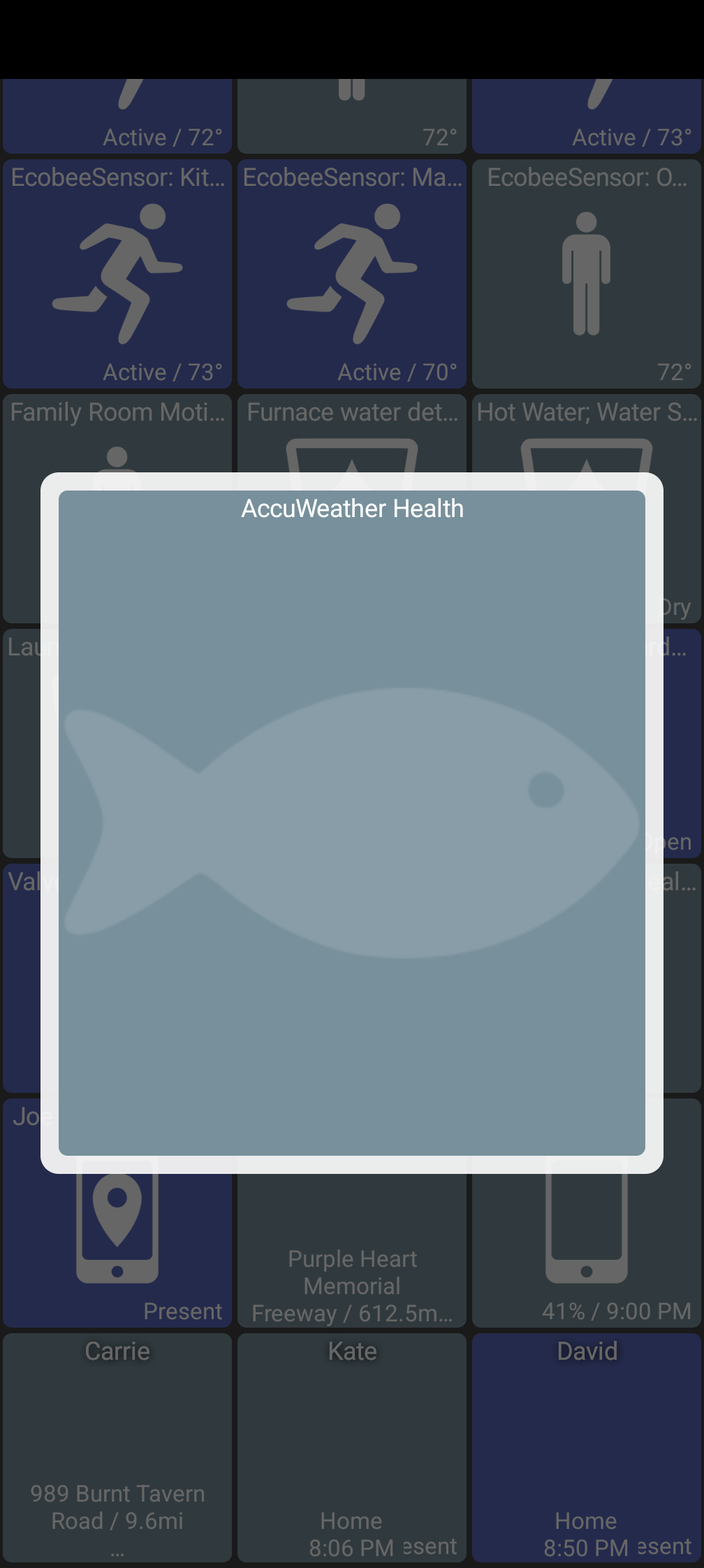
And if I attempt to use this with the HD plus tile device, either I get the full web page or a broken link. I'm not sure exactly what I'm doing wrong. Keep up the great work. I wish this was on iOS but I'm happy it's on Android.
Can you DM me the full URL and I'll try it myself. I'm trying to scrape the HTML page which is pretty complicated so maybe something's different in your case vs mine. Hopefully I'll be able to figure it out!
1 Like
@jpage4500, I have a small improvement request.
On thermostat tiles, when Celsius scale is used, one can only adjust the temperature with .5ºC precision (22ºC, 22.5ºC, 23ºC... etc.).
Sometimes it is desirable to have a higher degree of control, with .1ºC precision.
I have tested and long press on temp up/down arrows currently has the same effect as short press, so it could be used to achieve that level of precision.
I've always wanted to have that possibility, but for Ecobee thermostats it wasn't possible with cloud integrations. But it is now with new, and local, HomeKit Controller Integration.
Has anyone been able to integrate a video tile using the unofficial Hubitat Ring app?
I added a video tile and added the URL created by the Ring app, using the MJPEG driver. All other drivers gave an error. But all I get is a black tile with "Connecting..." flashing in it. The URL works in a browser tab and in a Hubitat Dashboard.
Is there a way to have a tile change colour based on the values displayed in the tile? My use case is a power meter and I would like to have it be RED when the values are positive and GREEN when the values are negative. The idea being that when my solar is providing more energy than the house needs the tile would change colour to let users know. If this was solved elsewhere, I do apologize but I was unable to see any solutions that solved this. Thank you in advance.
Toby
There isn't today but I'm open to adding it. You said the device is a power meter, right? I've wanted to do more with the power meter device type anyway.. My hope was to have some kind of way to graph the power value over time. But, I also like the background color idea too. I do that for other device types like temperature, air quality, humidity and brightness.
1 question I have though is -- how would you get negative values? I would have assumed the power value is always positive (Driver Capability List | Hubitat Documentation)
1 Like
This makes sense to me.. I like the idea of short click just incrementing the smaller value (.1 ºC) and long click the larger value (.5 ºC)
I don't think it makes sense for Fahrenheit.. I can't say I'd typically want to adjust more than +/- 1 degree there. But, if it makes sense for Celsius I can do that.. let me know if it seems like something that would work for most people and I'll add it

