Thanks, I did use Package Manager to do the update, just wasn't expecting to have to re-setup all my child devices again so I hadn't documented all of the sensors I was monitoring as there are some that cannot be monitored reliably.
Thanks.
Thanks, I did use Package Manager to do the update, just wasn't expecting to have to re-setup all my child devices again so I hadn't documented all of the sensors I was monitoring as there are some that cannot be monitored reliably.
Thanks.
New version on GitHub...
2.2.3 - 05/19/20 - Track devices without 'lastActivity' data
@dman2306, First release of this new report. Look forward to see how this evolves.
New version on GitHub...
Changes for better Smartly dashboard compatibility.
Important Note: Please run all reports after updating. THEN BE SURE to go to your dashboards and re-select each report. All new reports use 'bpt-' as a prefix.
I seem to be having a problem with push notifications. Currently I have a simple setup. All the devices I want to monitor are setup in "Activity Report Options"
I have it set to report at 7:15AM every day and report on inactive devices. At 7:15AM the report is generated and the device I have to collect the data is updated. However the push notification does not get processed. Am I missing something?
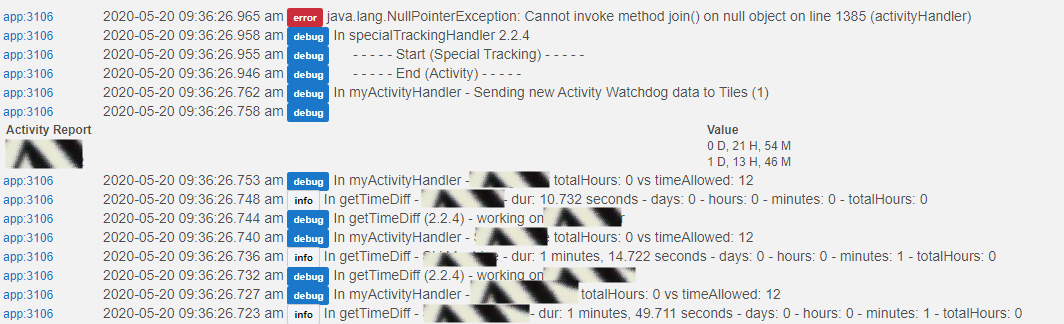
Please turn on debug and catch the error again. Also, the line number shown in your log doesn't make any sense (it's not a join statement). So please make sure you are on the latest version before catching a debug log.
Thanks
Ah! There were two updates yesterday. Okay I updated all the apps. Parent, child and device.
Turned on debugging
Ran "Device Reports" from child app
Selected "Activity" (Report ran and finds two inative devices)
Clicked next.
No log errors this time but still didn't receive a push notification report.
Below is the last part of the log. There was a lot of debug entries for each device I am testing but didn't want to upload so much redundant data. Maybe I have a setting wrong? BTW on older releases (under v2..??) push notification was working as it should.
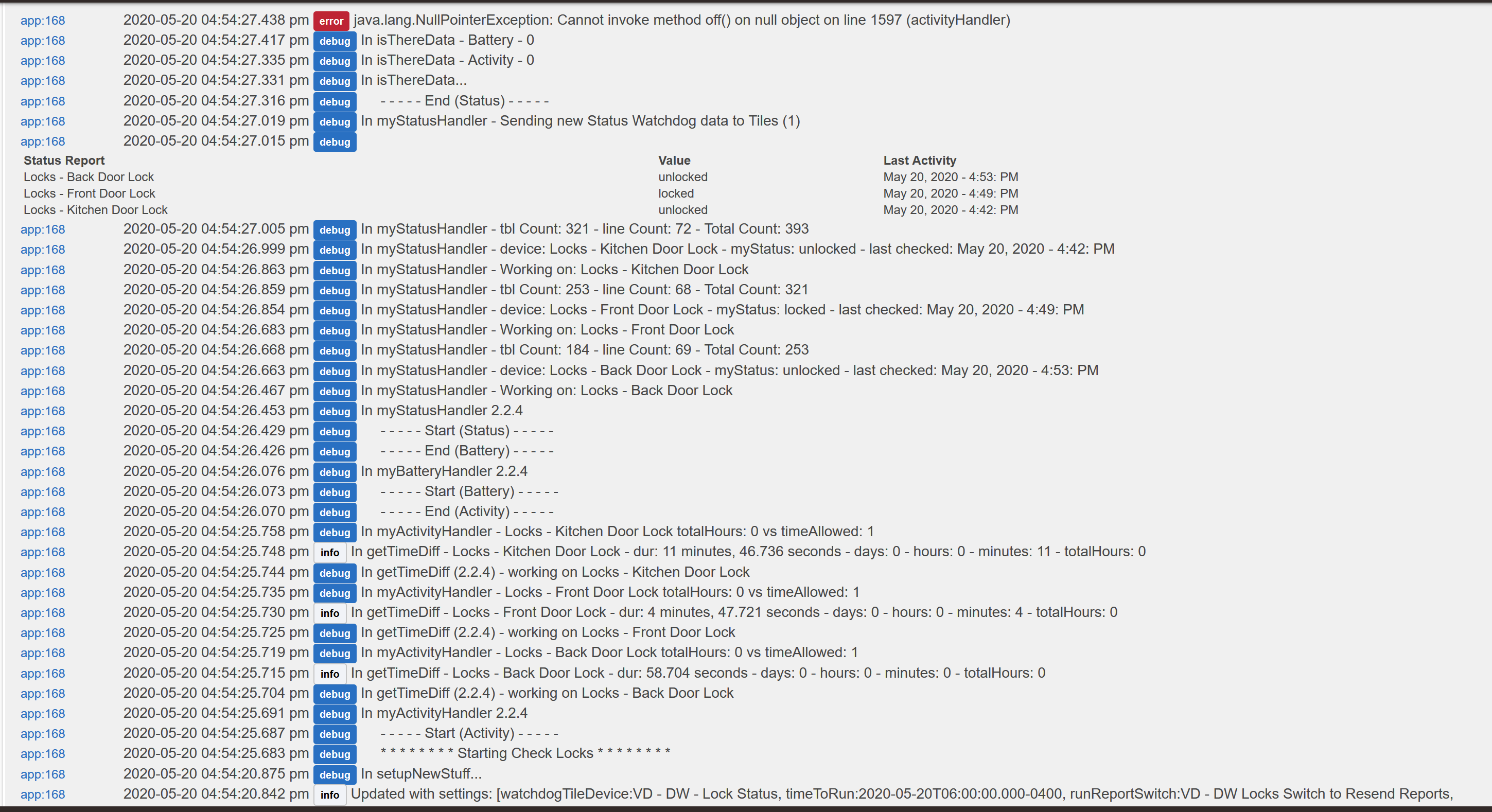
I just noticed that running a manual report does not trigger a push notification. So I added a switch to trigger a report and still no push notification. Below is most of the log output. In this case there is an error. Like I said before I made sure I am running the latest release
Device Watchdog 2.0.2 - 05/14/20
Watchdog Child 2.2.4 - 05/19/20
Device Watchdog 1.1.0 - 05/19/20
Sorry to clog up the thread but I found out what the problem is.
I have every device I want to test in "Activity Report Options"
Where I went wrong is sometime in the past I had entered a device in "Special
tracking Report Options" but never filled out the "Attributes to track" field.
Once I removed the device from the tracking report options the push notification started working again. So again, sorry for that.
It there is a record for number of releases in a given timeframe @bptworld MUST hold it!
Not sure that is a good thing. 
First thing that jumps out at me is that you're not on the latest version. I just ran a report using a virtual device with no problems. Please update and try again.
Thanks
That changed it to line 1598, deleted the child instance and recreated it and it now it works 
Thanks!
OK I made it come back.
It happens when I chooses the same lock for active and status reports. Not a big deal I can make separate child apps (I like status for dash, but need activity for 'reboot if no response'), just FYI.
Can you give 2.2.6 a try please.

All good
I had an idea that you may wish to entertain for a future release.
Because we can have the watchdog device report visible on our dashboard, would it make sense to be able to tap on that device tile to cause a spontaneous report to be generated?
I'm not a coder so I don't know how difficult it would be to make the device tile interactive.
Although that would be neat, it would add too much to the character count. I already offer an option to run report based on a switch. Simply add the switch to the dashboard so you can run a new report on the fly.
Thanks