I don't have an Ecowitt so I'm not well versed in the underlying issue. I believe the driver that Simon graciously supports does not have some of the bells and whistles previously available. Is that a correct summary?
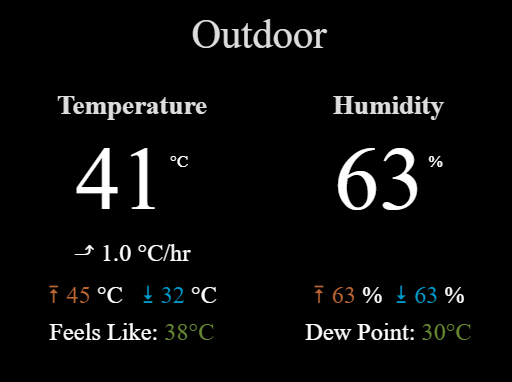
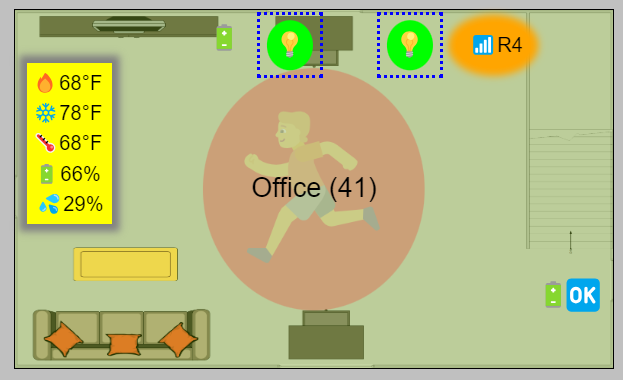
A while back I experimented to see how close I could get to an Ecowit tile using Tile Builder and this is what I came up with. This tile is 945 bytes so it would work locally or remote. All the numeric values are pulled from devices on an event basis. Not from an Ecowitt but Tile Builder doesn't care what the underlying devices are and they can be mixed together.
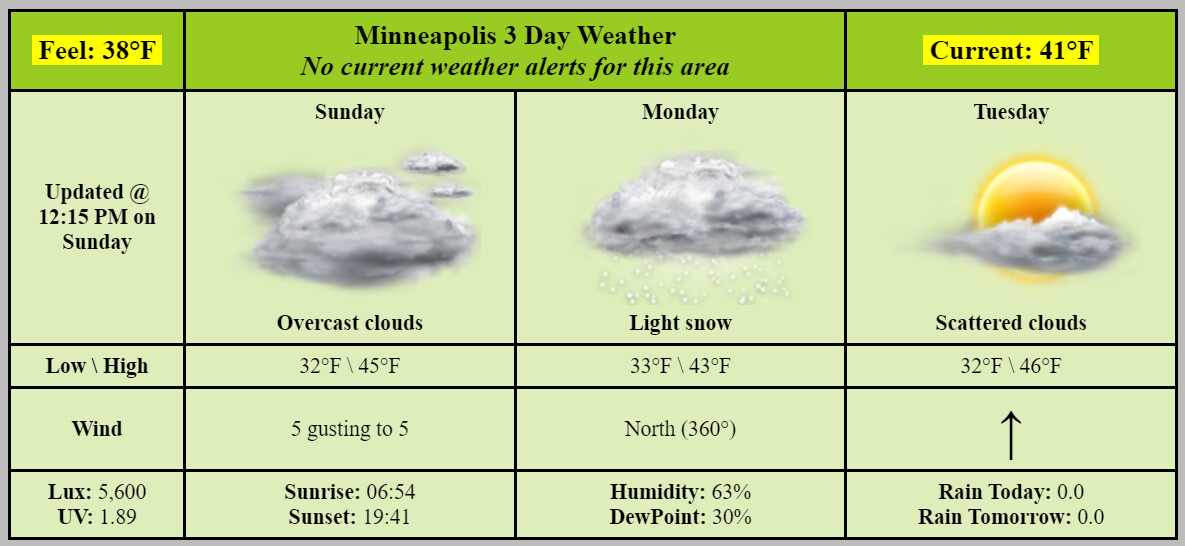
Or a room tile which is 905 bytes overlaid on a background image.
The main point is that Tile Builder is device agnostic and how the data is presented is largely up to you. Not as convenient as a canned solution from the developer but a very flexible fallback.
The only thing that is missing from what was originally developed is the ability to construct a tile using the HTML elements in the preference setting, rather than relying on the pre-defined templates, due to limitations in what the platform will allow to be entered. Other stuff being discussed are primarily requests for changes / enhancements in this space.
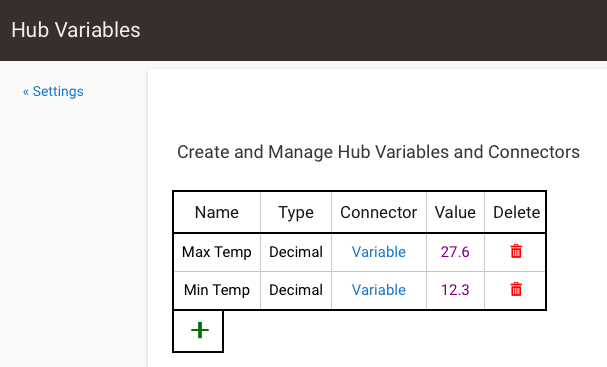
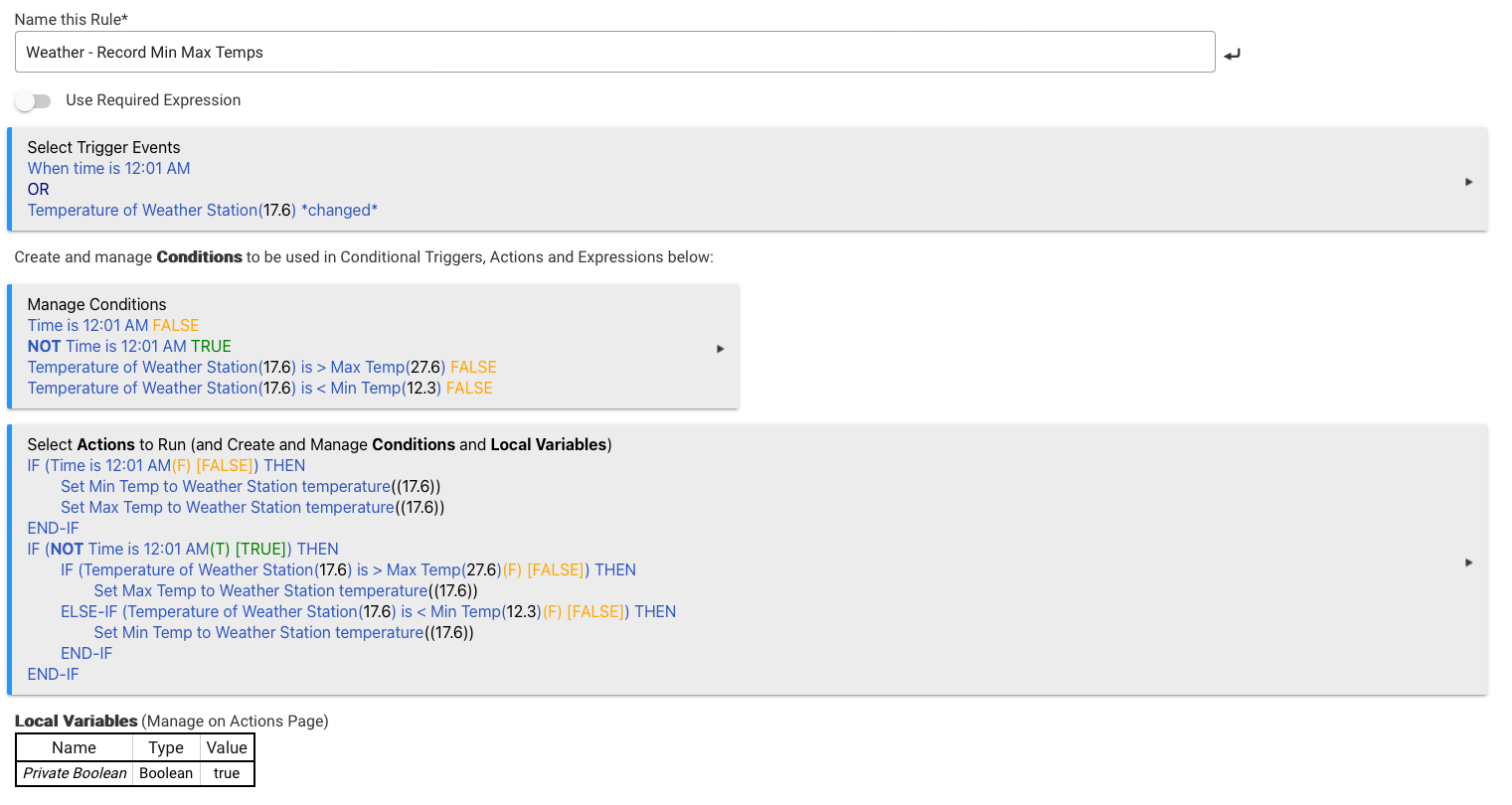
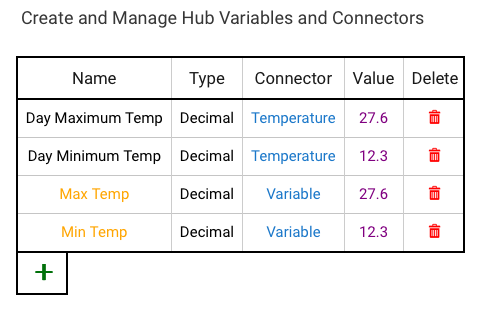
I decided to take a swing a making a Min/Max Temp Rule using the logic we kicked around a while back - and I think it works:
Start time: 12:01 am (record current temp as both Min / Max temp at this time)
Only change / increment the "max temp" field as the observed temp goes up
Only change / decrement the "min temp" field as the observed temp goes down
Hey @steve007@sburke781 when you guys setup your "forward to HA" (which btw Simon, love this), how long did it take for HA to start populating?
I've triple checked my IP address, port, and path. It's been about an hour. Yet no devices or entities have shown up in HA. Nothing helpful in either log.
Getting suspicious I screwed something up, as I stare longingly at the path. (And yes, I added the leading slash back to the front of the path!) Does this seem normal to you? Like maybe it's dependent on Ecowitt events occurring?
It’s been a while since I set it up but from memory it did take a long time to initially populate in HA. Maybe a few hours. I remember playing around with the device names in HA as well and whenever I changed a device name it took ages to update.
It's been a while for me too. Best I can suggest is
Turning on debug logging on the HE Gateway device to double&check it's being forwarded
Making sure the HA plugin is loaded and even trying to restart HA
Check the logs on HA for the EcoWitt plugin
Beyond that I'm not sure. I could try and take another look at mine over the weekend.
The data should be sent to HA everytime a data feed is sent to HE, regardless of whether anything has changed in the readings, but as long as no errors have occurred in HE.
Hmm, thanks guys. Done everything you suggested, and still no events arriving in HA. I can see the forward events in the HE log, but there's nothing in the HA log related to Ecowitt, even after activating debug logging there, as well as reloading the device and rebooting HA. And I continue to receive updates from Ecowitt to HE so that's not the issue.
I thought maybe I screwed up in creating the HA integration, so I recreated the HA device and pasted the new path into the HE device driver. But still no joy.
Should the forward events be from the HE parent device or the children?
Good idea. I did this and it worked fine (Ecowitt --> HA) instantly. All the devices and entities showed up with proper states in HA.
So then, I reverted the architecture so that Ecowitt fed HE and then HE forwarding to HA with the same path. When I made those changes, the HE devices began to work again (no surprise) but the HA devices continued to work (which was a big surprise).
Made me wonder if I missed a step in the implementation process. Are you supposed to setup a direct link from Ecowitt to HA first, and then add HE as an intermediary afterward? Because that method appears to work.
Alls well that ends well, but maybe this will help others.
It is more likely a case that I fumbled my way through setting it up without realising that sending data from the gateway directly may have played a part in actually making it work. I'll see if I can find an appropriate spot to add a note to at least suggest doing that step if the data does not come through, like you saw.
My only suspicion would be there is something extra included in the data feed from the gateway, like a HTTP header that the integration relies on in some way. That said, it is odd there was no log recorded to indicate that when it was (I assume) receiving the feed from HE.
My next suspicion would be the behaviour in HA when a new sensors added to the gateway, i.e. whether a similar process is needed to have the new sensor created in HA.
Hey Simon, since I literally just did it, and it's fresh in my mind, let me know if you want help to write up a little blub for that part of your installation instructions. I certainly have benefited a lot from others' doing that, and since I'm not a dev, I'd like to give back where I can.
No, I'm not. Is that all you needed to know.... Joking, obviously...
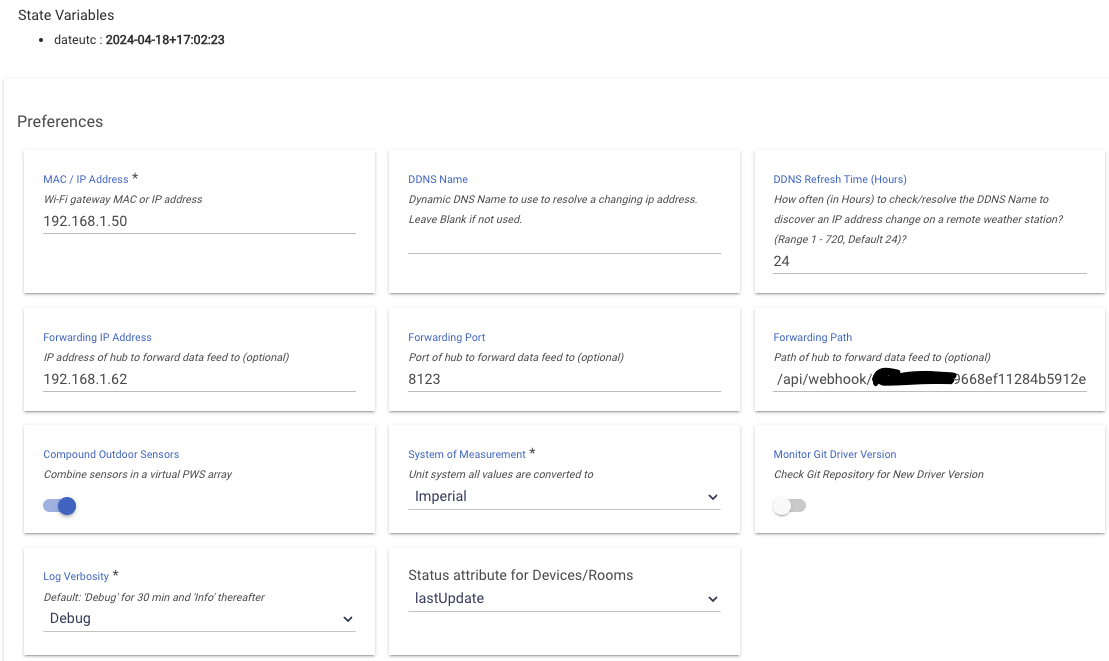
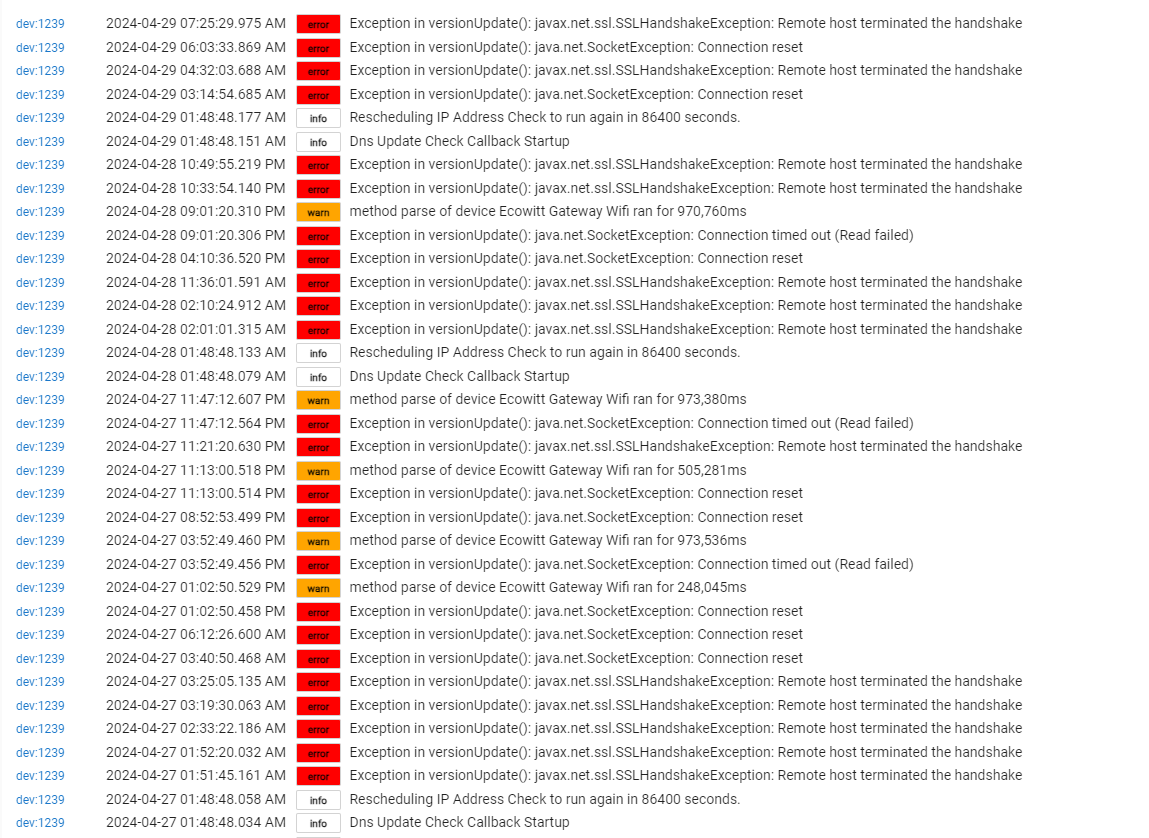
Hmm.... I expect it's something to do with communicating with GitHub... but I could be wrong.... I'll take a look at the code and see if I can see what it might be.... Could be tomorrow by the time I figure something out... But you never know... All are welcome to offer ideas in the meantime.
Actually, could your HE hub have lost Internet connection by any chance? I know I introduced a setting or something similar for a user who did not have a constant Internet connection which caused havoc with the version check.
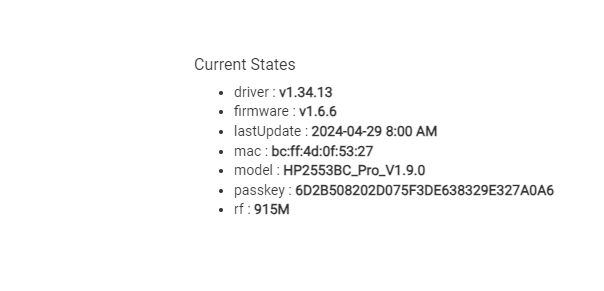
The version of the driver you are running may also be useful to try and diagnose the issue.
 Joking, obviously...