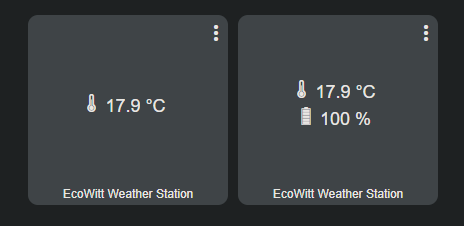
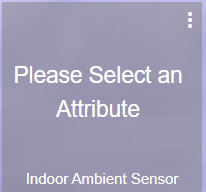
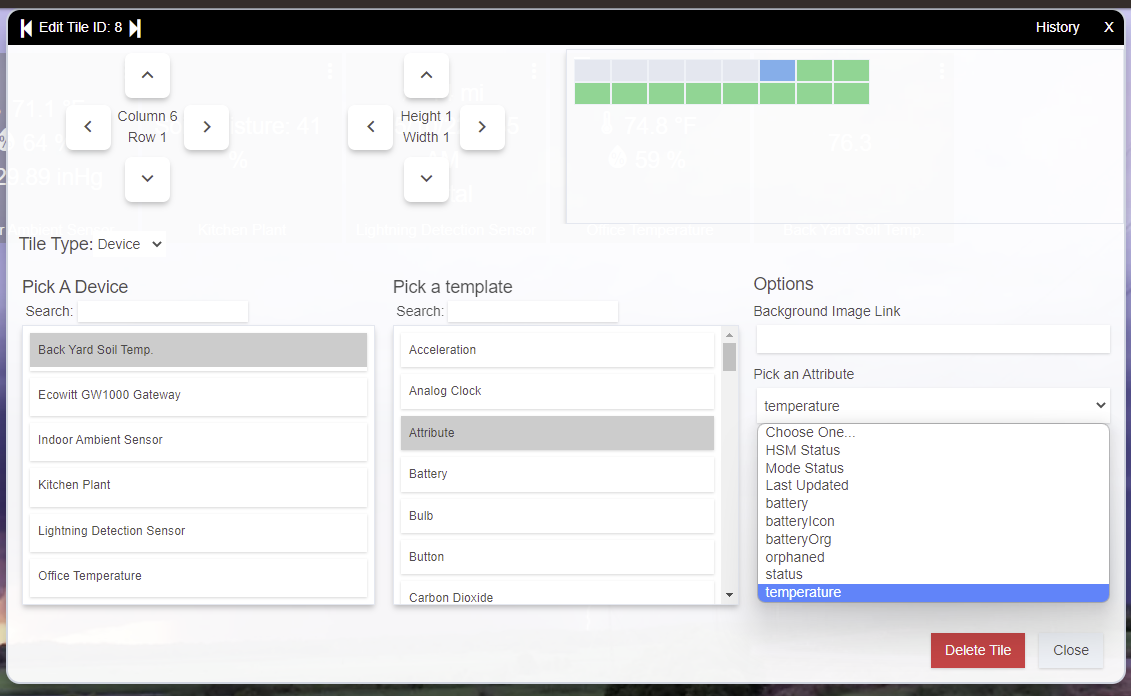
What device and attribute are you displaying on those tiles? Even if I choose two templates for a Soil Moisture Sensor, I still only see two html attributes, and then when selecting one of them for a tile on a dashboard, I don't see the text you are seeing.... Are you using something like Tile Master perhaps?
1.32.01 was the last version I released, back in February. You may want to check the settings in HPM to make sure it is configured to automatically update from the EcoWitt repository, or whatever behaviour you were expecting. Let me know if you still have any issues and I can take a look.
That's what that is?? I thought it was a Wi-Fi antenna. Now it makes a bit more sense.
The Ambient sensor on the Gate way , Attributes HTML, template 1: Temp, humidity Pressure.
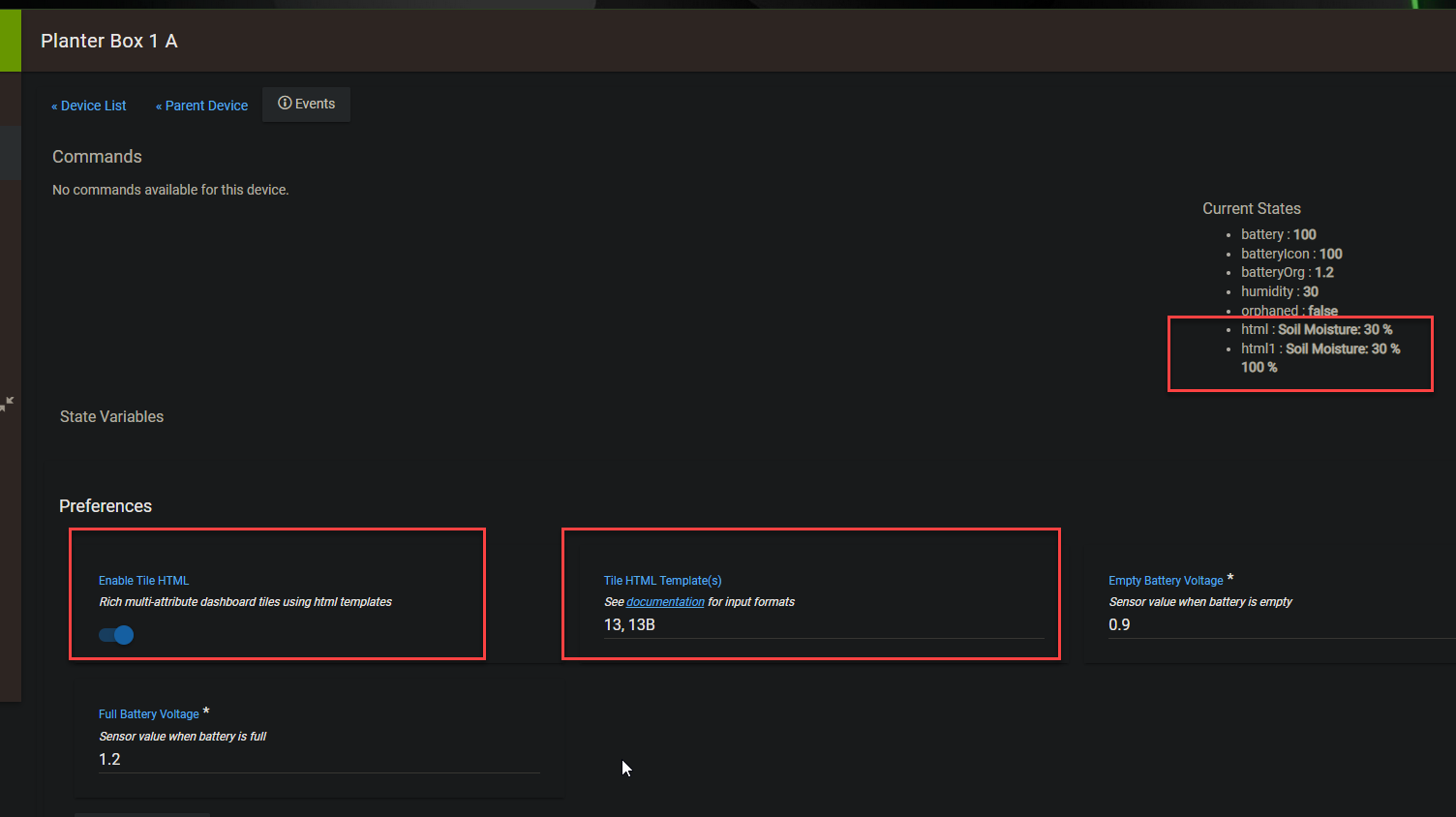
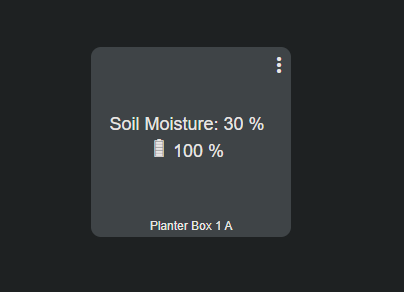
2: Soil moisture sensor , HTM:, Templates 13, and 13b. (might need to tweak this) supposed to be moisture and Battery.
3: Lightning Detector Sensor, HTML, Templates 4 (distance and Time ) and 4B Distance , Time and Battery (may need to tweak this as well .
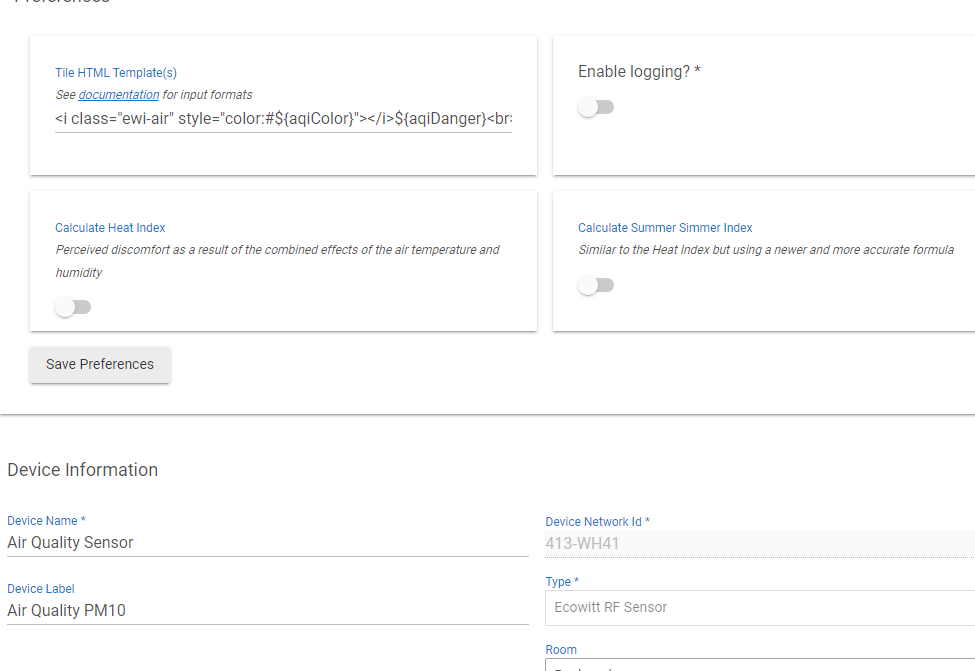
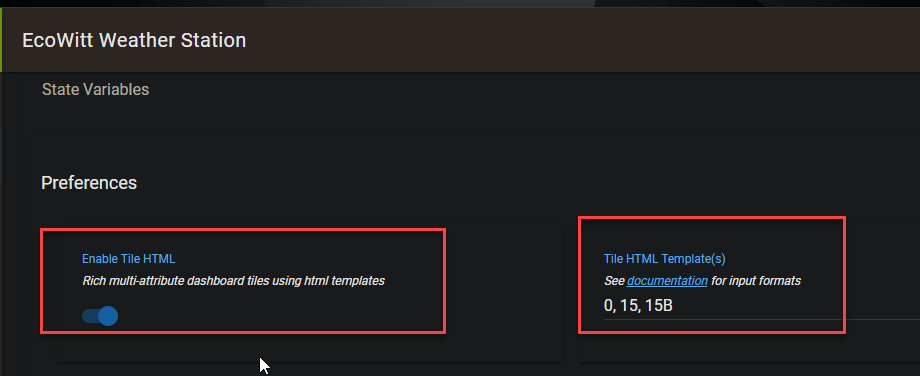
In the child devices themselves, I couldn't just put the template numbers like you have in your image above, it would give me an error, or just not show anything . I have to copy and past the templates (comma separated) from the template list on your GitHub (and above).
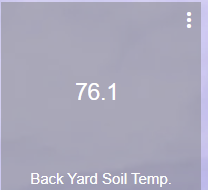
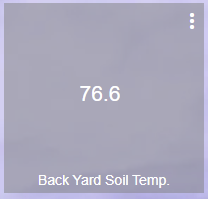
Yep, that fixed it, so simple I feel stupid. Also, the Soil temp info is being displayed without a template being selected.
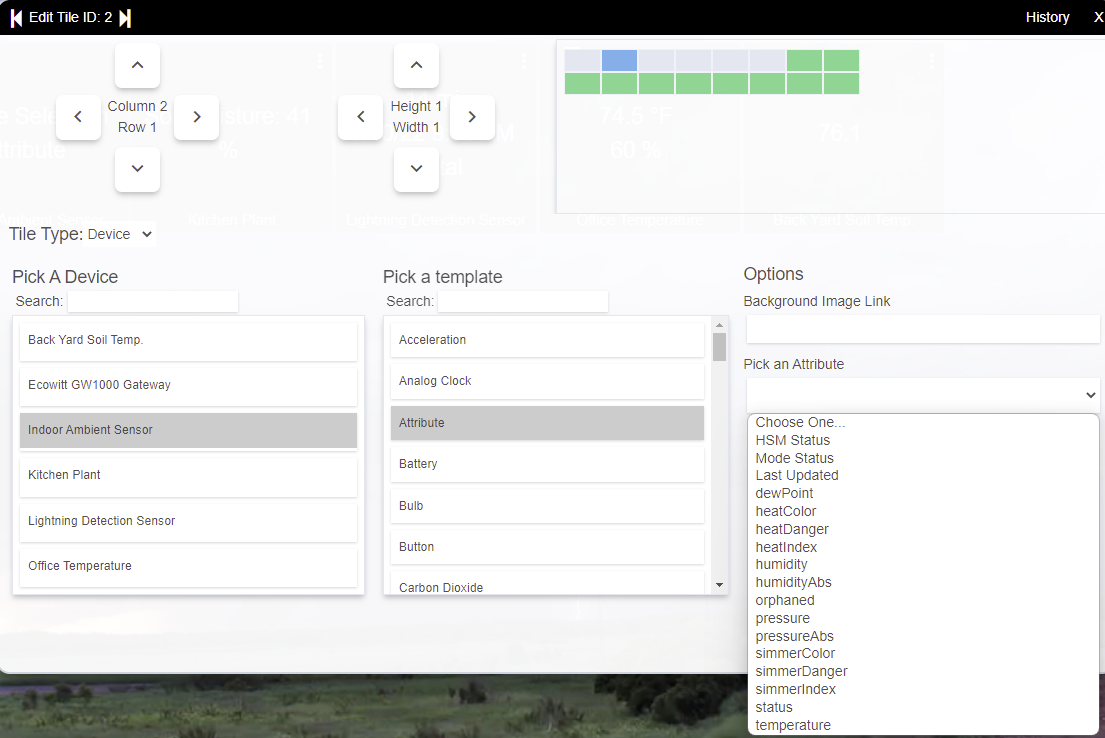
Regarding the Ambient Sendor (GW100B) Only other question, What templates are you using for the gateway itself (temp, humidity, pressure) ?Using template 1 I'm not getting an option to just select HTML. It's only giving me a long list of things to select. I was hoping to have it all on one tile . Thank you for all of your assistance.
*** EDIT2 ***
In regard to the Soil Temp sensor, while it is apparently working without a template selected, I would like to be able to see the Temp as well as the battery level.
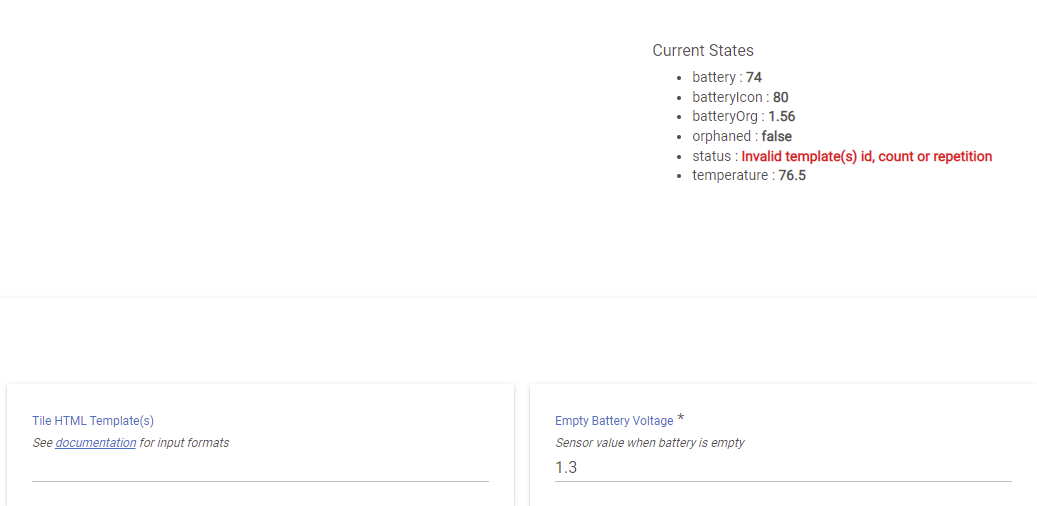
I have tried all of the temperature related templates listed, and the all
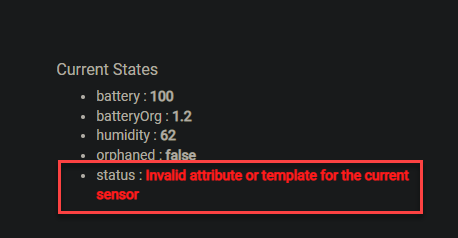
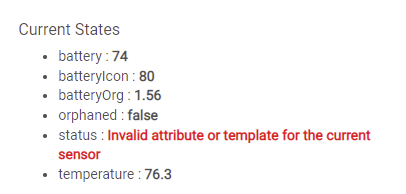
If I select any of the available temperature templates, I get the error "Invalid attribute or template of the selected device", and I no longer have just HTML available as an attribute.
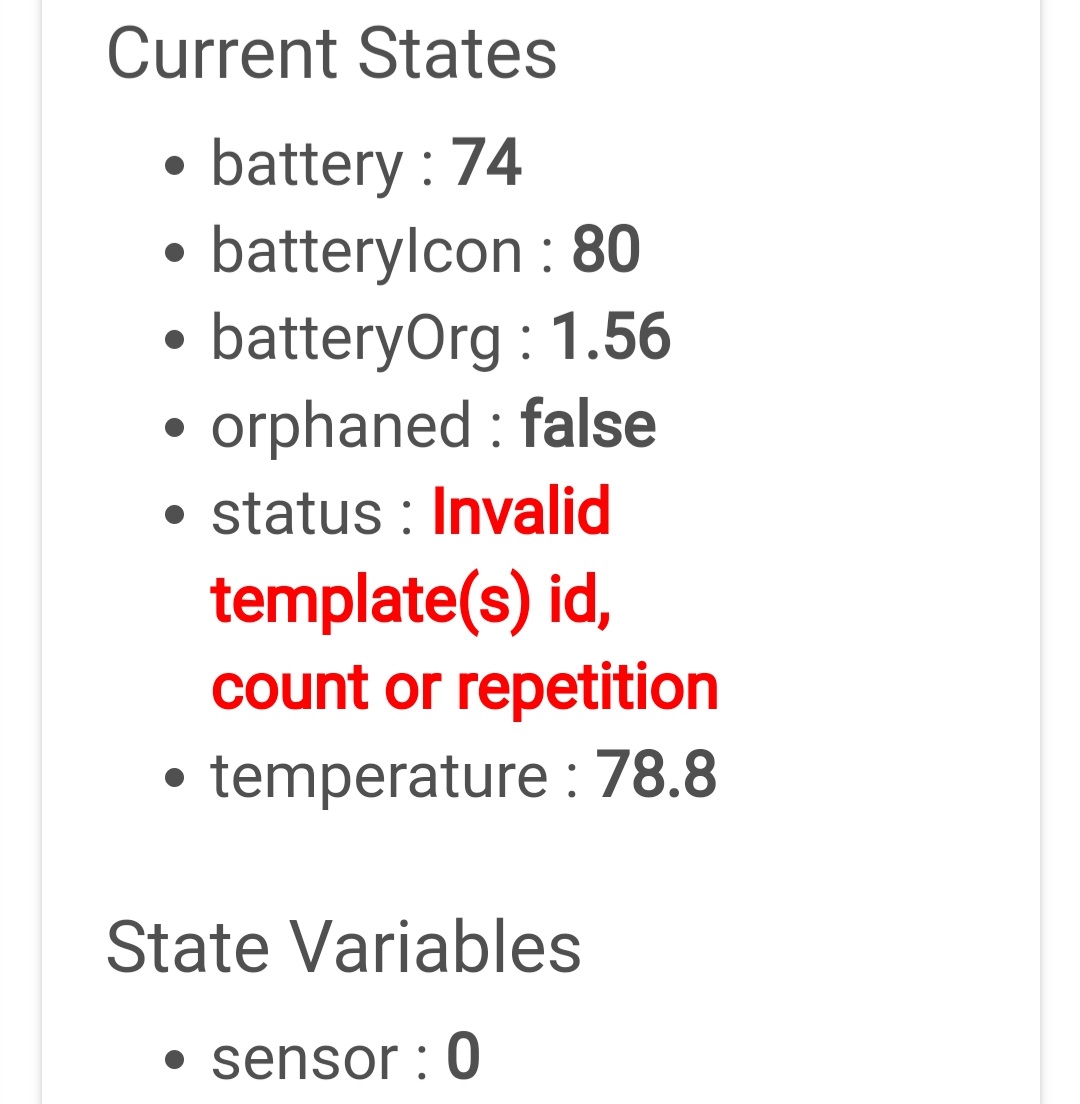
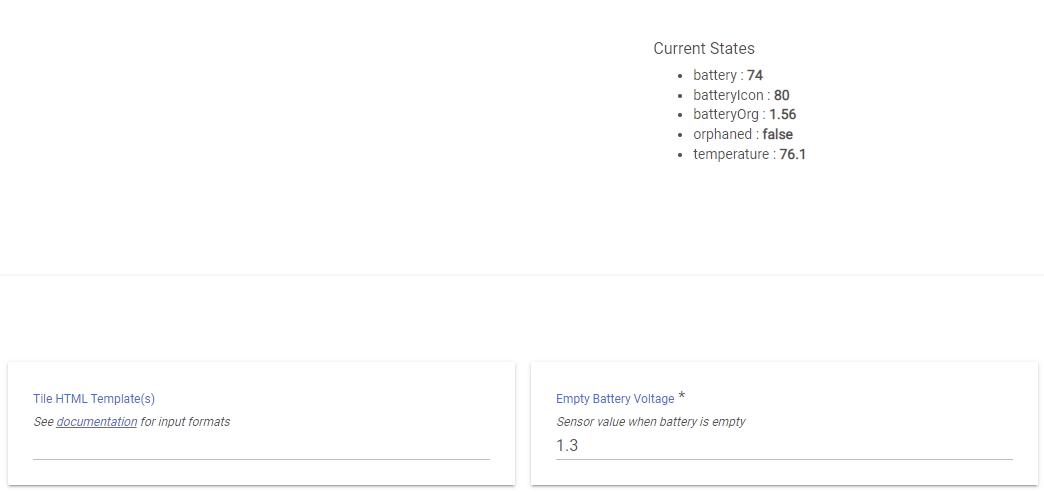
One more update regarding the Soil Temperature sensor. Even though I do get the information from the sensor without having a template selected , (and this matches the info coming from the Ecowitt App). ,
In the device it's self, there is an error being thrown
Correct. This it the device we discussed a a few days ago needing a new template. As I had stated previously, I can patiently wait until you have time to make the template. I just found it interesting that even with the missing template and error it still displays correct information. Really all I'm looking for is temperature and battery. Luckily this is s new device so I shouldn't need a new battery Anytime soon (and I still have access to that from the Ecowitt app.
Thank you again for what you do for the community!
Just on a hunch I had tried all of the templates, including 0 thinking maybe one might work, but they all throw "invalid template,(s), id count, or repetition". I realize this probably is not a device that would be widely used.
I tried that ( pasting the code in) really messed up the tiles (see a few posts above), also I dont know how to write the html code. I am willing to learn if someone is interested in helping me learn it.
The sensor in question is the WN34S soil temperature (there is also a WN34L water temp sensor) . In my instance I have the soil sensor. I'm just looking for temperature and battery.
Truth be told I would like to learn how to do some of this stuff, but I have no idea where to begin trying to learn it.
Introducing the new and exciting Temperature templates
@lcw731 - This should hopefully give you the Soil Temperature Reading you want. Template 15 is just temperature, template 15B being temperature plus battery.
Include 15 or 15B in the Tile HTML templates Preference Setting, accessible when the Enable Tile HTML Preference Setting is turned on.
My training in software development at Uni now over 20 yrs ago and my day-job certainly helps in understanding how to approach developing drivers / apps, and help me avoid some common traps that I probably don't realise. I'll admit to finding it daunting to impart knowledge at times, even earlier today, as I slowly realise the collective size of the knowledge I can accumulate on a topic over a long period.
Now ignore those comments We can certainly break down some of the basics into some notes to give people a leg-up.... It would be interesting to try and do some simple tutorial style wiki's on at least driver development (I haven't released an app yet ...). I wouldn't be the first though, there was a Youtube session one of the Community members did ages ago that ran through writing some code. And I'm sure there are plenty of tid-bits dotted throughout the forum. Perhaps another side-project to add to the list...
 I'll see what I can do...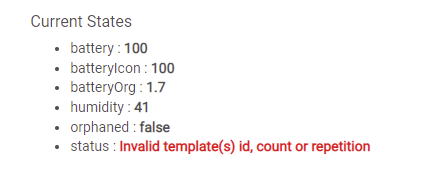
 ,
,