You could easily modify one of those to do 2 colors with a Shelly 2pm and 120v led's.
1 Like
If someone can fit the electronics to do color changes over Wifi, or Bluetooth, or Zigbee, in a cover plate, sure I'd buy if it's not stupidly expensive.
2 Likes
Agree...I'm going to grab a couple more of the plugs when the white are back in stock. I might actually spray-paint the black one (after some careful masking) so I can use it in more places. Wife has given temporary "GO" for the black one on the picture wall, pending replacement by a white one when they are back in stock.
Thanks for your help w/the GET commands, really appreciat it. In a way you've earned uncredited WAF points... 
1 Like
I'll take them for a rainy day. The dog house is never far from view
Maybe sooner rather than later. 
1 Like
Just need someone with a soldering iron and a will to succeed.
I'm having issues w/the GET command in RM...
I can run the three GET commands from a browser w/out issue, Shelly LED changes to the desired color.
However, the same commands run from RM fail to register w/the Shelly plug, no response at all. Nothing in the logs (RM or Shelly device) about the failure (debug logging is on for Shelly, all logs enabled in the rule. I'm testing w/a very simple rule, nothing in it but the GET command, using Run Actions button to initiate it:
Rule action:

Results in Logs:

Then, even more oddly, if I copy the command from RM back into a browser tab, the command fails in the browser with an error about Config:

Below is the GET command copied from Notepad that works w/out issue in browser, but isn't working after pasting into the rule in RM:
(http://192.168.20.102/rpc/PLUGS_UI.SetConfig?config={"leds":{"mode":"switch","colors":{"switch:0":{"on":{"rgb":[0.000,0.000,100.000],"brightness":100},"off":{"rgb":[0.000,0.000,100.000],"brightness":100})
And when I copy the code from the Edit Action screen in the rule:

...into a browser tab, I get the config error I noted above.
(http://192.168.20.102/rpc/PLUGS_UI.SetConfig?config={"leds":{"mode":"switch","colors":{"switch:0":{"on":{"rgb":0.000,0.000,100.000,"brightness":100},"off":{"rgb":0.000,0.000,100.000,"brightness":100})
This seems like a really weird one. Thought I should ask here before I start a "Http GET bug in RM" thread.  Is this a "just me" issue, or is GET not working in RM?
Can someone else test this?
It is getting mangled in RM The [ ] are getting stripped.
Not sure if you need to escape them or put quotes around the whole thing or what. Maybe someone else will know how to get RM to take it correctly.
See the diff

ALSO, I was thinking this would be a fun application for a virtual device driver. You could set the IP in the driver and then have a command with inputs for the color options, or even use the color picker. Then when you run the command it fires off the get request. The driver would not even need to be able to turn the device on or off, could be used just to change the colors.
1 Like
Thanks SO much for solving the mystery...I looked at that over and over and missed the missing brackets.
Love the idea of a virtual device driver...I wonder how long before @thebearmay jumps in on this. (Setting timer for 43 minutes.)
@gopher.ny & @bertabcd1234 - wondering who has RM is in their pockets now? Any info on how to stop these [ ] brackets from getting stripped from URLs in RM?
How about @ogiewon instead? I think his Momentary Switch might be able to do the trick.
2 Likes
Looks very promising!
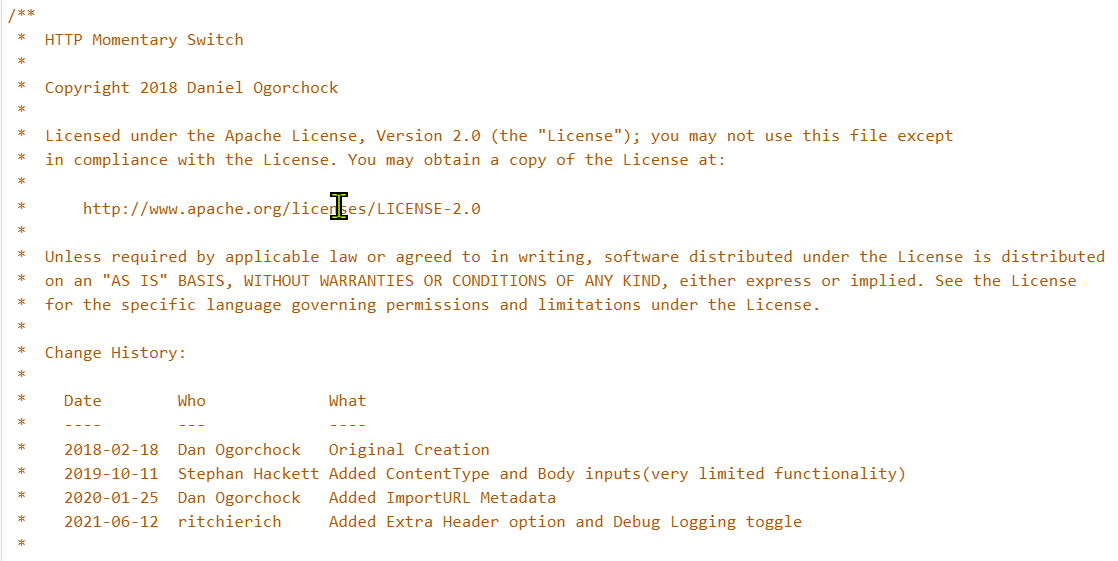
This driver implements the "Switch" and "Momentary" capabilities. It is used to create an HTTP POST, PUT, or GET to a user defined IP Address and Port. (Note: It can be used to submit an HTTP request to any server, it is not specific to the Harmony Hub in any way.)
1 Like
Getting an error during setting Preferences...using IP of the Shelly plug, URL that works from browser to set color (with IP removed per instructions)...set to "GET", but getting obvious error...doesn't matter what content type I choose, same error...
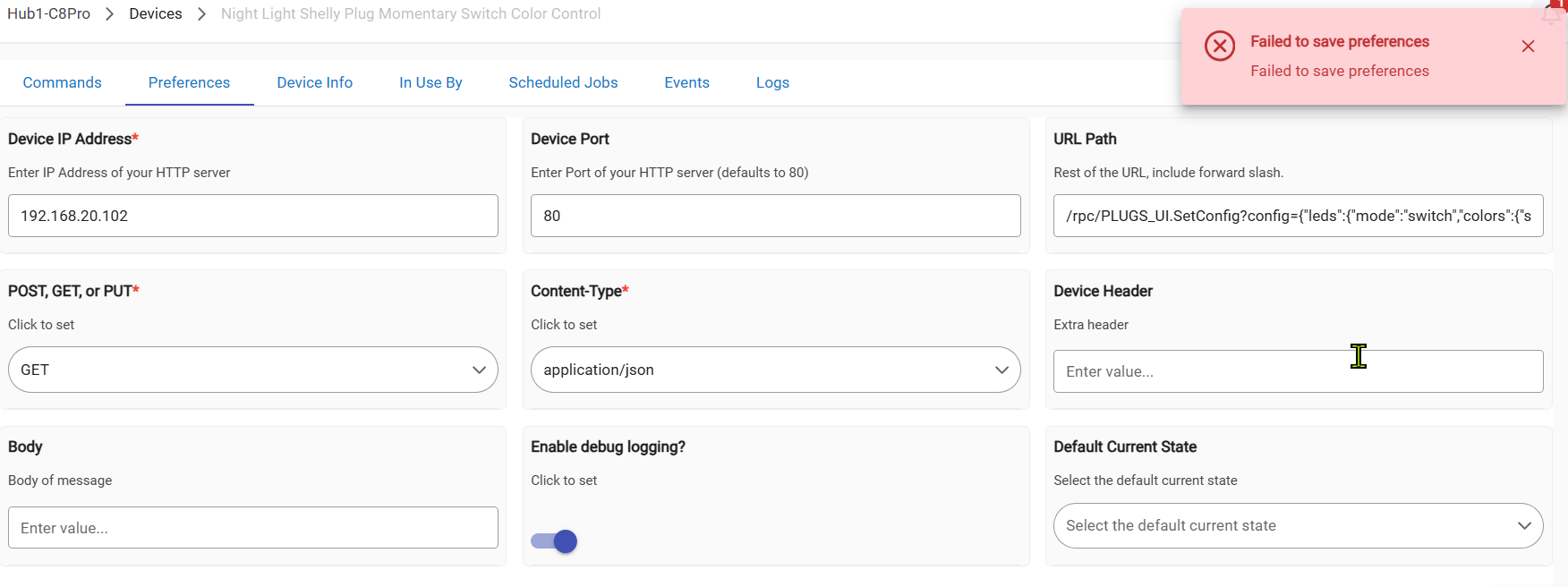
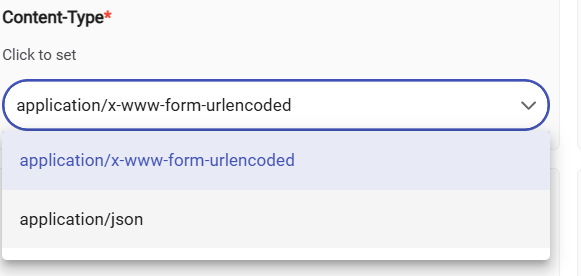
Same error in Hubitat's HTTP GET Switch on their GitHub:
Weird...same failure w/a w/out brackets. I'm lost...
@ogiewon - any thoughts?
I have had good success dumping screenshots of RM rules into Claude and getting back a driver or app
2 Likes
Sorry just getting home, have a few virtual drivers that can send a custom GET/POST. If you haven't arrived this already I could look at the particulars in the morn,
2 Likes
Gracias...this seems to be a weird one, with two different drivers (HE and @ogiewon's) getting errors from the GET URL.
Just seeing this now. Please share the URL you’re attempting to save as a User Preference in my driver and I’ll attempt to debug the driver code. Probably won’t have time until tomorrow, though.
You can also simply hard code the URL into the driver to test if it works, for now.
1 Like
Thanks!
I'll try hard-coding the URL. Oops...not sure how to do that, not enough Groovy/GET expertise. Sorry...I did turn on Debug logging and no logs for the failure when trying to save prefernces.
Here's one of the URLs - there are three I'm using, only differences are the RGB numbers in them (changing LED color on a Shelly plug)..this URL works perfectly from a browser tab.
RM strips the brackets, unfortunately.
(http://192.168.20.102/rpc/PLUGS_UI.SetConfig?config={"leds":{"mode":"switch","colors":{"switch:0":{"on":{"rgb":[0.000,0.000,100.000],"brightness":100},"off":{"rgb":[0.000,0.000,100.000],"brightness":100})
Note: These particular nixies aren't suitable for automations. They require you to touch the lamp to get them to lightup.
I saw a bunch of others on AliExpress, so thers may be suitable.
S.
Just tried it and had no problem saving user preferences... 
I used this for the IP address
192.168.20.102
I used this for the URL
/rpc/PLUGS_UI.SetConfig?config={"leds":{"mode":"switch","colors":{"switch:0":{"on":{"rgb":[0.000,0.000,100.000],"brightness":100},"off":{"rgb":[0.000,0.000,100.000],"brightness":100}
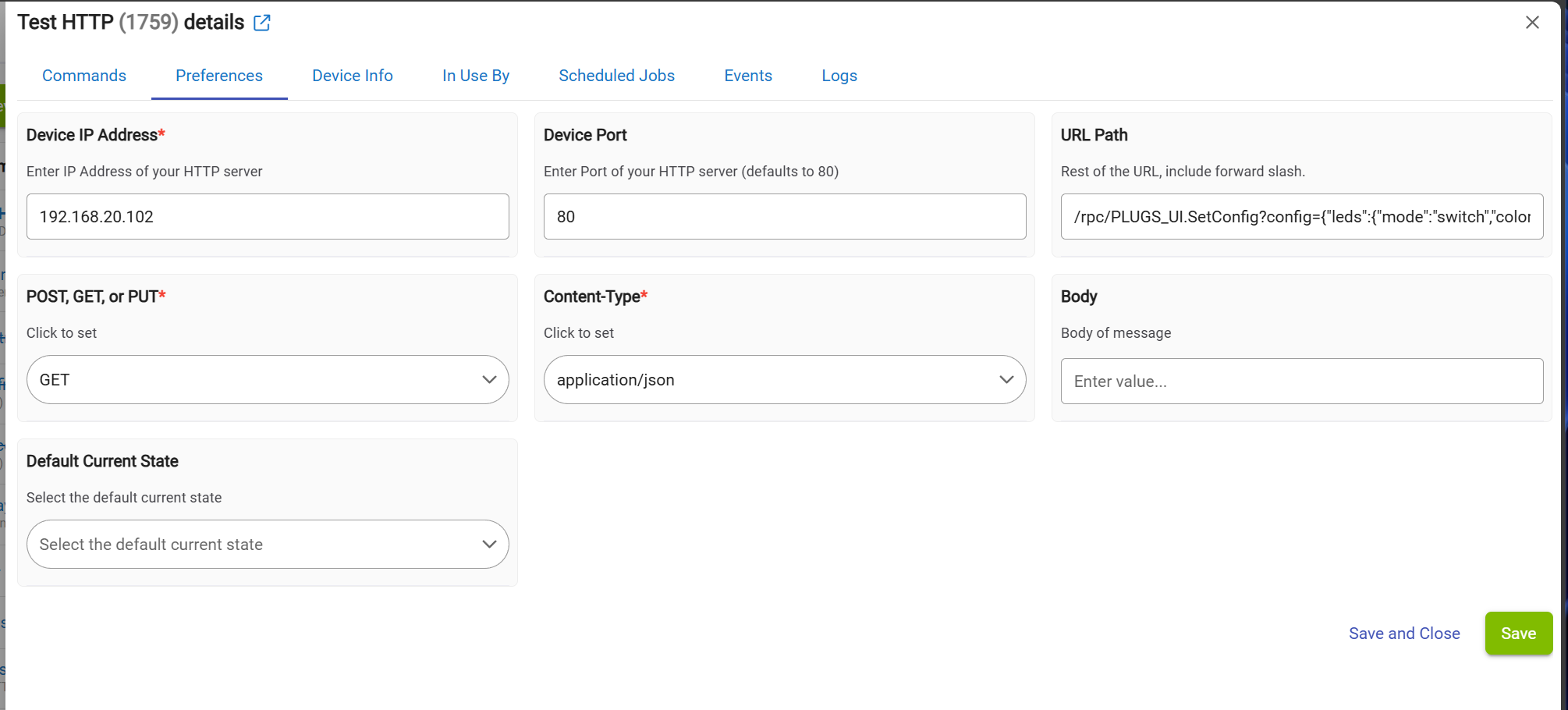
The driver simple accepts any string for the URL - there is nothing that should prevent it from saving the value.
Thanks very much for testing.
But wow...I did that exactly! My screen shot from above.
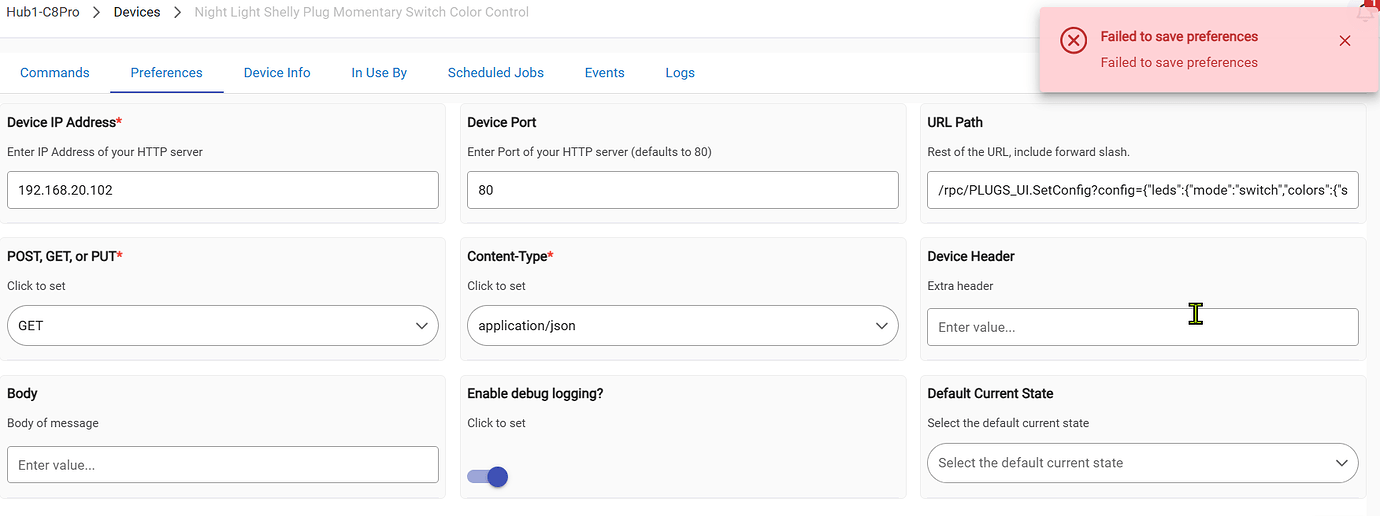
I'll try it again. I'm using the most recent code from your GitHub if that matters.
Bizarre....same error again.
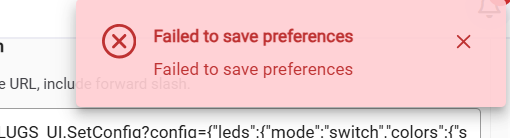
I'm going to try this on my other hubs...
OK, tried it and same error on my C7.
I'm flummoxed. Unless I'm using a different version of your momentary switch driver than you are, this makes no sense.
1 Like
I updated my dev C8 hub (2.4.4.112) from my GitHub as well. Weird issue. Might be hub related? Corrupt database, maybe?

