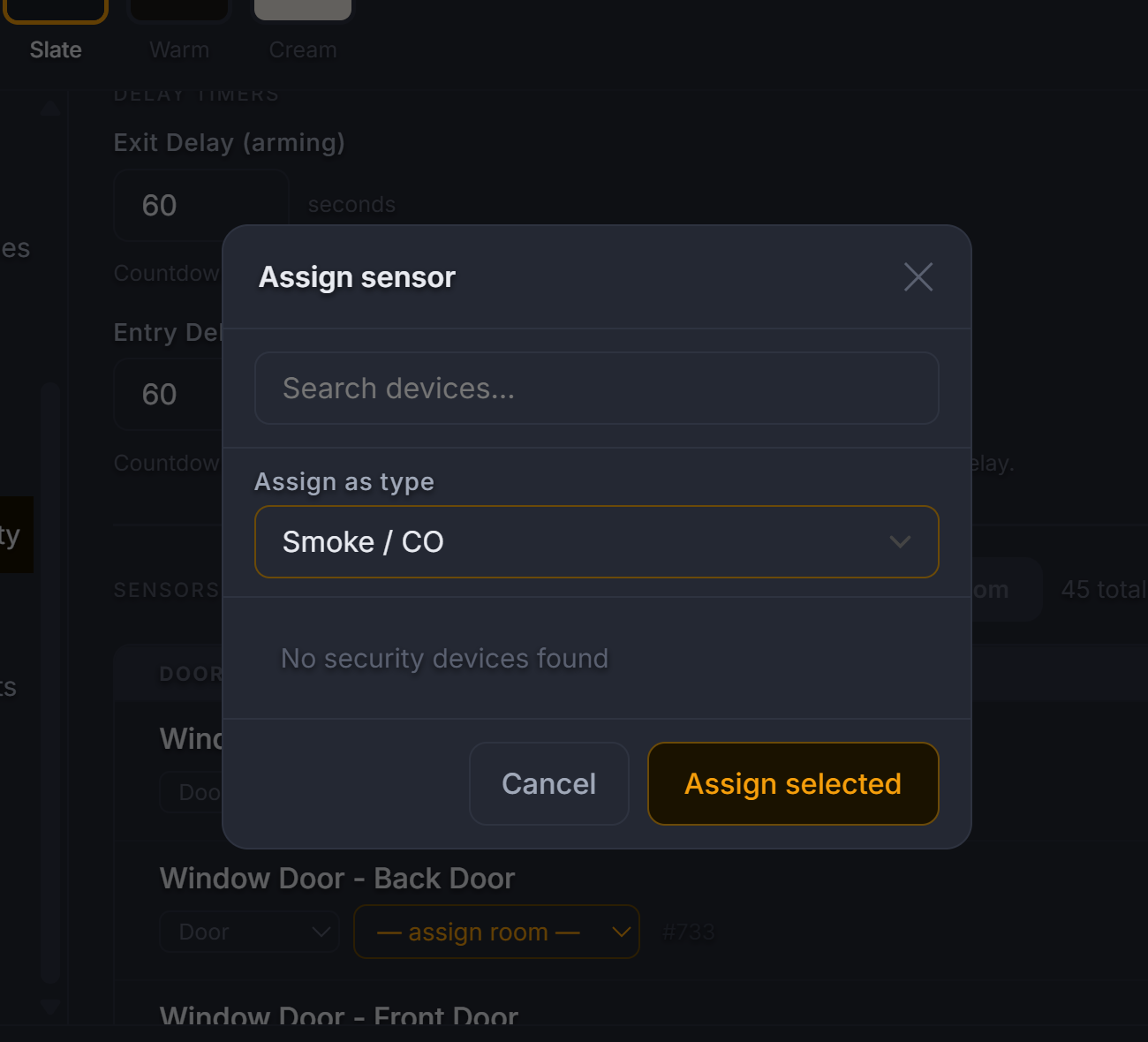
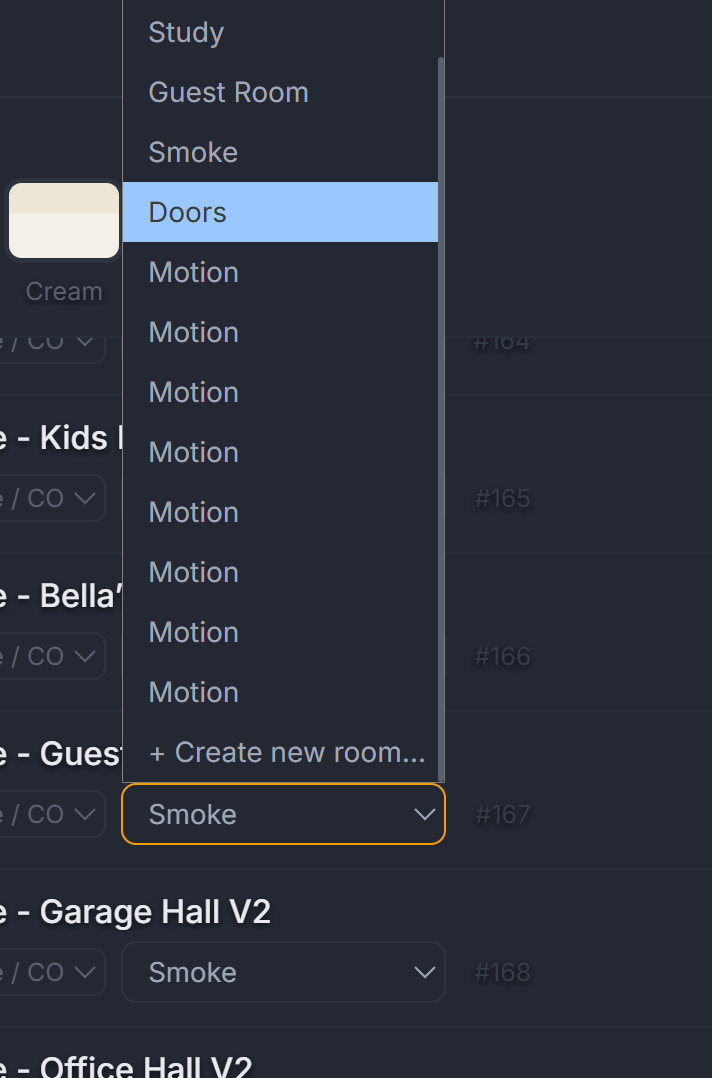
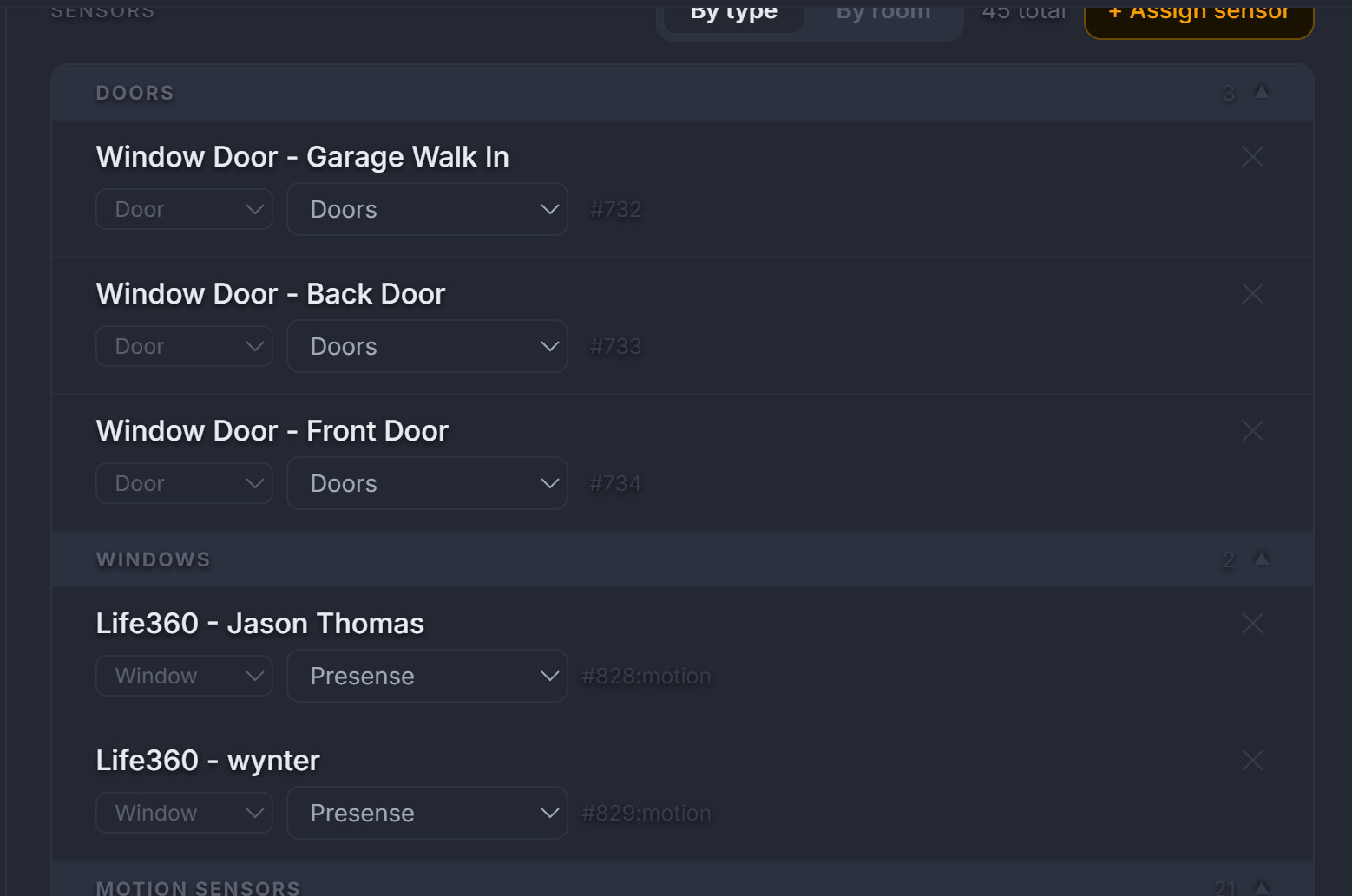
Hey @JdThomas24, thanks for the detailed feedback. I pushed a few fixes today that should address most of these:
Artemis assignment not saving - Fixed. There was a silent error in the device assignment code that caused it to fail without any visible error message. This should work now after a hard refresh
(Ctrl+Shift+R).
Motion sensor duplication - Fixed. Duplicate entries within the same Artemis category are now automatically cleaned up on load.
Presence sensors showing as windows - Fixed. Presence sensors are now recognized and mapped to the Motion Sensors category in Artemis with the correct icon.
Locks in the ribbon - The top ribbon shows an aggregate lock icon (locked/unlocked) for all configured locks. Individual lock controls with labels are in the Artemis security panel. You can add multiple locks in Settings > Door Locks.
Device types (plugs, relays, valves, buttons) - Most of these already work under existing categories. Plugs, relays, and modules register as Switches. If Hubitat reports them with a Switch capability, they'll appear in the device list and can be assigned to rooms. For device types that don't auto-detect, you can reclassify them using the type dropdown in Settings > Rooms & Devices (By type view).
Leak sensors and glass break - These are already supported in Artemis under Freeze/Water and Glass Break categories. If they didn't auto-assign, try the "Add sensors" button in Settings > Artemis Security.
UI color issue - Can you share a screenshot of what you're seeing? Want to make sure I'm looking at the right thing.
Give it a hard refresh and let me know if the assignment issues are resolved!
I set this up again a few days ago from one device. Just tried opening the dashboard on another device a few minutes ago and nothing appears to be configured. I have not yet exported and imported the JSON from the configured device, but I thought the whole point of the hosted setup via Hestari is that I shouldn’t need to do so. Am I missing something here?
@jkudave - that’s the point and that’s how the dashboard is designed so we’d have to look at why that’s happening for you. I just tested with private and incognito browsers, also tested with a browser that clears all cache at close and it works. As soon as one device sets into Hestari, all other devices should discover the configuration json.
We’d have to troubleshoot and understand why it’s not flowing for you.
@vern.palango - we thought about that, but not everyone likes google and the main focus of Hestari is local only as much as possible with cloud APIs only being leveraged for the Assistant module.
Introducing google calendar would mean having to maintain another API call to synch google calendar and it starts introducing privacy risks and other concerns which I am not interested in introducing at this time.
Understood…. maybe at some point you add the ability to run a local app on the tablet running the dashboard, or simply an HTML link. Thanks for the reply
Thank you I did see that but under settings and panel behavior there is a home option where you can pick which room is default is it possible to have security page set as default. Also I am not seeing my smoke detector in the list fro maker api. Also would it be possible to have an option for Fahrenheit and Celsius.I still am having an issue with the Hubitat hub connection with a new fire tablet that i just purchased. HD+ did discovered the hub and maker api with no issues telling me the connection seems fine but I had to input http://192.168.X.XX/local/index.html for it to connect, it would not connect with the setup wizard or inputing of the json. What certificate am i to except as per Using HTTP — lock and disarm commands are unencrypted. Consider switching to HTTPS after accepting the hub certificate.
Hey @jbwrd3, thanks for the detailed feedback! A few updates:
Security as default page -- Just pushed this. If Artemis is enabled, "Security" now appears in the Default Room dropdown under Settings > General > Navigation. Set it there and the dashboard will open to Security on load (and return to it after the inactivity timeout if you have one set).
Temperature units (F/C) -- Also pushed. The dashboard was hardcoding °F everywhere -- it now reads the temperature unit directly from your hub's device attributes. If your hub's location is set to Celsius, Hestia will display °C automatically. No toggle needed.
Smoke detector not in Maker API -- That's a Hubitat-side issue. The device needs to be selected in the Maker API app on your hub (Apps > Maker API > Select Devices). If it's not showing up in that list, it may be a driver compatibility issue worth raising on the Hubitat forums. Perhaps you can try playing with the driver to see if a generic driver exposes the device.
Fire Tablet HD+ connection -- The setup wizard connects over your local network, so it depends on the tablet's browser being able to reach your hub's IP. Fire tablets use Amazon's Silk browser/WebView, which can be finicky with self-signed HTTPS certificates. A couple of things to try:
Use the http:// address for your hub (not https) in the setup wizard
If your hub is on HTTPS, open https://YOUR_HUB_IP directly in Silk first, accept the certificate warning, then retry the wizard
Alternatively, go to Settings > Wall Panel Setup on a working device, copy the wall panel URL, and paste it into Fully Kiosk or Silk on the Fire tablet -- that bypasses the wizard entirely
I know I’ve asked some of this before, but I’d like to request the following be considered:
The ability to disable/hide Fans and Blinds/Shades. I don’t have any, and as such, they take up space on the dashboard showing nothing.
The ability to disable/hide Smoke/CO and Freeze/Water under the security module. Same reason as above.
The ability to toggle whether a room is used for lights or not. I have several door sensors assigned to a room named Doors. That room has no lights, but still shows “All Off” as if it does.
Ability to sort rooms alphabetically. Right now it looks like rooms are sorted as they are created when assigned to devices. I assume I can go back and create the rooms one at a time in alphabetical order and then assign them, but that is a bit counterintuitive since room assignment shows as an initial setup step.
Thanks.
***Edit - For #3 I just figured out that if I don’t assign my sensors to a room they still show under security, which is what I want. However, It is a bit cumbersome to have to enable the full security module to be able to see these sensors. I don’t use HSM in Hubitat so I really have no need for the full security module in Hestia.
Thanks for the feedback @jbwrd3 and @jkudave -- just pushed a few updates based on your requests.
Temperature Units (F/C) @jbwrd3 -- the previous approach tried to read the unit from device attributes, but Hubitat's Maker API doesn't consistently expose that field. Replaced it with an explicit setting under Settings > Thermostats > Temperature Unit with three options:
°F -- Fahrenheit (default)
°C Label only -- for hubs already reporting in Celsius, just swaps the display symbol
°C Convert from °F -- mathematically converts all temperature values from Fahrenheit to Celsius
This applies everywhere: home screen, climate view, room thermostats, setpoint adjustments, and Athena voice context.
Auto-Hide Empty Categories
@jkudave -- if you have zero fans, blinds, or thermostats, those cards no longer appear on the home screen. The sidebar nav entries and mobile bottom tabs also hide automatically. No setting needed. If you add a device later (or run "Scan for new devices"), they reappear.
Artemis Sensor Sections
For the Smoke/CO and Freeze/Water cards in Artemis -- those currently show a "No sensors" state when nothing is assigned, which doubles as a setup prompt. Since you mentioned you're not using HSM, you can leave Artemis disabled entirely and those won't show at all.
Room Sorting and Per-Room Lighting Toggle
Noted these for a future update. Room sort by alpha is straightforward. The per-room lighting toggle (hiding light controls for rooms without lights) is an interesting one -- want to think through how that interacts with device scanning and room assignment before committing to an approach.
Clear your browser cache or hard-refresh to pick up the changes.