Based on my logs the timeouts stopped occuring around 11:30pm last night.
re-read your mentioned post and I cannot see any detail re what to do after the import?
The import completes the update process, all the files in the ZIP are added to your hub overwriting the existing integration files. You should not have to do anything after that.
Ok thx danabw........bear in mind my C7 will not install Govee Integration V2 via HPM & by the looks of it I'm on the right track by getting zip files imported thru +bundle method....
How do I proceed from having the zip files imported....what's next ??
Once the bundle is imported it is just like if you installed it via HPM. You need to go to the app page and setup the integration via the "+ Add User App" at the top.
Start the install enter your API Key and click done. Once that is done go back in and setup your devices.
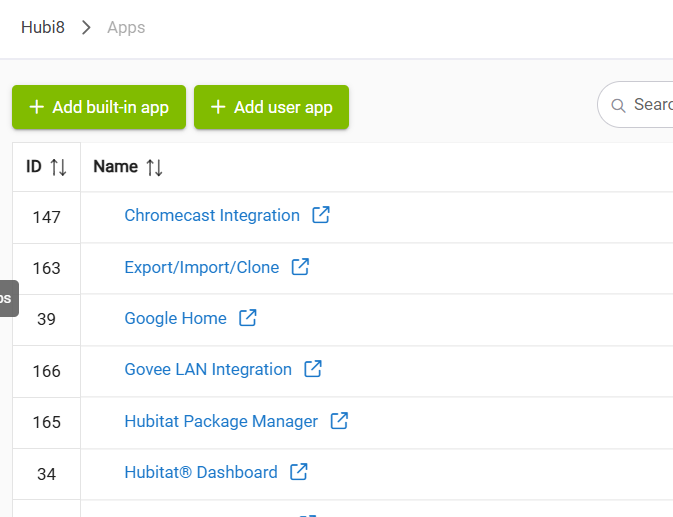

That looks like you didn't import the bundle. The app should be above HPM in your second screenshot if you did.
Something else to consider is you can't run the built in integration along with my integration. You will need to disable or uninstall the built in one first.
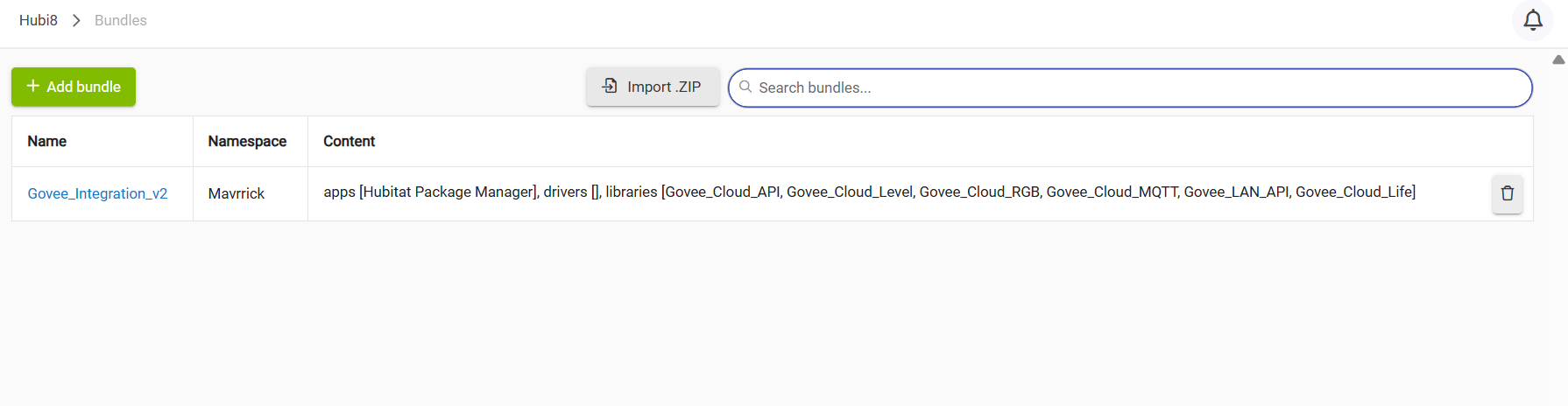
That is the bundle that installs as part of the HPM install. Import the bundle file named Govee_Download.zip which includes everything

The import is a Hubitat process. If it isnt working that isn't something i can address. This is the first time i have heard of it not working for someone though.
I would expect you are missing a step or something.
At that point did you click on the Import button?
yes...import is clicked and after a moment or two that window disappears
Do you have any error in the logs? It should take several min to import the bundle

Live logs if it's something that just happened, Past Logs if it doesn't show up in Live Logs due to timing...
1 Like
Delete your post (very hard to read when logs are posted as text) and take a screen grab (or two or more as required and upload them).
Like this:
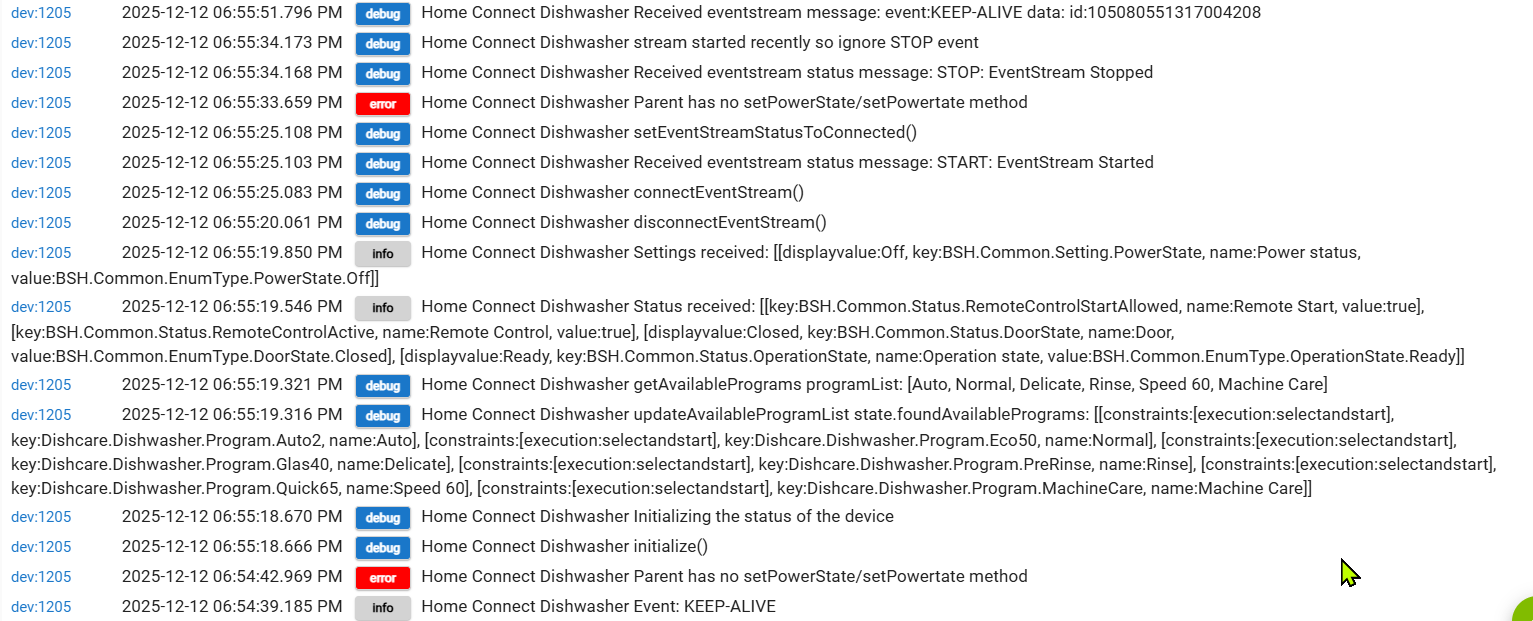
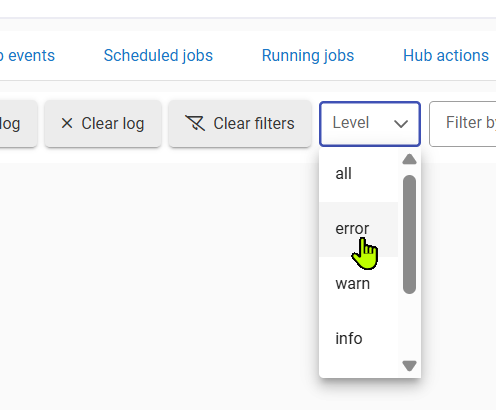
And you can filter for errors on the Logs page before you capture:
1 Like
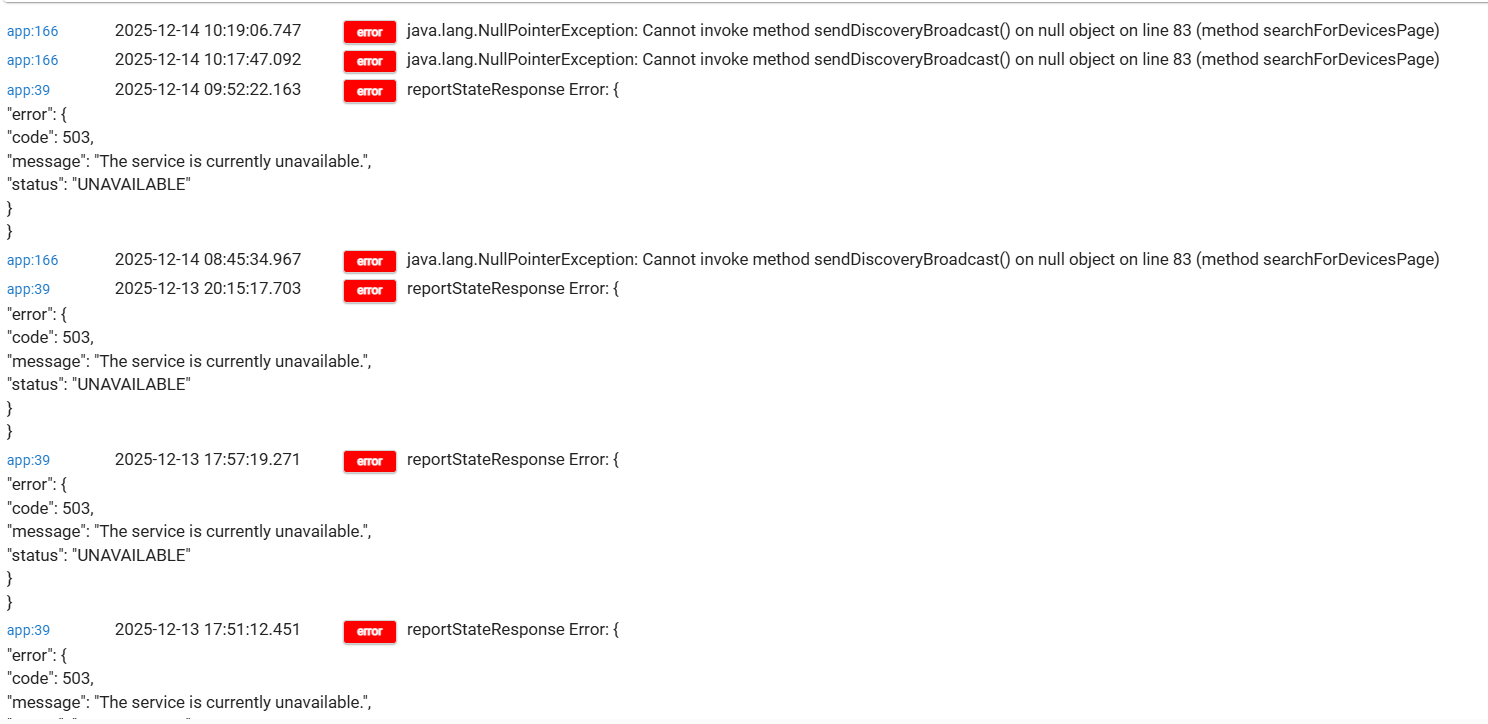
Performing a copy and paste that way is very hard to read.
When doing so please put ``` before and after it. It should be the button above next to the 1 key in the upper left of your keyboard.
That will make it much easier to scan. That said i don't see anything related to a failure with a import. Plenty of other errors though
May want to look in the rest of your logging though. I wouldn't expect to have so many errors. You may be having bigger issues then just the concers with trying to get the integration to load.
@mavrrick58 is right - you have a number of errors worth looking into.
If you hover your mouse over the red "Error" block that will show the app or device name, and if you click on the "Error" block it will open the app or device page in a new tab.
1 Like

