The man is on fire. Thanks to @dpburek for helping to find this bugger... 
1 Like
It's working for me! I'm now able to use scenes again. Thanks, @mavrrick58 !
1 Like
Gee, this is a long thread. I've not dipped my toe in the Govee water yet but I'm keen to buy these Govee Glide Hexa Light Panels | Govee UK will they work with this integration, does anybody have them and can vouch for them?
Yes they will work. I have the Glide Hexa Pros
1 Like
Marvellous, does HE just provide an on off function or can it trigger scenes of some sort. Presumably the lighting configuration is completely off bounds? Appreciated in advance👍
If you look at the documentation it explains what control method gives you what functions.
That said the cloud API will give you on, off,brightness, color, color temp, scene, diy, snapshot, segmented brightness and segemented control and some dreamview control functions. All of that depends on device support for it.
1 Like
Ok, bundles..first time for me. Before I install, what is the process to completely remove a bundle, in case things go south?
If LAN control with the latest V2 is reliable (maybe retry is not needed??) then would you suggest just going with V2 via HPM?
A bundle from a hubitat perspective is just a definition of libraries, apps and drivers together. When you import a saved bundle, it will overwrite the existing objects with the same name with what is in the zip. If you delete the bundle it gives you an option to delete the items it is associated with.
Technically all you would need to do to put back on the current regular release is a HPM repair of the Govee integration V2. That will go download all the objects again. The bundle wont hurt anything to be left there.
I think the question is how do you define reliable. Does the current code work reliably yes, but it doesn't validate a requested action has actually occured. That was the problem that triggered the coding in the furst place. The bundle with the retry logic is about preventing missed requests from occuring by ensuring the requestes changed occured within reason.
1 Like
Feedback on tonight's start of show at 5pm...I'm on today's release via HPM earlier this afternoon.
When the show started at 5pm, three of the four devices turned on/started the show. The fourth (one of the Net Lights) didn't turn on/do anything. Verified it was online via the Govee app, and after wating several minutes I turned the Net Lights on w/the Govee app and it proceded to join the show the other three were already in.
Unfortunately, I didn't have time to check logs until late, and the 5:00 events when the show started had rolled off, logs only went back to 5:04 pm...just missed it.
I'll see how it goes when the show stops at 10:30 pm.
Hubitat Package Manager v1.9.4 returns Fatal Error while installing Govee Integration V2
Overall I’m trying to install GOVEE H60A1 light
(Received Govee APIkey & Govee LAN API setting applied)
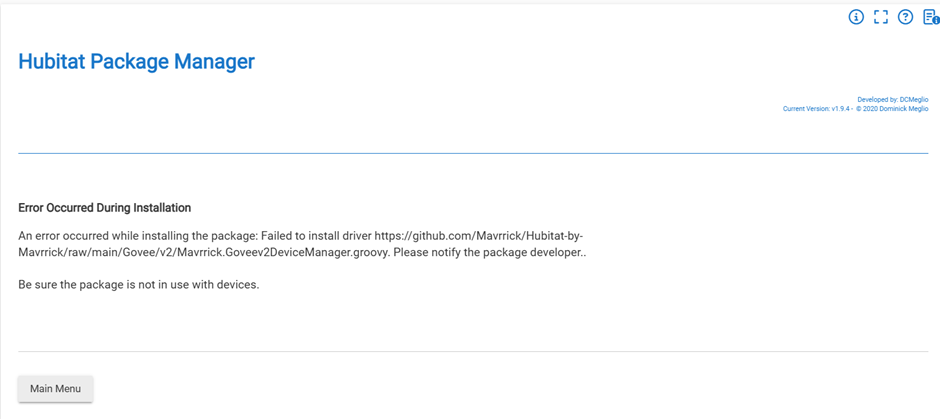
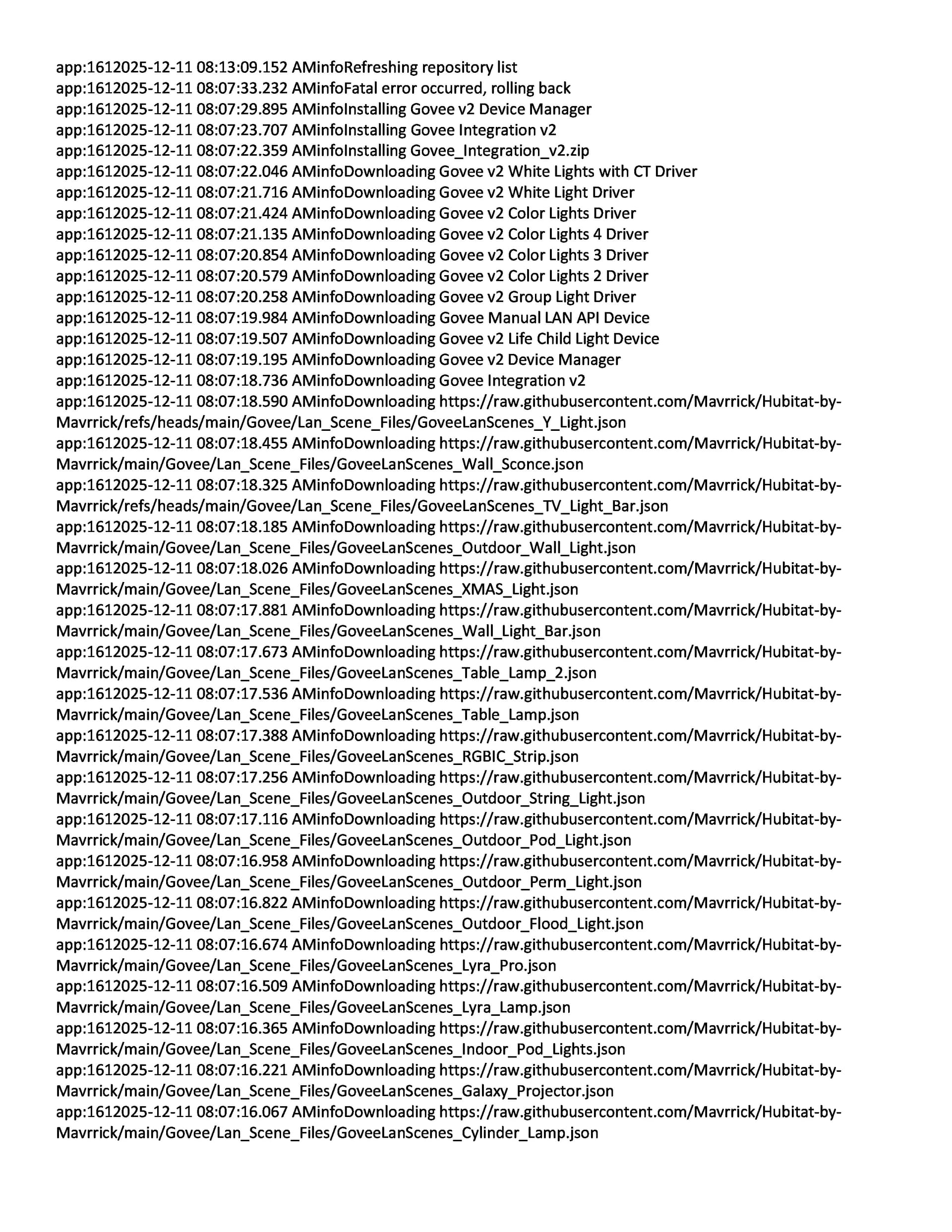
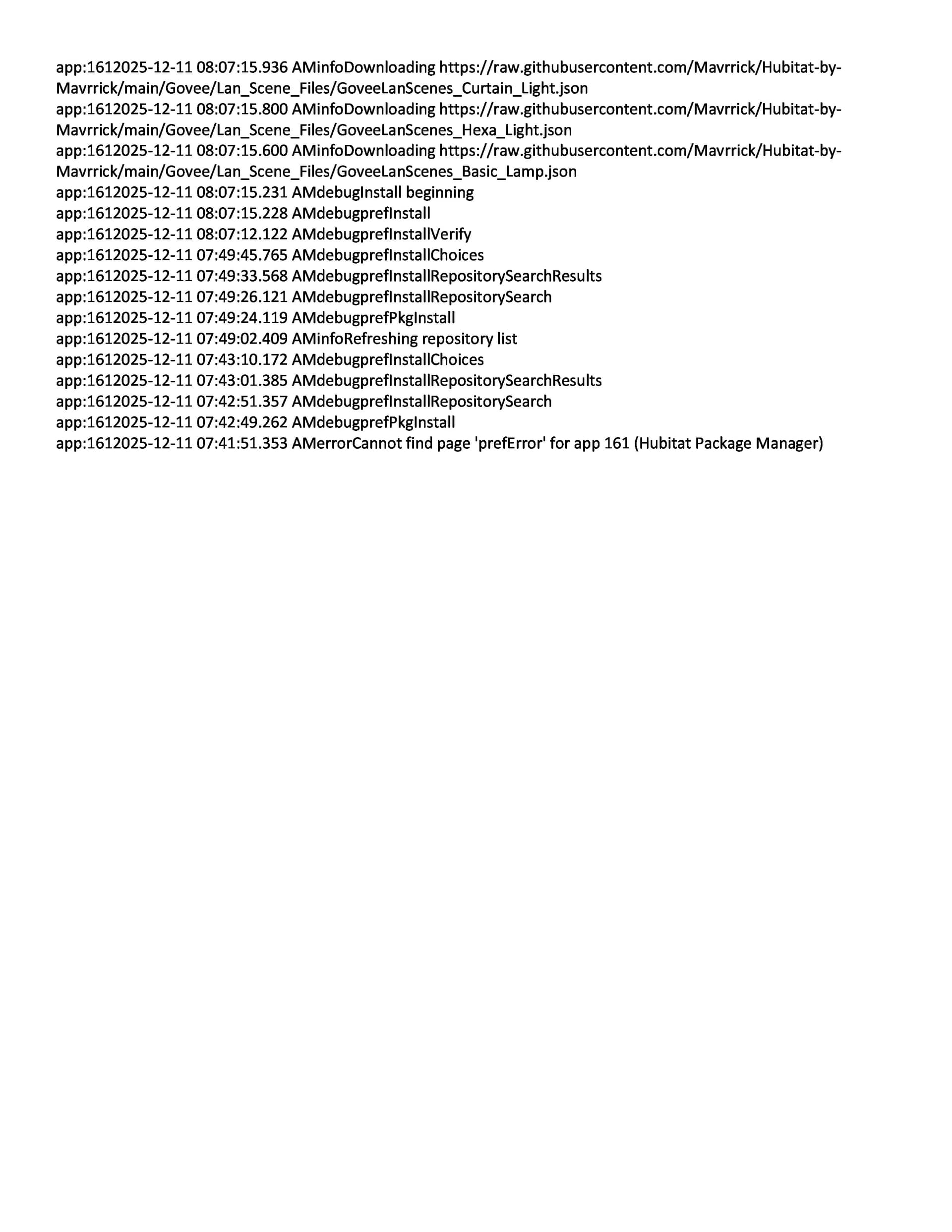
By chance did you try more than once.
I performed a repair, uninstall and then reinstall this morning.. I would ask you try again and see what messages you get.
Since the current package in HPM and in the main repo does not include the retry logic, it probably means the device just didn't get the call. I would expect the hub sent it out with or without the logs. You may want to try installing the latest bundle file for the retry logic. I think i found what caused your issue with the device status event getting stuck in a while loop. I found were if anything triggered a driver Initialize it created a condition that could easily put the driver in a bad state. I added code that as part of the initialize routine the api status data gets reset. I also added a guard rail to prevent the particular while loop from being able to run forever any more. Basically if the device loops for more then 30 times it will reset the status it was monitoring for and exit the routine. Though i certainly understand the hesitation, the role back would simply be a HPM repair since the non retry logic is readily avalible without any involvment from me at this point.
I has also already rolled every other change we have made in the last few days into the retry logic bundle.
I have been running the retry logic on my main hub since it was rolled out. It has been fully stable since i made the above changes.
1 Like
yes,
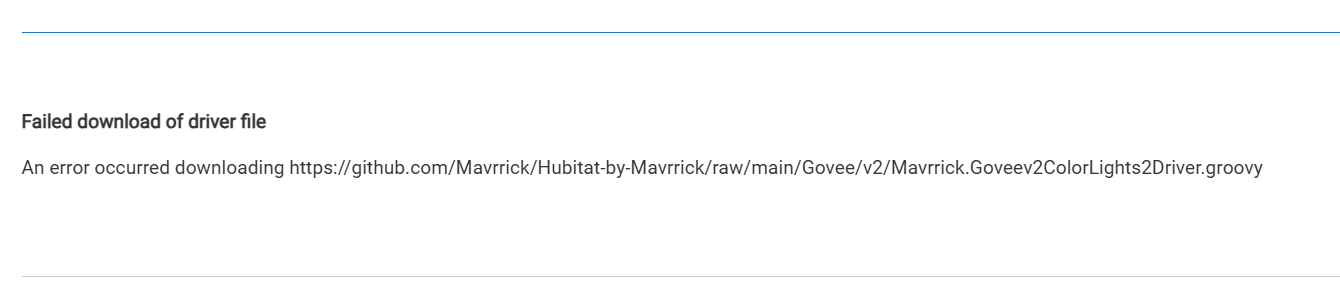

It doesn't make sense that it works for me, but not for you.
I am reaching with these suggestions, but not sure what else to suggest. You may want to try a hub reboot, or maybe a reboot with the advanced option to rebuild the DB. Lastly You may want to try uninstalling and reinstalling HPM.
Because of all of the stuff you can see me doing above, i am uninstalling, repairing and reinstalling multiple times a day. If there was a issue with my stuff i would see it or the repo data i would see it.
no prolem at all....I'll give those additional suggestions a go.
In fairness...I apprecaite your efforts....you're probably not getting paid enough for all that you do...
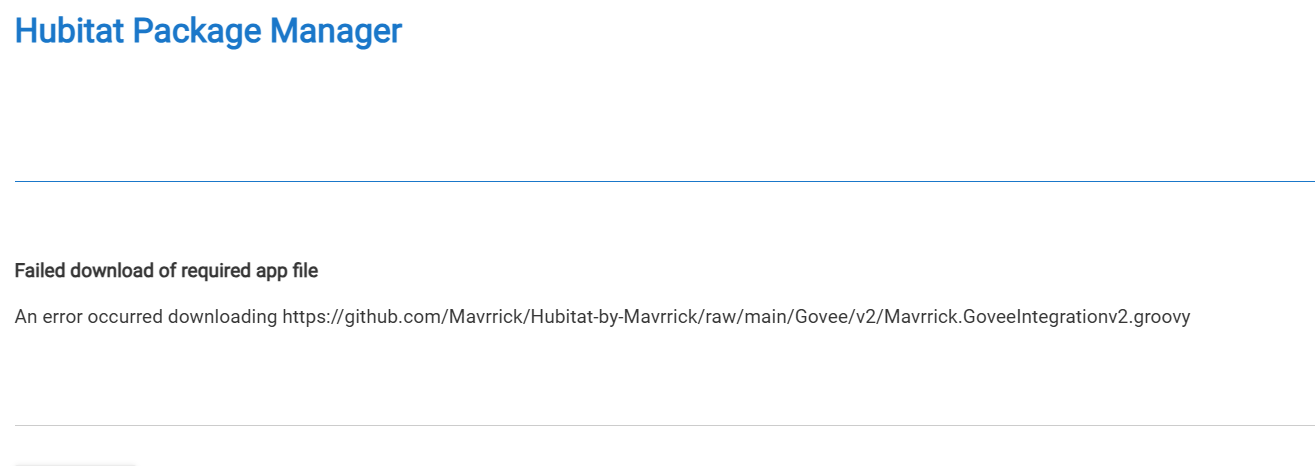
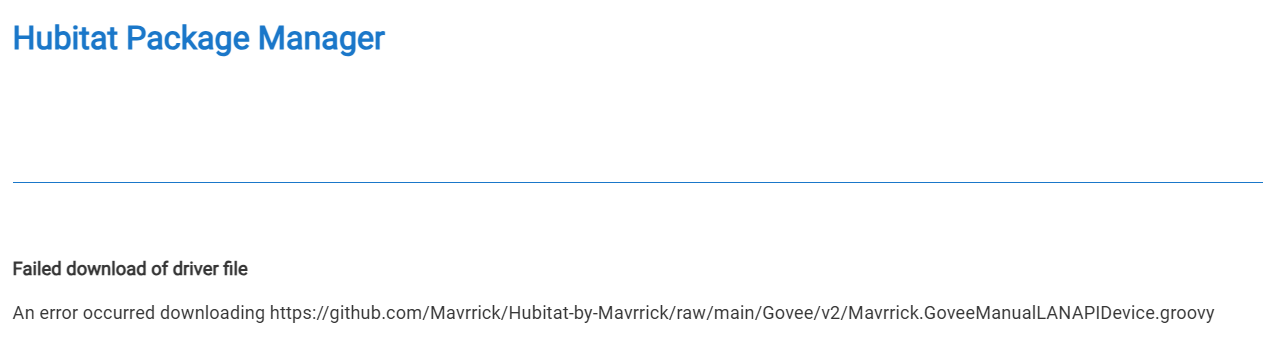
I have the same error as @gerryp2000. I have tried 3x.
P.S. Tried a Repair of Govee2 and got the same:
Blockquote
Failed download of file
An error occurred downloading https://github.com/Mavrrick/Hubitat-by-Mavrrick/raw/main/Govee/v2/Mavrrick.GoveeIntegrationv2.groovy
Done: Hub Reboot followed by reboot with option to rebuild, uninstall/reinstall of HPM....followed by another reboot...
Still unable to install the Govee Integration....