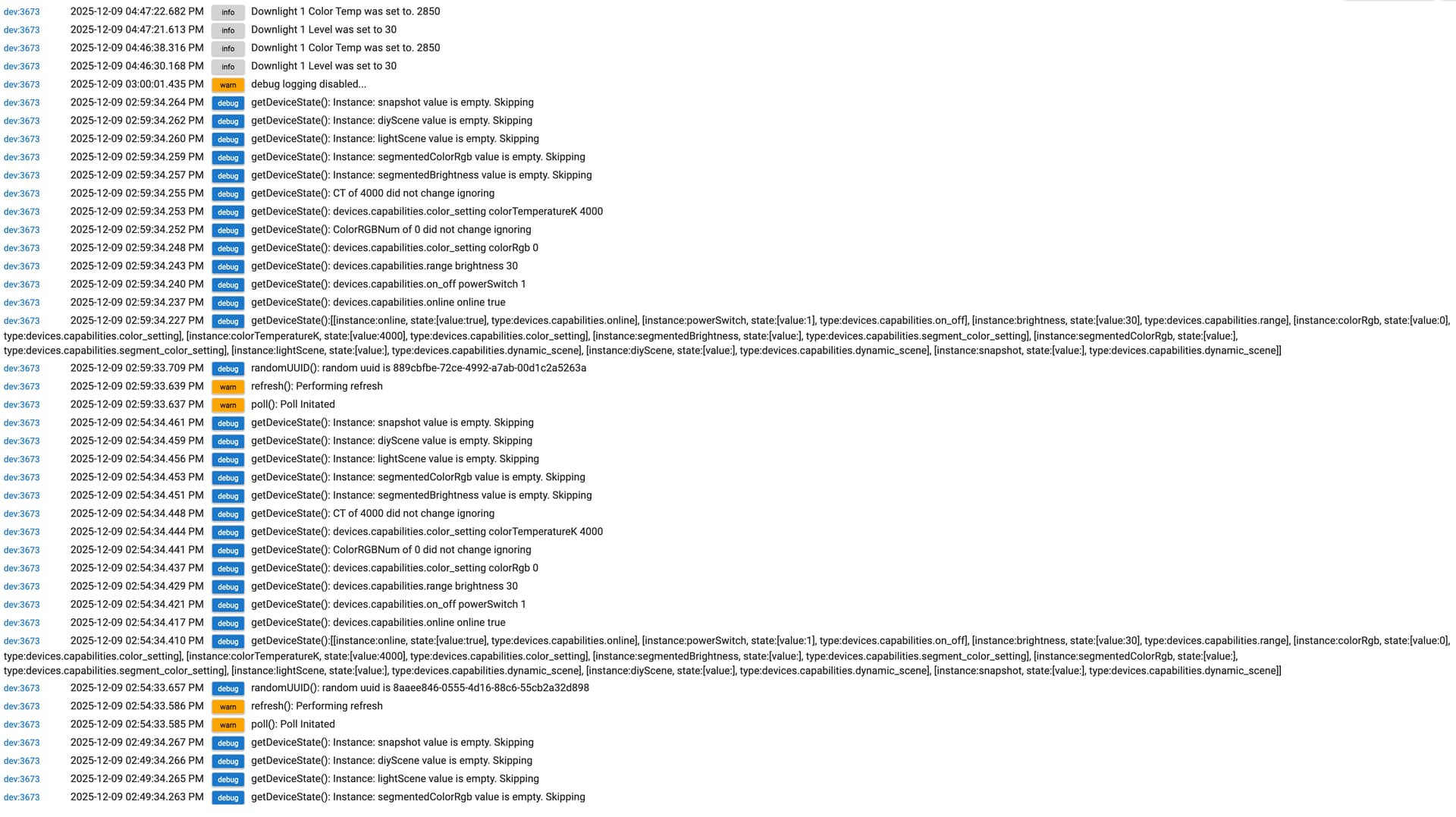
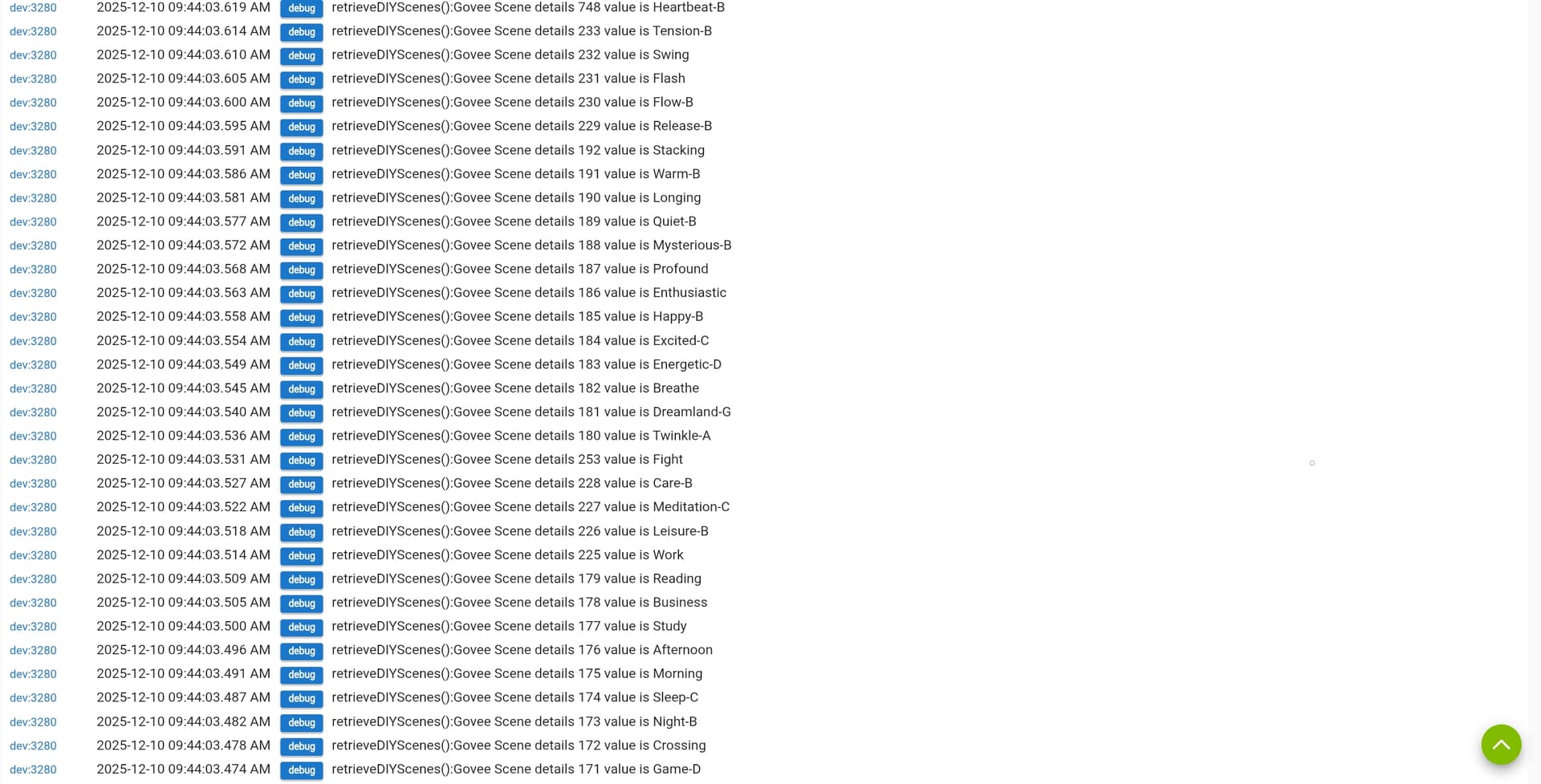
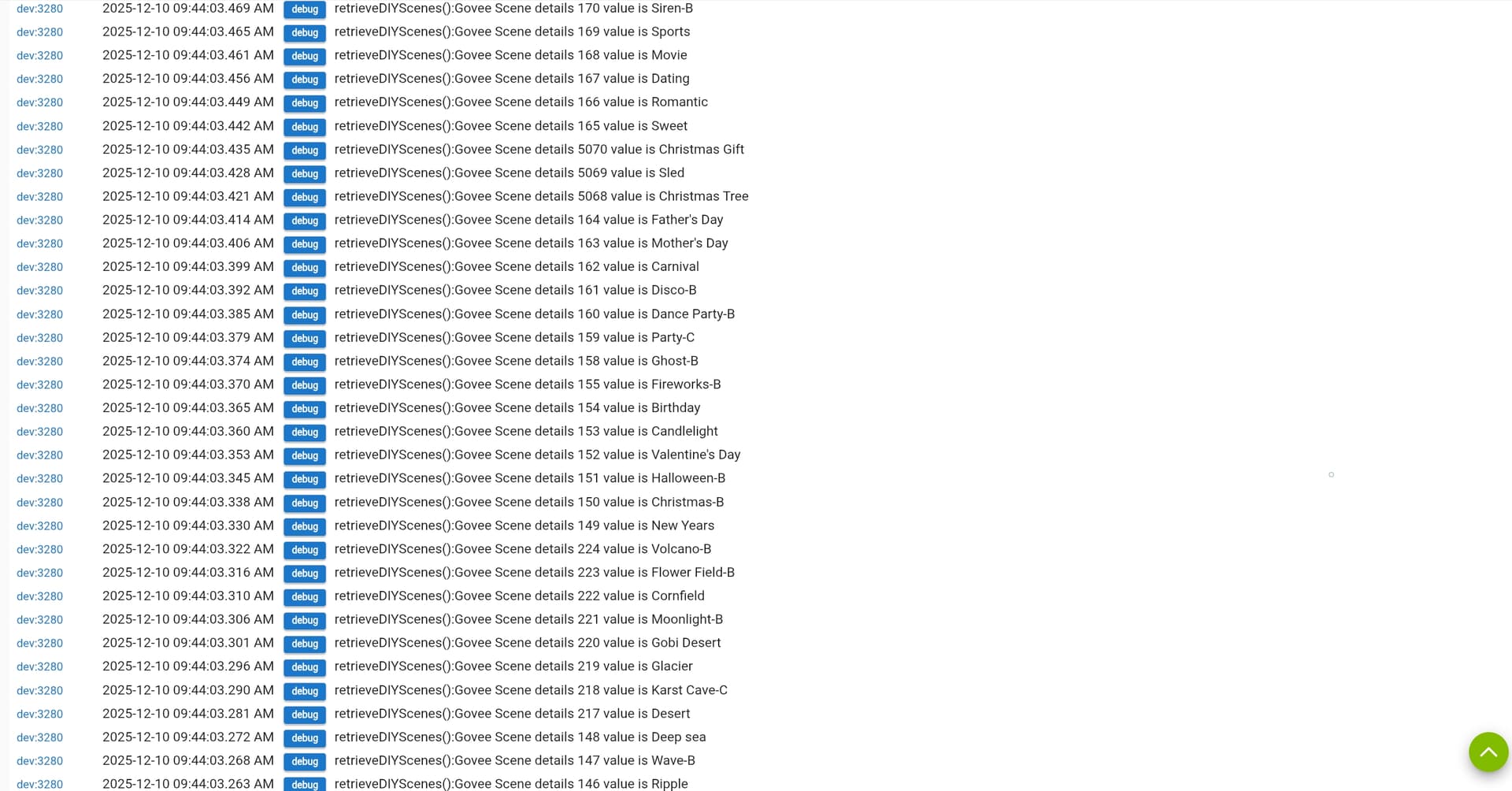
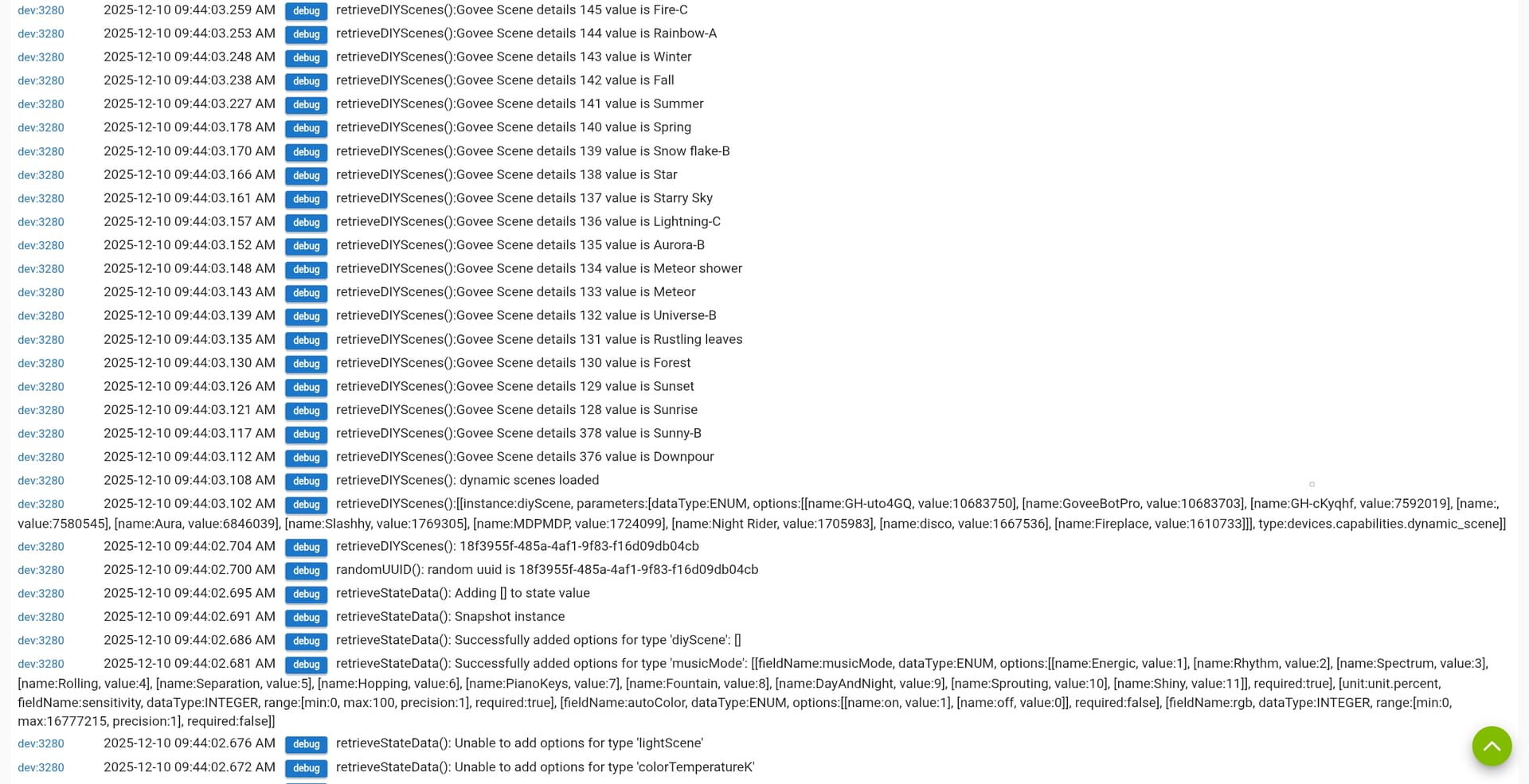
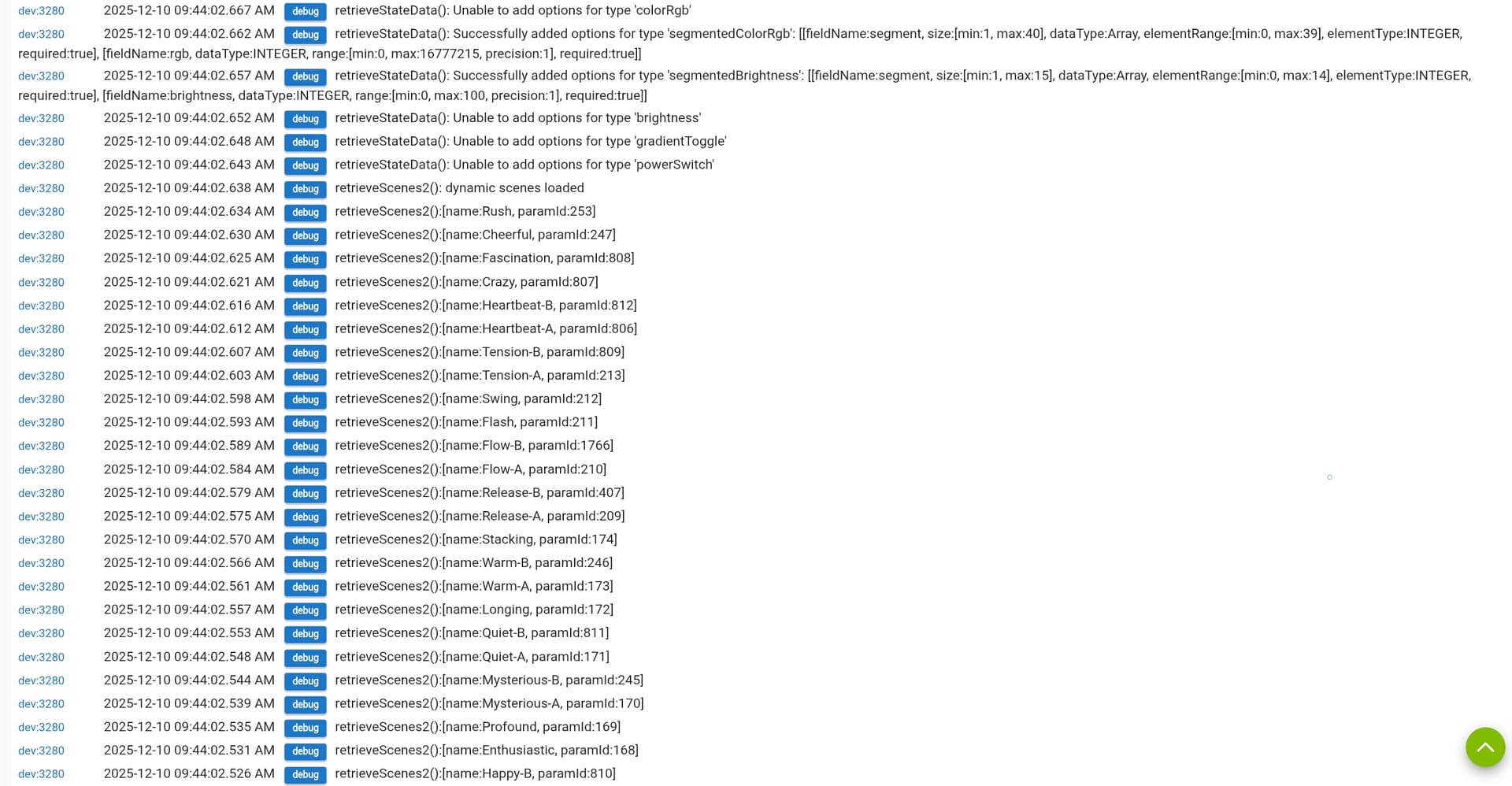
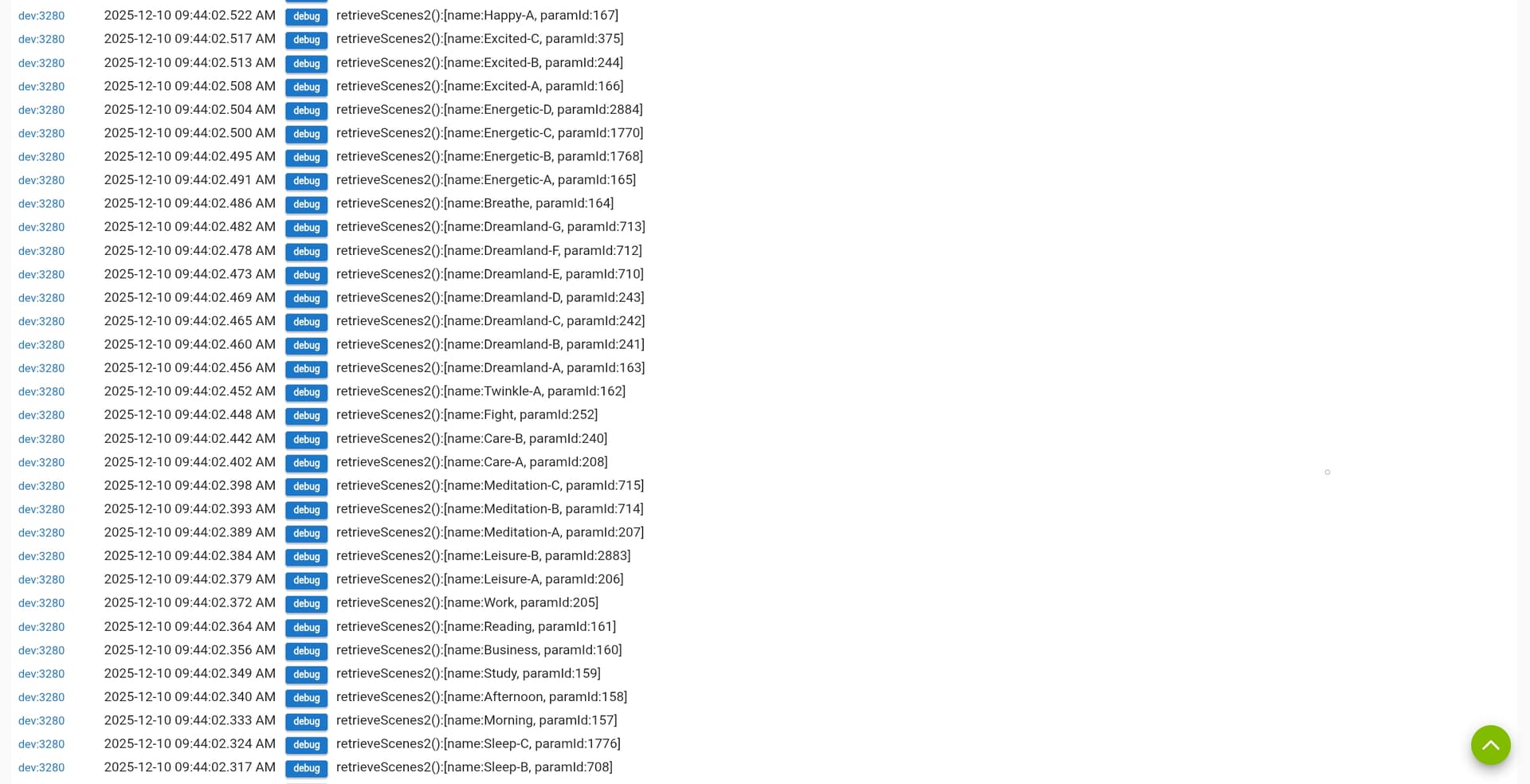
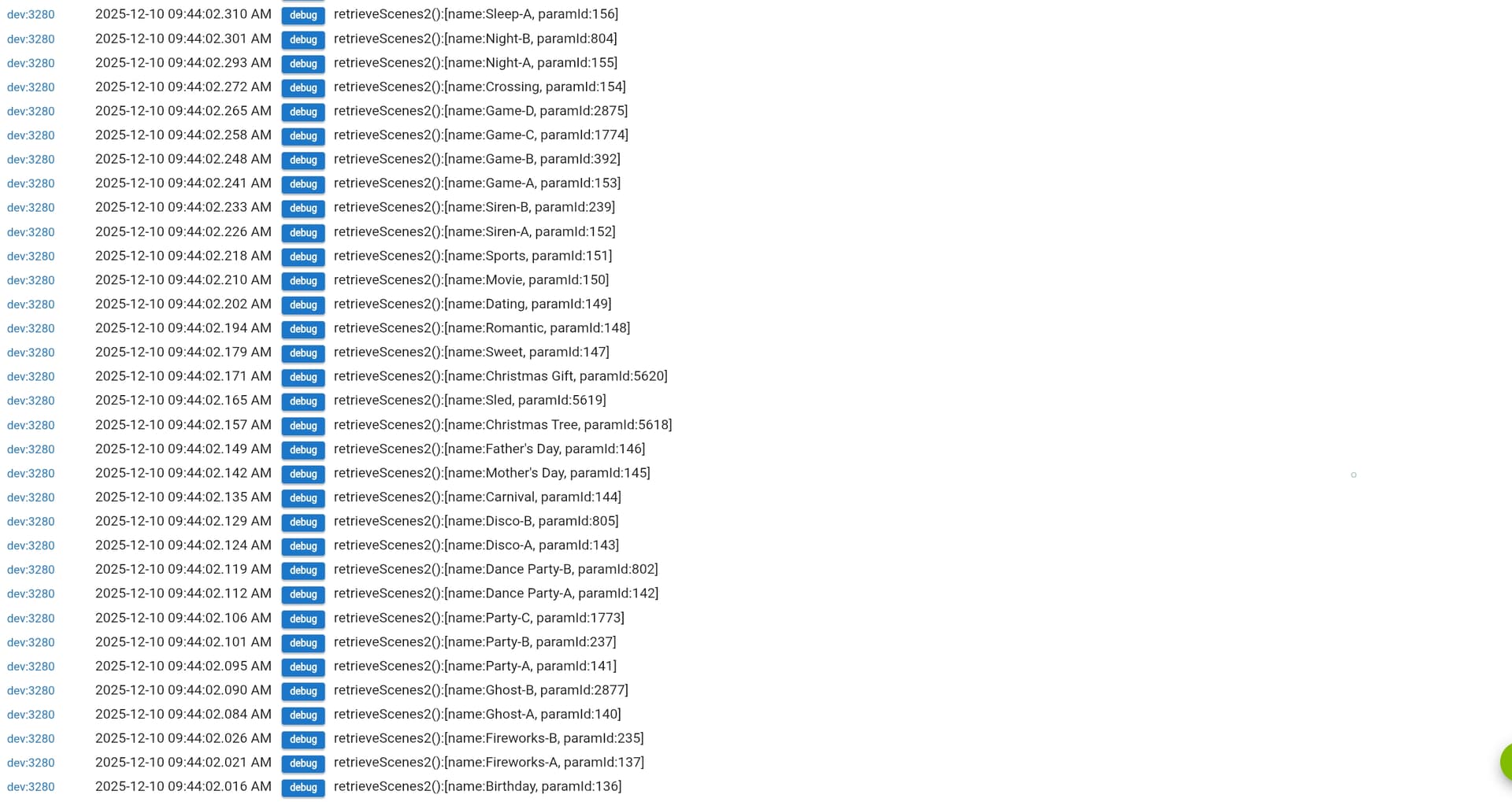
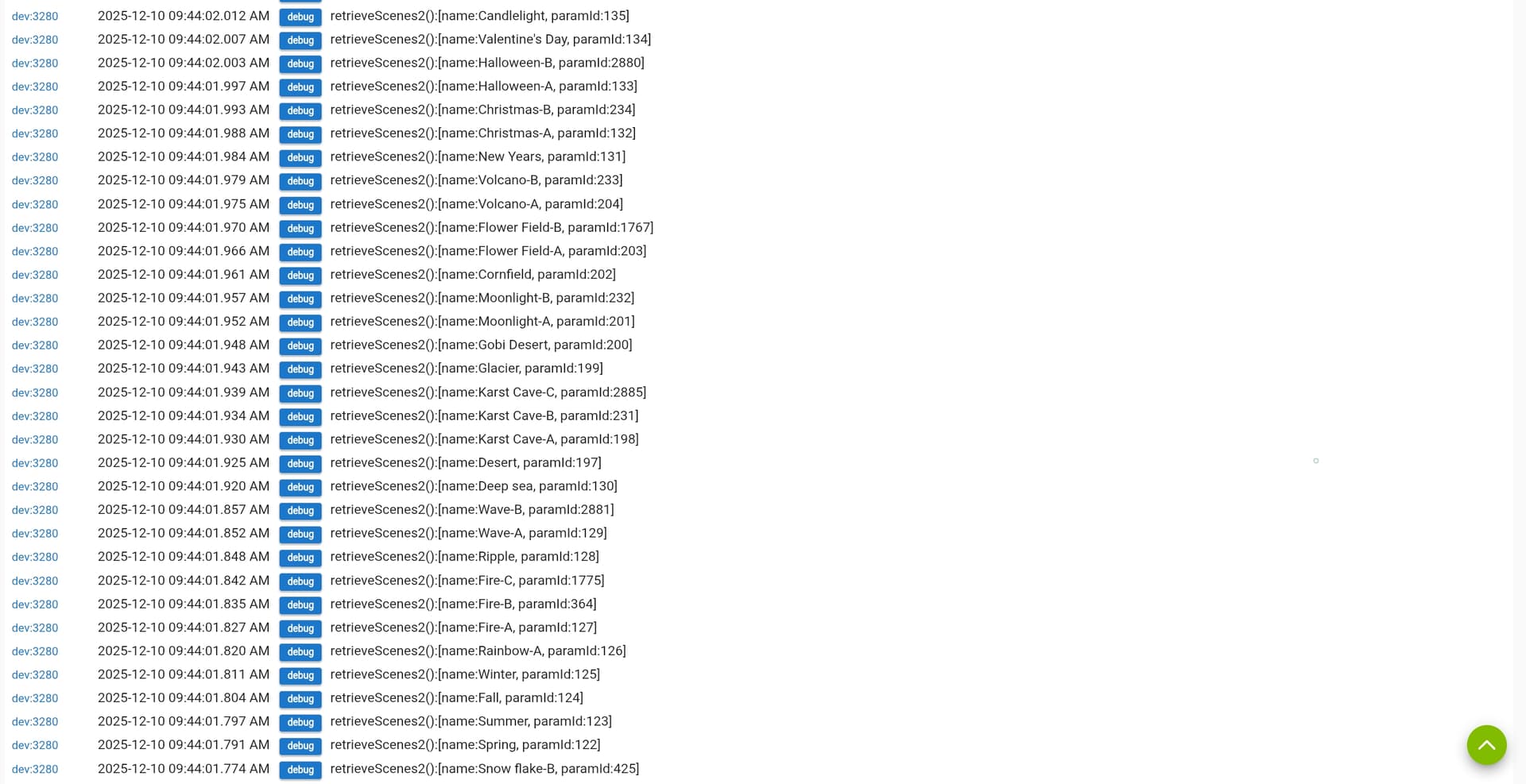
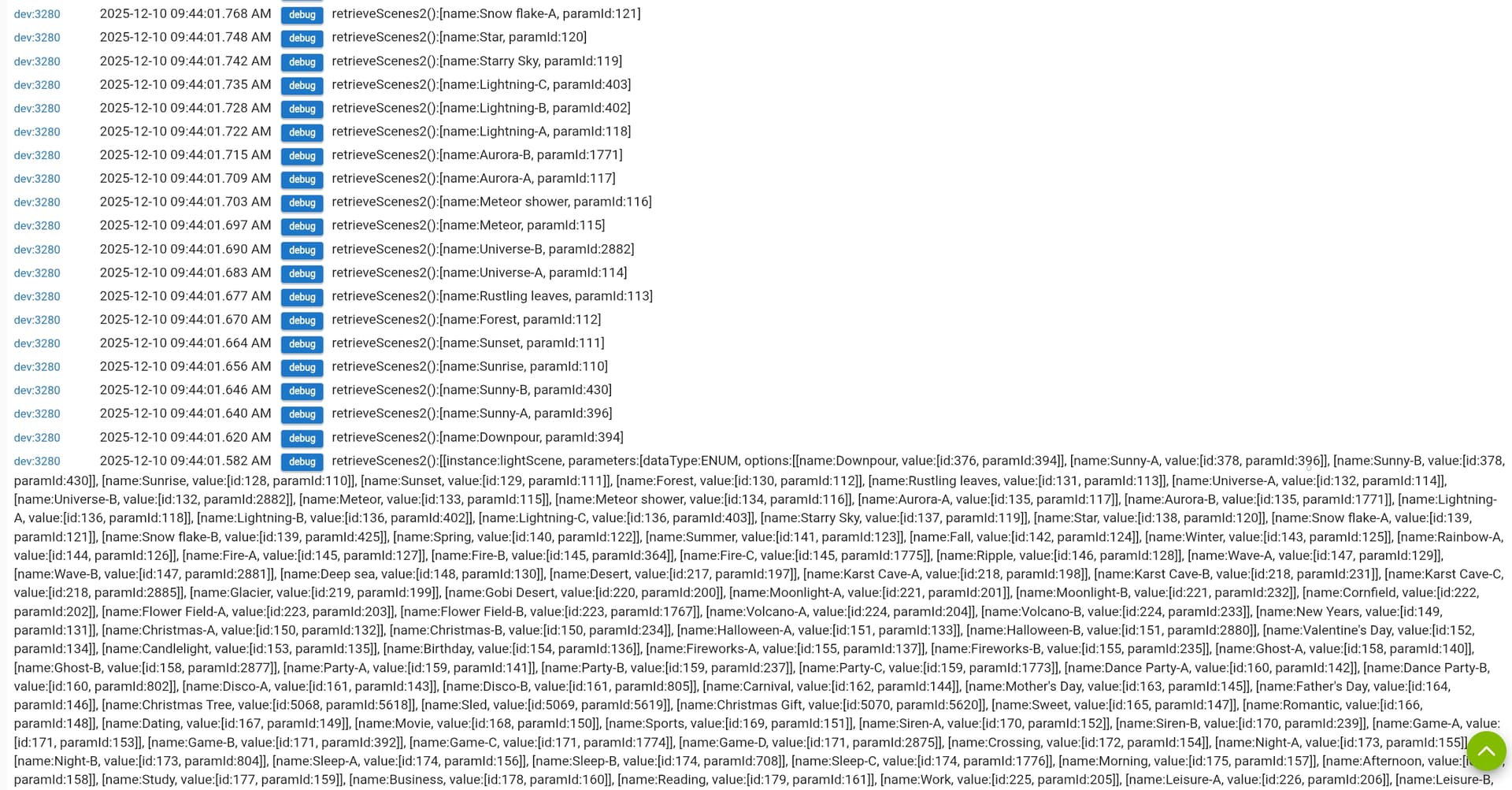
Are there any more logs above that. You should see sometthing like what is shown below.
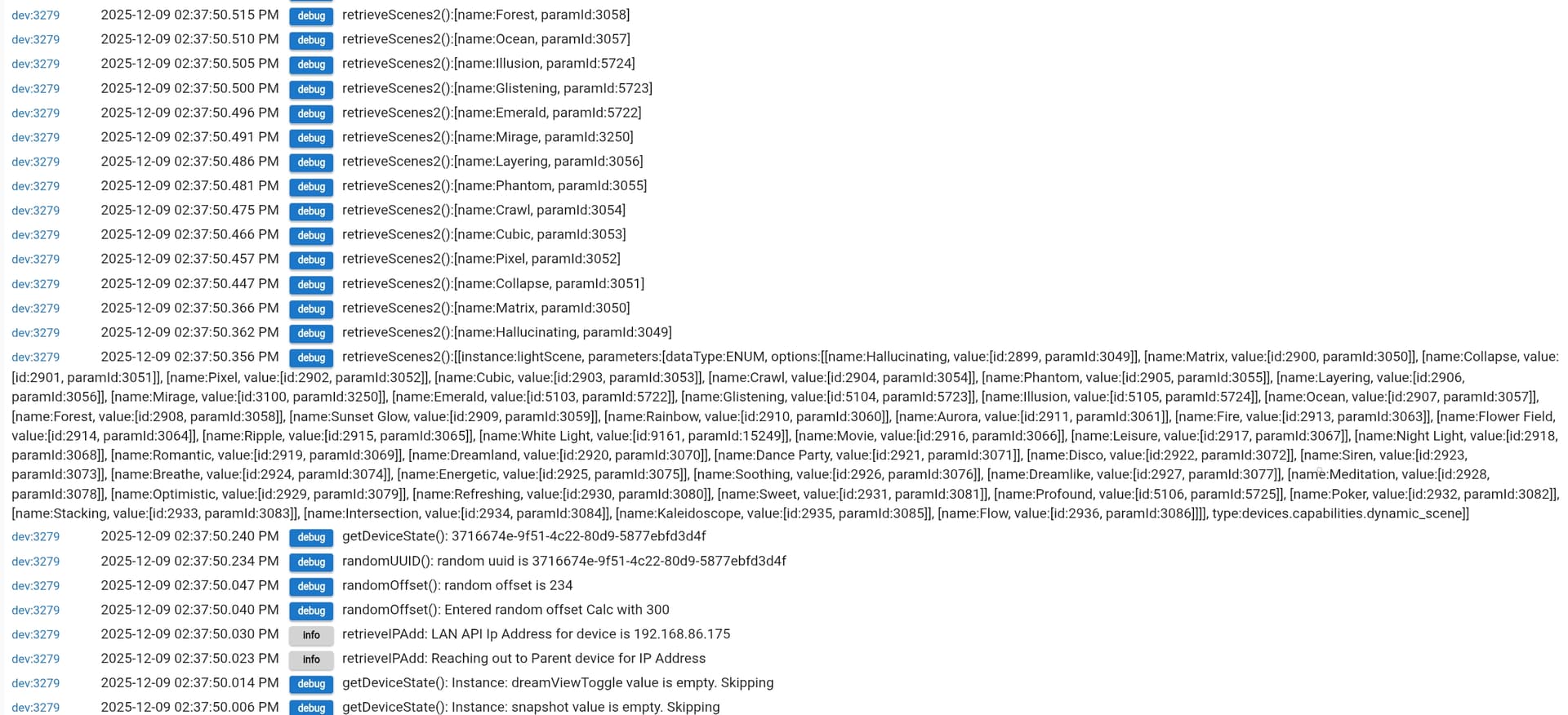
If not can you try click on the "Scene load" command and send me any logging generated from that?
Are there any more logs above that. You should see sometthing like what is shown below.
If not can you try click on the "Scene load" command and send me any logging generated from that?
Welcome to the club. Govee has some very interesting stuff. What can I help you with.
It was just that you had so many driver choices in your HPM install I didn't know what to pick for the WiFi RGBW bulbs.
H6008 I assume is the part number.
I don't have a list that says Hxxxx device needs this xyz driver. The integration will figure out what you need based on what commands the api reports the device supports. If you don't want to isntall all of the Light device drivers and just let it install it, you would need to attempt the install once and then look at the live logging for what driver it tells you that you need to isntall for it. I always recommend just installing all the light device drivers and let the Integration just do it's thing when it is time to install a new device. That way you don't have to deal with it later when you get new devices that need a different driver as well.
Sounds good.
I'll let it run the gambit and figure out what it chooses.
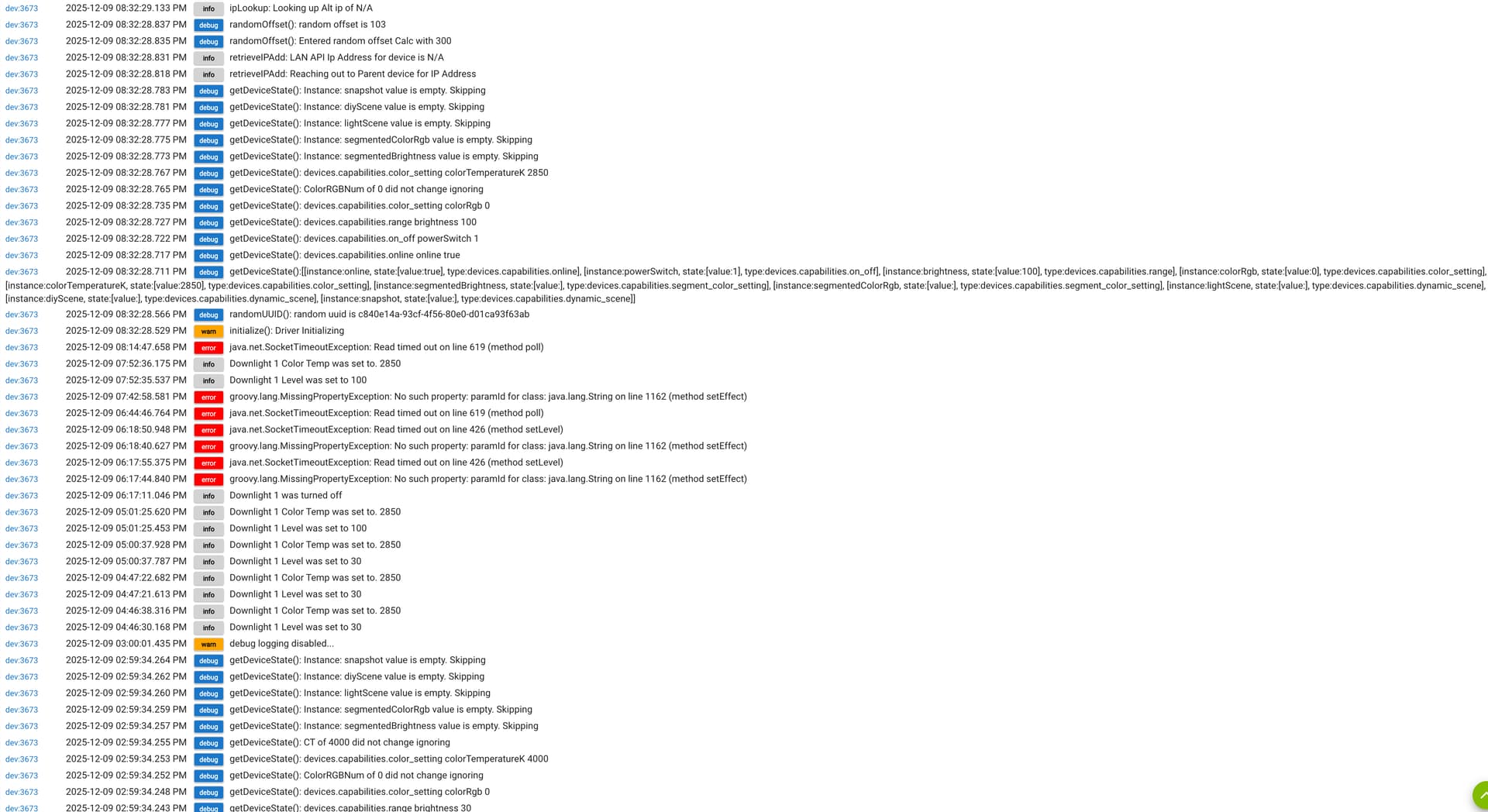
I don't see anything like those retrieve scenes in my logs. I clicked scene load and refreshed the logs for a bit, and nothing was ever logged for it. Here is a longer screenshot:
Can you click on the tab for past logs and then filter on that devic. Once you only see the device we are concerned about scroll down to review the logs.
My code should have more after selecting the option to save on the preference page. If it doesn't you should get some kind of error.
I am kind of stuck until we we figure out why your setup is not generating the expected logs.
The last bit of logs you showed wouls be the result of normal polling and not be related to the device initializing.
@mavrrick58 - I've seen a few times now (over the last several months) when a HPM update for Integration v2 will fail, but a reinstall will succeed.
First, update attempt, which always fails:
app:232025-12-09 19:42:16.148infoFatal error occurred, rolling back
app:232025-12-09 19:42:16.143errorError upgrading driver groovyx.net.http.HttpResponseException: status code: 500, reason phrase: Server Error
app:232025-12-09 19:42:15.964infoUpgrading Govee Manual LAN API Device
app:232025-12-09 19:42:15.963errorError retrieving driver source: groovyx.net.http.HttpResponseException: status code: 500, reason phrase: Server Error
app:232025-12-09 19:42:06.053infoUpgrading Govee v2 Device Manager
app:232025-12-09 19:41:55.781infoUpgrading Govee Integration v2
app:232025-12-09 19:41:54.128infoInstalling https://github.com/Mavrrick/Hubitat-by-Mavrrick/raw/main/Govee/bundle/Govee_Integration_v2.zip
.
.
.
app:232025-12-09 19:41:51.869infoDownloading https://raw.githubusercontent.com/Mavrrick/Hubitat-by-Mavrrick/main/Govee/Lan_Scene_Files/GoveeLanScenes_Basic_Lamp.json
app:232025-12-09 19:41:51.644debugnull
app:232025-12-09 19:41:51.279debugPerforming update
app:232025-12-09 19:41:49.142debugprefPkgVerifyUpdates
app:232025-12-09 19:41:47.679debugUpdates available
Then repair, which always succeeds:
app:232025-12-09 19:47:41.858infoReinstalling Govee v2 Device Manager
app:232025-12-09 19:47:32.696infoReinstalling Govee Integration v2
app:232025-12-09 19:47:31.567infoInstalling https://github.com/Mavrrick/Hubitat-by-Mavrrick/raw/main/Govee/bundle/Govee_Integration_v2.zip
.
.
.
app:232025-12-09 19:47:28.287infoDownloading https://raw.githubusercontent.com/Mavrrick/Hubitat-by-Mavrrick/main/Govee/Lan_Scene_Files/GoveeLanScenes_Basic_Lamp.json
app:232025-12-09 19:47:27.736debugnull
app:232025-12-09 19:47:27.419debugExecuting repair
app:232025-12-09 19:47:22.215debugprefPkgModify
app:232025-12-09 19:47:15.965debugUpdates available
Is this something anyone else is seeing? Anything I can do to fix/help debug?
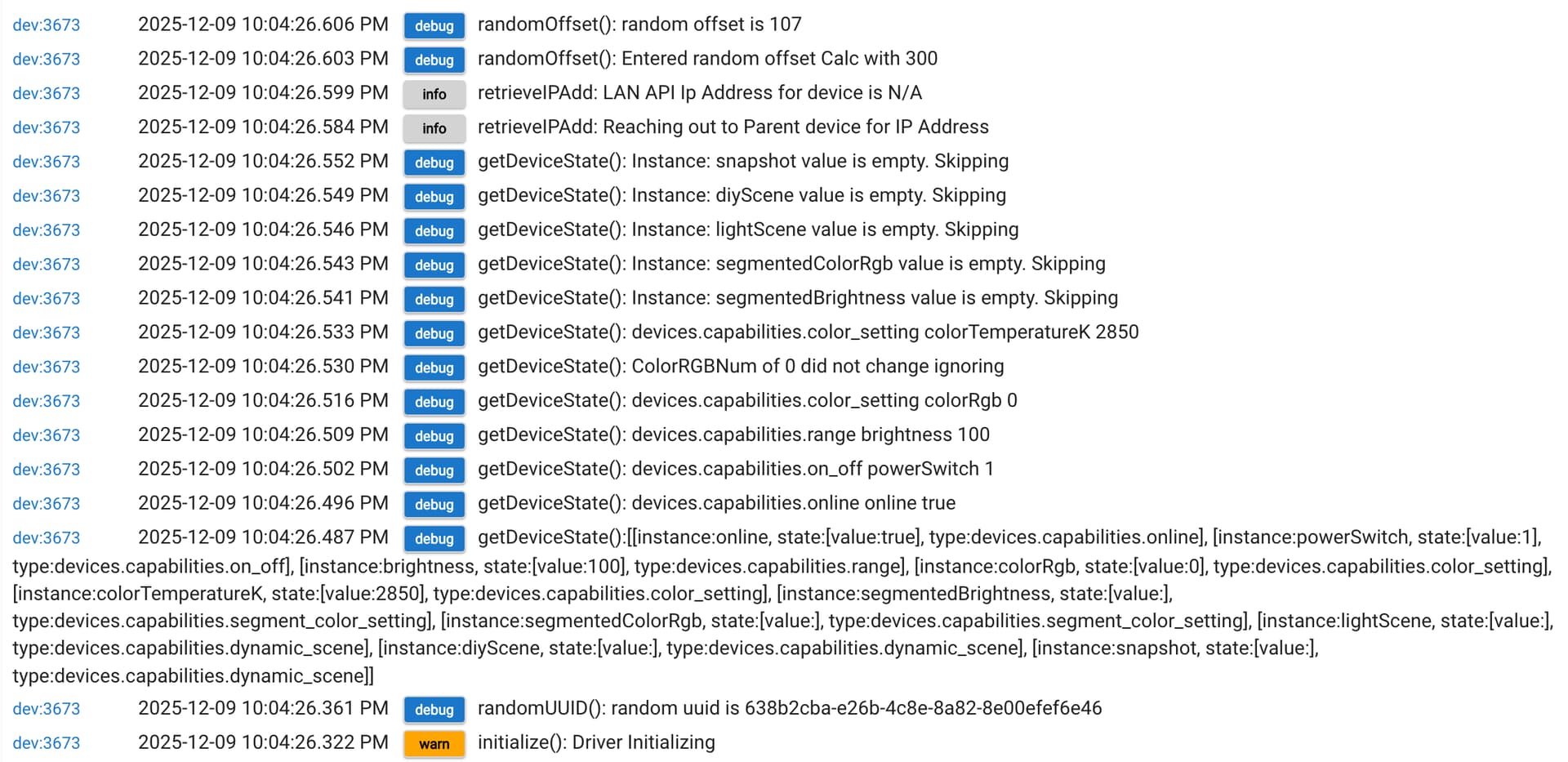
OK. I saw that the debug logging was turned off (not sure if maybe that times out after a while). I turned it back on, tried the scene load command, and the initialize command. I also went back to the preferences and resaved. Here is the logs for all of that and going back futher:
So first i would suggest bringing this up in the HPM support thread. We would need the person managing HPM to look into it.
That looks like HPM had a problem getting the source from Github so it rolled back. I have also seen HPM have issues tring to replace drivers that are very busy. Both of those sound plausible. Either way the solution is likely just to try again.
Are you just clicking on initialize or are you going to the preference page and clicking on save.
Please capture the logs after pressing the scene load button shown below
I did click on initialize. I also went to the preferences page and clicked save. I also clicked the scene load button. The scene load does not appear to be logging anything at all.
Make sure debug logging is turned on before trying the scene load command. Debug logging gets automatically turned off after 30 min.
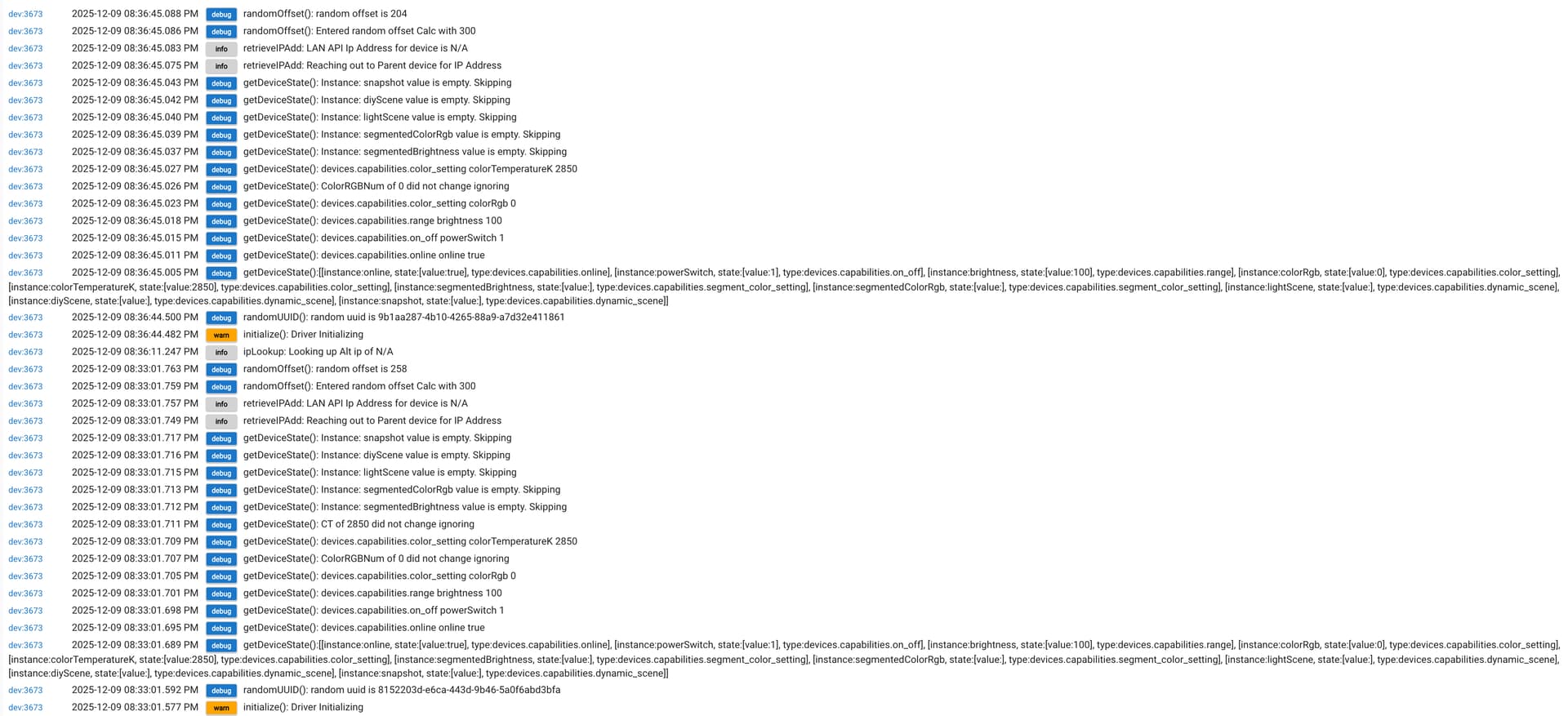
I turned it back on right before capturing those logs. I just turned it back on, saved, and hit the scene load button. This is all I got in the logs:
So here is my problem, what you are showing above is correct for a simple initialization, but that isn't all that should be there if you opened the preferences and then clicked on "Save" or "Save and Close". That would trigger the update routine. The update routine calls the initializatioon routine and then calls sceneLoad.
If for some reason the sceneLoad call fails there should be a error message after the messages generated from the randomOffset method. You are not showing that and only showup to the randomOffset in your logs. There has to be more, or the only other option is you aren't running my code somehow. Below is what is created when i perform this task with my Desk Rope device that uses the same driver, what i understand to be the same exact code as well. As you see there is allot more data returned by it.
The only other thing i can think of is for you to try to remove the device from the govee integration and then reinstall it. Try opening the device and click remove and confirm it's removal. Then go back into the integration and select the option for "Standare device Setup" and click on ok or done until you leave the app. It should reinstall the device.
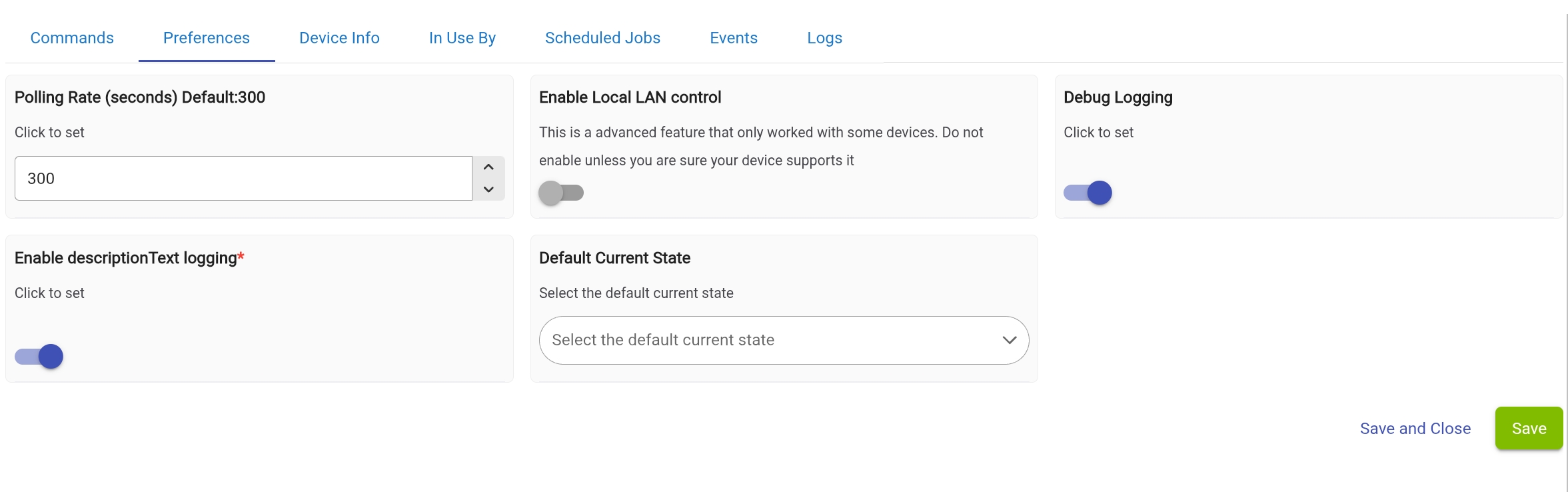
Can you please take a screen shot of your preferences pages like below and post it. It should look similar to beblow, You may be missing the option to "Enable Local LAN control" though
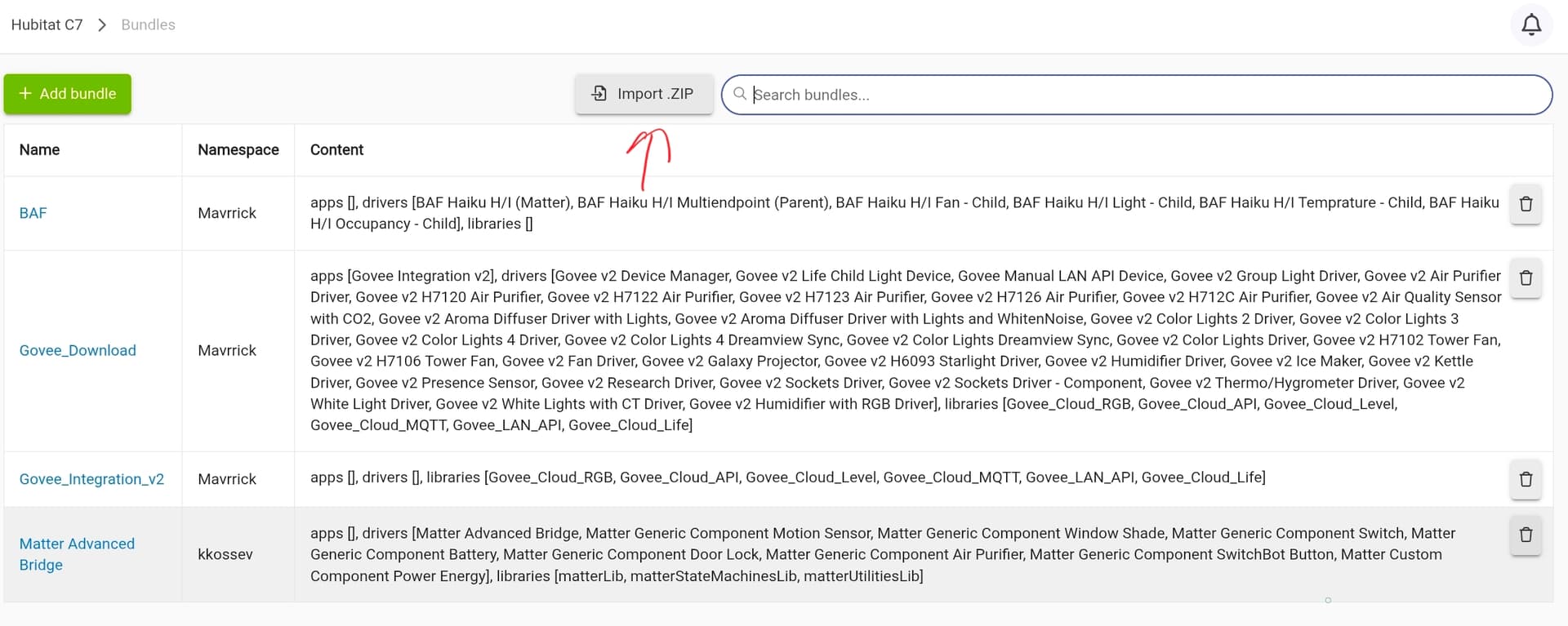
Normally to install an app or driver I'd just copy code into the app or driver add interface. How does one install a bundle like this after downloading and extracting the zip file?
To install a bundle follow these steps.
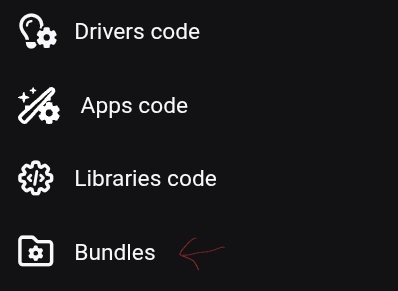
It can take a while for a full bundle like that to import. Originally the integration was installed as a single large bundle, but it go so big it was causing this to timeout in HPM. So be paitient.
Also make sure you get the most recent copy. That link you provided looks like it wasn't the latest version of that bundle file with the retry logic.
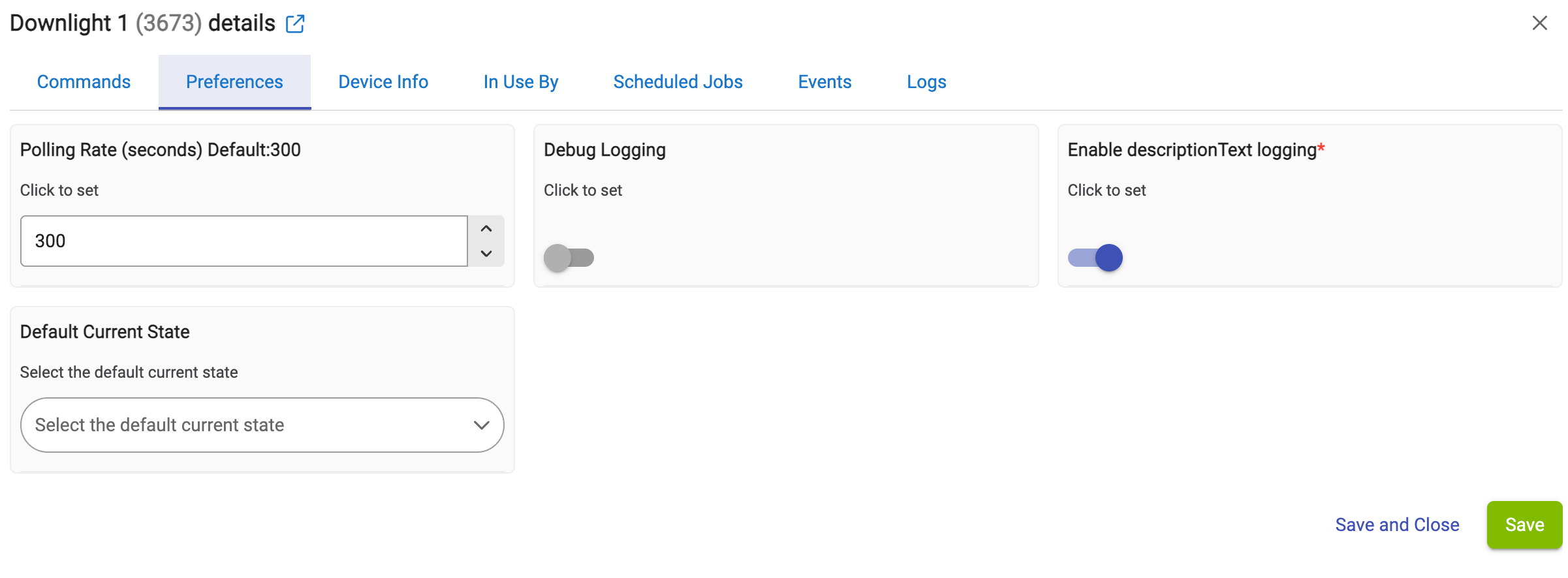
Here is my preferences page for one of the devices:
I will try removing one and re-adding it in a bit and let you know how it goes.
Thanks to @dpburek persisntance we were able to identify a problem with the "sceneLoad" command. This bug doesn't seem to impact the C8Pro which was part of the reason i was having such a hard time seeing it. It also is impactful for devices that only support the Cloud API and would never provide the option to enable LAN API
I just posted a new updated to address the issue. This update also includes a change to the install method for the drivers that should now populate lightEffects at install time.
This update is recommended for all users.
I have also added the same updates to the Retry Repo bundle file as well.
Download the Hubitat app