Tried again after repair. Same issue.
Rebooted Hubitat.
Tried again
Same issue.
So what the logs are showing is indicating that the Hub is trying to send the command via UDP as it should. UDP is the protocol used by Govee for it's LAN API and it is a fire and forget protocol. Unfortunately that means once it leaves the hub there isn't much else that can be done from a hub perspective.
That said the recent hub firmware changes in 2.4.1 allowed me to fully implement the LAN API including it's method for retrieving status updates as well. Prior to this current version we just made the assumption that the device status updated. Now the hub submits the command and then follows the submissions with a request for the device status. That explains why you don't have the flip flop happening as you noticed with your comment about the different behavior.
Does your hub also run on the 10.0.0.x network. The device status update needs to be able to use multicasting and if your gear is on multiple networks it may have issues.
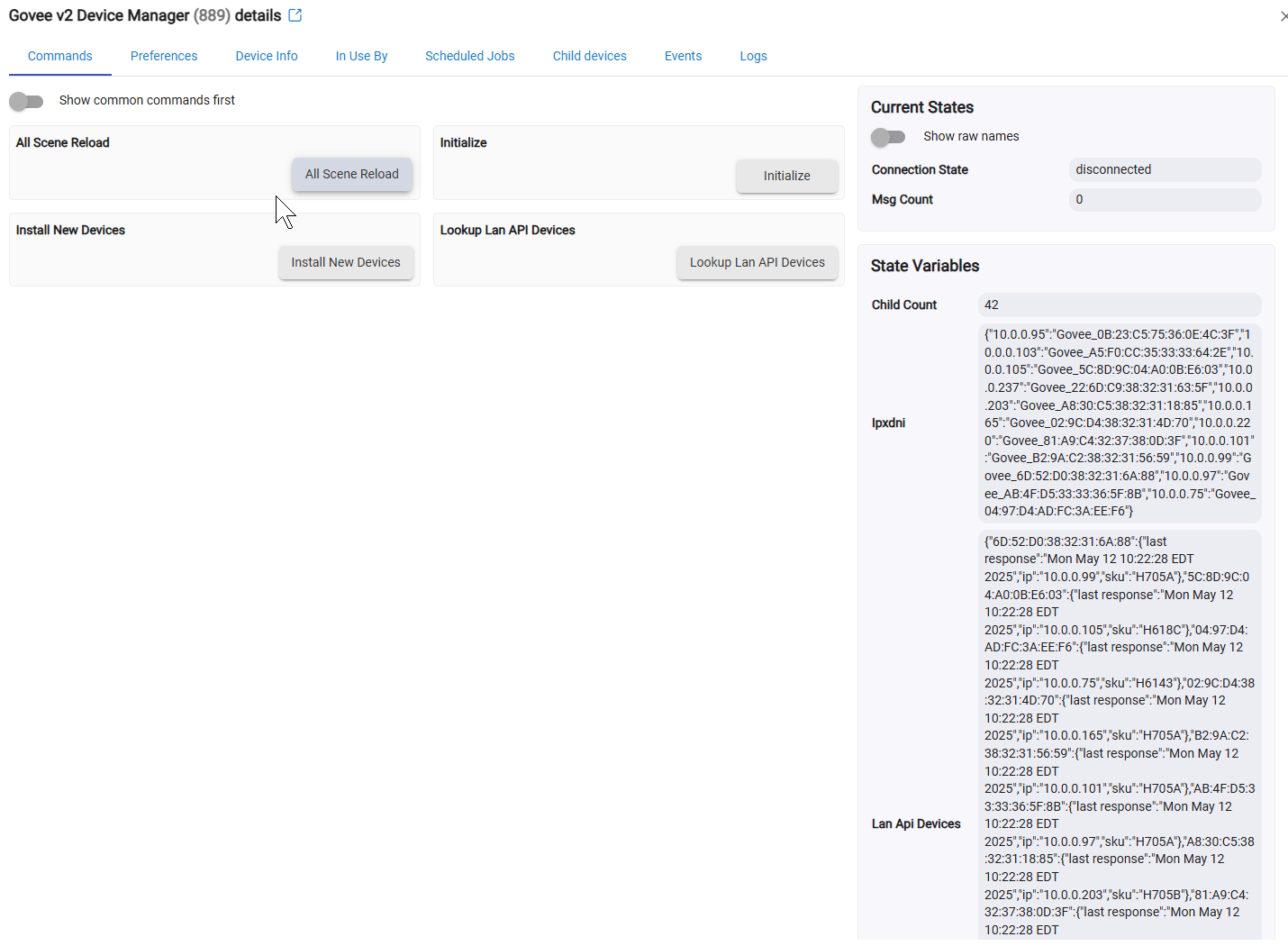
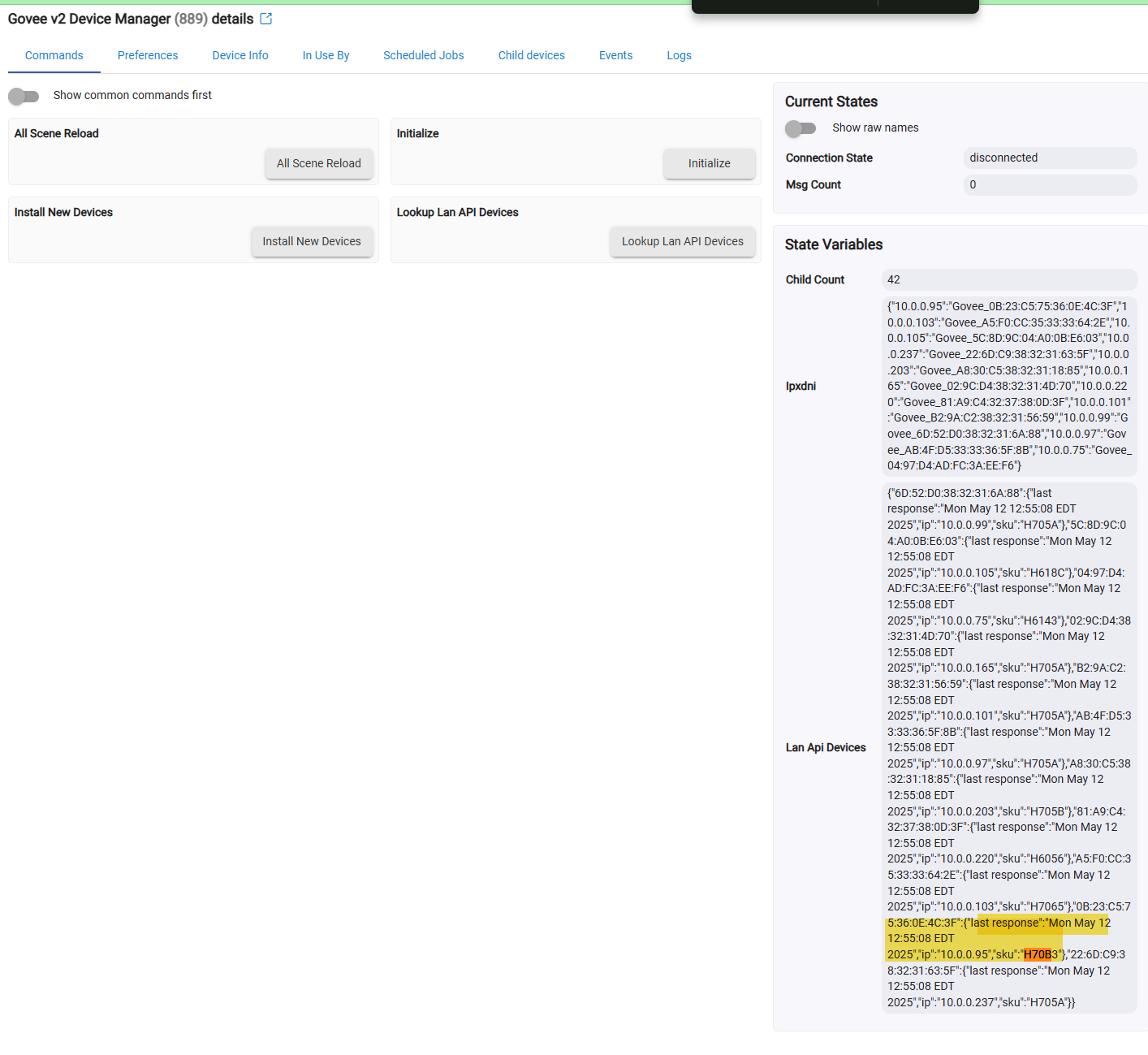
you may also want to open up the Govee Device Manager device and look at it's state values. Do you see the device in question listed under the state value "lanApiDevices". If you do, does it show with the same timestamp as the other devices detected.
To get a more complete picture can you adjust your filter to capture the devices you are testing with as well as the "Govee Device Manager" device then set that devices to enable debug logging. The Govee Device manager device is what is listening for all of the device status updates from your network. That would give us the whole picture of what is going out and what is coming back in.
I did not see it in the LANAPI device list at first
Tested, same behaviors.
Govee Device Manager doesnt seem to be triggering any logs when issuing command to the offending device. Debugging is on. Only information from the offending device shows up in logs. Even when going to look directly at the Govee Device Manager log. Empty.
I hit Loopup lan API devices and it showed up
Got excited and went and tried again. Same behaviors. DIY/Effects still works though. Just not On/Off.
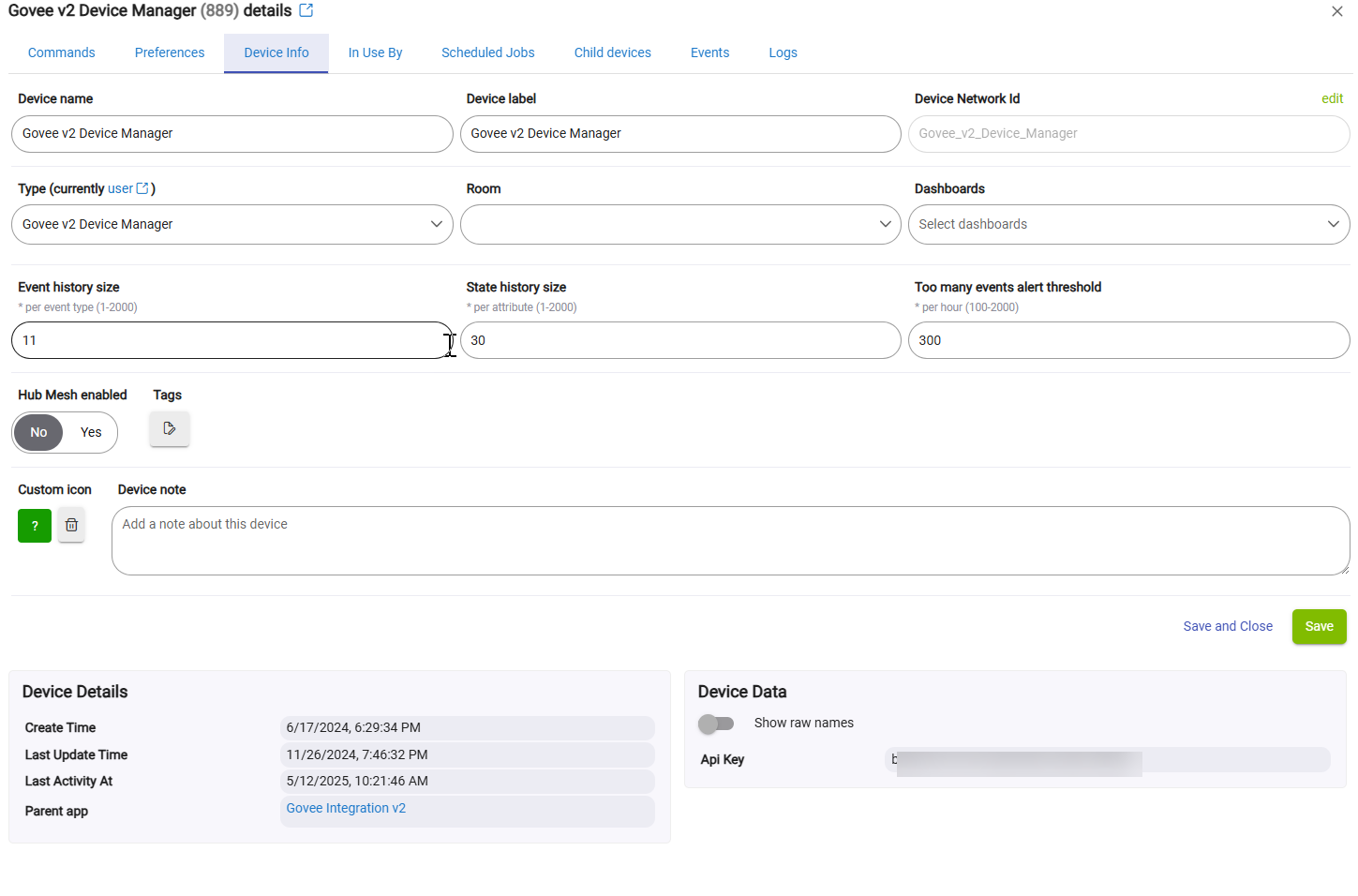
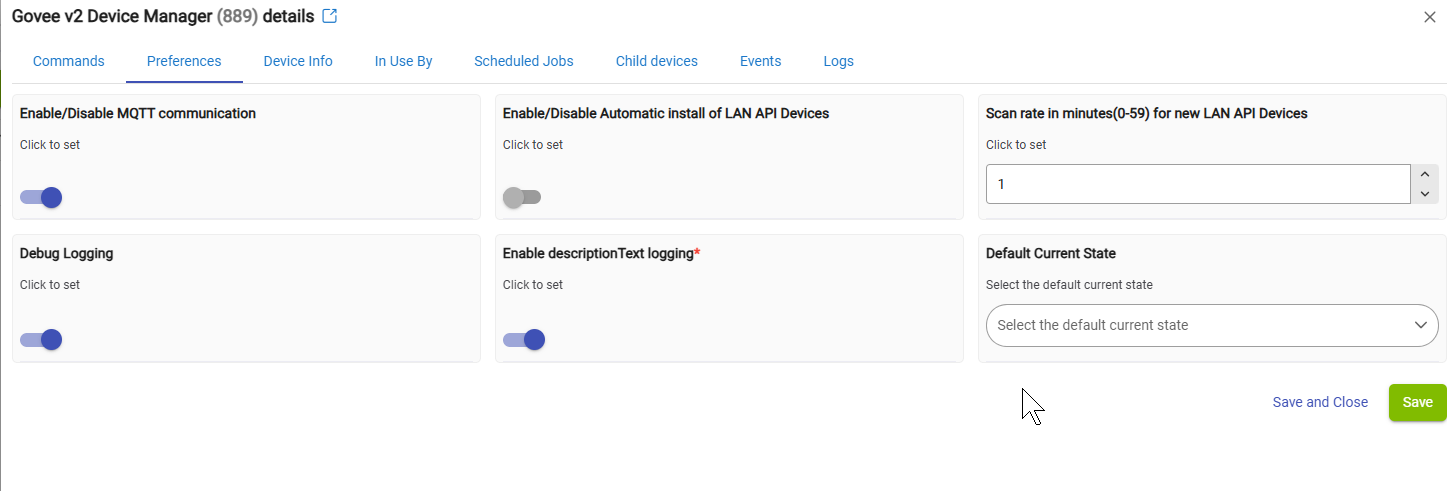
Here is some other info in case it's helpful
What is your network topology like. Do you use vlans, what is the IP Range that you use?
The way you got the devices configured you are using Cloud API for Diy/effects, and not LAN API. That could be why it is working.
What is your network stuff like. Do you have any firewall rules/VLANs configured in your network.
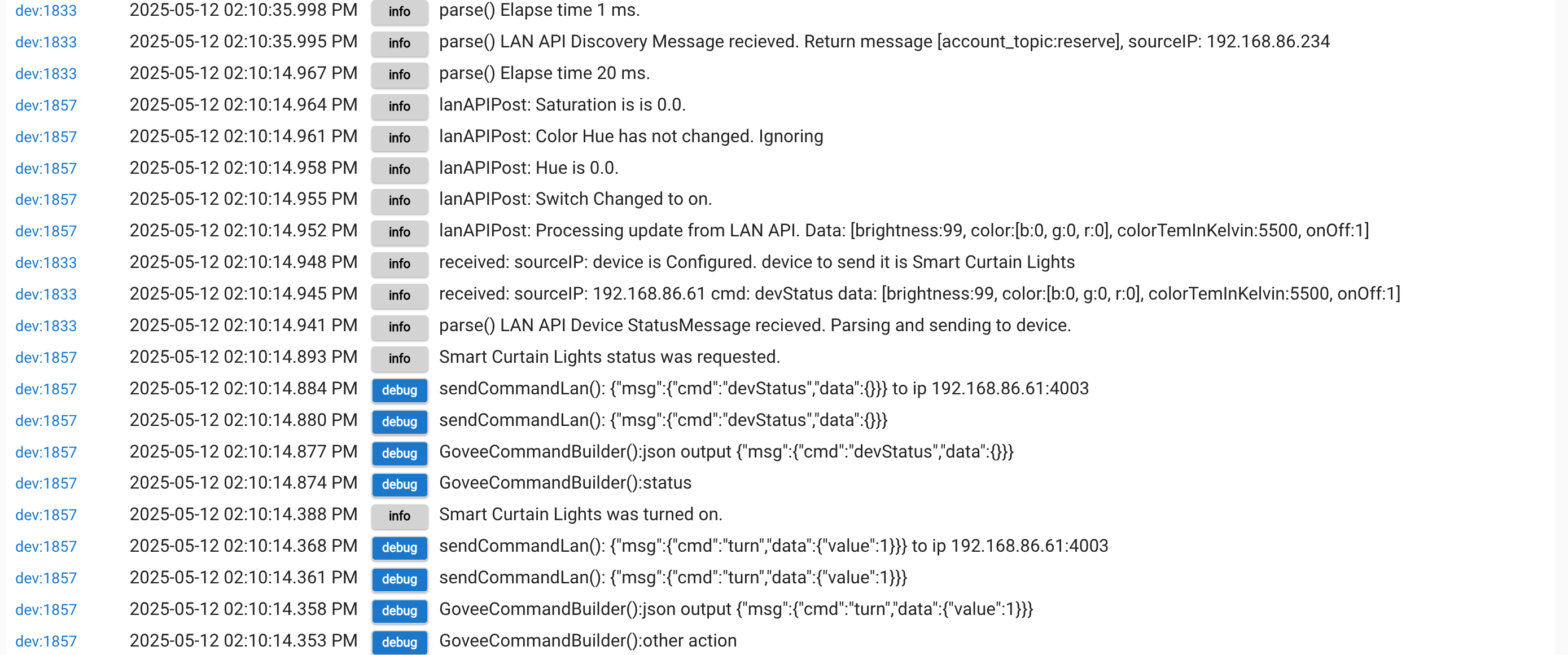
Below is an example of what you should see if you turn on debug logging for the Govee Device manager and the device you are trying to test with.
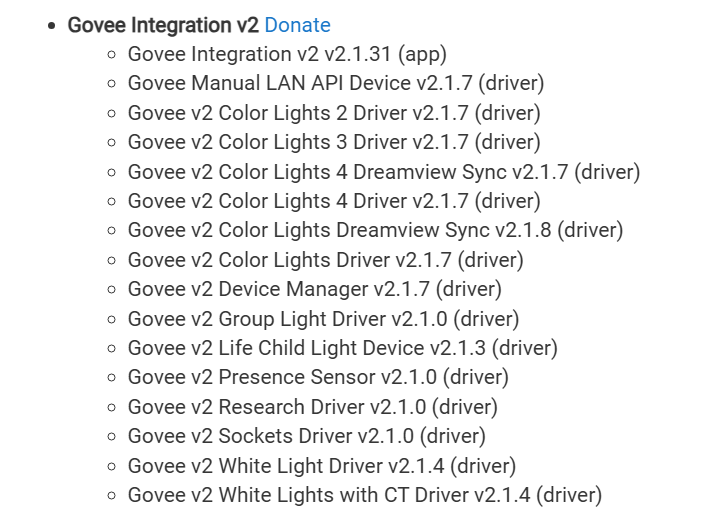
Connected to Eero Max 7 router which has another Eero Max 7 as an extender. It's on same network as all my other LED devices where on/off works fine although all my other LED devices use Color Light 3 Driver whereas this one appears to use Color Lights Driver.
I use the Hubitat library functionality across all of the drivers so between drivers the command itself is the exact same code. The different drivers just enable features. That just means there is something the curtain light doesn't support the other ones do. Both of my curtain lights use the same driver and work fine.
What about trying to send the same command multiple times does that help?
If you are not getting any errors in the logging then I am not sure why you would be having issues. I will validate it again when I get home from work to ensure the driver is doing what it is supposed to.
Can you tell which Eero it is connected to. Could it be connecting to the further one. Some users have reported in the past issues with Lan API when their devices is on the edge of the wifi range and command get lost because UDP is fire and forget.
Just got my first Matter enabled Govee strip. All my other Govee strips (non-Matter) have worked great through HE using just the regular LAN control. Is there really any reason for me to use the Matter integration, or just keep doing the LAN control thing?
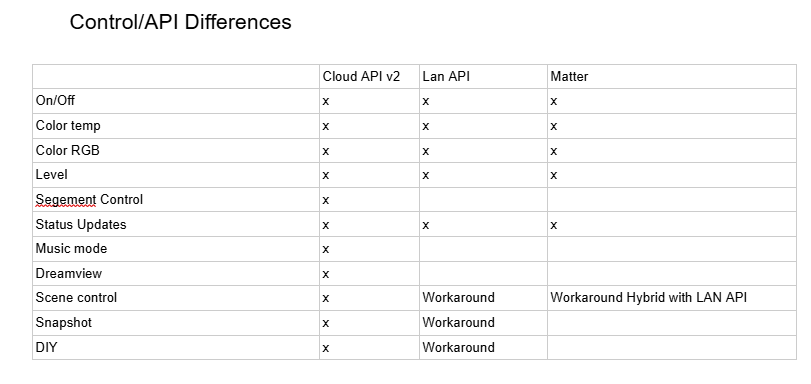
After Hubitat 2.4.1 firmware and the upgrades that came with it, It probably doesn't matter really. The below table is what I have in the Govee Integration v2 documentation.
One potential pro/con could be that the LAN API uses UDP so if your network is stretched thin you may run the risk of occasionally missing commands. I think matter uses TCP which should do better validation of send/receive. That said the most recent updates with the LAN API will in a way validate if the change was actually made.
If you deploy the driver through the normal method, but then enable local control you get the best of both the LAN API and Cloud API. Simply put it default to LAN API for all the functions it supports and then will use Cloud API when a function requires it.
I went through and tested all the commands again at my house with my curtain light I test with. It worked fine with that same driver and doing the commands you expressed issue with.
We really need to get some good logs as that should shed some light. I am really curious about if we are only occasionally getting responses from the curtain light you are having issues with.
When you set the "Govee Device Manager" device to enable logging you should see allot of logs start to flow in with it. That device receives all updates for all Govee Devices that use the LAN API. It also fairly regularly sends out a scan of the network to look for new Govee LAN API devices, or update existing ones if the IP has changed.
Please make sure the Debug is turned on for the "Govee Device manager" device and the problematic one and then open up live logging and filter based on those two devices. Then run through trying to create the problems and send me all the logs. If you need to feel free to send me a DM with it.
What could be a interesting search to is once the Debug Logging is turned on for the "Govee Device manager" go to the logging page and simply search for the device id of the problem device.
You would see something like this.
I'm trying to add my two new H61F2 Matter (Light 2 Pro) strips to HE, but am having trouble. The app does not recognize them in the dropdown menu (they are missing). Do I need to do something to add them (besides add them to the same Govee account as my other Govee strips) before they will show up in the dropdown menu?
Are these a brand new device models.
I have had a few occasions where a device has taken up to 24 hours after adding them to my Govee Account to show up on through the API.
I have also had a few devices near launch that didn't show in the API at all for a while. If you enable the LAN API control from the Govee App and then use the "Manual add for LAN API only devices" do you see the device's Devices IP address listed? You could try this method to get the device working until it shows up through the cloud api.
Ah, ok, that must be it. Yes, brand new and just installed within a few hours. No problem, I'll check again tomorrow. Thanks!
So I have a random bit of wierdness.. Specifically around the "Local LAN" stuff.. I have 3 govee devices that do Local LAN:
1 H7075 (actually 2 but only one setup at the moment)
2 H60A1
I setup the H7075 a couple months back (still have the 2nd one in the box) and the Local LAN works without an issue. I have H60A1 in a Hallway and another on a Landing both were setup within 30 mins of each other about a month ago. I just noticed that the Hallway H60A1 which was first to bet setup and adopted into HE does not have Local LAN enabled and for some reason I can't get it to reconize it, however, the Landing H60A1 which was setup about 30mins after the first one, automagically setup Local LAN, has the right IP and is working beautifully along with the H7075. I just can't figure out why the Hallway H60A1 isn't setup as a Local LAN device. I did validate and make sure they were on the correct wireless (and vlan) and cannot find any other reason as to why it wouldn't be working. I also validated and made sure that the Local LAN was enabled in the govee app. Heck I even went as far as wiping out the device and factory resetting it just to see if something got screwed up when it set itself up the first go round, and still no Local LAN option..
I just wanted to see if anyone else is seeing anything similar to this, which i doubt, cause I'm usually the one to find the one way things "won't work" lol
Cheers!!
Does the devices appear in the "Lan API Devices" state values for the "Govee Device Manager" device as shown in one of the images above?
Apparently I was still on v1 of the integration! Oops! v2 did the trick!
I just posted a new update for the Govee Integration V2. This related to the recent conversations above with @thinkfire that found a bug with the IP address handling.
It is a minor update and only fixes a specific condition related to LAN IP usage. If you are having problems with devices not working properly after using the most recent releases please try to upgrade to this release to see if it clears the issue.
The problem this update fixes is related to a devices that was setup previously with a manually input IP address that has now changed for some reason. The integration was not using the new IP.
The Integration will ignore the previously input IP going forward.
I’m trying to have two led strips turn on instantly with taps of a zooz smart dimmer. I have used switch binding for this but there’s a meaningful delay still. Any ideas?
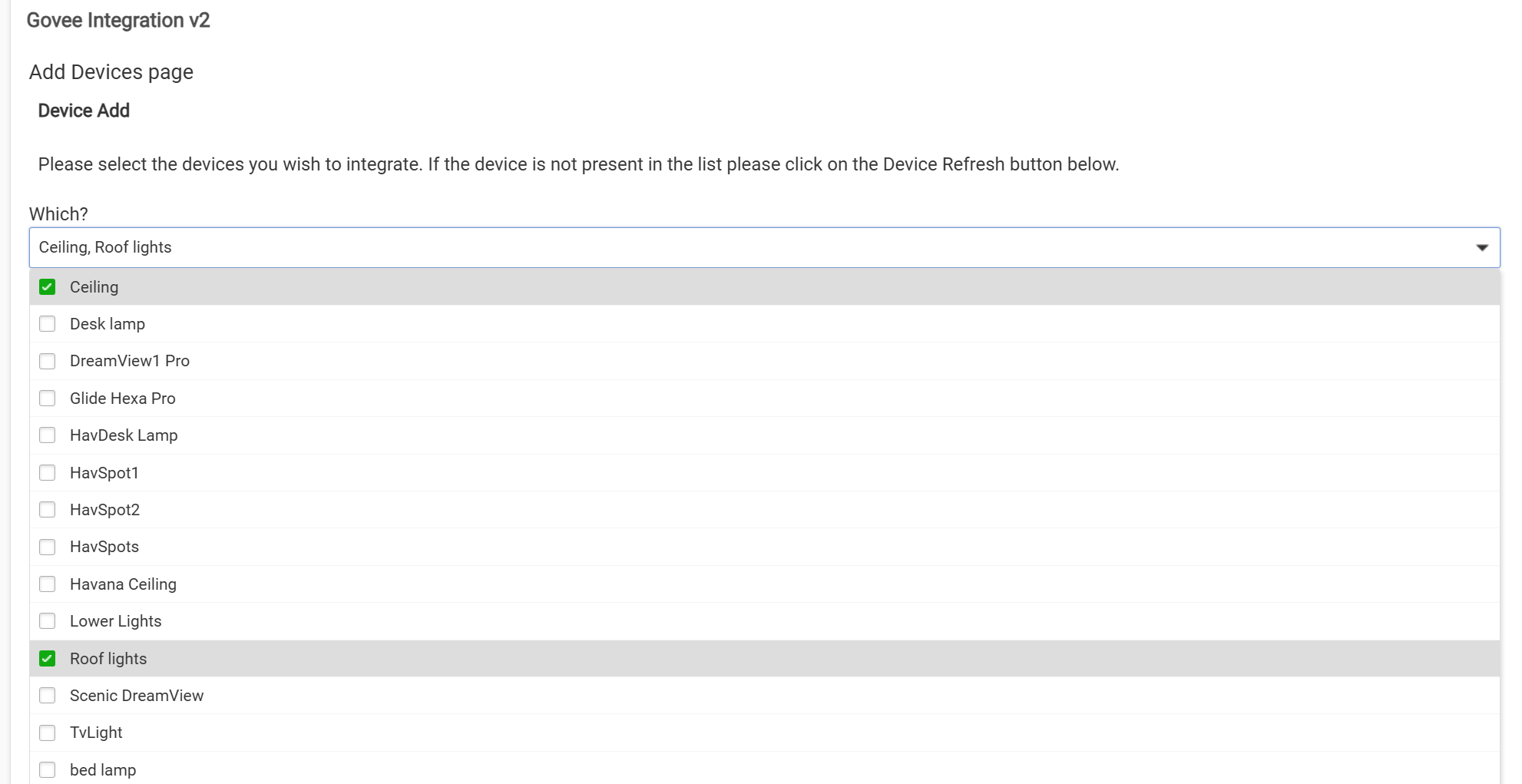
Can't get the v2 working on my end, would appreciate any help! 
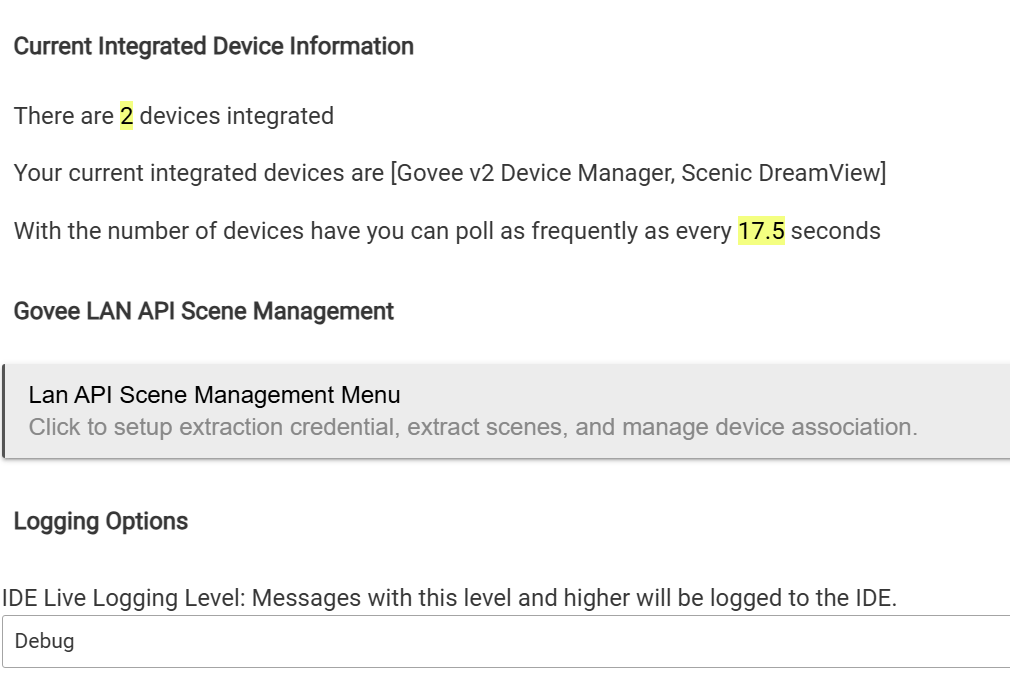
Context: I did see I had v1 from a while ago, but I don't think I was actually using it. I've since uninstalled v1. I've also tried reinstalling v2. My HPM is up-to-date as of today. I haven't touched the LAN API at all, assuming common light stuff would be supported natively/cloud.
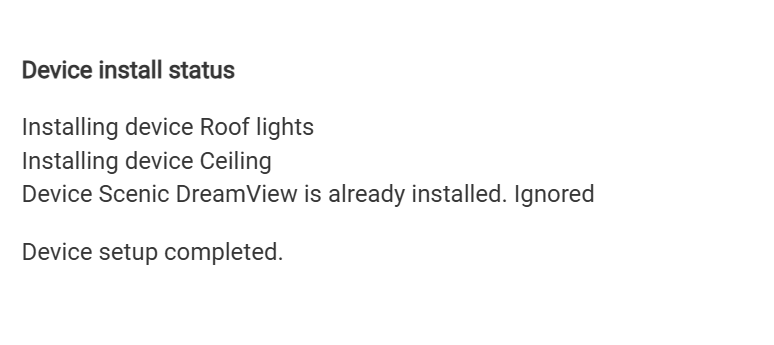
I can see all my devices, which is about a dozen various bulbs, spotlights, permanent outdoor lights, dreamview, all standard stuff I'd say. I select one or two of them to install.
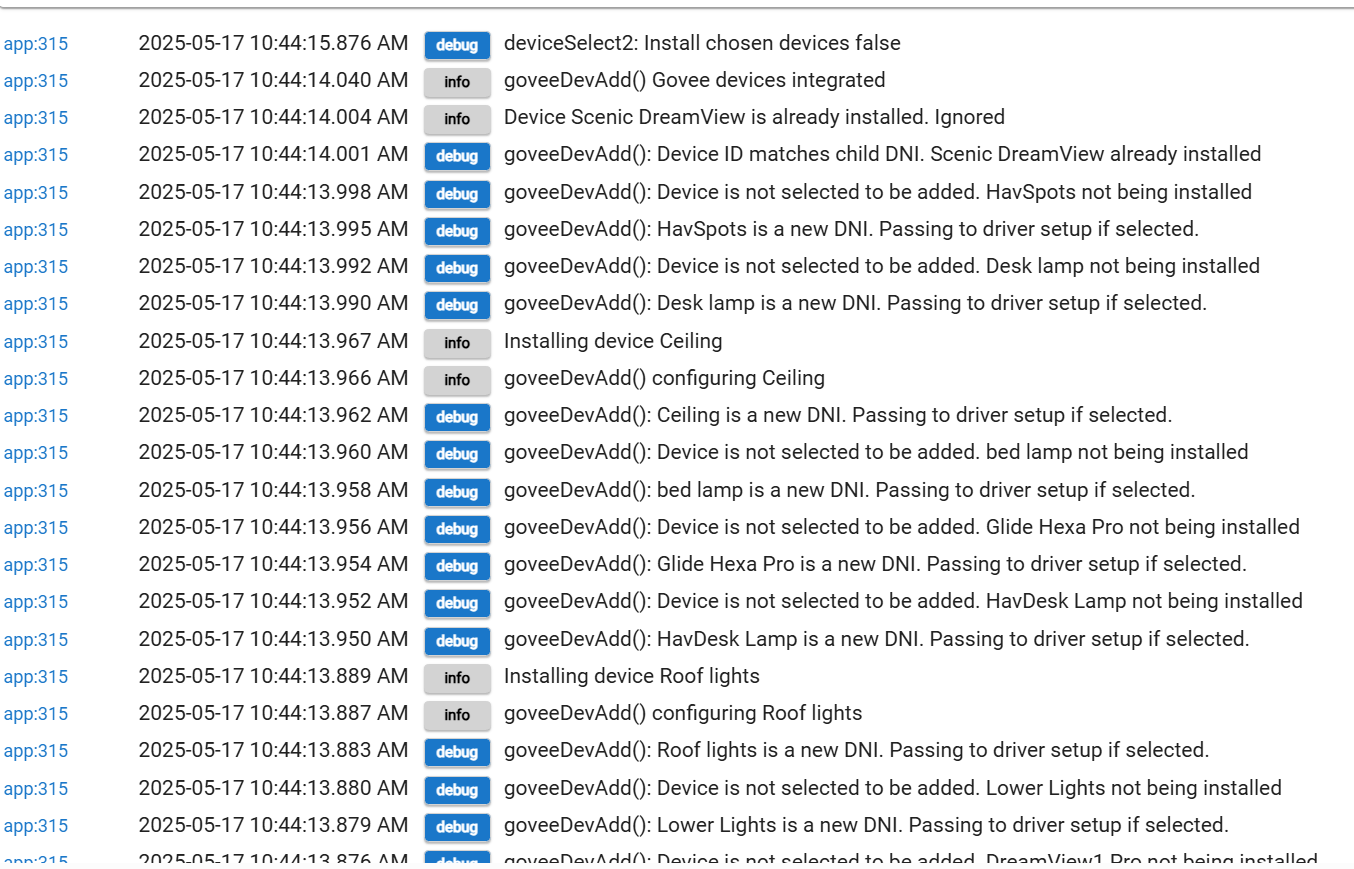
It says 'device installing' and seems to proceed without error. However, they never show up in the Device Manager/child view. Looking into the logs, I do see this error:
java.lang.NullPointerException: Cannot invoke method containsKey() on null object on line 367 (method addLightDeviceHelper)
This seems like a hopefully simple issue, but for the life of me I can't figure out how to resolve. Any tips? Many thanks for the work, I sent a donation last evening before I even got to trying it out.
Download the Hubitat app