I'm on the C8 Pro running 2.4.1.167.
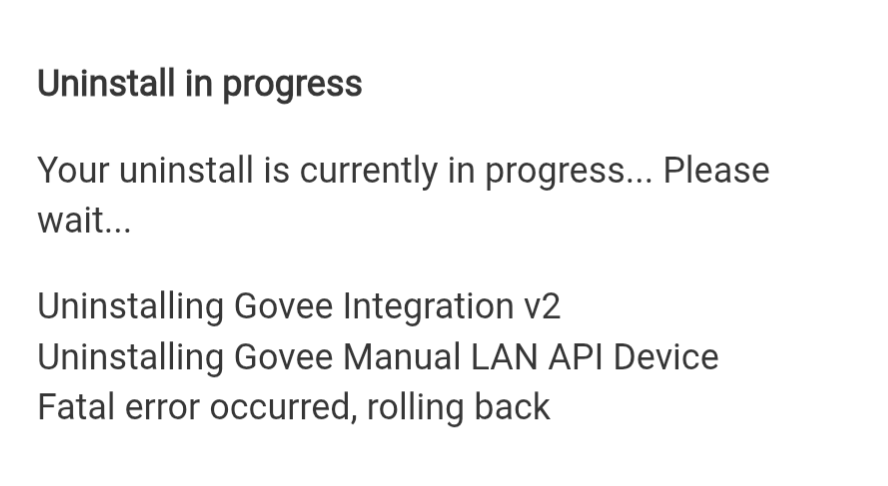
Removing the device.
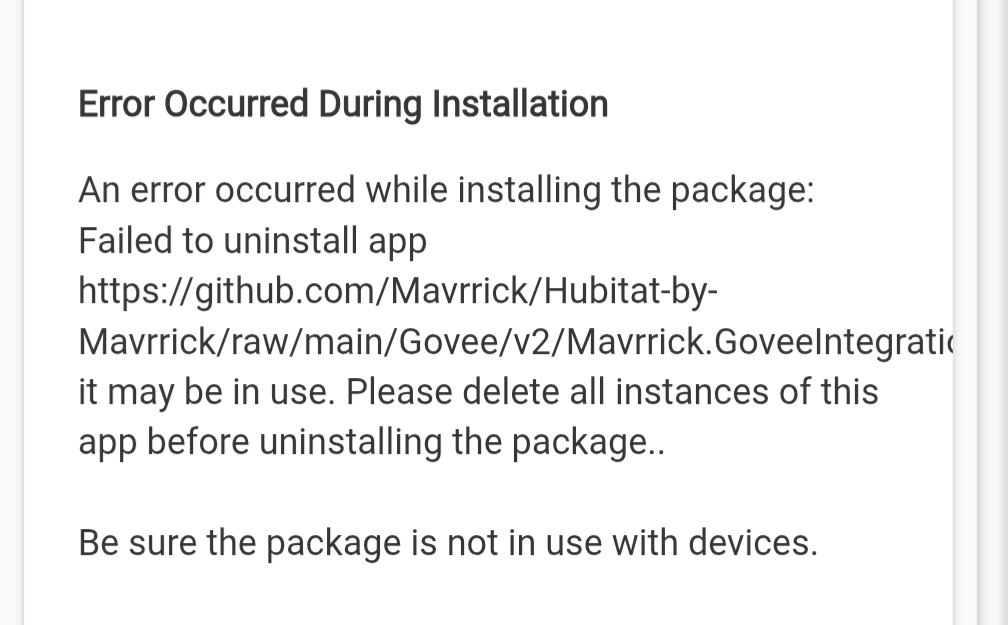
Perform an un-match for the Govee integration v2. Verify it doesn't show up in the list of apps. Then attempt to perform a re-match. Let me know what errors occur if any. If the rematch completes perform a repair to bring everything to current code.
If the repair doesn't work you may need to completely start the setup from scratch. First unmatch from HPM. Then manually removing the drivers, app, and library code. Once that is all done try re inatalling the app via HPM.
Part of the issue here is the install is corrupted somehow. Generally that is caused by manipulation of the installed items outside of HPM. It may also be caused by the install of V1 and V2 together. I suspect whwn you uninstalled v1 it removed the manual Land Driver which is breaking the V2 process. That said being able to unmatch is purely a HPM thing and has nothing to do with the Govee Integration.
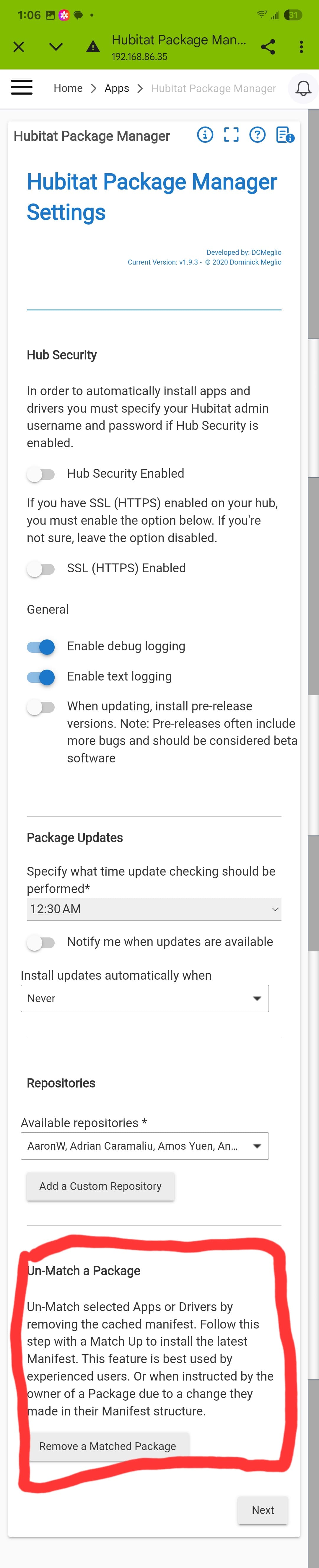
Are you trying to uninstall or unmatch. In HPM scroll to the bottom and click on the package manager settinga button as shown below.
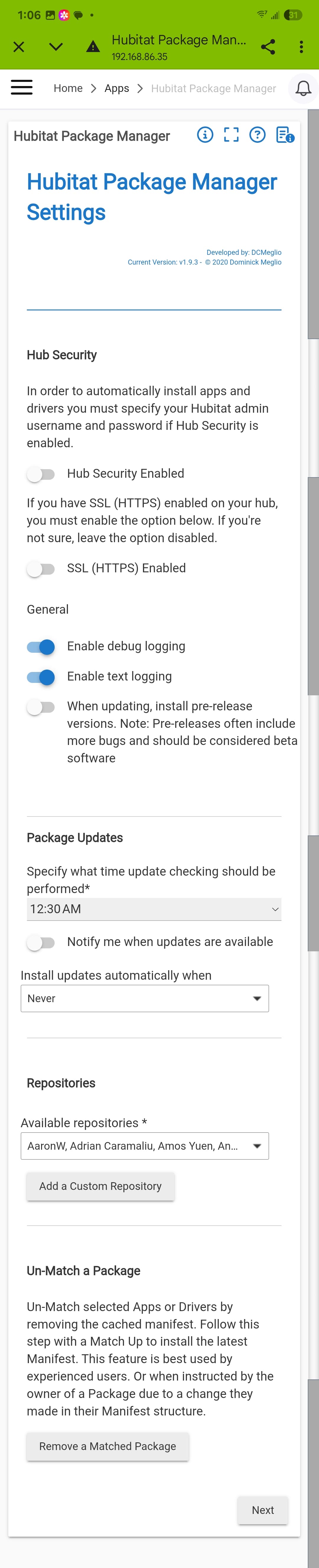
The scroll down to the bottom again and do a unmatch. As show below.
That should give you a drop down were you can select the Govee Integration V2 and the follow the prompts.
Thanks for the help and support. Looks like I was able to finally get it removed outside of UNINSTALL. Once I removed the app code, I did the unmatch, removed all the drivers and library code. Now there appears no evidence of it left so I can proceed with a new install. Appreciate the help, this was driving me nuts.
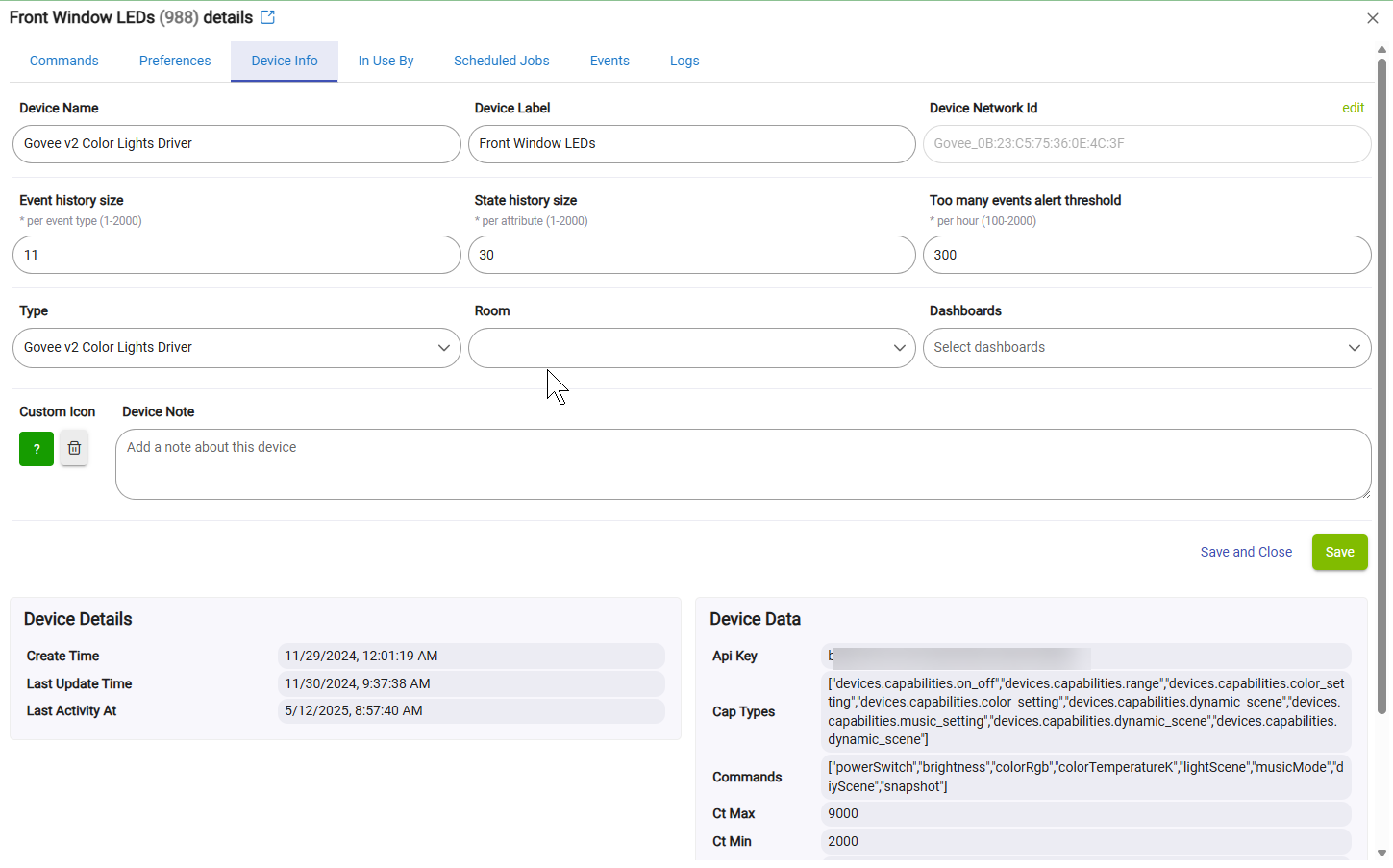
What is the driver being used by those devices that are not working.
That said I did find a copy/paste error please perform a repair on the integration from HPM to download quick patch I just made for the "Govee v2 Color Lights Driver" only.
I was using Govee Manual API device, did try the Govee V2 Light Driver but still suffer from the same issue.
Bah. Sorry about that. I don't generally touch that driver unless i am working on the LAN API only stuff. I made a quick update to add the new default value routine to that driver. Update to the latest version and it should have the fix to include the Manual LAN API driver.
Generally speaking you don't want to manipulate the driver from what the integration installs by for the device. It will pick the right driver based on the device features and the way you install it.
The manual API driver is what it normally installs. I've updated and reinstalled, still a no go getting the tiles to work from EZ Dash
EDIT : Looks like we might have not been on the same page here. I was trying to get local control over the devices and not through the API. I believe the changes you made were on devices using the API key. That is working from resetting the Govee V2 app and using the API key to set the devices, which picked different drivers than the API driver going the manual device route. I started down this rabbit hole because I was on V1 and even with the API key I was encountering those same errors. I'm not sure if that was the same for V2, but the tiles are working.
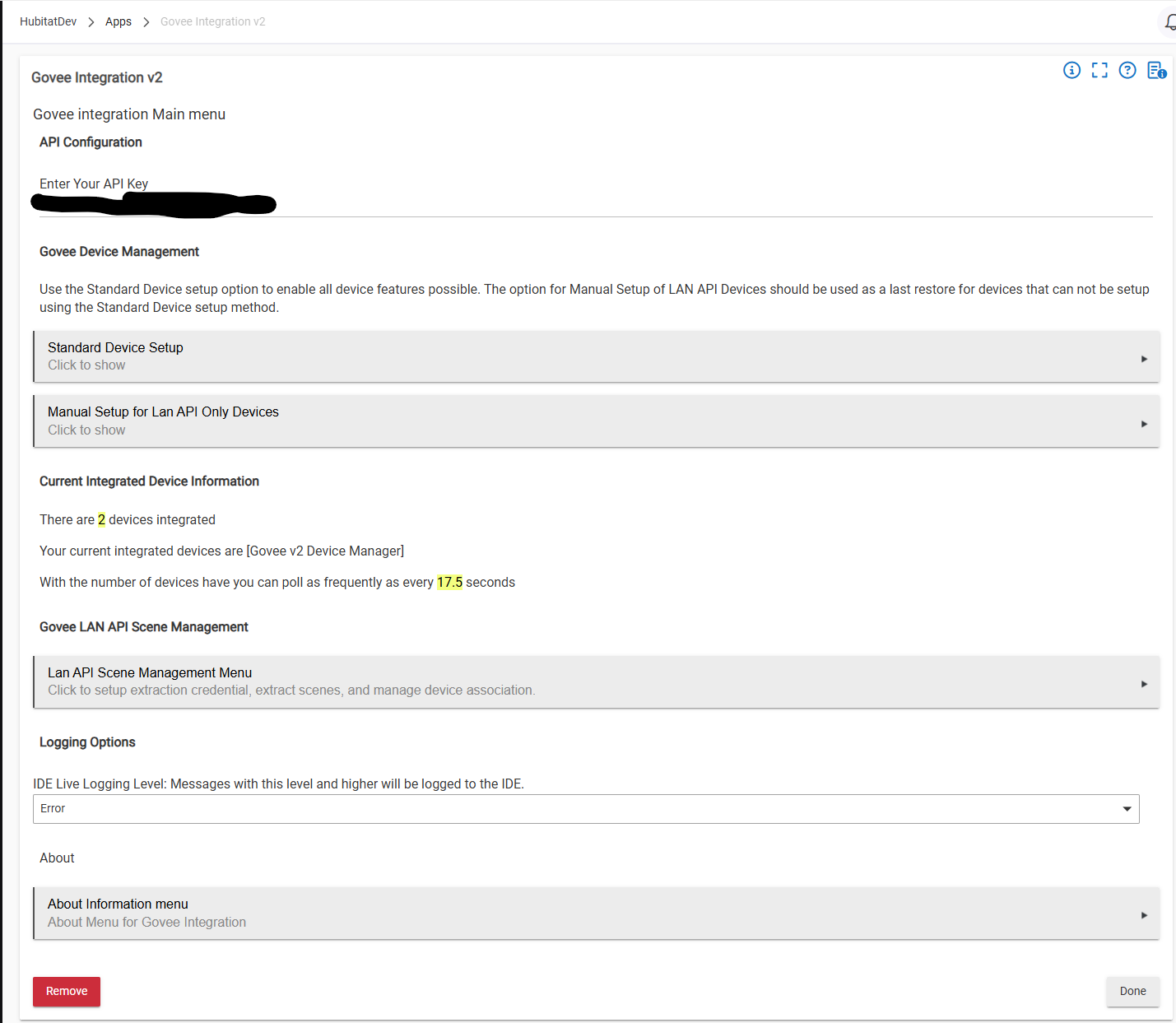
That is actually not accurate. That driver is only used when you use the menu option for "Manual Setup for LAN API Devices". That is the only way to install a device until you put in a Govee API Key which is recommended. Once you put in the Govee API Key and click done you get a option to use the "Standard Device Setup" as shown below. That method looks at the device features returned from the cloud and will determine what device driver to use based on it's features and useable commands. Then if you want the device to use the LAN API when possible open the device in the Hubitat UI go to it's preferences and toggle the option for "Enable Local LAN control". That will cause the device to use the LAN API anytime that it can.
The reason the method exists for "Manual Setup for LAN API Devices" is because on occasion a device is not supported on the Cloud API at all and I didn't want to prevent them from being setup. Using that option should be a last resort. Perhaps I could make that clearer on the initial install.
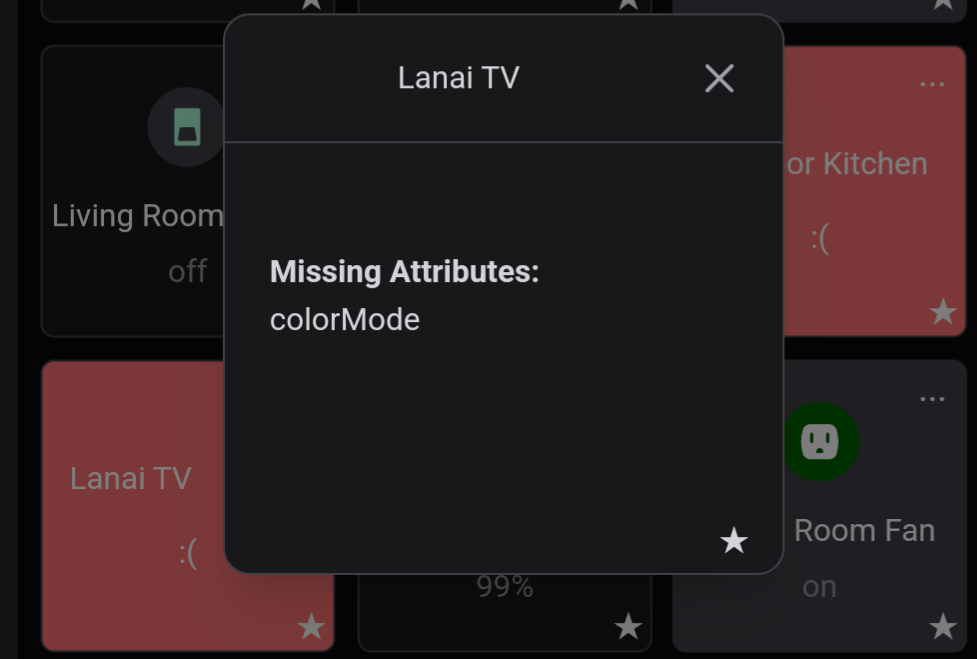
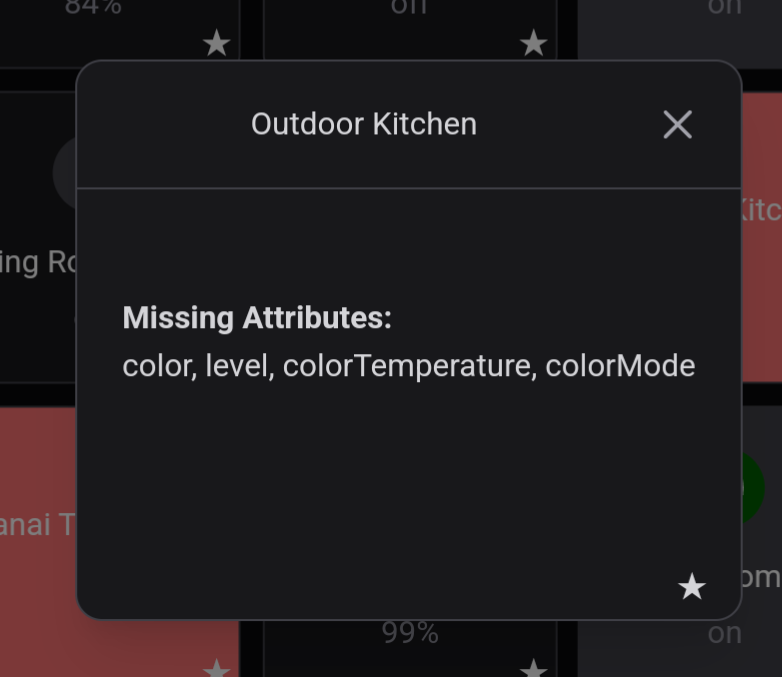
Please go into the device on Hubitat and click on the initialize for the device. If that doesn't work pelase send me the same images you have shown before. This whole issue with the EZ Dashboard is related to attributes not being populated yet. It is possible i missed one with the previous update.
All of the light device drivers in my integration support Govee's LAN API. You just have to set them up to use it. The only difference is the Manual LAN API driver limits you to only LAN API functions such as on/off, color, color temp, and Brightness. The rest of the drivers will lean on the Cloud API for features the LAN API does not support.
I generally don't touch or think to touch the Manual LAN API device driver as it is limited and it's features are pretty well set. You are right in that I didn't initially update that with the new method to set default values. It was easy enough to add once identified which is what I did last night.
That makes sense that code hasn't been touched in well over a year at this point and has been deprecated for most of that time. V2 is certainly where you need to be, especially with the most recent changes.
Fantastic. I am glad to hear it is all good now.
@mavrrick58 That driver is only used when you use the menu option for "Manual Setup for LAN API Devices". That is the only way to install a device until you put in a Govee API Key which is recommended.
That is correct and why I was getting that driver installed and the tile errors associated with it. It wasn't clear it was recommended to setup with the API key at first, I just figured since the entire point of Hubitat is to have local control, getting local access to the devices would have been better from that standpoint. I didn't notice at first since I had the same issues on v1 using the API key and v2 using the manual method.
Just an FYI, I hadn't touched the v1 for quite some time and until recently, and was trying to follow the methods to get the API key. It's not really located in the About section of the app, but instead needed to be requested via the app and sent through email. Once I got it, I got the API key method to work with the device tiles. So, alot of that was my fault for not being clear enough in what I was doing to get the errors I was providing.
Thanks for your help and support, and I apologize for the time you spent unnecessarily chasing down any unrelated issues.
Really the main use of the Cloud API is to do initial setup and enable advanced functions. The Govee LAN API has very limited functionality.
Yea Govee Changes it every so often in the app. It is hard to keep up with where it is.
No worries. This integration has gotten pretty massive with a lot of customizability. This is great in some ways and stinks in others and sometimes makes it hard to chase down stuff.
I like troubleshooting challenges. Unfortunately a big part of it is asking the right questions and it just took me a bit to get there this time. No worries
Seeing an issue with curtain lights H70B3. Cannot set color or turn on/off. DIY and Effects work just fine.
When I hit on/off or a color, the current states for switch changes as if the curtain lights changed, alas, they do not change (turn on or off).
When hitting refresh button the status reverts back to what it was. So the status change is superficial and not actually happening.
Example
Turn curtain lights on with Govee app
Click "off" in hubitat device screen
Current states switch changes from "on" to "off"
Observe that curtain lights did not turn off
Click "refresh" in hubitat device screen
Current states switch reverts from "off" back to "on"
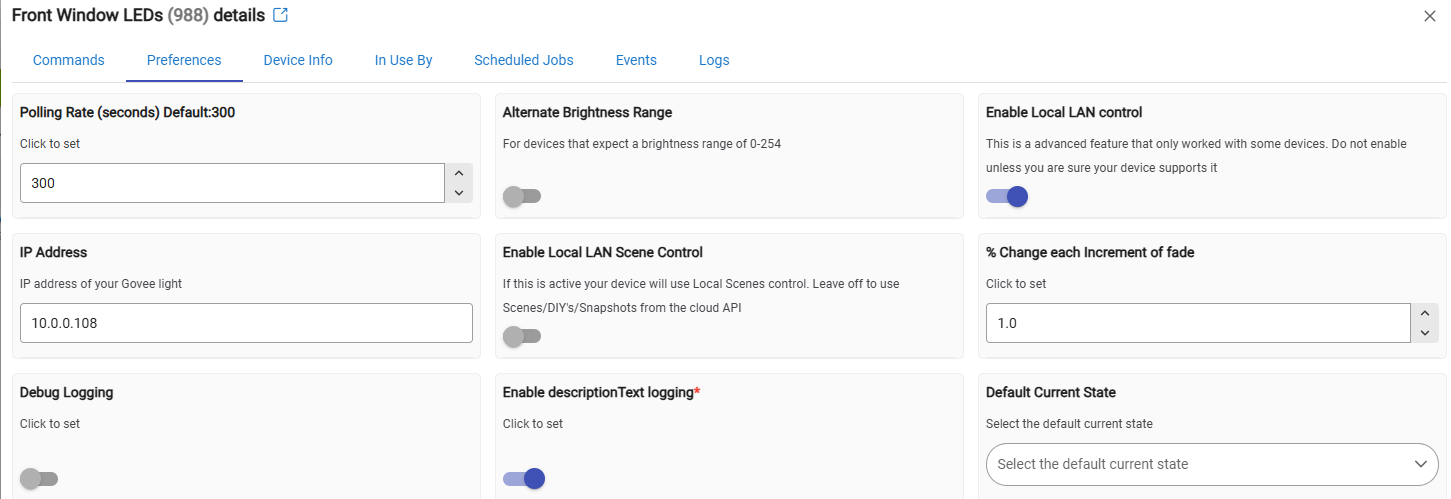
Is it using Local LAN Control(LAN API) or is it using the cloud API. Please check on the preference page to see if "Local Lan Control" is turned on
On/Off functionality is pretty well set in stone at this point. I haven't touched it in a while.
I don't believe I touched color control either. I will check when I get home this evening.
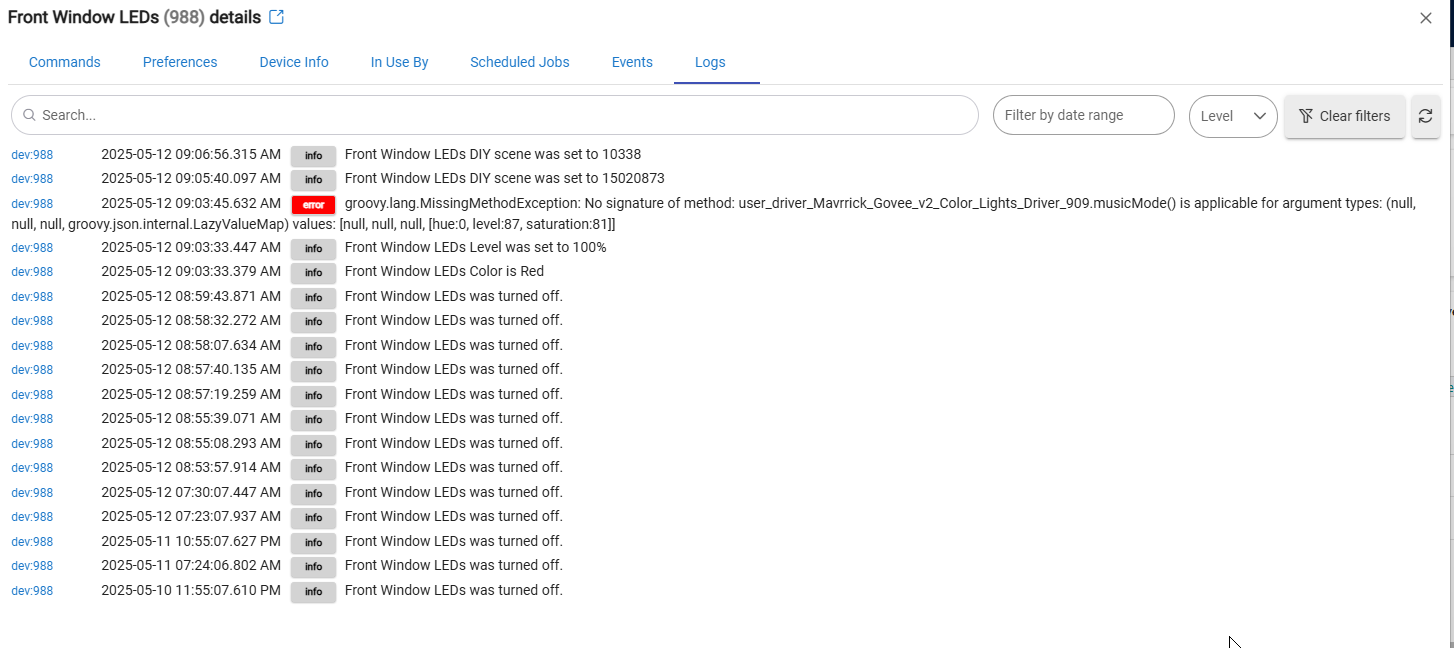
Are there any errors at all. The screen shot you showed presented a error that shouldn't of been related.
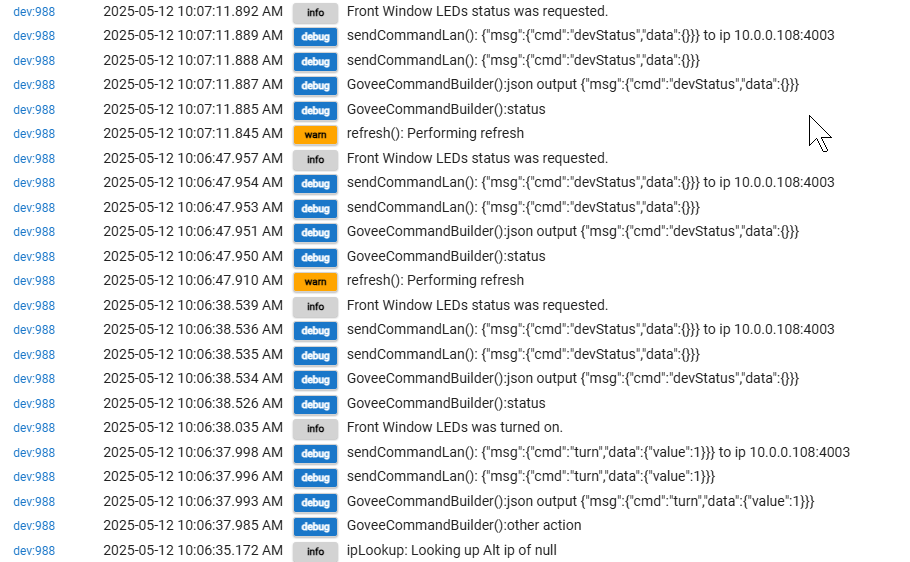
Please enable debug logging in the driver and try the process again so I can see what is happening when the driver attempts to run the command. Is the devices connected to wifi?
No errors in logs other than some hue bridge errors near that time (unrelated).
Also verified in Govee app that LAN Control is on.
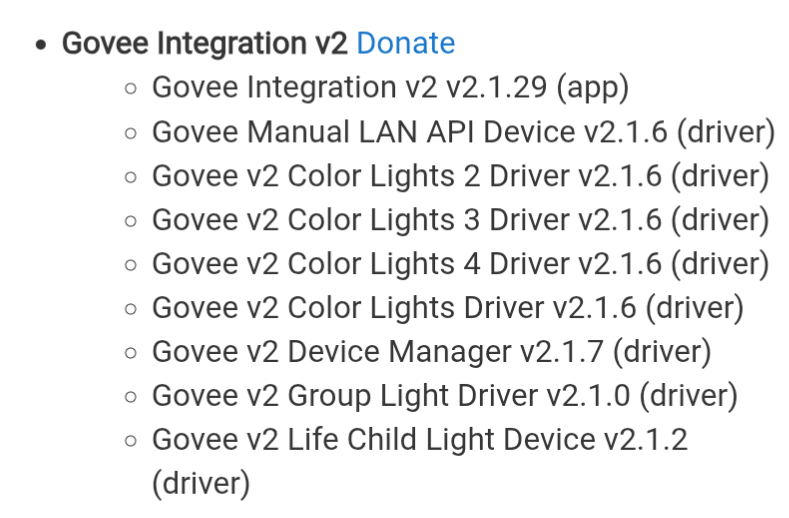
Considering I see the IP Address you are running old code please update to the latest release. To prevent potential issues you may want to restart your hub to ensure the Govee Device Manager driver properly initializes.
I am on latest update, that was the first thing I checked. HPM said there were no updates. I will update Hubitat platform itself and restart and report back.
Your Hub needs to be on 2.4.1 firmware to get the latest update. If you are not on that please update the hub firmware and then the integration. If you are on the latest hub release please perform a repair on the Govee Integration through HPM.
I was on 2.4.0.151. It's updating now.
Updated Hubitat Platform.
Tried again and same behaviors. (just for verification purposes)
HPM showed an update was needed for Govee V2 Integration.
Clicked that.
Sub list in HPM showed
Govee V2 Group Light Driver needed updated.
Clicked to update that.
Lots and lots of updates/upgrades happened for Govee V2 Integration.
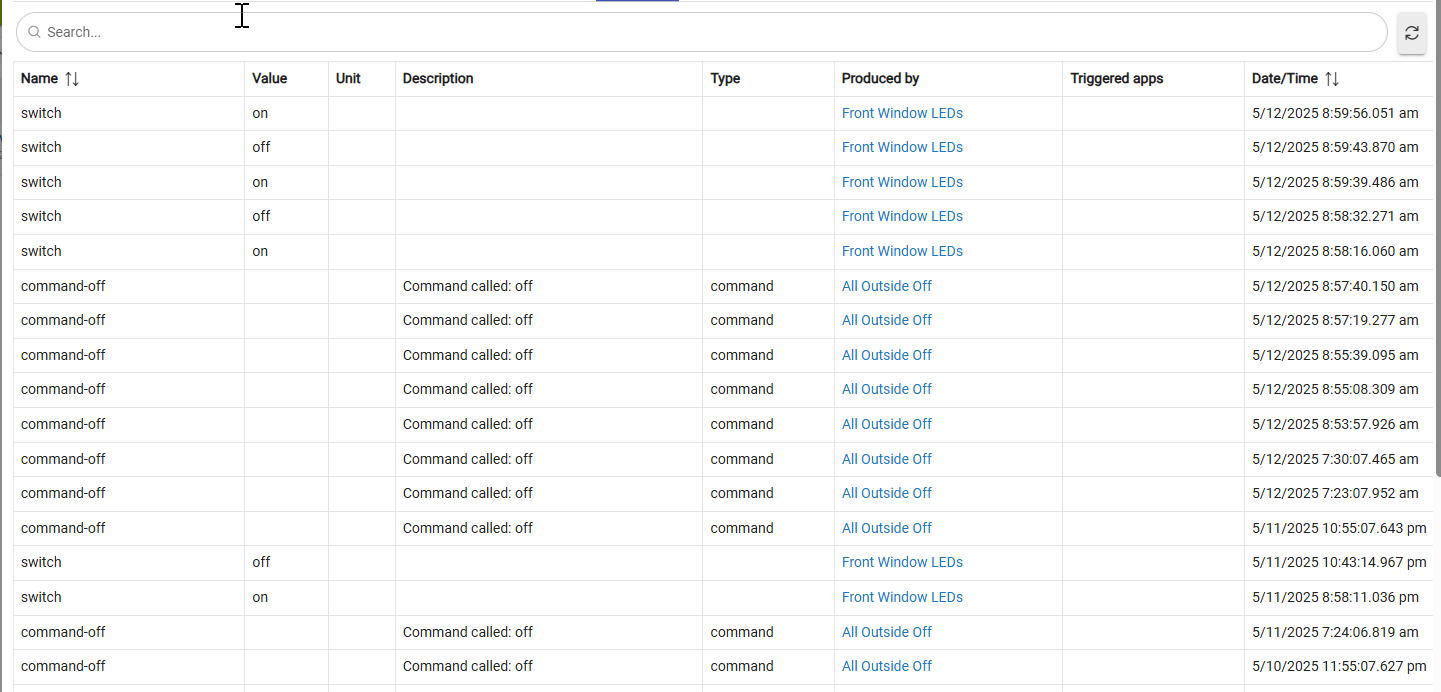
Tried again. Still same issue, slight difference in behavior where the Current State: Switch doesn't even superficially update when turning on/off.
Trying a repair now and will report back
Download the Hubitat app