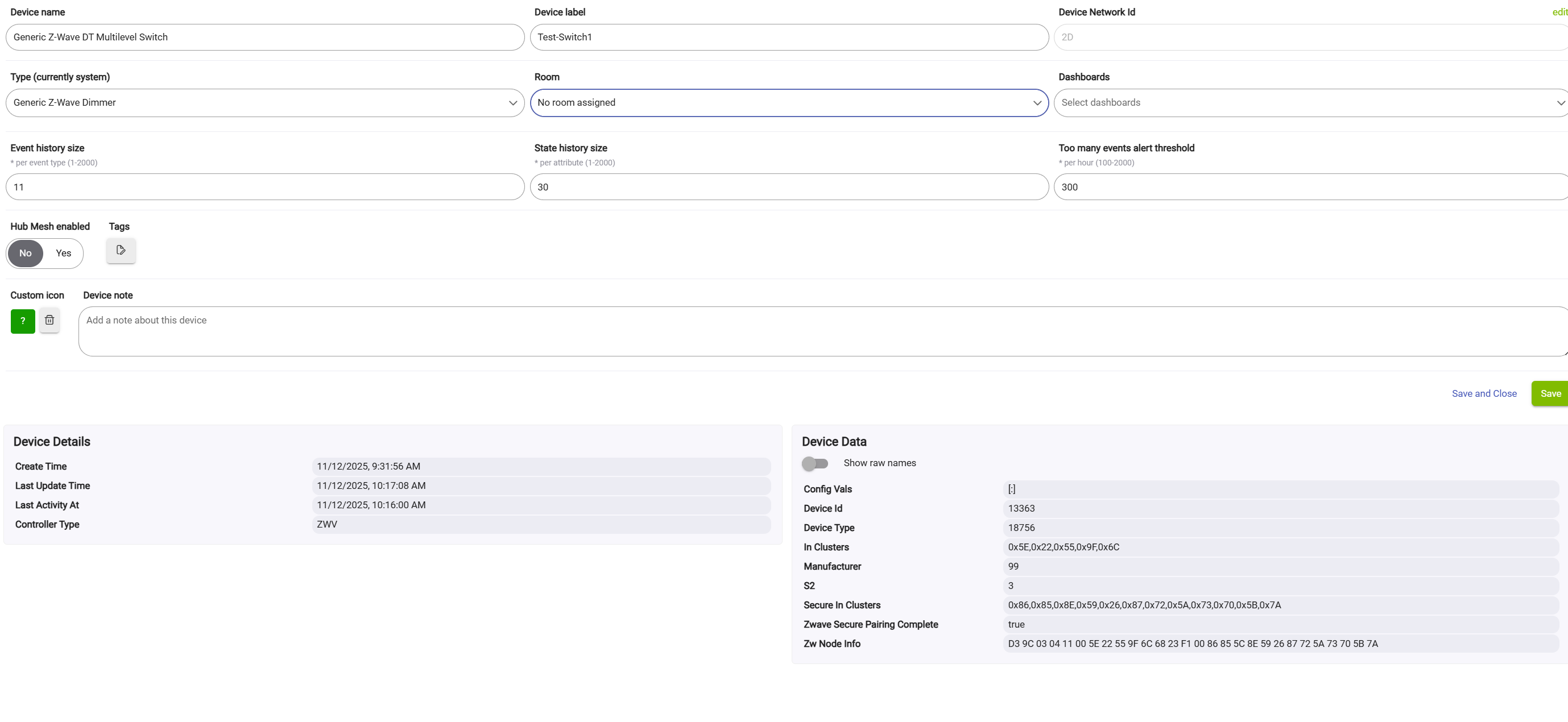
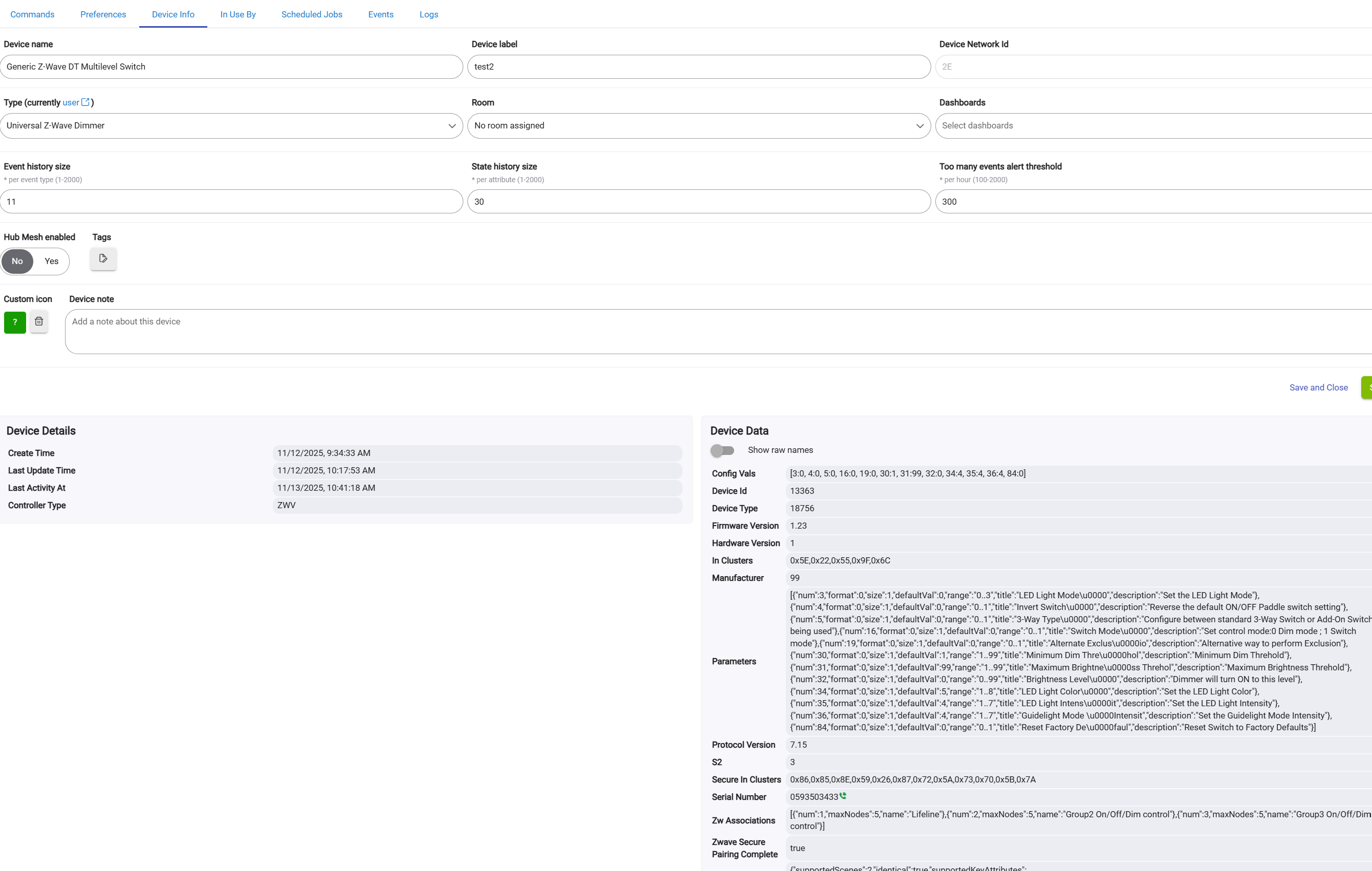
I was able to duplicate the two device creation twice. I forced removed both devices, then I did a SmartStart again, the first generic device was created, then I changed the driver type to the Universal driver, when I went back to the devices page, there was two devices again!
You would have to look at the logs during pairing. It seems like maybe when paring it is getting to the point of creating the device but then never completing the process with the device, so then SmartStart picks it up again and pairs it a second time. That is really the only way there could be multiple nodes getting created in the zwave details. If you are running a C8-Pro with Zwave JS, I would suspect some sort of Zwave JS bug could be at hand.
Feature Request: Add a Preference, which when set "On" causes an ON command to set to the last dim level and when "Off" would cause an ON command to go to full brightness.
How is your device working currently? The driver is made to tell the device to turn on to its "prior" level, which for most devices is the last level before turning off. Some devices you can configure differently however. The feature you are asking for is built into the firmware for Zooz, I can see how it might be useful to have in the driver for other devices.
So really you would need 3 options for the feature: Device Default, Last Level, Full Brightness
Also, are you looking for this to work only when the device is commanded by the hub, or also for physical activations on the device?
Currently, it turns on to the last level. I was thinking about an option to have it do that OR come on to full brightness. As @bill.d suggested, a user preset level would also work.
Specifically, I am working with a New One Z-Wave Smart Plug Dimmer, 800 Series, N4012. The box also references ZW39M.
When using this driver vs the standard ZEN35 Dimmer Scene Controller driver the "setLed" parameter is not showing when Custom Action is desired. Is this typical or is it my set up that is faulty. In the big picture, I want to set up a notification that blinks the led on one of the buttons my ZEN35's. (What commands/parameters need to be set in order to get the led to "blink"?)
setLED is a customized command, not an actual parameter. Since how it would work varies by switch device, it doesn't make sense to add that command to a universal driver.
When I was using this driver for my Z75, I managed its LED by setting the applicable individual parameters as necessary via Rule Machine. But that could get ugly with a multi-LED device combined with trying to do blinks.
The blinking that is supported in the ZEN32 community driver goes through a special zwave device command class. That is the only way to do it on those two devices, there is no parameters that can be changed to make it blink, only on/off/color. So yeah, unfortunately it has to be specially supported by the driver. I guess there needs to be a ZEN35 community driver.
Technically, the indicator stuff COULD be added to this driver. Could probably just copy and paste the relevant code from the ZEN32 community driver (which I helped figure out and write) and drop it right into this universal driver to make a hybrid. Might need a few minor tweaks but otherwise it is a standard zwave function so it would work on any device that supports the indicator command class.
I tried to get your driver to work with the ZEN78 high power relay. It recognizes all the parameters, but only reports on/off, nothing else. When trying to create a RM rule, it does not appear in the Power Meter dropdown. When hitting Configure, no values are shown for energy, power, volts, etc in the log.
If I can't get around this, I guess I'll use this driver to conveniently change parameters and then switch back to the less complete System driver.
Any suggestions would be appreciated. Thanks.
edit: Well, it turns out Config in the System Driver changes parameters to default values that it doesn't even offer the opportunity to change! You would think if they're not going to enable them, leave them alone! Anyway, I have to remember not to hit Config if using the System driver.
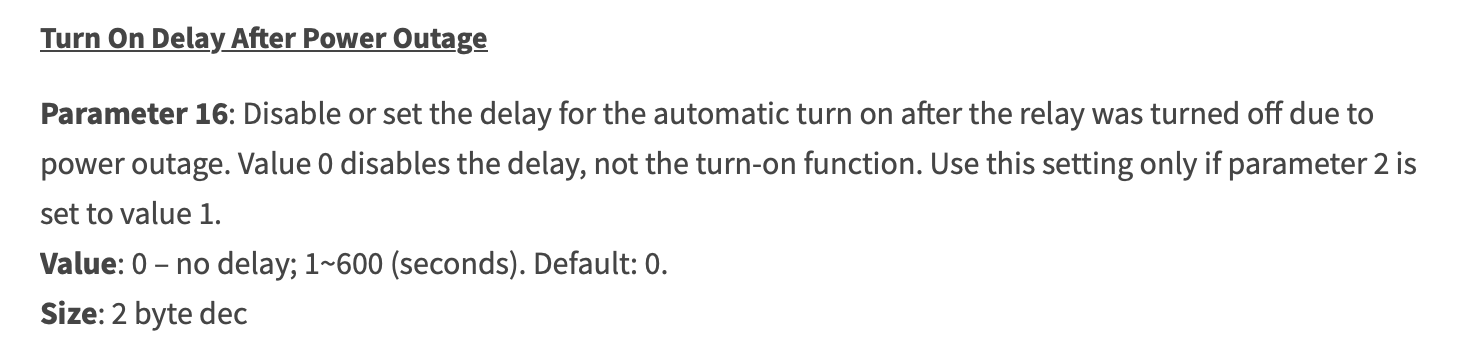
edit2: Even that doesn't work! It changes it back to default, apparently, when loading. I had a 2 minute delay after power restoration for load sequencing set in your driver, and it goes back to immediate after installing the System driver, with no hitting of Config. I don't know a workaround. I'd like to use the delay, maybe some other features unaddressed by the System driver, but don't know how to proceed. I'll try the basic Z-wave driver to change a parameter, but I'm sure that won't stick either.
When Jeff made this post in the other 78 thread, I interpreted it to mean that all this driver would be able to to in terms of control/reporting is on/off.
I thought this would expose all the parameters. And it does. It's just that they don't work. Additionally, the System driver over-writes the changes made in Jeff's driver. When Jeff's driver is re-loaded, you can see the change being made back to his settings, whereas the System driver is opaque to viewing that, ie, no 'syncing' status.
By "expose all settings", that just means this driver should expose all available parameters so they can be set as desired.
In that sense, it's not much different than the ol' Basic ZW Tool that's long been available.
The Configure-related parameter overwrite is a common gotcha to watch out for with that tool too. Back when I used that tool a lot more, I kept notes on which devices I could do a Config on OK, and which ones that would blow up.
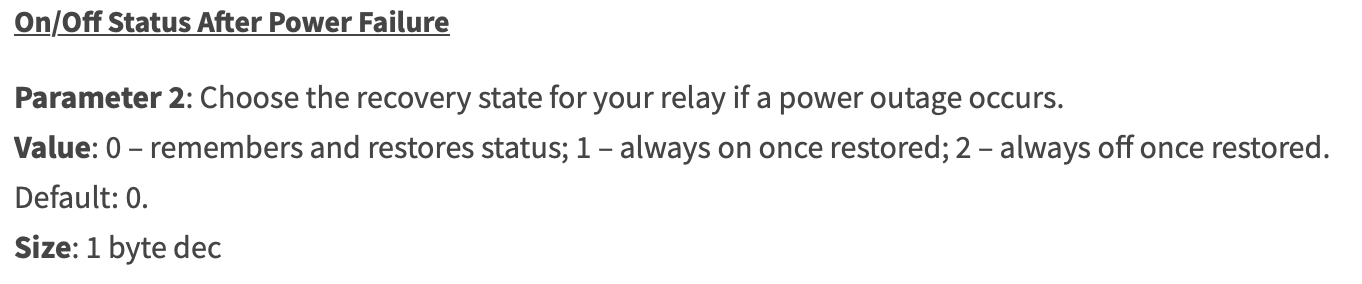
Interestingly, it's working now, however doesn't update the state, so it shows 'on' even for the two minutes it is actually off. I'll try it with parameter 2 set to 1 and see if it behaves the same.