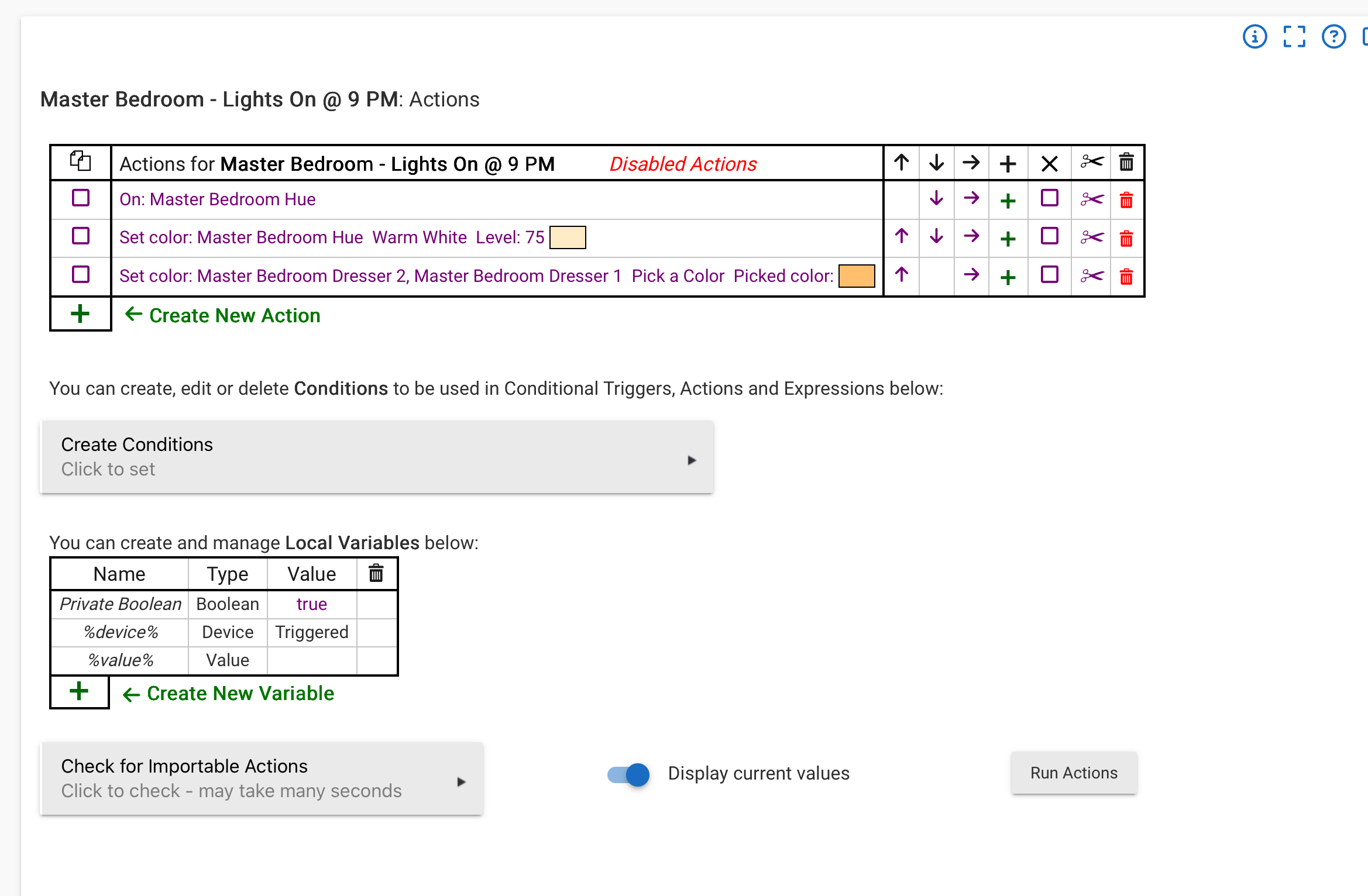
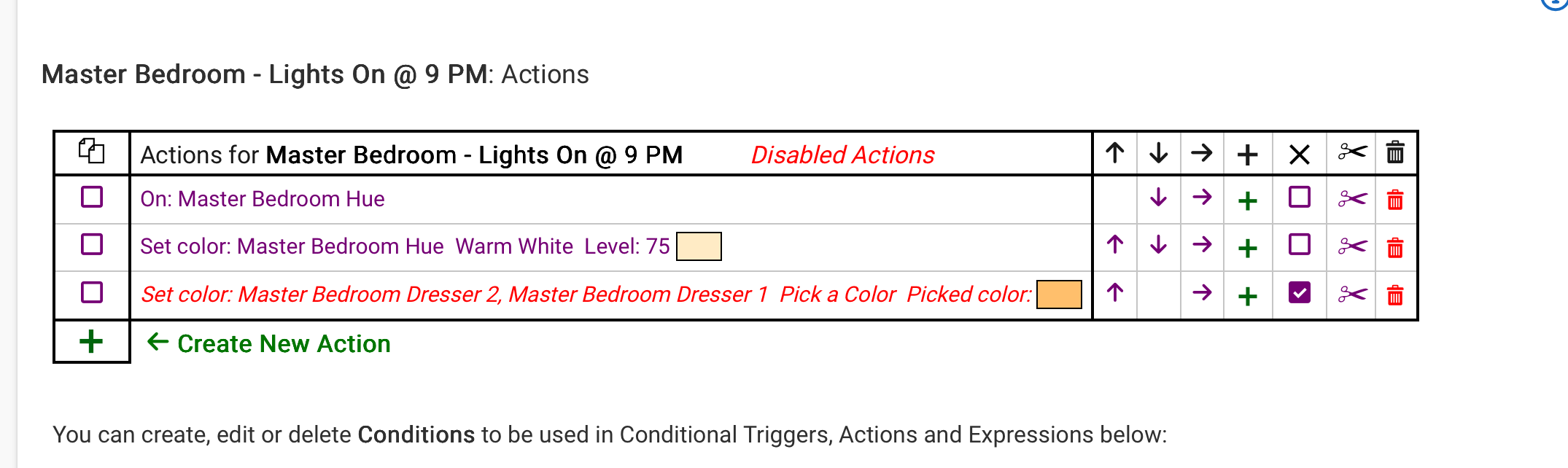
So I have a rule that shows disabled actions however none of the actions are disabled.. I want to know how to clear that message.. I have attached screen shots for references.
Thanks in advance
So I have a rule that shows disabled actions however none of the actions are disabled.. I want to know how to clear that message.. I have attached screen shots for references.
Thanks in advance
I'll claim that I don't know how disabled actions are displayed.... And I'm too lazy to find out  What identifies an action as disabled?
I may also be missing something from your screenshots....
Thanks.
That is not how it appears in your original screenshots, is that the issue?
No.
I have no disabled actions however at the top of the actions panel it says I do.. That is the issue I am looking to fix..
Oh, I see it now.... Would be handy to have that highlighted in the screenshot if possible...
Not sure how to fix it, sorry...
I have the same in some of my rules. I suspect this is a bug. Re-creating the rule would likely remove it. Cloning it might as well, and would be quicker…
I was able to recreate this by cutting a disabled action. Not sure it that's what happened here but it's possible. I'm trying to see if I can correct it.
After cutting, have you tried “update” and “done”?
Yes. I've also tried to cut an enabled (non-disabled?) action to see if that would clear it but it didn't.
I don't recall using cutting..
I'm having the same issue in one of my rules. In fact I posted about it earlier today because I searched and this thread didn't come up. Oh well. In my case after I made a few updates to the rule a couple of days ago it stopped working entirely.
But cloning does not fix the issue. It clones the broken action along with everything else.
I recreated my impacted rule. The new rule works. The existing one remained broken so I deleted it.
As someone else mentioned above, I was able to reproduce this issue in a test rule by deleting a disabled trigger event.

Not sure where to report a bug?
I moved it to the RM topic and tagging the author, @bravenel. It is a minor cosmetic bug, so not sure how quickly it would get looked at.
Yes, possibly it is cosmetic. The test rule that I created still worked, just with incorrect actions displayed. The rule that I reported in my other post was completely non-functional, though it is possible that I broke it in some other way.
That would be my guess…
I've been known to break things in unexpected and interesting ways. 
Tagging @support_team for awareness.
I have the same issue. It shows "Disabled Actions" when I am editing actions, but there are no disabled actions.
I have gone through and disabled them all, and reenabled them all, still the error.
I tried to clone the rule, but that did not work either.
This rule has 19 actions, and I'd like to not to have to recreate it from scratch.
Is this a bug? How can I fix it short of recreating it?
Thanks, Mark.
At the time this happened to me, I had plenty of suggestions but in the end, I had to recreate the rule from scratch.. Nothing else seem to work for me..