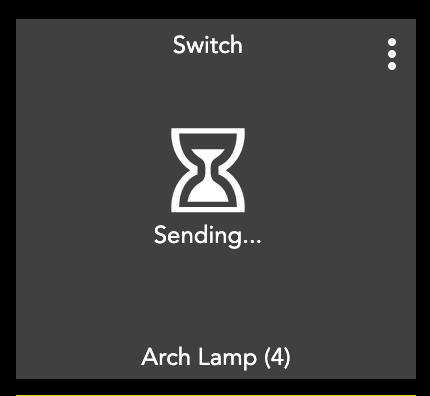
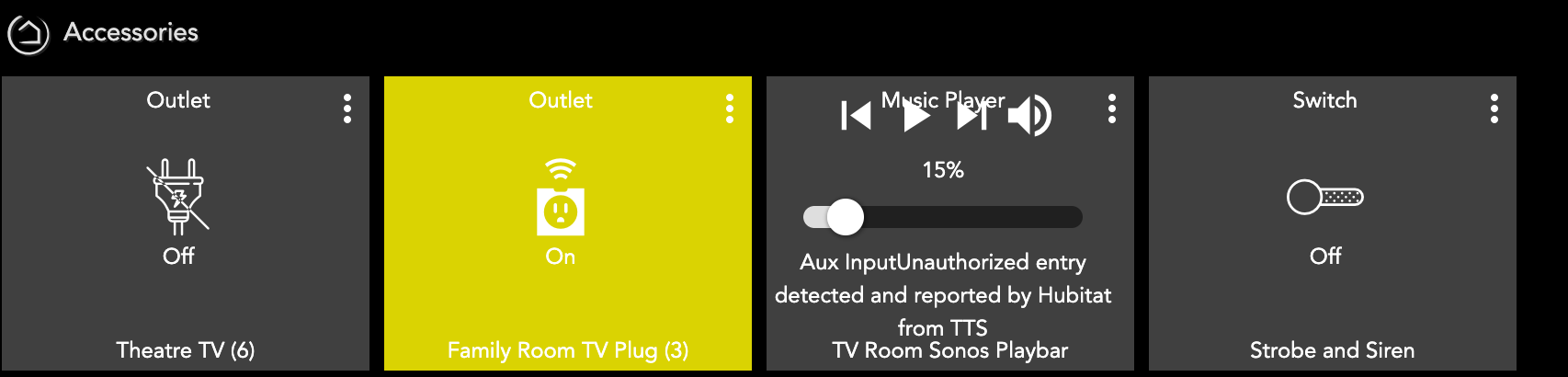
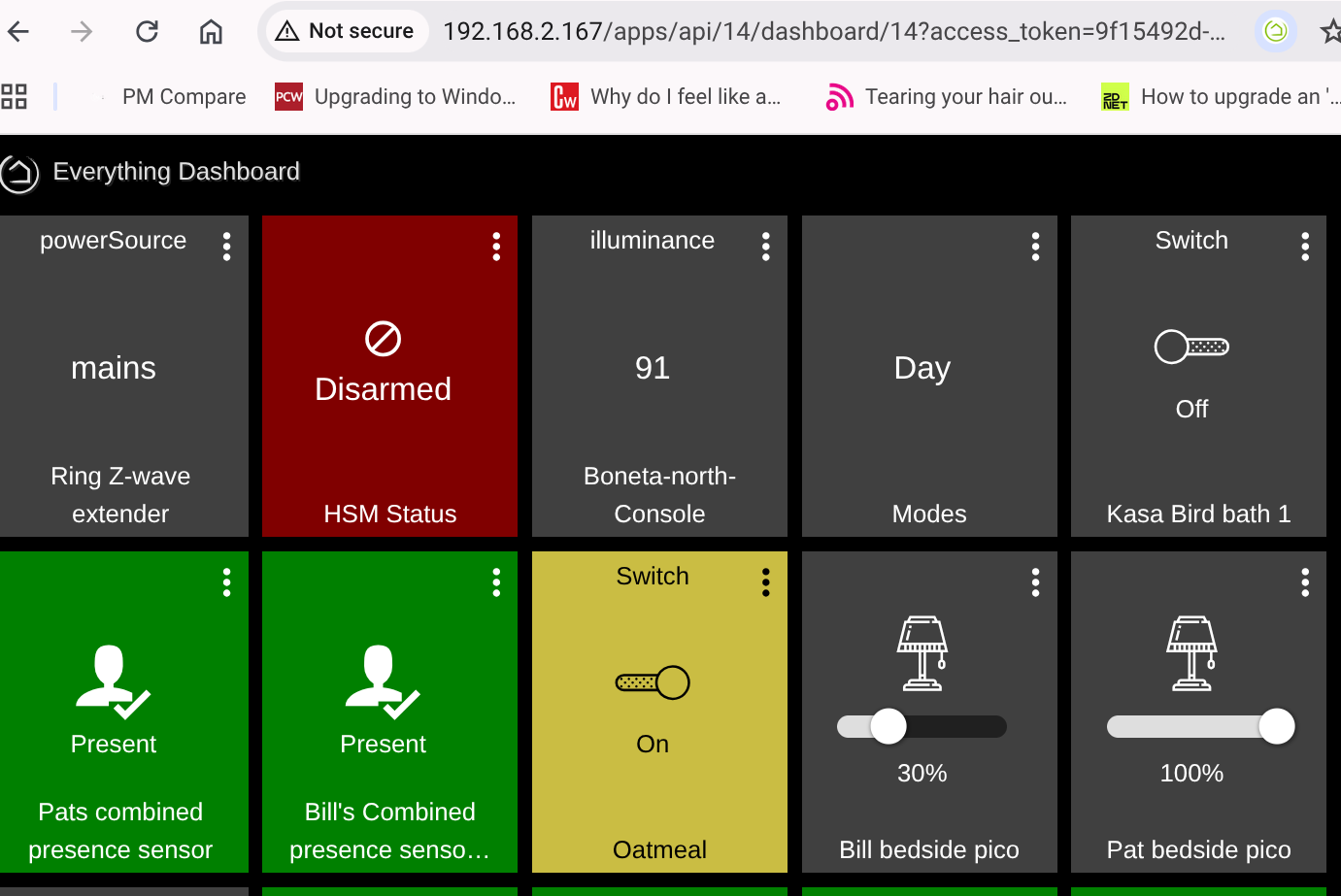
Hello. I have a C5 with platform version 2.4.2.157. I've had 4-5 dashboards for many years, all of which stopped working recently. To clarify, the dashboards open and show the correct current state of devices, but trying to turn on/off a light, lock/unlock a door, or other operations just show me an hourglass icon (with "sending...") and never end up changing the device's state.
The dashboards fail to work when accessed from a mobile device (phone) and laptop via browser. With the browser, if I go to the Hubitat Device's page, I can control the lights, locks, and other devices fine.
Any idea why the dashboards appear to be "read only" now?
Try flushing the browser cache or accessing using incognito mode. There were a couple of security changes made in 2.4.2.x and the browser may be attempting to use the wrong access codes.
I have 2 C8 Pro's at diferent locations. 1 works perfectly but the other 1 dashboard tiles show up but don't do anything after the 2.4.2.157 update. 2.4.2.158 dashboards still have the same unresponsive issue. They are visible but don't function. Basic Rule Routines seem OK. Going back to 2.4.2.143 fixes the issue.
Yep - same issue here with 2.4.2.158 - hourglass button reaction on dashboards. Tried adding devices to the dashboards from inside the device preferences and I think that worked for one device - but didn't for any others - so I'm not sure what is going on. I just now reverted back to 2.4.2.119 - which was the only option I had other than .157 - it seems to have brought things back to life.
Same issue on beta 2.4.3.115. C8. Just messed with this for an hour. Control from devices works but not from the dashboard.
Could this be a chrome security issue? Nope, same from Brave. Is there a way to access the local dashboard https? Also access from Alexa works for failing dashboard group devices.
C8 Pro hub here and I had the exact same issue, all my dashboards stopped working. I can confirm a downgrade to 2.4.1.177 fixed it but I was not happy to go that further back and I had only that option, other firmwares up to latest being buggy for the dashboards.
As a quick fix, I remade from scratch the easiest ones, but planned to rebuild the heavier ones this weekend. And well, it took me a few minutes to complete, as I found a quick way to do it !
First, go in Apps > Hubitat dashboards and create a new dashboard, and add all devices you will use on it. Don't set locks on it yet if your old dashboard had them. Then, open both old and new dashboards in new tabs, click on the gear icon in the top right corner and go in the Advanced menu. There, you just copy/paste the JSON datas and CSS from your old dashboard to the new and save at the bottom. You can fine-tune with the standard option if some settings aren't ported (e.g. rows, lines and font size), check everything is saved, try the buttons and voilà ! It should work now, and look like 1:1 the old dashboard. Now you can go re-lock settings in the Hubitat dashboard app.
I thought it would take me the afternoon to remake them, in roughly 10mns it was done