Looks like the Sharptool app in HE is not subscribed to the one device, looking up above at the other screenshots I also see it is not reporting back to ST.
Try just opening the Sharptools app in the HE apps list and then clicking done at the bottom. It should have a devices list in that app, can you can confirm it has the device in question in the list?
You mentioned that you use the community app and the Hubitat app. Have you triple checked that you are comparing the exact same devices between Hubitat and SharpTools? You can view the raw details for a device in SharpTools by:
Open your SharpTools user page
Tap the ... next to the location in question
Scroll down and tap on the device in question
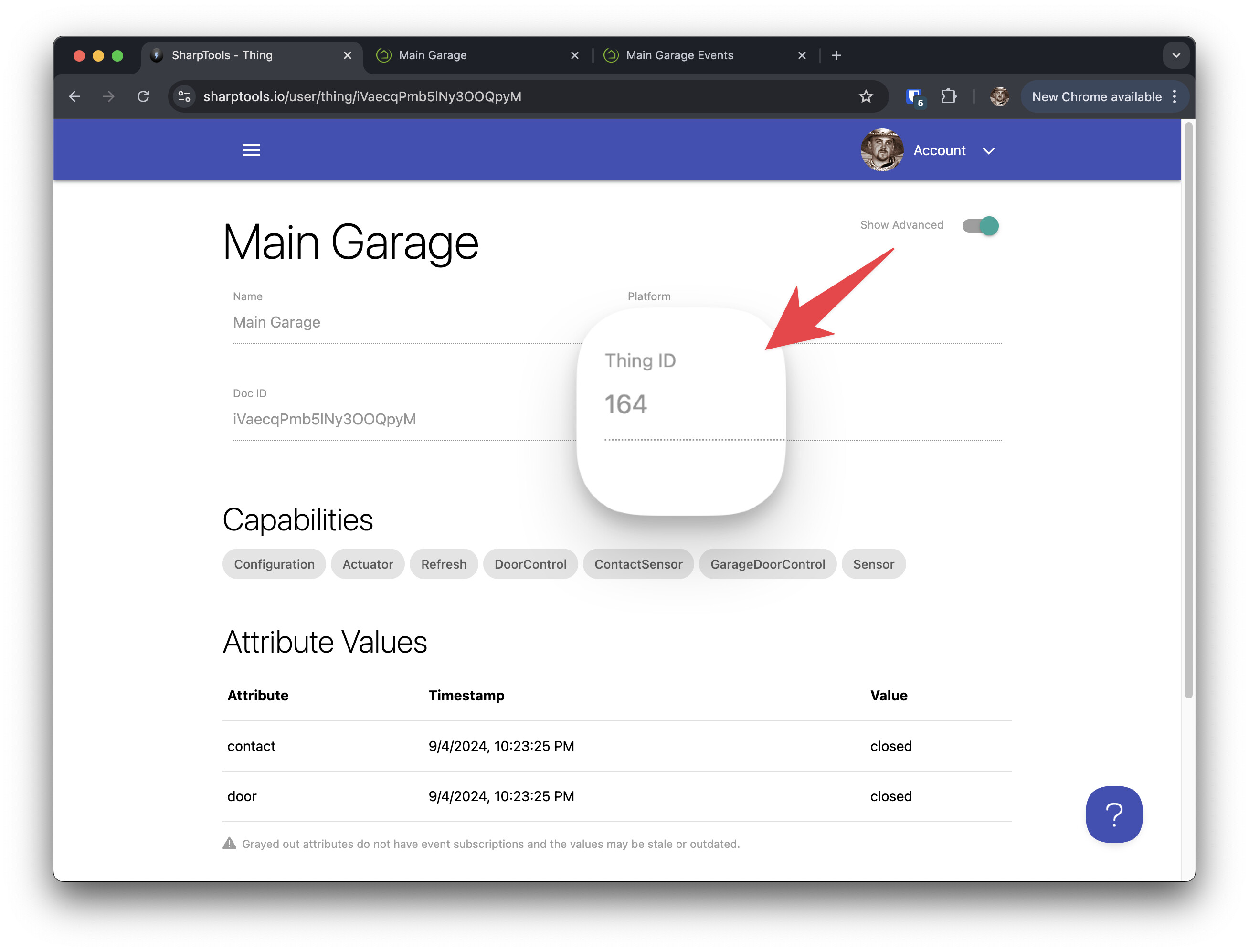
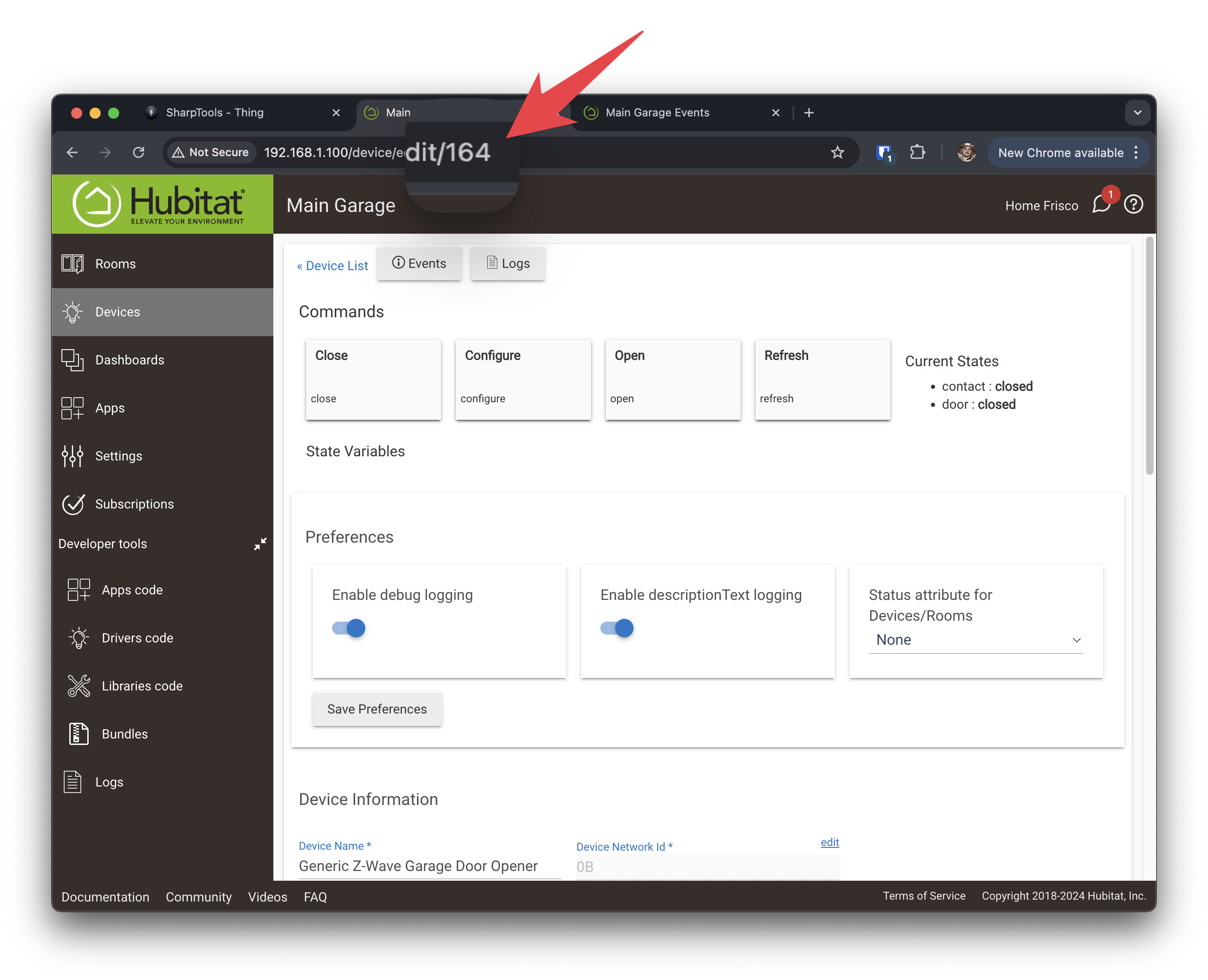
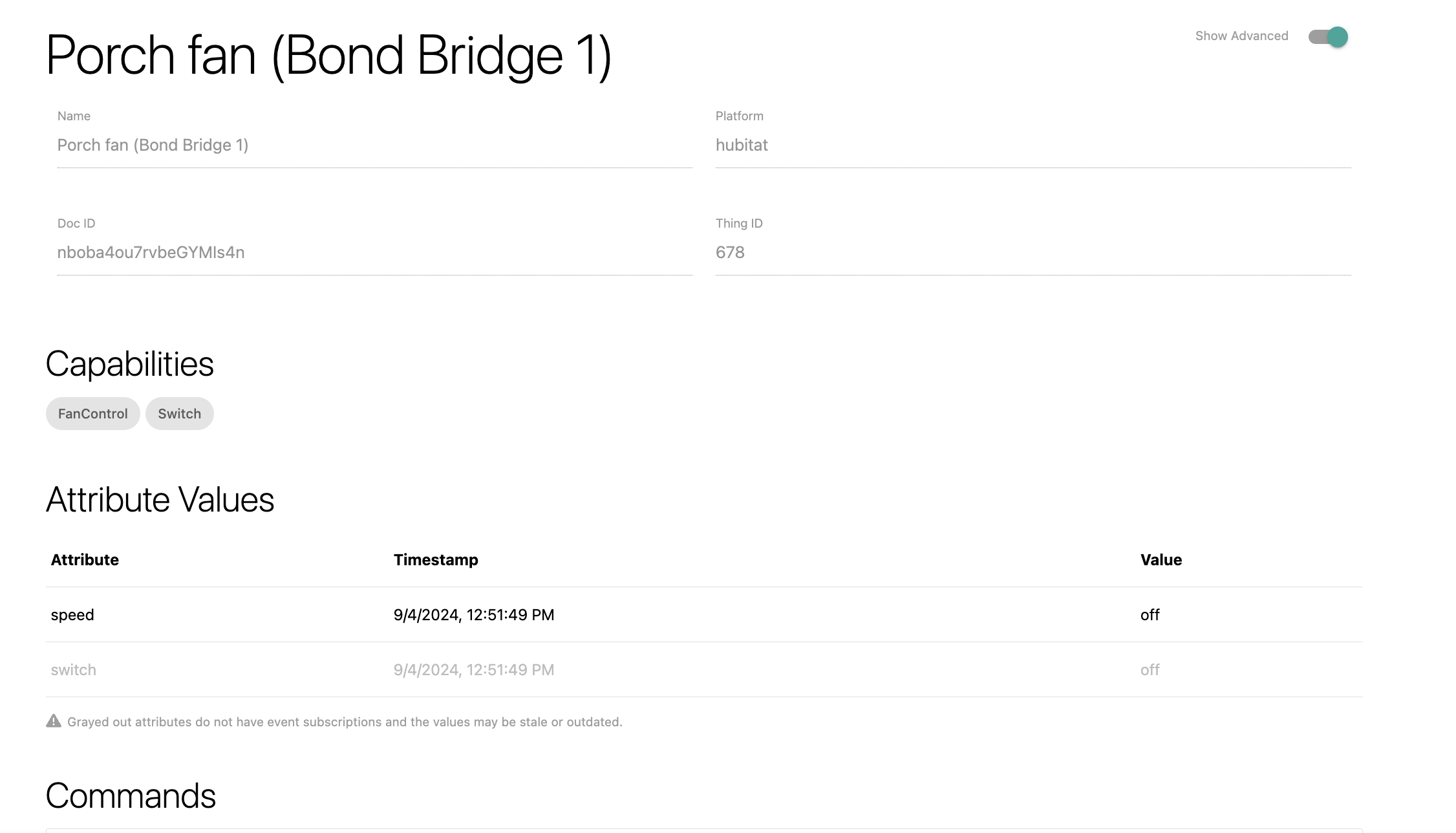
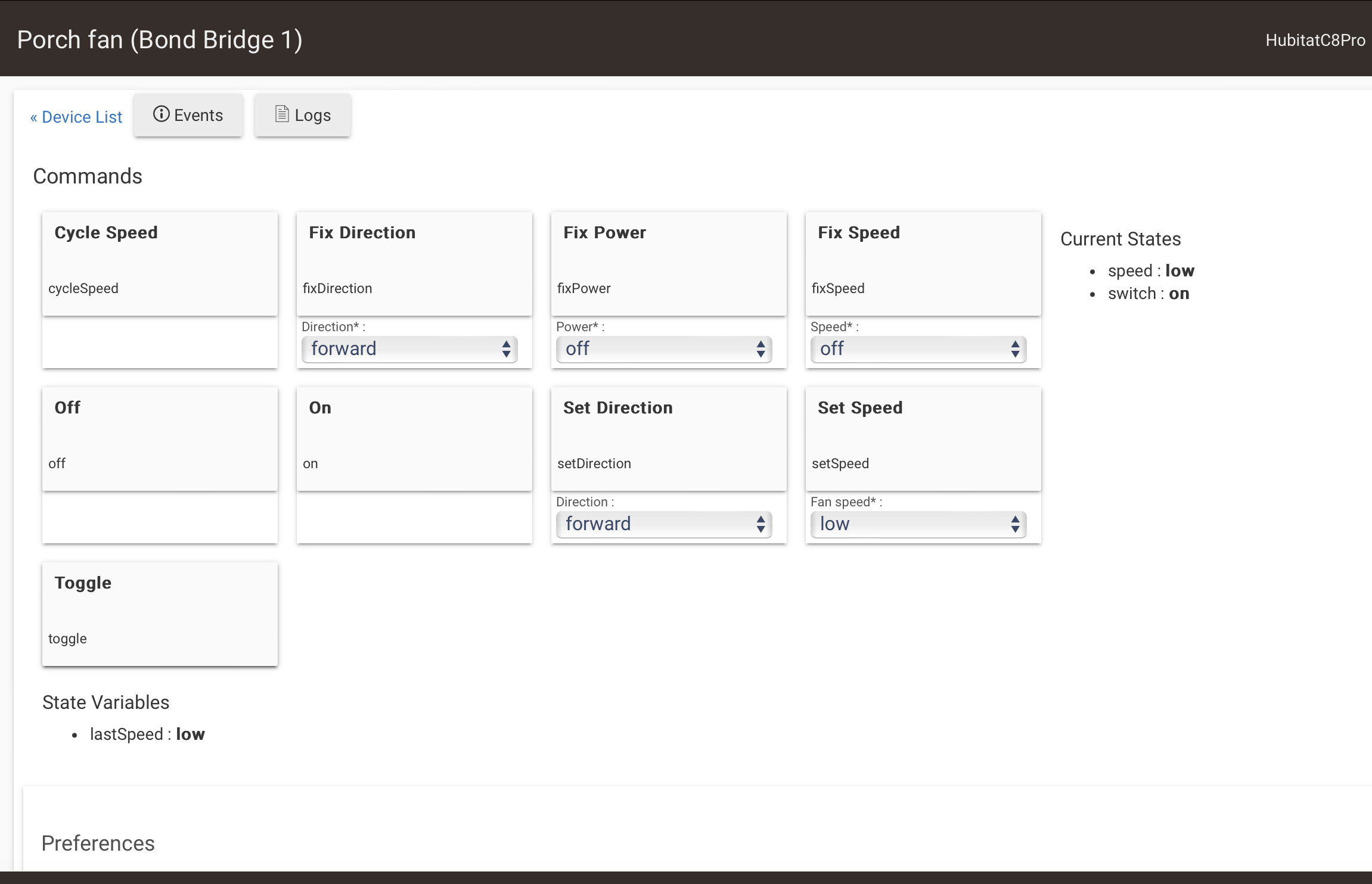
When you're on the device details screen in SharpTools, make sure you flip the 'Advanced' toggle in the top-right corner on so you can directly compare the "Thing ID" reported in SharpTools to the device ID in Hubitat.
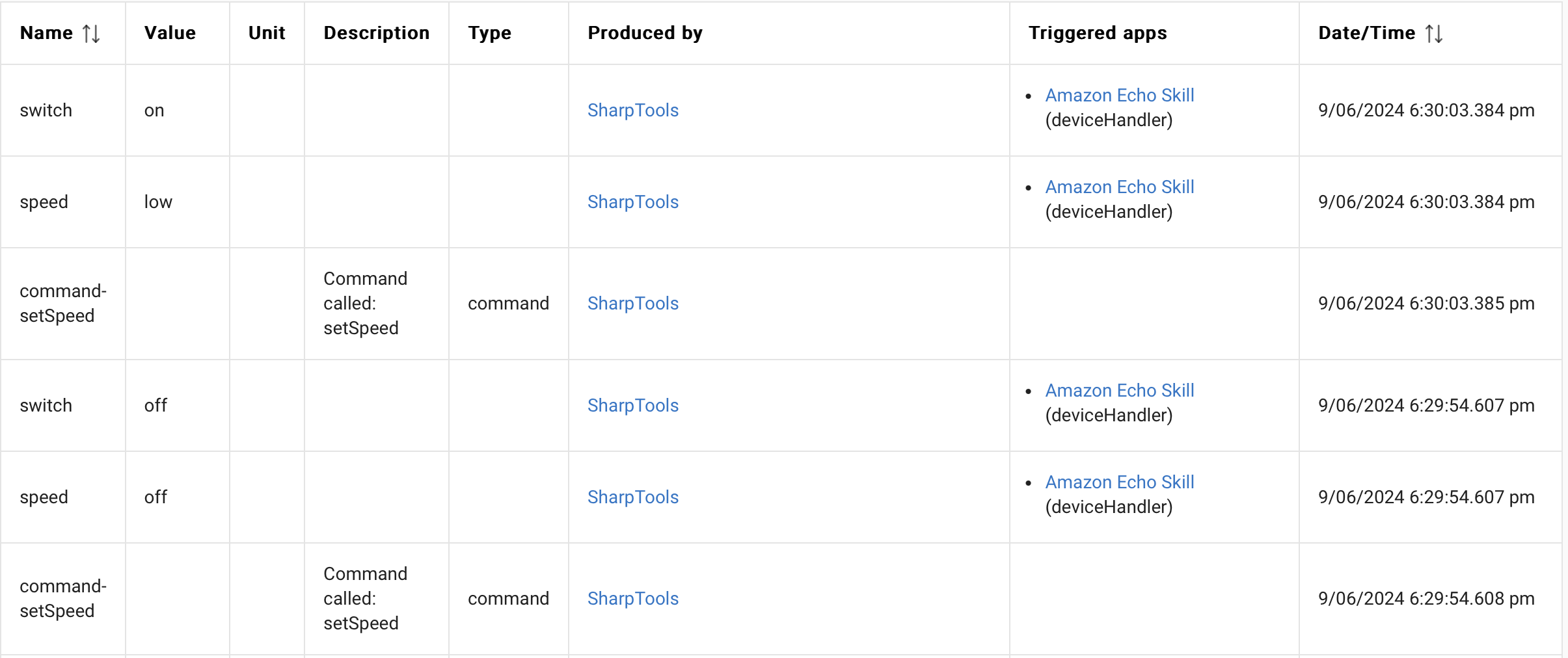
The first event list screenshot does not show SharpTools as a Triggered App at all.
So it makes sense that you wouldn't be seeing updates for that device in SharpTools.
The associated logs screenshot only appears to be showing the driver app logs.
The SharpTools HE app has its own debug logs that can be enabled and will show which events it's receiving and forwarding.
In the case of this first device, I wouldn't expect it to show in the SharpTools HE app logs since the events screenshot didn't show SharpTools being triggered (eg. no event subscription)
The second event list screenshot showed a device where SharpTools is only subscribed to the speed attribute.
Thus it makes sense that this device would be reporting speed status in SharpTools correctly which is usually sufficient for the Fan Speed tile layout.
The associated logs screenshot again shows the device app log entries. (see above)
Hubitat App
I'll leave it to others to comment on the Hubitat driver app logs. The device would need to be handling commands and emitting events correctly within Hubitat before digging into connectivity with other apps.
Event Subscriptions
Keep in mind that you have to use a device within a SharpTools Dashboard or as a Rule Trigger before any event subscriptions will be setup. So if that exact Hubitat device instance is not used within SharpTools, then those event subscriptions won't be setup.
If you have one instance of that physical device with device id 1 using the Community Driver then another instance of that same physical device with device id 2 using the Hubitat Driver, then they are each treated as their own "Things". Using device id 1 on a dashboard won't automatically setup event subscriptions for device id 2 and vice-a-versa. They are each their own distinct Things from SharpTools perspective.
Again, I would triple check the device IDs when comparing and ensure that all of the devices you want to have events in SharpTools are used on a dashboard somewhere.
In my very first screenshot with the device details from SharpTools, one thing you might notice is that both of the attributes are solid black and there's a note below the attribute list that says:
Grayed out attributes do not have event subscriptions and the values may be stale or outdated.
This is referring to the fact that device details are synced over when you authorize a device, but event subscriptions are only setup when you actually use a device in a dashboard or rule trigger.
For example, if I look at another device that I have added to my dashboard displaying the power, energy, and switch status, I can see that there are a bunch of other attributes that aren't subscribed as they are grayed out:
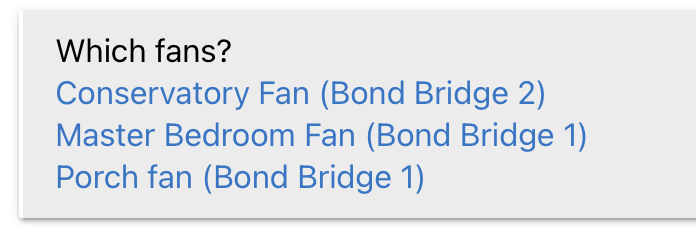
I am definitely looking at the right devices. I have named the devices created by the two apps in ways that makes it clear where they are coming from. Example:
I wiped all of the fans and I am adding them back in. So far it seems to be working. Will report back when I have them all done and walked around and tested them all.
As I understand it (see threads above) the custom app came first and then the Hubitat team added a built-in app. The custom app is no longer maintained, perhaps as a result of the built-in app.
In my (not exhaustive) testing I have found that neither apps support grouping.
The custom app doesn't support set position or start position change on shades. The built-in app doesn't support the stop command on shades. So I use both apps to control my shades to get the most control.
I have also had problems with the built-in app with fans. As you can see from the thread above they were not reporting their status back when activating them. For some reason this has gotten worse and now I don't even see my fans in the Built-in app. I am not sure what the issue is here but the fans work fine in the custom app so I haven't really looked into this.
So I am running both apps, and I label the devices to make it clear which app they are coming from.
Also be aware the system app uses a newer API and gets instant status updates from the hub. The user app uses polling to get updates so it can be a little slower to update.
yea I noticed same thing. Custom app does not support Setposition. And stock app does not support Stop.
See my post
I think its Bond firmware issue. When blinds are moved via connector app(for original hub Dooya) or physical remote, the final position is broadcasted, but Bond does not catch it. Dooya hub does catch it. Looks like a bond limitation. Maybe time to post on Bond forums?
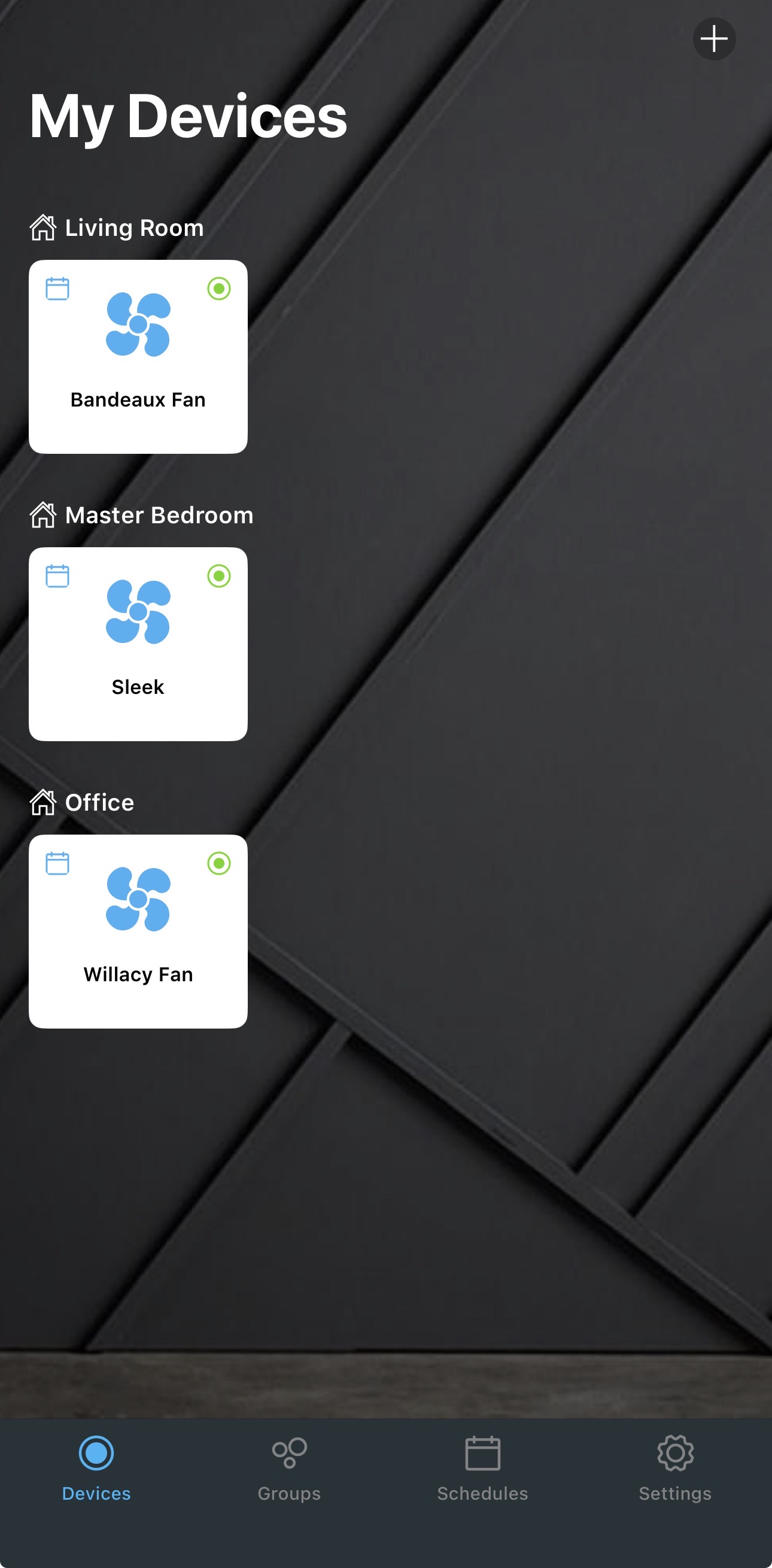
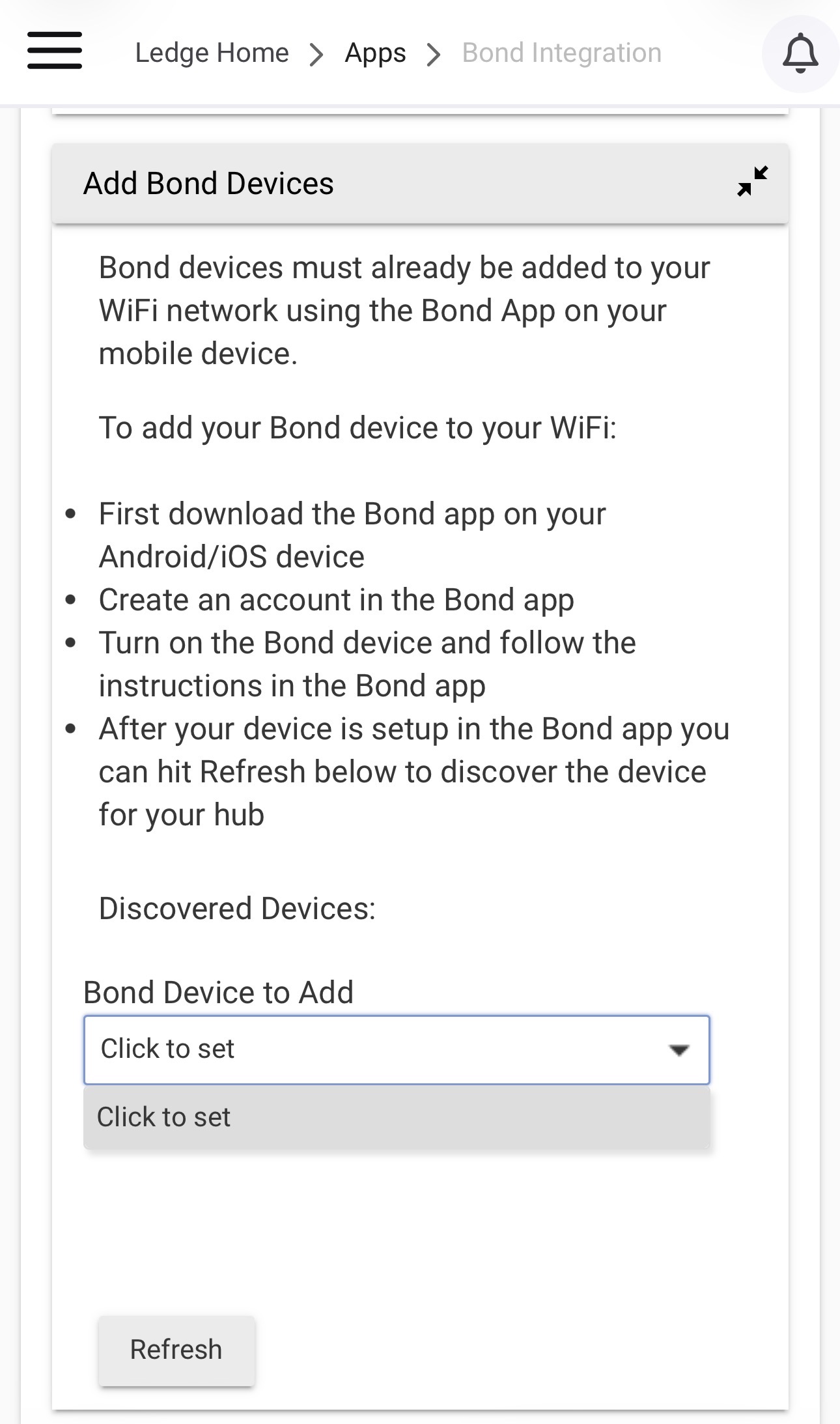
Sorry if I missed this somewhere, but I’m wondering if Bond integration should be working without a hub ( i.e. Smart by Bond fans). I added the official Bond Integration app but nothing appears under discovered devices despite me having 3 fans on my network that are controlable via the Bond app. I do not have a Bond hub.
@TArman - this post from @Hatallicaseems to indicate that Smart By Bond fans are supported by the native HE Bond integration. He doesn't mention using a Bond hub to tagging him.
Have you found otherwise, tried to join SBB fans w/out a hub?
Maybe my use of the word “hub” is the issue. I have integrated a Bond BD-1000 DEVICE to control 3 fans. I just called the device a hub.
I see no way that HE could **directly ** control the fans.
If the Bond app can directly control the Smart By Bond fans w/out a Bond bridge, I'd think the Bond integration should be able to control the Smart By Bond fans directly, without the Bond Bridge inbetween them. Have to see what @Hatallica says to be sure.
I think you’re right, it looks like you can connect those fans directly to a 2.4 WiFi network very similarly to connecting a stove or dishwasher, so direct WiFi control is possible and the HE integration should also be possible.
My 3 Smart by Bond fans are definitely WiFi connected and can be controlled from the Bond app, but no devices are discovered in the Bond Integration app on my HE C-7.
Join the "Hub Owners" group and you can start posting pics. The forum will update you automatically to that level after a bit but you can turn on priveleges now by joining that group:
Click on the Hamburger menu top-right, and select "Owners" and then join Hub Owners.
 Grayed out attributes do not have event subscriptions and the values may be stale or outdated.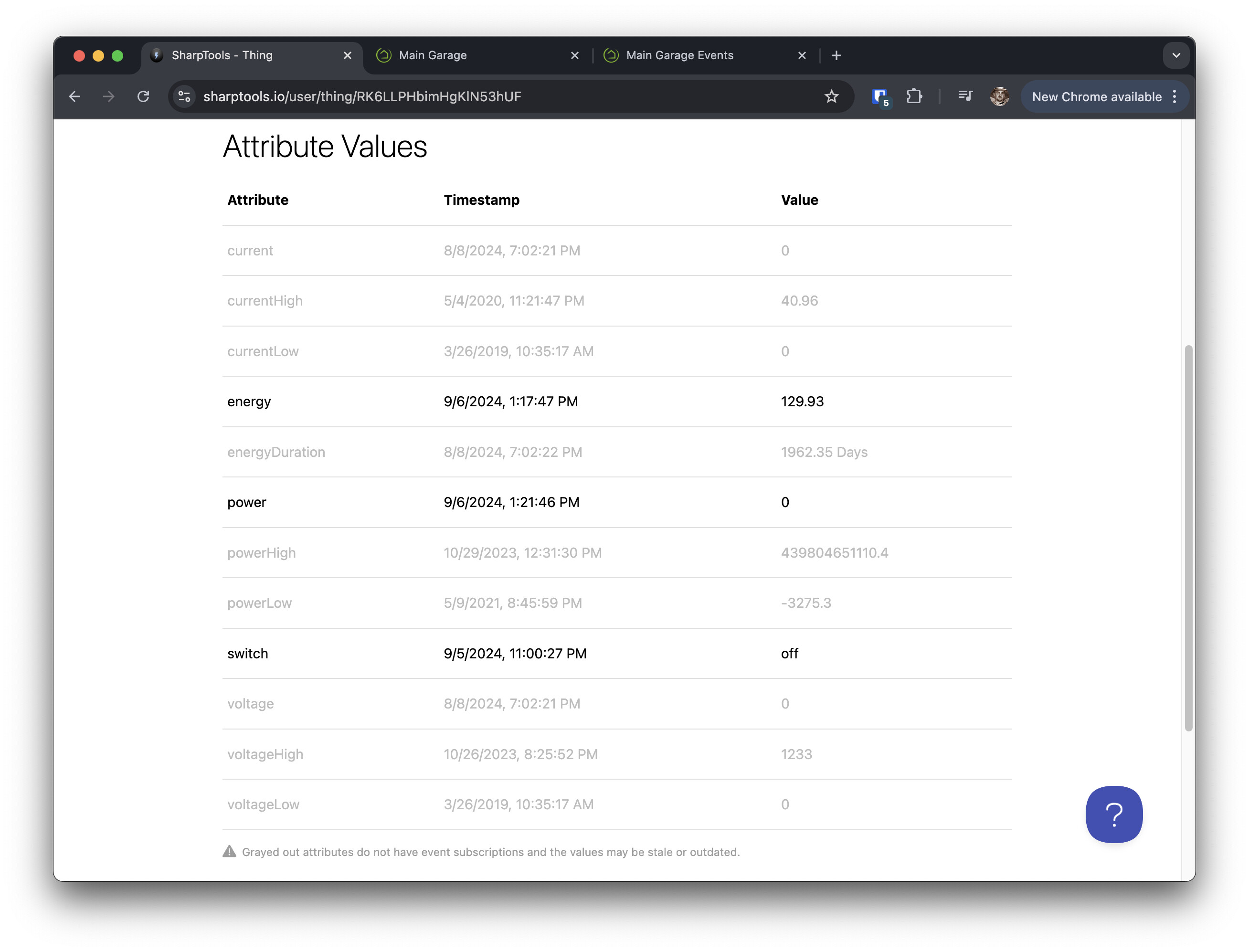

 Right? Seems like it, but not 100% sure. (Of this, or anything.)