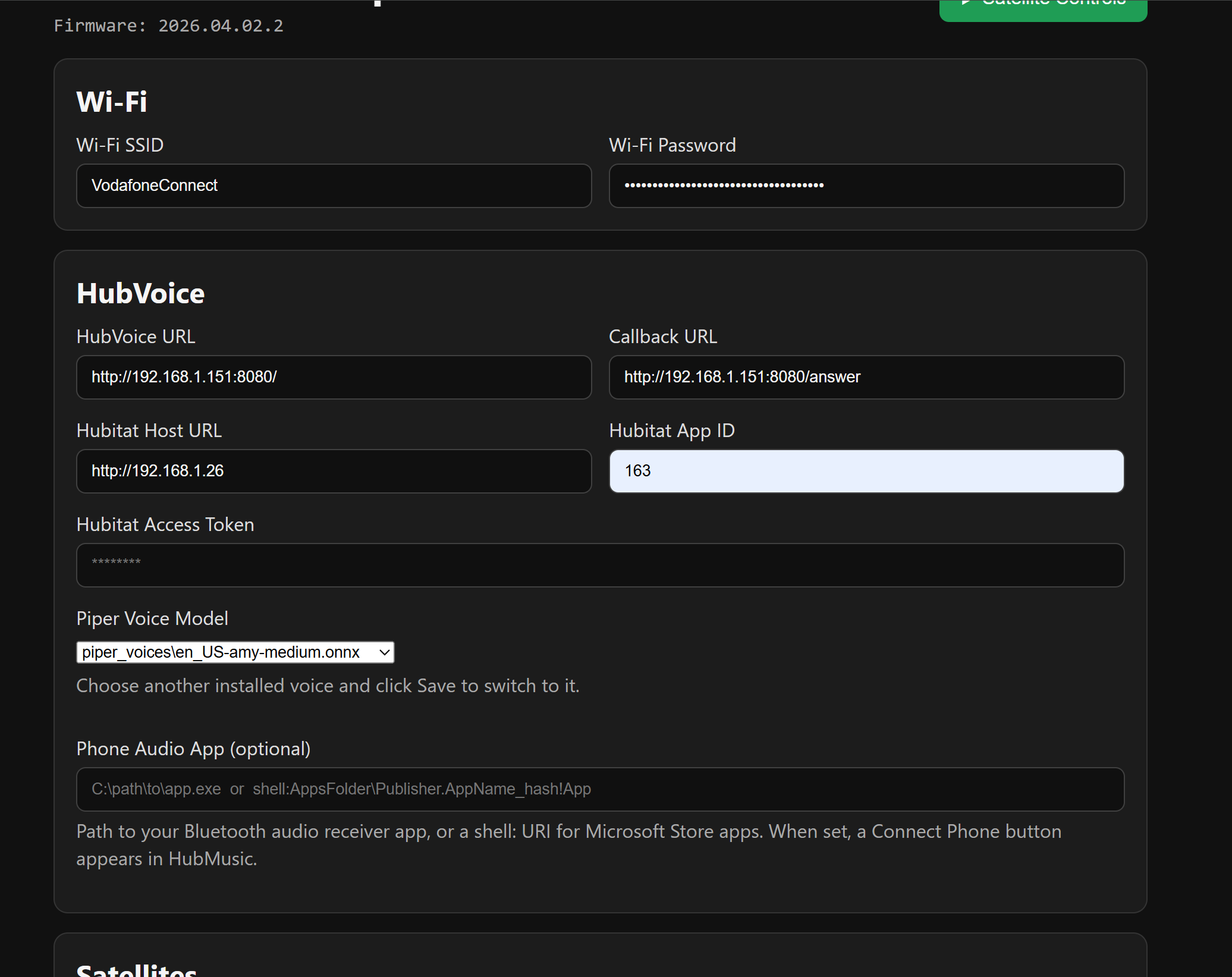
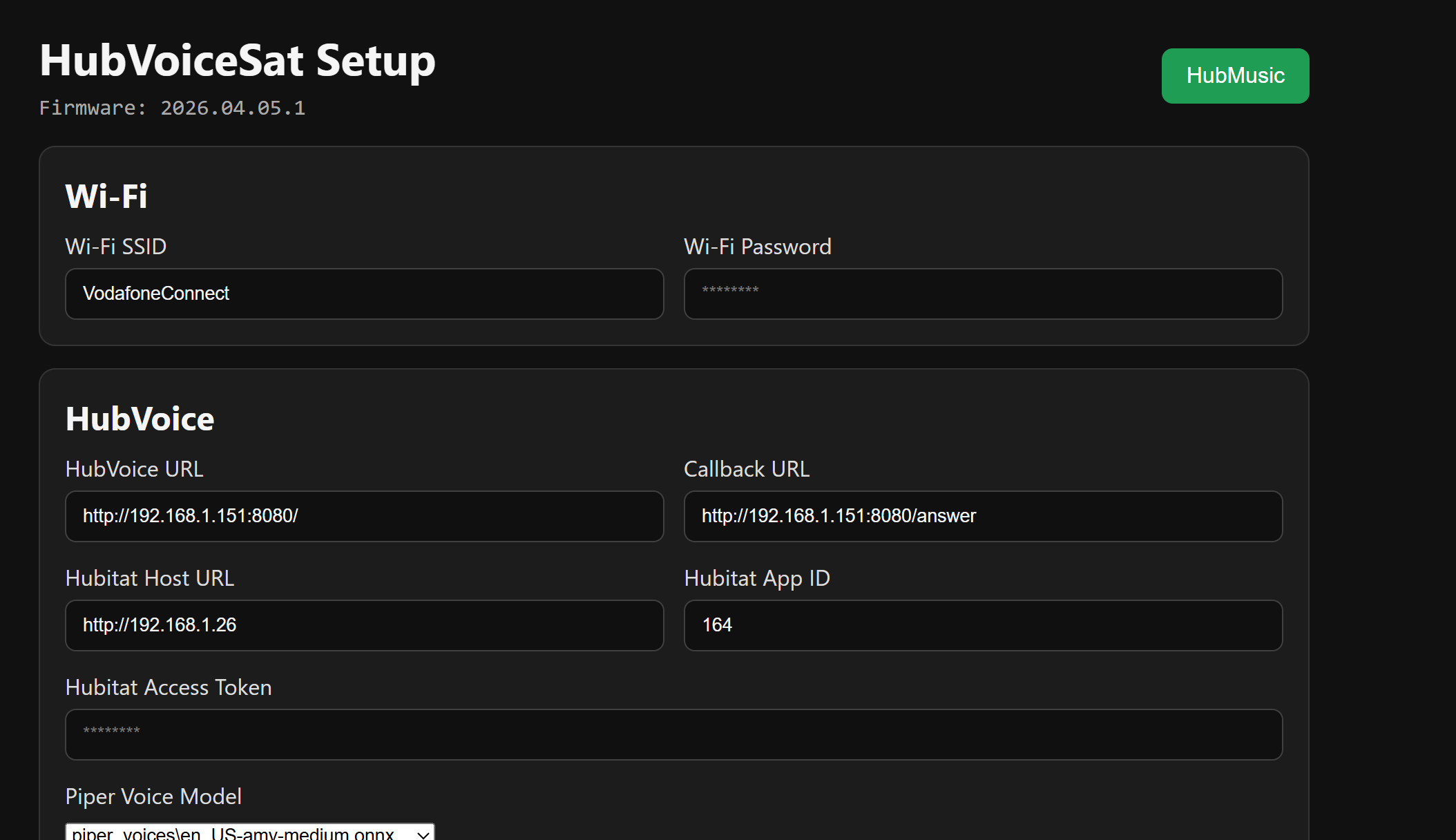
@Royski give the new zip on Dropbox a try. Much better error handling, it should tell us what's going on.
Copy everything to your HubVoiceSat folder, reflash and run HubVoiceSatSetup.exe
hubvoice-sat-2026.04.03.1-release.zip
@Royski give the new zip on Dropbox a try. Much better error handling, it should tell us what's going on.
Copy everything to your HubVoiceSat folder, reflash and run HubVoiceSatSetup.exe
hubvoice-sat-2026.04.03.1-release.zip
Just tried again, not much more info for you though 
The light lights up when I say the wake word, then it just spins and doesn't stop.
| Time | Level | Tag | Message |
|---|---|---|---|
| 17:30:37 | [W] | [component:422] | debug set Warning flag: unspecified |
| 17:30:38 | [E] | [voice_assistant:548] | No API client connected |
| 17:30:38 | [W] | [component:462] | debug cleared Warning flag |
| 17:30:41 | [I] | [safe_mode:071] | Boot seems successful; resetting boot loop counter |
| 17:30:56 | [E] | [voice_assistant:548] | No API client connected |
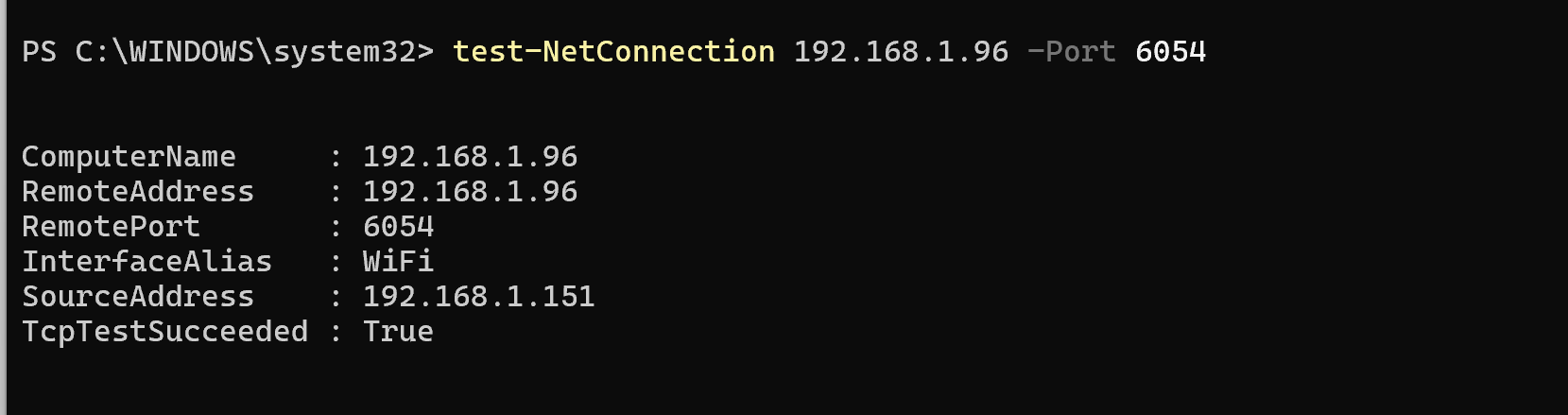
On the HubVoice PC, test API port reachability:
PowerShell: Test-NetConnection 192.168.1.96 -Port 6054
Also, show me what this gives you:
http://127.0.0.1:8080/health
Here you go matey
{"ok": true, "status": "online", "queue_depth": 0, "voice_assistant": {}, "scheduler": {"timers": [], "alarms": [], "timer_count": 0, "alarm_count": 0}}
Please run these commands in PowerShell on the HubVoice PC and send me the output:
whoamiInvoke-WebRequest -UseBasicParsing http://127.0.0.1:8080/health | Select-Object -ExpandProperty ContentInvoke-WebRequest -UseBasicParsing http://127.0.0.1:8080/satellites | Select-Object -ExpandProperty ContentGet-Content "$env:LOCALAPPDATA\HubVoiceSat\satellites.csv"powershell -NoProfile -ExecutionPolicy Bypass -File "C:\HubVoice\restart-runtime.ps1" -ShutdownAllInvoke-WebRequest -UseBasicParsing http://127.0.0.1:8080/health | Select-Object -ExpandProperty ContentHere you go
@Royski , thanks for the info! I think I got it now. Try the new zip on Dropbox... hubvoice-sat-2026.04.05.1-release.zip
Thanks
Could you advise on what the recommended specification is for the always on Windows machine.?
I'd prefer a Ubuntu solution as I already have a headless server up and working for my Chanels DVR.
Doesn't need much, for specifics I'd have no idea. I use a no name mini-pc off of Amazon for about $300 that also runs my Blue-iris server.
This is the second request for a Linux port. Definitely something to look into I guess.
Hey @bptworld ,
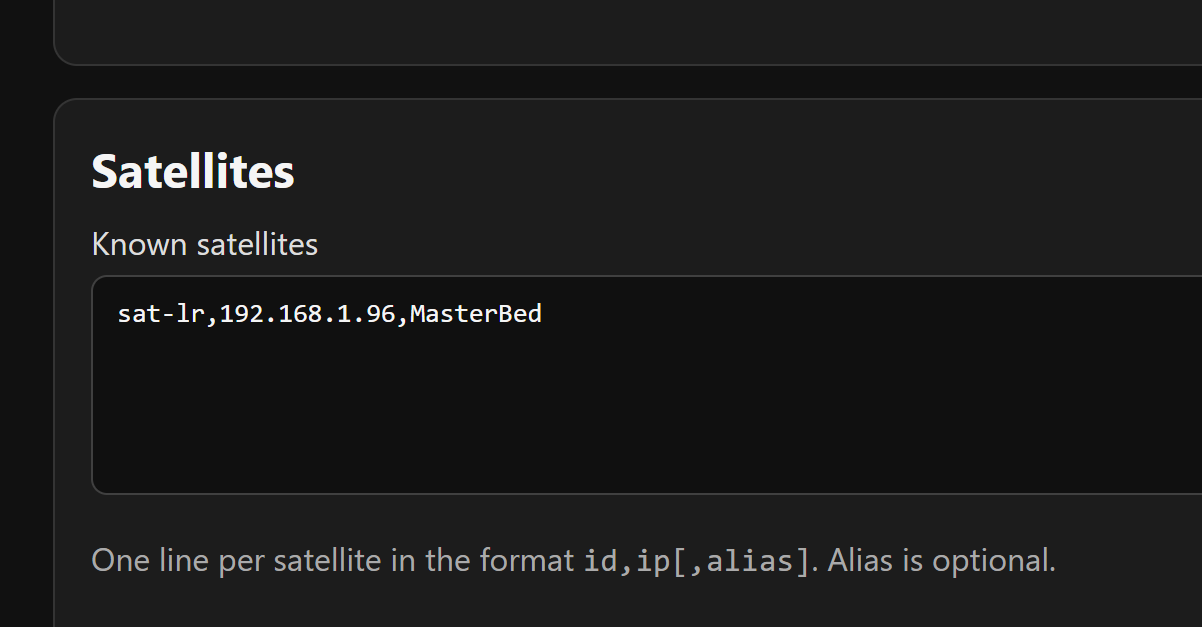
Ok so I updated but now have a different issue, the device is still not getting registered.
As a just in case, I made sure the required ports were opened on my UDM Pro firewall settings, but sadly no change, and there is no device being entered in the satellites.csv
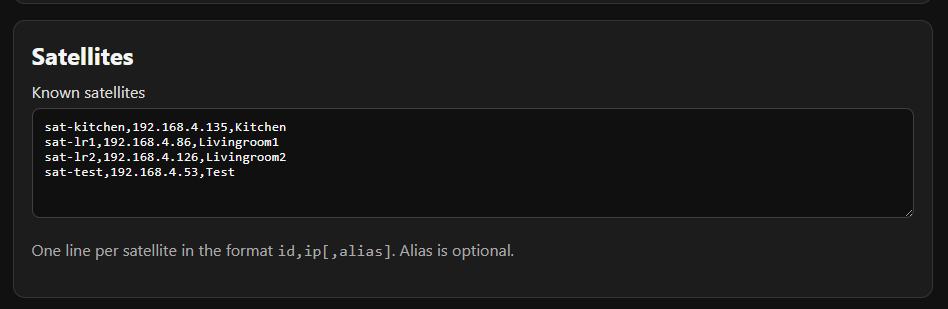
BTW, just to be 100%, I take it this is my PCs IP which go in these fields right? Obs not the Hubitat one though 
First thing that I see in your screenshot... you're not on the latest version.
Should be:
Thats just a screenshot from above, unrelated.
I am on the right one I was just being lazy with screenshots 
One thing I did notice, as I have ChatGPT was there wasn't any settings in the app, after I had updated. So I removed and reinstalled on HE< hence the change in App ID So now I have CGPT - ACE!!
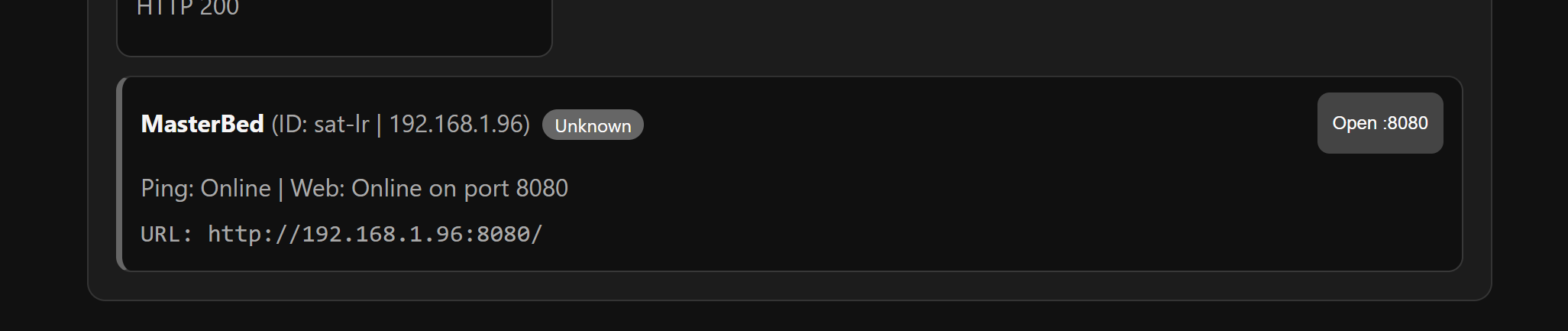
Click 'open' and show me what you get
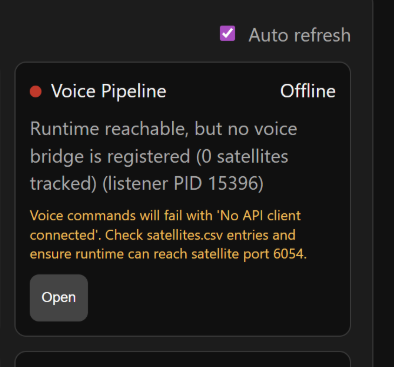
{
	"ok": true,
	"service": "HubVoiceSat runtime",
	"port": 8080,
	"queue_depth": 0,
	"last_action": "idle",
	"last_error": "",
	"last_transcript": "",
	"command_mode": "fast",
	"voice_assistant": {},
	"scheduler": {
		"timers": [],
		"alarms": [],
		"timer_count": 0,
		"alarm_count": 0
	}
}
Is there any reason it shows 8080 instead of 6054?
@Royski , I was able to reproduce it here. I think I finally fixed it.
New build on Dropbox...
hubvoice-sat-2026.04.06.2-release.zip
Will give it a go as soon as I can
Thanks , I'll keep my fingers crossed for a future Linux port...I don't really want another always on PC running. I'm trying to reduce my hub count 
Download the Hubitat app