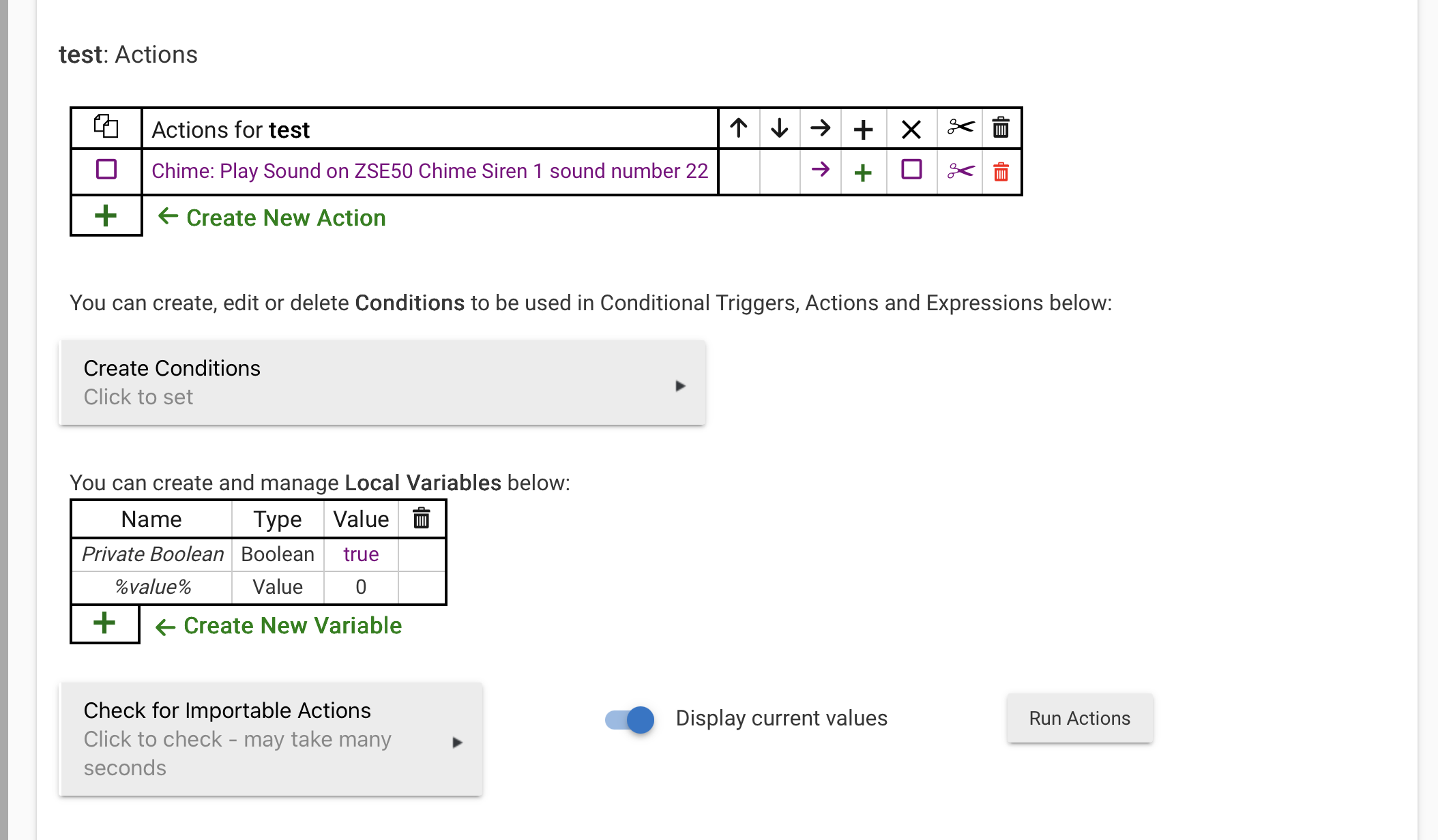
@jeff.turner.reid - what did you name your new mp3 files?
I added 2 new files “tone26.mp3” and “tone27.mp3” and I’m able to play them by number (26 or 27) through the “Play Sound” box in the Commands tabs in the siren driver.
@jeff.turner.reid - what did you name your new mp3 files?
I added 2 new files “tone26.mp3” and “tone27.mp3” and I’m able to play them by number (26 or 27) through the “Play Sound” box in the Commands tabs in the siren driver.
According to zooz, the file order is determined by the order added to the internal storage. My experience is that of you try to copy more than 1 file at a time the files will end up in an unpredictable order. The file name has NOTHING to do with the order. From what I can tell neither does the file attributes, it's kinda frustrating.
Hopefully when @jtp10181 gets a chance to write a custom driver he'll be able to improve on this, not sure.
I noticed that too. So there isn't a discrete "window open" message.
I down loaded all the sounds to my computer and will have to edit sound 3 and re-upload it to the siren.
I agree.. the sound quality is pretty good and LOUDER then my Ecolink siren. Impressive sound quality!
Zooz sent me the updated file('s). The names are not the same as the files in the device. Are they supposed to be re-named to match the original? Or what is the proper way to replace them without having duplicates with different names?
EDIT: Renamed the new one to the same name as the old one. Deleted the old one from the device. Copied in the new one. Now it works, but the number is now 1 instead of 3. No problem at this point as I haven't put it into use. But I can see an isssue if I program something to sound say #5, and add a new one and #5 is now something else. Could be a real headache.
Did they send you all the files or just one?
There are 25 files on the unit. They sent me 8 new ones. At this point I only replaced the one.
EDIT: Comparing Names It looks like they sent me 1-8.
I am needing a way to use these as sirens. Any updates on drivers?
Thanks,
Tom
Their stock mp3 files are now available to download on the file support page.
If you're asking about a community driver, Jeff has said he'd get to it eventually, but no timeline given - he currently has other priorities.
Most of those sounds could be considered useless.
Have to download each one individually, if these are different from the OEM; tedious.
No smoke or CO.
Have to hunt around for them.
Have to re-create everything if you want a consistent, or even male, voice.
I think I'd erase all the sounds and use the Ecolink sounds I created.
16 mB TOTAL / 50 file limit.
The size of the old and new ones they sent to me are the same.
I saw that. I was hoping that someone found a driver to work temporarily as a siren.
Tom
This works using the generic z-wave dt sound switch driver mentioned above. Mute, Stop probably would work, I imagine.
I used RM and it works but I will be ready to use the driver when available.
Thanks,
Tom
The mp3 names somewhat show up on some of the earlier files I put on the device. I'm not sure what triggered them to show up, but I just added 2 more and the number only shows up in the device details. I can play them just fine. EDIT: It seems going in and out of the device several times, refreshes the playlist. I still can't quite figure what makes it happen. I did turn debugging on and off and hit configure each time, so maybe that's the trick. I've adopted the process of prefixing them with a number and then testing their number by playing the sound. It's a bit of trial and error atm, but I'm sure a proper driver will eventually help this get resolved. Pretty neat and inexpensive device.
BTW, https://luvvoice.com/ lets you create and download TTS mp3s using various voices for free.
In their documentation they do mention that you have to hit configure once you upload the new sound files.
On Hubitat, you will use the Configure button. Once you have made the changes to your sound files, simply click Configure for the re-interview process.
So i actually just tried this for myself using the method you laid out. So i generated the mp3, downloaded it, copied it over via USB to the chime, (i think this is the missing step for some people) unplug the USB, then run the configure command and it worked instantly.
I was trying to run configure while i was still plugged in and nothing was happening. I think it has to be unplugged to "reinterview".
Weird thing just happened. I had my deck light dimmer set up to turn my zone 2 on/off with a button hold. It will announce “zone 2 in on/off”. It was working fine. I then added two messages “please close left(right) garage door” to alert me when they are open longer than 30 minutes. After checking, it seems it changed the number on my zone 2 messages. Turning zone 2 on announced it was off. Turning zone 2 off told me please close right garage door. Weird. I didn’t expect that.
I found that as well after deleting and adding a couple files. I deleted everything on the chime and put all my anouncements I was going to use together in a folder and copied them all at once to the device and it worked well.