I have a Zooz Zen14 outdoor plug that I have not been able to add with the standard Zwave add device
As it is a long range it has to be added via Smartstart that option was not available on the App version 2.07 .. or I couldn’t find it
When I went back to the old app version 1.35 it was available.
I haven’t tried to add it yet but where do
I find it on the new app??
I don’t really use z-wave smart start, but running the new mobile app on my iPhone, I can see an option to add a smart start device from the devices screen.
There’s a + sign in the upper left of that screen. Tapping that brings up another screen with two buttons, one of which is for adding smart start devices.
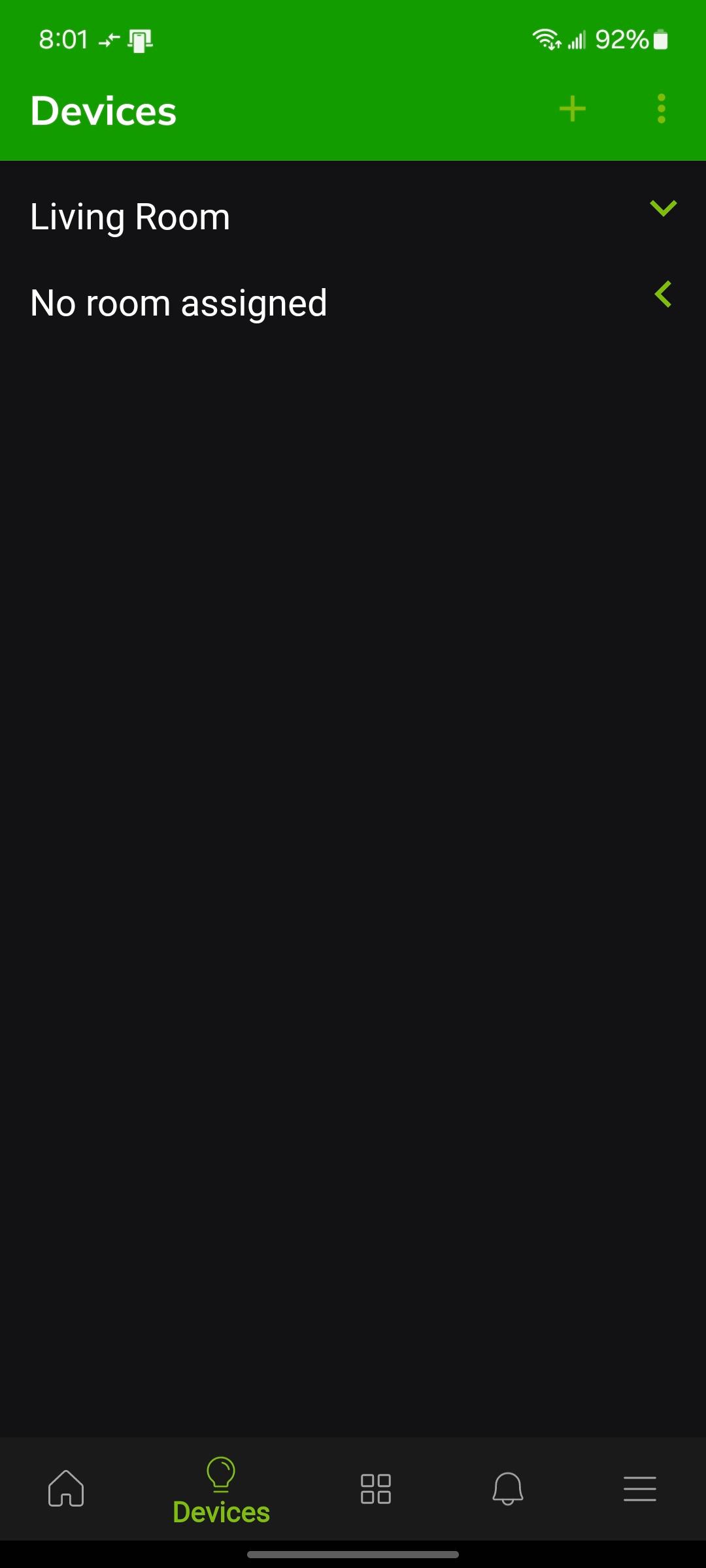
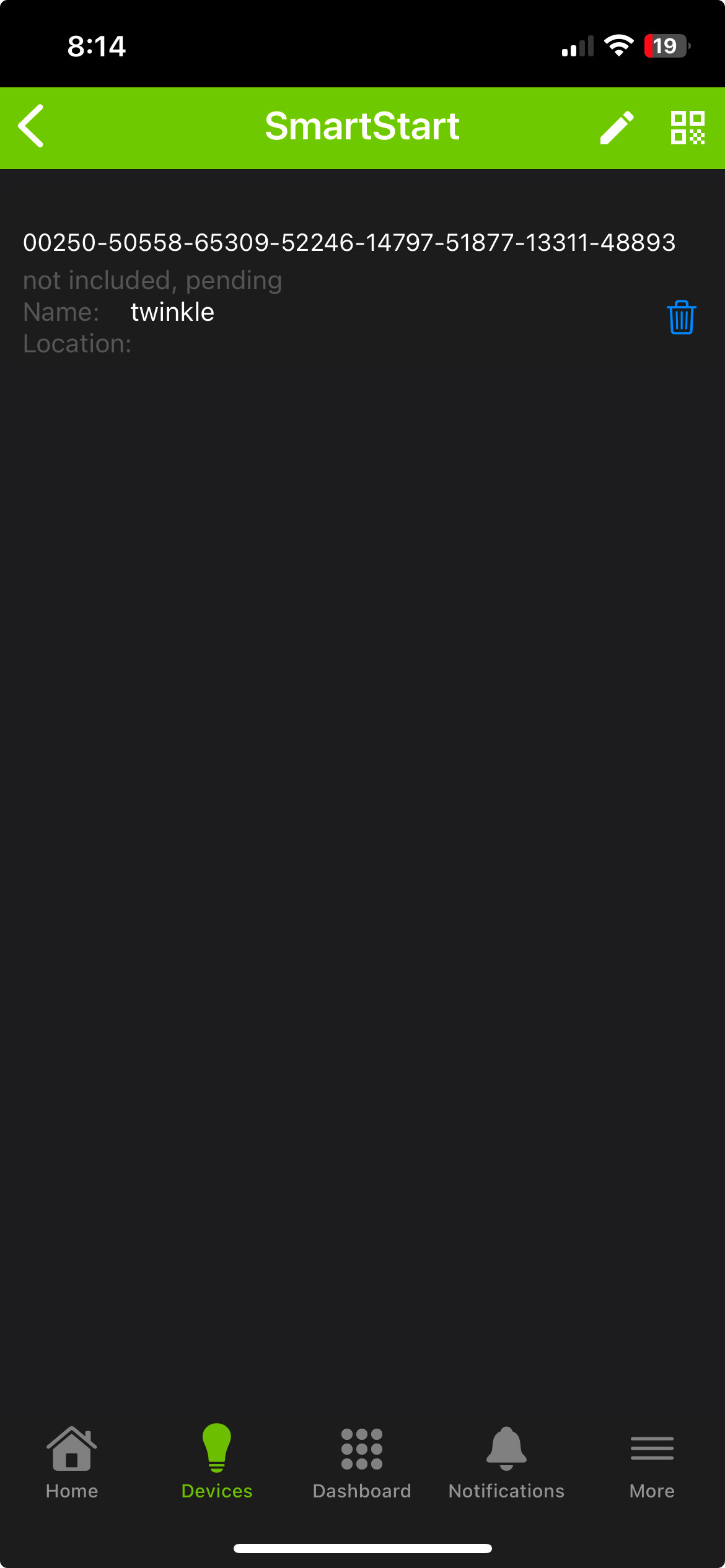
You should've had the device unplugged.
After you did your smart start thing, like you did, plug it in and it should include.....hopefully, lol.
edit. Might have to wait a little while, refresh, etc, before it shows up, again, hopefully.
Well tried that still pending after 15 mins
Anyone have any other thoughts?
If you're not wanting to use LR, I think you should've been able to include the usual way, and not Smart Start.
At this point, I think you should be careful, as you can, about creating a ghost.
Perhaps look on the settings/z-wave page to see if there's a ghost already.
edit: Don't do a force remove, because that will create a ghost.
Maybe try a general exclusion, press the device button 3 times, or whatever and see if something excludes. I think if it says "unknown device excluded" that could be a good sign.
Then, maybe, do a factory reset on the device and try to include it again the old way.
Someone could correct me, but I think it can still be included the normal way if you're not using LR.
You're correct -- for my 800LR devices I want on mesh, I still pair the old?/traditional? (non-SS) method. You can pair the device S2 or no-security -- either way still works fine.
I have worked on this all morning. I have tried adding with SmartStart and with manual Zwave add device.
I have excluded and restored to factory defaults numerous times.
The manual Z wave times out and the Smartstart shows "not included, pending" but never adds the device. I start the scan the code then plug in the device.
This shows up in the Smartstart Manager app:
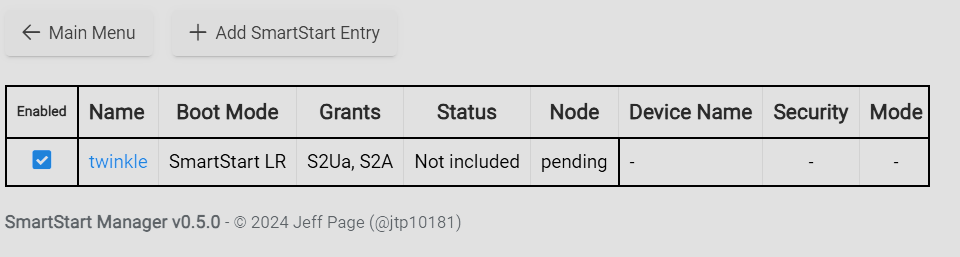
Any Ideas?
Power off the device.
Shut down hub, unplug for 30 seconds and power back up.
Then get and post screenshots of your entire z-wave details page please.
Have you been following these instructions?
Do you ever see the message in logs about SmartStart pairing started?