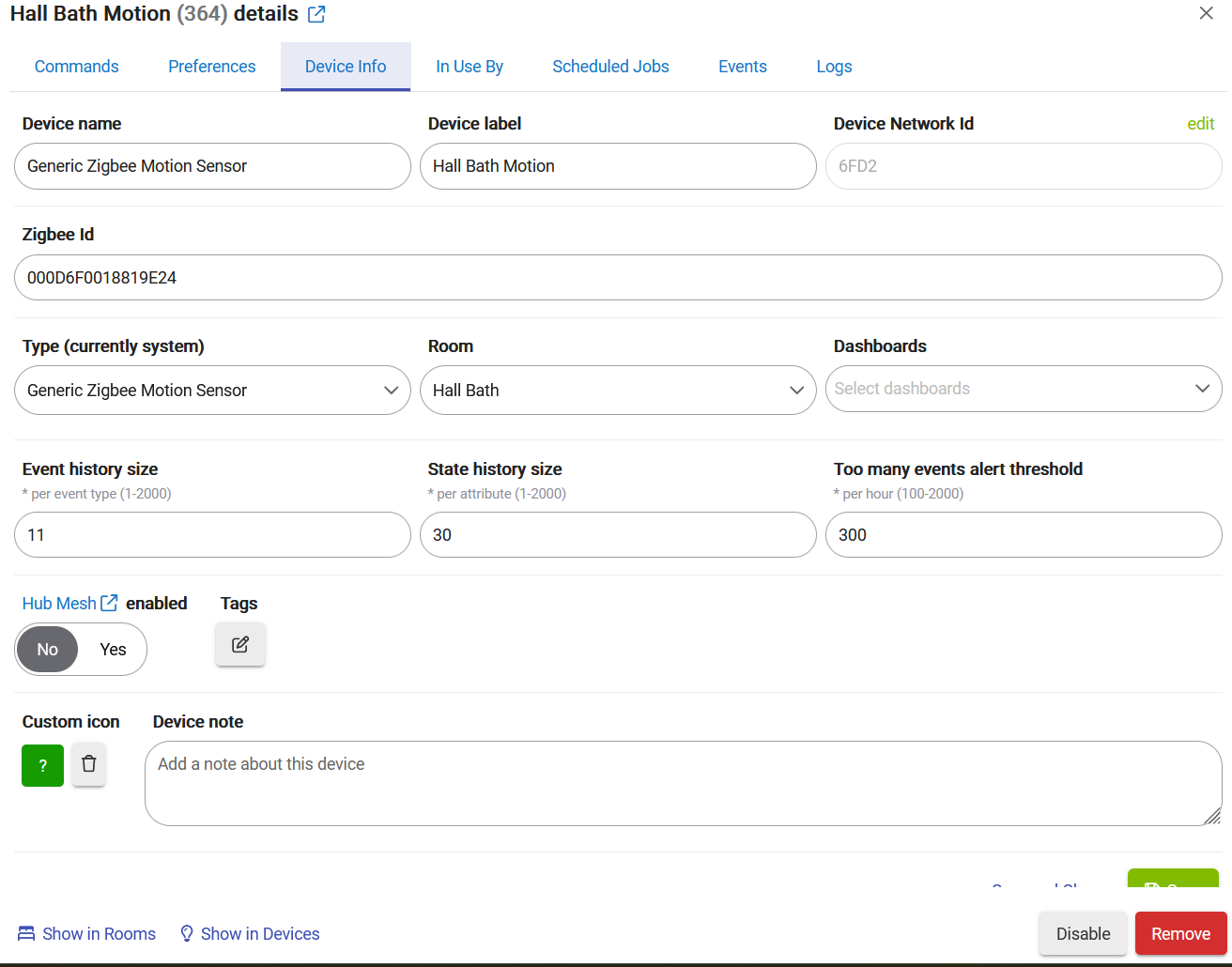
i have had this automation working since the youtube video was published on it. It stopped turning off lights and fan. I believe the problem is the zigbee motion detector is not reporting no motion. Maybe not reporting at all. When this started I replaced batteries in both door sensor and motion sensor. No change.
Check out the following post for help troubleshooting problems and gathering details that will help others to identify and solve the problem you are experiencing: ‼ READ FIRST - Before Posting in Get Help
Take the batteries out for 10 seconds, then put them back in. Then go to devices and select Add Device. Click on Zigbee then start Zigbee pairing. Wait 30 seconds and see if it reports discovery of existing devices.
I did that on door sensor and nothing was detected on add new zigbee sensor. I noticed both the door sensor and motion sensor went offline 7.3. Not sure if I should try to factory reset them, and if so should I attempt to remove them from devices first even though hub is communicating with them.
Don't remove them, that will mess up all your automations and dashboards.
That will not hurt, you can just pair them again, and as long as you didn't remove the device from the hub it will fall right back into the current device.
Have you tried shutting the hub down (Settings, Shutdown) pull the plug from the wall, and after a few seconds plug in and let the hub boot?
Now both the motion sensor and door sensor are not updating in Hubitat. I have another zigbee motion sensor working fine. In the past I have just removed battery replaced and they came back. But not this time. I have removed door sensor from door, have it in same room at Hubitat C7. This is a Centralite 3323-G. I have shutdown C7, pulled power for about 10 second, waited until hubitat back up. I pull batter on sensor, press button on top of sensor, replace battery, light on sensor lights, but nothing shows up on zigbee pairing. I keep holding the button throughout pairing. What am I missing.