Guys,
I'm trying to install a Zemismart 6 gang but it's not working. Can you help me?
I'm very beginner in Hubitat.
Guys,
I'm trying to install a Zemismart 6 gang but it's not working. Can you help me?
I'm very beginner in Hubitat.
Hi, and welcome to the Hubitat community forum! : )
To try helping, I will need to know what is your particular device Zigbee model and manufacturer.
See some more details here : How To Identify a Zigbee Device.
Hi mate,
This is the info collected as instructions:
|Application|51|
|Endpoint Id|01|
|Manufacturer|_TZ3000_uilitwsy|
|Model|TS0003|
It's weird because it has the same name as the 3 gang one that I have. But this is a 6 gang version.
Physically all 6 buttons work. But in Hubitat only 3 buttons work.
I'm using this drive: Zemismart ZigBee Wall Switch Multi-Gang - version 1.1.6
Please update the Zemismart ZigBee Wall Switch Multi-Gang driver manually to ver. '1.1.7' '2025/11/30 10:26 AM'
Select 'Yes' on the Initialize() command and click on the button below - the driver should create 6 child devices now.
Note, that there is no way to automatically detect whether TS0003 _TZ3000_uilitwsy has actually 3 or 6 gangs, so it will always create six child devices. For the three gang switches you can manually remove the extra child devices.
Hey mate,
First of all, thank you for the update!
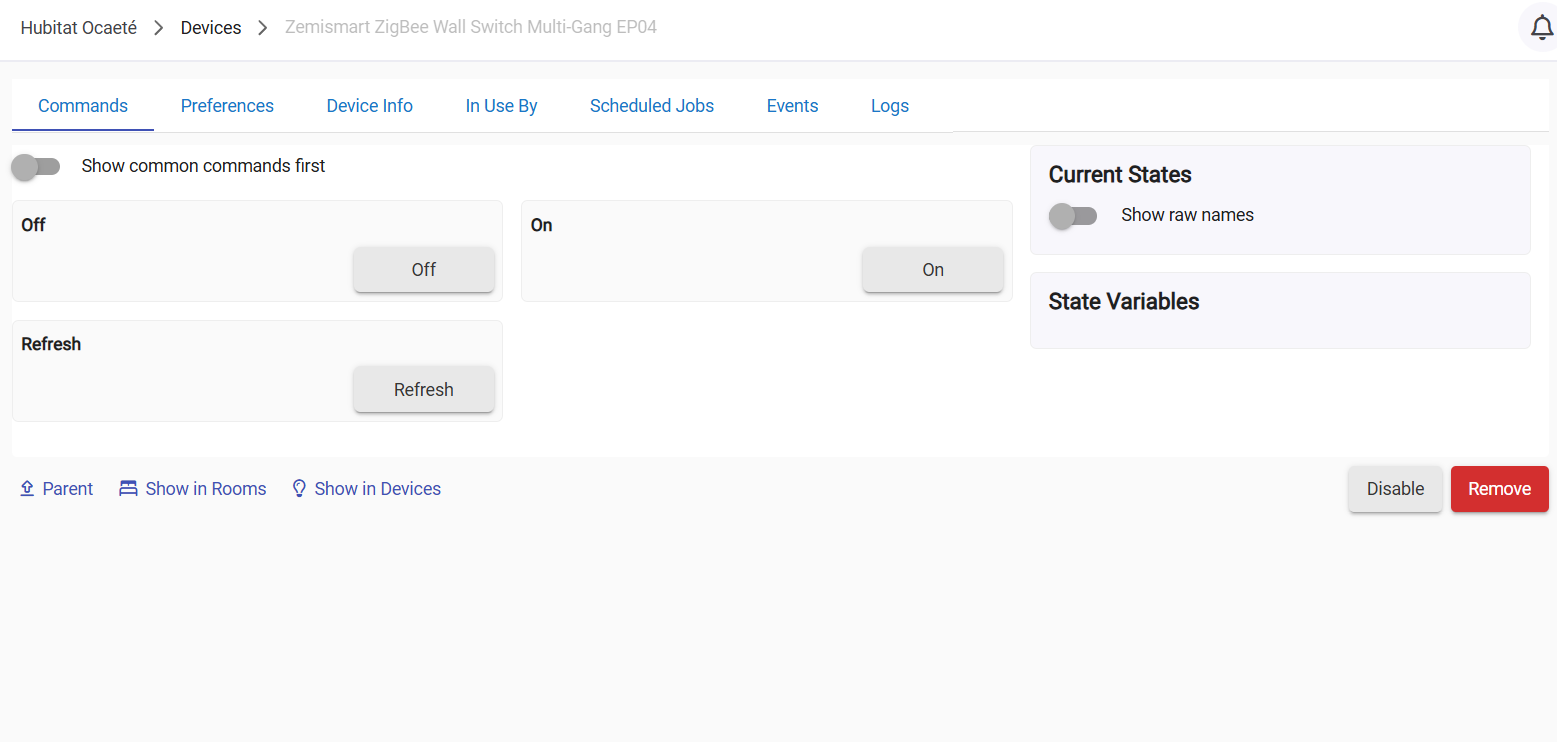
Now it's showing 6 children, but only the first 3 are working... the others are not. Even when I send the command to the main switch, it only commands the first three.
I've noticed that the last three are not showing the current state (as you can see in the pic)
Download the Hubitat app