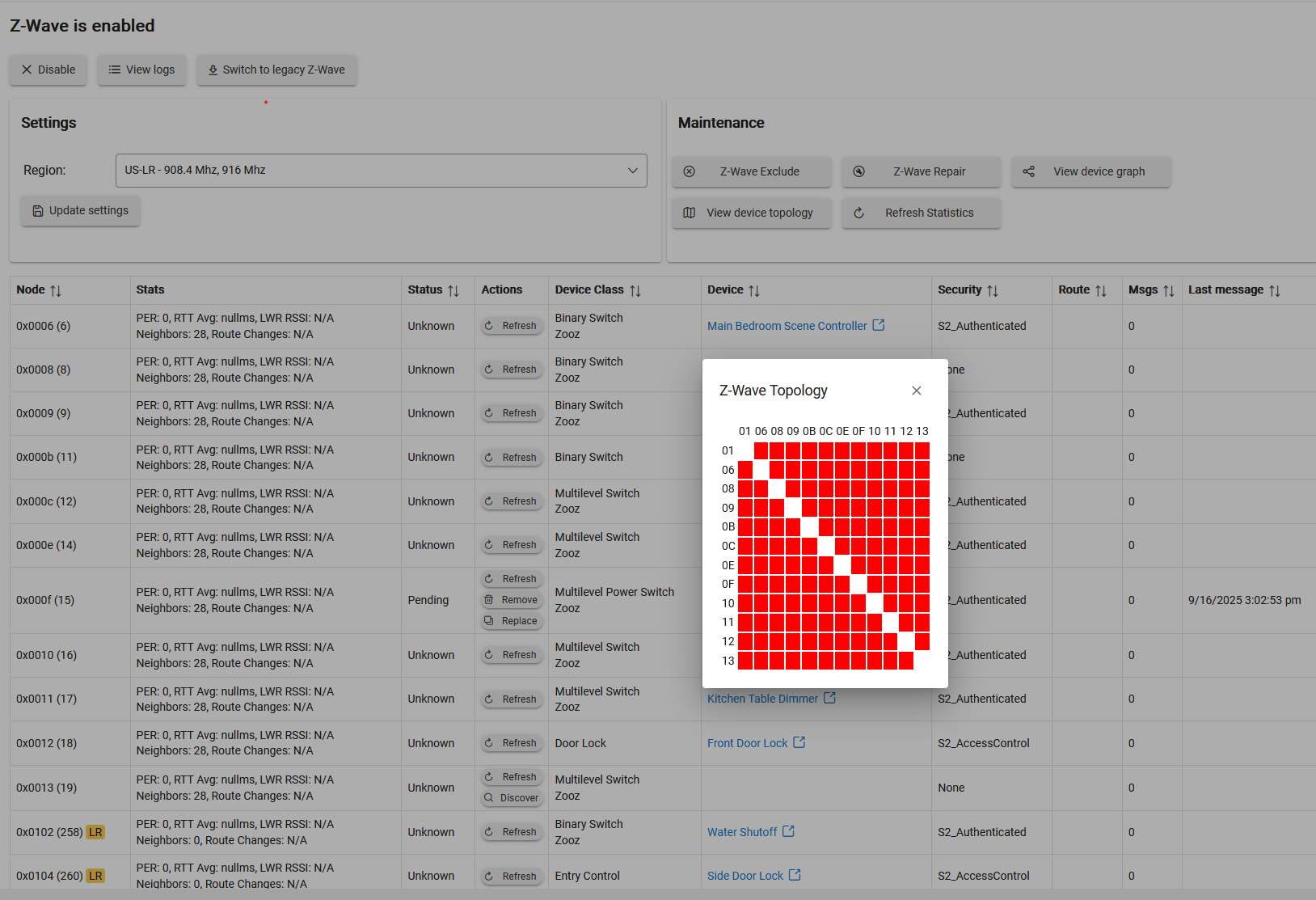
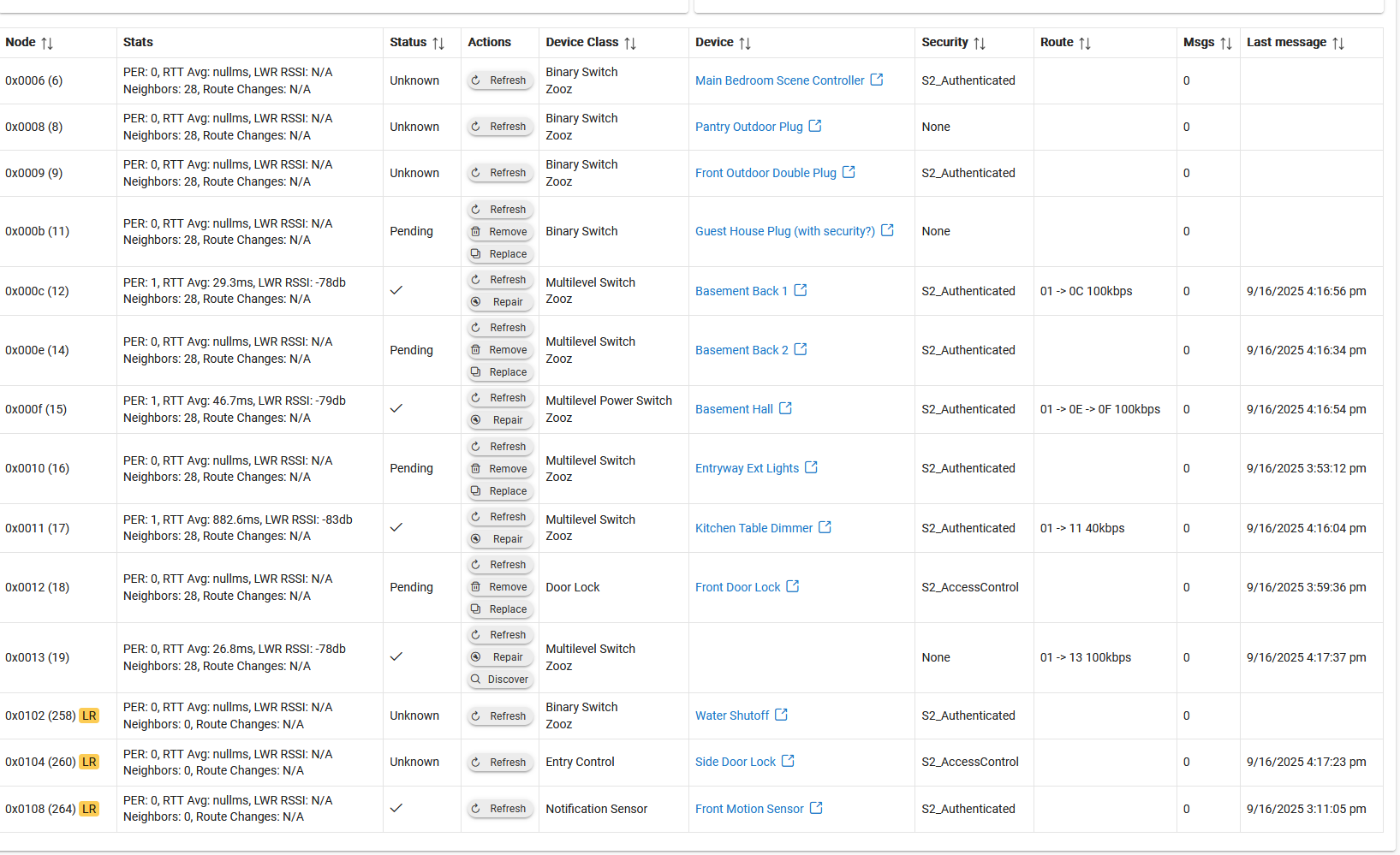
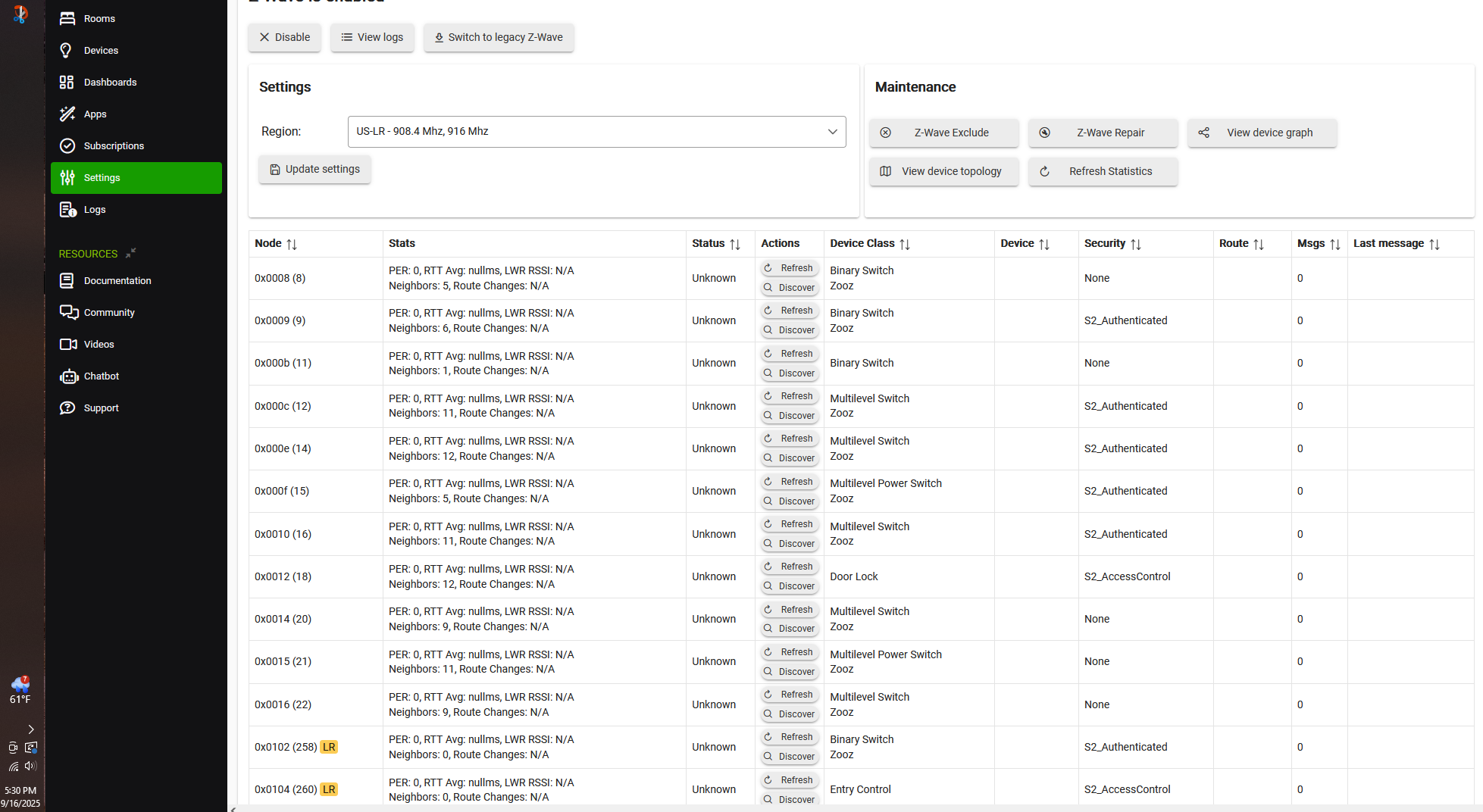
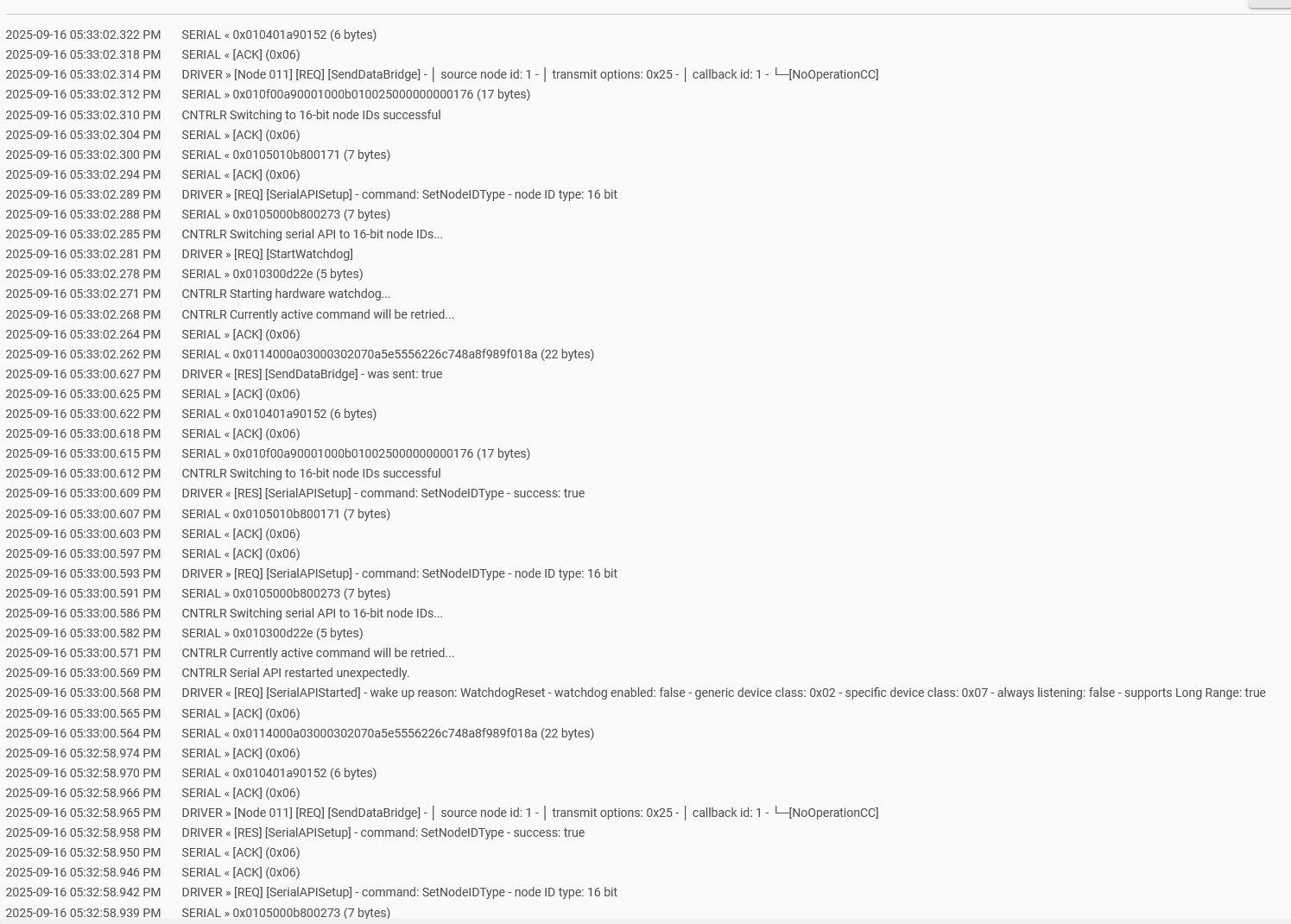
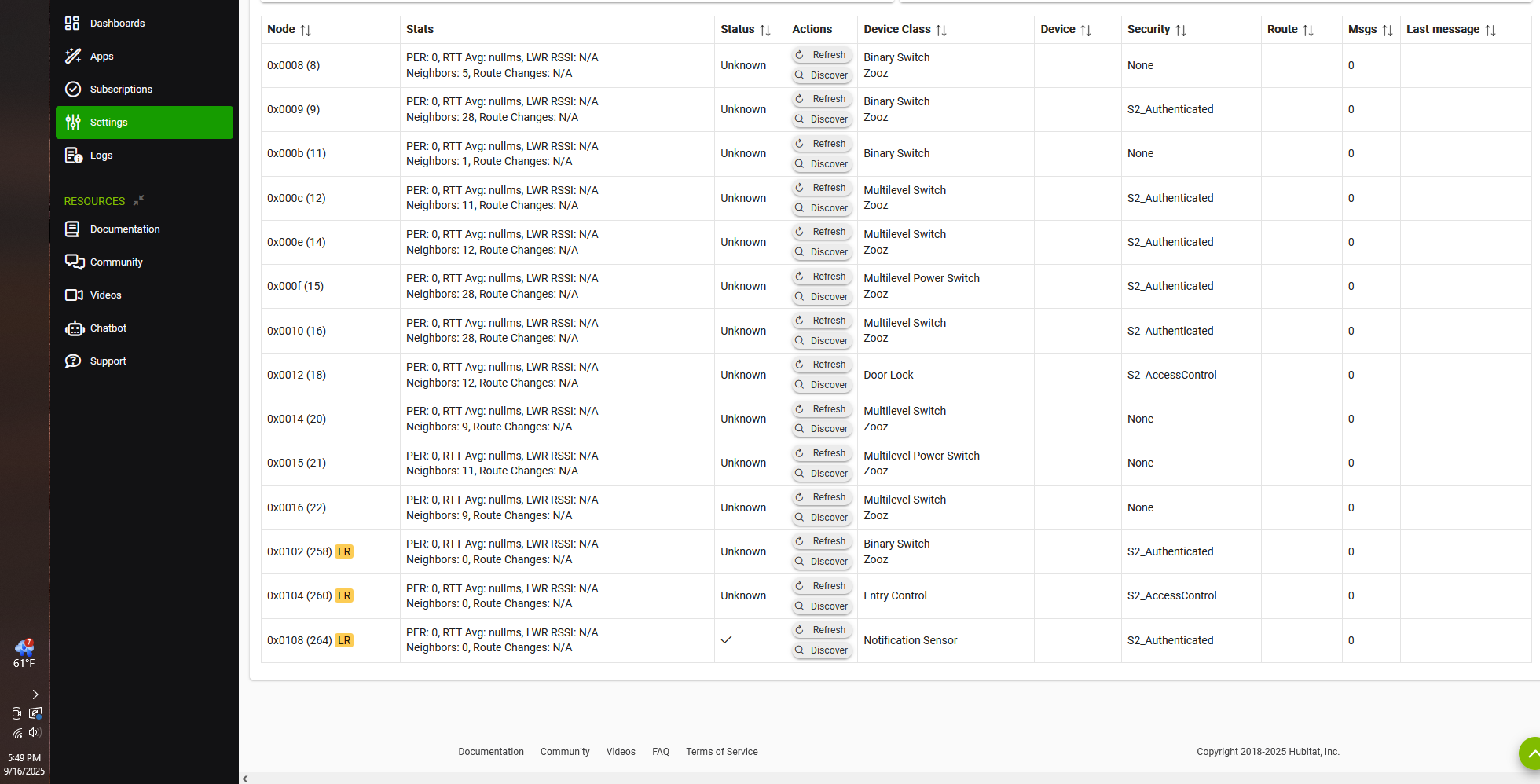
It looks like my Z-Wave node has a ghost (06) that I can't get rid of. It's causing excessive zwave traffic and causing everything else to not work. I've tried removing it with all the tips on here: I've tried turning off the circuit breaker to the ghost, tried refreshing in the zwave details page: the "remove" button never comes up. I've done many shutoff + remove power cycles. I'm not really interested in buying a UZB stick at this point since I JUST started building out a mesh in my new house. Out of desperation, i tried loading a backup from a few days ago, and it didn't make any difference--but i think it made my z-wave details page wonky in that the Topology is now all red AND it's showing another ghost now that didn't exist before. I'm sure that was a bad idea, but oh well.
Anyways, I only have 5 basic rules and one advanced one so far. It seems easier to just reset the hub, and exclude--re-include all the dozen devices.
Thoughts? I keep reading that a hard reset is bad, and i should do a soft reset. So to try to not mess things up more than I already have--whats the best course of action here? Ghost slaying? Resetting? Other? Any issues with DLing my smart start list to save some headache if i go a reset route?
The restore wipes out all the routes so it has to rebuild the mesh, which takes 24-48 hours. So, yes, as you have found, restoring a backup as you did almost never solves these kinds of problems and only makes it worse.
FWIW, ghost nodes should not be hard to remove on ZWJS, typically after a fresh boot they are easily removed. If not you can always switch back to legacy ZIP and then try to remove them from there.
If you want to start all the way over, you can use the Diagnostic tool to do 3 resets. First do a Soft reset, after it reboots DO NOT RESTORE from a backup. Go right back to diagnostic tool. Then reset the Zwave and Zigbee radios from Advanced (only need to do Zigbee if you have paired anything to it).
After the final reboot you can set the hub up as new again, do not load any backups.
You will need to exclude or factory reset your devices so they can be paired to the hub again.
FWIW, ghost nodes should not be hard to remove on ZWJS, typically after a fresh boot they are easily removed. If not you can always switch back to legacy ZIP and then try to remove them from there.
Im on the Zwave JS. I've been trying to remove the ghosts for two days with all sorts of reboots, leave unplugged, hit refresh, etc.. Thats why i tried restoring my backup--felt i had nothing to lose.
The restore wipes out all the routes so it has to rebuild the mesh, which takes 24-48 hours. So, yes, as you have found, restoring a backup as you did almost never solves these kinds of problems and only makes it worse.
Will it ever rebuild if my zwave radio is so jammed up with the ghost traffic?
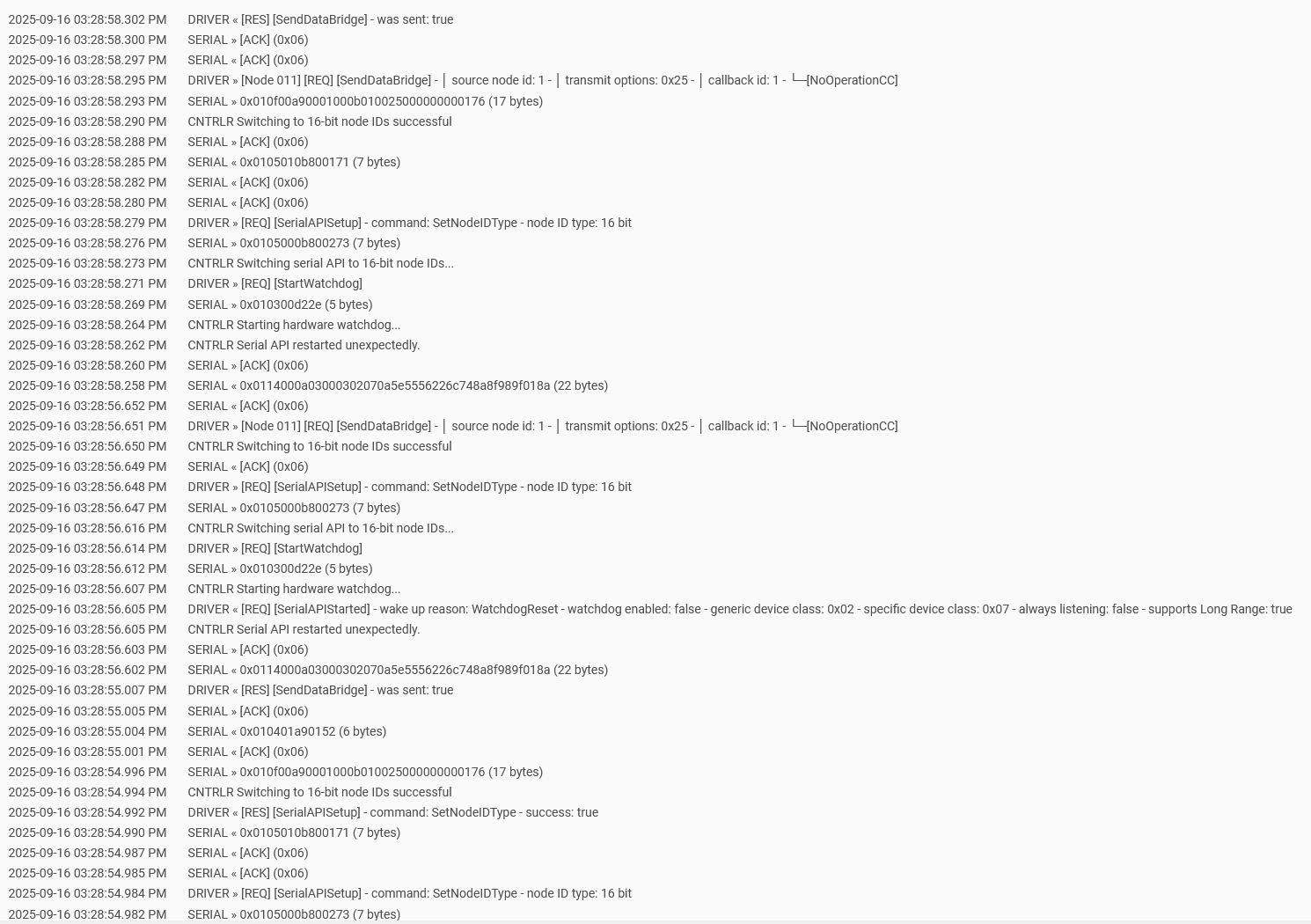
I am not sure what is going on in those Zwave logs, and not sure what you see that you think is traffic from a ghost. A ghost node should not have a physical device attached at all, so there is nothing for traffic to come from. The only thing you might see is the hub reaching out to that dead node on occasion, but I am not sure how often it happens.
Next, I tried to exclude the first device, about 6 feet from the Hubitat--no reaction. Decided to check the hub, and there are NO devices on the device page, but they're ALL still there on the Z-wave page?? It must've auto-loaded an old database cuz i sure didn't do it. But now there's a "remove" button for pesky node 06. Risky click number 1000 for today, but what have i got to lose.
It removed from the Z-wave page.
Back to the device, excluding yielded nothing. weird. tried including. nothing. factory reset, then include, nothing. WEIRD.
I'll try another switch now? Unsure if i should delete them from the Hubitat Z-wave page ahead of excluding? Gonna leave it as-is for now.
Make sure you do a full shut down and unplug for 30 seconds if the radio seems to be locked up, this will restart the radio.
Guessing you made a mess of things by restoring a hub database backup without a radio backup, or the other way around (if you subscribed to cloud backups). So the reset you are doing is probably your only good path forward at this point anyway.
Ok I tried the 2x reset again as I'd already added a few Z-Wave devices back. Others devices (not former node 06) DID exclude and add again, but their former z-wave entries had stayed on the Zwave page.
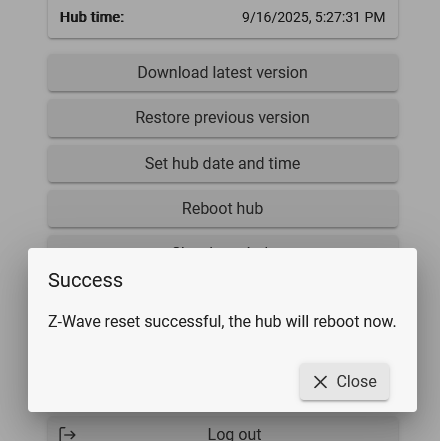
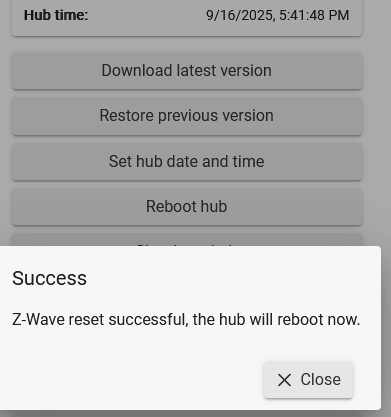
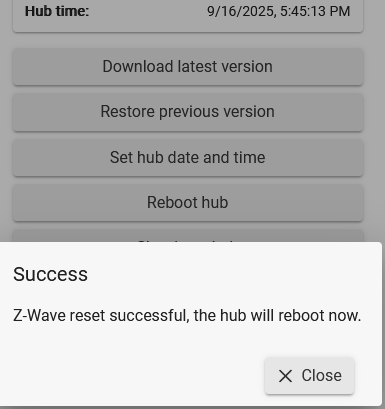
After my Z-Wave reset i got a confirmation that the Z-Wave reset worked--i'm not sure i got that last time. BUT THEY"RE STILL THERE!!! I guess I'll do a shut-down-and-unplug, then another z-wave reset. Will report back!
Try switching to the legacy Gateway (button on zwave details). Let it reboot, then try the reset again.
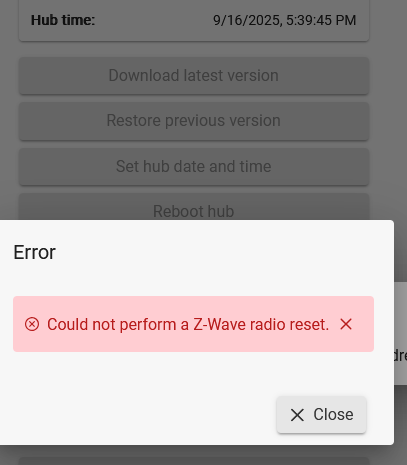
If that does not work then staff should look at it. @bobbyD or @bcopeland have you seen a zwave radio that refuses the reset?
Last resort would be trying a full reset if you don't have subscriptions, but that also wipes out back end logs which support will want to see first, so dont try that just yet.
Not sure what that is exactly, it just an ACK of some sort, not sure if 0x06 is the node ID or what? You might have a device going bonkers. If you factory reset all the devices they will forget your hub exists, so if its a device they should stop.
IIm not ready to call this "solved" yet. I've now added back 6 devices in rapid succession. 5x lights, 6th was lock. When trying to add the 7th (another lock), again, no exclude/include happening. So i decide to check the other devices via app. On/off/on/off--nothing.
Welp, time for dinner, so i put the phone down. 5-10 min later the lights start cycling!
While pasta is boiling i pull up app and check logs: Both regular and Z-wave logs are going CRAZY trying to download codes i think? Like hundreds a second. My thinking: This is initialization, so give it until after dinner. Plus that makes sense that 2nd lock couldnt add with all that traffic.
After dinner, an hour later, logs STILL crazy. I exclude/delete the lock. Logs calm down. However, none of the devices work via app (z-wave commands), except for the 10-min-delay-type-behavior. And that's where I am right now.
Locks will crush your mesh if not handled properly. At pairing there can be up to 250 code slots the hub will try to sync up. I would pair one lock and then just keep the system logs open and wait for it to settle down.
The way locks and battery shades work they will often take over the mesh while they are in use, normally only for a short time except at the initial pairing.
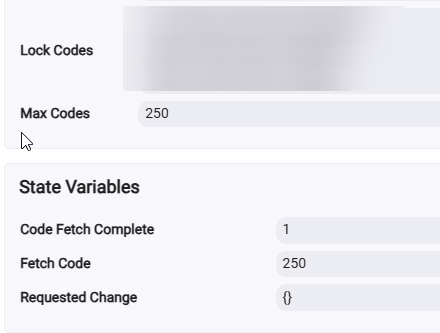
Eventually the device page will have this Code Fetch Complete flag set to 1. (You need to turn on the developer option in hub settings to see the State Variables). This is from my Yale lock that has 250 code slots.
See the rest of the thread above, no indication the radio is offline. User was on ZW-JS and radio would not reset. As soon as they switched to ZIP it worked. Has anyone tested the reset with Zwave JS?