If you are of the opinion that a smart home should not require manual control, or at least using a dashboard, then this is not.... Sigh... It will eventually get to the point where you are still going to post, won't it...
So who uses what... If you had to choose, who uses the built-in options and why, who uses HD+, Sharptools, etc?
This in part came off the back of
But particularly some of the later posts list some alternatives...
Increasingly, I use Home Assistant for my dashboard access to (or perhaps more accurately through) HE. HE still serves as my z-wave interface in two buildings and the same for Ecowitt devices (I really prefer the driver you make possible). I also still have my hydronic radiant heat control logic embedded in HE, through a Zen 16 But I've moved the Lutron Pro hubs to HA, and much of my automation. So it's not that I've abandoned HE, but rather made it part of a more powerful and robust system.
I use Home Assistant for my dashboards. I don't have the patience (or really time) to try learning and modifying CSS. I'm sure it is powerful, and I've seen what others have done with native dashboards, but the standard UI with a mushroom add-in on HA is just easy and looks good for my purposes.
I use Apple Home as my primary dashboard these days. It is just so easy to use for us, as it is built into our iPhones. I use Scrypted to pull in my UniFi Protect cameras as well. Works great.
I have a bunch of dashboards setup with devices from each rooms. I very, very rarely use them, but sometimes they are nice to have. They all use the native (legacy) dashboard. A few are enhanced with Smartly, but mostly they are just standard.
That said, more and more, I will use the iOS HomeKit dashboard as it is very quick to access on all my apple devices.
I’m going to setup some unifi protect cameras soon and was sort of hoping to bypass Scrypted (which I currently use to get my Hikvision cams into Apple Home).
I’m curious what made you decide to use Scrypted instead of a more direct integration with a Homebridge Plugin for Unifi Protect?
I started with the Homebridge plugin for UniFi Protect. It works well, but I wanted to try Scrypted as I had heard it was faster. In my testing, I found Scrypted to be noticeably faster when opening a live feed on Apple Home on my iPhone. Nothing mind blowing, but quicker. So I left it running. I have Homebridge and Scrypted both running as Docker containers on the same RPi 4 computer. I still use Homebridge to bring in my HE Devices to Apple Home.
I'm too deep into Legacy Dashbaords now to switch over to HA dashboards, even though I do run HA and have the Hubitat HACS installed.
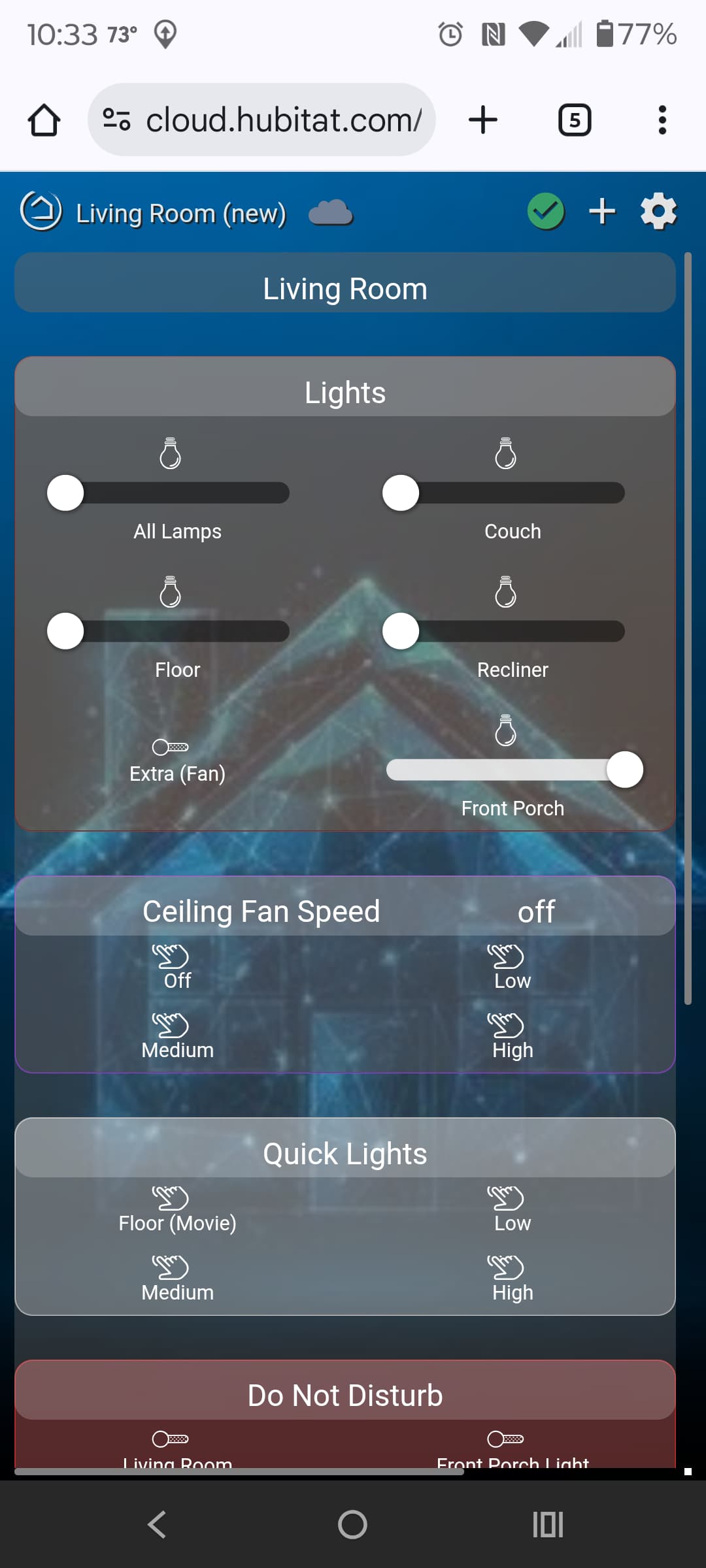
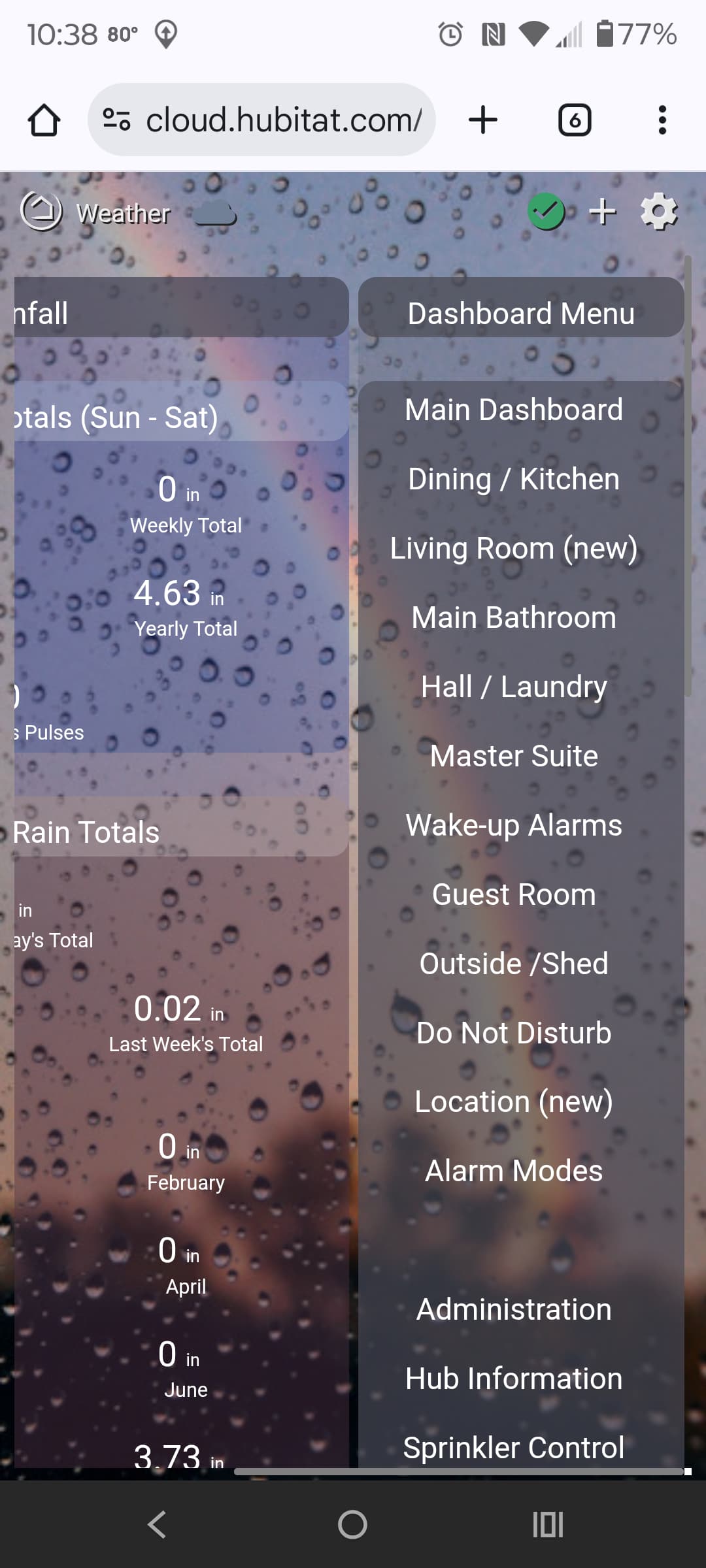
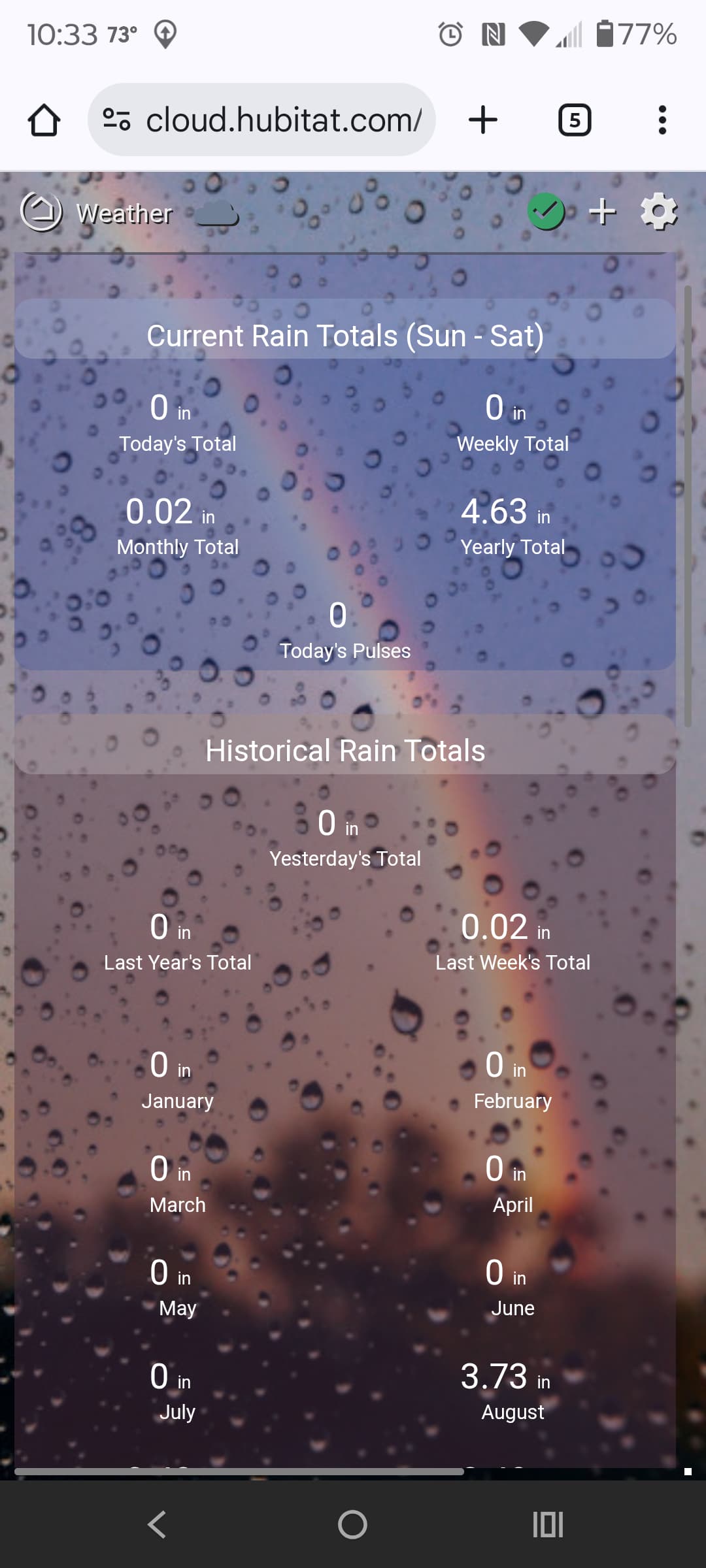
I've picked up enough CSS tricks over time to do some fun stuff, so I guess I have already put in that time and energy that people have trouble finding to deal with Legacy. I'm also a glutton for punishment, as I still spend way too much time tinkering with what I can get Legacy dashboards to do, in terms of full device controls and playing with animations.
I really do not use dashboards very often for actual control, as everything is automated, but I still like making my dashboards as interactive as possible, even if I don't use the controls very often. Nice to have the controls there when I need them. Mostly I make my dashboards look pretty because they are status displays, and that is what they are primarily used for. I have two wall tablets that are mostly used for status, but can be interactive when needed.
I have quite a few dashboards for home security keypad, home theater control, and centralized lighting control. I also have Picos all over the house that you could call psuedo-dashboards because they control devices other than what's in the gang box that they are mounted. I also have a couple on a stand.
Not to start that fight, but I consider this Home Convenience, not necessarily Home Automation. I have plenty of automations including on my Android phone but still use dashboards daily. I have found just picking a cool background and a little CSS has made the standard dashboards very good. I don't like the EZ Dashboards.
I have not found a Home Assistant dashboard theme that I like but they are a lot more powerful. My favorite feature is conditional visibility of tiles (hint hint HUBITAT STAFF!!). My door lock only shows when unlocked.
I use the legacy dashboards in HE. There are 2 or 3 that I use regularly but most of them I rarely look at. I've recently started to update them with some CSS to make them look more modern.
I'm ok with this terminology, to be honest. I've automated some things, but I can't automate everything that my wife thinks should happen based on how she's feeling any particular day. If we ever get a neural implant and integration, then maybe I can move more towards the automation from convenience.
Same here. I have automated most things but I still hear hear the disgust in her voice some days when the schedule doesn't meet that day's mood.
The one room I had to completely give up on was the living room lighting. Her needs were way to chaotic for automation. I have around 450 rules now and could probably double that and still not get everything right for this room. I instead have mini-motes on each end table and that's one of the dashboards that gets used regularly.
We also make use of Google Assistant but that's been getting less reliable by the day lately.
My home setup is so basic that a dashboard would be overkill. Anything I need done beyond preset automations or yelling at Alexa, is accomplished with one 4-button remote. I just have to remember Tap vs Double Tap vs Hold, but that's easier than configuring and opening a Hubitat Dashboard.


 How do you use dashboards for your Unifi stuff?