We still haven’t seen the app logs for the rule corresponding to your screenshot in the OP.
is there a way to go back like a week and see the events? I made a basic rule that seams to working okay, until I figure out RM. However I can not figure out how to back past 1-23. I will continue working on it but did not want to keep you waiting.
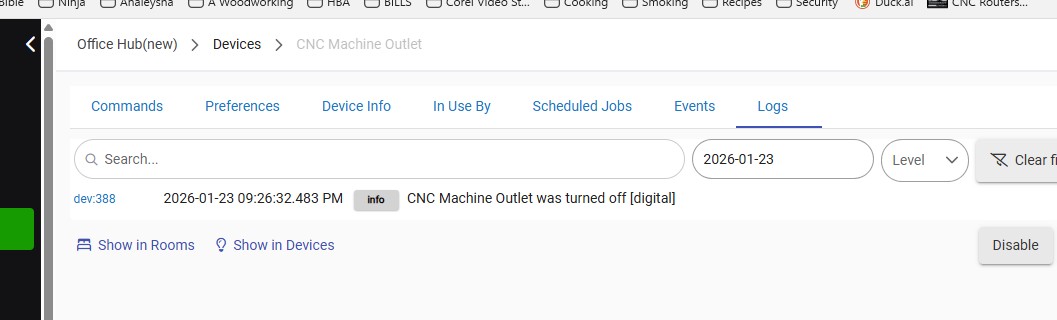
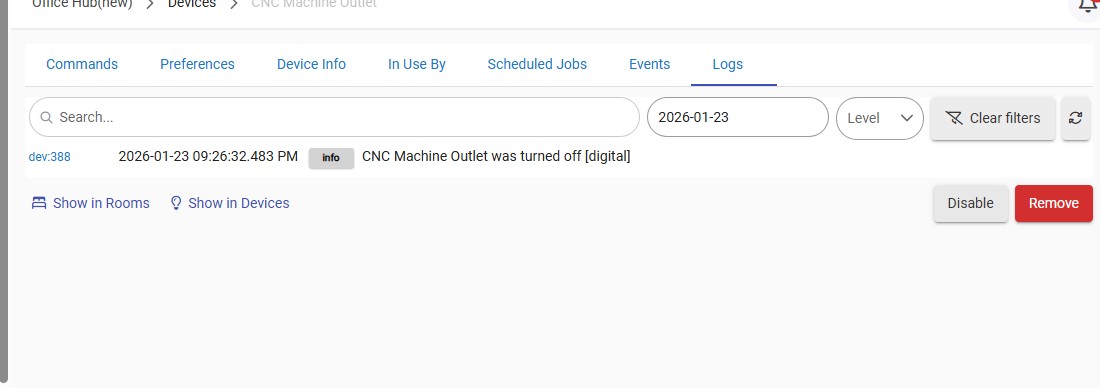
That’s a couple screenshots of a device log again.
As mentioned above (and in several other threads you’ve created in the past) you need to look at a rule’s logs to try to understand what’s happening with a rule.
A rule is an app. Not a device. Devices have logs too and sometimes they’re needed when troubleshooting. But not now.
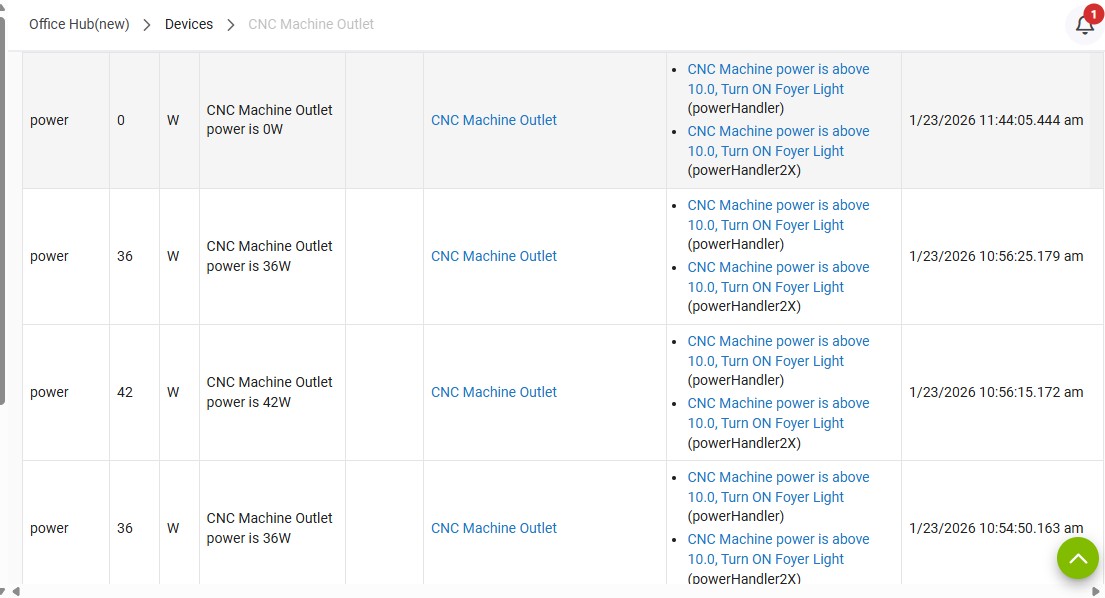
The third screenshot shows some of the outlet device’s power events. That isn’t relevant either.
It also looks like you now have an automation called “CNC Machine power is above 10.0, Turn ON Foyer Light.” I’m inferring that from the third screenshot.
Perhaps that’s the basic rule you’re referring to now, since you haven’t said anything otherwise about an automation that uses the outlet’s power draw as a trigger or condition.
It’s becoming harder and harder to help you here.
It appears as though you keep rewriting your automations on your own, and you’re not sharing the requested info here so that others can try to understand what you’re doing with your hub.
Not a recipe for success, IMHO.
As mentioned above (and in several other threads you’ve created in the past) you need to look at a rule’s logs to try to understand what’s happening with a rule.
I am trying to go back to last week to provide you with this. Perhaps I did not explain myself - I can not figure out how to provide you with what you are asking. Not trying to be difficult the only app log I can bring up is from Jan 23rd. I don't know how to go back beyond that.
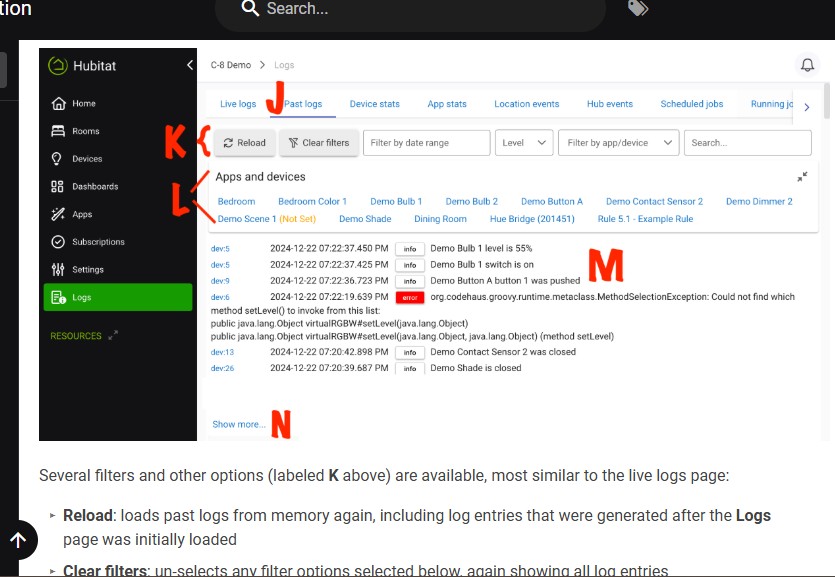
I go back and look at the doc for the logs but I am missing something.
I asked you in an earlier post if you were controlling the lights by monitoring the power consumption of the machine , or you are controlling the lights by the on-off status of the outlet.
You replied by saying you were monitoring the status of the outlet .
In an earlier post it looks like you have 2 different devices involved in this, "CNC Machine Outlet" and "CNC Machine". Although I'm not sure why they have the same device number.
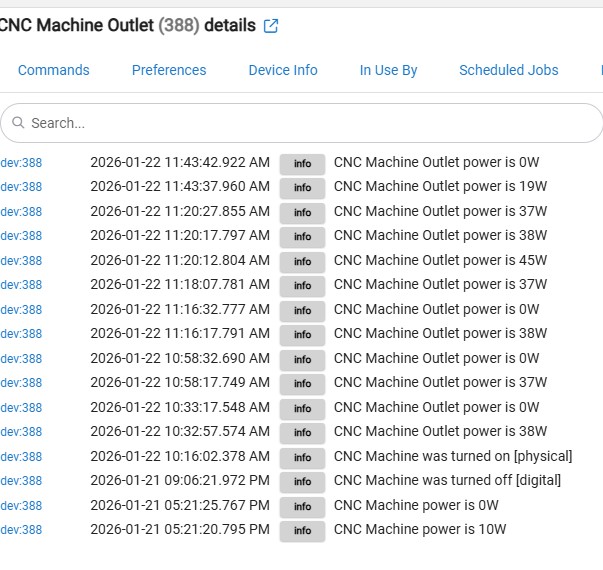
Your original rule was making use of the "CNC Machine Outlet" , and your most recent screen capture of the logs shows you are looking at "CNC Machine Power".
It looks like you are posting a question along with screenshots, and before we can give you an answer, you make changes, and post different screenshots which just adds to the confusion.
If you want us to be of assistance, you have to stop randomly changing the rule until you get a reply back from your question.
1 Like
Sorry about making the BR I just needed something until RM is working right.
lights by monitoring the power - Just to make sure we are on the same page here this is how the rule is to run. When the CNC machine is turned on it also turns on the Foyer Light and CNC flood light. When it is turned off the lights go off. To answer you question - Yes it is monitoring the power of the outlet. I do need to have the outlet turned on before the rule is able to run. I turn the outlet on by hand at the begging of each day. At night everything in the shop gets turned off.
Again I apologize for making the 2nd BR rule. This is just a brandade until I get RM working right.
So does your basic rule work as intended?
most of the time 80/20 so yes it works about 80% time. And there is about a 10 second delay before it turns the lights on and off. Perhaps this is normal. I am trying to get it to work 100% time. Thanks Mark for asking.
Basic rules have (app) logs too.
Please tell me what I am doing wrong this is my BR 1458 for my CNC outlet. Screenshots of step-by-step of what I am doing. Only one event shows up.
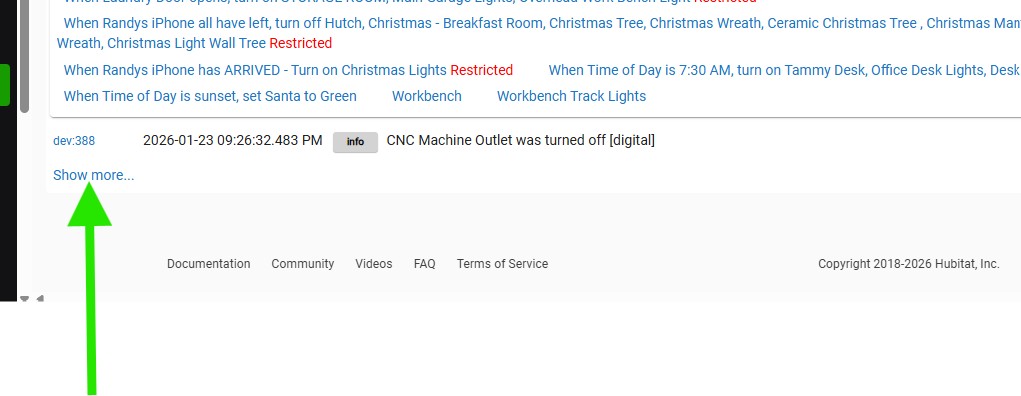
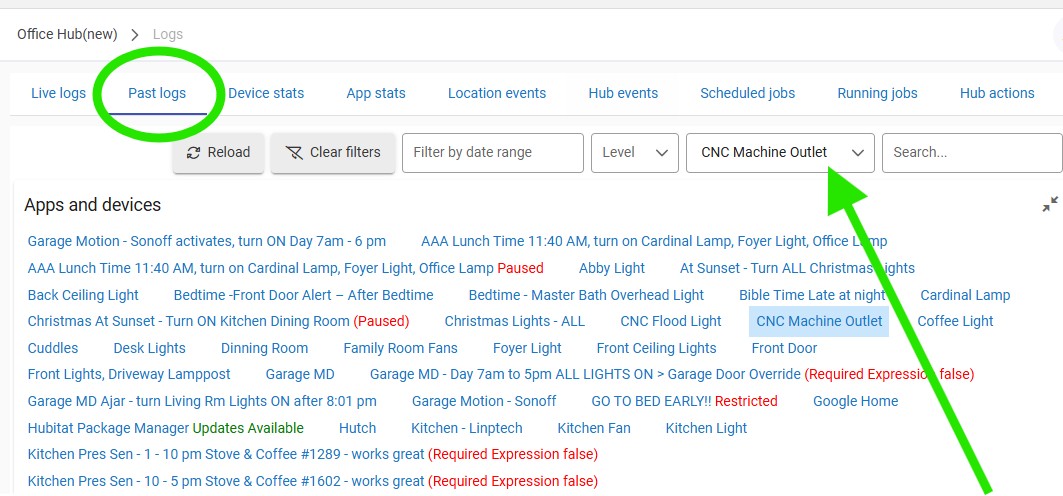
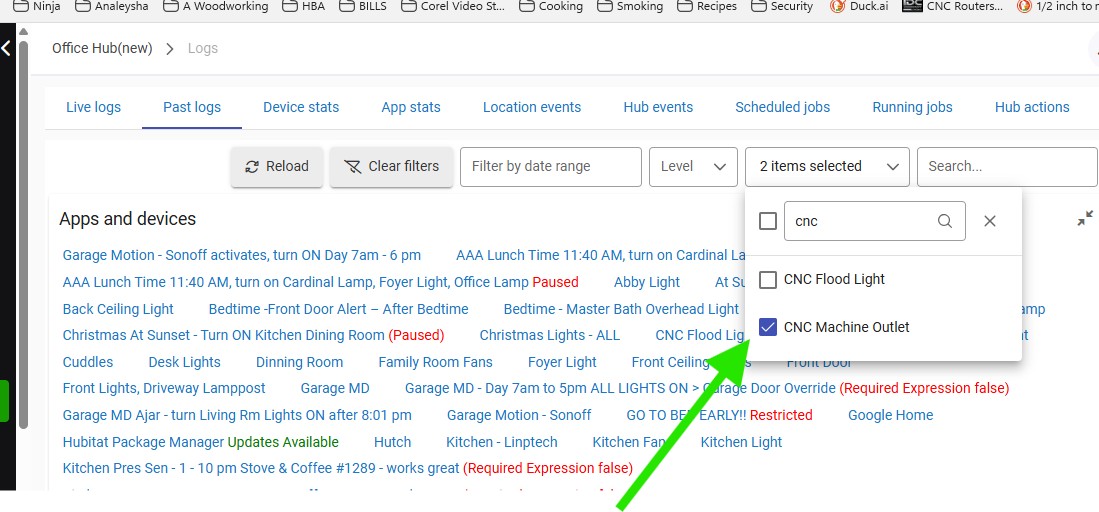
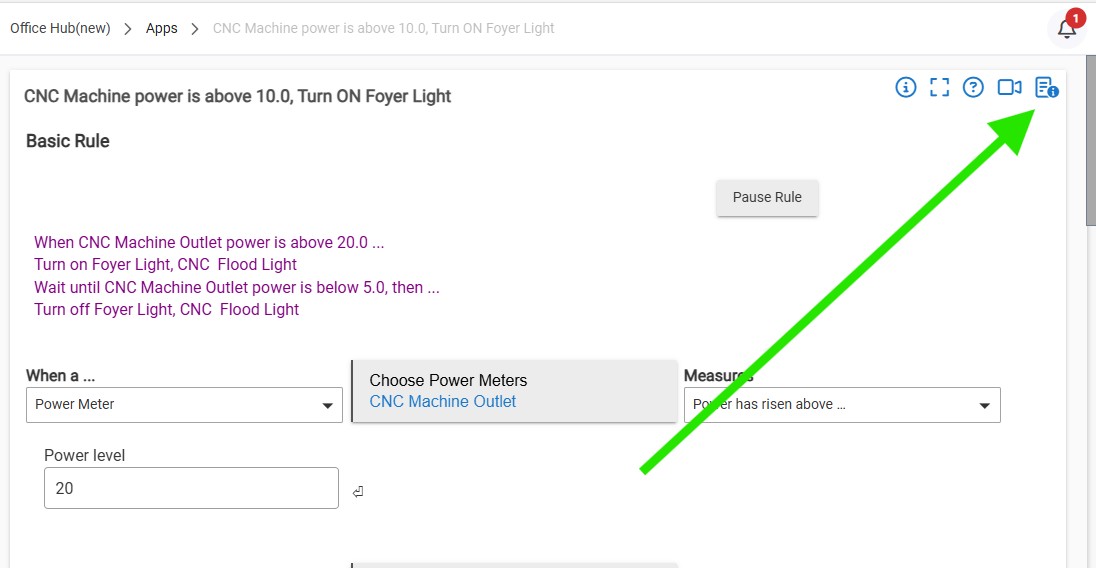
You’re sharing logs of your outlet device, still no logs from your basic rule.
But since the outlet device doesn’t appear to have done anything at all since 1/23 in the log screenshot, have you confirmed the device is still active and sending events to hubitat?
You could re-review the outlet’s events page to confirm.
Since there aren’t any log entries from the basic rule, check whether rule logging is turned on in the rule’s settings (you didn’t include a complete screenshot of all the basic rules’ settings above).
Dummy me did not have events turned on in my basic rule 1458 
Wednesday I will be running my machine with the events turned on.
Here is the log for yesterday. For my CNC machine outlet. Everything worked as expected yesterday. I manually turned the power outlet on - just pushed the button on the outlet.
-
Turned the power ON my CNC machine. After a long delay the lights turned ON. The CNC flood light, foyer lights turned ON.
-
Turned the power OFF my CNC machine. After a long delay the lights turned off. The CNC flood light, foyer lights turned OFF.
I hope this works for you. I can not get a complete screenshot.

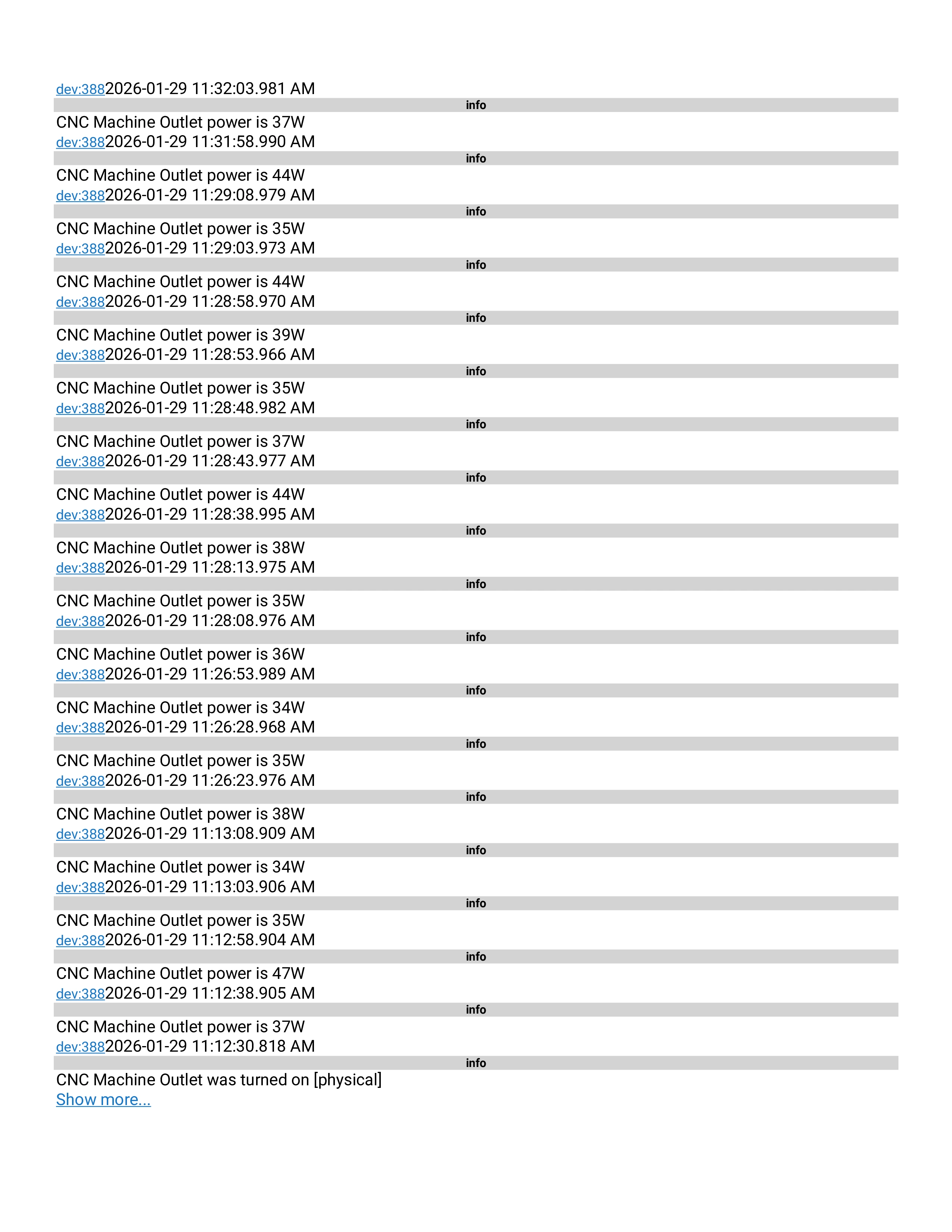
Please re-post the log entries as a screenshot, just as you did previously.
It’s nearly impossible to read a copy and paste of that much log text.
3 Likes
okay will do
1 Like
Your original rule, was called "CNC power Turns on flood light".
Later in this thread a log entry showed a rule called "CNC Machine Power is above 10.0 Turn On Foyer Light", but we are never shown a screen capture of that rule. Do you have more than one rule trying to accomplish the same thing?
In the only screen capture of rule 1376 (that I can find in this long thread) , it shows your rule was being triggered by the on/off status of the outlet. For your rule to work as you just described, you must be triggering on the power value of the outlet.
It might be helpful to provide another screen capture of the rule (or rules) as it is at this moment, and do not change it again for a few hours, to provide enough time for someone here to reply.
1 Like
Rule 1458 is what I was able to get to work. Rule 1376 should of been disabled and I am not able to get it working.
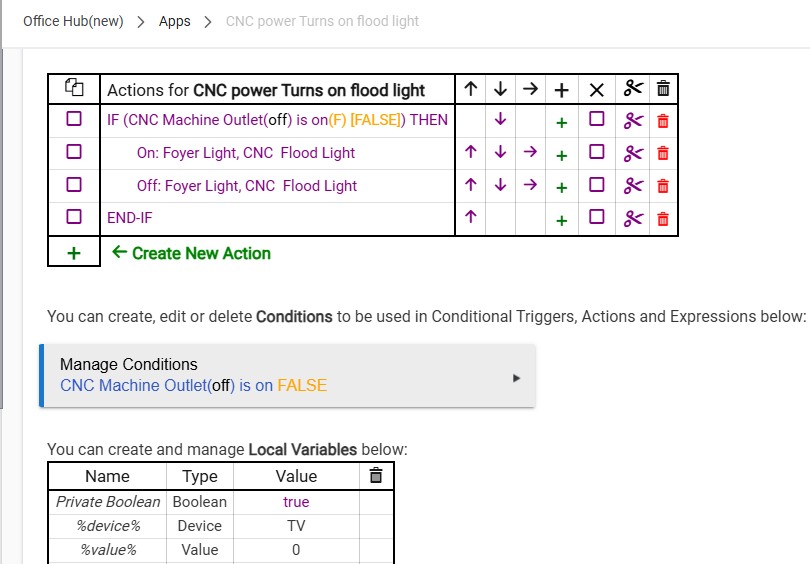
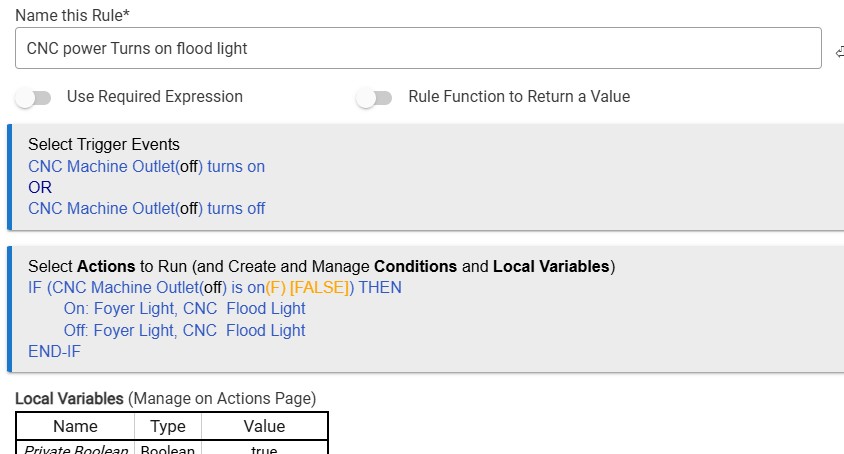
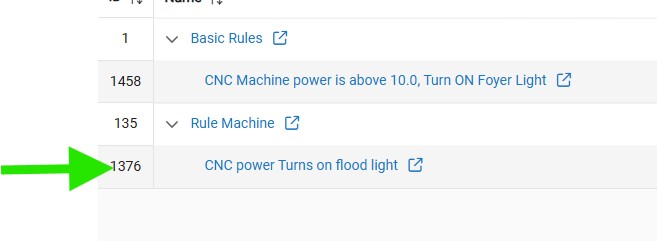
Here is the Basic Rule that work 80% of the time. Not sure why sometimes it does not.
I just feel is I can get it to work in RM there would be more control with it. Below are screenshots of 1458 Basic Rule
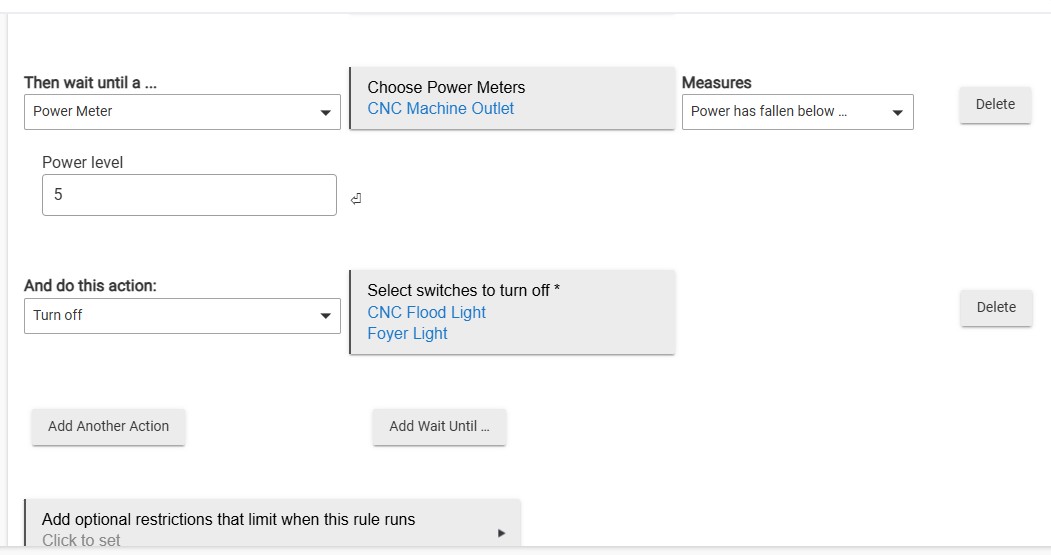
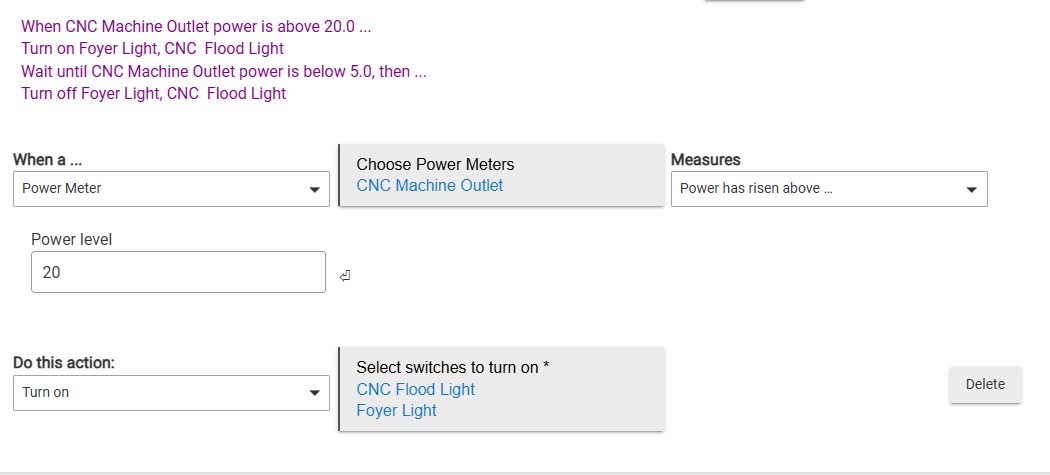

You were going to post app logs for your basic rule. What happened?
I urge you to pick one thing at a time to troubleshoot.
Not to go back and forth between various iterations of multiple rules in Rule Machine and Basic Rules.
1 Like

