I am getting this error "There was a problem loading the dashboard data. The data shown below may be outdated; please log out if this problem persists." when I launch the dashboard as anybody resolve this issue
Close that webcore window. Open a new dashboard and register the browser and use that code in the new webcore dashboard.
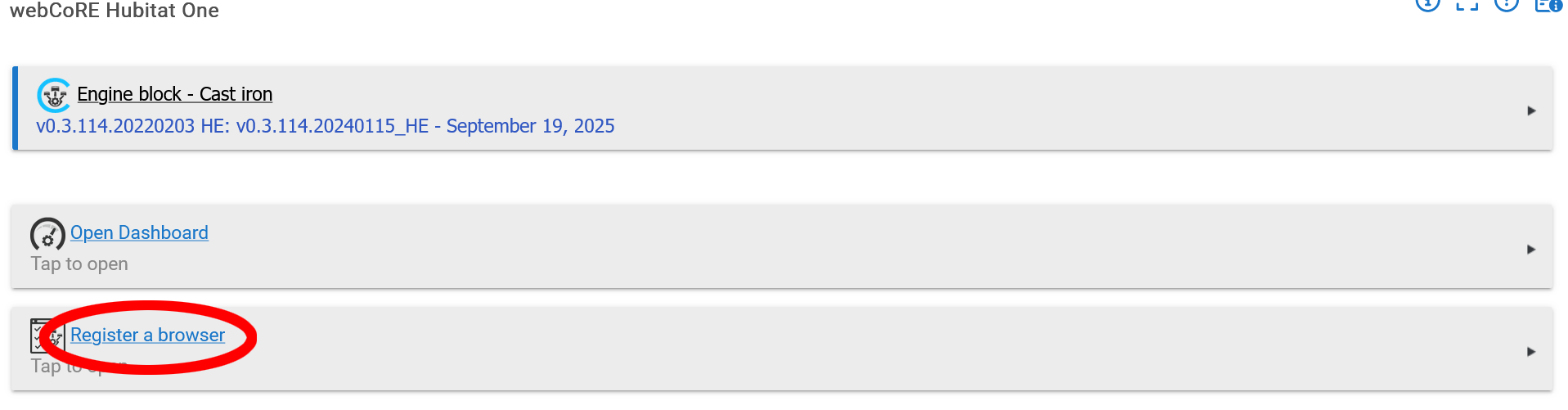
Did you try the logout/login like it suggests? Like @Pantheon said, you will probably need a new code from Webcore when you log back in. You also may need to clear your browser cache to prompt a new code request.
The dashboard uses a cloud connection back to the hub, where your pistons are actually stored. Make sure the hub has a cloud connection, you could even try a hub reboot.
I did clear the cach and try the logout as suggested but still is not working.
So if you go to https://dashboard.webcore.co, if you are logged out, you should get this...
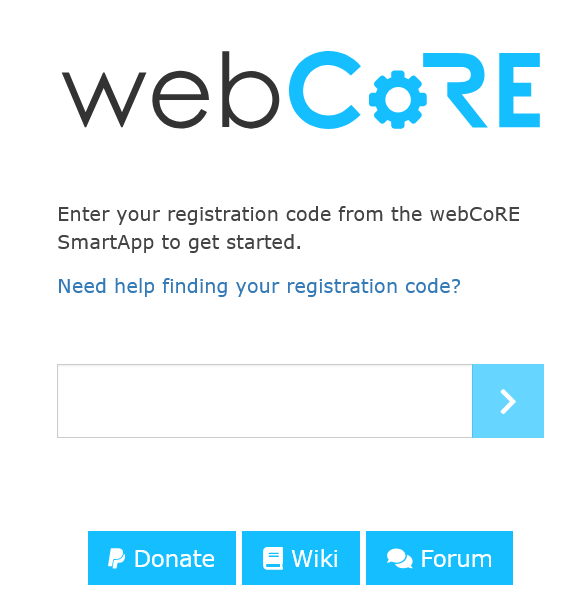
Go to the webcore app within HE and "Register a browser" as noted above. You will get a code that you enter here. You will then need your password to log into webcore.
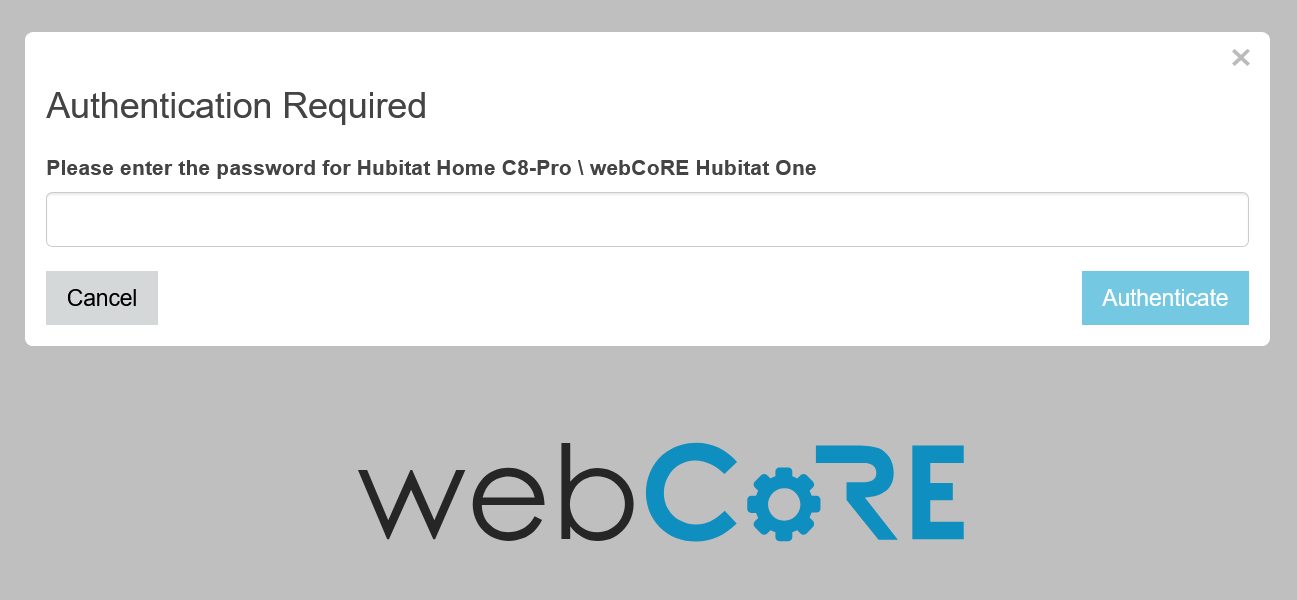
I am having the same problem. I have confined I am logged out. I have tried clearing my browser. Gone thru the steps above, except when I enter the code from Registering the browser the Authentication Required does not come up. It goes back to the dashboard but it is now blank
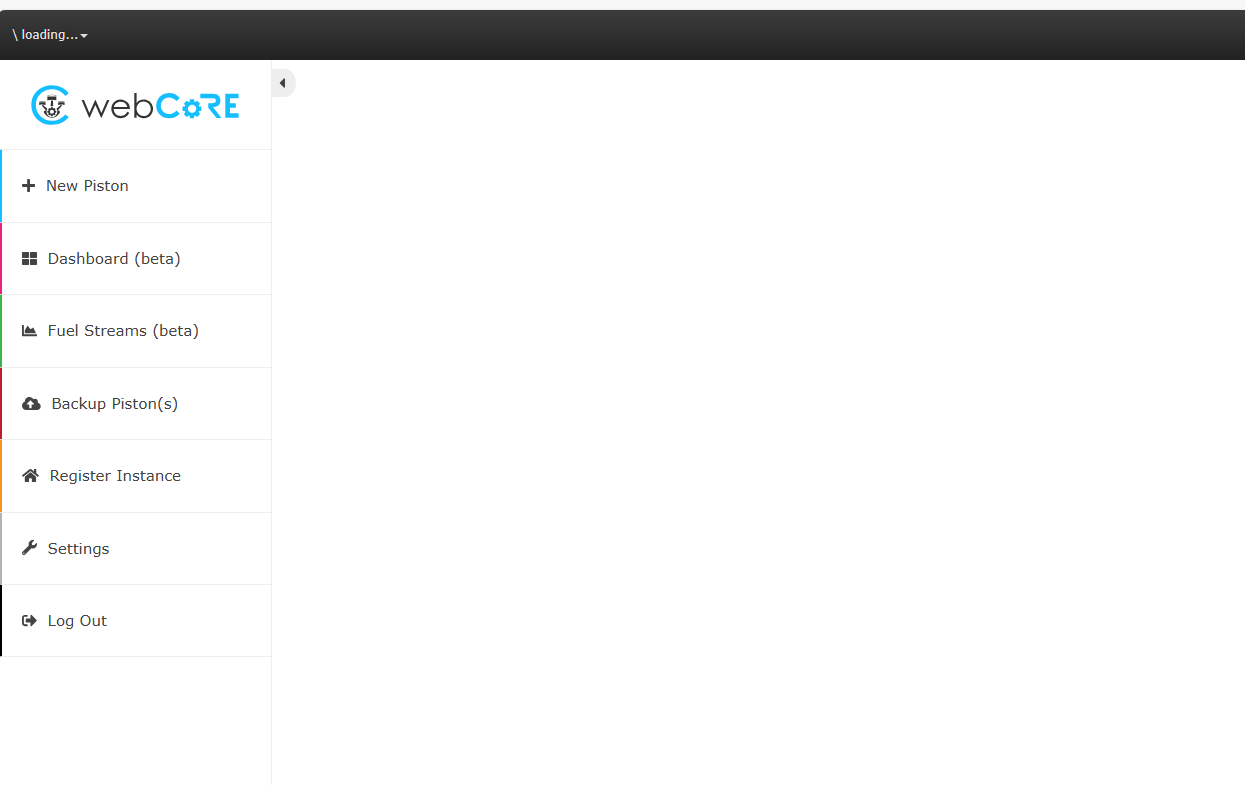
Did you try Register Instance?
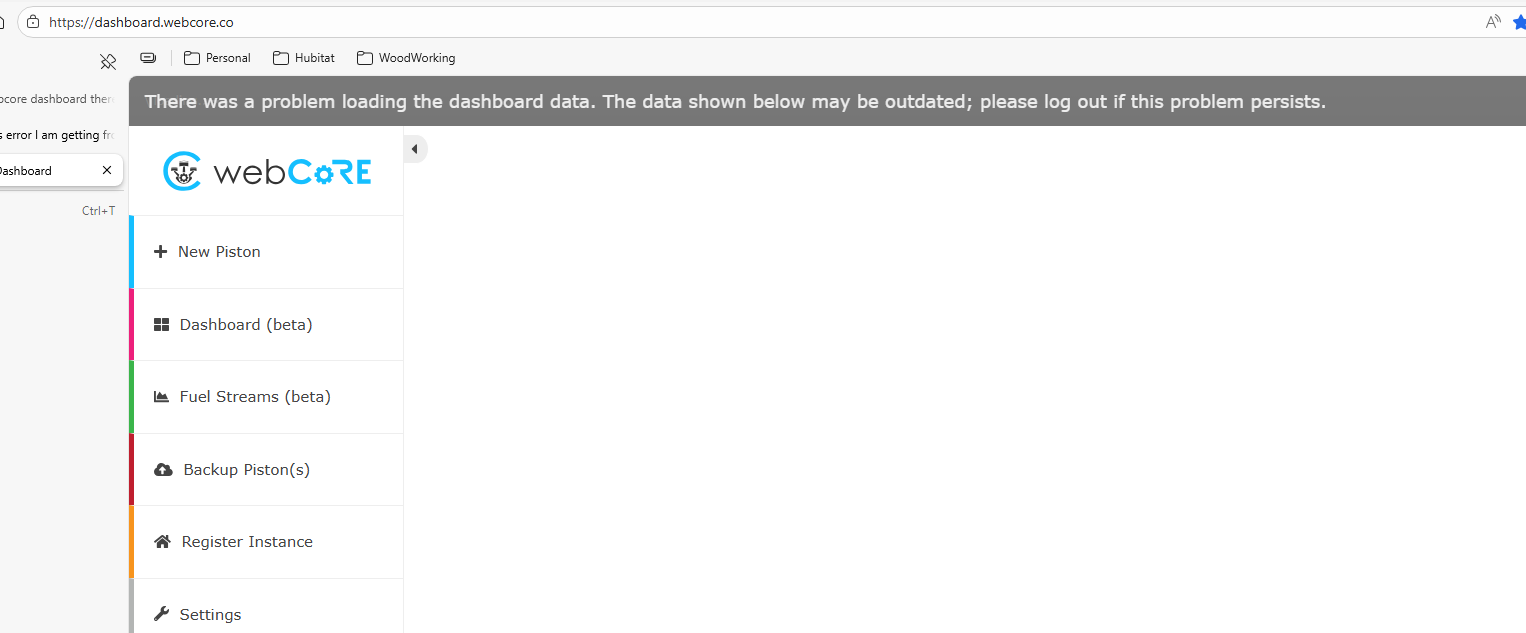
Well after trying everything I could think of, i came across this Trouble Shooting for WebCore and my problem seems to be resolved https://community.hubitat.com/t/wiki-webcore-documentation-digest/88285/2
Glad that you solved it!

